Success confirmation after installation
The setup layout ends on a success state, with a large green check and a completion message on the sales agent phone.

Summary
The setup sequence closes on a success screen on the sales agent phone. A large green check and a completion message mark the finished service order.
Visual description
The headline, paragraph and blurred photo band are unchanged at the left and behind the phones. The sales agent phone shows the four-step progress bar with three green checkmarks and the fourth step labeled Success in green. A large pale-green circle holds a solid green check mark at the center. Below it, the message The Service Order was successfully completed! appears in bold gray, with a smaller line beneath that reads The Service Order was finalized. The lower half of the phone is empty white space.
Key takeaway
A large green check and a short confirmation give the flow a clear end. The open white space keeps the message from feeling crowded.
Reuse notes
Good closing frame for a process sequence. Pair it with the stepper frame before it so the viewer sees the full path from first step to completion.
More like this
 Serial number entry step in setup flow
 Mash mobile UI examples
 Greenly persona arch portraits careers
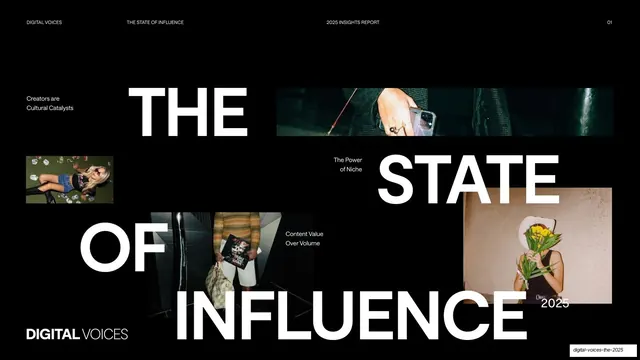 Digital Voices: The State of Influence 2025
 Tech company running a people business
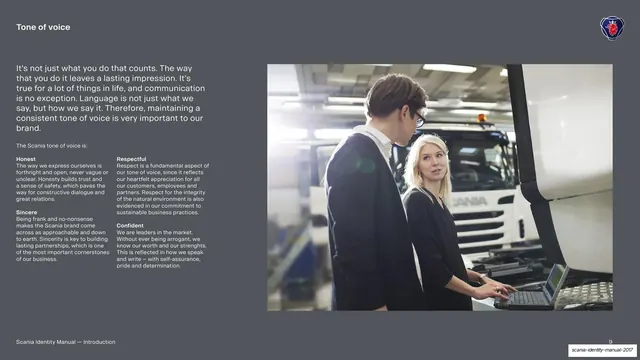 Tone of voice with workplace photo
 Why Dev Mode feature with version history
 Retail rollouts are complex challenge divider
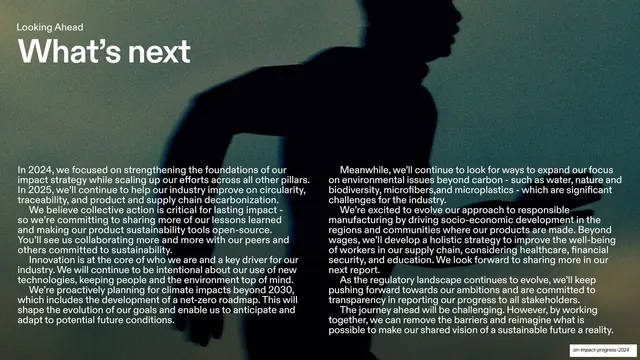 What's next dark photo two-column outlook
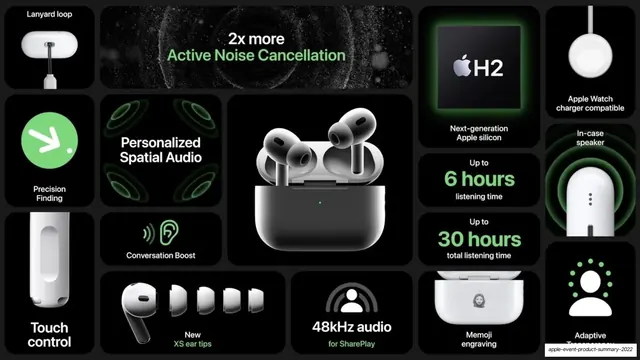 Apple Event Product Summary 2022
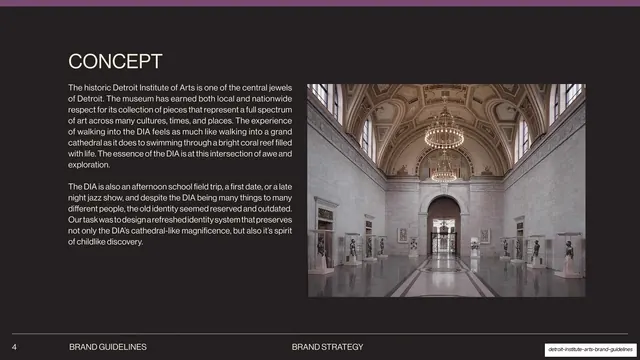 Concept with grand interior photo
 RBB competition law services list
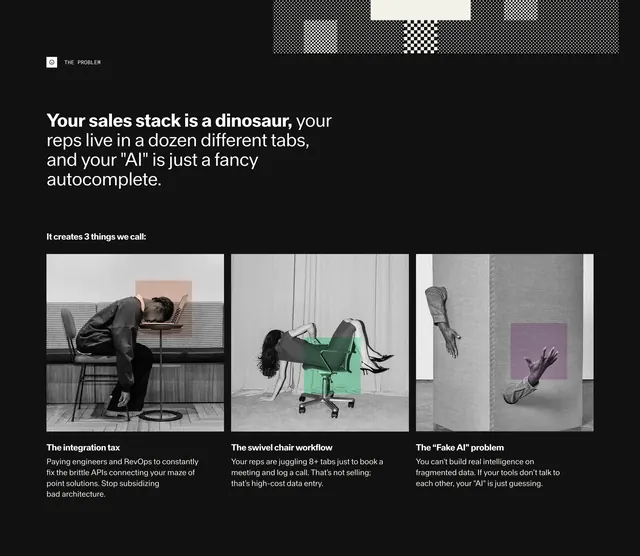 Reevo sales stack dinosaur problem grid
 Automotive activations case study on black
 ReOrc enterprise data foundation feature
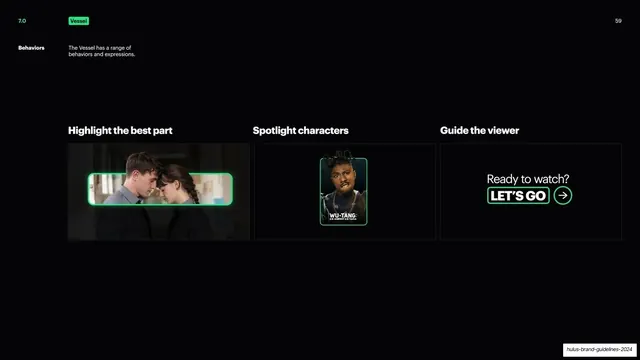 Vessel behaviors, set two
 The New York Times Investor Day 2022
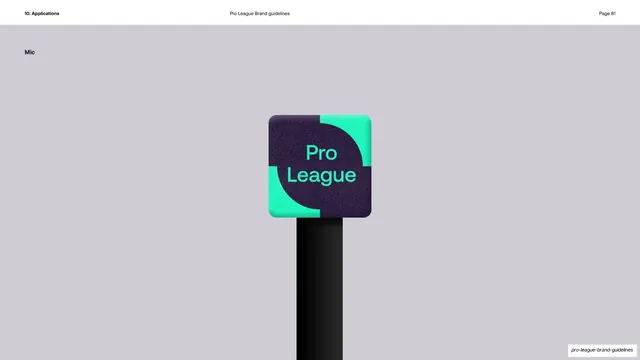 Broadcast microphone flag mockup
 Text highlights
 Aspirational storytelling photo grid
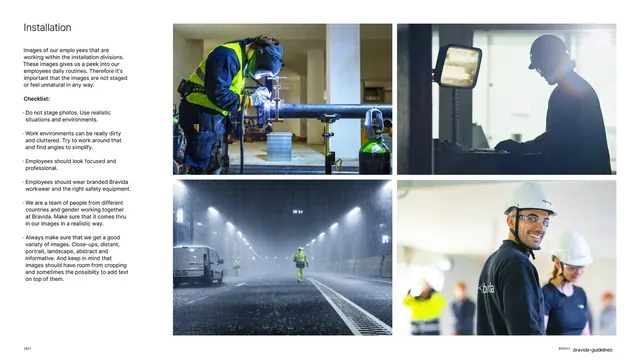 Installation photography category page
 Value statement over blurred foliage
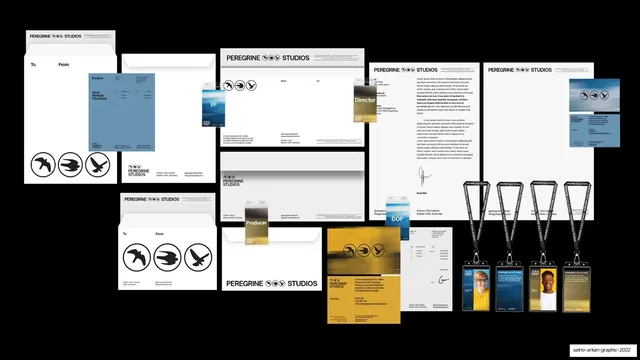 Stationery and lanyard badge mockups
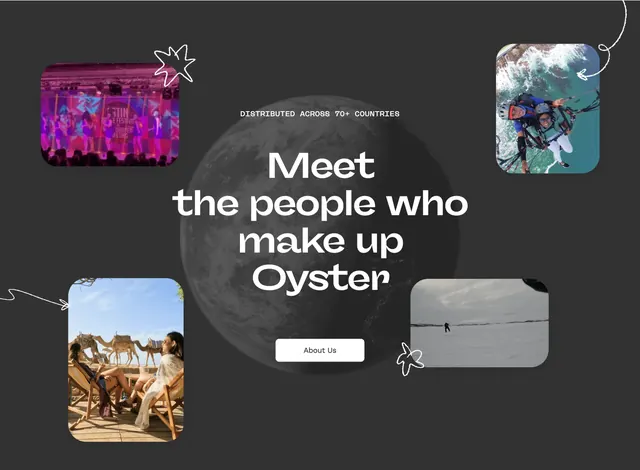 Oyster dark about CTA with floating photos