Floating plan card over dimmed screen
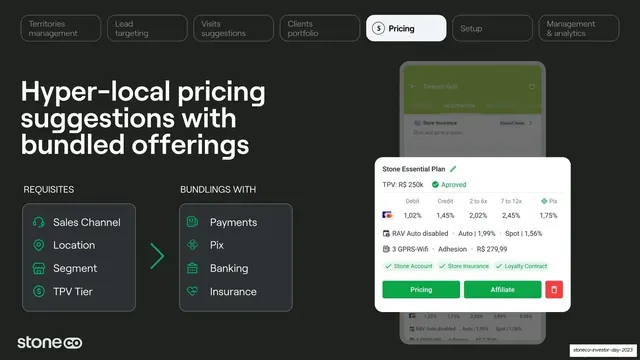
The requisites and bundlings panels remain while a white floating card lifts one pricing plan out of the dimmed phone screen.
Summary
The requisites and bundlings panels stay on the left, and a white card lifts one approved plan out of the dimmed phone. The card is the concrete output of the pricing logic.
Visual description
The headline and the two dark panels with a green arrow remain as on the previous slide. On the right, the phone behind is dimmed to a muted gray-green. A white floating card overlaps its lower half and shows Stone Essential Plan with a pencil edit icon, a TPV amount, a green Approved status, a grid of rates for debit, credit, installment and Pix, two rows of operating details, and a row of green check chips. Pricing and Affiliate buttons sit at the bottom of the card, with a small red delete button at its right.
Key takeaway
Lifting a single plan card out of the screen turns a dense interface into one readable example. The dimmed background and high-contrast white card keep the viewer's eye on the result.
Reuse notes
Use when a slide must show one concrete output of a calculation or form. The card text is small, so keep it on a dark slide and do not shrink it further.
More like this
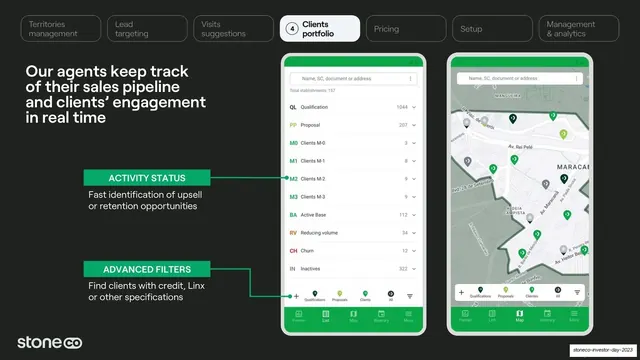 Mobile pipeline list and map with callouts
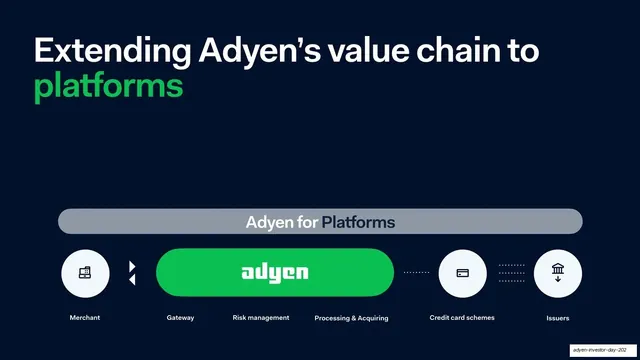 Platform overlay bar over value chain
 Hulu Brand Guidelines 2024 (Big Green Guide)
 Panel Investor Pitch Deck 2023
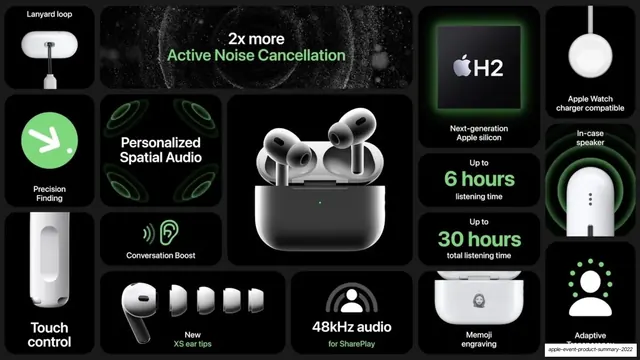 AirPods Pro feature bento (dark)
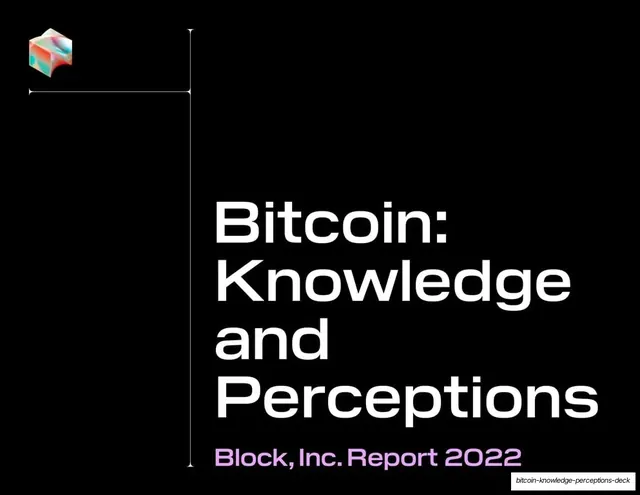 Block Bitcoin Knowledge and Perceptions Report
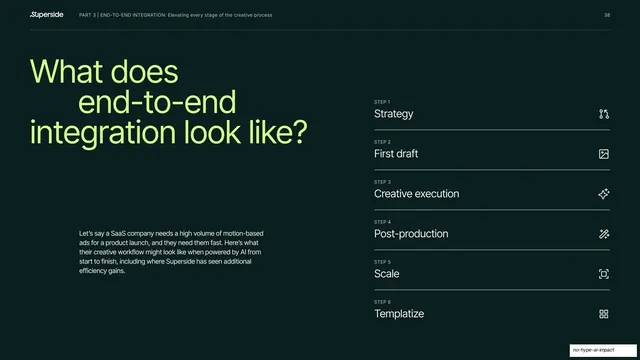 Six-step end-to-end AI workflow list
 Why Dev Mode feature with version history
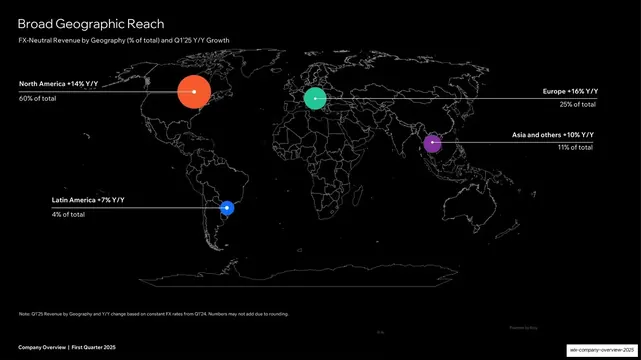 World map with regional revenue share circles
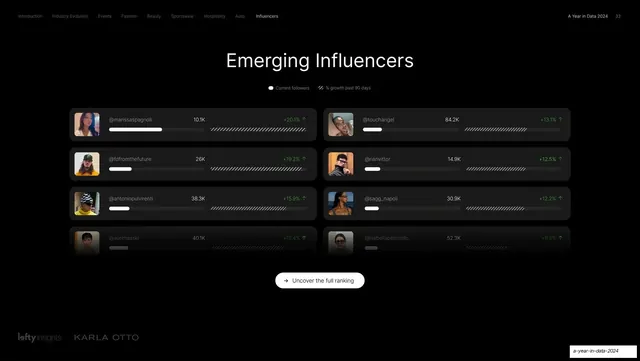 Emerging influencers growth ranking on dark
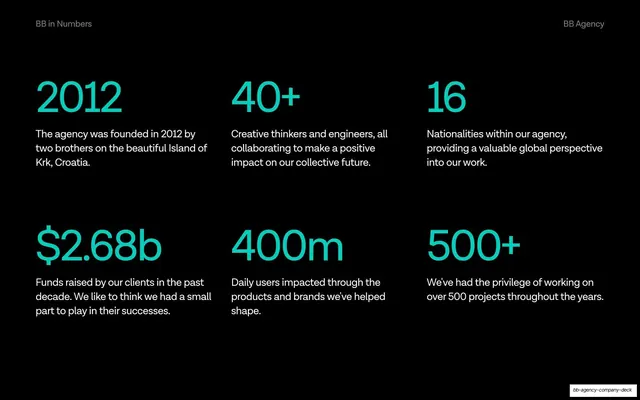 BB in Numbers stat grid
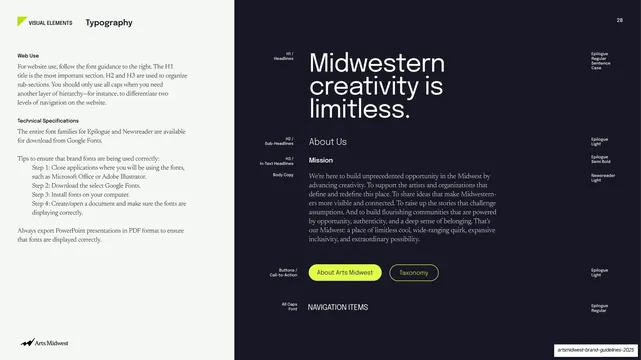 Typography hierarchy, web and headline scale
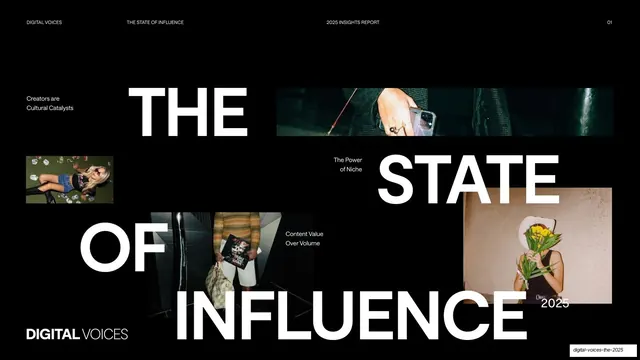 Digital Voices: The State of Influence 2025
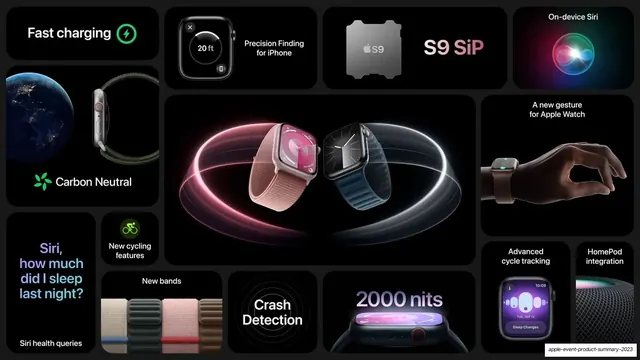 Apple Watch Series 9 feature bento (dark)
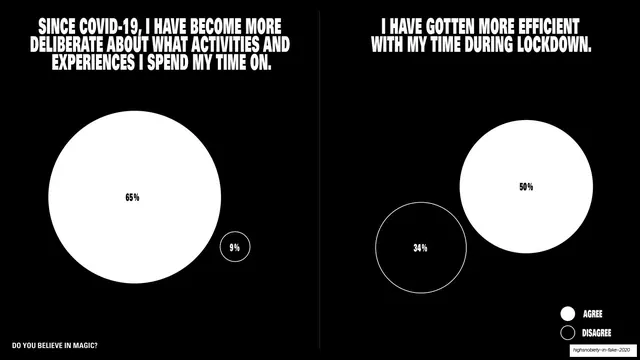 Deliberate and efficient bubble chart
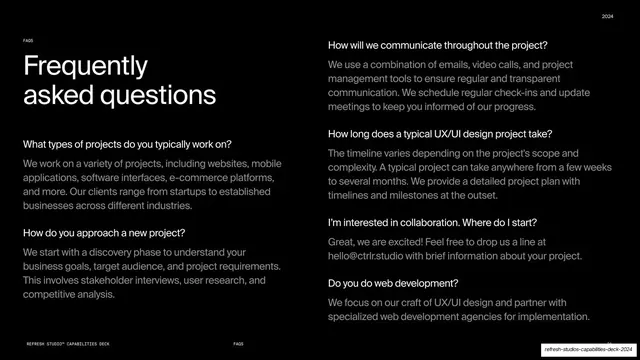 FAQs page - questions continued
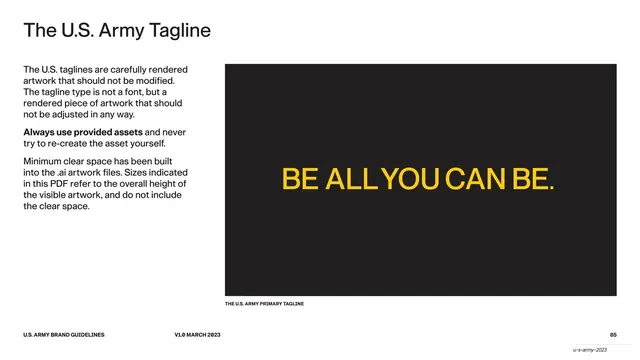 Primary tagline artwork on dark panel
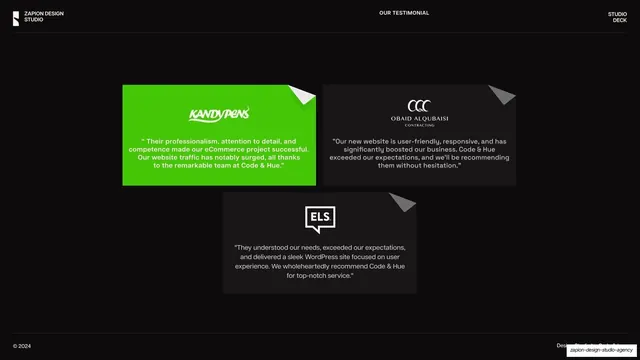 Client testimonials (three cards)
 AIP for Defense and for Business split
 GoCanopy institutional intelligence product hero
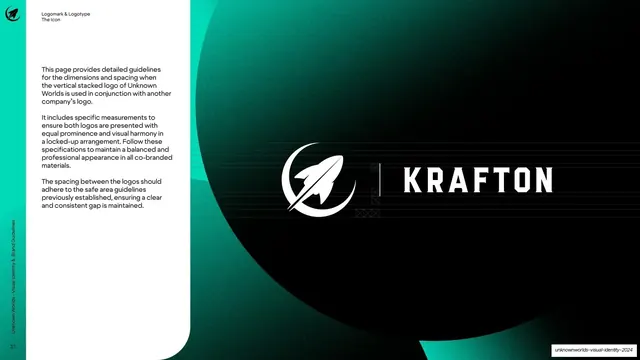 Icon co-branding with KRAFTON
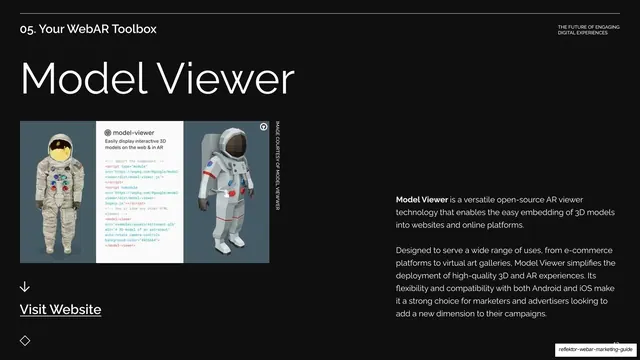 Model Viewer tool spotlight
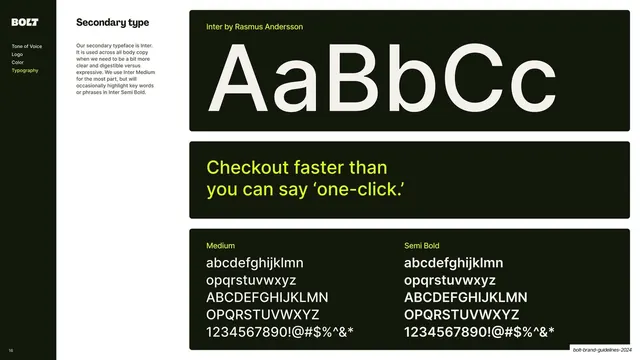 Secondary type - Inter
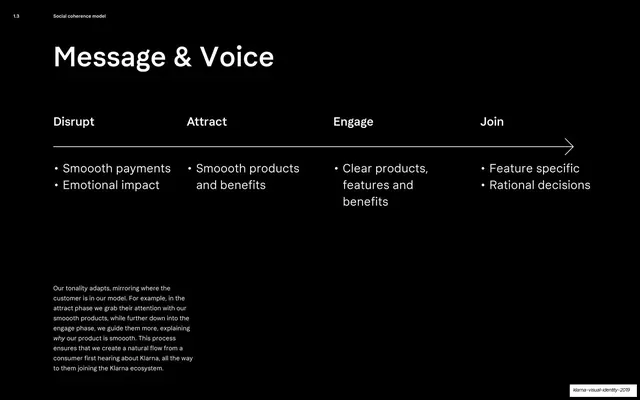 Message and voice shift across funnel stages