Mobile pipeline list and map with callouts
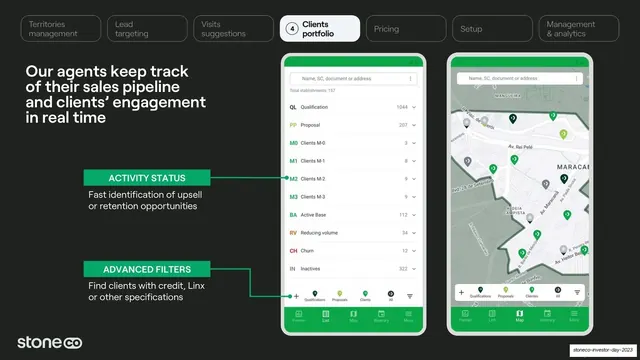
Two mobile screens, a pipeline list and a map, sit beside two green callouts explaining activity status and advanced filters.
Summary
A two-line headline introduces two mobile screens, one showing a pipeline list and one showing a map. Two green callouts with short explanatory lines point to the status codes and the filter icon.
Visual description
The headline sits top left in off-white sans-serif, set in four lines. Two green boxes with white all-caps labels, ACTIVITY STATUS and ADVANCED FILTERS, each have a short sentence beneath, and thin green connectors run from them to the phone. The first phone is a green-headed list of pipeline stages with colored codes such as QL, PP and M0 to M3, counts on the right, and a bottom bar of icon filters. The second phone shows a map with green and dark pins and a search field at the top.
Key takeaway
Two screens side by side show the same data as a list and as a map, which makes the product's range clear. Short green callouts with a one-line benefit turn UI details into readable value statements.
Reuse notes
Use when a slide needs to compare two mobile views and annotate them. Keep the callouts to one or two lines, since the phones are small on a slide.
More like this
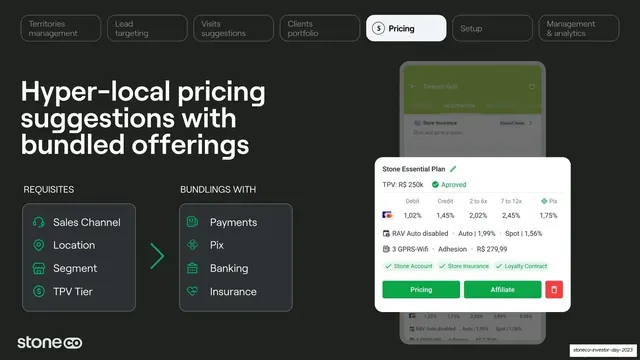 Floating plan card over dimmed screen
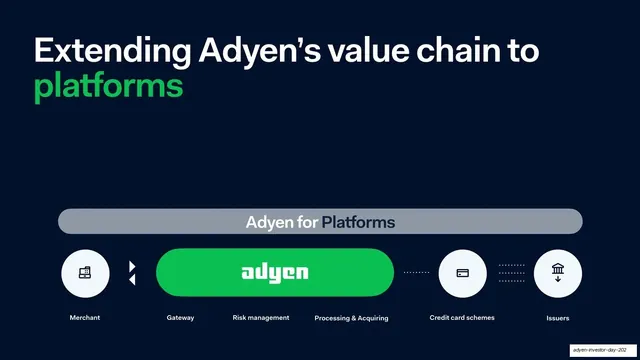 Platform overlay bar over value chain
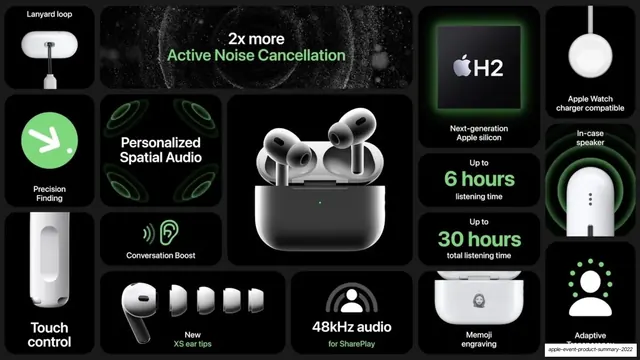 AirPods Pro feature bento (dark)
 Hulu Brand Guidelines 2024 (Big Green Guide)
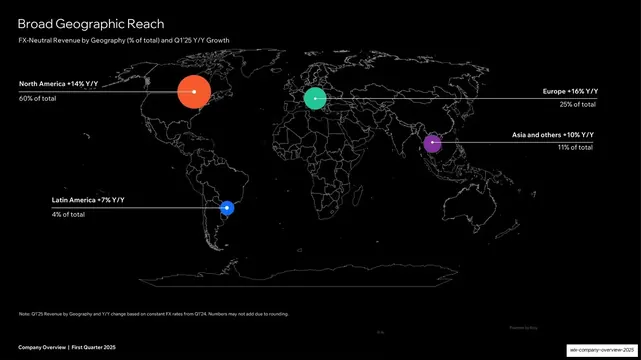 World map with regional revenue share circles
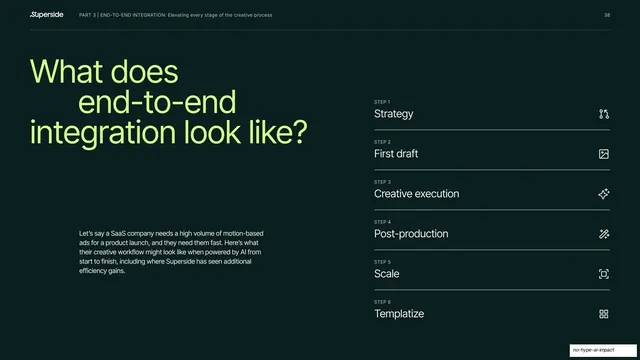 Six-step end-to-end AI workflow list
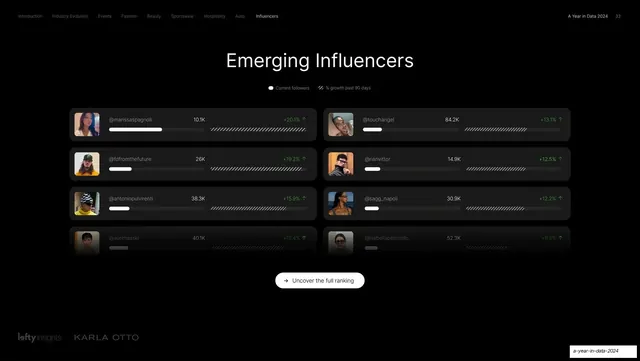 Emerging influencers growth ranking on dark
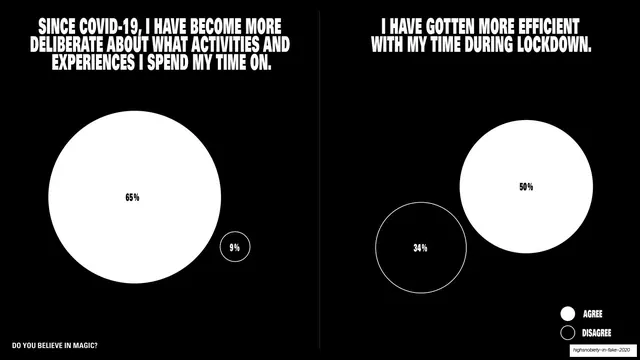 Deliberate and efficient bubble chart
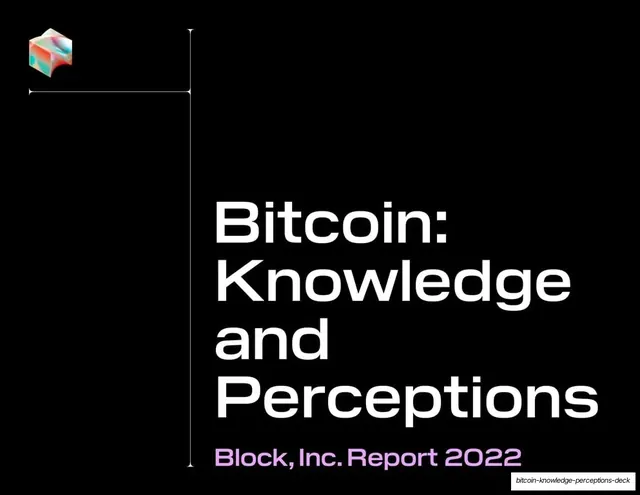 Block Bitcoin Knowledge and Perceptions Report
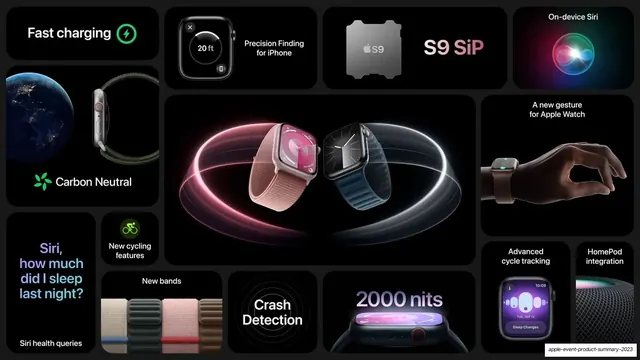 Apple Watch Series 9 feature bento (dark)
 AIP for Defense and for Business split
 Why Dev Mode feature with version history
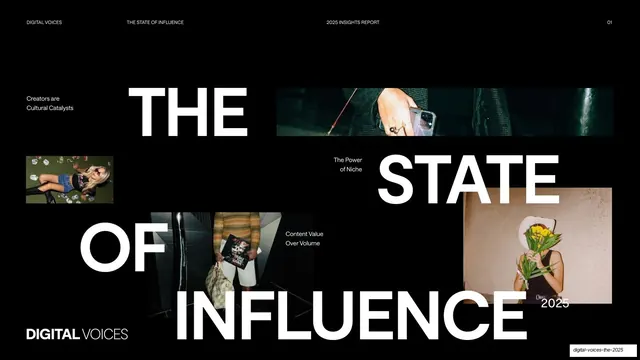 Digital Voices: The State of Influence 2025
 Icon co-branding with KRAFTON
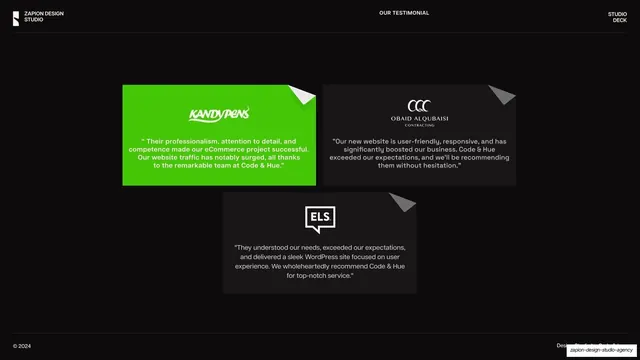 Client testimonials (three cards)
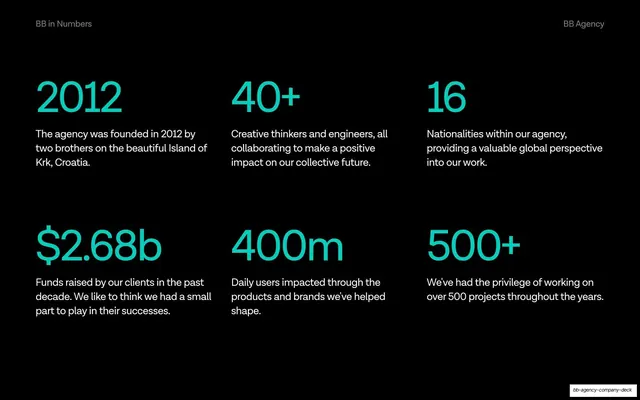 BB in Numbers stat grid
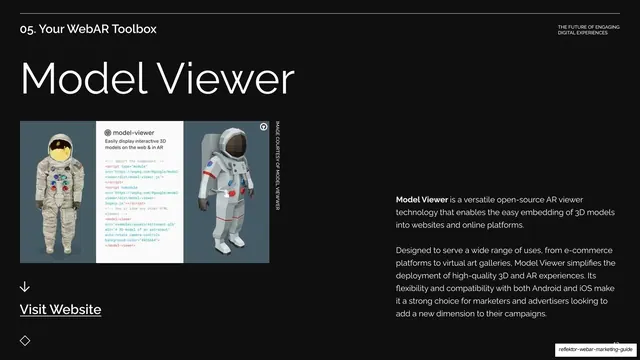 Model Viewer tool spotlight
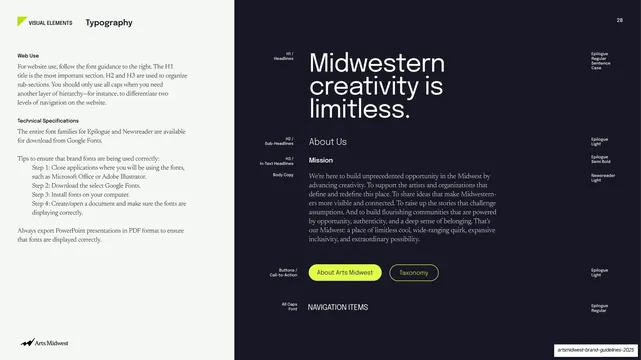 Typography hierarchy, web and headline scale
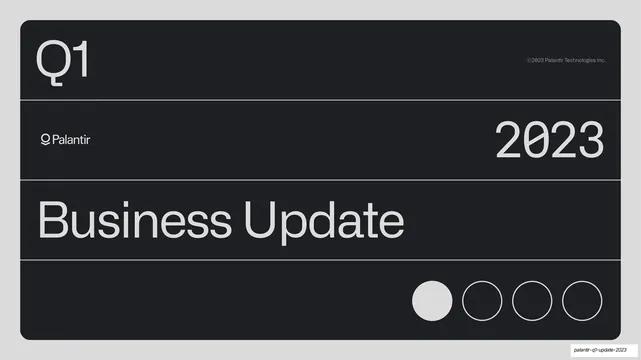 Palantir Q1 2023 Business Update
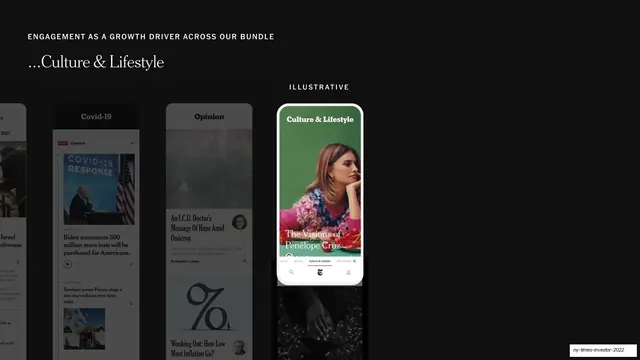 Culture and Lifestyle phone highlight
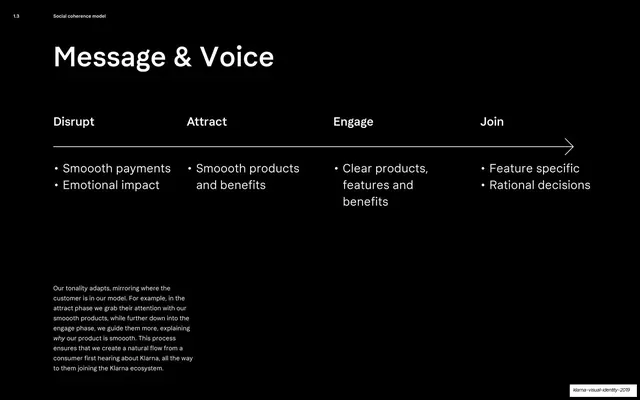 Message and voice shift across funnel stages
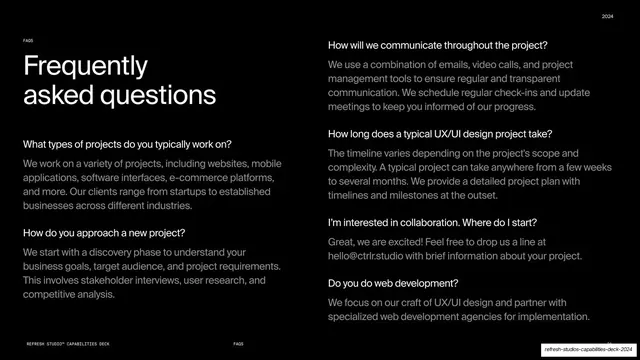 FAQs page - questions continued
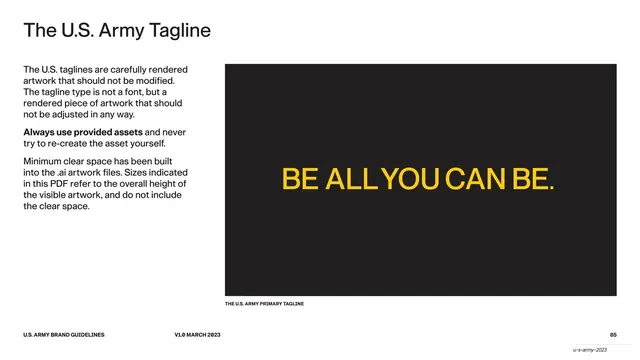 Primary tagline artwork on dark panel
 Bravida brand guidelines cover