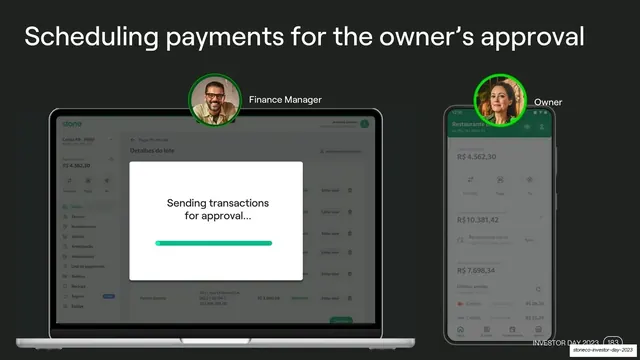
Bulk transactions sending for approval modal
The same two-device layout with a centered white progress modal reading sending transactions for approval over a dimmed bulk table.
Summary
A centered white modal with a thin green progress bar sits over the laptop screen, marking the moment a batch is submitted for owner approval.
Visual description
The headline and both role portraits repeat from the previous slide. A white rounded modal floats in the middle of the laptop screen with a short centered message and a horizontal green progress bar that is just beginning to fill. The bulk table behind the modal is faded, and the owner's phone on the right stays dimmed. The overlap creates clear depth between the foreground dialog and the background screen.
Key takeaway
A single progress modal with one line of copy communicates a pending state, and dimming the background keeps attention on the step in progress.
Reuse notes
Reuse for submission or loading states in any approval flow. The modal and progress bar are generic enough to adapt to other products. Keep the message short so the bar stays the focal point.
More like this
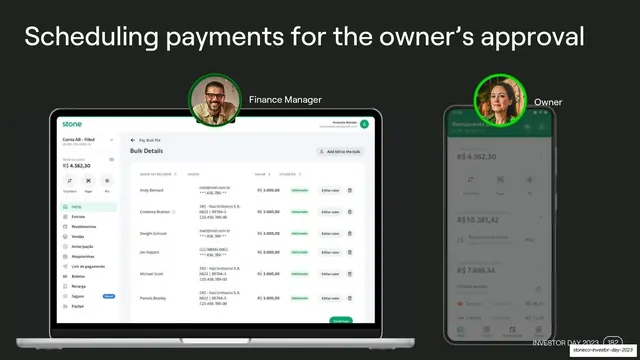 Bulk payment scheduled on desktop for approval
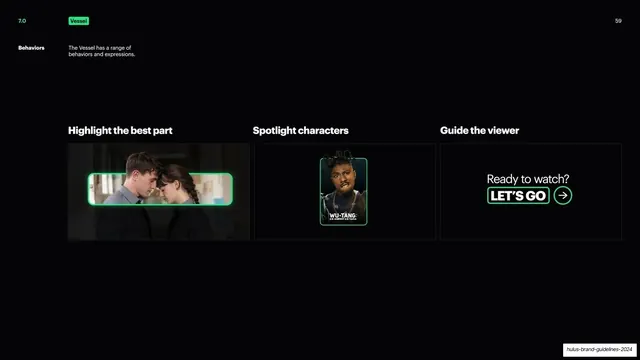 Vessel behaviors, set two
 Why Dev Mode feature with version history
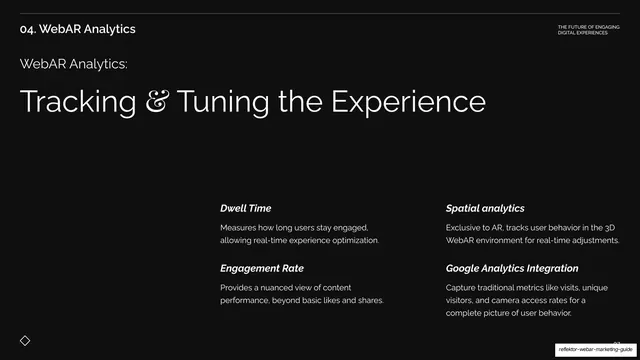 Tracking and Tuning the Experience
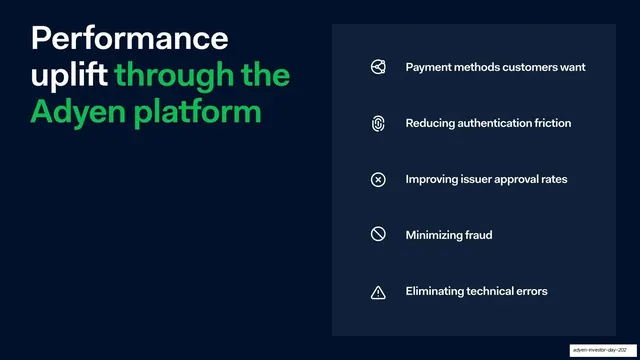 Performance uplift five-point list panel
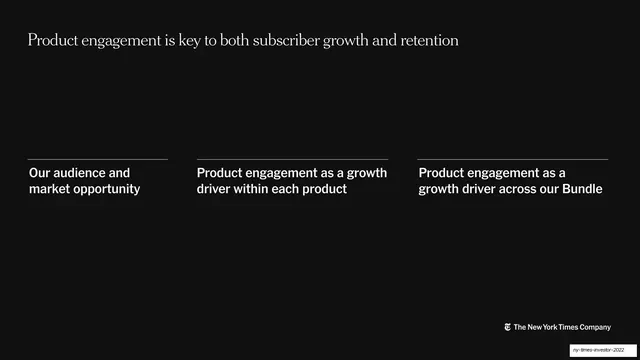 Three-pillar product engagement framing
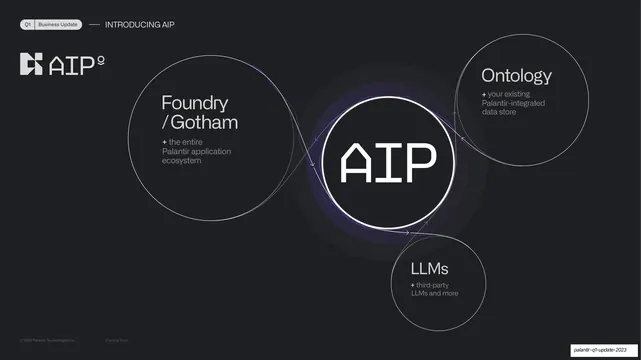 AIP architecture orbit diagram
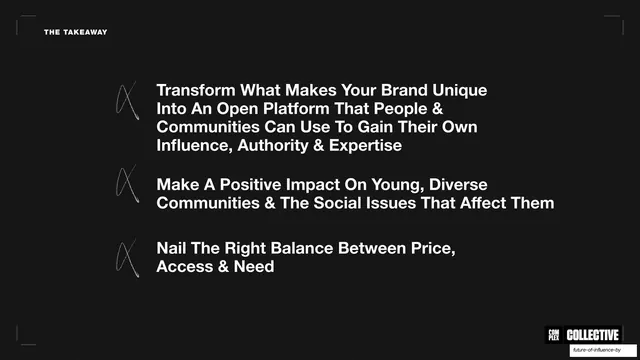 Transforming brands takeaway checklist of three
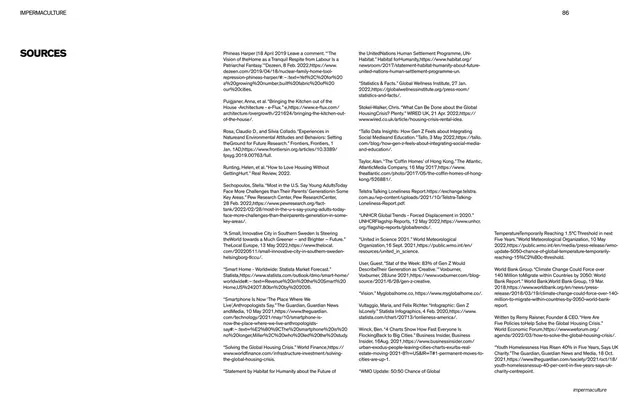 Sources bibliography page two
 Chapter divider for Introduction
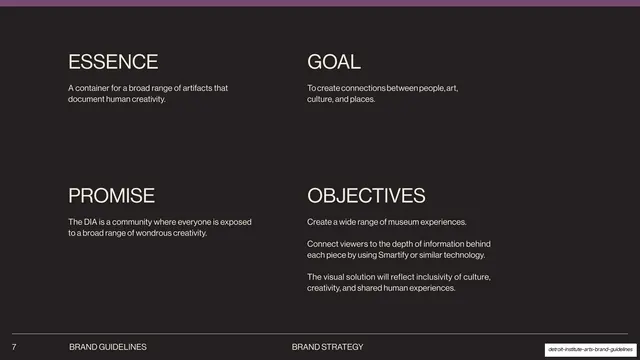 Positioning four-quadrant statements
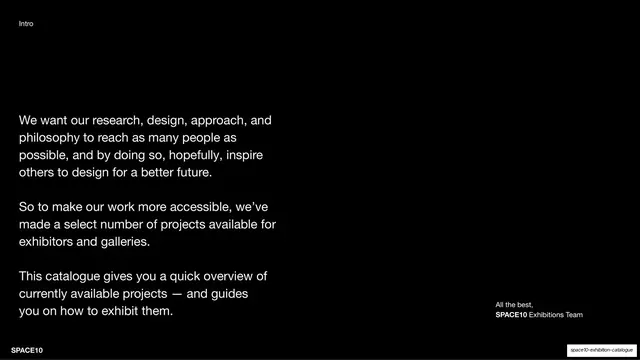 Intro copy on black background
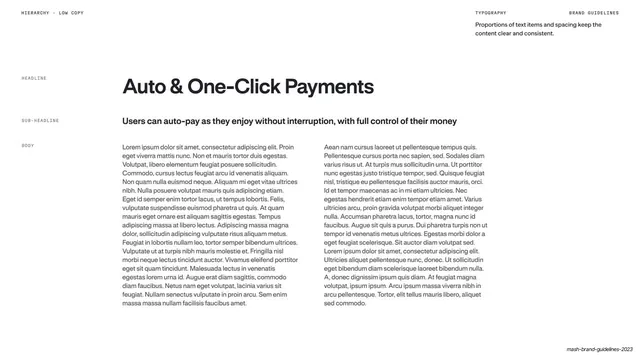 Proportions and spacing principle
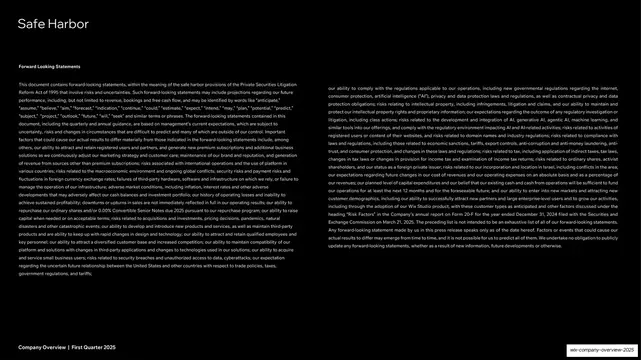 Safe harbor forward-looking statements disclaimer
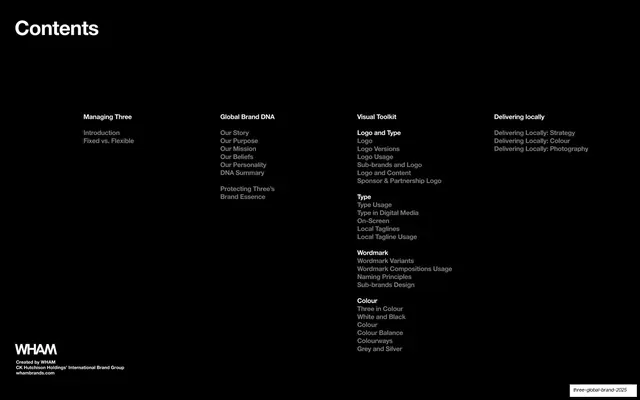 Four-column contents list on black
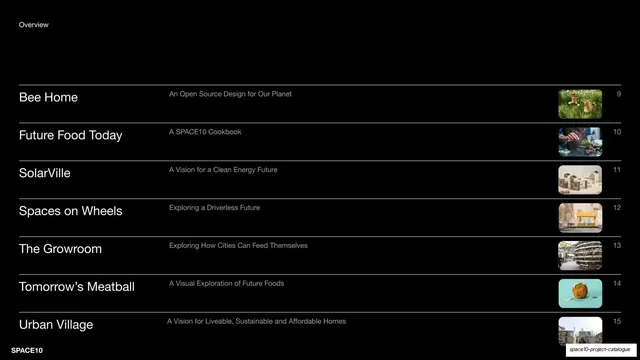 Projects overview index
 One Shot Ads trend
 About On section divider
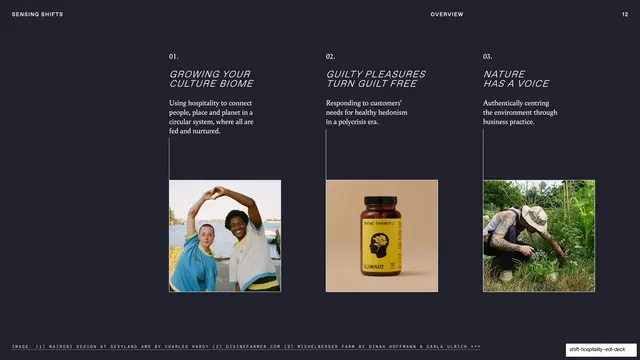 Three shifts overview columns
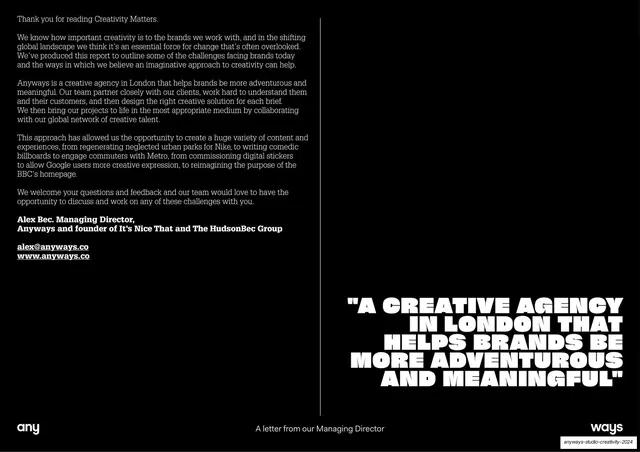 Managing Director letter and contact
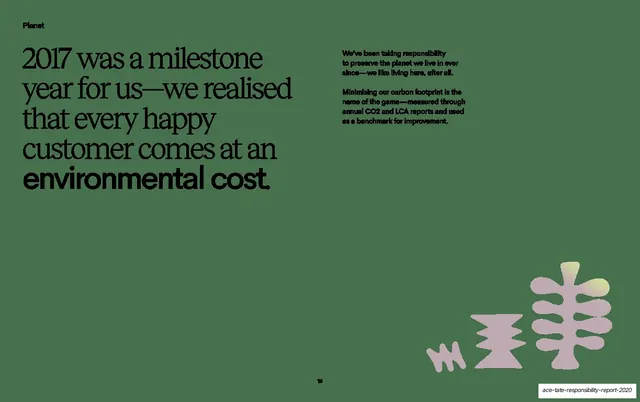 Environmental cost milestone statement
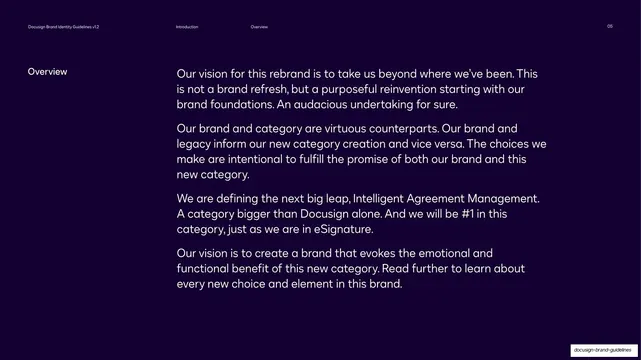 Introduction vision copy
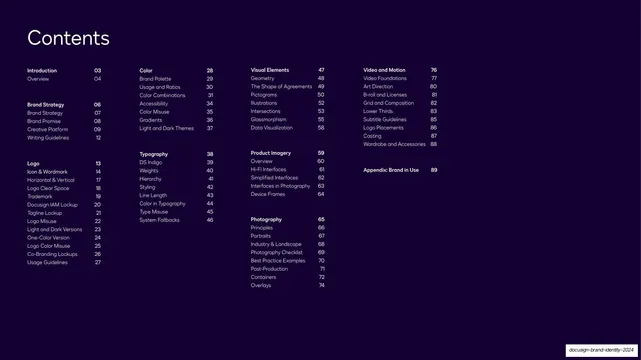 Contents table
 Nietzsche closing logomark slide