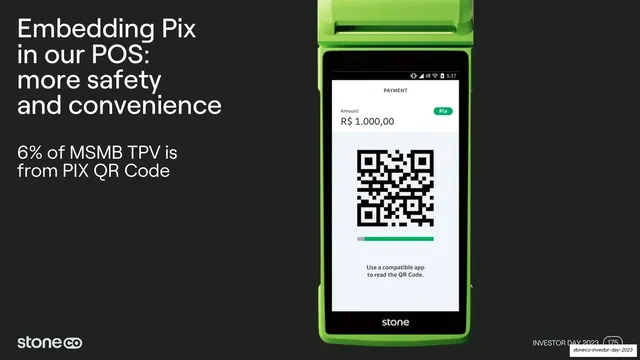
Pix QR code on POS terminal screen
Dark split slide showing a green Stone POS terminal displaying a large Pix QR code, a progress bar, and a scan instruction.
Summary
A device screen step showing the POS generating a Pix QR code for the customer to scan. The terminal screen is the whole visual.
Visual description
The charcoal background and left headline block repeat from the previous slides. On the right, a tall green terminal fills the frame with its screen showing a "Payment" header, a green "Pix" tag, an amount of R$ 1.000,00, a large black and white QR code, a green progress bar, and the line "Use a compatible app to read the QR Code." The top of the printer and the bottom of the stone wordmark are visible.
Key takeaway
The large, high-contrast QR code is the focal point and reads from across a room. The progress bar and instruction text show the device is working, not stalled. The vertical framing of the terminal fills the right half of the slide.
Reuse notes
Useful for showing a single state of a device flow. The large QR code makes the step easy to understand without narration. Keep the screen crop tight so the instruction text stays readable.
More like this
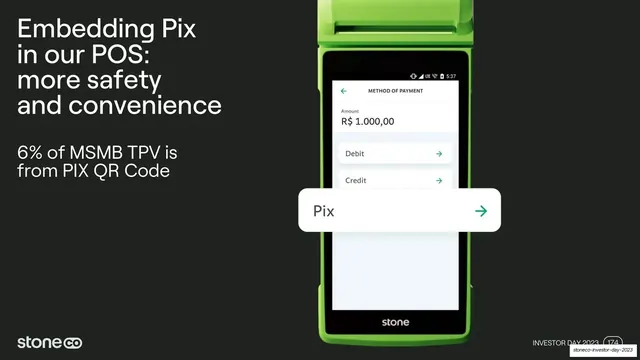 POS screen with Pix payment option
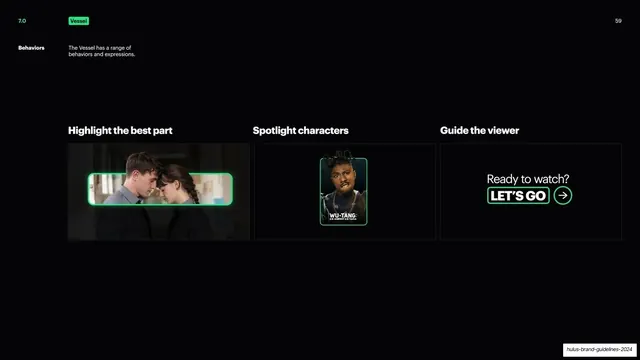 Vessel behaviors, set two
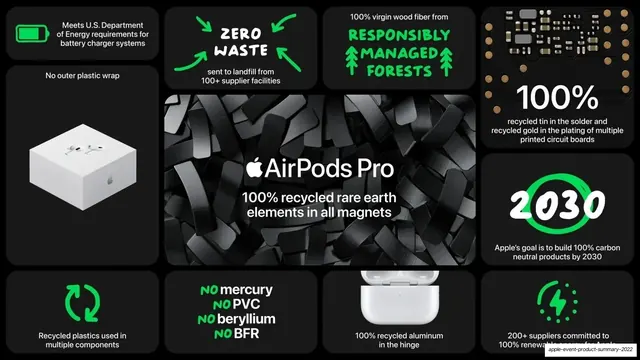 AirPods Pro sustainability bento (dark)
 Why Dev Mode feature with version history
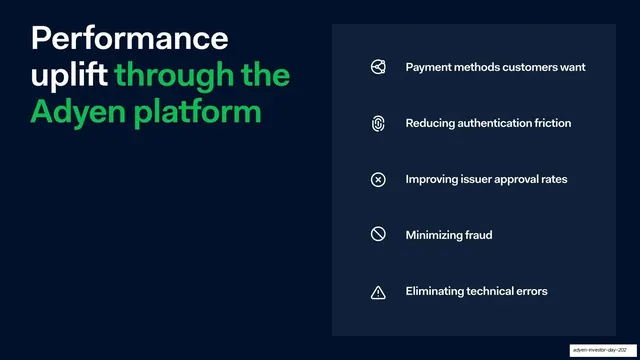 Performance uplift five-point list panel
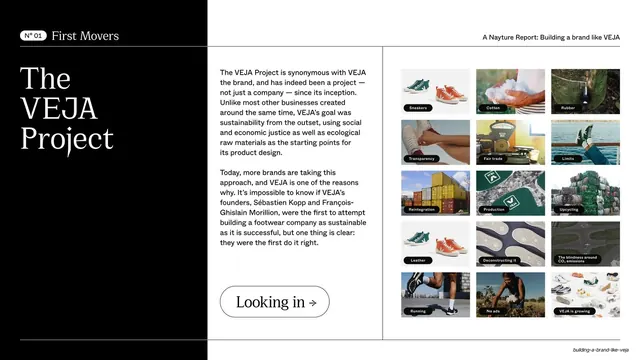 First Movers The VEJA Project overview
 AIP architecture orbit diagram
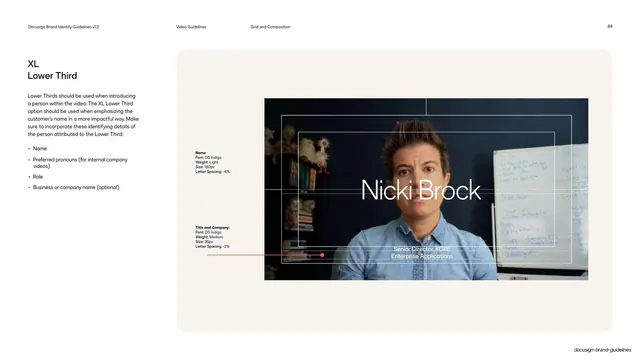 Docusign XL lower-third spec
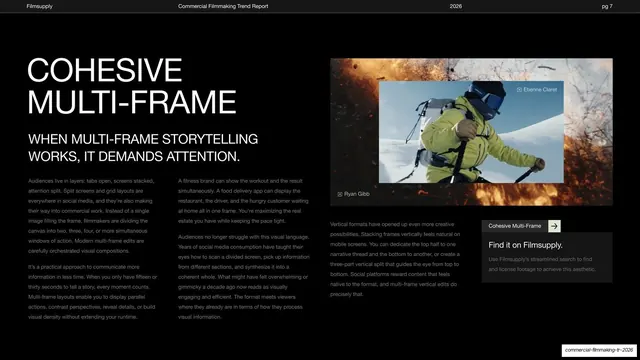 Cohesive Multi-Frame
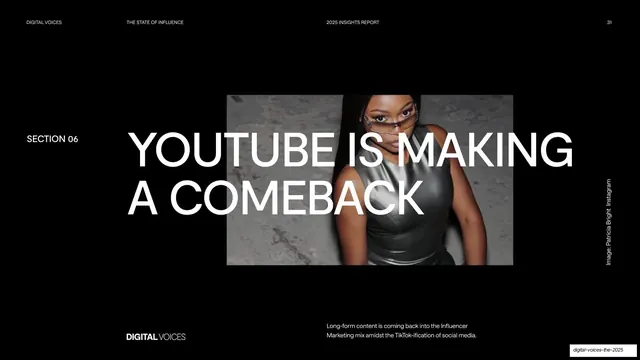 YouTube Is Making A Comeback section divider
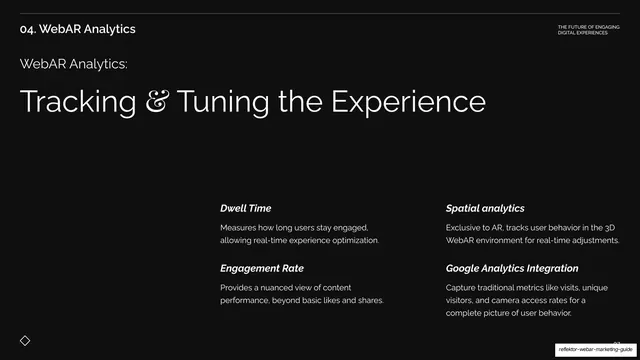 Tracking and Tuning the Experience
 McKinley Studios Retail Partnership Pitch Deck
 WayRay Pitch Deck 2023
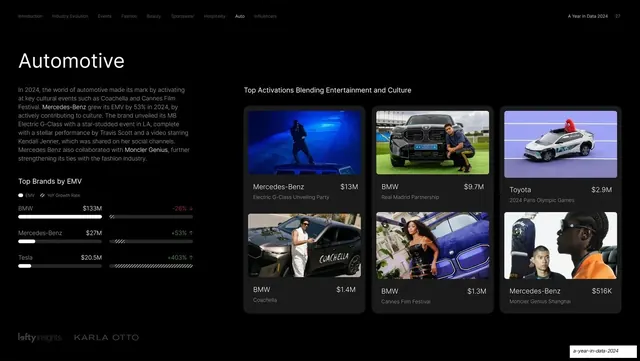 Automotive activations case study on black
 Responsible manufacturing photo quote (Vincent Chen)
 Frontify Creativity in an AI World 2024
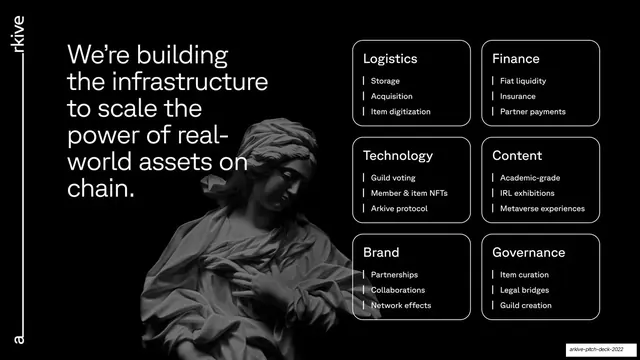 Six pillars of on-chain asset infrastructure
 Surrealism trend
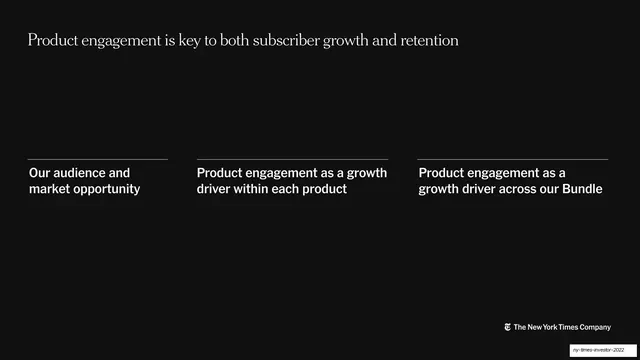 Three-pillar product engagement framing
 What is home, feeling vs physical space data spread
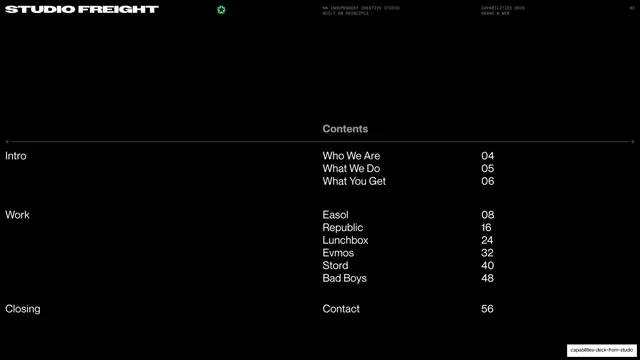 Studio Freight table of contents
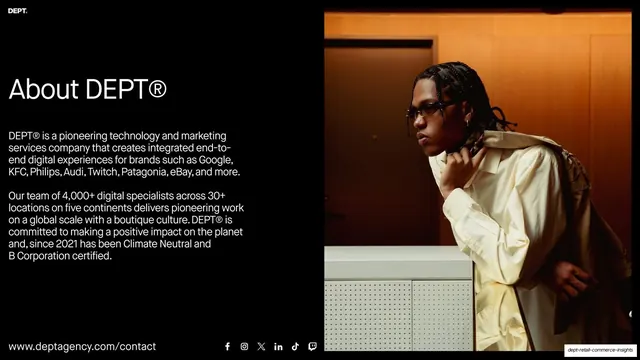 About DEPT closing slide with contact and social icons
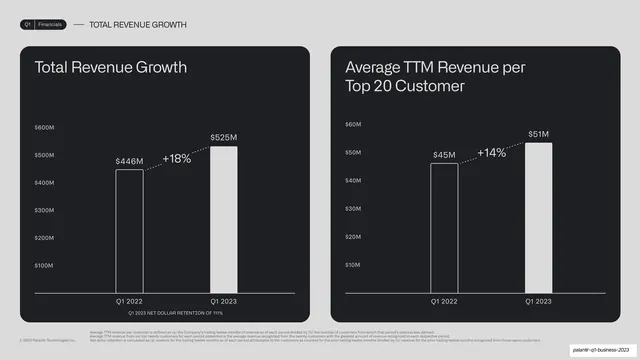 Total revenue and TTM per top-20 customer two-up
 WRKOUT Brand Guidelines 2020