POS screen with Pix payment option
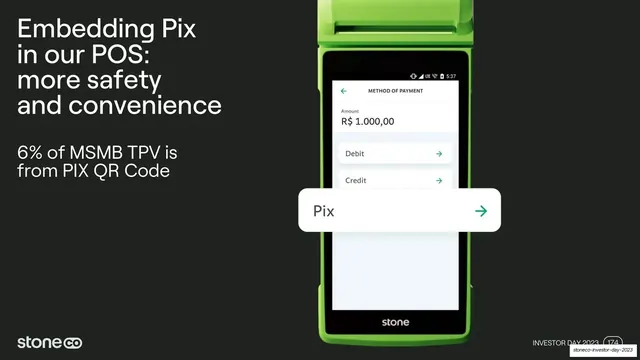
Dark split slide showing a green Stone POS payment method screen with a floating white Pix option card over the list.
Summary
A device screen step showing where the Pix option appears on the POS payment method list. A floating card calls out the new option.
Visual description
The same charcoal background and headline and stat block from the previous slide sit on the left. On the right, a green Stone POS terminal shows a "Method of Payment" screen with an amount field and Debit and Credit rows. A white floating card labeled "Pix" with a green arrow overlaps the list and extends past the screen edge. The rest of the terminal screen is pale blue-white.
Key takeaway
The floating Pix card lifts the new option out of the list so it is the first thing read. The screen stays otherwise faithful to the device, which makes the feature credible. The contrast between the white card and the dark slide draws the eye.
Reuse notes
Works for showing where a new payment option lives inside an existing flow. The overlay card is a clear way to highlight one added item. Keep the callout to a single label, since the device screen is small.
More like this
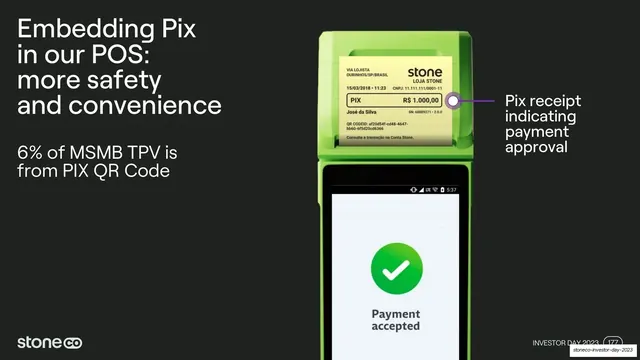 POS printed Pix receipt and approval
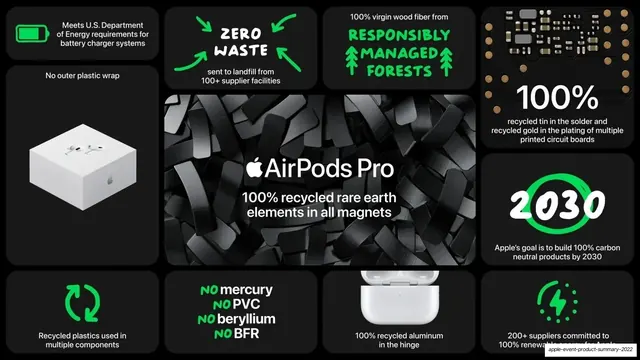 AirPods Pro sustainability bento (dark)
 Why Dev Mode feature with version history
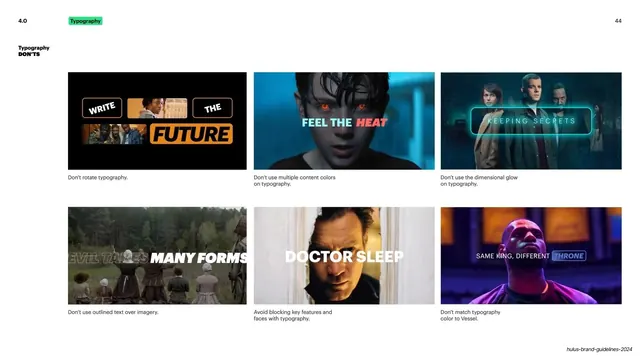 Hulu typography don'ts grid
 McKinley Studios Retail Partnership Pitch Deck
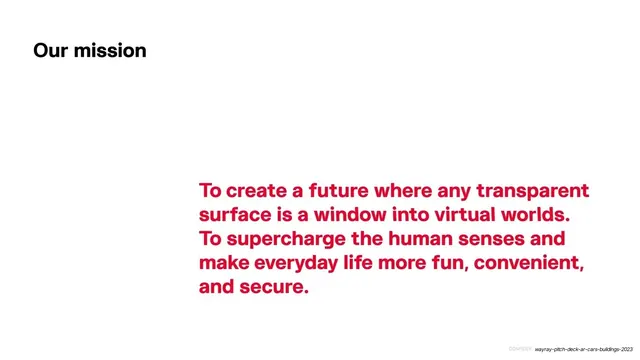 WayRay Pitch Deck 2023
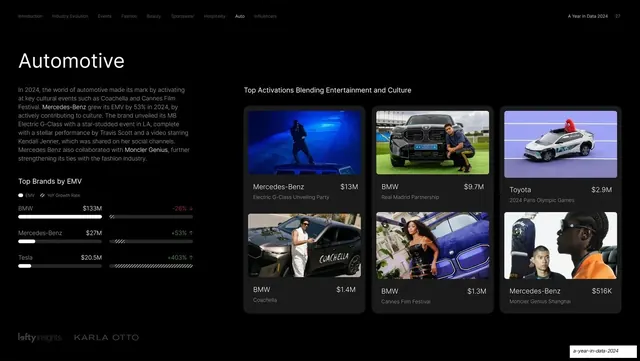 Automotive activations case study on black
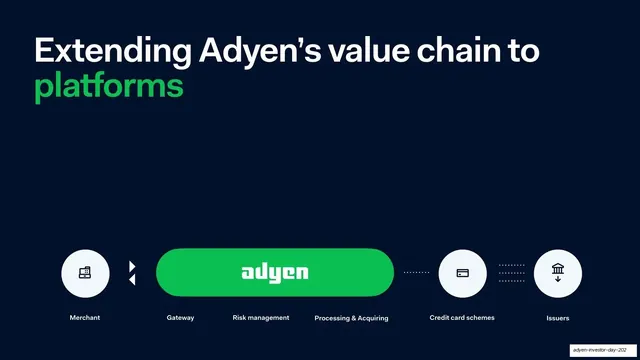 Payment value chain flow diagram
 WRKOUT Brand Guidelines 2020
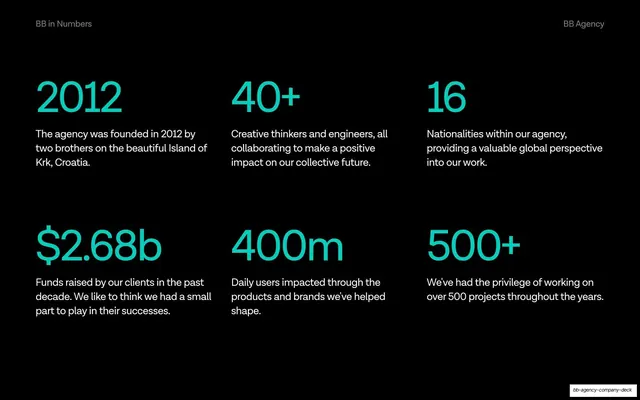 BB in Numbers stat grid
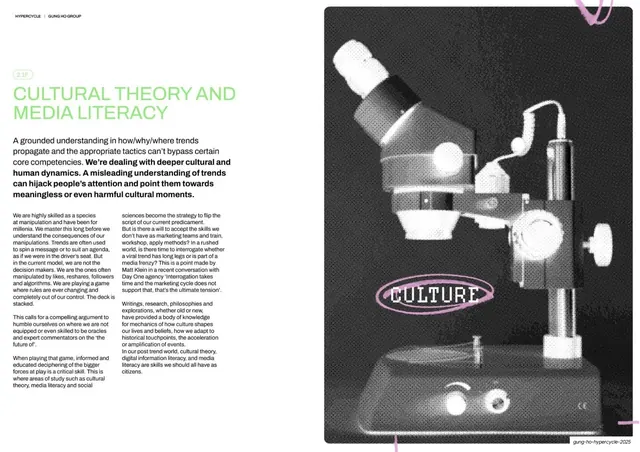 Cultural theory and media literacy spread
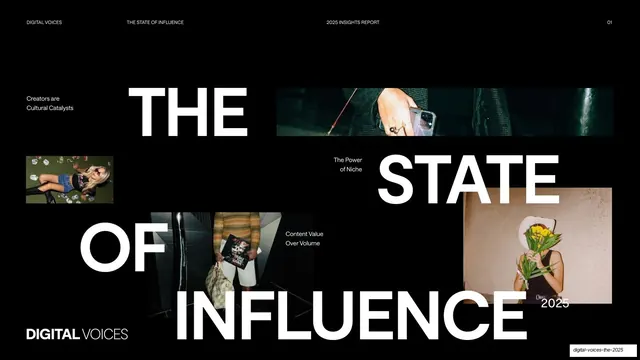 Digital Voices: The State of Influence 2025
 DevCon 2 product headline with lime wordmark
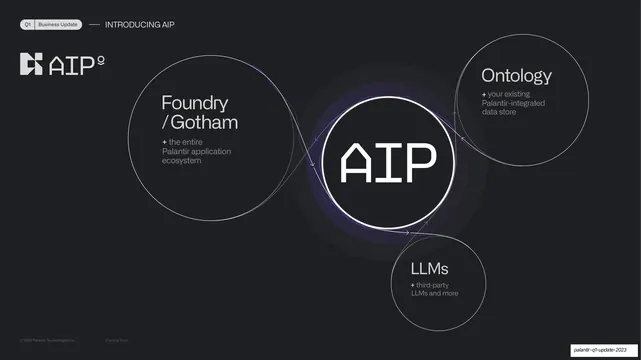 AIP architecture orbit diagram
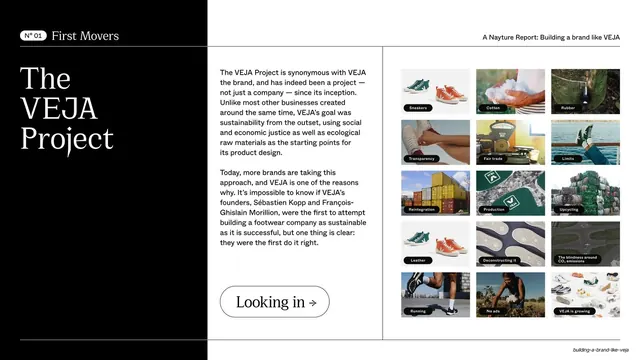 First Movers The VEJA Project overview
 Panel Investor Pitch Deck 2023
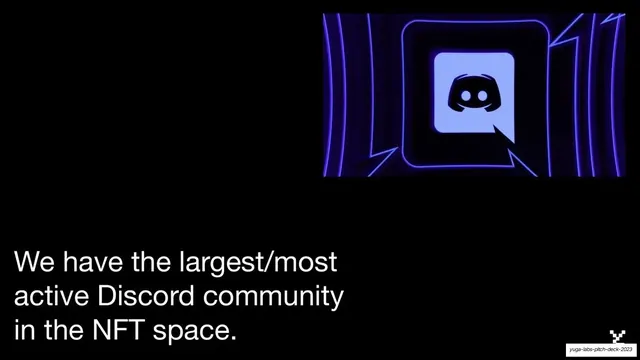 Largest Discord community claim
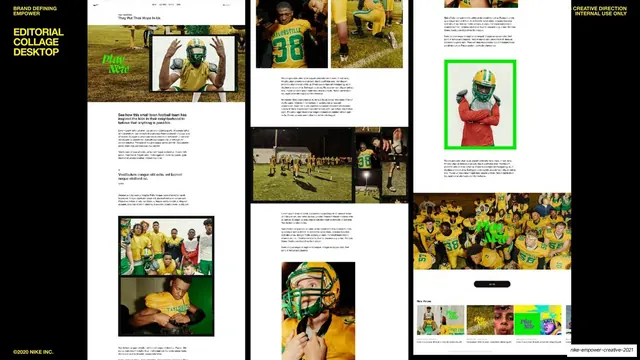 Editorial Collage article page, desktop sports
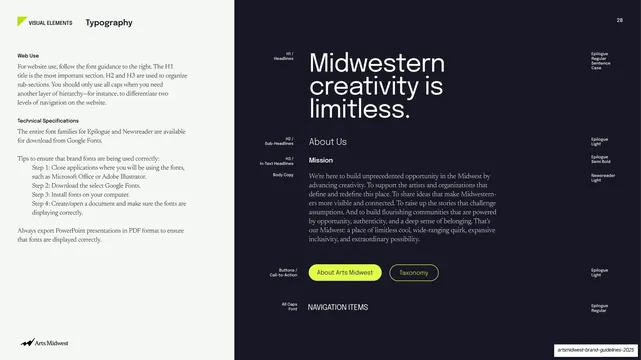 Typography hierarchy, web and headline scale
 Boardmasters Brand Guidelines 2024/2025
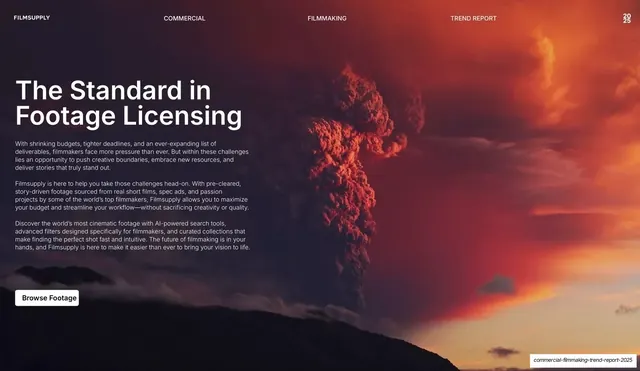 The Standard in Footage Licensing (closing CTA)
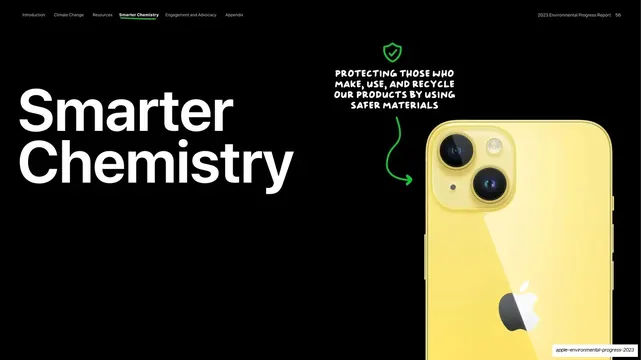 Smarter Chemistry section divider with yellow iPhone
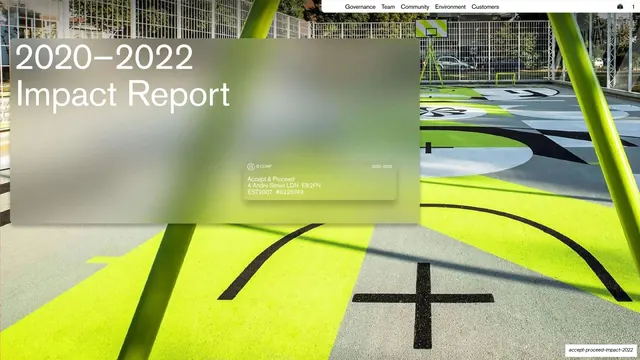 Accept & Proceed Impact Report 2020-2022
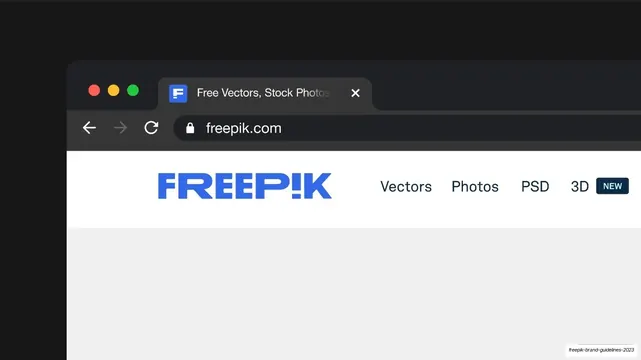 Isotype as favicon and site header