Three-column payments POS ERP recap
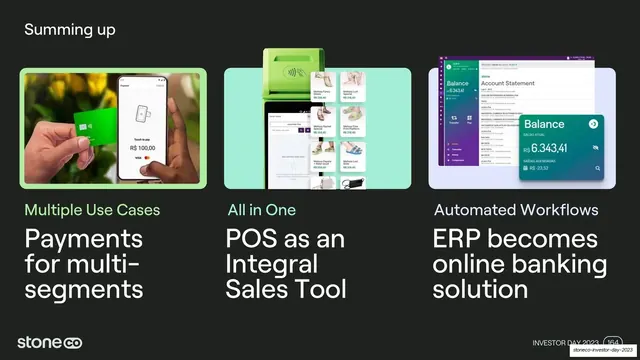
Three-column recap slide that pairs a framed product image with a bold outcome headline in each column under a small Summing up label.
Summary
A closing recap in three columns, one per product pillar: payments, POS, and ERP. Each column pairs a framed image with a large outcome headline.
Visual description
A small white "Summing up" label sits at the top left of the charcoal background. Three equal columns follow, each with a rounded colored frame: a pale green frame with a hand tapping a card on a phone, a mint frame with a green POS terminal and product tiles, and a pale lavender frame with a banking balance screen. Under each frame, a small colored label ("Multiple Use Cases," "All in One," "Automated Workflows") sits above a large white headline in sans-serif.
Key takeaway
Each column pairs a tinted frame with a short label and a big outcome statement, so the three pillars read as parallel points. Tinting each frame differently separates the columns without adding extra graphics. The headlines are short enough to read from a distance.
Reuse notes
A good closing or recap slide when a deck has three parallel pillars. Keep the headlines to two or three lines so the columns stay even. The tinted frames work on dark backgrounds, but the pale colors should be checked against the chosen palette before reuse.
More like this
 StoneCo Investor Day 2023
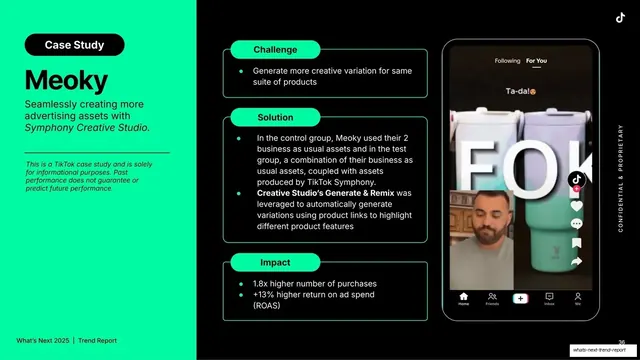 Meoky case study results slide
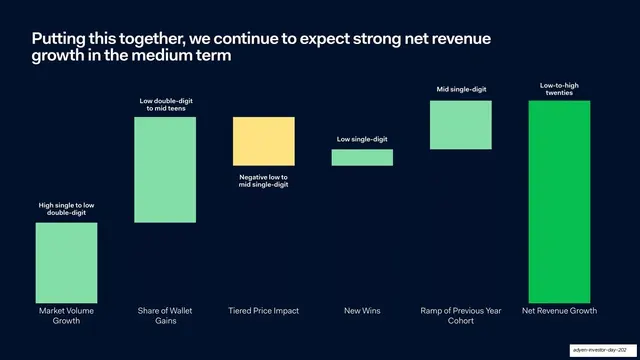 Combined net revenue growth outlook
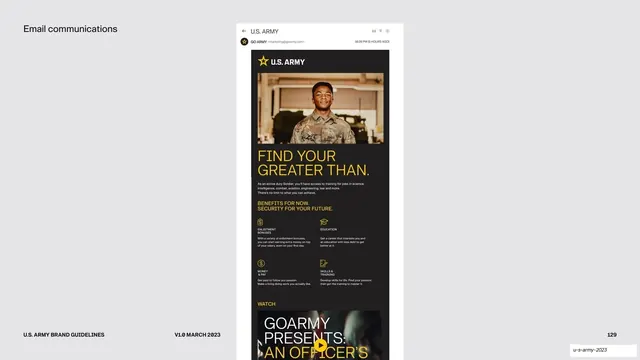 Benefits email template: Find Your Greater Than
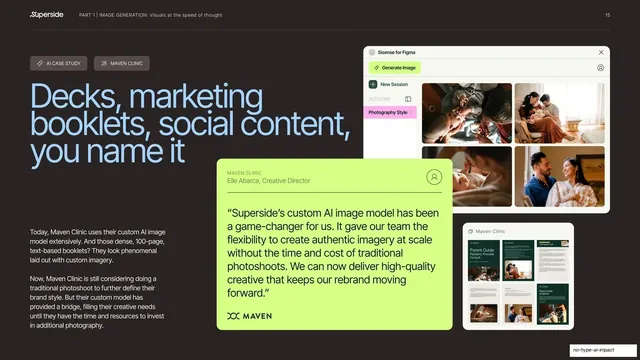 Maven Clinic booklets and social content
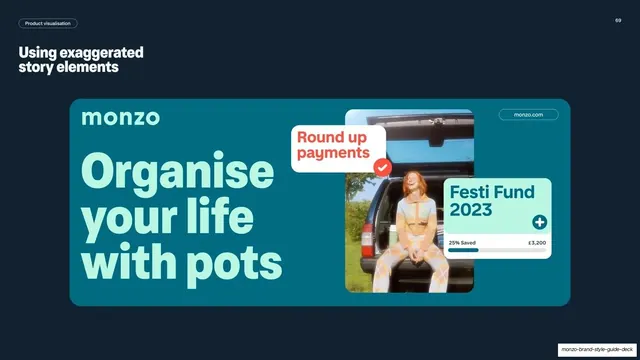 Monzo using exaggerated story elements teal
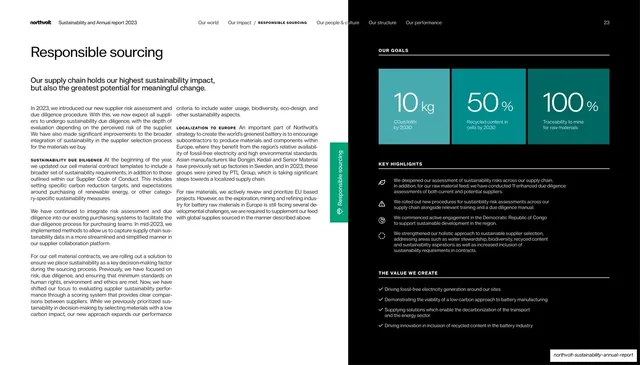 Responsible sourcing goals and highlights
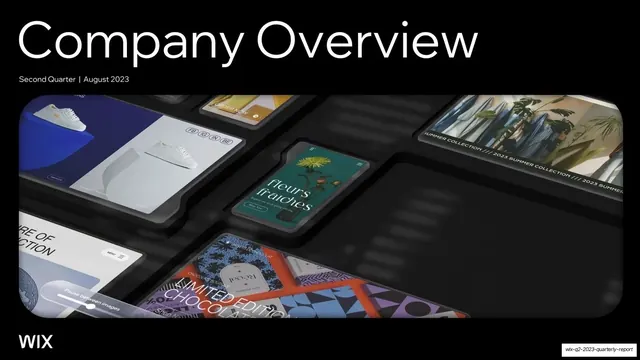 Company Overview cover with product mockup montage
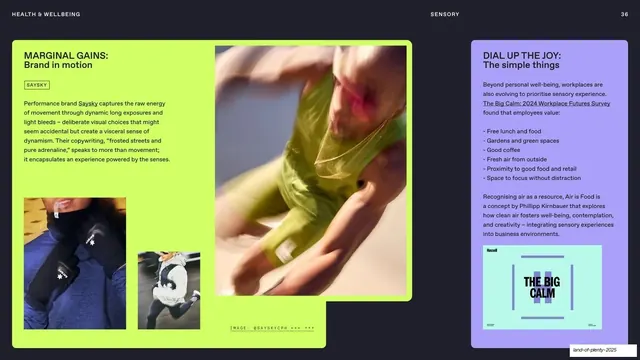 Lime motion panel beside lavender perks list
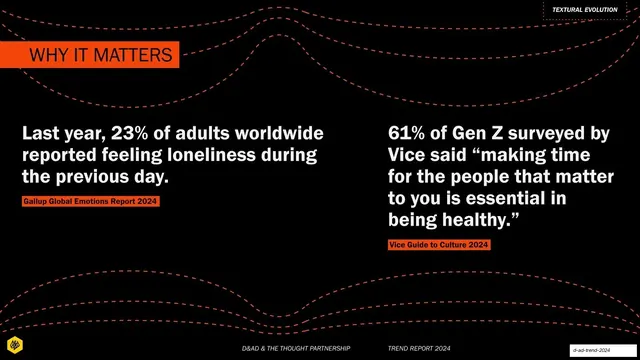 Two loneliness statistics on black
 Google Cloud AI Business Trends 2025
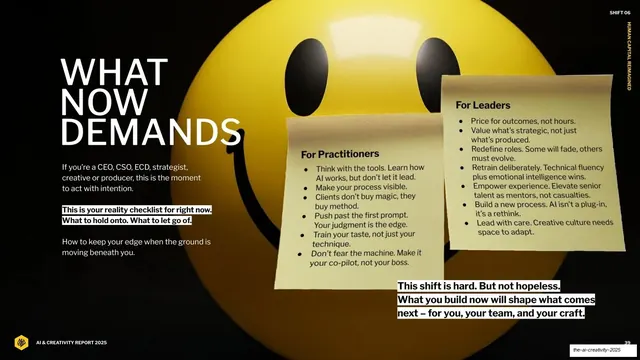 Reality checklist for practitioners and leaders
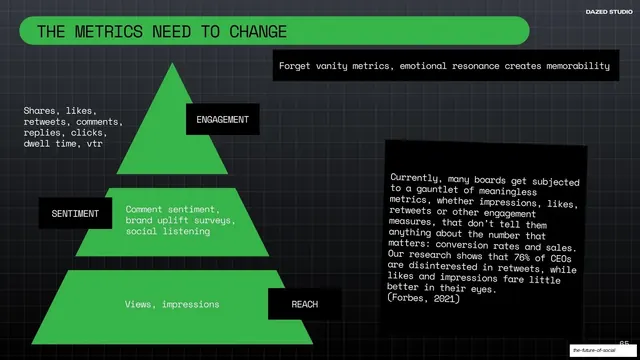 Three-tier metrics pyramid with citation card
 A vision to take over the space
 Anyways Creativity Matters 2024
 Zip Brand Guidelines
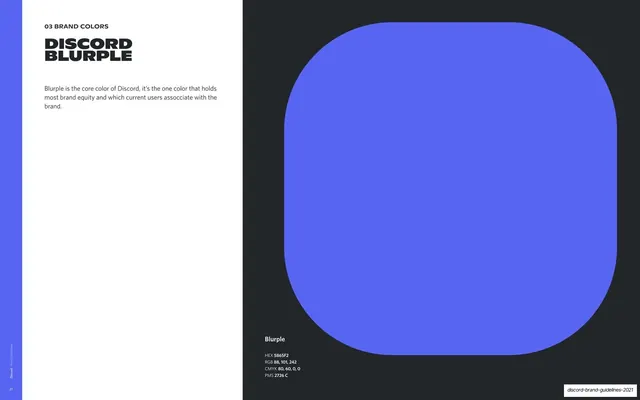 Discord Blurple core color
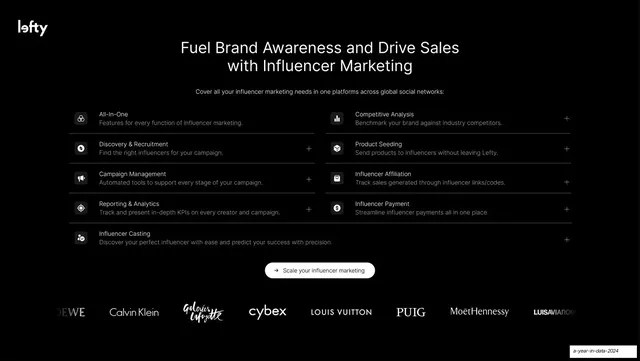 Closing CTA with services list and logo strip
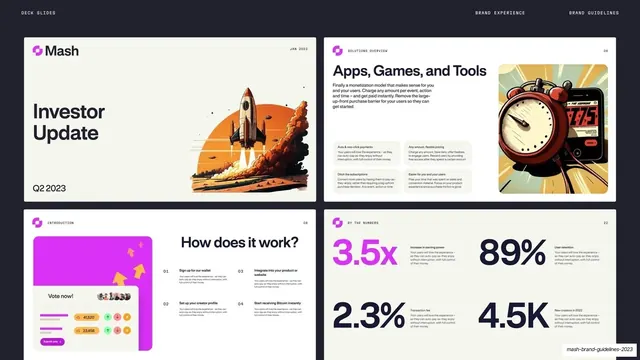 Mash deck slide templates, four presentation layouts
 Docusign Brand Identity Guidelines 2024
 Premium flower packaging redesign case study
 AIP for Defense and for Business split
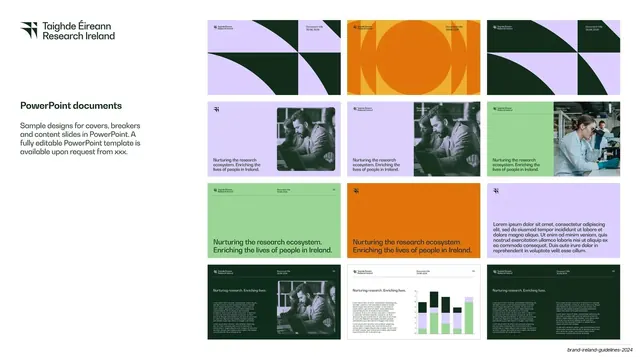 PowerPoint template sample layouts grid
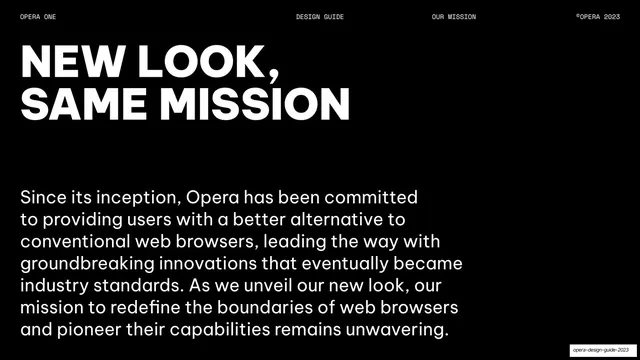 New Look, Same Mission