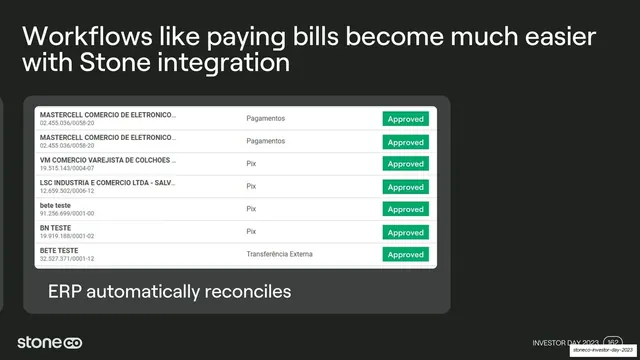
ERP reconciliation list with approved badges
Dark workflow slide with a white ERP reconciliation table of green Approved badges under the same headline, with a cropped panel at the left edge.
Summary
The second step of the workflow, showing the ERP list after payments are approved and reconciled. The panel is a screenshot of a transaction table with a status badge on each row.
Visual description
The same charcoal background and two-line white headline from the previous slide repeat at the top. A rounded dark gray panel holds a white table with seven rows, each showing a payee name, an identifier, a payment type such as Pix or Pagamentos, and a green "Approved" badge at the right. A white caption, "ERP automatically reconciles," sits at the bottom left of the panel. A sliver of the previous panel is visible at the far left edge.
Key takeaway
Repeating the headline and panel frame ties this step to the approval step before it. The green Approved pills are the only saturated color, so the status is read at a glance. The panel is sized to the screenshot, so the table stays legible.
Reuse notes
Works for showing a back-office or reconciliation result after a front-end action. Pair it with the step that precedes it so the sequence is clear. The small table text needs a larger screenshot or a simplified crop on smaller displays.
More like this
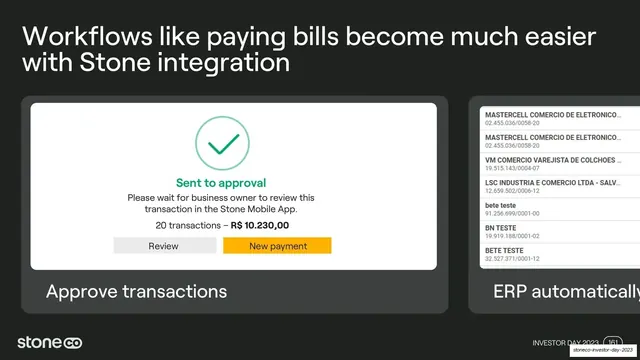 Mobile approval and ERP workflow slide
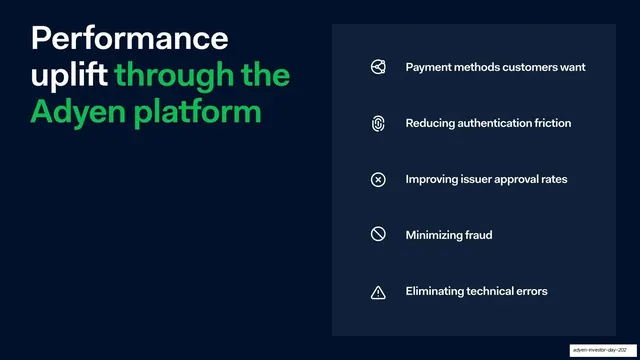 Performance uplift five-point list panel
 Bravida brand guidelines cover
 Palantir Q1 2023 Business Update
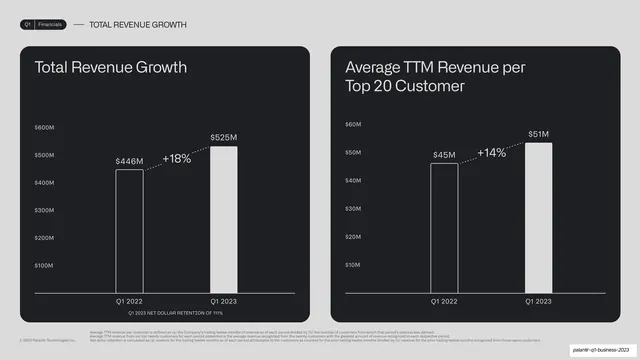 Total revenue and TTM per top-20 customer two-up
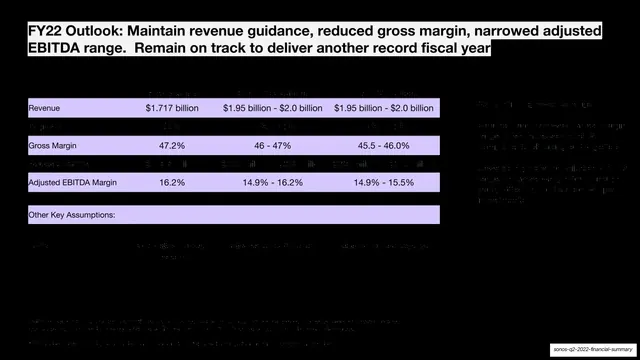 FY22 Outlook guidance table
 Palantir Q1 2025 Investor Update
 Palantir Q4 2023 Business Update
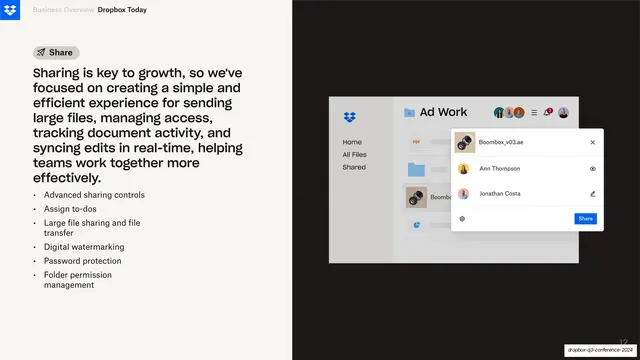 Share feature with access-controls UI
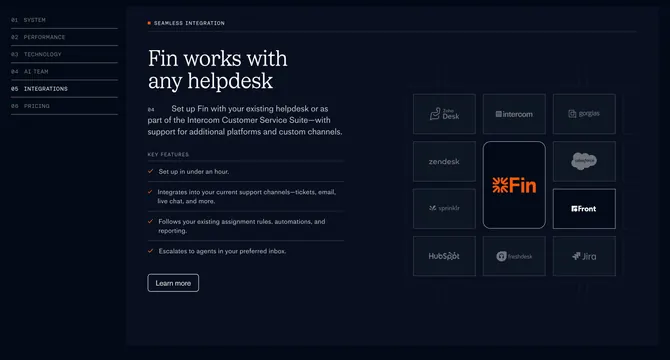 Fin helpdesk integrations chapter
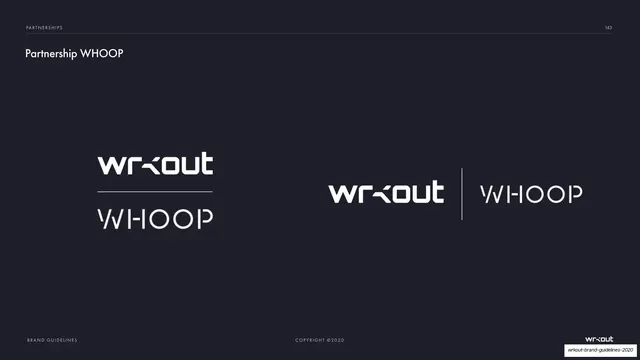 WHOOP co-branded lockup reversed on dark
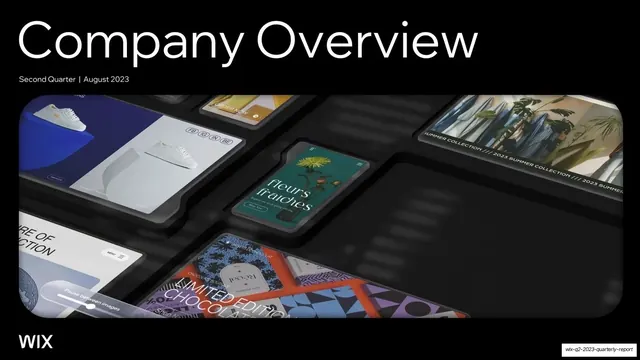 Wix Q2 2023 Quarterly Earnings Report
 Why Dev Mode feature with version history
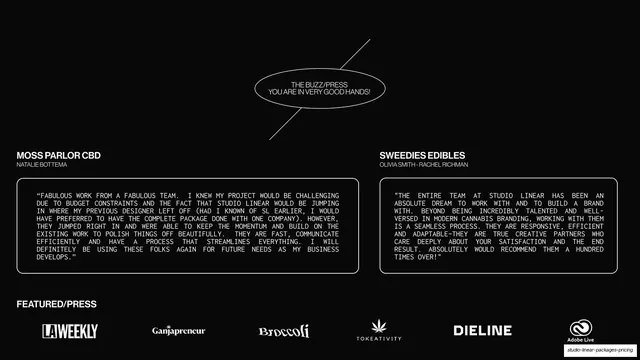 Client testimonials and press logos
 Contact details for partnerships team
 U.S. Army Brand Guidelines 2023
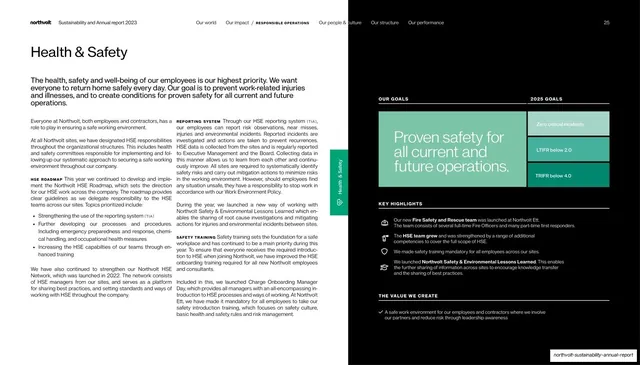 Health and safety goals and highlights
 Parker ecommerce fintech hero with dashboard
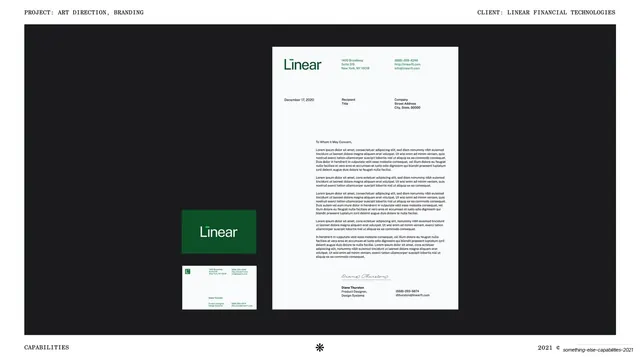 Linear Financial stationery flat lay
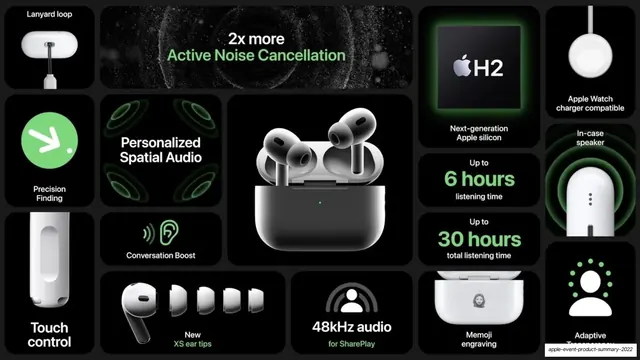 Apple Event Product Summary 2022
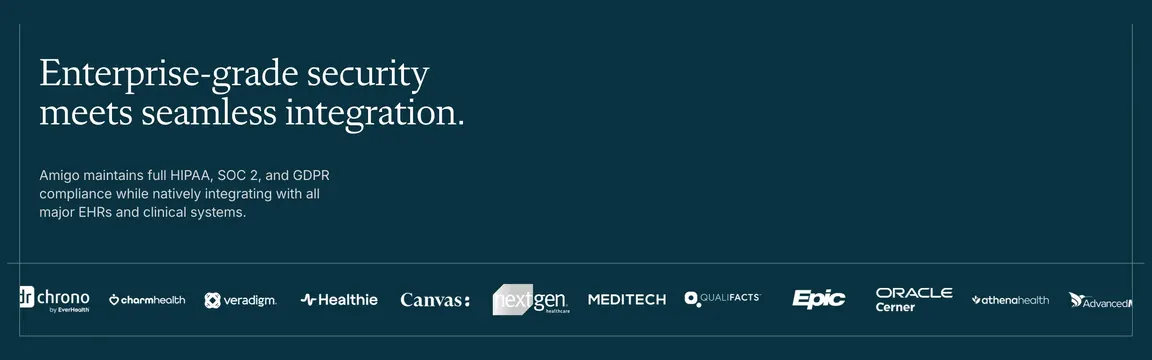 Amigo compliance logo cloud design
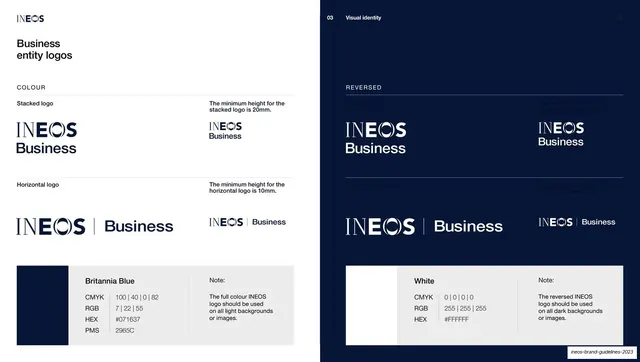 Business entity logos in Britannia Blue
 Three technical pillars feature slide
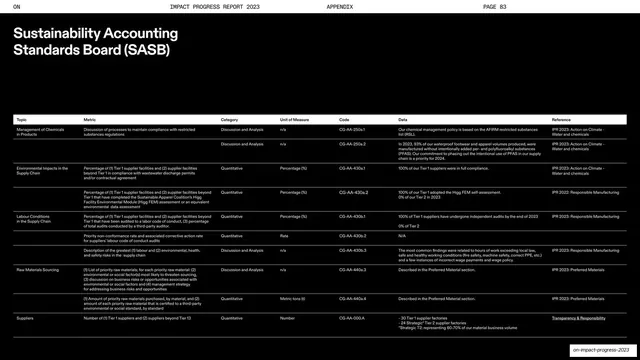 SASB disclosure table mapping metrics to codes