Mobile approval and ERP workflow slide
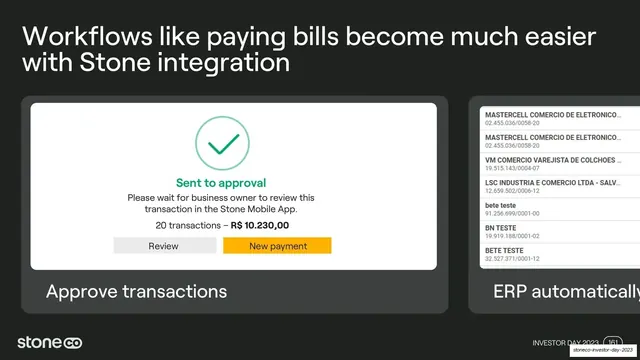
Dark two-panel workflow slide showing a mobile payment approval card on the left and a cropped ERP transaction list peeking in from the right.
Summary
A workflow slide that sets a mobile payment approval step beside the ERP list that follows it. The second panel is cropped by the slide edge to suggest a sequence.
Visual description
A charcoal background carries a large white sans-serif headline across two lines at the top. Two rounded gray panels sit side by side, and the left one is fully visible. It holds a white card with a green checkmark circle, the green line "Sent to approval," a short wait message, and a bold "20 transactions" total, above a gray "Review" button and a yellow "New payment" button. The right panel runs off the slide edge and shows a stacked list of company names and identifiers, with a large caption under each panel.
Key takeaway
The two panels read left to right as steps in one process, which makes the workflow easy to follow without extra copy. A single green checkmark carries the status message. The cropped second panel hints that more steps follow.
Reuse notes
Useful for a two-step product flow in a dark pitch deck where each step has one UI screenshot and a short caption. Keep the cropped edge deliberate, since it works as a carousel hint only when the peek is clearly intended.
More like this
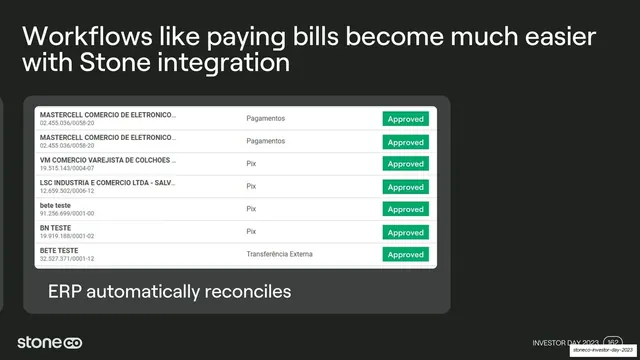 ERP reconciliation list with approved badges
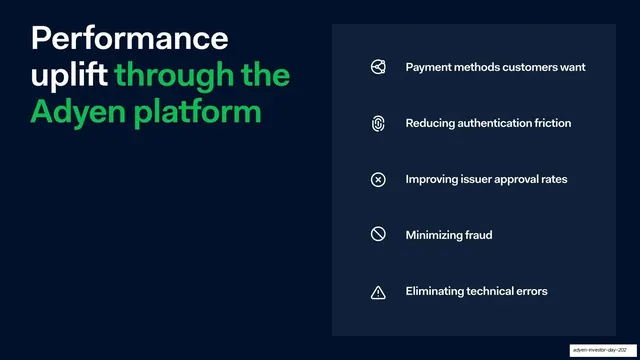 Performance uplift five-point list panel
 Palantir Q1 2023 Business Update
 Bravida brand guidelines cover
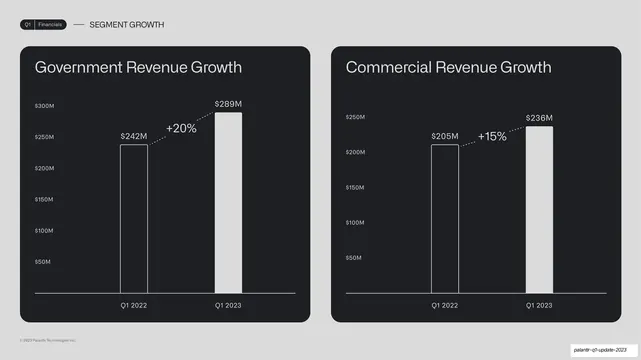 Global government vs commercial revenue two-up
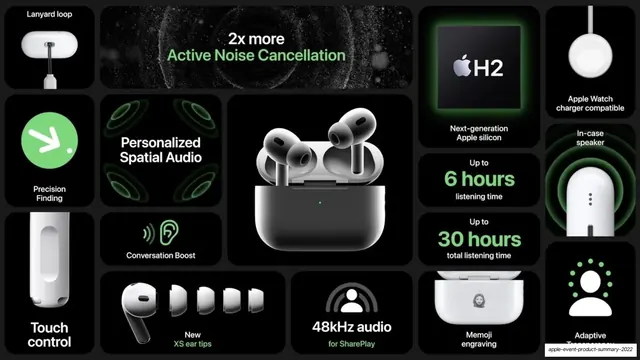 Apple Event Product Summary 2022
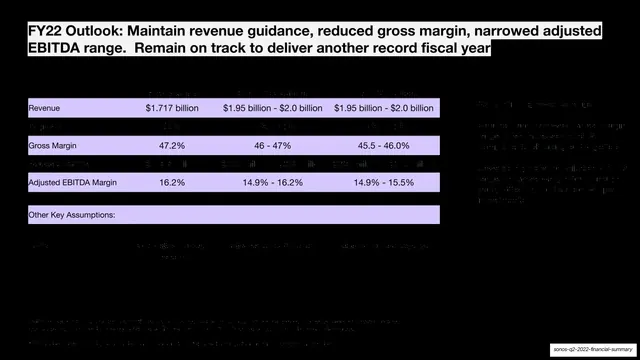 FY22 Outlook guidance table
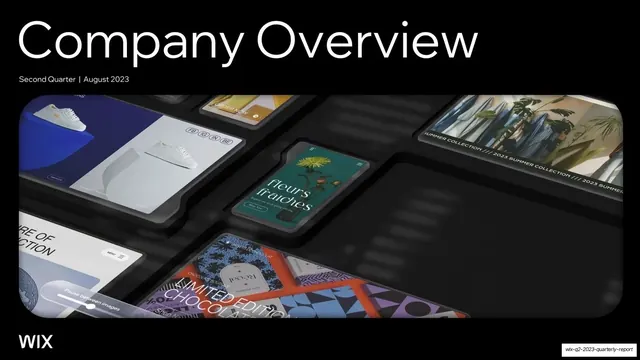 Wix Q2 2023 Quarterly Earnings Report
 Google Cloud AI Business Trends 2025
 U.S. Army Brand Guidelines 2023
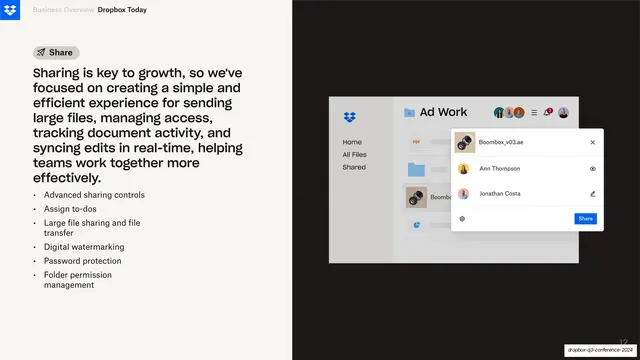 Share feature with access-controls UI
 Why Dev Mode feature with version history
 WHOOP co-branded lockup reversed on dark
 Palantir Q1 2025 Investor Update
 Palantir Q4 2023 Business Update
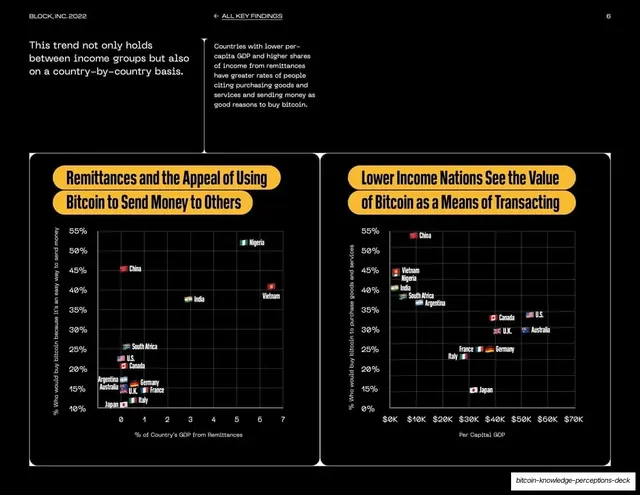 Remittances and transacting, twin scatter plots
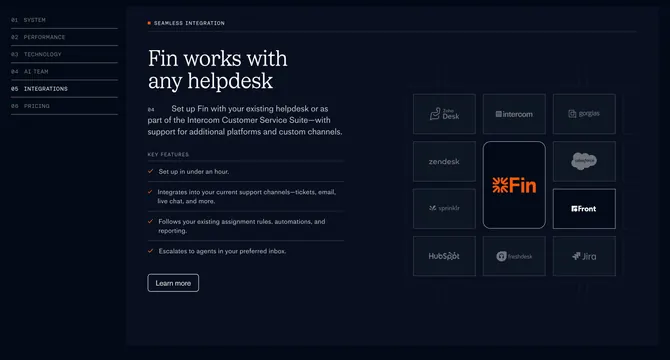 Fin helpdesk integrations chapter
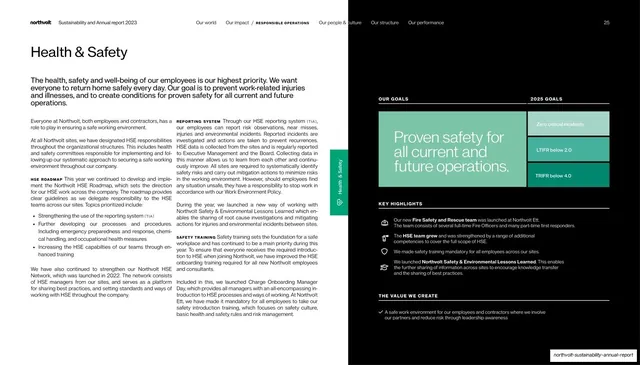 Health and safety goals and highlights
 Contact details for partnerships team
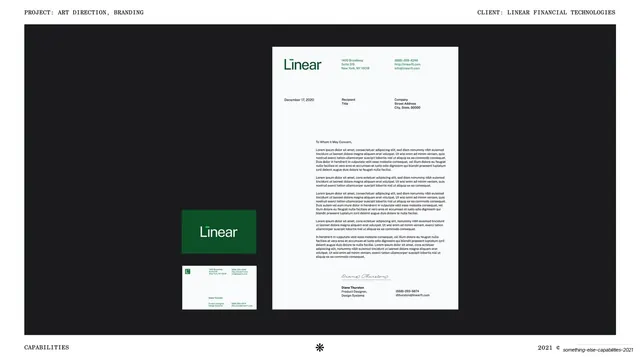 Linear Financial stationery flat lay
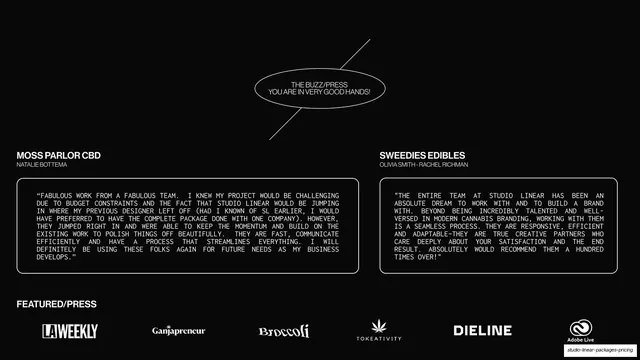 Client testimonials and press logos
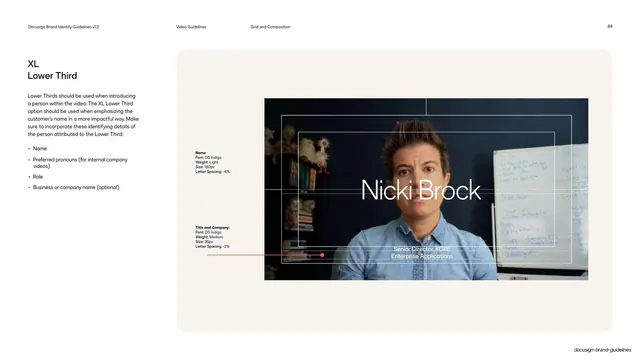 Docusign XL lower-third spec
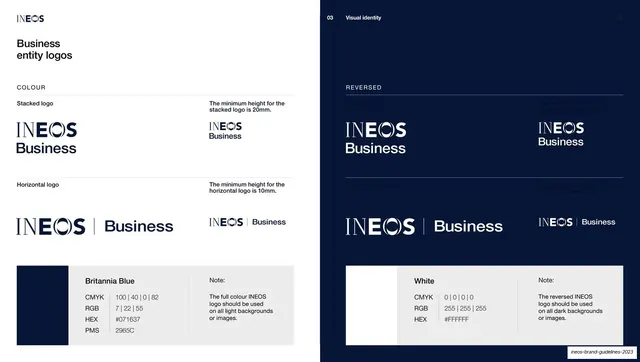 Business entity logos in Britannia Blue
 Three technical pillars feature slide