The 12-column grid and its divisions
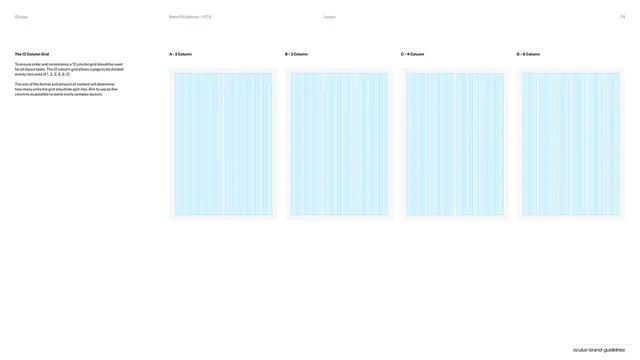
Diagram page that introduces the 12-column grid and shows it grouped into 2, 3, 4 and 6 column structures on four portrait formats.
Summary
A diagram page that introduces the 12-column grid and shows it grouped into 2, 3, 4 and 6 column structures on four portrait formats.
Visual description
The left column has the bold The 12 Column Grid heading and two paragraphs: the grid divides evenly into 1, 2, 3, 4, 6 and 12 units, and designers should use as few columns as possible. Four equal portrait panels run across the right side, labelled A 2 Column, B 3 Column, C 4 Column and D 6 Column. Each panel shows a pale grey frame with thin light blue vertical column lines, grouped into two, three, four and six blocks respectively. The bottom half of the page is empty.
Key takeaway
Twelve divides cleanly into the common counts, so one underlying grid can serve many layouts without recalculation. Showing the same grid four ways makes the grouping logic easy to grasp.
Reuse notes
Reach for it when building a layout system that must scale across formats. Use the diagrams as overlays for layout exercises, and follow the page's advice to keep the column count as low as the content allows.
More like this
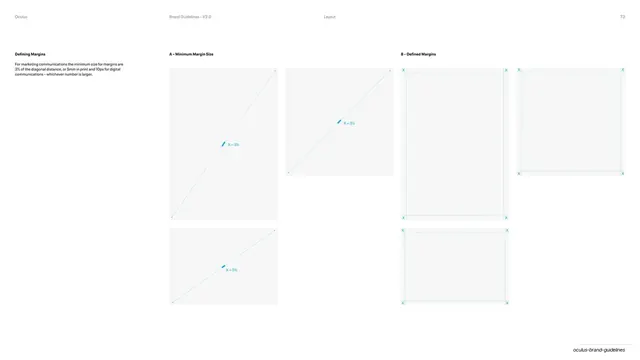 Minimum margin rules as diagonal percentage
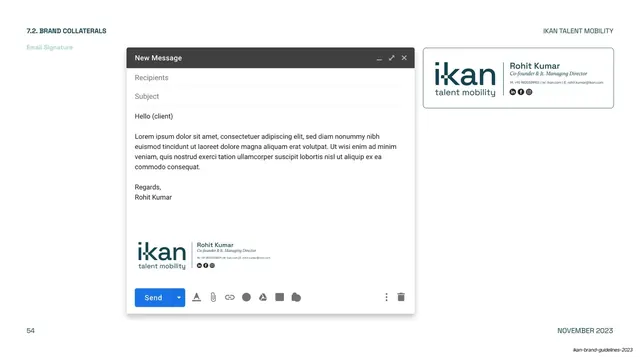 IKAN email signature spec
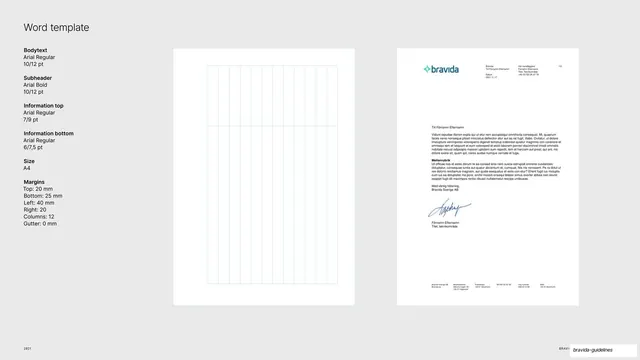 Word letter template and grid
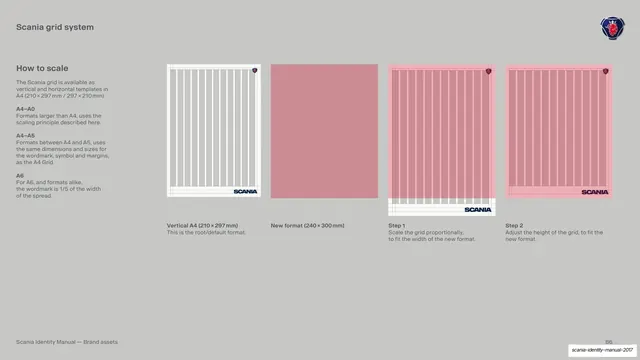 Scaling the Scania grid system
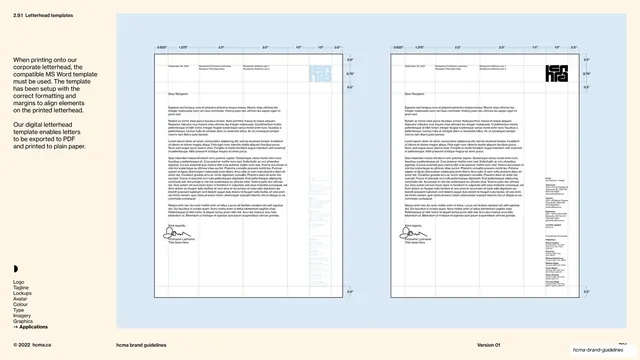 HCMA letterhead templates page
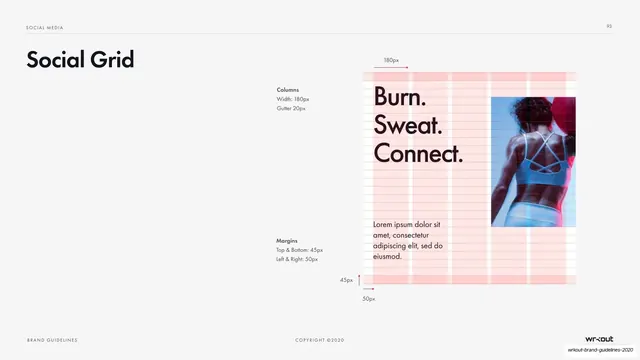 Social tile grid specification
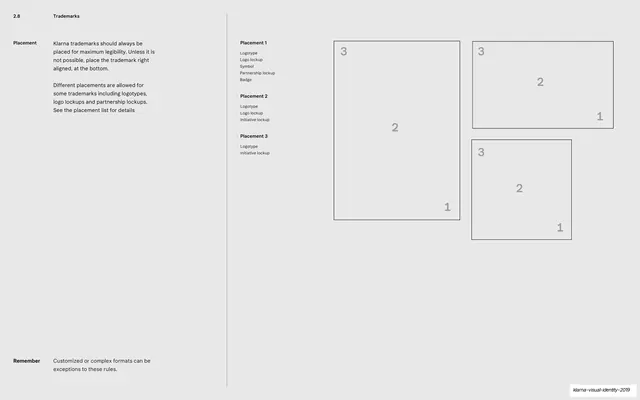 Trademark placement preferred positions
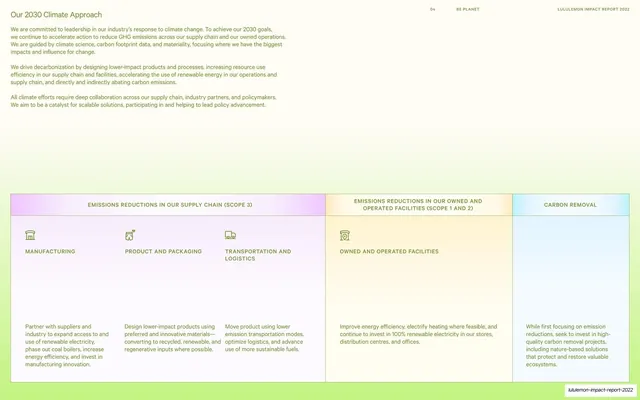 Our 2030 Climate Approach, three-pillar color-banded table
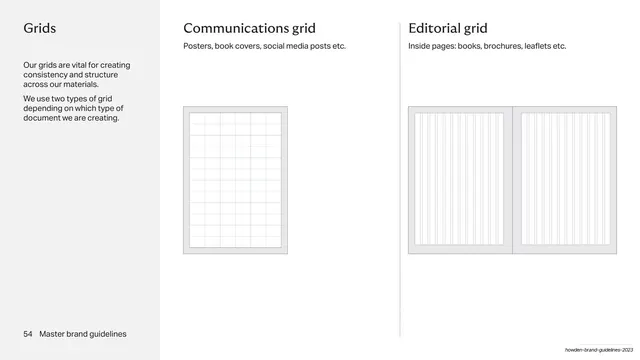 Communications and editorial grid overview
 Empty phone frame with Figma selection
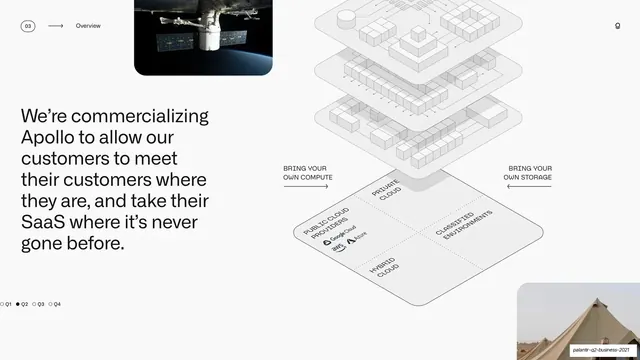 Apollo deployment isometric layers diagram
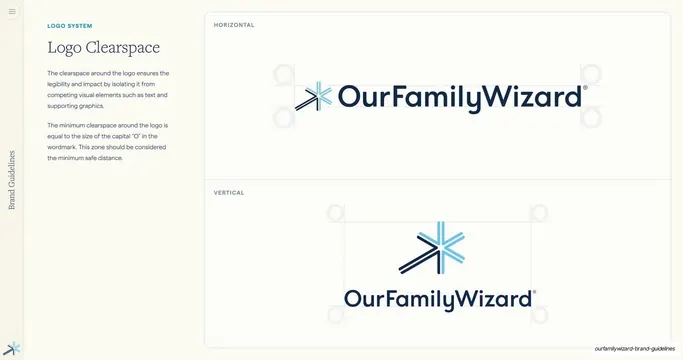 Logo Clearspace measurement diagram
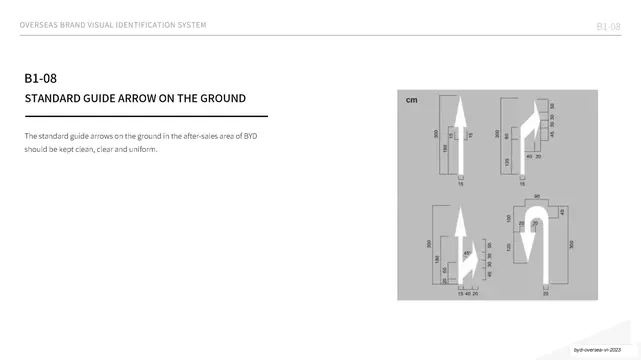 Ground guide arrow dimension drawings
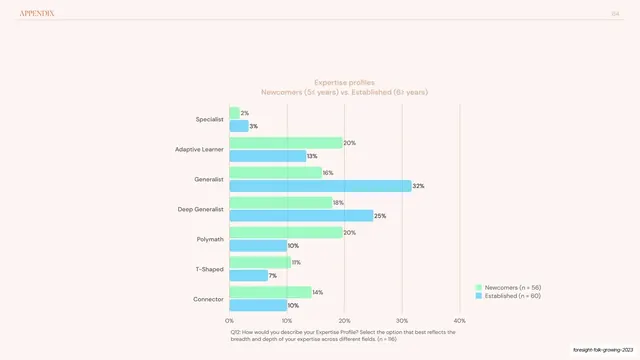 Expertise profiles newcomers vs established bars
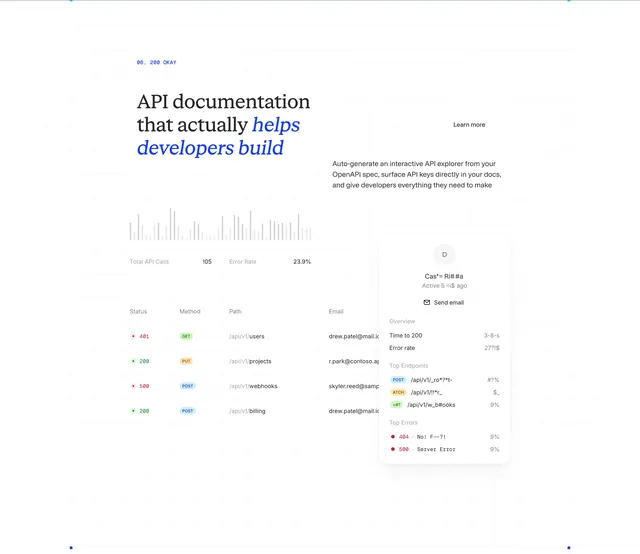 ReadMe API docs analytics bento feature
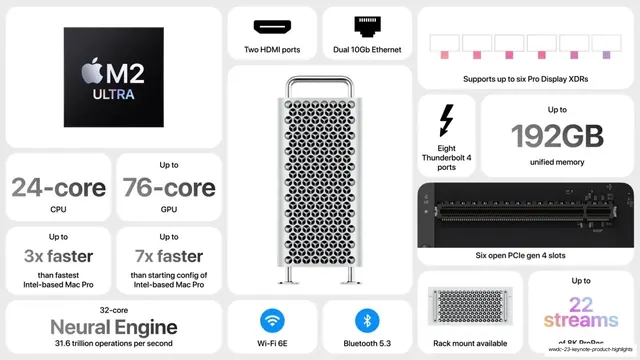 Mac Pro tower spec bento
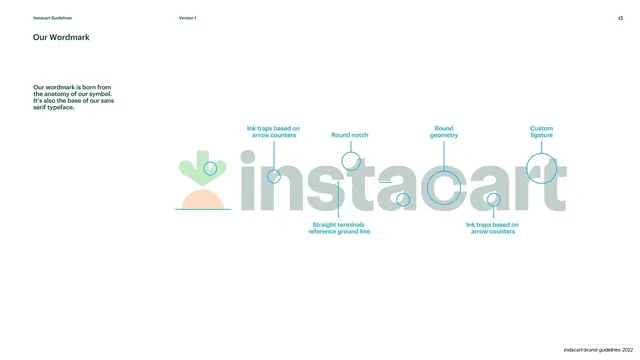 Wordmark anatomy with callouts
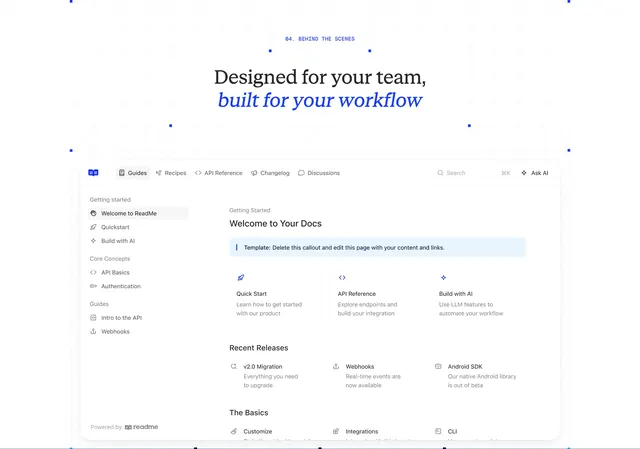 ReadMe team workflow docs hub preview
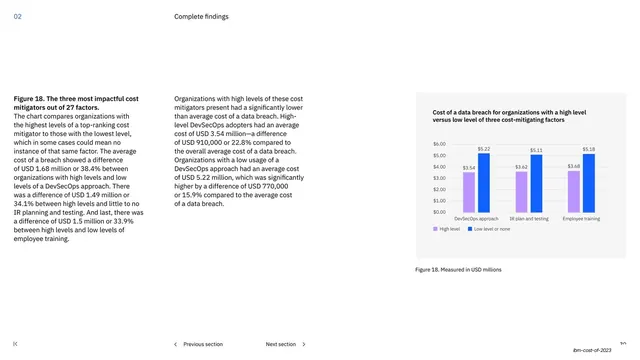 Top three cost mitigators grouped column chart
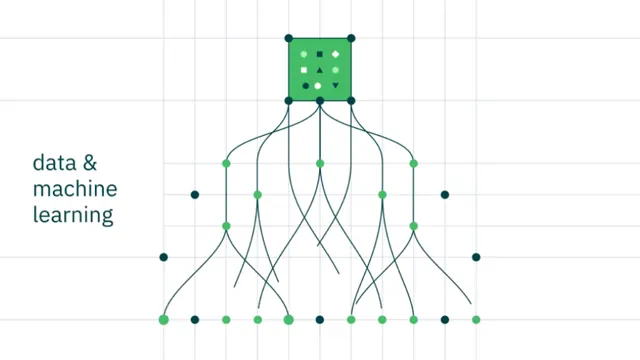 Minimal organic line art
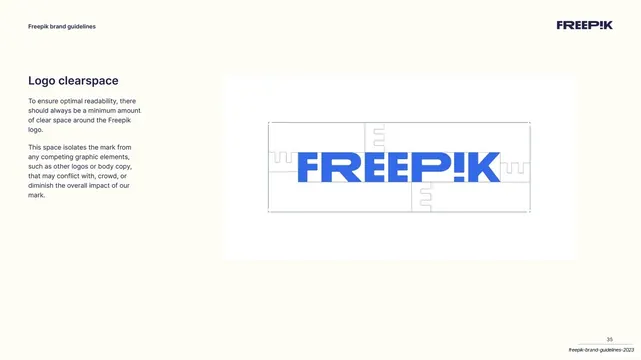 Logo clear space construction diagram
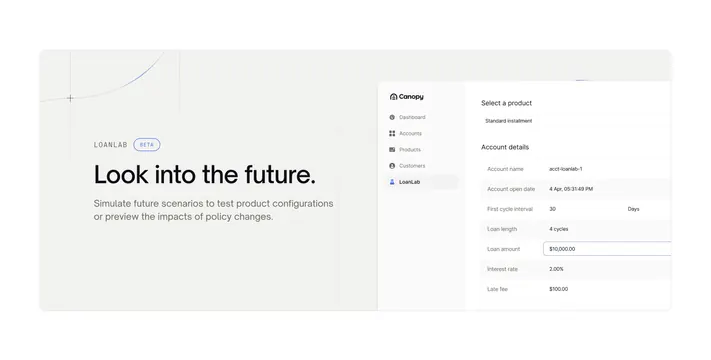 Canopy OS LoanLab beta feature
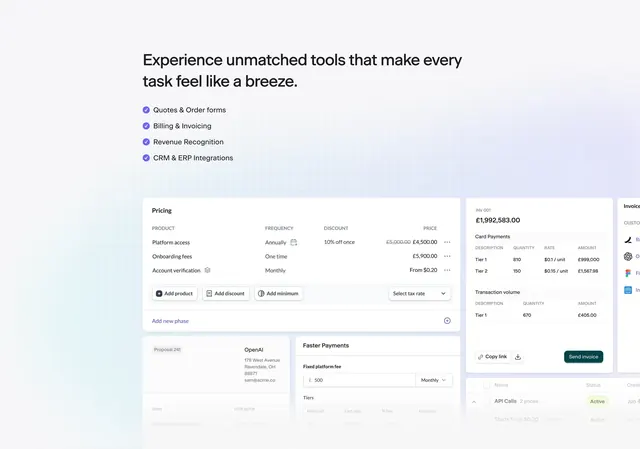 Sequence product capabilities UI collage
 ReadMe customer stories section header