Stacked logo clearspace guidelines
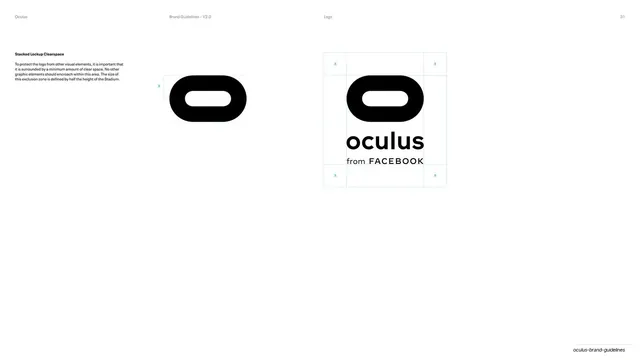
Clearspace diagrams for the stacked lockup and the Stadium mark alone, showing the exclusion zone as a multiple of the mark height.
Summary
A clearspace page that defines the protected area around the stacked lockup and the Stadium mark by a measurement tied to the mark's height.
Visual description
A text column at the left states the clearspace rule. On the right, a small Stadium mark sits on white with a cyan bracket and an X showing the exclusion distance on its left side, and a dotted outline marks the boundary. Next to it, the full stacked lockup sits inside a light cyan grid, with X markers in each corner and along the edges. The palette is black on white, with thin cyan guide lines and labels.
Key takeaway
Clearspace is measured from the mark itself (half its height), so the protected zone scales with the logo. The corner X markers show that the exclusion area surrounds the whole lockup.
Reuse notes
Use when setting up layout templates or checking that a logo has enough breathing room. The guide lines are for documentation only and should not appear in production artwork.
More like this
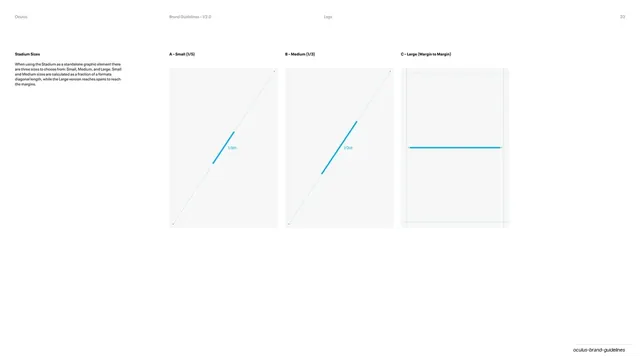 Stadium size proportion diagrams
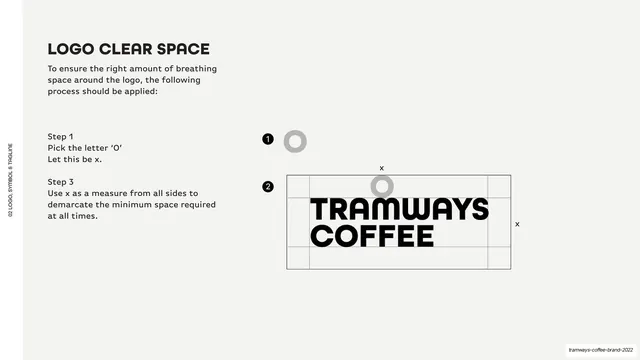 Logo clear space construction
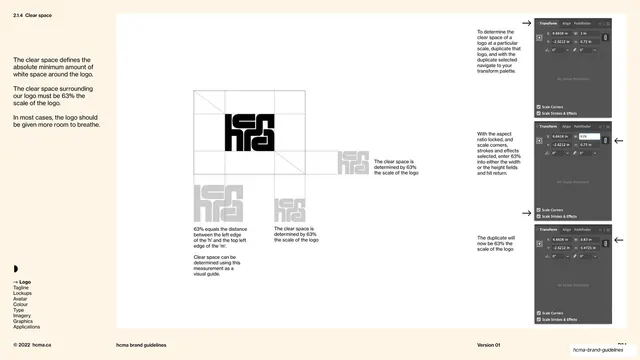 Logo clear space rule
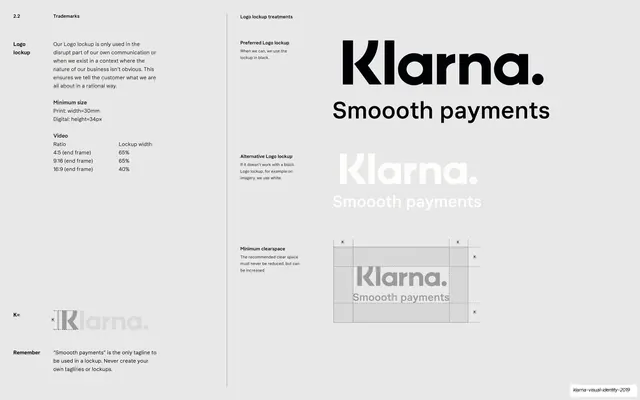 Logo lockup with Smoooth payments tagline
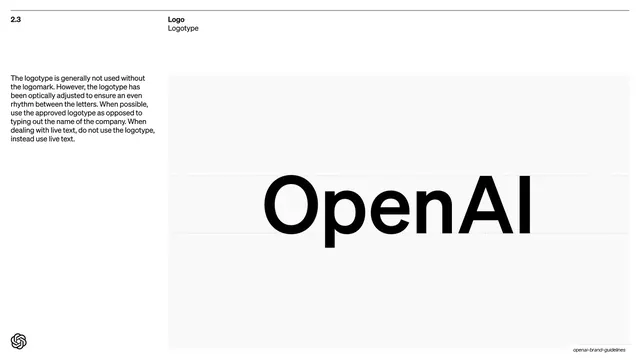 Logotype usage on light panel
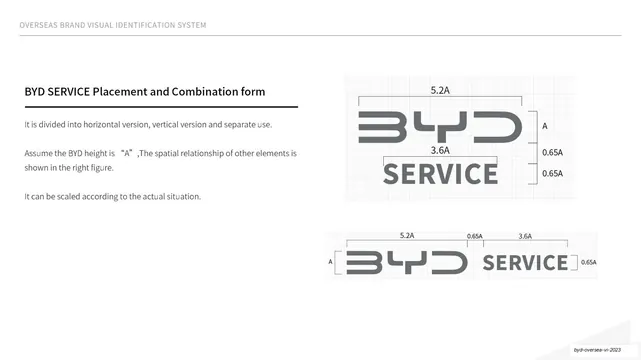 BYD SERVICE lockup proportion diagram
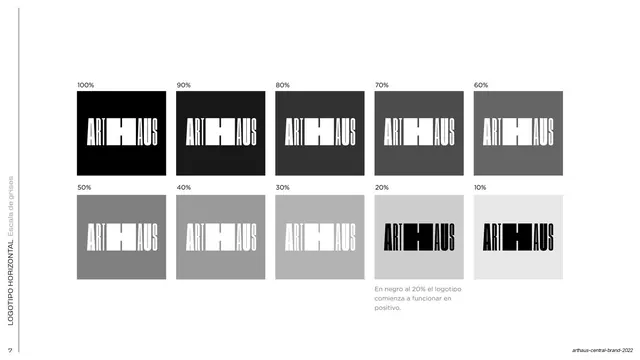 Horizontal logotype grayscale scale
 IKAN standard lockup clear space (x/2)
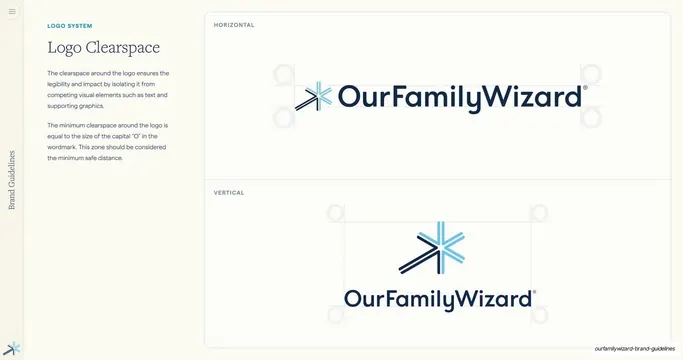 Logo Clearspace measurement diagram
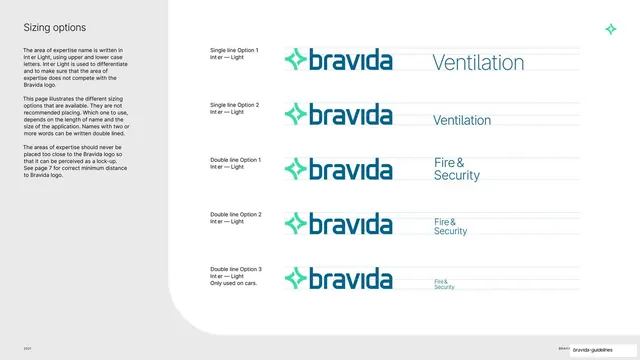 Area of expertise lockup sizing options
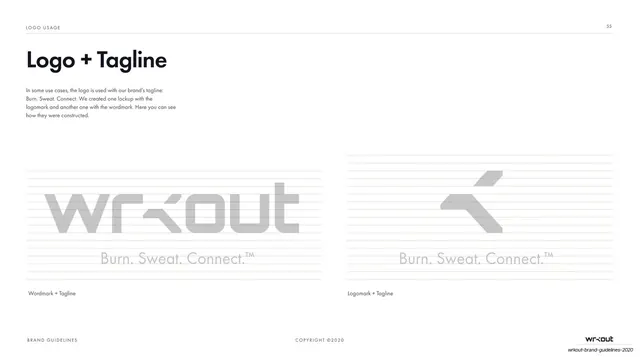 Wordmark and logomark tagline construction grids
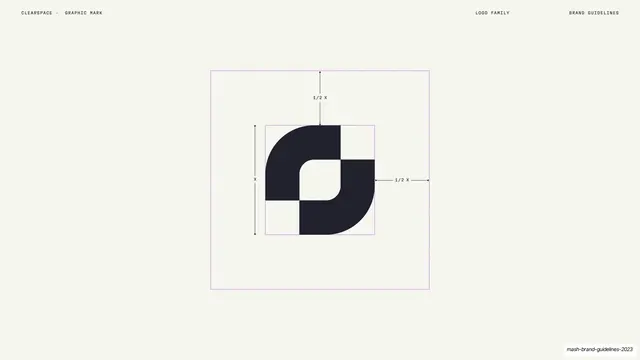 Graphic mark clearspace
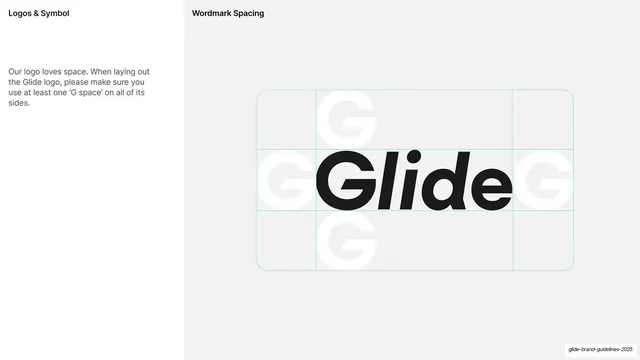 Wordmark clear-space G-grid diagram
 Primary wordmark standard and inverted
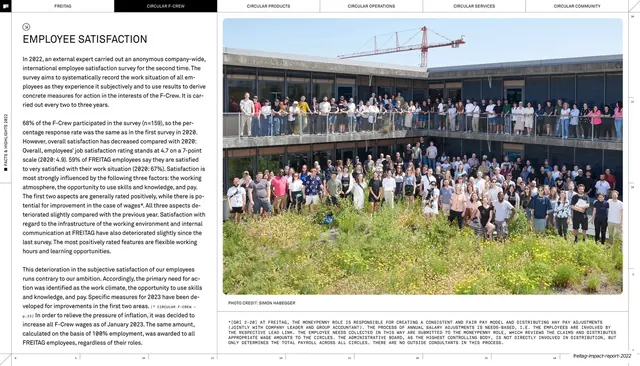 Employee satisfaction split text and crowd photo
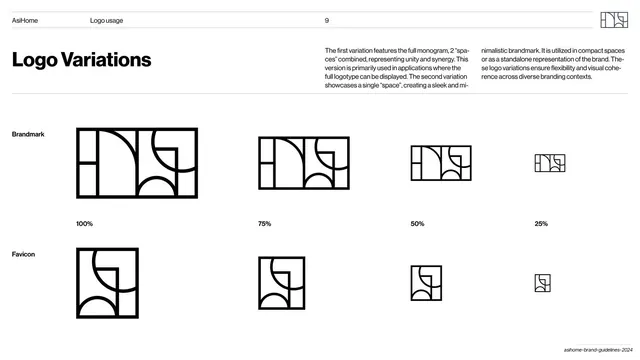 Logo variations and favicon sizes
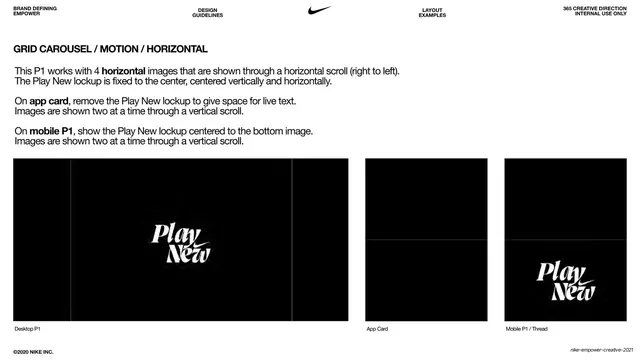 Grid carousel horizontal motion layout spec
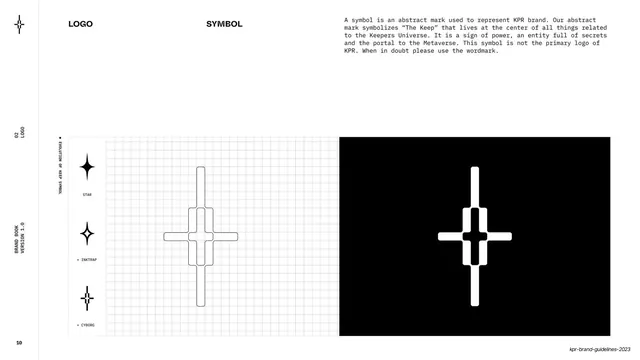 Symbol - the four-pointed star
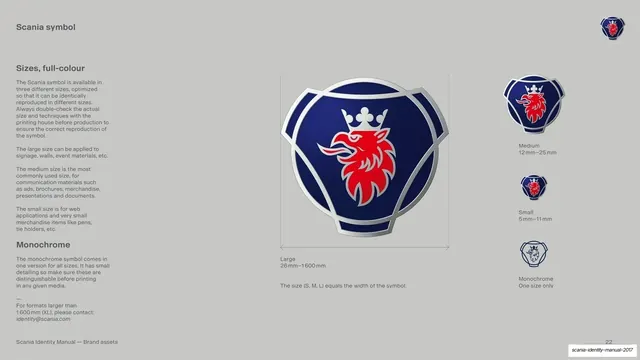 Scania symbol sizes and monochrome version
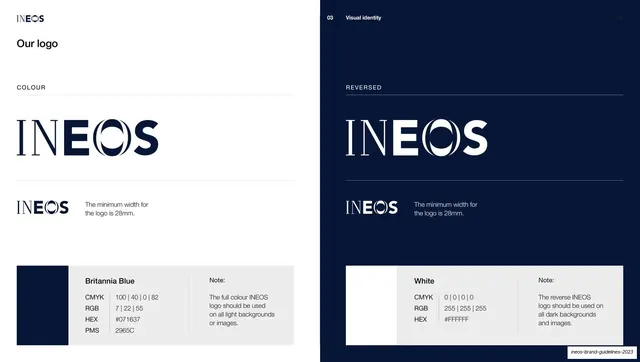 Logo colour and sizing specs
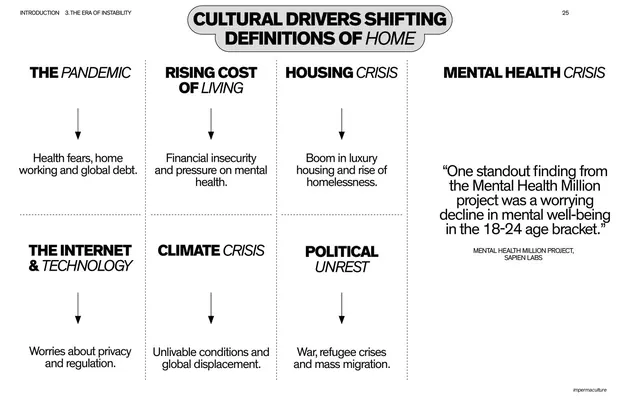 Cultural Drivers Shifting Definitions of Home - 6-cell grid
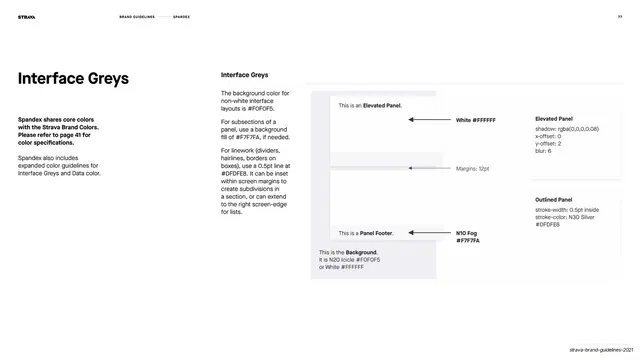 Interface greys and panel elevation
 Apollo deployment isometric layers diagram
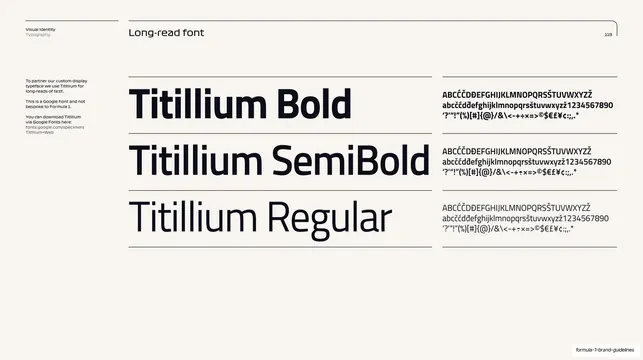 Titillium long-read font specimen