Homescreen programming across five product columns
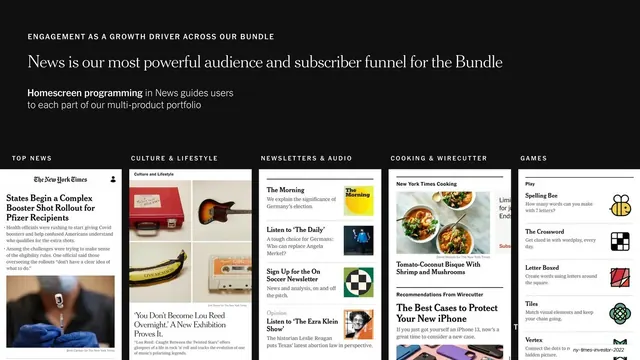
A black slide with five side-by-side phone homescreen columns, Top News, Culture and Lifestyle, Newsletters and Audio, Cooking and Wirecutter, and Games, under a serif headline about homescreen programming.
Summary
A dark slide showing how the News homescreen promotes five content areas as a row of screen captures. The headline states that homescreen programming moves users across the portfolio.
Visual description
A small all-caps eyebrow and a two-line serif headline sit on near-black, with a bolded sans-serif subhead below. Five screen captures run edge to edge along the bottom half, each with an all-caps label above it: TOP NEWS, CULTURE and LIFESTYLE, NEWSLETTERS and AUDIO, COOKING and WIRECUTTER, and GAMES. The light screens show a serif news story with a photo, a grid of colorful cover images, a list of newsletters with thumbnails, a recipe photo with a product card, and a list of games with icons. The rightmost column and the cooking column are cropped at the edge, suggesting the row continues sideways.
Key takeaway
Labeled columns that run off the edge make the homescreen read as a scrollable catalog. The mix of light screen captures on a dark slide gives each product its own visual identity.
Reuse notes
Use for a product map where several destinations need to be shown in one band. The clipped edge only works when the row really scrolls, so do not use it for a static set. Keep the column labels short, since they carry the navigation meaning.
More like this
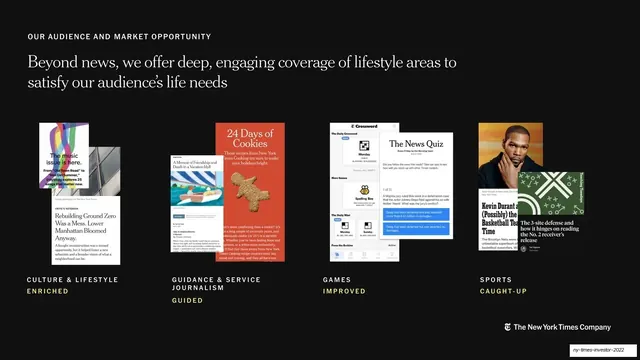 Four-column lifestyle product screenshots
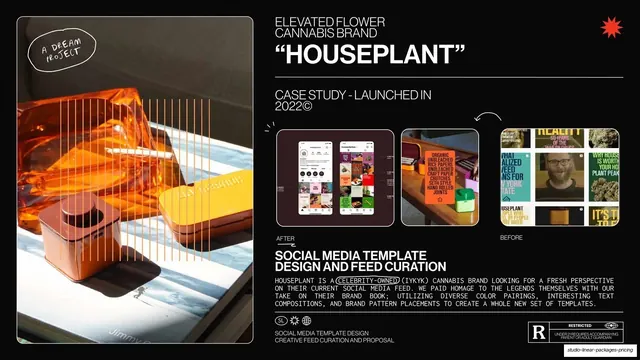 Social template and feed case study
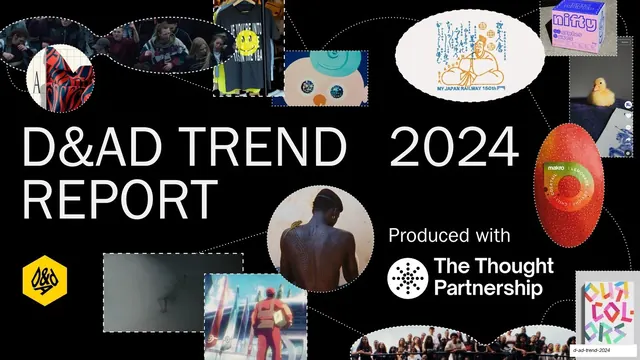 D&AD Trend Report 2024 cover collage
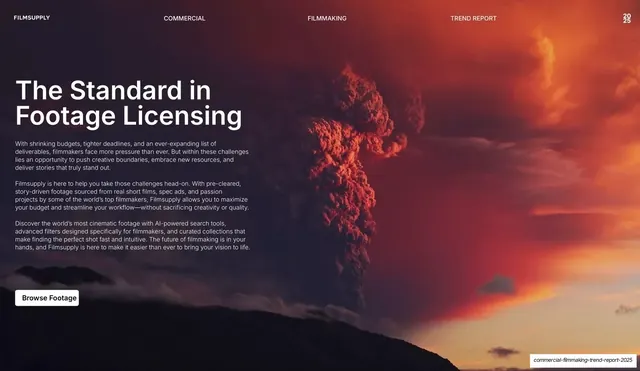 The Standard in Footage Licensing (closing CTA)
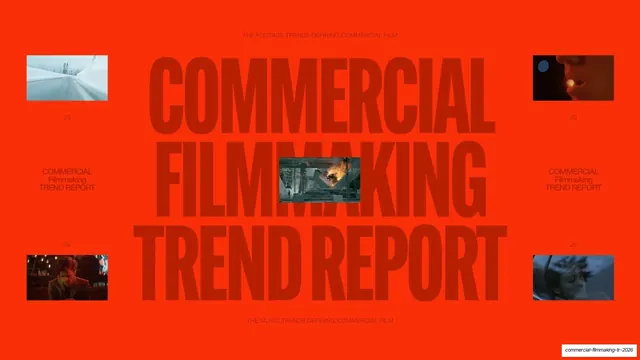 Commercial Filmmaking Trend Report 2026
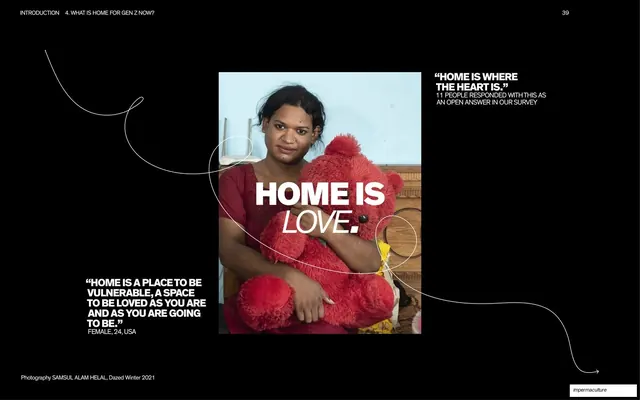 Home is love portrait spread
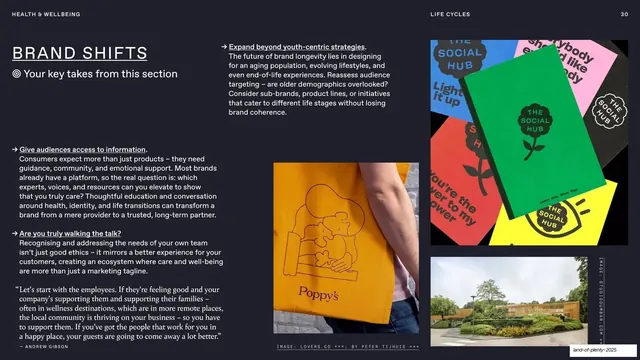 Brand shifts takeaways with mockup collage
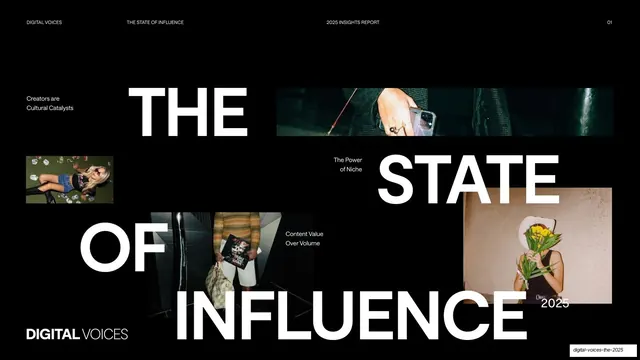 Digital Voices: The State of Influence 2025
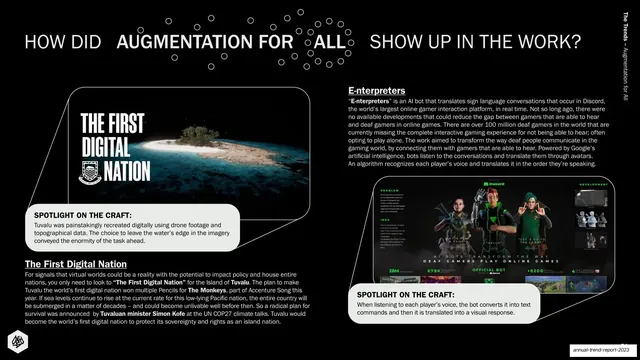 First Digital Nation and E-interpreters case studies
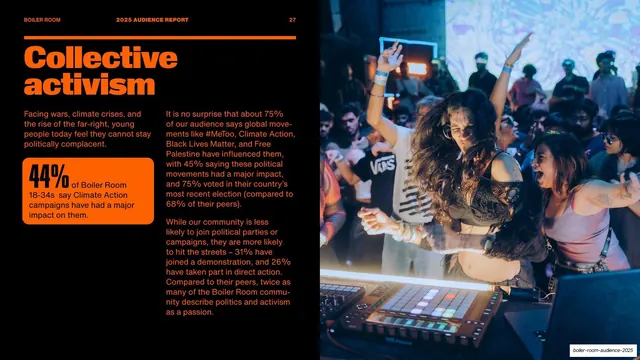 Collective activism split
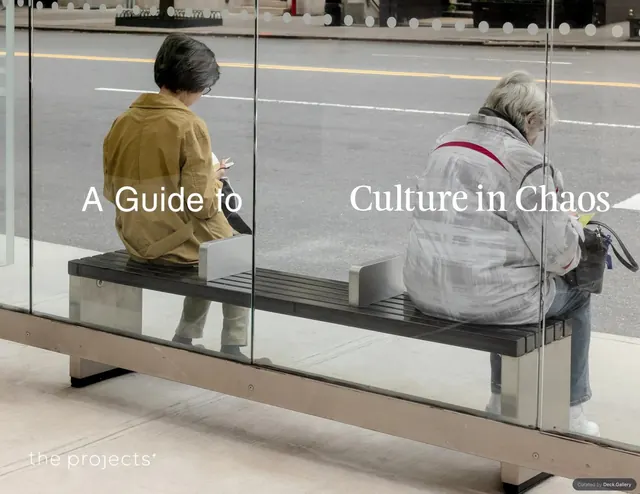 The Projects A 2020
 Boardmasters Brand Guidelines 2024/2025
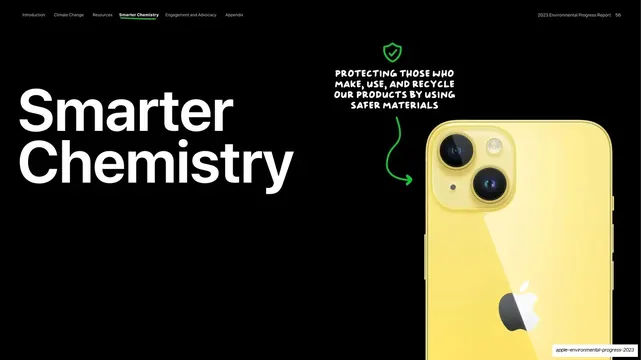 Smarter Chemistry section divider with yellow iPhone
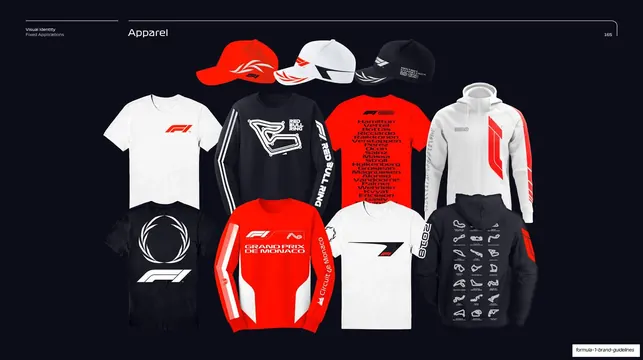 Apparel merchandise mockups
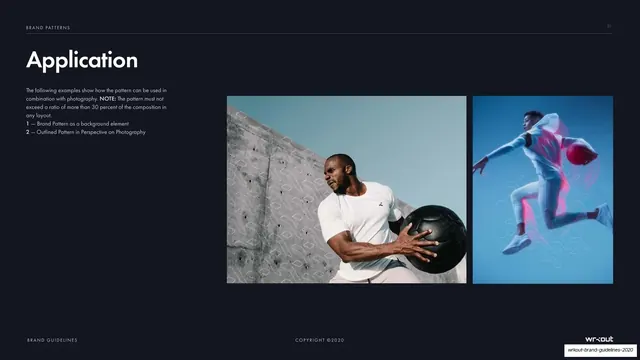 Pattern application with photography
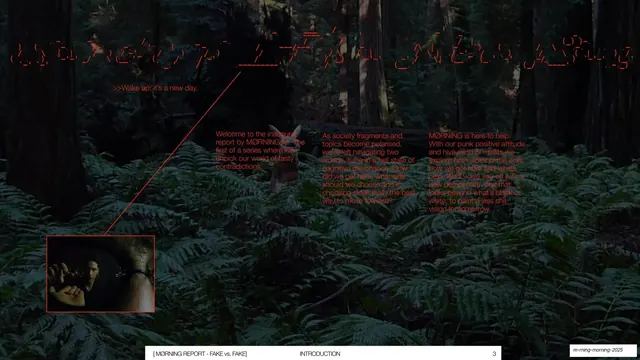 Report intro over darkened forest photo
 McKinley Studios Retail Partnership Pitch Deck
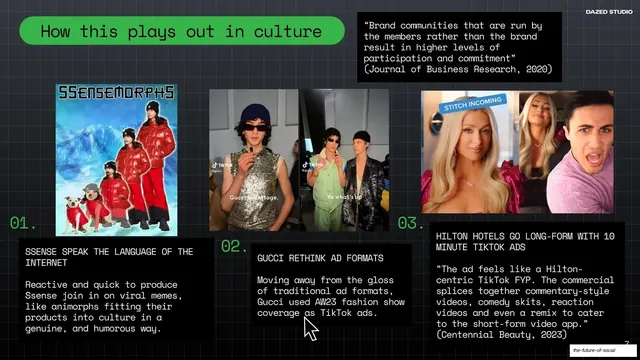 Three numbered culture case studies with visuals
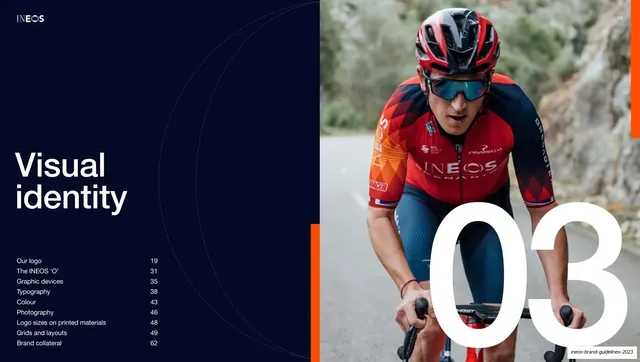 Visual identity section opener
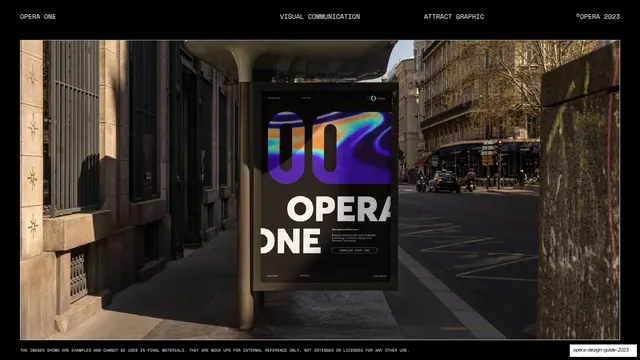 Transit poster mockup attract graphic
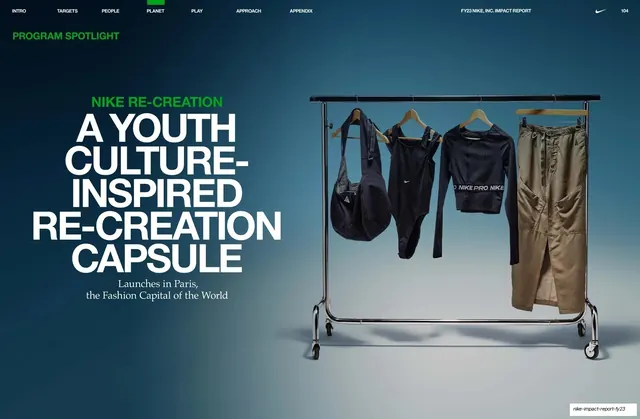 Re-Creation capsule program spotlight opener
 WeTransfer Ideas Report 2020
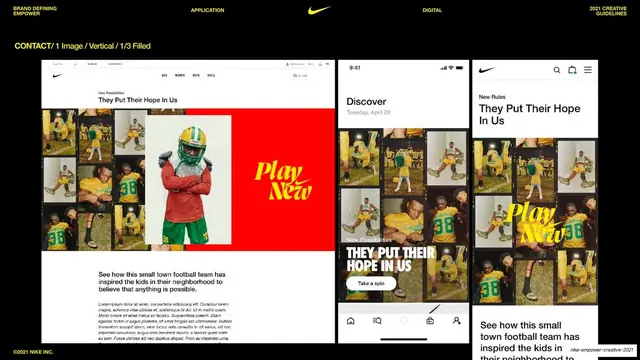 Digital contact-sheet framing, 1 image vertical 1/3 filled
 Marmalade Brand Guidelines 2025