Report table of contents with pillar colors
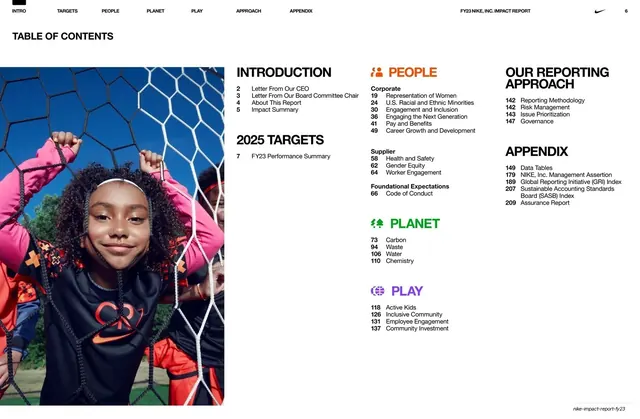
White contents page with a full-height photo of a girl behind a soccer net on the left and four columns of page-numbered section lists color-coded by pillar on the right.
Summary
A white table-of-contents page that pairs a tall goal-net photo with four columns of page-numbered sections, with the People, Planet and Play headings in their pillar colors.
Visual description
A full-height photo on the left shows a smiling girl in a black and orange kit with her hands up in a blue-sky goal net. The right side has a bold black all-caps INTRODUCTION heading with four page numbers beneath, followed by a large 2025 TARGETS heading. The next column stacks PEOPLE in orange with a pictogram and sub-lists grouped under Corporate, Supplier and Foundational Expectations. The third column holds PLANET in green and PLAY in purple, each with page-numbered sublists. The last column has OUR REPORTING APPROACH and APPENDIX headings with page numbers in bold.
Key takeaway
Coloring each pillar heading and its icon makes the index scannable without extra navigation chrome. Page numbers sit in a narrow left column so the eye can scan vertically down each section.
Reuse notes
Good model for a dense multi-section index or agenda that has a few clear categories. Keep the pillar colors consistent across all section openers so readers can connect them. Four columns need a wide canvas, so this layout will not stack cleanly on a narrow screen.
More like this
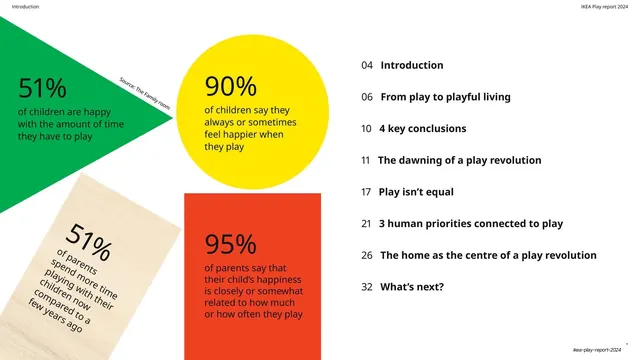 Play statistics and table of contents
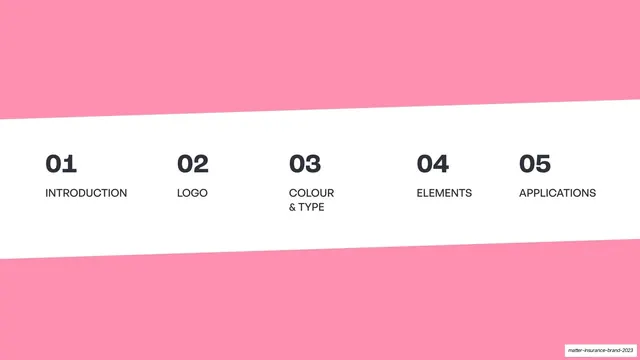 Five-section contents row on banded background
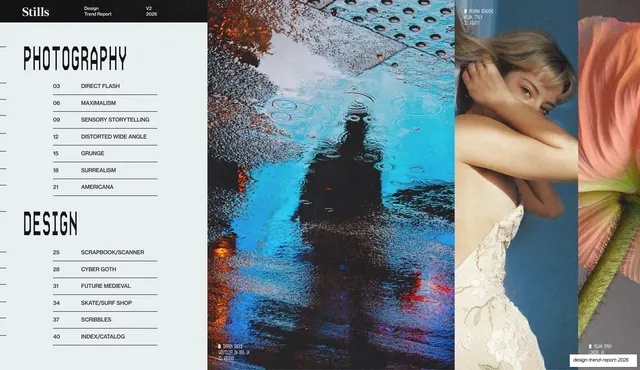 Photography and Design contents index
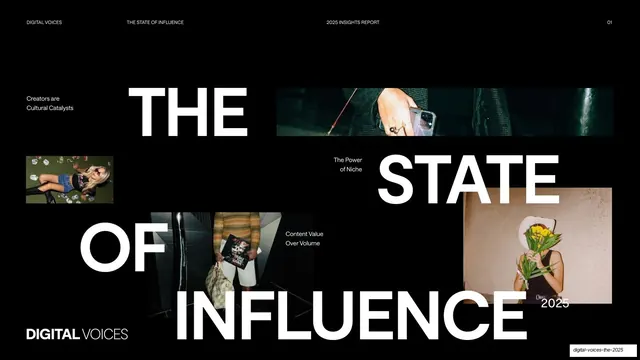 Digital Voices: The State of Influence 2025
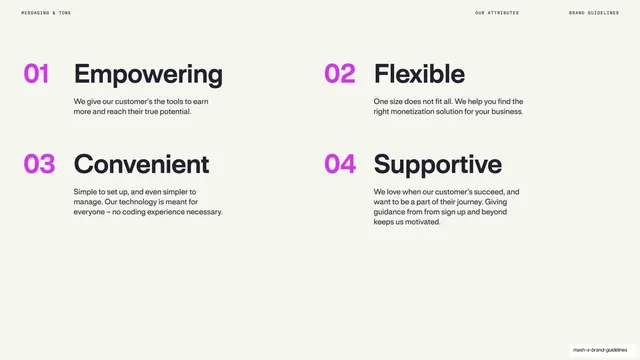 Messaging attributes 2x2 grid
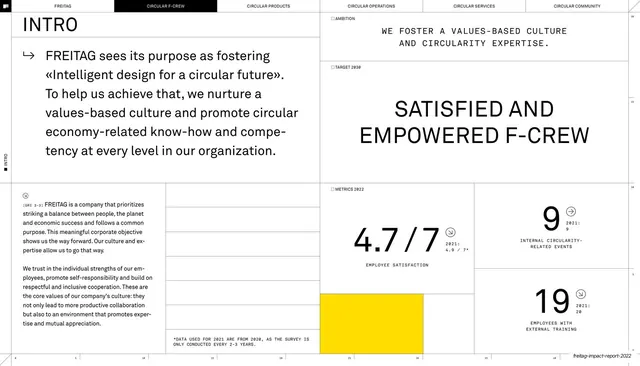 Satisfied and empowered F-Crew intro
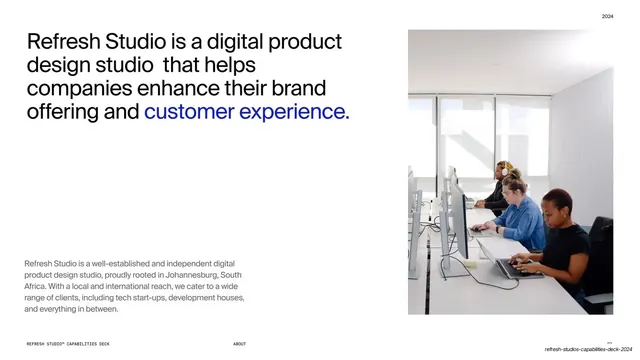 About - digital product design studio intro
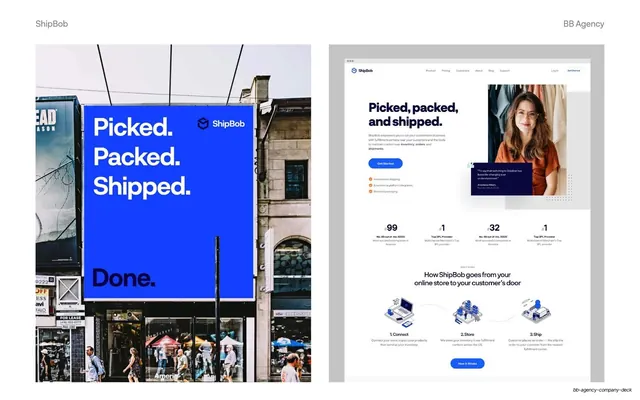 ShipBob billboard and homepage two-up
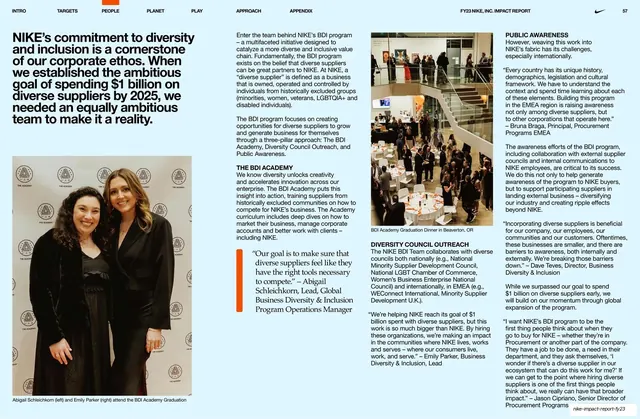 BDI three-pillar approach with quotes
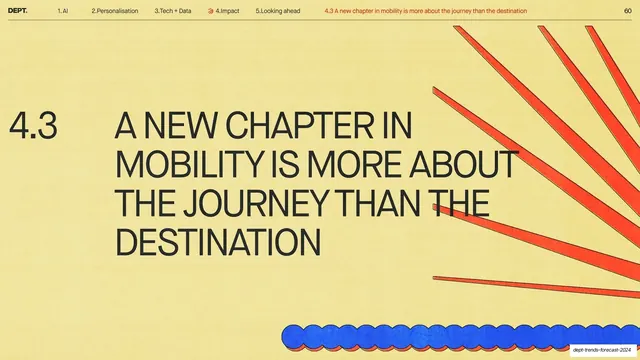 4.3 A new chapter in mobility section divider
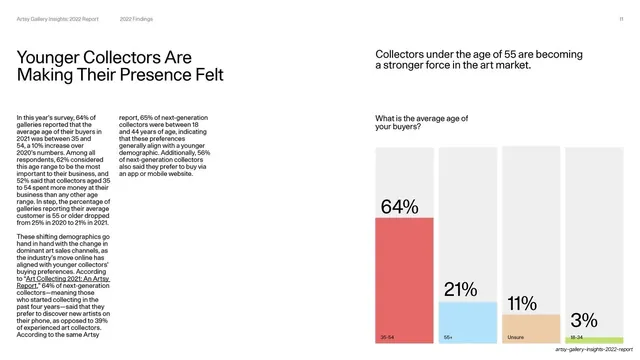 Younger Collectors Are Making Their Presence Felt
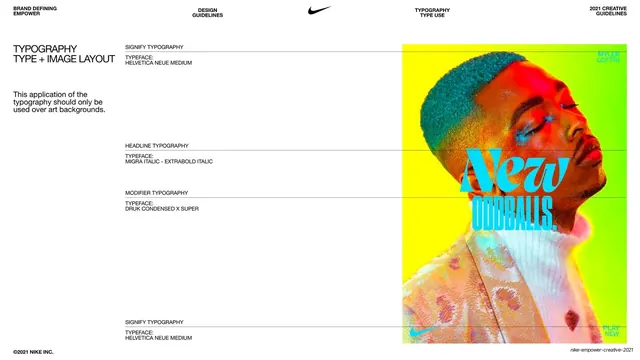 Typography type plus image layout for art backgrounds
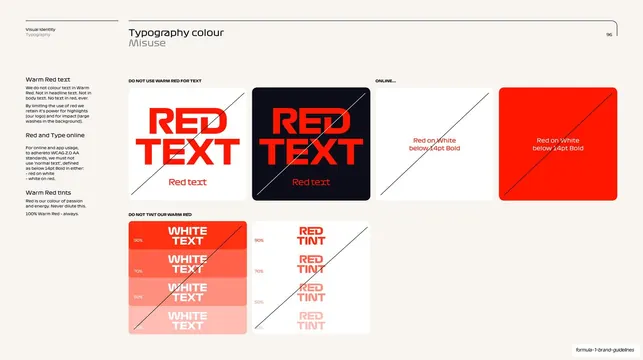 F1 type colour misuse slide
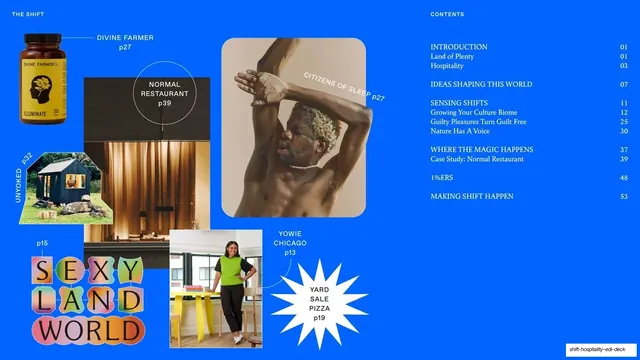 Contents collage
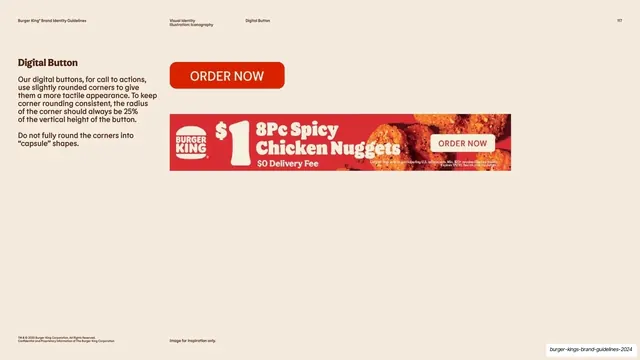 Digital button spec with banner mockup
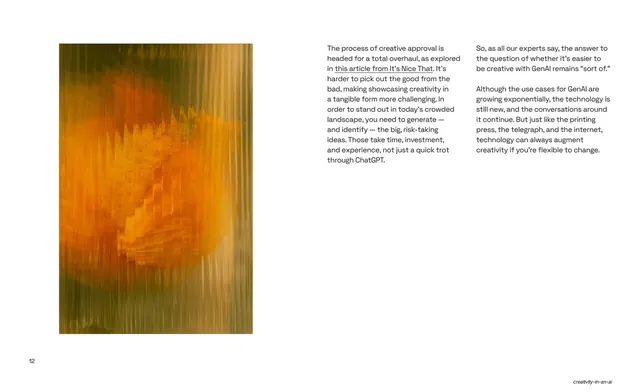 Closing argument with glitch landscape
 Brand attributes grid
 Index / table of contents
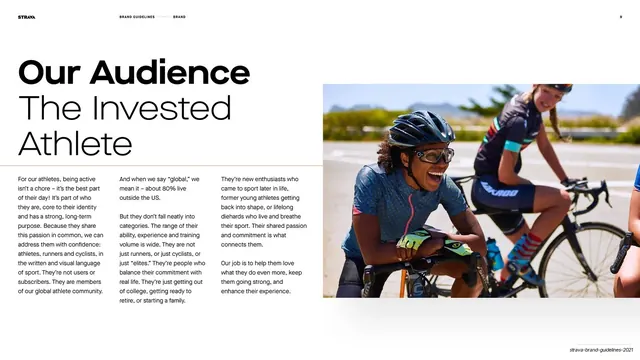 Audience description with cyclists photo
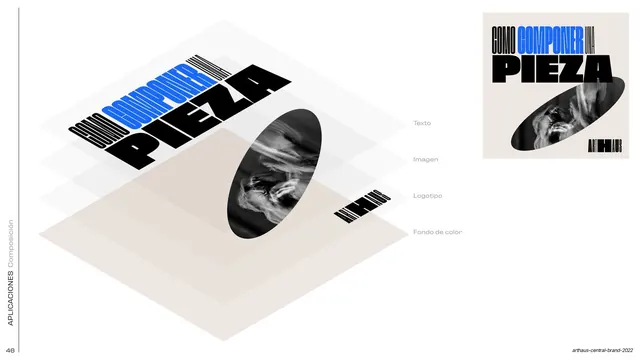 Rotated-portrait composition layer diagram
 Zapier Brand Guidelines 2023
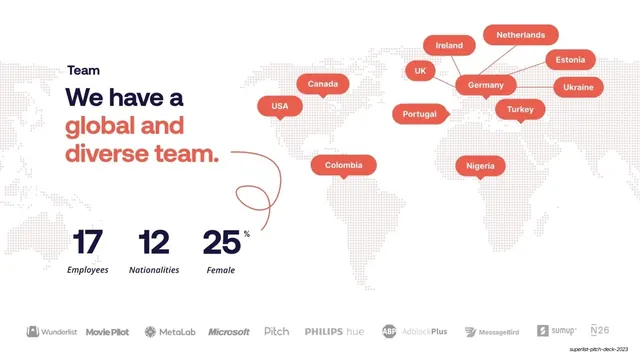 Global and diverse team map
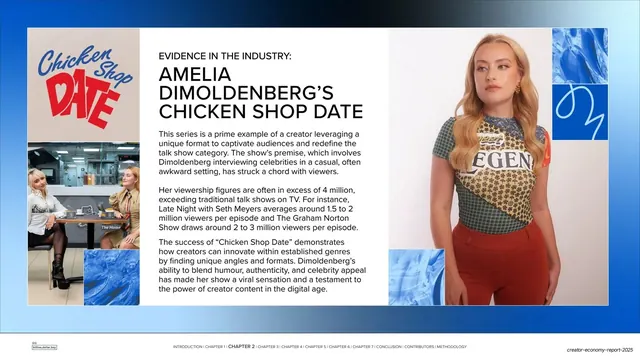 Amelia Dimoldenberg Chicken Shop Date case study
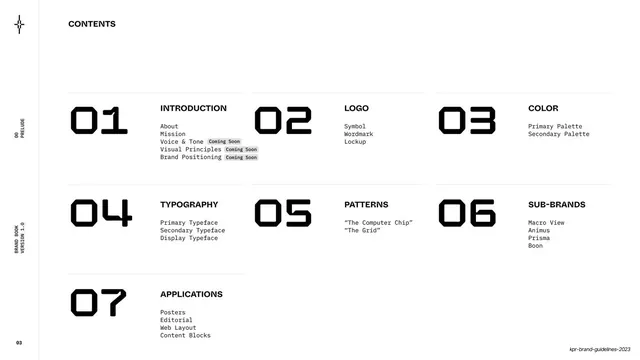 Contents page