Index / table of contents
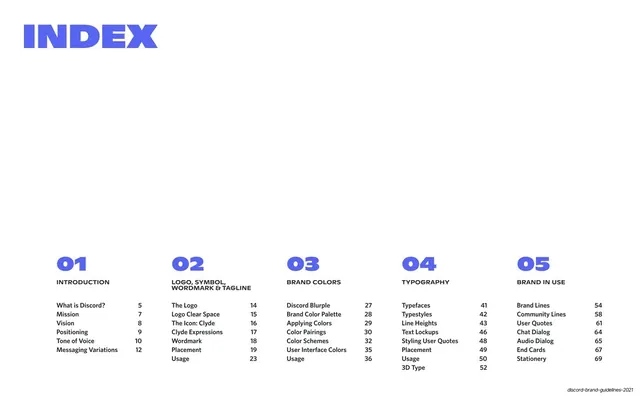
White contents page with a blurple INDEX headline and five numbered columns listing the deck's chapters and page numbers.
Summary
The contents page: a white ground with a large blurple "INDEX" headline top-left and five numbered columns mapping the deck's chapters to page numbers.
Visual description
White background. An oversized blurple condensed display "INDEX" sits top-left. The lower half holds five evenly spaced columns, each headed by a large blurple all-caps number (01 through 05) and a black all-caps section title (INTRODUCTION; LOGO, SYMBOL, WORDMARK & TAGLINE; BRAND COLORS; TYPOGRAPHY; BRAND IN USE). Under each heading, a tidy list pairs subsection names at the left with right-aligned page numbers. The wide upper-middle is left empty so the columns sit as a band along the bottom.
Key takeaway
Anchoring the whole contents grid to the lower band and letting the top breathe. The big blurple numerals turn a plain table of contents into a graphic system and make the five chapters scannable at a glance.
Reuse notes
A clean contents template for any multi-chapter deck or report. The numbered-column layout scales to four to six sections; below four, columns start to look sparse. Reuse the big-numeral + page-number pairing for any agenda or index page.
More like this
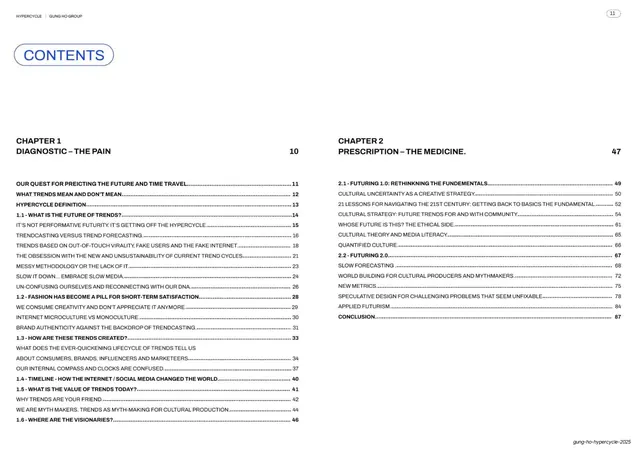 Contents, two-chapter index
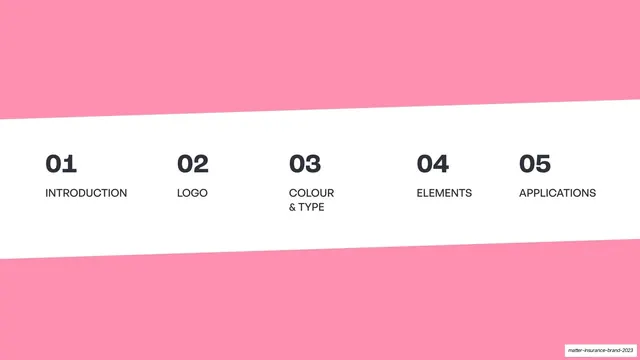 Five-section contents row on banded background
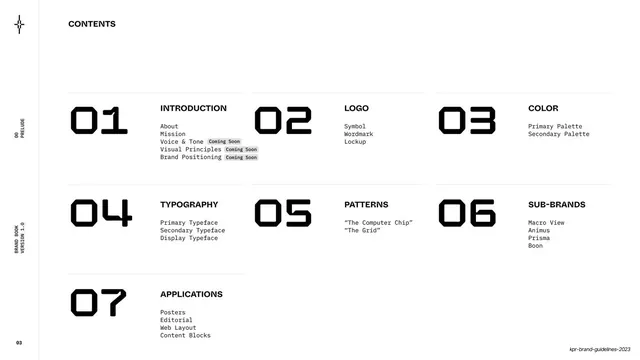 Contents page
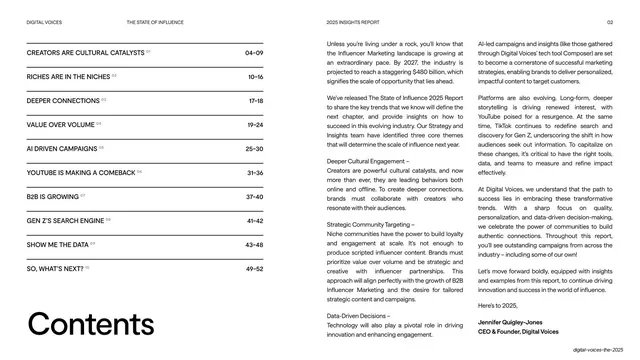 Contents and opening letter
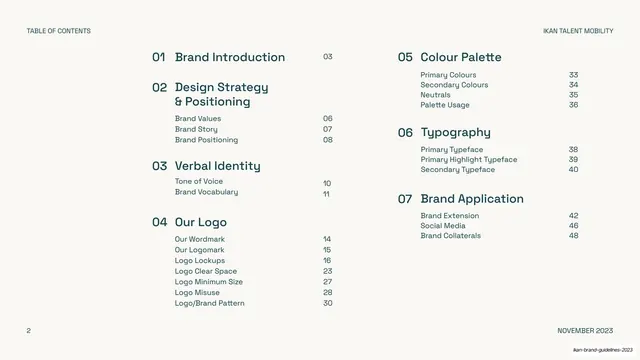 IKAN table of contents
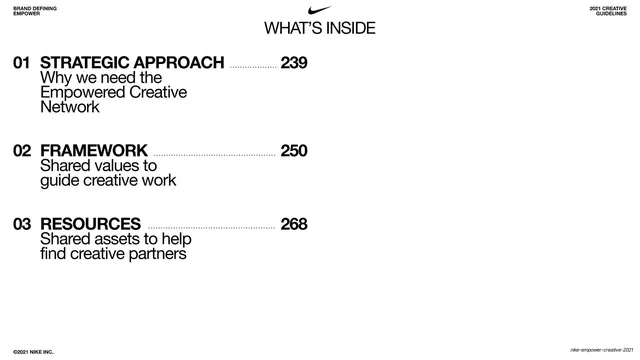 What's Inside contents page
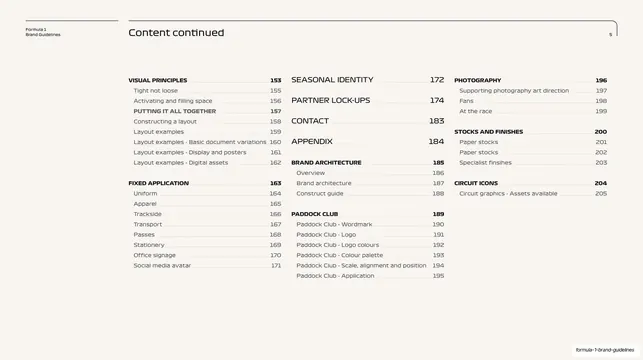 Table of contents continued (Visual Principles to Circuit Icons)
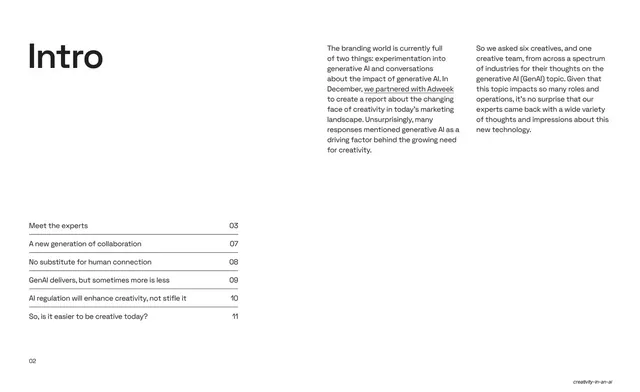 Intro and contents
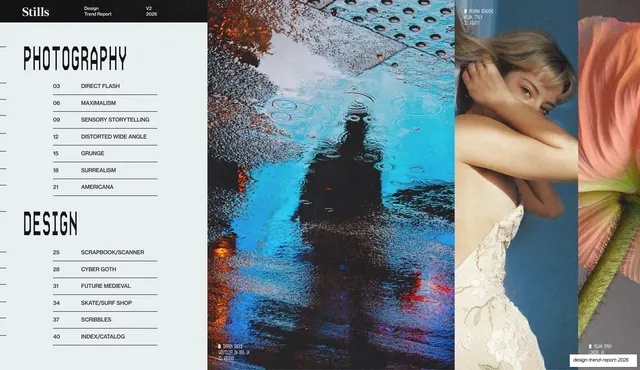 Photography and Design contents index
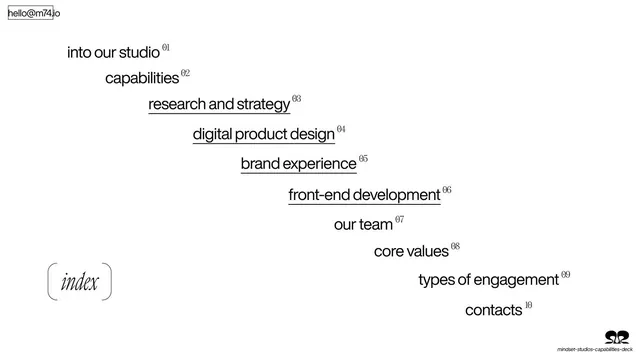 Staircased index of contents
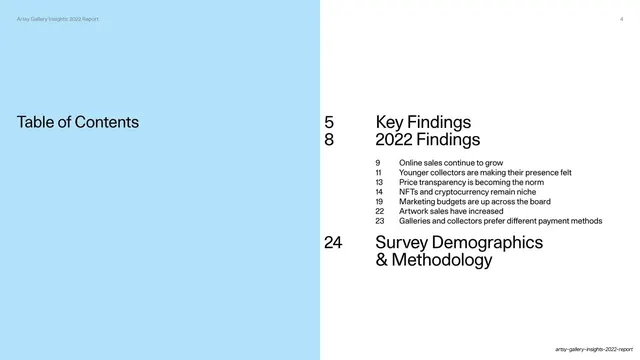 Table of Contents
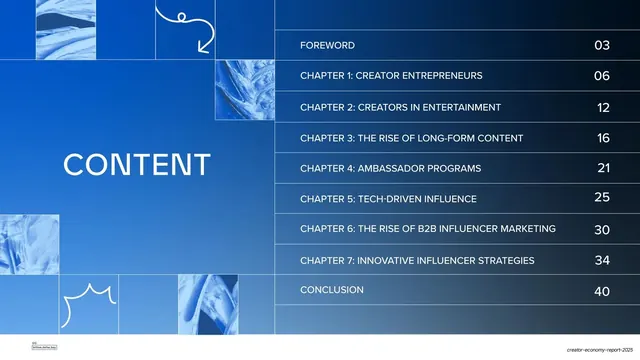 Content table of chapters
 UX Research Report Template
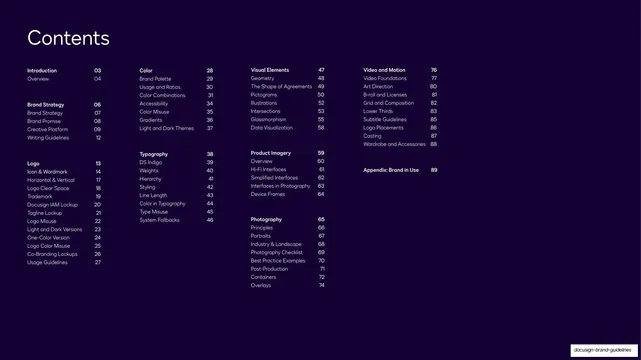 Contents table of contents
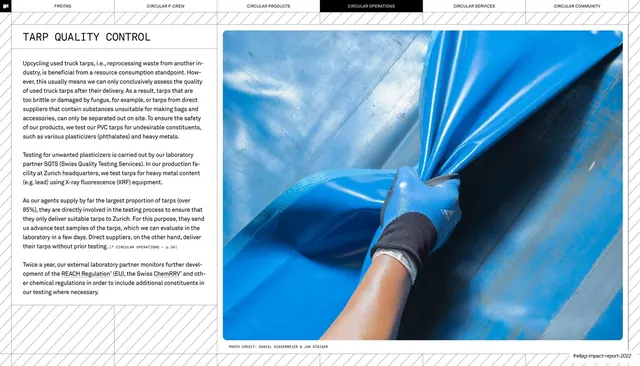 Tarp quality control photo spread
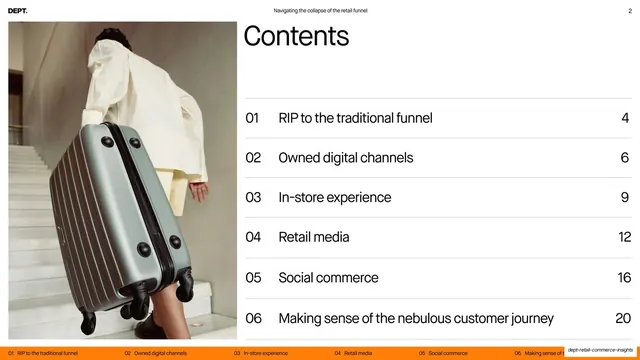 Contents page with six chapters
 ARTHAUS white color spec (Blanco)
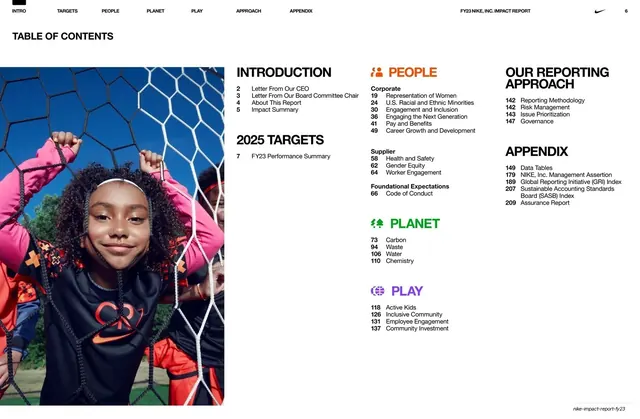 Report table of contents with pillar colors
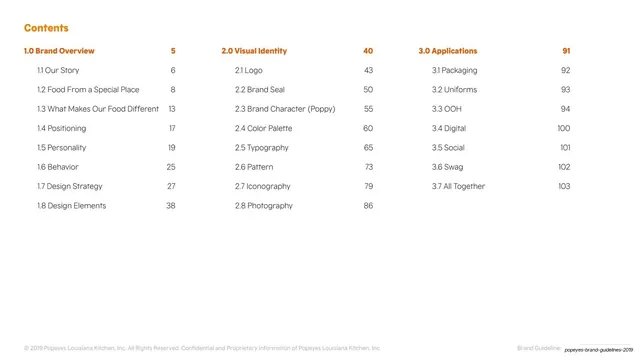 Three-column table of contents with page numbers
 Contents
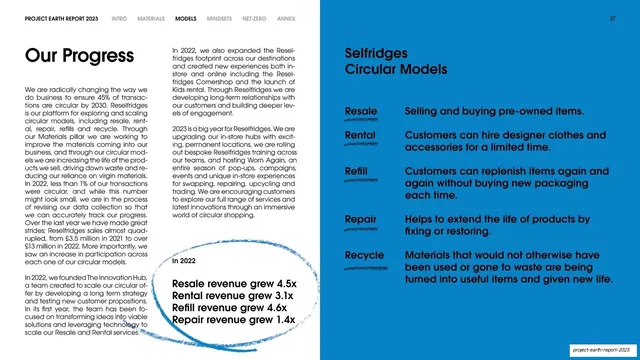 Progress text beside circular models definitions
 Mash Brand Guidelines cover
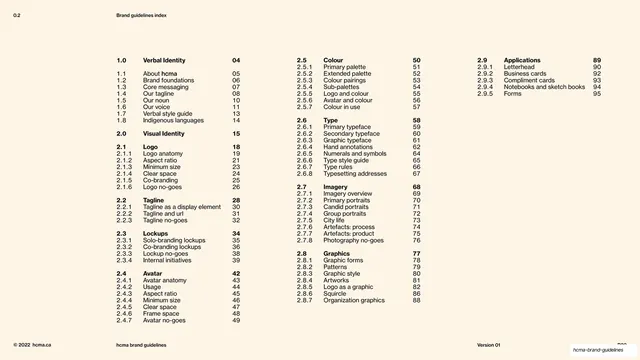 Brand guidelines table of contents
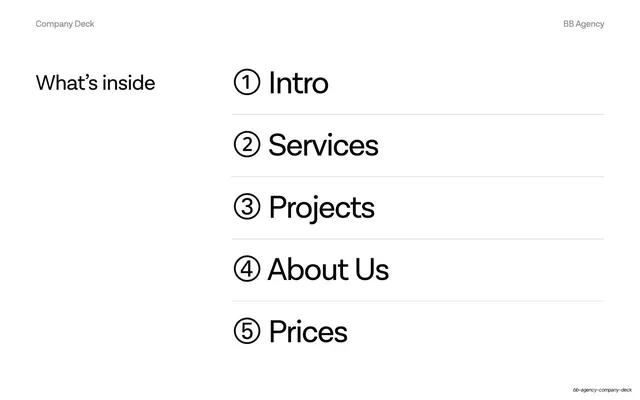 What's inside contents list