Logo at 100 percent width and exception
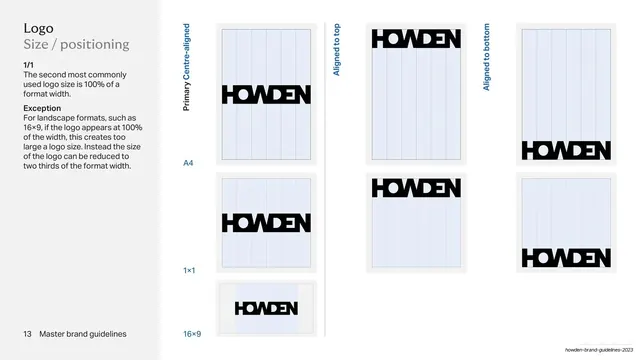
Sidebar page with a matrix of format thumbnails showing the logo at full format width, aligned top, centred or bottom, with a 16x9 exception reducing it to two-thirds width.
Summary
A size reference that shows the logo at 100 percent of format width in portrait and square formats, placed centred, top or bottom, with a 16x9 exception reduced to two-thirds width.
Visual description
The sidebar has a bold "1/1" label, body copy, and an "Exception" subhead. The right side is a grid of pale grey format cards with light blue column bands. The first column shows a tall A4 card with the full-width black logo centred, then a square card with the logo at mid height, then a short 16x9 card with a smaller logo. The second column shows the logo at the top of the A4 and square formats. The third shows it aligned to the bottom. Rotated blue column headings read "Primary Centre-aligned," "Aligned to top," and "Aligned to bottom." The 16x9 card is marked as the exception.
Key takeaway
Full-width logos work on tall formats, but the same rule creates an oversized mark on wide ones, so the document shows the exception in the same matrix as the rule.
Reuse notes
Use this pattern when a logo rule has an exception for a specific format. Presenting the normal rule and the exception on one page keeps the reader from guessing. The top and bottom alignment examples are useful for posters and covers.
More like this
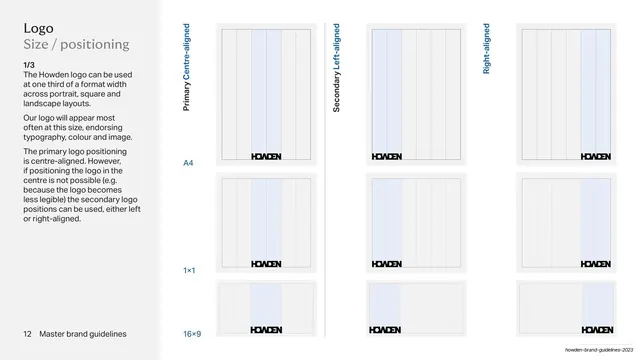 Logo sized at one-third format width
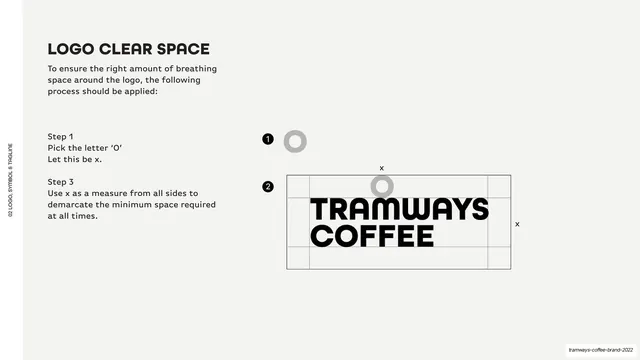 Logo clear space construction
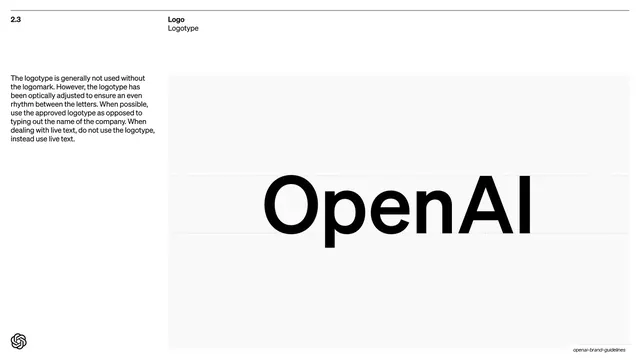 Logotype usage on light panel
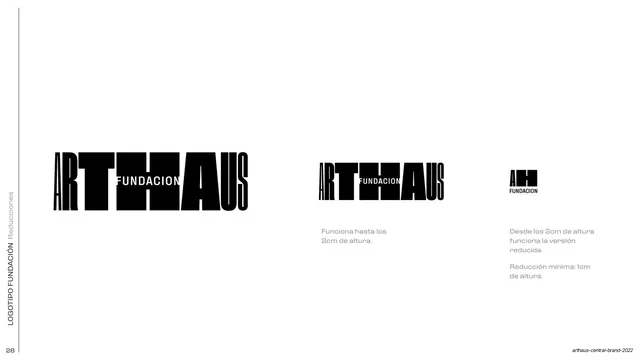 ARTHAUS Fundacion reductions and minimum sizes
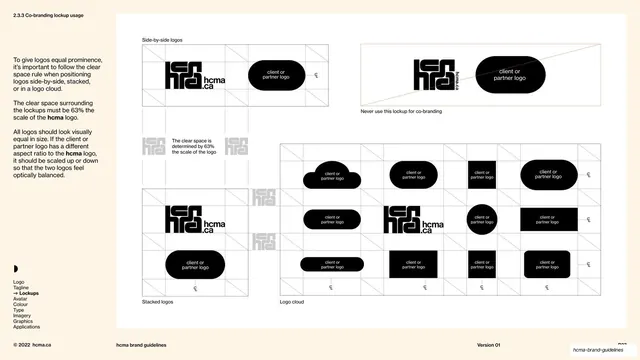 Co-branding lockup usage and clear space
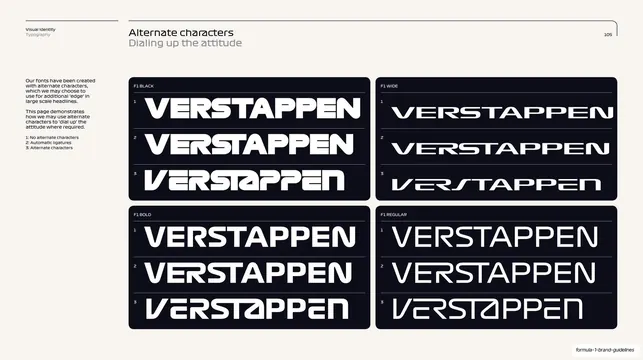 Alternate characters - dialing up the attitude
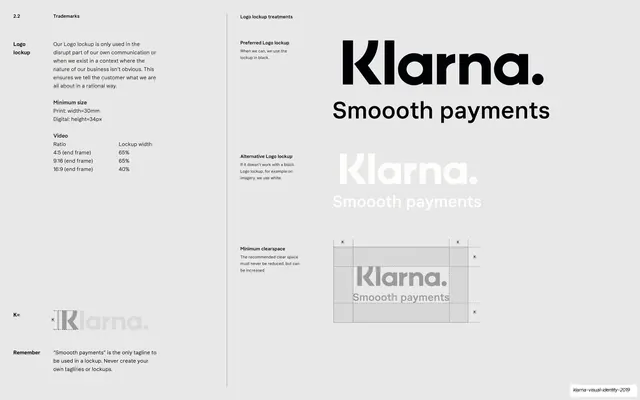 Logo lockup with Smoooth payments tagline
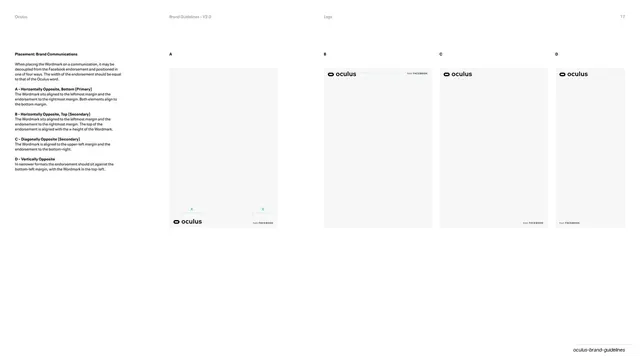 Four wordmark placement options
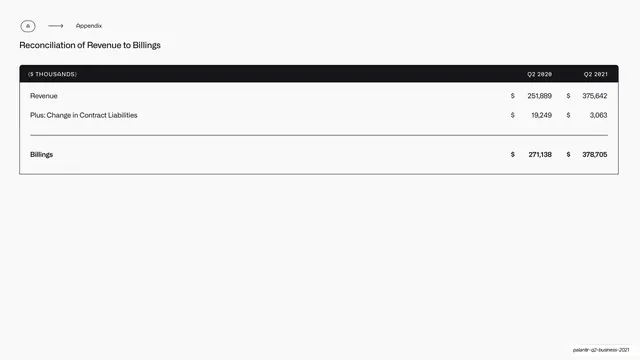 Revenue to billings reconciliation table
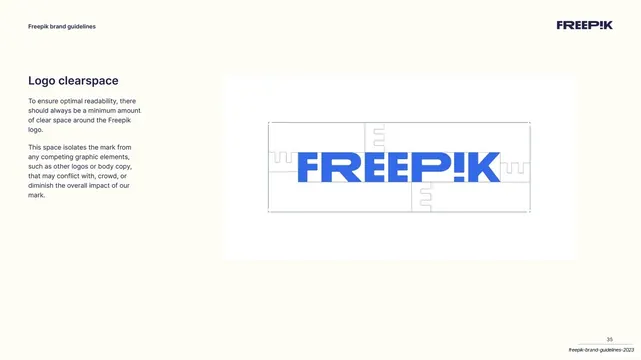 Logo clear space construction diagram
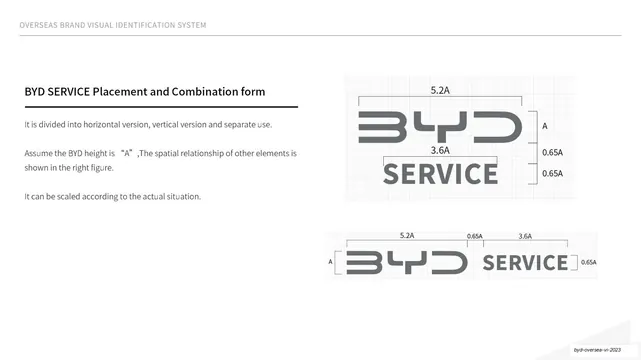 BYD SERVICE lockup proportion diagram
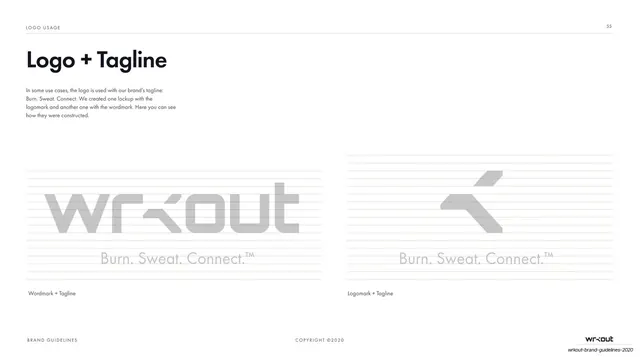 Wordmark and logomark tagline construction grids
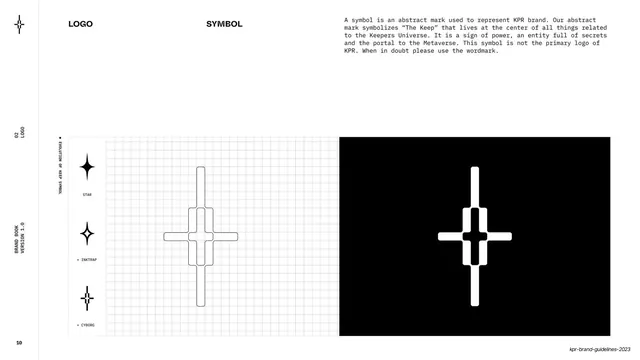 Symbol - the four-pointed star
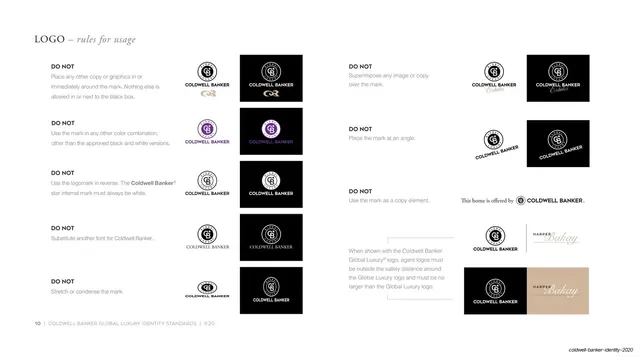 Logo do-not usage examples grid
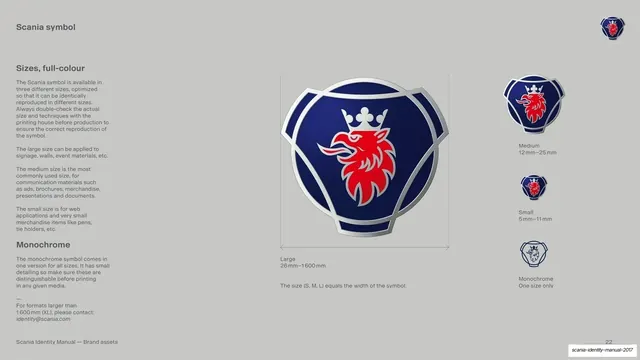 Scania symbol sizes and monochrome version
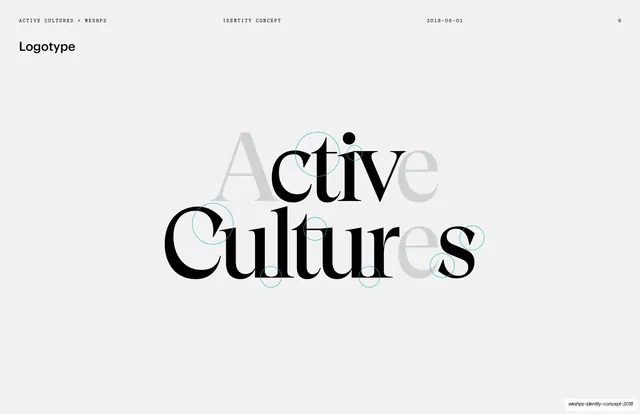 Finalized two-line logotype with construction marks
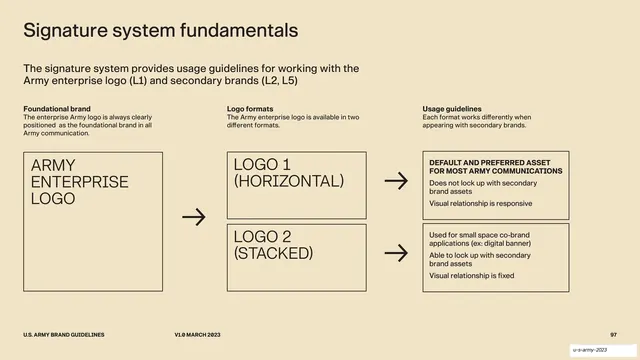 Signature system three-column logo framework
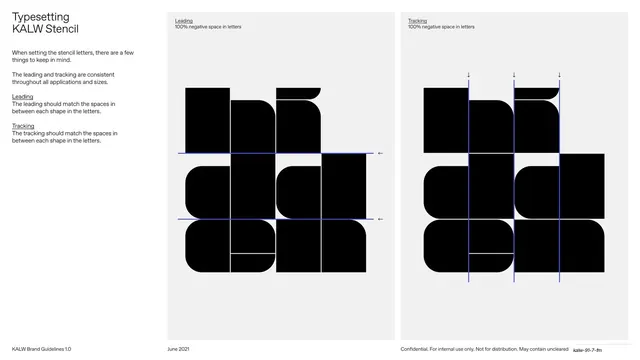 Stencil leading and tracking via negative space
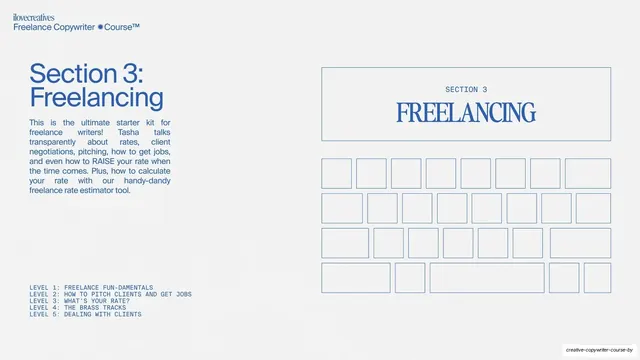 Section 3 divider with keyboard wireframe
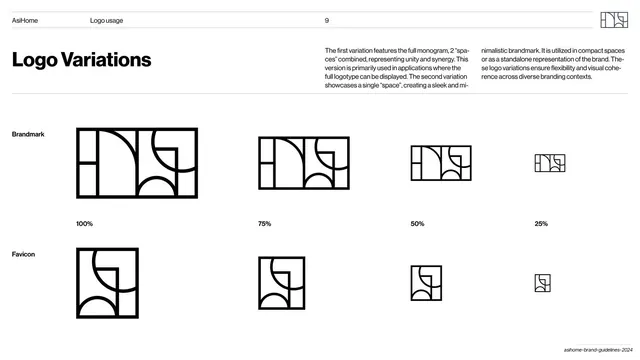 Logo variations and favicon sizes
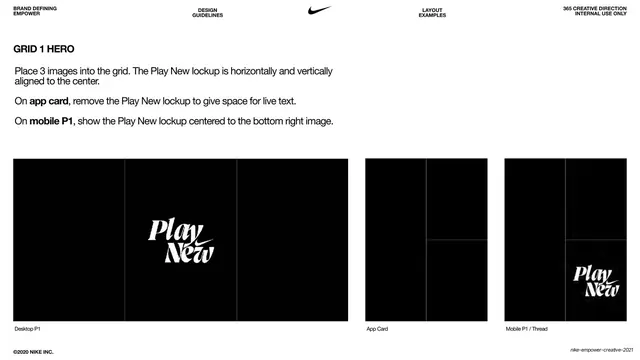 Grid 1 Hero layout spec
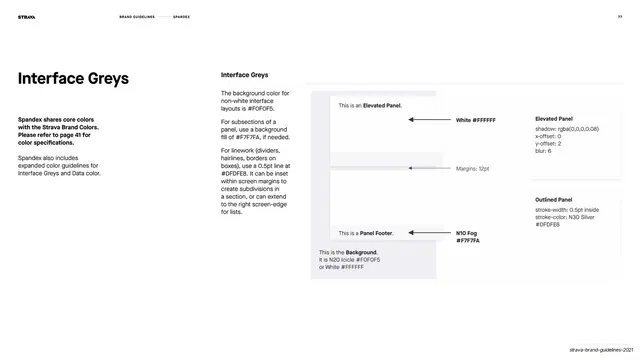 Interface greys and panel elevation
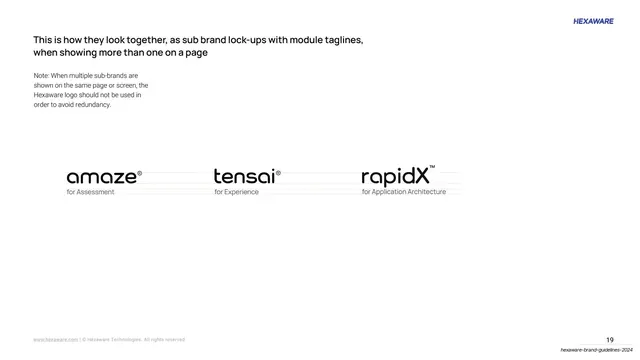 Sub-brand lockups without parent logo
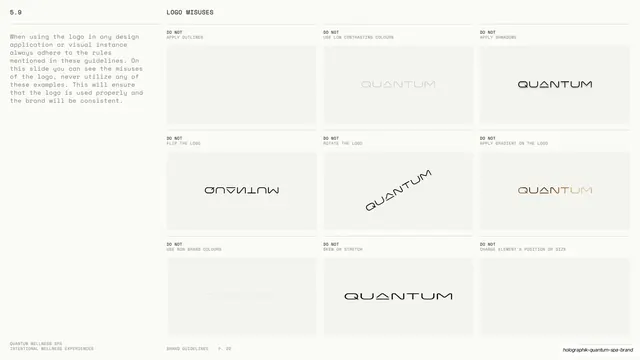 Logo misuse grid of nine rules