Approved color pairing combinations grid
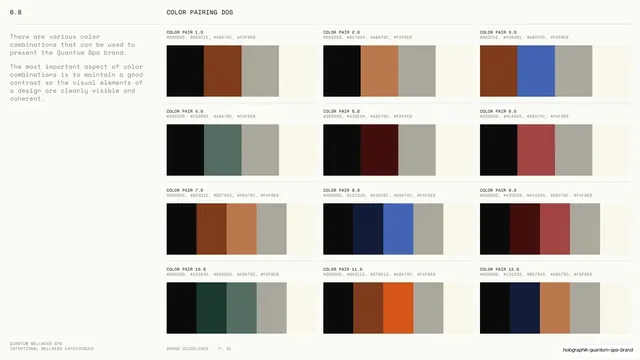
Twelve numbered approved color combinations, each a row of two to four flat swatches with hex codes, arranged in a three-column grid.
Summary
A three-by-four grid of numbered approved color combinations, each shown as a strip of flat swatches labeled with its hex codes.
Visual description
The header "6.8 COLOR PAIRING DOS" sits top left above a monospace paragraph about contrast. The right side holds twelve cards in three columns and four rows. Each card has a bold monospace label such as "COLOR PAIR 1.0" and a line of hex codes, then a strip of flat swatches. Most strips begin with near-black and end with the off-white or beige neutral, with brown, orange, blue, dark green or light red in between. The strips vary from two to four swatches. The footer reads "BRAND GUIDELINES P. 31".
Key takeaway
Each approved pairing anchors on a near-black or dark tone and closes on a light neutral, so contrast is built in. Printed hex codes make every combination easy to copy.
Reuse notes
Use as the reference set for approved combinations. Twelve cards are a lot to scan at once, so grouping by hue family may help in a presentation. Pair it with the pairing don'ts page to show the boundary.
More like this
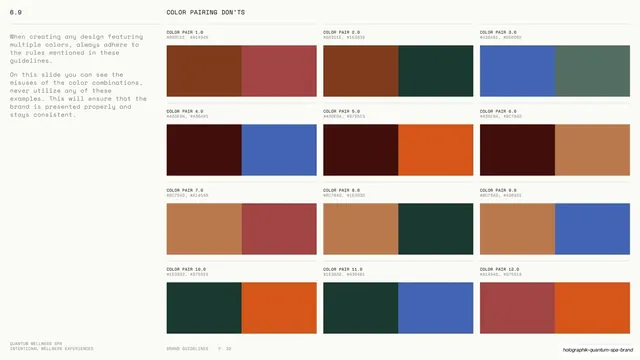 Color pairing combinations to avoid
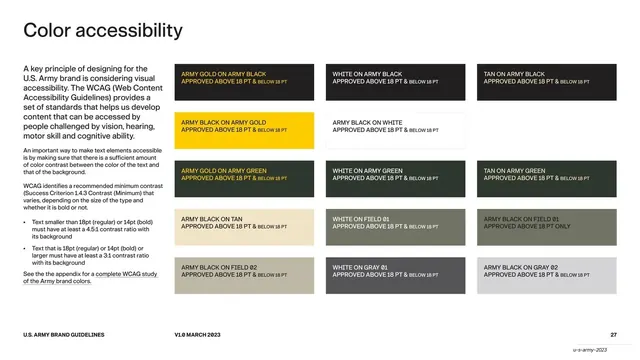 WCAG color contrast approved combinations grid
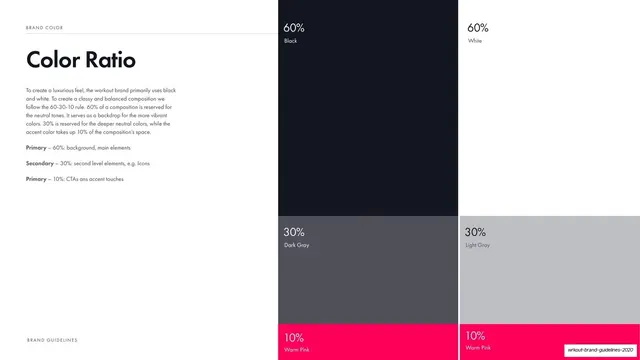 60/30/10 color ratio split
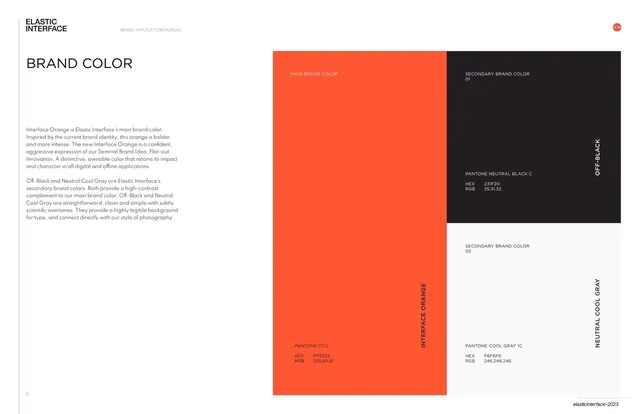 Brand palette with HEX values
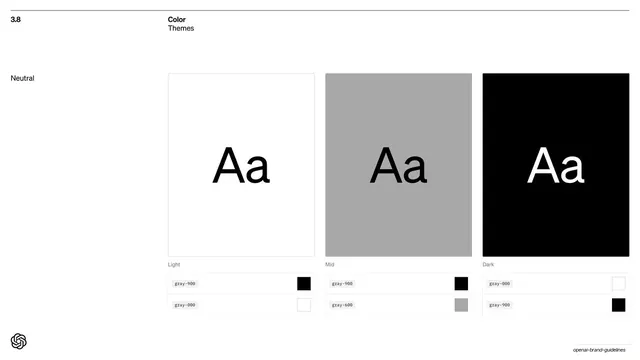 Neutral theme examples, light to dark
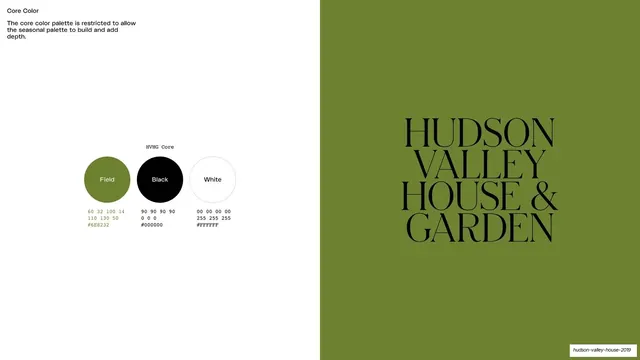 Core palette Field, Black and White
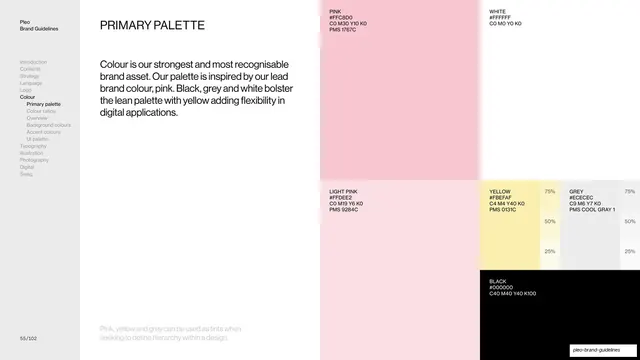 Primary palette swatches with colour values
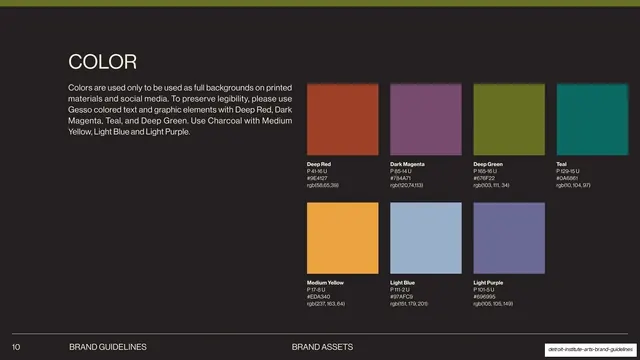 Color extended accent palette
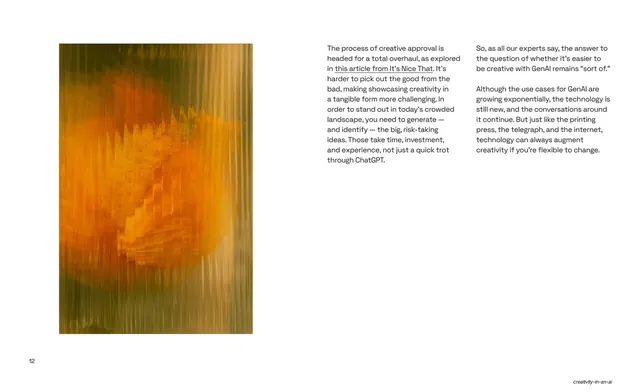 Closing argument with glitch landscape
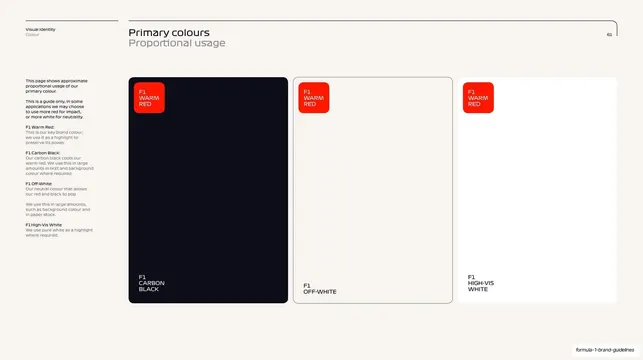 Primary colour proportional usage
 BEIGE primary color swatch
 Locations of production map
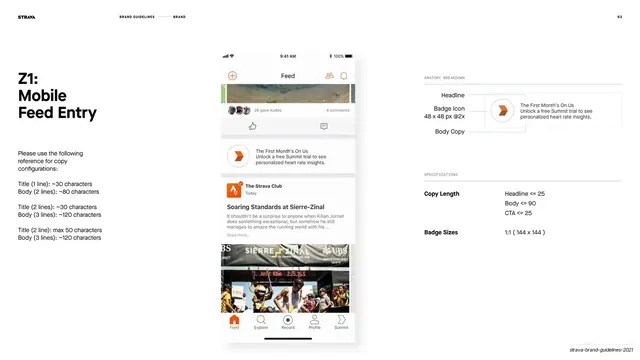 Z1 simple mobile feed entry anatomy
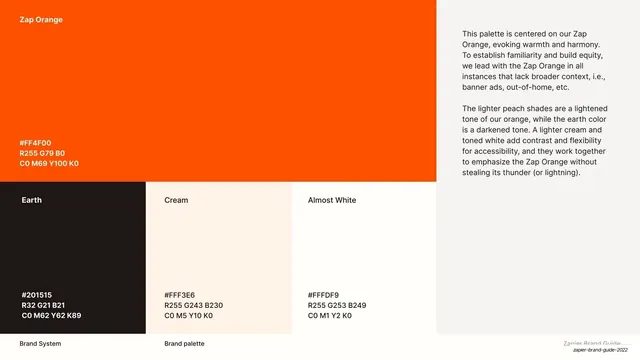 Primary palette led by orange block
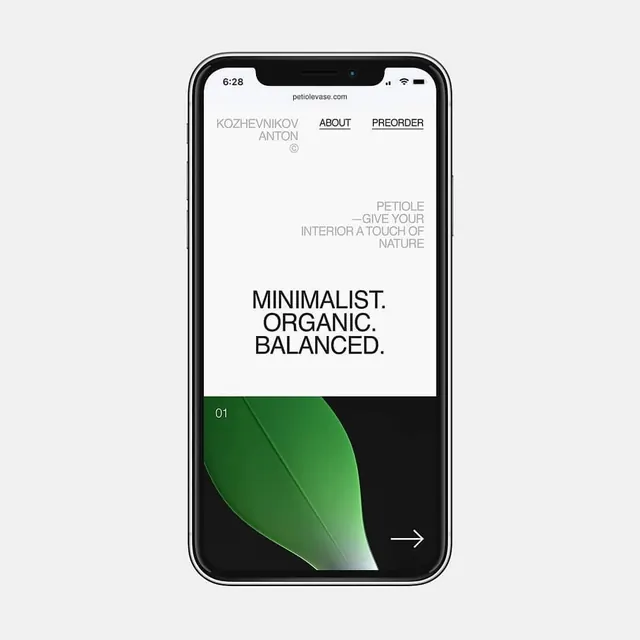 Minimalist Organic UI Design
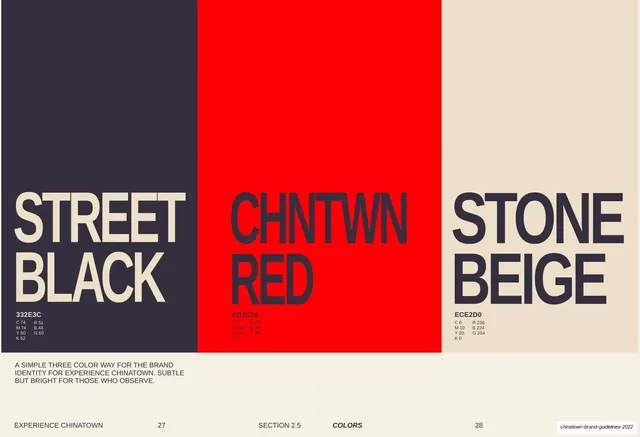 Primary three-color palette swatches
 Impact strategy text columns over runner photo
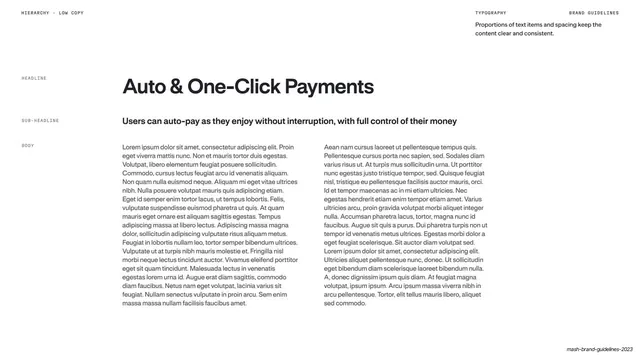 Proportions and spacing principle
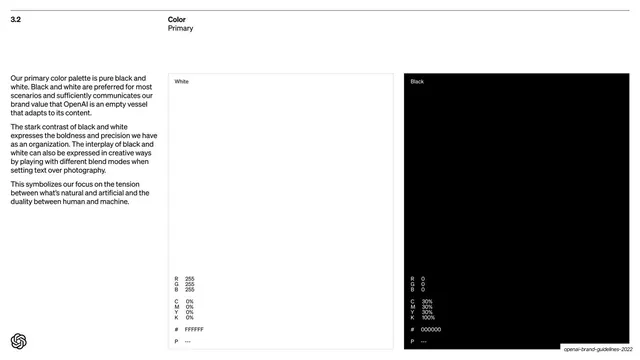 Primary color palette black and white
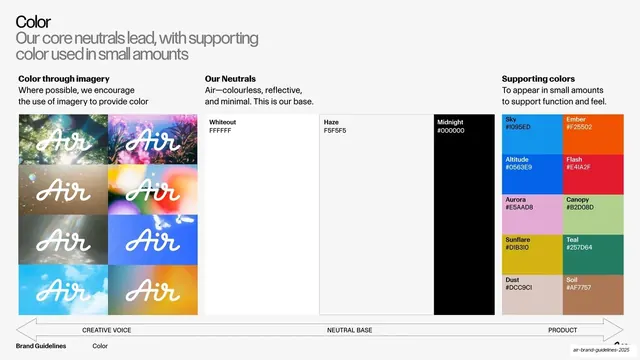 Color neutrals and supporting palette
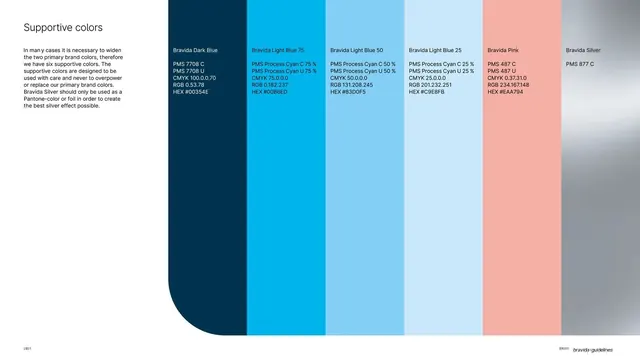 Supportive colors six-swatch row
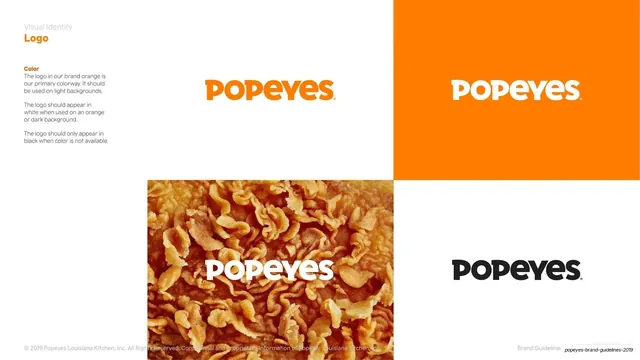 Logo color variations on backgrounds
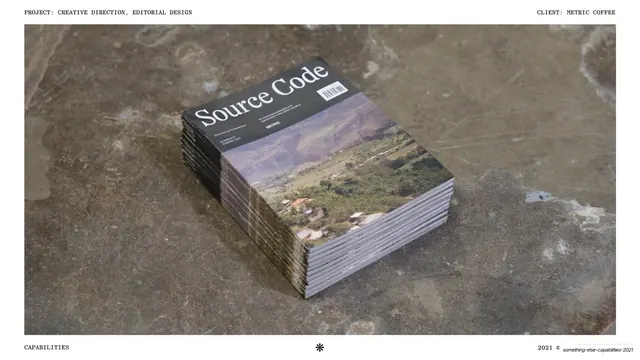 Source Code magazine on stone
 Cart widget placement under subtotal