Ligature glyph set and activation steps
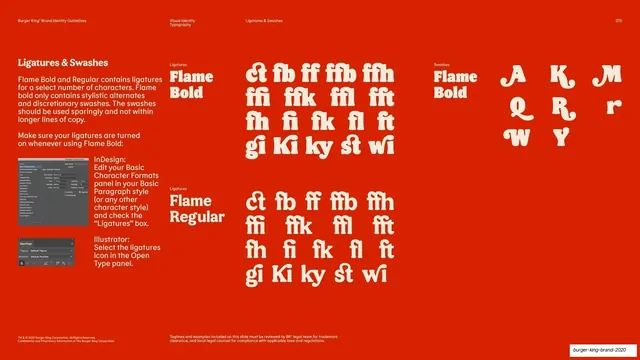
Three-column reference listing Flame ligature glyphs and swash capitals, with InDesign and Illustrator activation steps and screenshots.
Summary
A three-column reference that lists the Flame ligature glyphs and swash capitals, with step-by-step activation instructions and two app screenshots.
Visual description
The left column repeats the heading and rules, then gives InDesign and Illustrator steps beside two small app screenshots. The middle column shows the Flame Bold and Flame Regular ligature sets as cream glyph grids, including forms such as ct, fb, ffh, fi and st. The right column shows the swash capitals of Flame Bold in a loose three-row grid. Everything is set on the red field in cream.
Key takeaway
Pairing the glyph inventory with the exact menu path to enable it turns a reference table into a usable production step.
Reuse notes
Use when setting up a type workflow in Adobe tools. The screenshots show specific software panels and will age, so check current menu paths before relying on them.
More like this
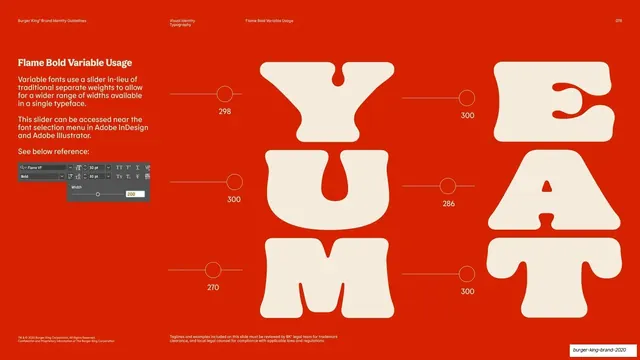 Flame Bold variable width sliders
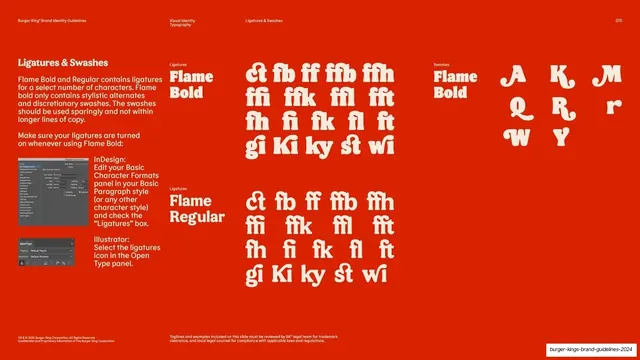 Ligatures and swashes specimen
 Formula 1 Brand Guidelines 2018
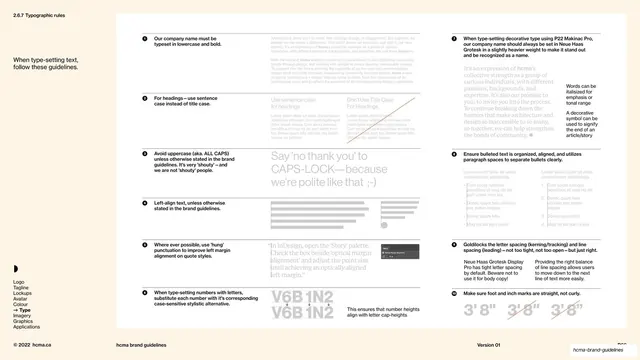 HCMA typographic rules
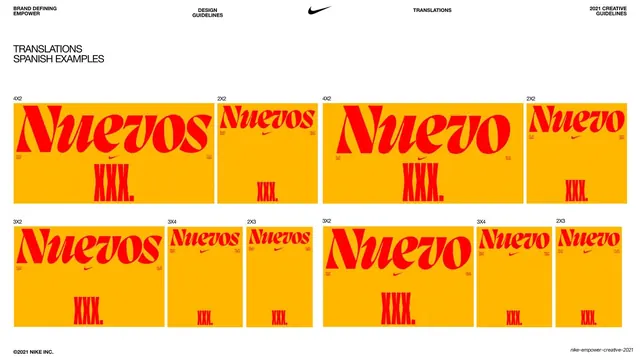 Spanish Nuevos masthead examples on yellow
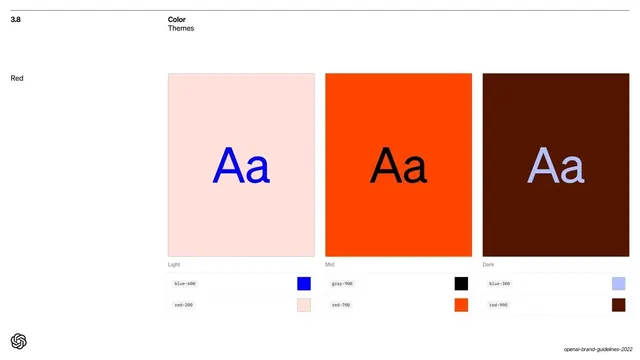 Red theme light mid dark
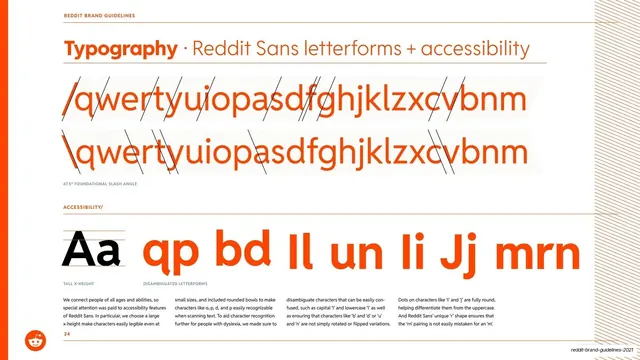 Letterforms and accessibility notes
 IKAN Brand Guidelines 2023
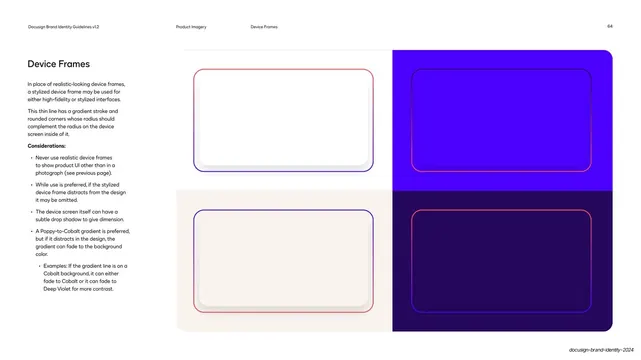 Device frames guidance
 Two-column about page on orange
 WayRay team stat photo
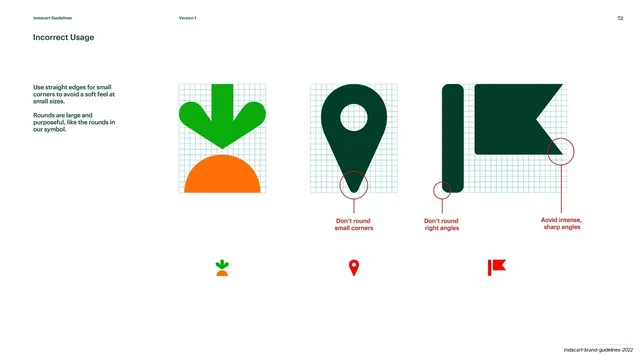 Incorrect icon usage: rounding and acute angles
 The Open Application Network Brand Guidelines
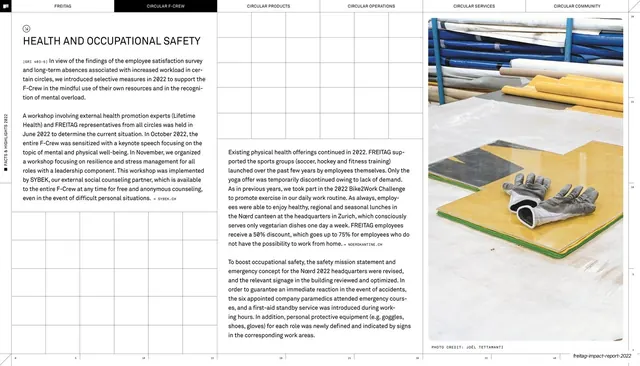 Health and safety split text and workshop photo
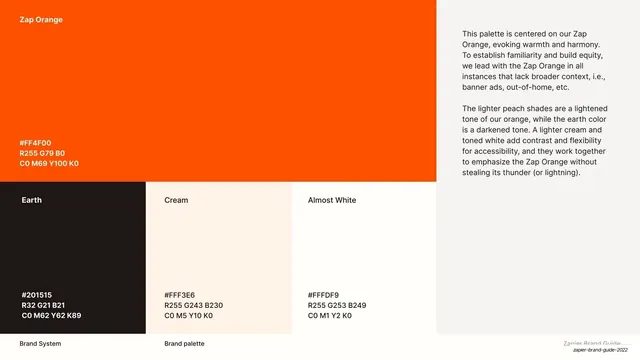 Primary palette led by orange block
 Chip manufacturing render and orange column
 Fashion industry emissions and private label analysis
 Five-step career plan from Erik Carter
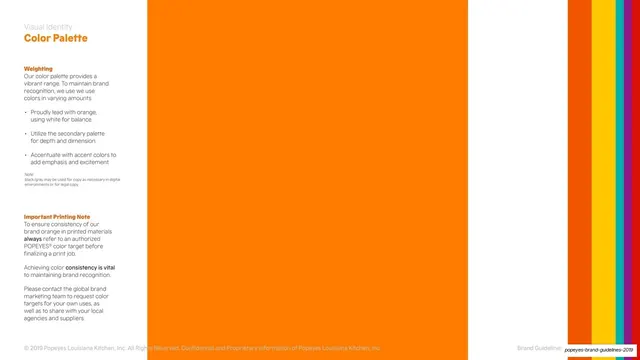 Color weighting and printing note
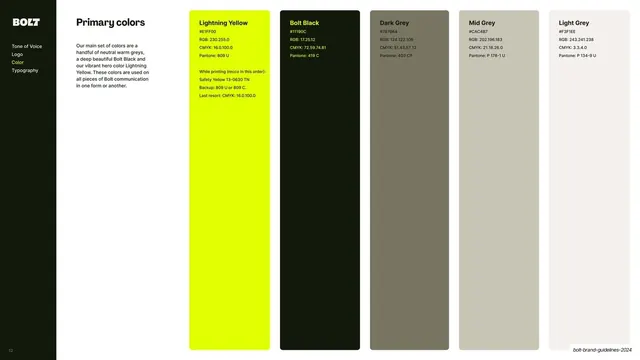 Primary colors palette
 Three-line tight vertical setting
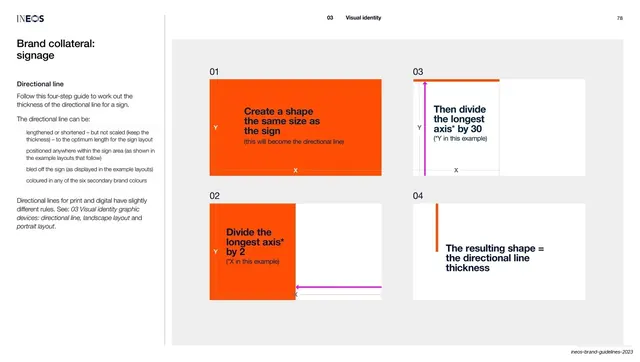 Directional line four-step method
 KRAFTON Brand Guidelines (Basic V1.1)
 WhatsApp mnemonic two-way colour applications