Instructional camera sensor UI with concentric dials
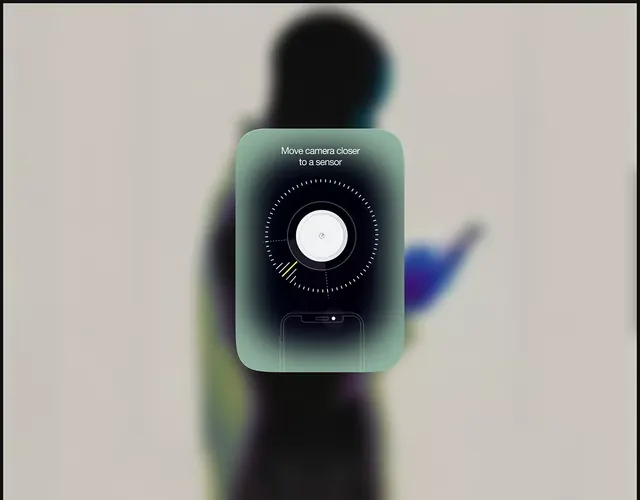
Mobile app screen with teal gradient panel containing a large circular sensor diagram and instructional text overlay, set against blurred background.
Summary
Mobile app screen with teal gradient panel containing a large circular sensor diagram and instructional text overlay, set against blurred background.
Visual description
A smartphone centered on a soft, blurred photographic background (person in motion). The app displays a frosted-glass panel with a teal-to-dark gradient anchored at the center of the viewport. The panel holds a single instruction in white sans-serif at the top (Move camera closer to a sensor), below which is a large circular diagram with a white center dot, concentric rings marked with tick marks, a yellow accent bar on one quarter, and dotted radial lines. The phone outline is faintly visible below the diagram, maintaining compositional coherence.
Key takeaway
A glassmorphic panel with precise circular UI as the focal point, guiding user attention via clear typography + visual hierarchy. The concentric-ring + accent-bar pattern is both functional (shows progress or direction) and minimalist. Blurred environmental photography behind the UI adds depth without competing for attention.
Reuse notes
Ideal for hardware/mobile apps that require step-by-step instruction or sensor calibration flows. The glassmorphic treatment works on photographic backgrounds. Pairs well with instructional overlays and onboarding sequences. Center the high-information diagram to anchor the composition.
More like this
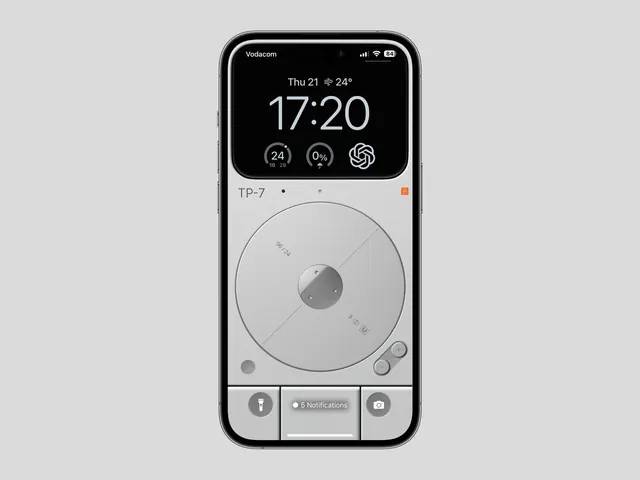 Mobile interface with circular dial control
 Brushed metal speaker corner macro
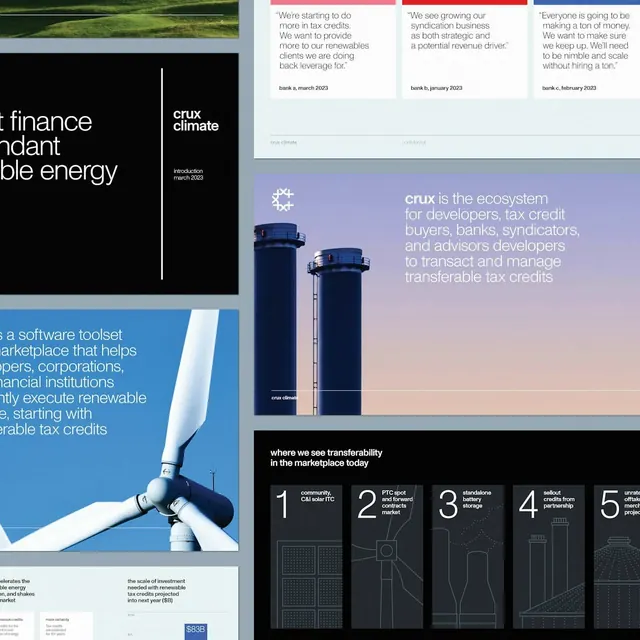 Crux fintech platform UI composition
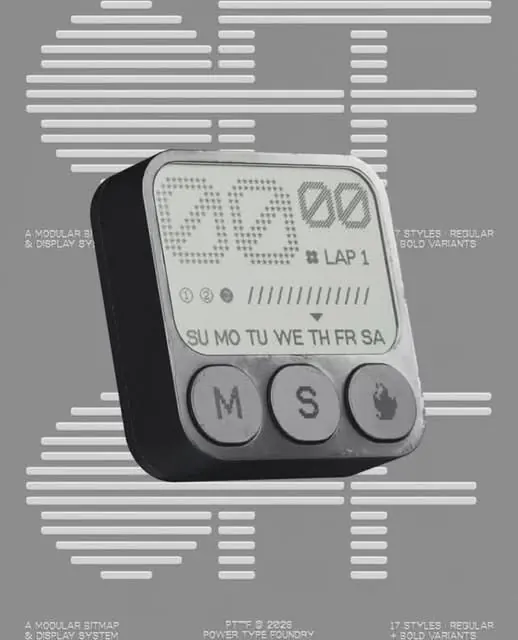 Retro digital device UI mockup
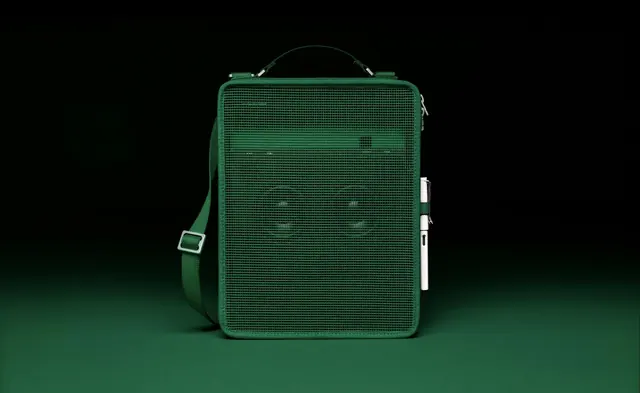 Green Textured Speaker Mockup
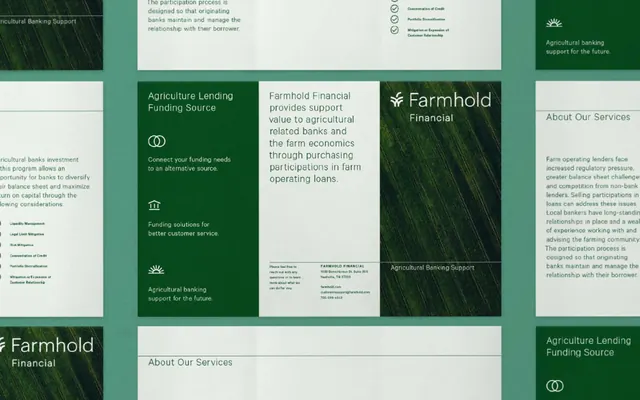 FarmShield corporate branding collateral set
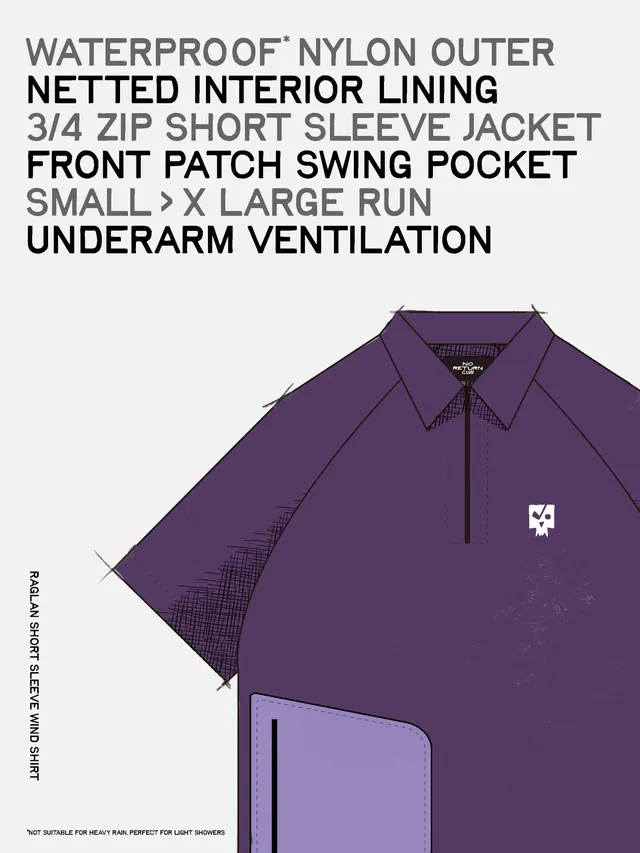 Purple jacket technical spec graphic
 Industrial oven product mockup with rotation control
 Black water bottle product shot
 Dark-mode mobile media remote interface with circular and rectangular buttons
 Dark mobile dashboard with gradient card modules
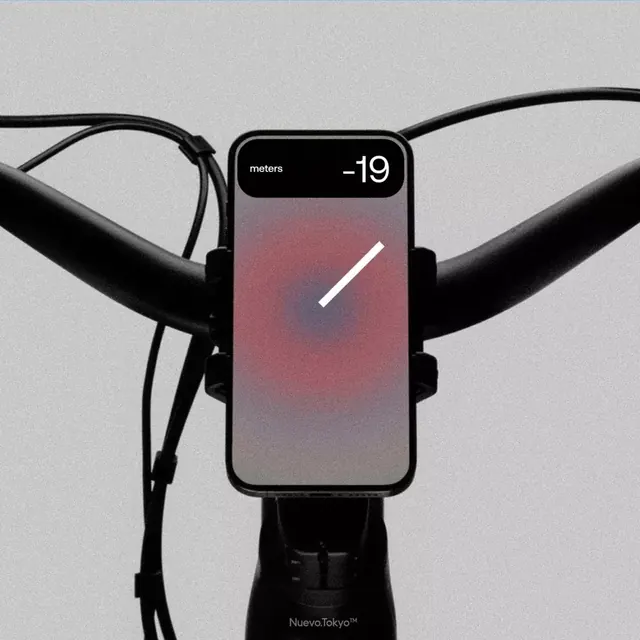 Bicycle-mounted phone app mockup with gradient UI
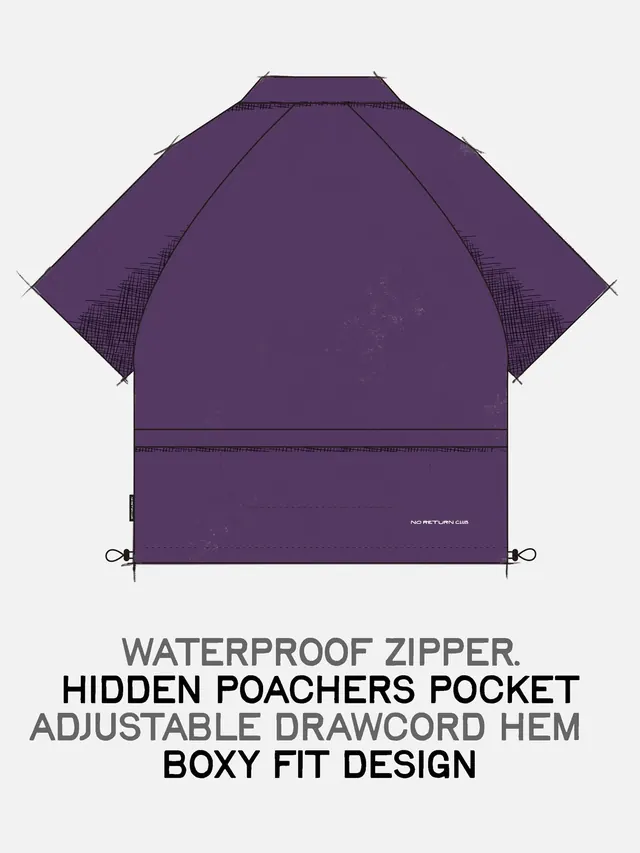 Technical apparel spec with functional labels
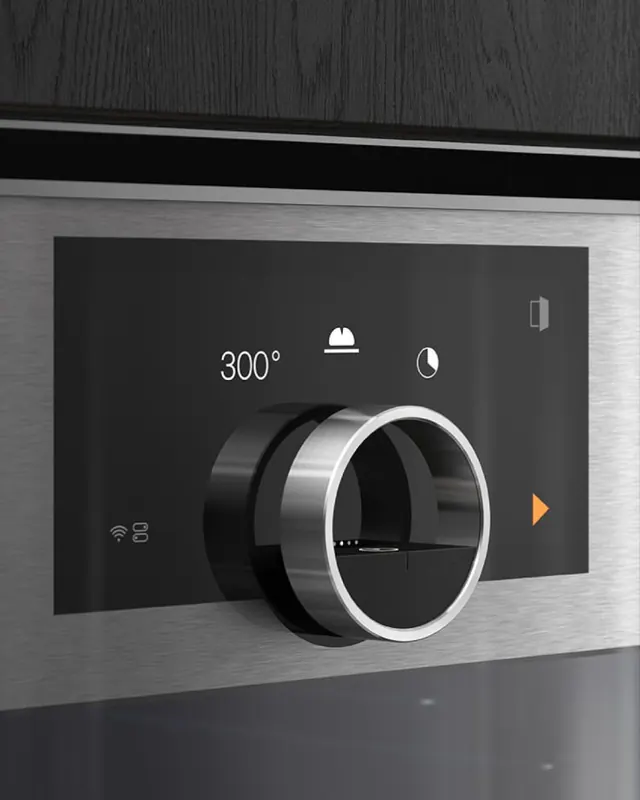 Smart home control panel interface mockup
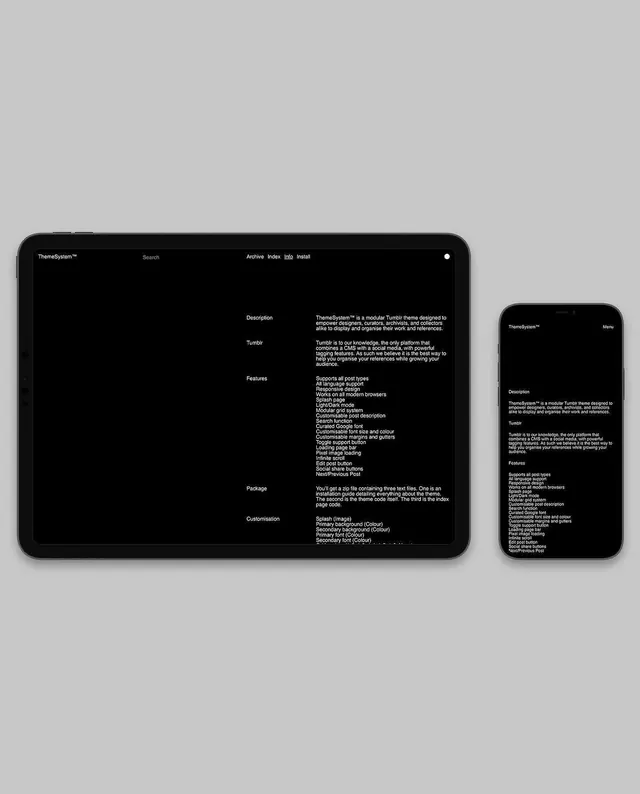 ThemeSystem Tumblr theme documentation site
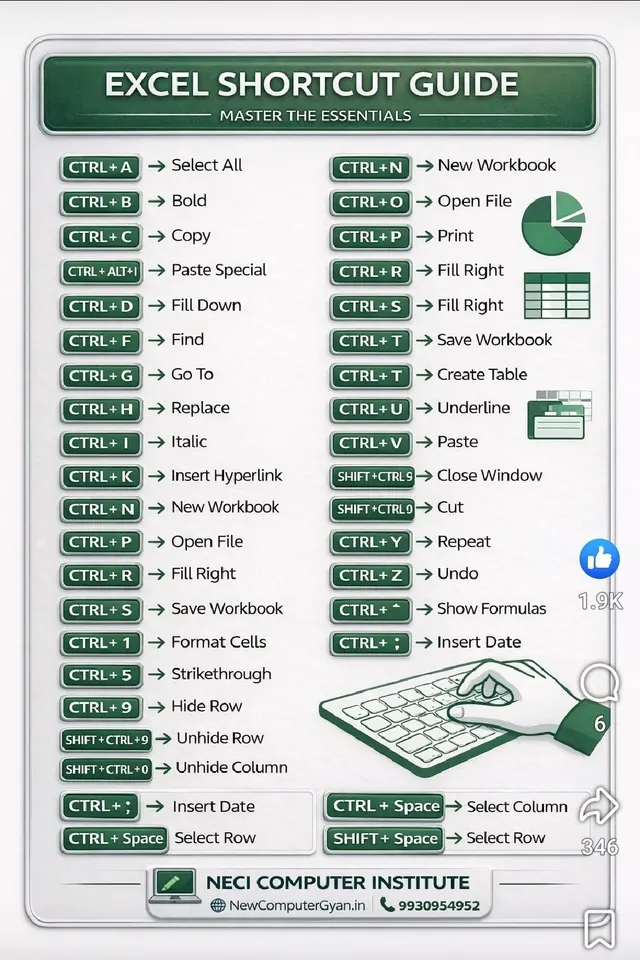 Excel Shortcut Guide infographic
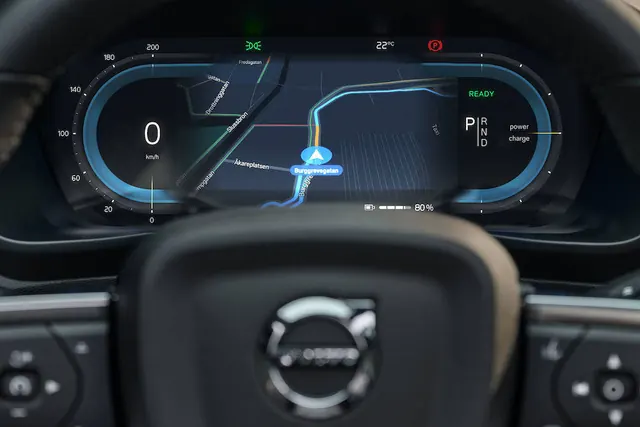 Volvo digital instrument cluster UI
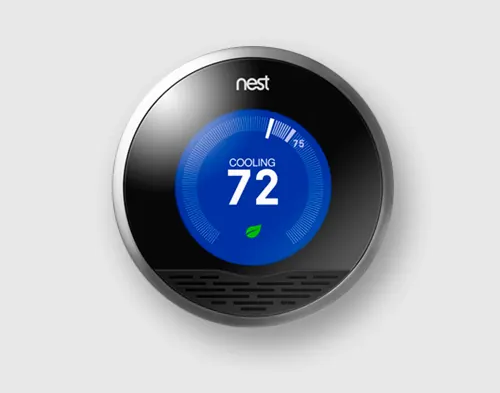 Smart Home Thermostat Mockup
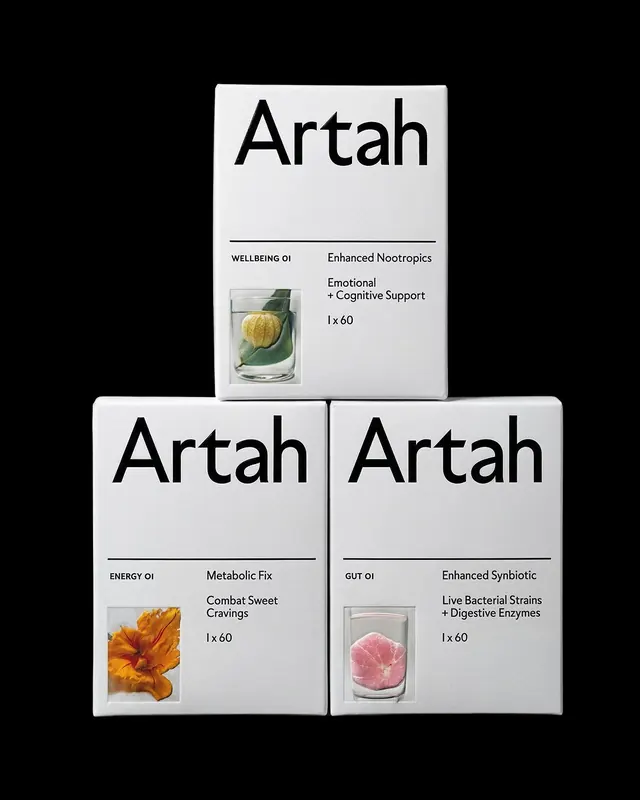 Artah supplement grid packaging
 Aerial aircraft top-down composition
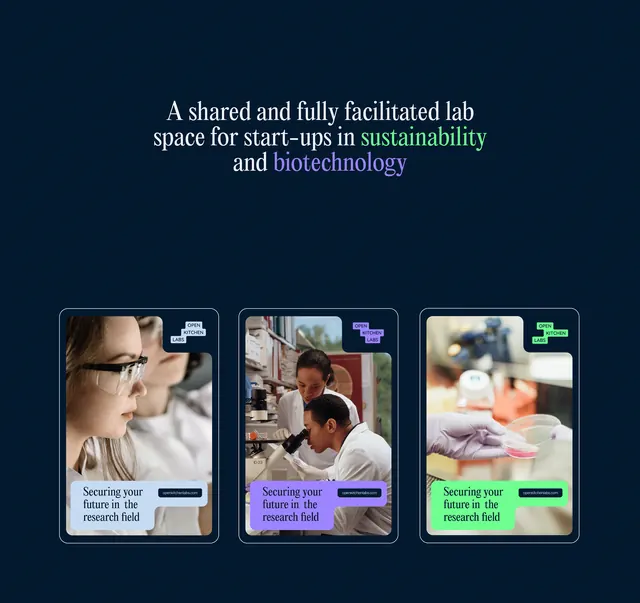 Dark startup lab space with neon accent type and portrait cards
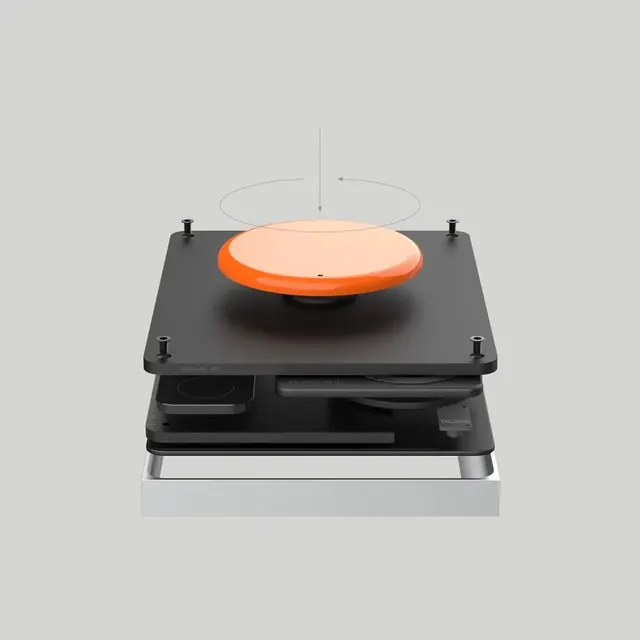 Electric Hot Plate Mockup
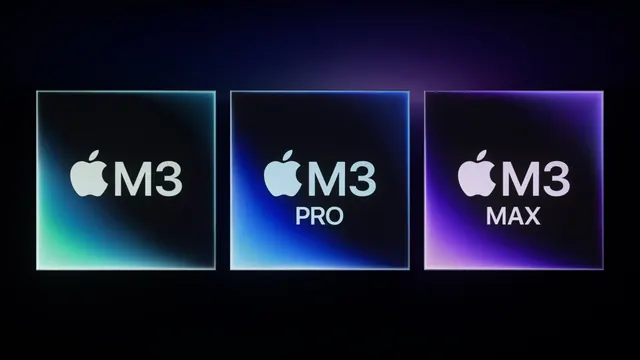 Apple M3 neon gradient product cards
 IntegratedBio biotech hero with sage-green gradient