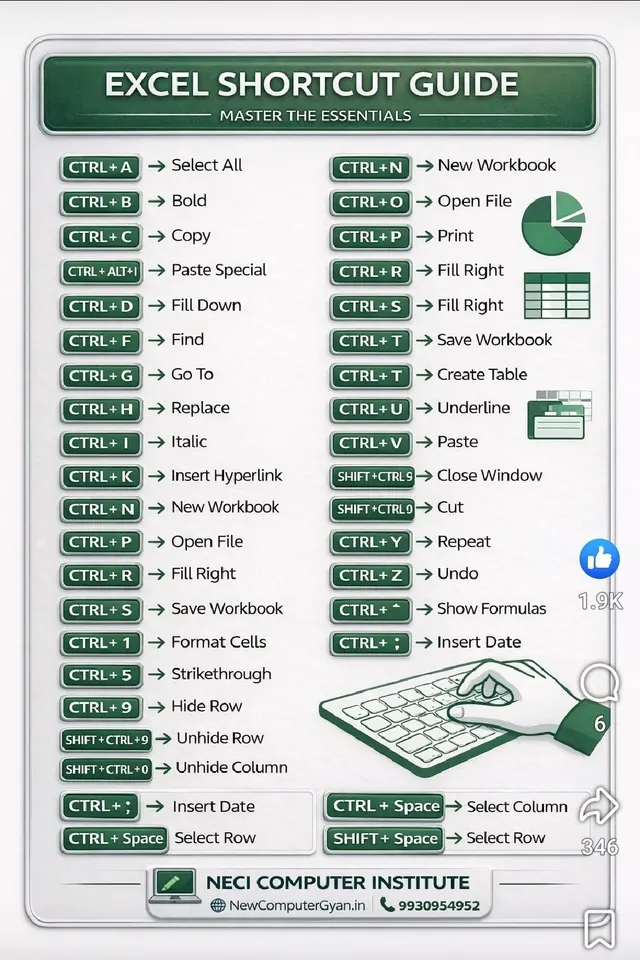
Excel Shortcut Guide infographic
A reference card listing 30+ Excel keyboard shortcuts in a two-column dark-green and white layout, centered under a title banner with keyboard and spreadsheet iconography.
Summary
A functional reference card presenting 30+ Excel shortcuts as left-aligned dark-green badges paired with right-aligned action labels, arranged in two columns below a centered title banner with a keyboard and spreadsheet icon.
Visual description
At the top, a dark-green rounded banner displays "EXCEL SHORTCUT GUIDE" in white sans-serif capitals, with a subtitle "MASTER THE ESSENTIALS" underneath. The banner includes a small green pie chart and spreadsheet grid icon on the right edge. Below, the main content is organized into two columns of shortcut pairs: each row shows a dark-green badge with keyboard notation (e.g., "CTRL+A") followed by an arrow and the action name (e.g., "Select All") in black text. Icons for copy, paste, save, and other actions appear periodically between rows to break up the density. At the bottom right, a hand-drawn illustration of a hand hovering over a green keyboard sits beside a thumbs-up emoji with engagement count and the NECI Computer Institute logo with contact info.
Key takeaway
The dark-green badge + arrow + label pattern is a strong way to present key-value pairs (shortcut-to-action) that are scanned rather than read in depth. The periodic small icons and the footer illustration humanize what could otherwise feel like a dense table. The two-column layout maximizes density while maintaining readability through consistent spacing and alignment. The rounded banner frame signals that this is a self-contained reference.
Reuse notes
Ideal for productivity guides, software tutorials, and educational materials. Works best when the information is factual, stable shortcuts or commands where users will return repeatedly. The dark-green color feels institutional and trustworthy, appropriate for training materials or official guides. The badge style is reusable for any key-value information (menu items, options, API endpoints).
More like this
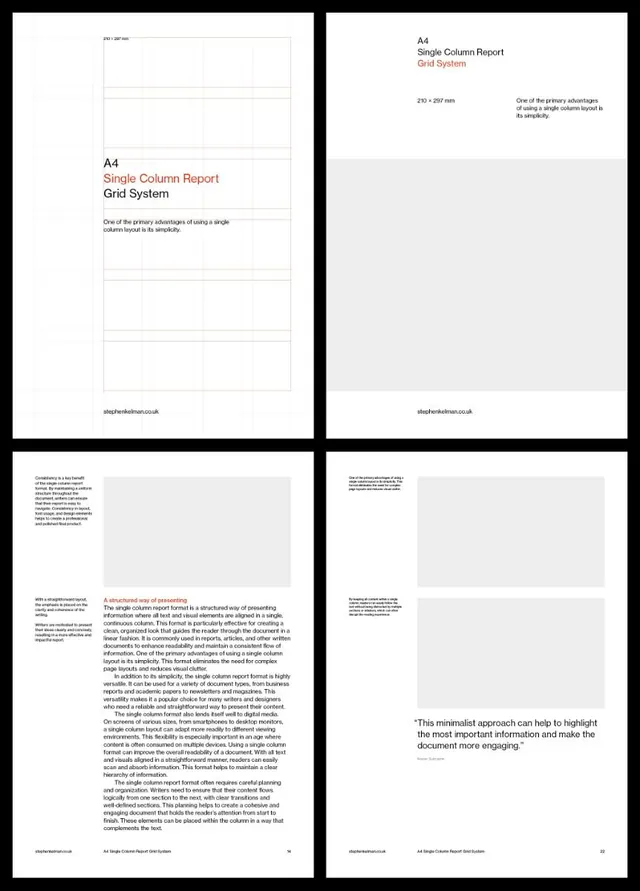 A4 single-column grid system documentation
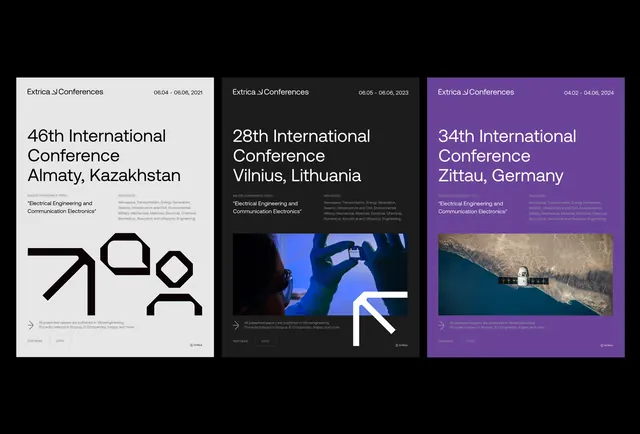 Minimal conference poster triptych with geometric accents
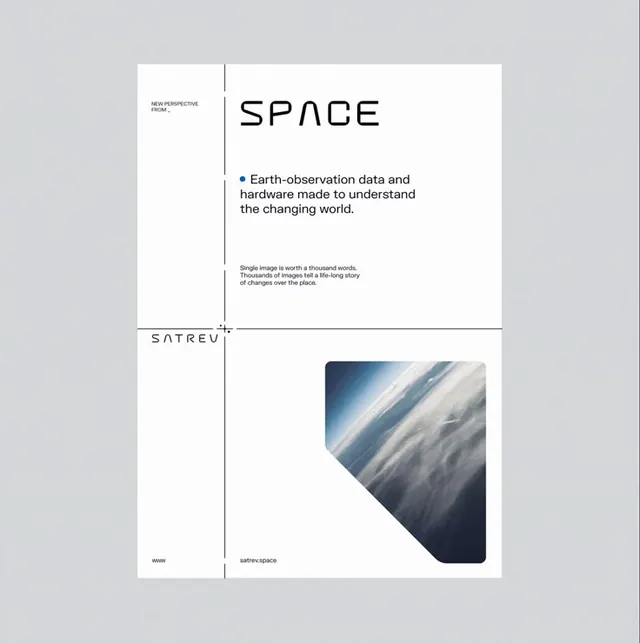 Earth-observation brand presentation with satellite landscape
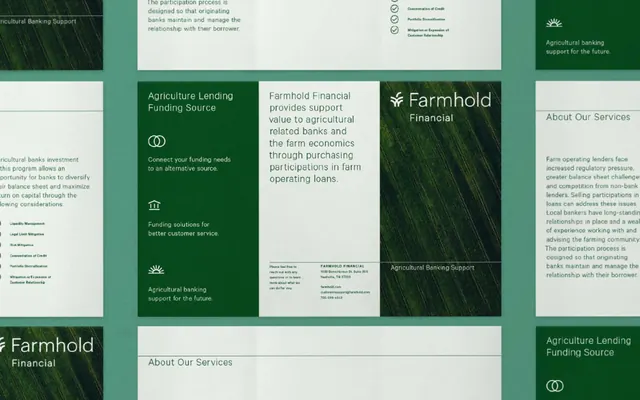 FarmShield corporate branding collateral set
 Corporate Identity and Web Design Showcase
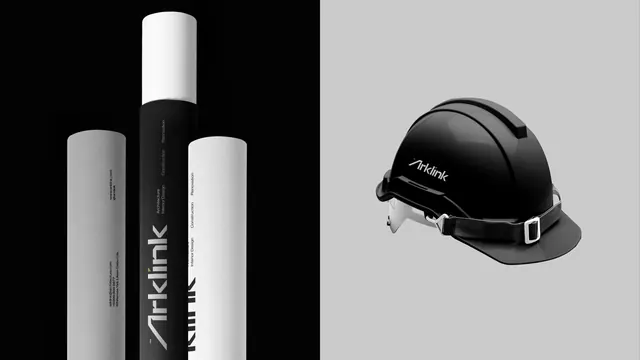 Arklink industrial product lineup monochrome composition
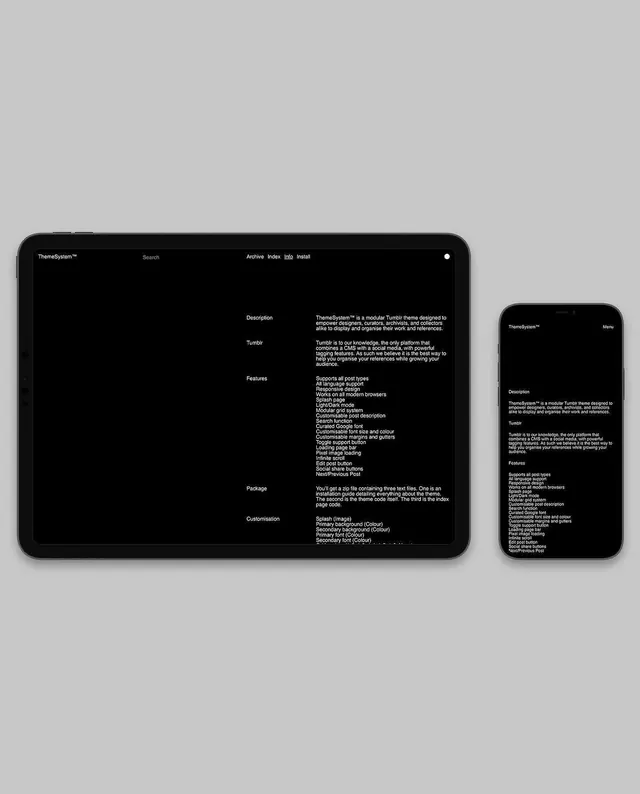 ThemeSystem Tumblr theme documentation site
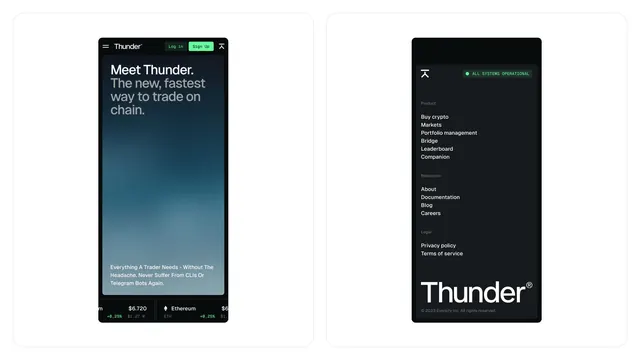 Crypto trading app dark UI mockup
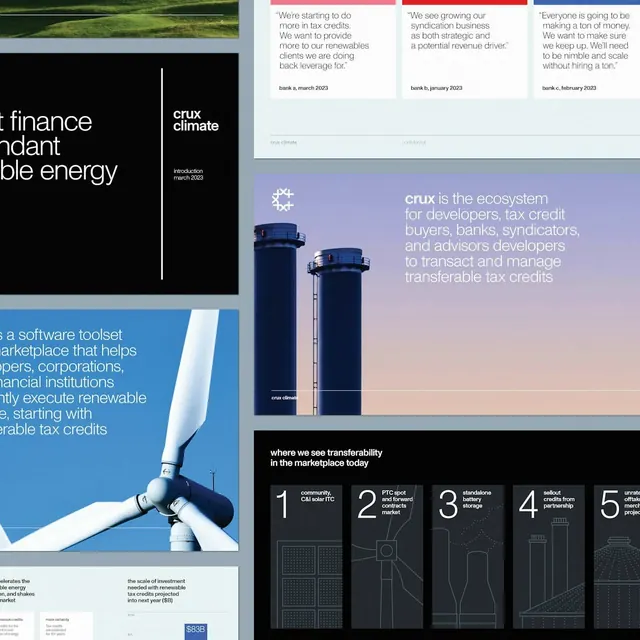 Crux fintech platform UI composition
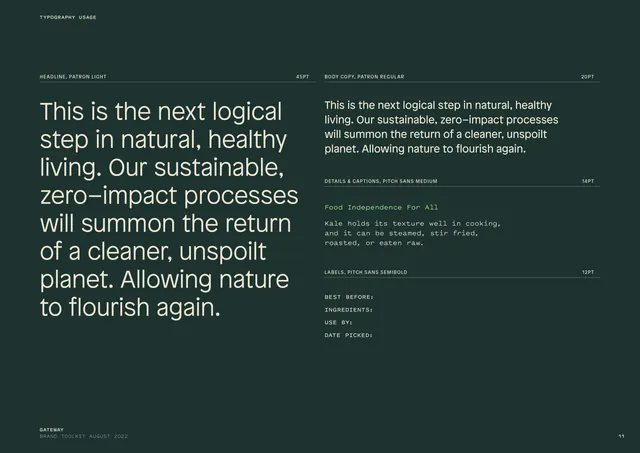 Editorial sustainability messaging layout
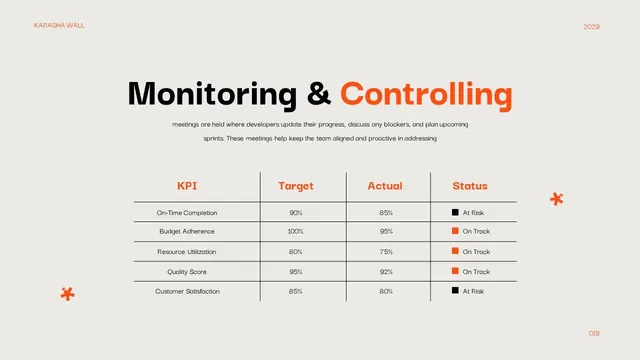 Project KPI dashboard slide
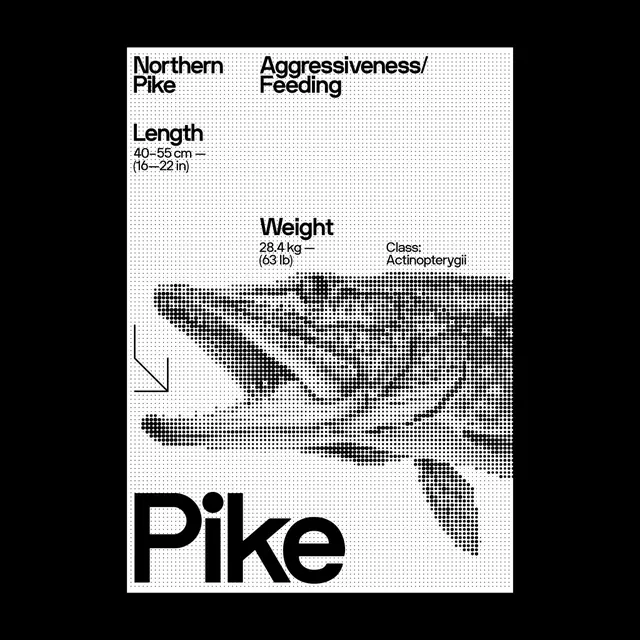 Swiss halftone pike specimen poster
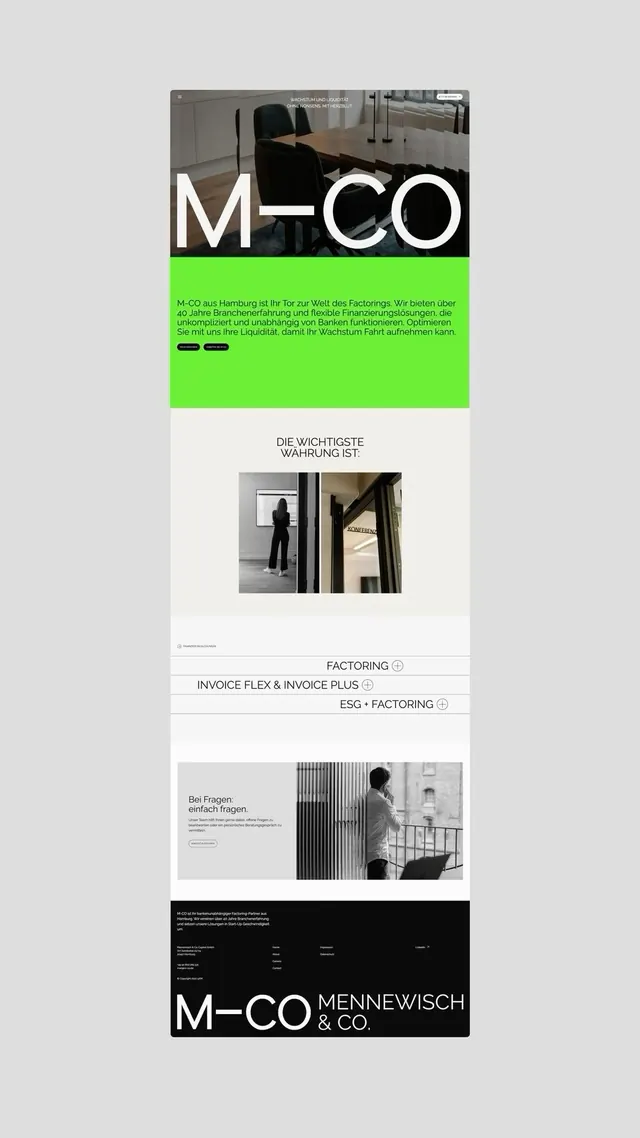 B2B factoring company site with neon-green accent
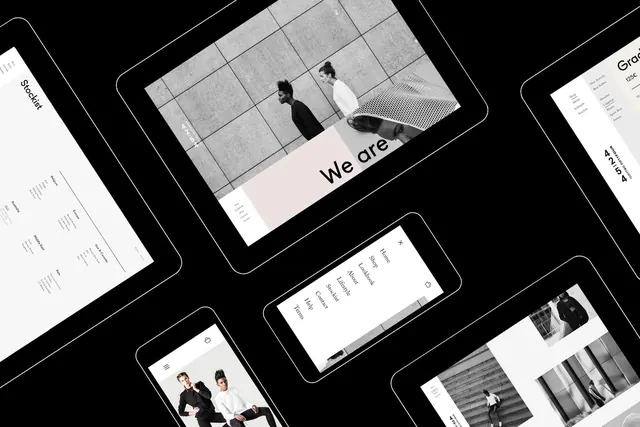 Modern UI/UX Design Mockup Collection
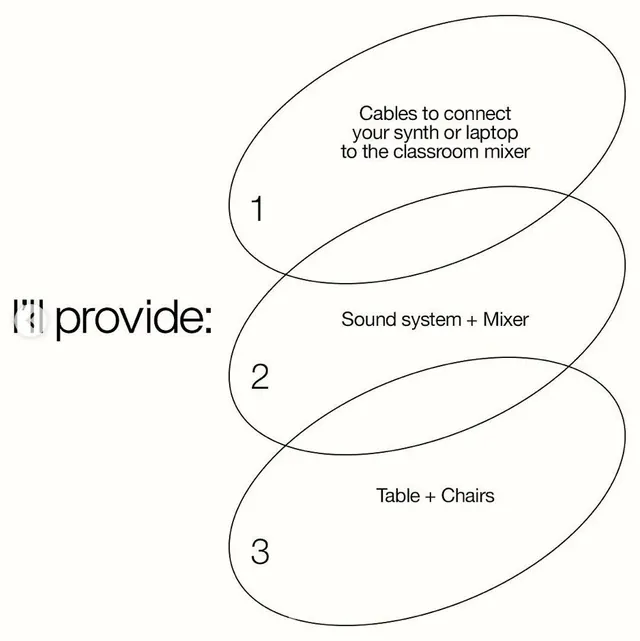 Educational Venn diagram with instructional components
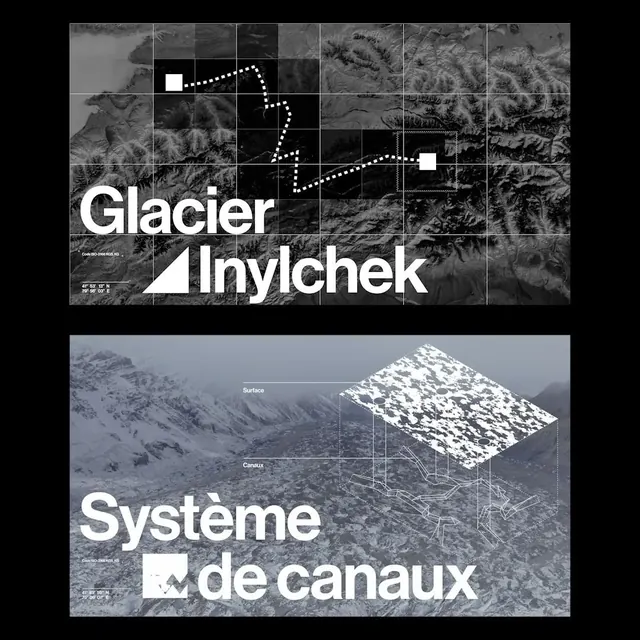 Monochrome glacial topography and drainage system diagram
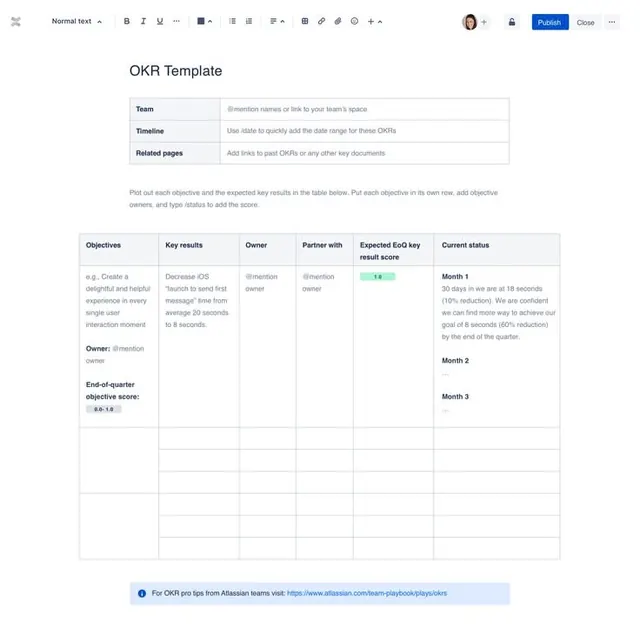 OKR tracking template with objectives table and status indicators
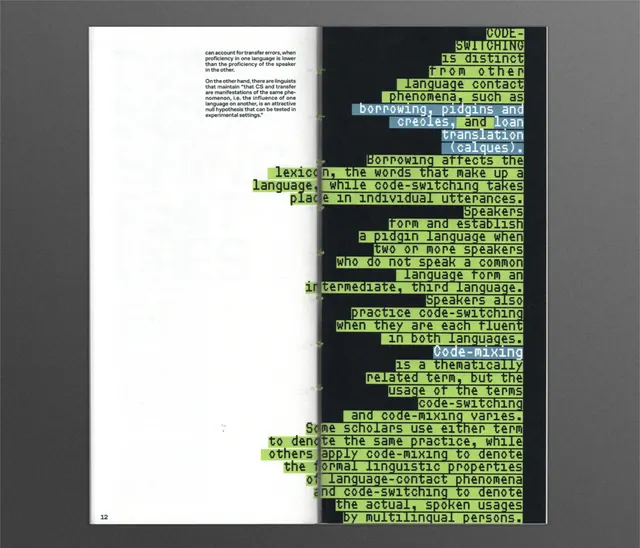 Highlighted linguistics research excerpt with color-coded terminology
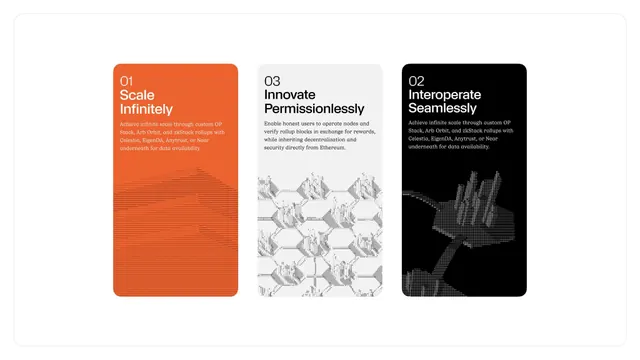 Three-card blockchain feature layout with schematic diagrams
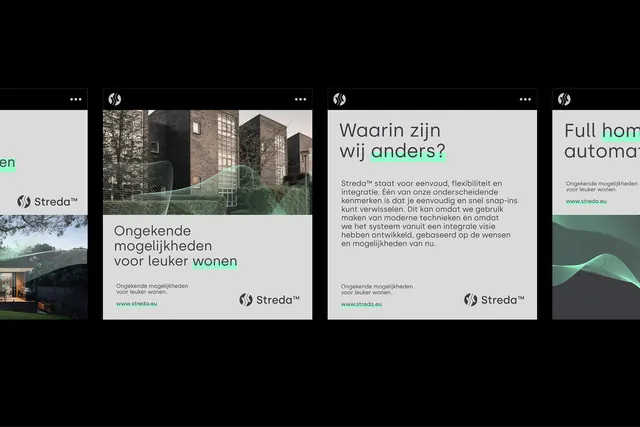 Dark real-estate carousel with teal accents and modular cards
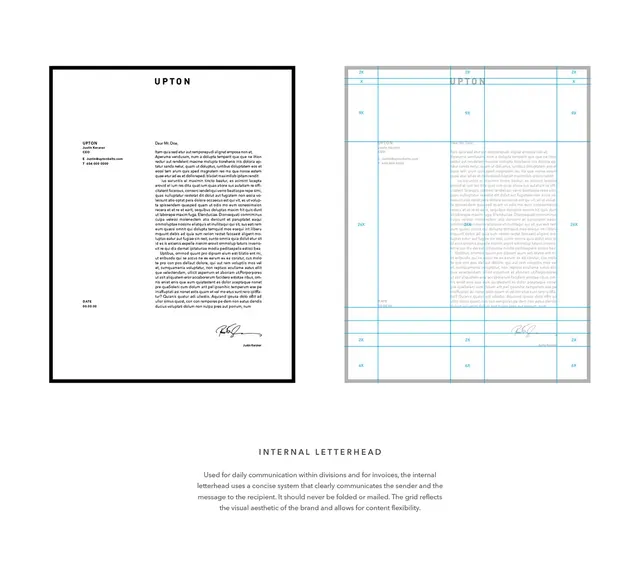 Upton brand letterhead with grid system
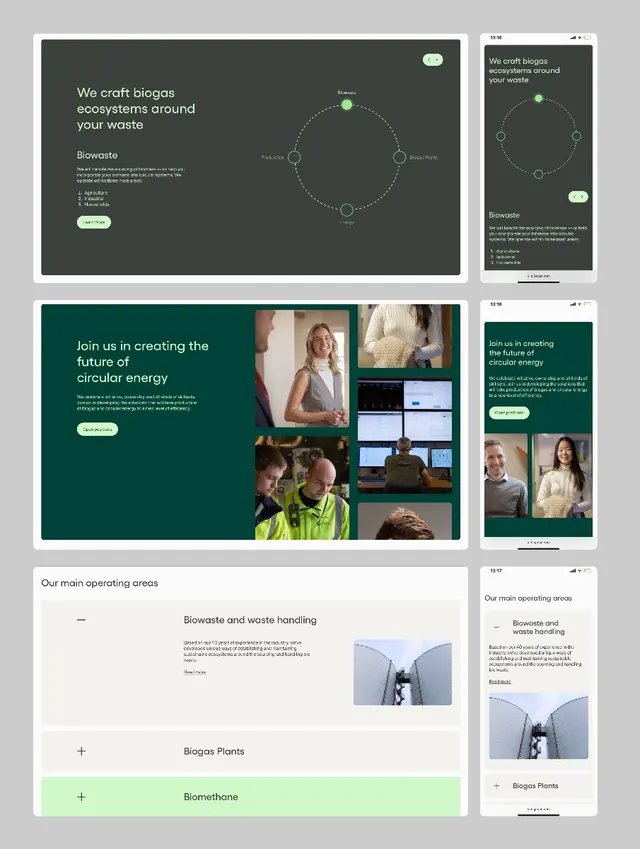 Biotech startup product UI mockup with dark green interface
 Monitor screen with DNA helix and lime headline
 Three-panel display: abstraction, landscape, and callout