Shortcut Guide Interface
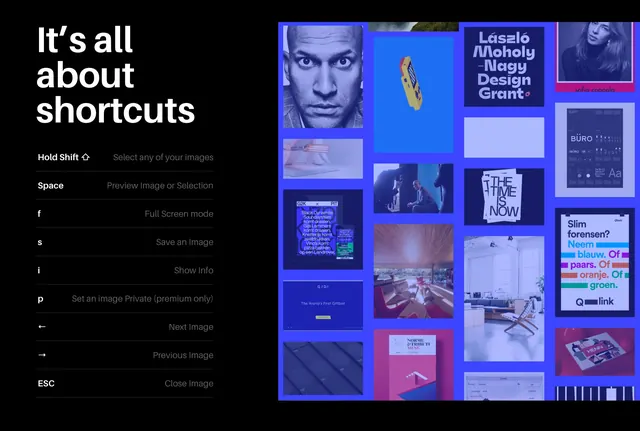
A dark-mode user interface displaying a list of keyboard shortcuts alongside a grid of various visual assets.
Summary
A dark-mode user interface displaying a list of keyboard shortcuts alongside a grid of various visual assets.
Visual description
The layout features a large, bold sans-serif heading on the left with a list of keyboard shortcuts. To the right, a dense grid of colorful rectangular tiles displays diverse imagery including portraits, typography, and abstract graphics.
Key takeaway
Use a high-contrast dark background with oversized typography to make instructional text highly legible and impactful.
Reuse notes
Use this layout for feature tutorials or onboarding screens in software applications.
ColorDark, Vibrant, High Contrast
TypeSans Serif, Oversized
MoodTechnical, Bold, Professional
IndustryDesign, Productivity, Technology
Palette
#A7A2E0
#080914
#3D4BD1
#738CD9
More like this
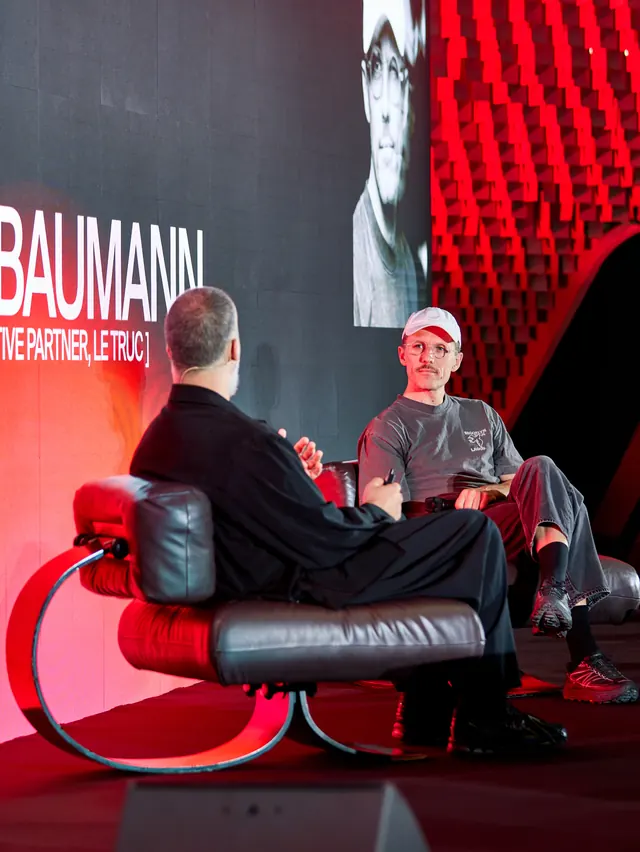 CRAFTED event visual identity and motion system (slide 7)
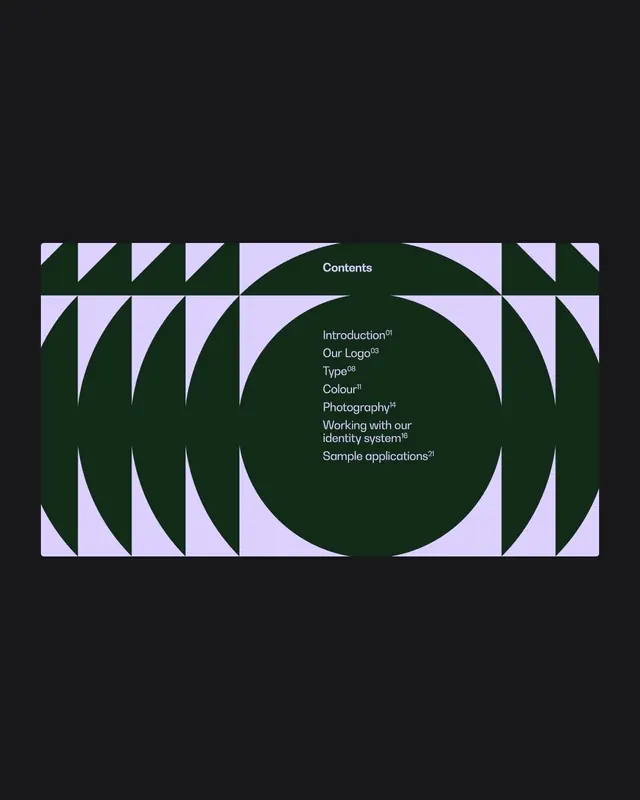 Editorial geometric editorial spread
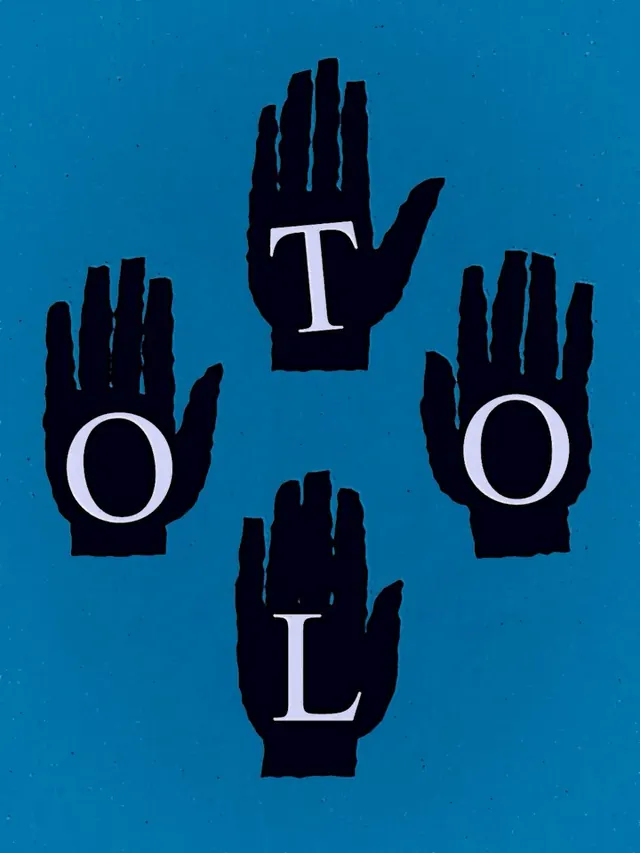 FFF Tool typographic carousel
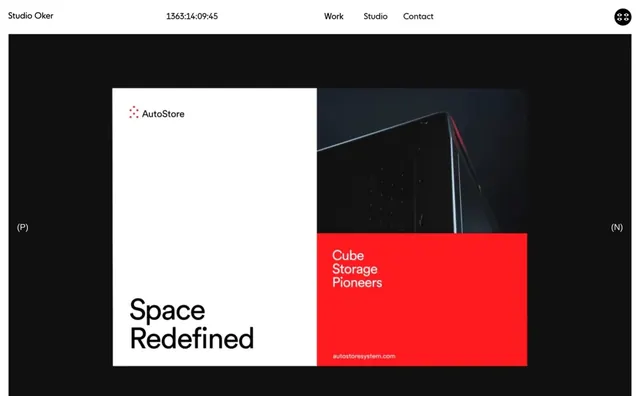 AutoStore Design Reference
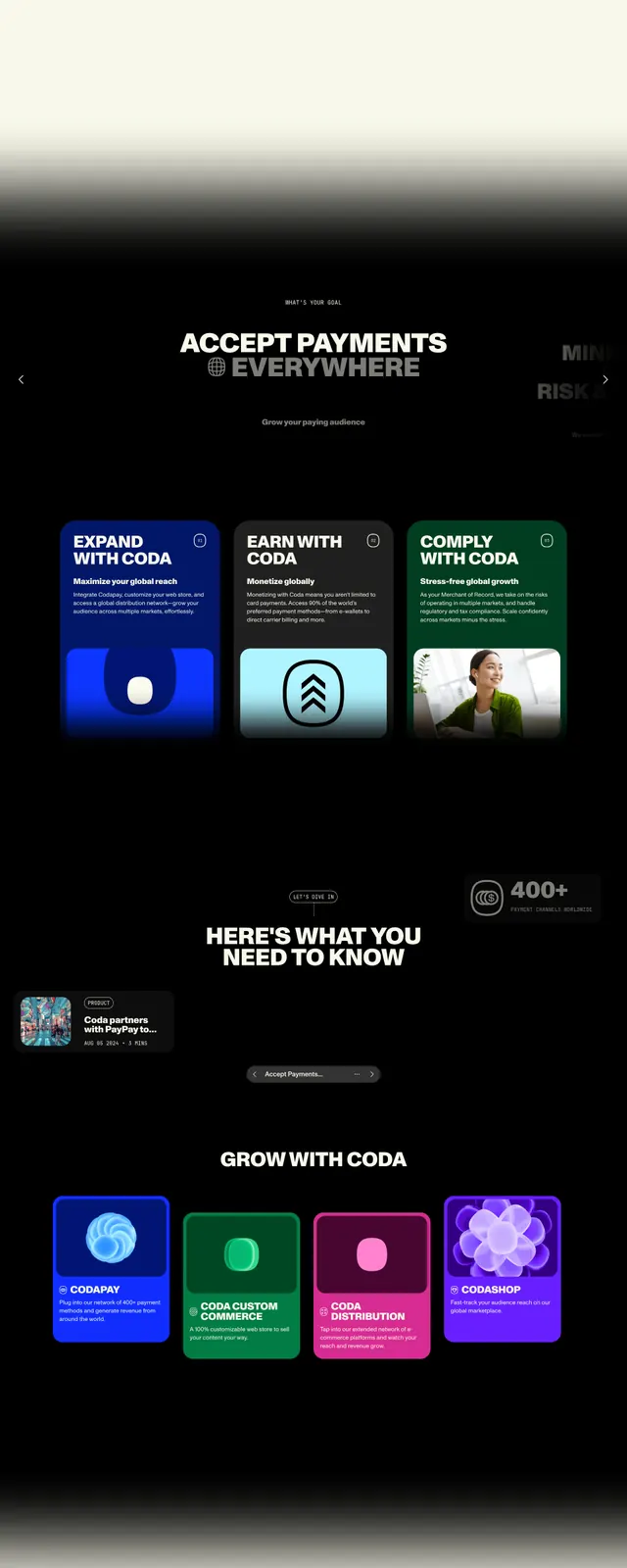 Coda Co homepage hero
 Études No. 3 magazine cover portrait
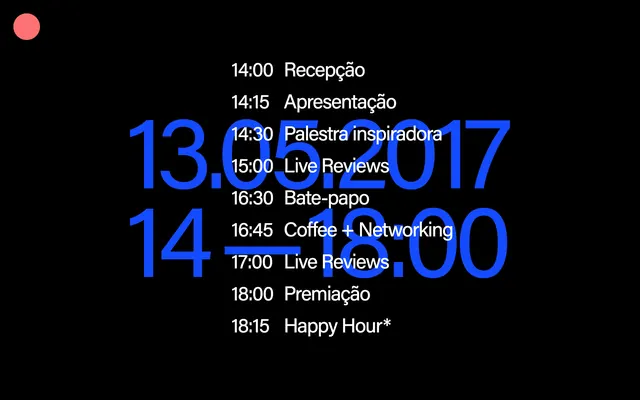 Portuguese event schedule typographic poster
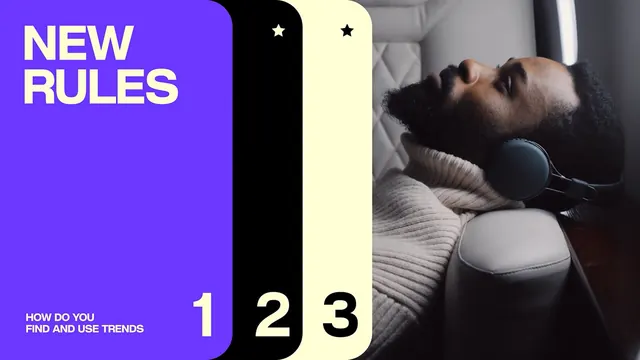 Vibrant gradient numbered sequence type specimen
 Flow product hero
 Figma x LiT Workshop
 Modern Legacy applied sciences book
 Panel Investor Pitch Deck 2023
 APD industrial furniture poster
 Mash Brand Guidelines 2023
 Block Bitcoin Knowledge and Perceptions Report
 Nicolas Laisne architectural typography poster
 Architect Show 28.4 exhibition poster
 Docusign Brand Identity Guidelines 2024
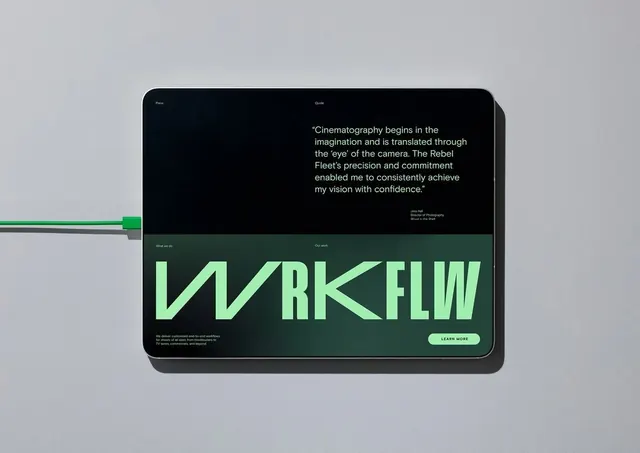 Workflow UI Mockup
 Mash Brand Guidelines 2023
 McKinley Studios Retail Partnership Pitch Deck
 Minimal swiss identity system
 TPC Perfumes branding and packaging system (slide 6)
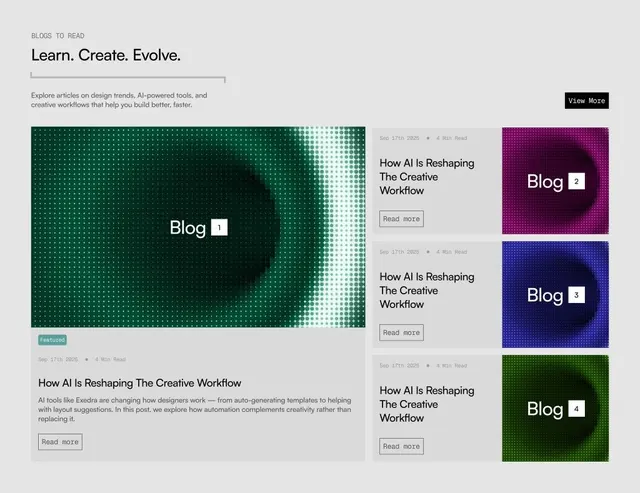 Dark-mode gradient-heavy editorial spread