WRK ordering process
Dark three-step ordering section with oversized step numbers and an orange active-state indicator.
Summary
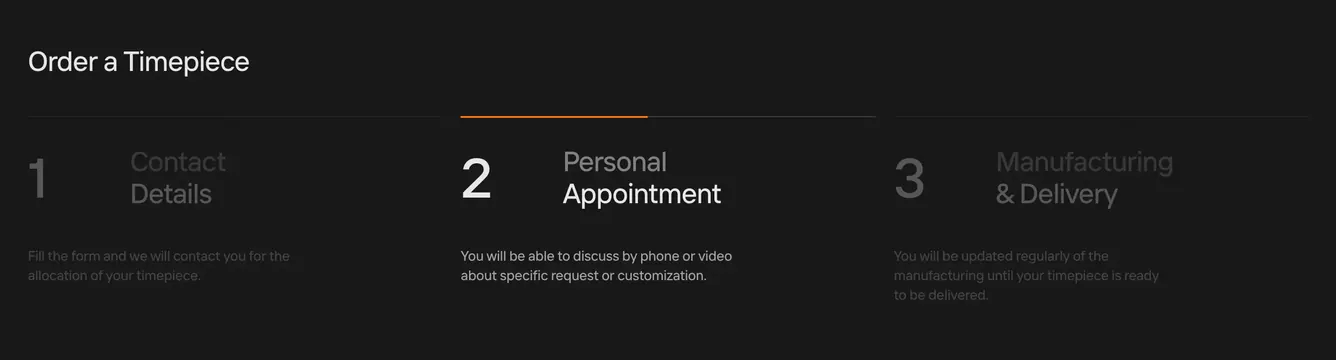
A charcoal three-column process explaining how to order a timepiece, with step 2 highlighted by an orange top bar.
Visual description
Dark charcoal background with thin horizontal rules. Top-left title "Order a Timepiece" in white. Three equal columns each with a large step number left of a heading and short description. Step 1 Contact Details and step 3 Manufacturing & Delivery appear dimmed in dark gray numbers and muted text. Step 2 Personal Appointment is active: orange horizontal accent line at column top, bright white number 2, white heading, and lighter body copy about phone or video consultation.
Key takeaway
Oversized step numerals with color-only active state (orange bar plus contrast shift) communicate progress without icons or circles. Dimmed inactive columns keep focus on the current stage.
Reuse notes
Works for high-touch purchase flows (allocation, bespoke, enterprise sales). Best with three to four steps; more columns will compress the large numerals.
More like this
 WRK user details contact form
 WRK product mechanism feature
 Hark Capital fund lifecycle process step
 WRK craftsmanship feature
 Aurora OEM hardware integration feature
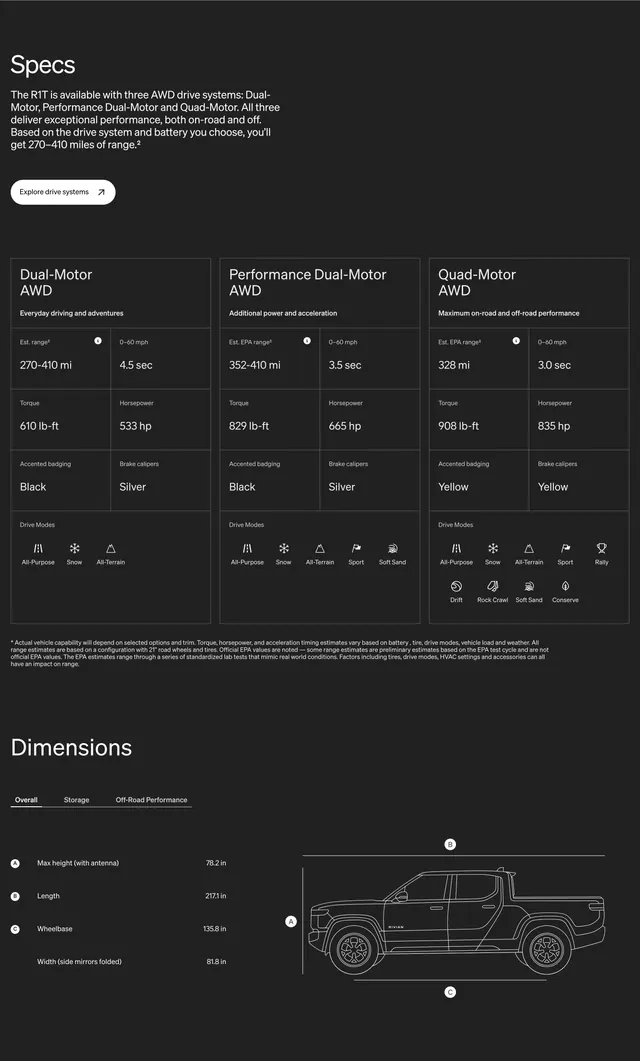 Rivian R1T specs and dimensions
 WRK main navbar
 Rivian multi-column dark footer
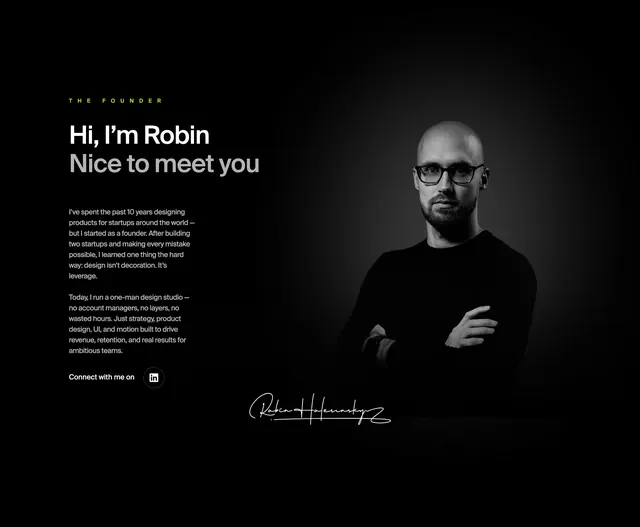 Robin dark founder split with portrait
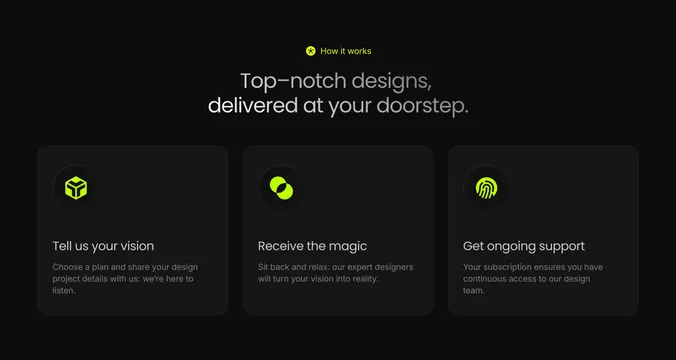 Atomic three-step how-it-works cards
 Rivian dark product navbar
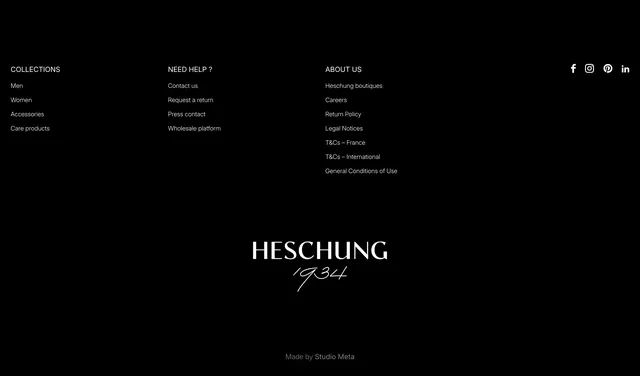 Heschung black footer with serif logo
 Rivian dark newsletter CTA band
 Runlayer backers and advisors list
 Attio investors and backers grid
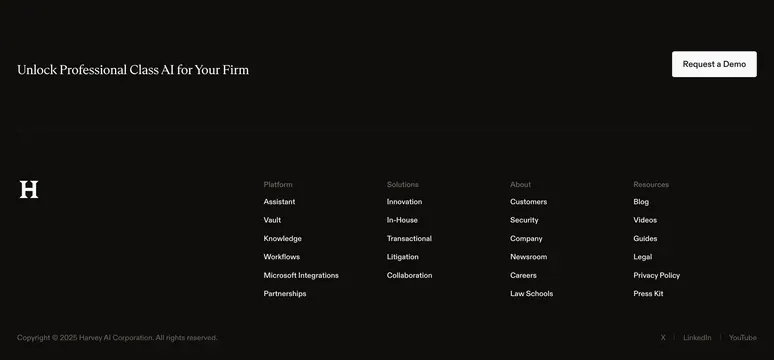 Harvey dark footer with demo CTA
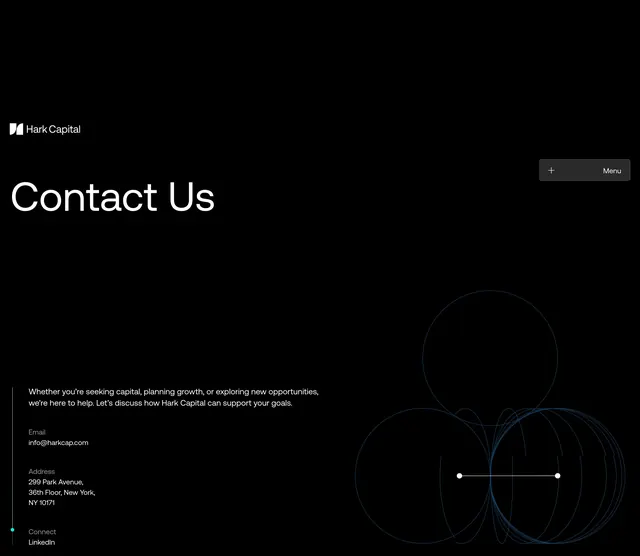 Hark Capital contact page hero
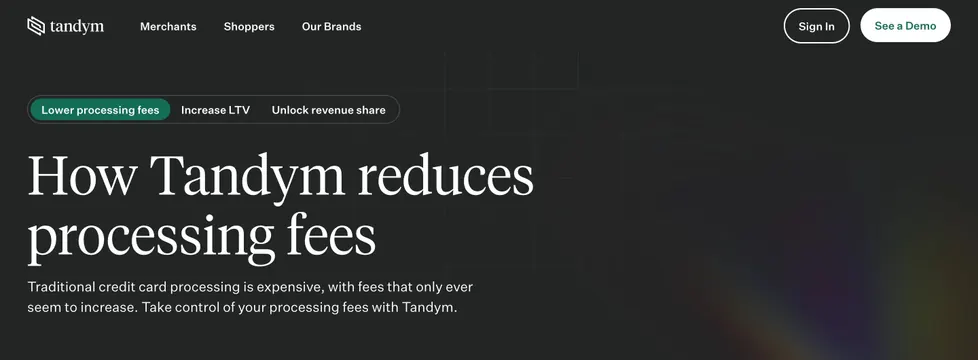 Tandym how-it-works tabbed dark hero
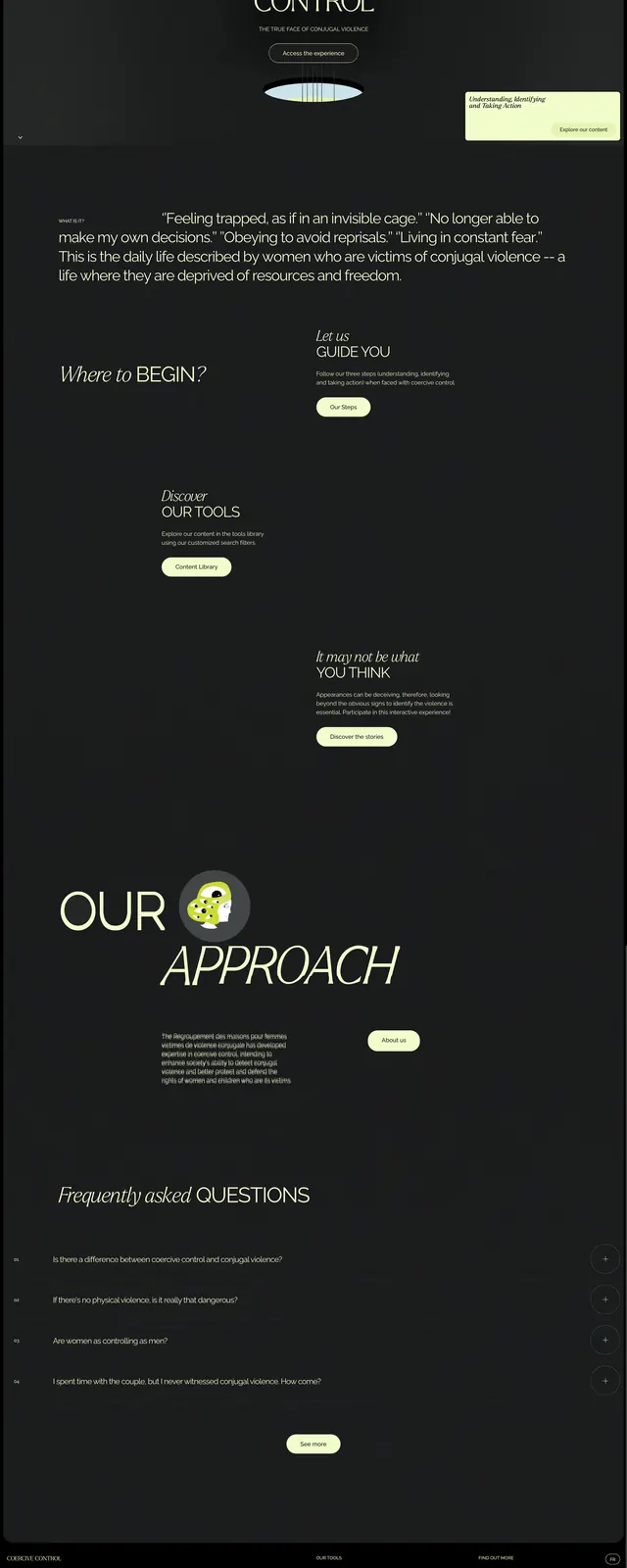 Coercive Control Editorial Hero
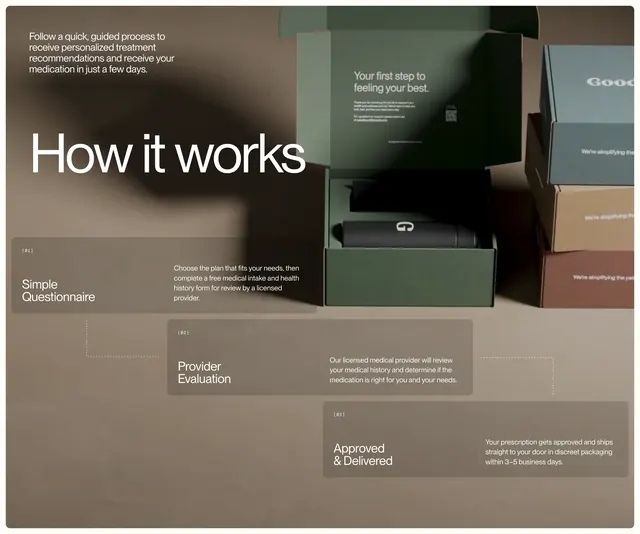 Good Life staircase process on product boxes
 Pravah AI mission CTA banner
 Spellbook Todd Strang testimonial
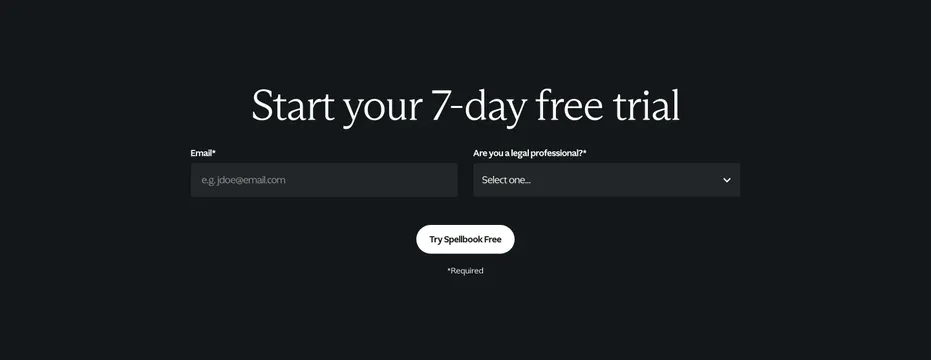 Spellbook seven-day free trial signup
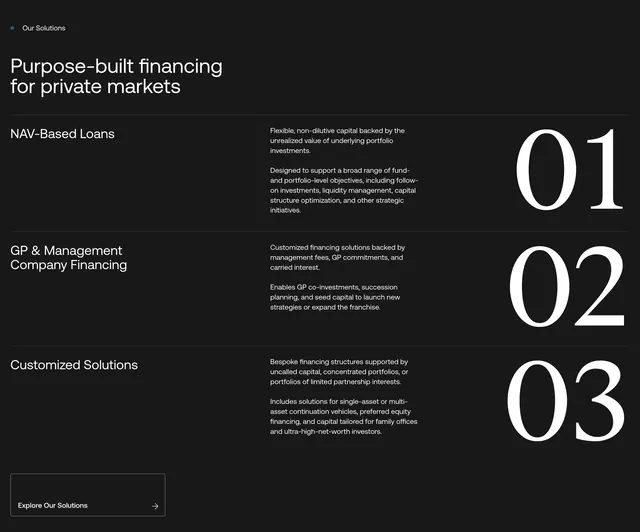 Hark Capital solutions numbered list