Tines product updates changelog
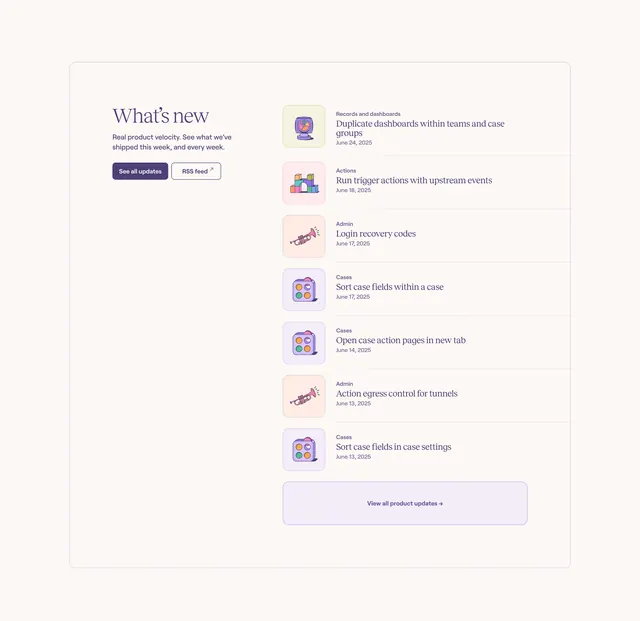
Two-column What's new section with left intro and buttons beside a vertical feed of illustrated update rows with categories, titles, and dates.
Summary
Two-column What's new section with left intro and buttons beside a vertical feed of illustrated update rows with categories, titles, and dates.
Visual description
Cream rounded container with left serif What's new heading, short copy, solid and outlined buttons, and right list of seven rows each with pastel square icon, small caps category, serif update title, date, dividers, and full-width View all product updates button.
Key takeaway
Editorial serif titles on a changelog elevate routine shipping notes into a polished product journal.
Reuse notes
Platform or pricing pages that want transparent velocity without linking away to a separate blog index.
More like this
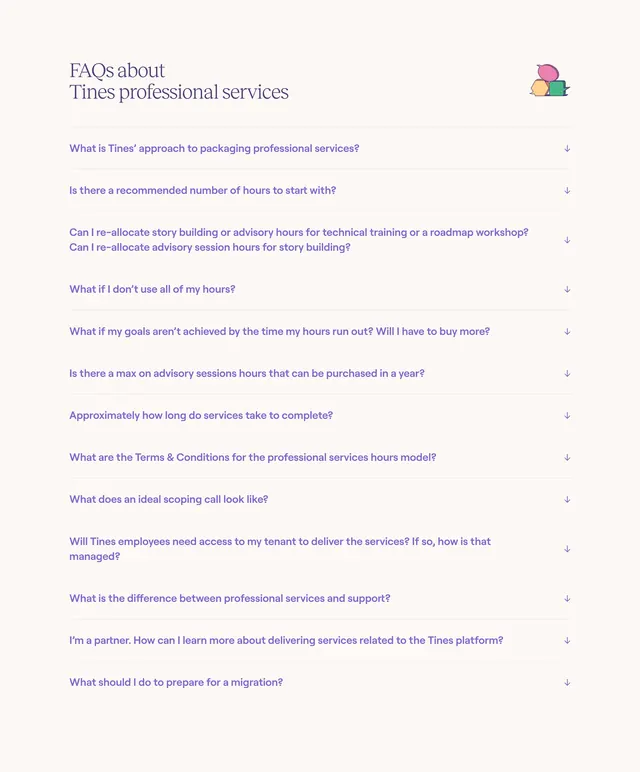 Tines professional services FAQ list
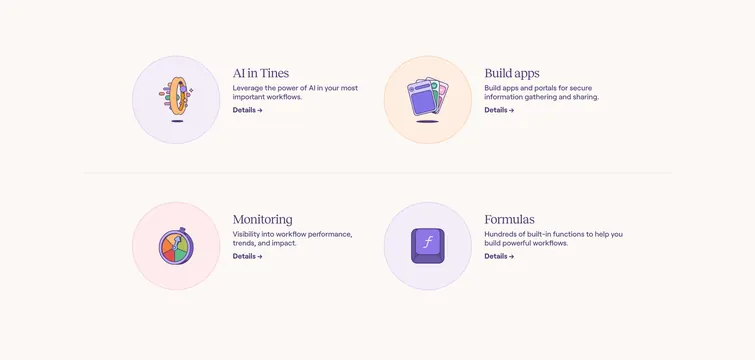 Tines platform feature highlights grid
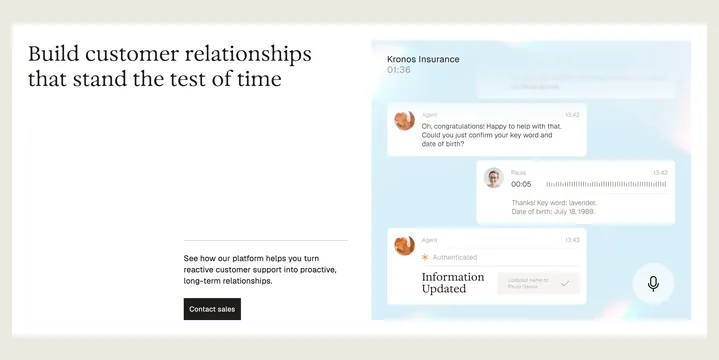 Parloa customer relationship split feature
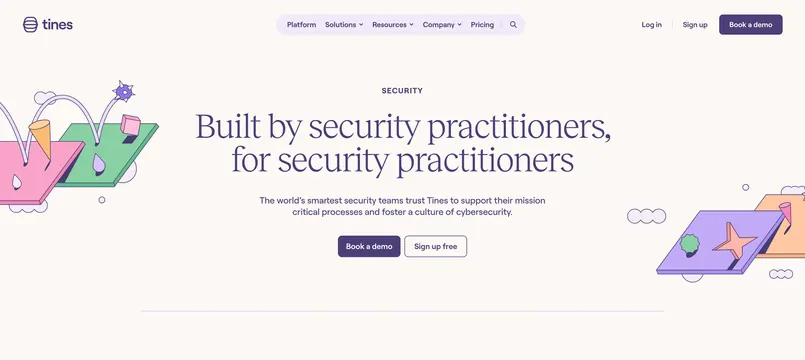 Tines security hero with 3D shapes
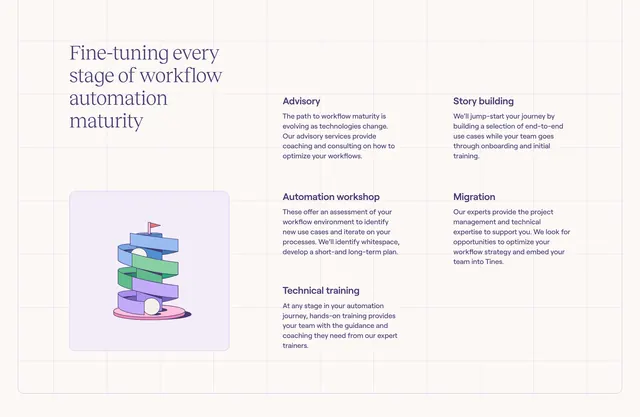 Tines services maturity grid
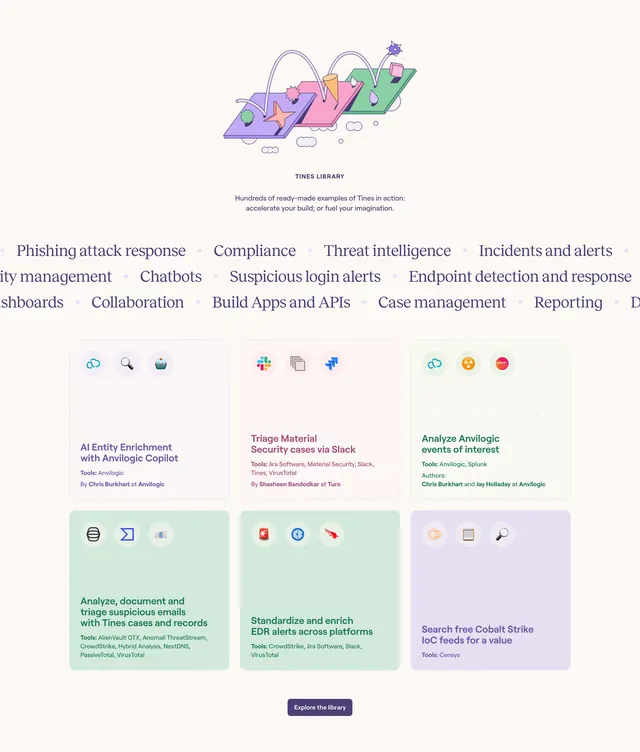 Tines security library template grid
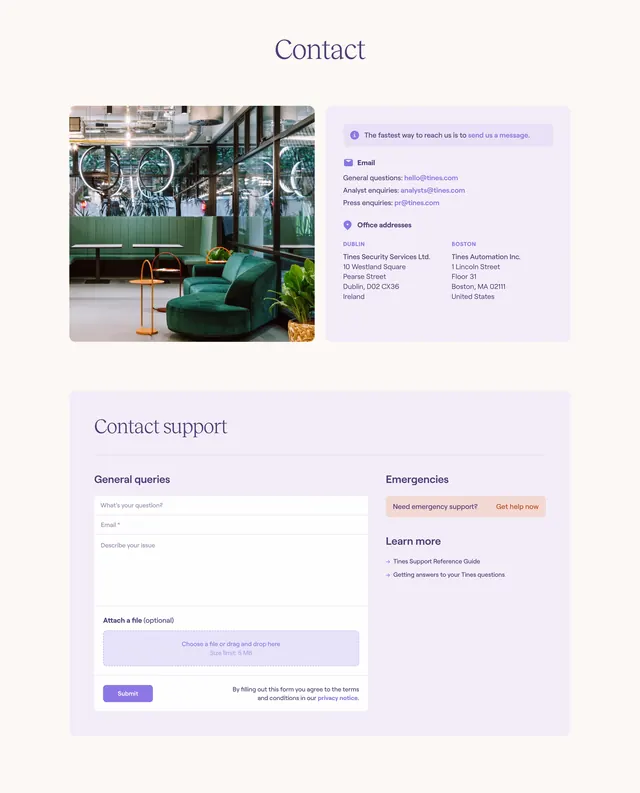 Tines contact and support page
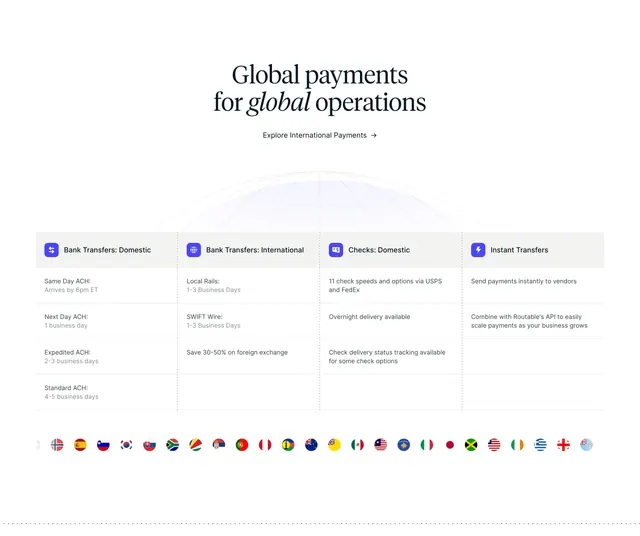 Routable global payments grid
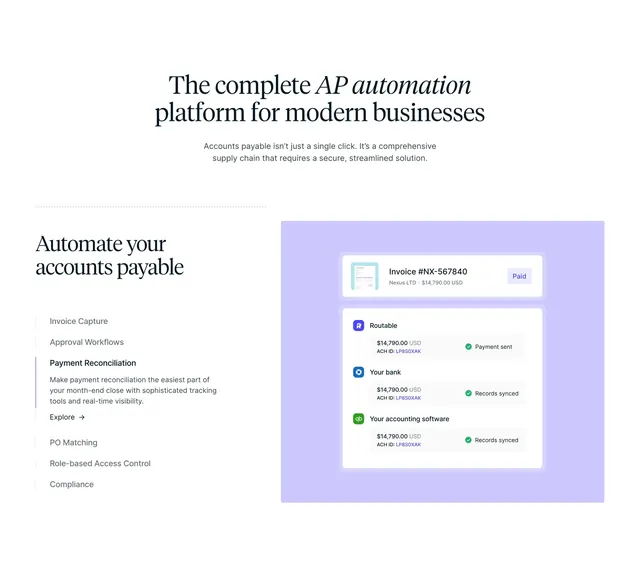 Routable tabbed AP feature walkthrough
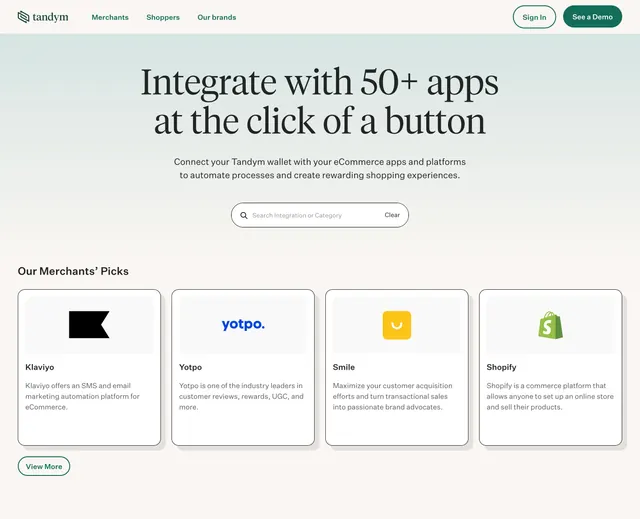 Tandym integrations marketplace hero
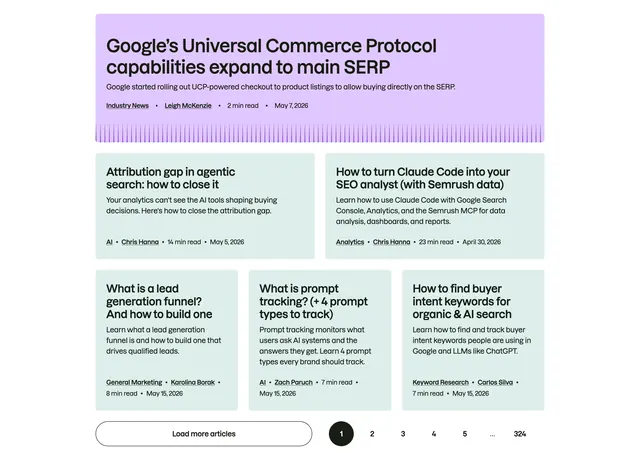 Semrush blog article bento grid
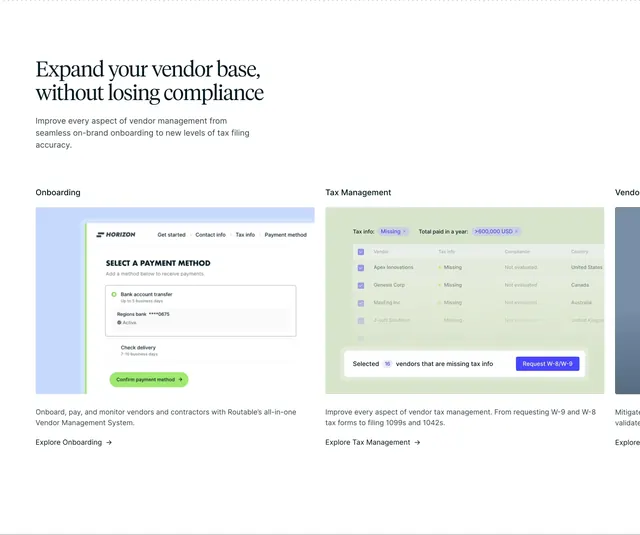 Routable vendor management features
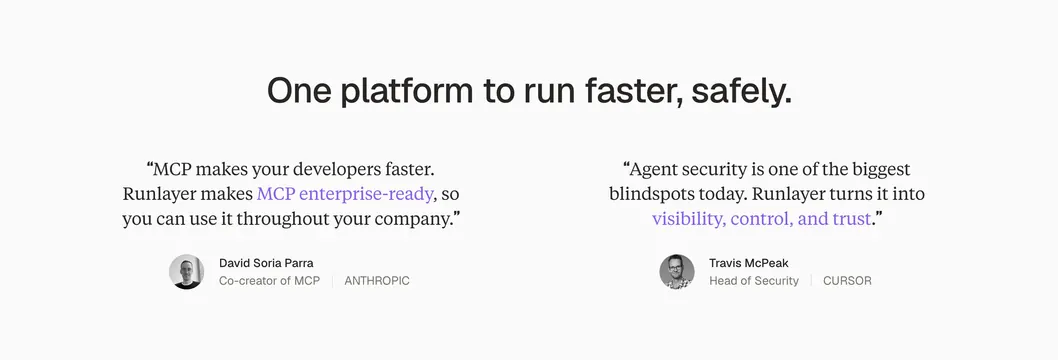 Runlayer dual testimonial pair
 ReadMe customer stories section header
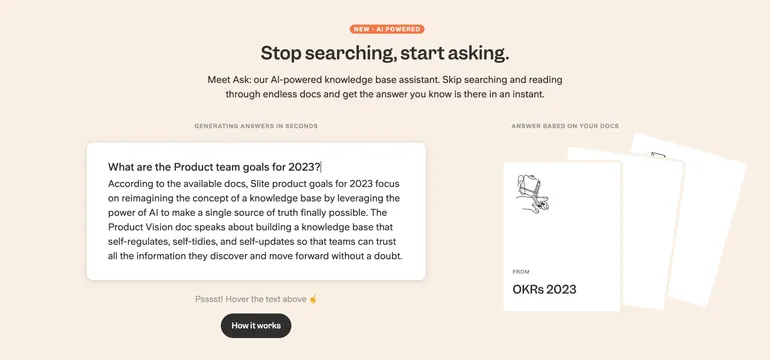 Slite Ask AI knowledge assistant
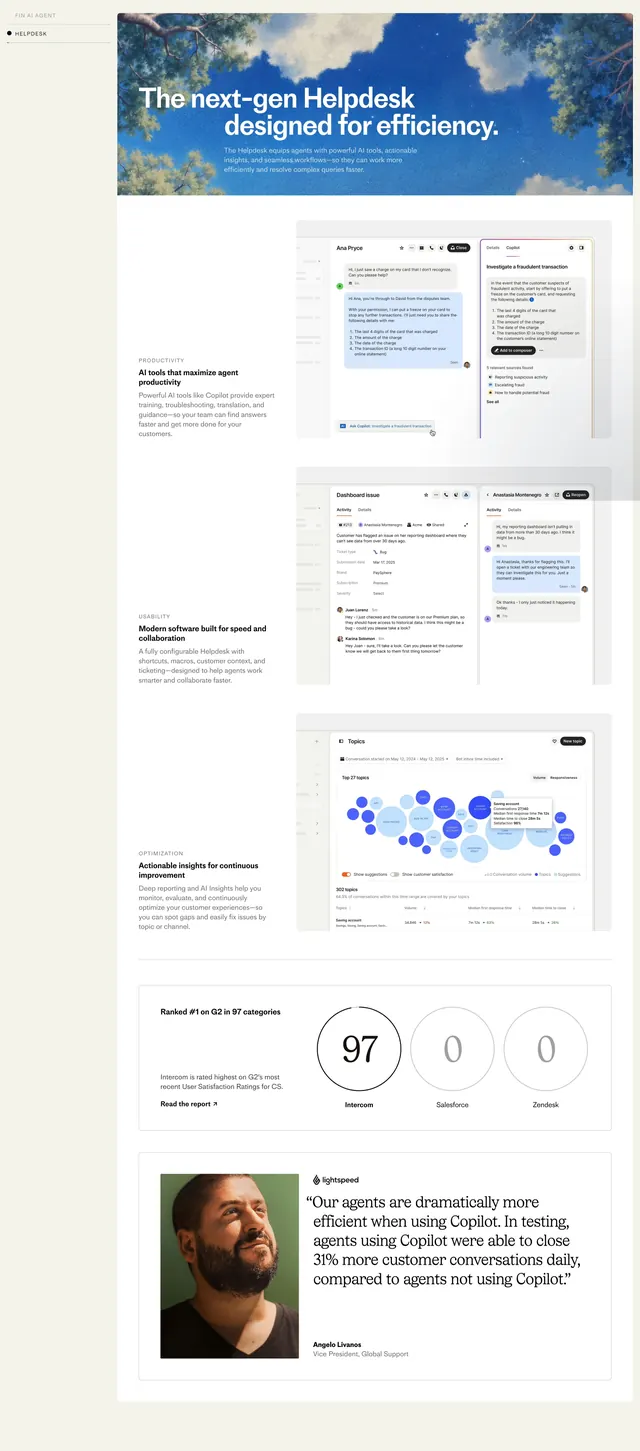 Intercom next-gen helpdesk scroll
 Whalesync light-mode customer logo grid
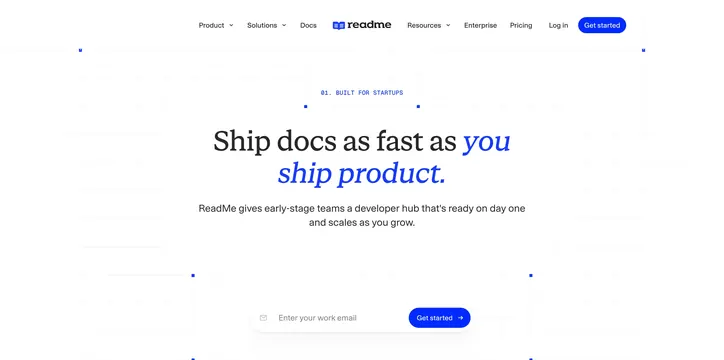 ReadMe startup ship docs hero
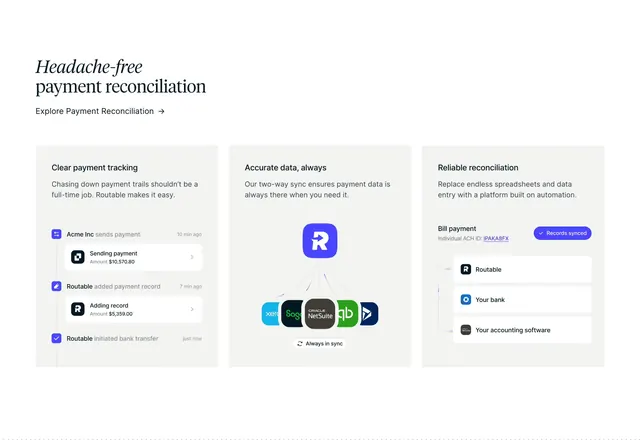 Routable payment reconciliation features
 Grove six-benefit icon grid
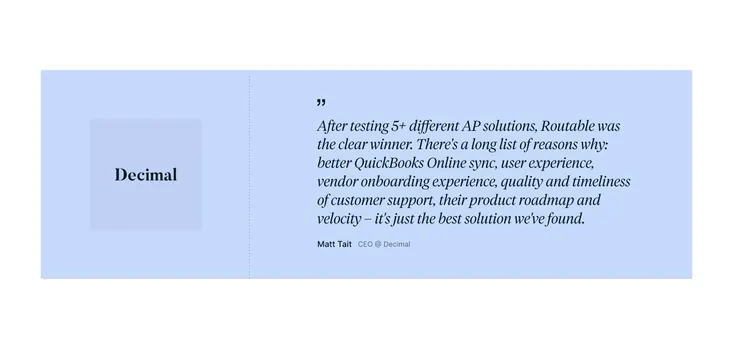 Routable Decimal testimonial
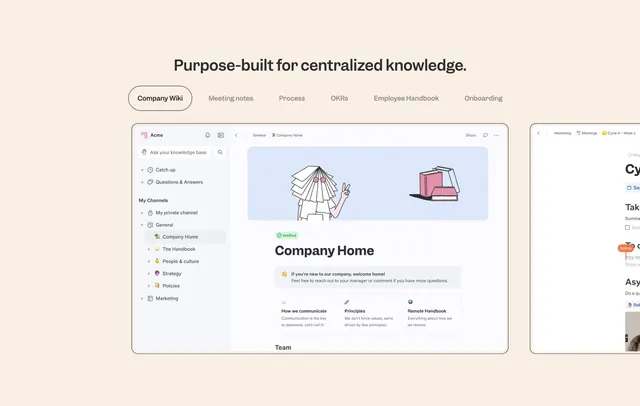 Slite company wiki product screenshot
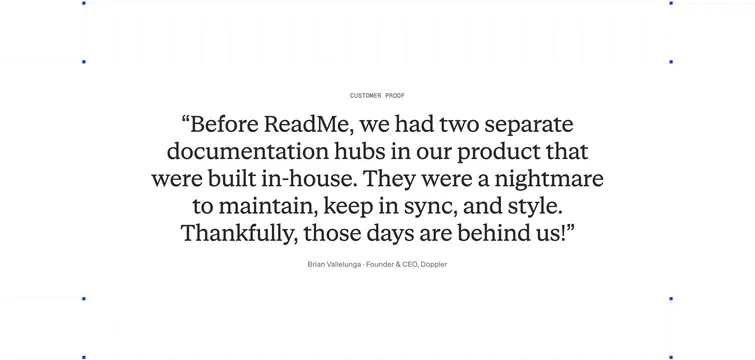 ReadMe Doppler founder testimonial
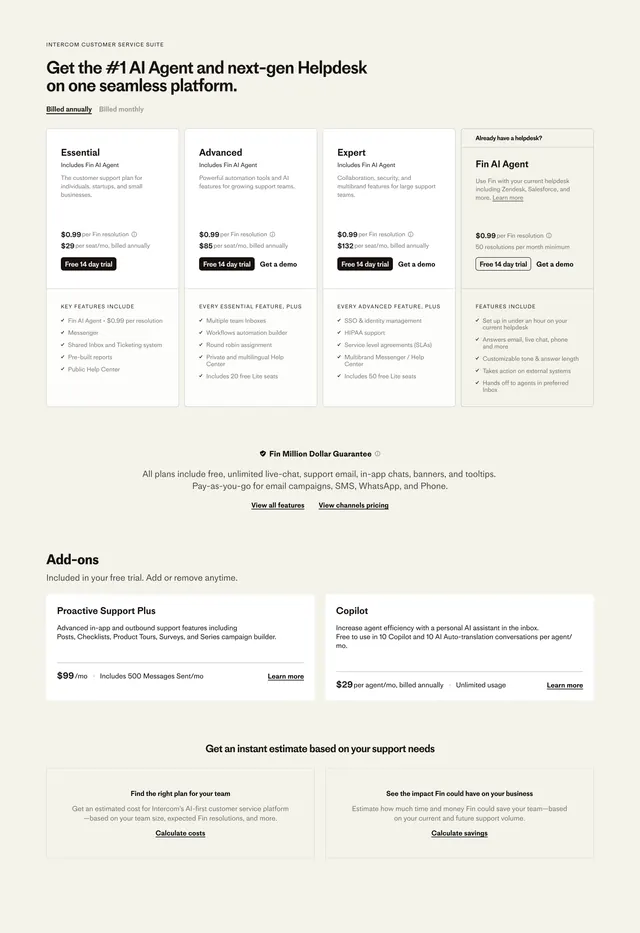 Intercom suite pricing cards