Tabs revenue automation billing feature
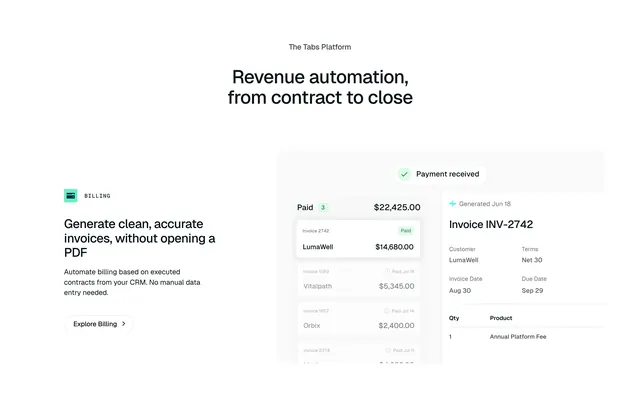
Platform section with centered headline and split billing feature block pairing copy with layered invoice UI and Payment received badge.
Summary
Platform section with centered headline and split billing feature block pairing copy with layered invoice UI and Payment received badge.
Visual description
The Tabs Platform label and large Revenue automation headline centered on white. Below, left column with teal billing icon, BILLING label, headline about accurate invoices, body copy, Explore Billing pill. Right shows simplified invoice list and detail panels with green Payment received floating badge.
Key takeaway
Floating success badge on an abstracted UI communicates outcome before features. Two-column text-plus-interface is tight and scannable.
Reuse notes
Feature drill-down on a platform landing page. Works when one workflow (invoice paid) tells the whole story.
More like this
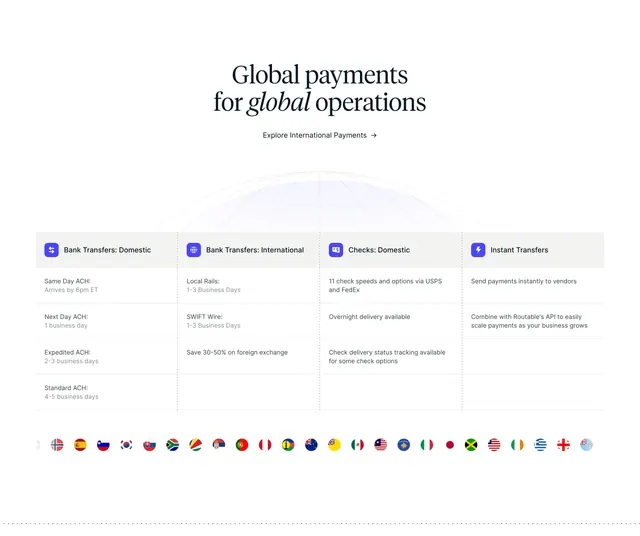 Routable global payments grid
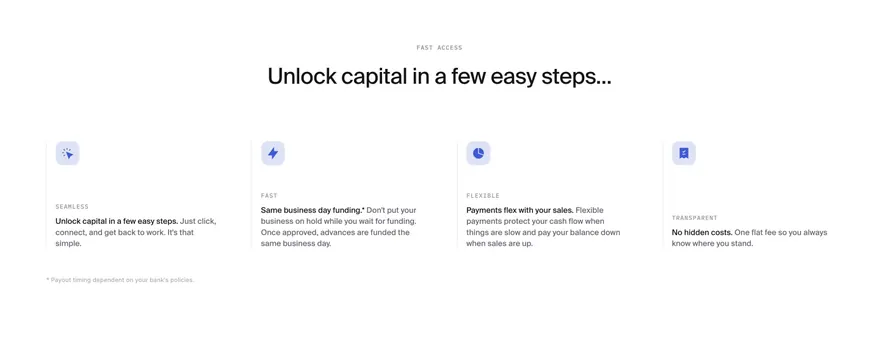 Pipe four-step capital unlock features
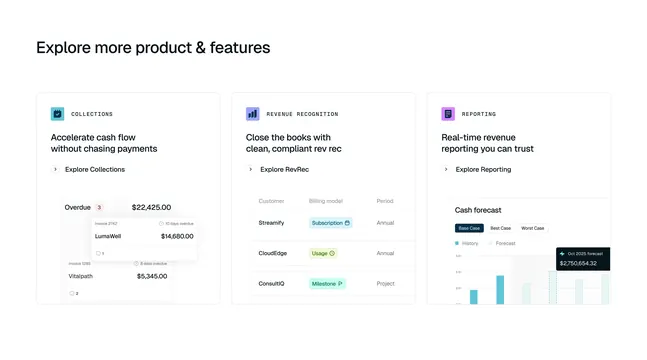 Tabs three-column product feature cards
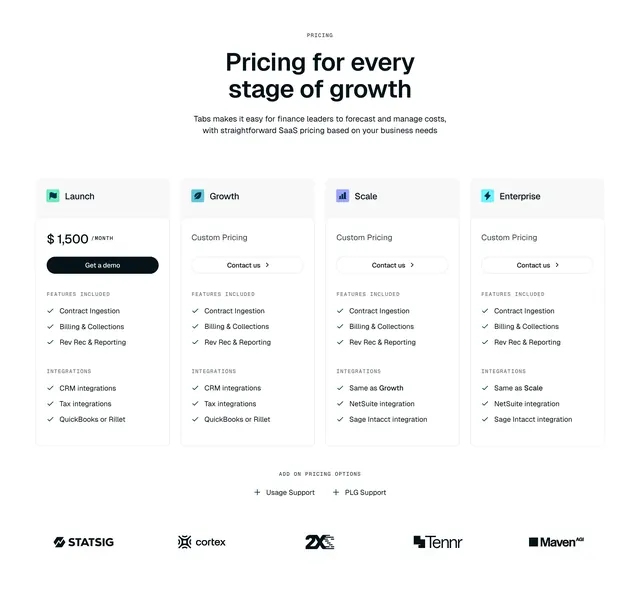 Tabs four-tier growth pricing grid
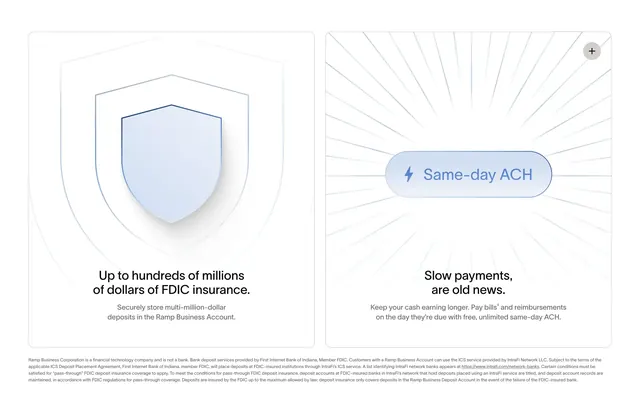 Ramp FDIC and same-day ACH feature pair
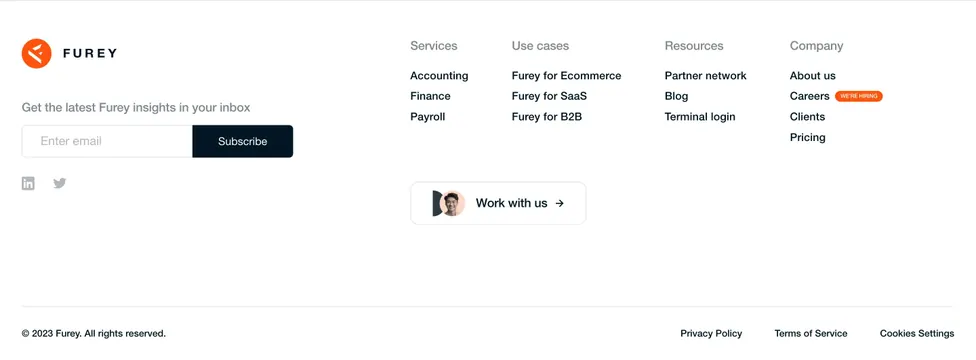 Furey home page footer
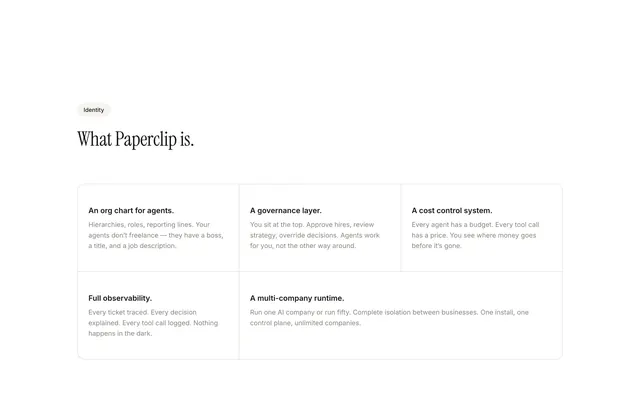 Paperclip identity bordered feature grid
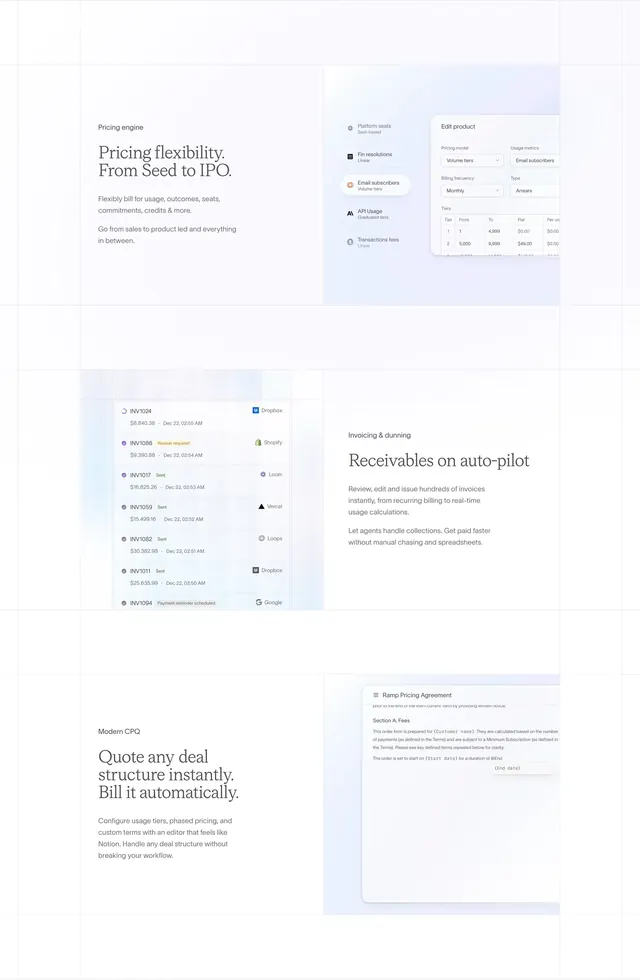 Sequence pricing invoicing CPQ alternating features
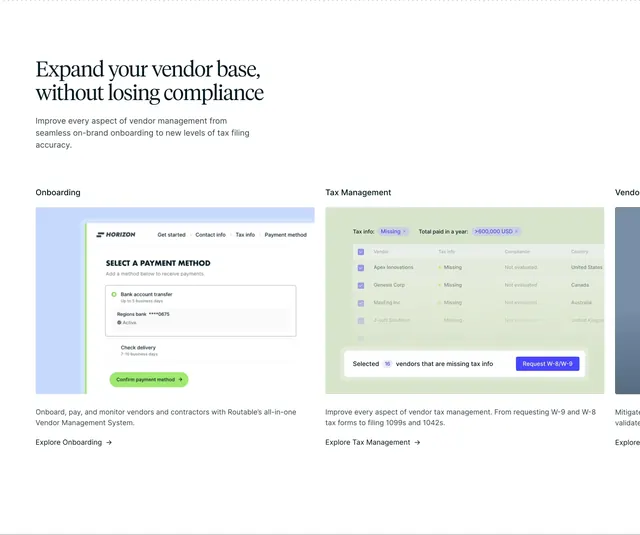 Routable vendor management features
 Wayflyer company footer in rounded container
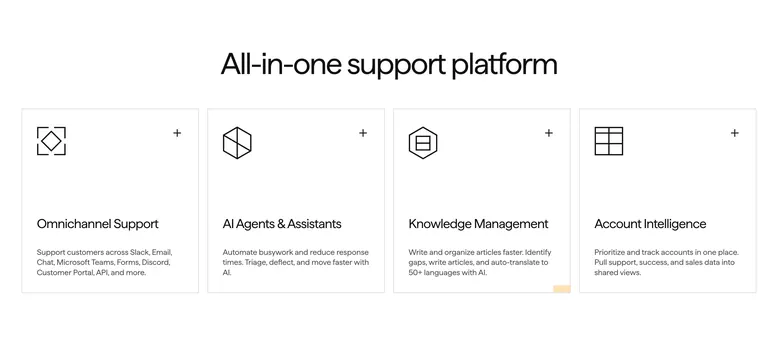 Pylon all-in-one support platform features
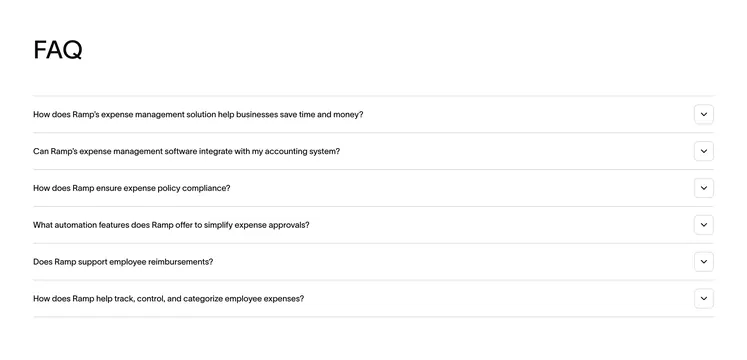 Ramp expense management FAQ accordion
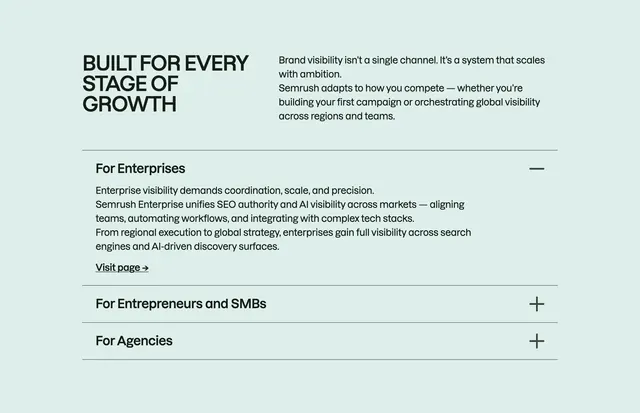 Semrush growth-stage accordion
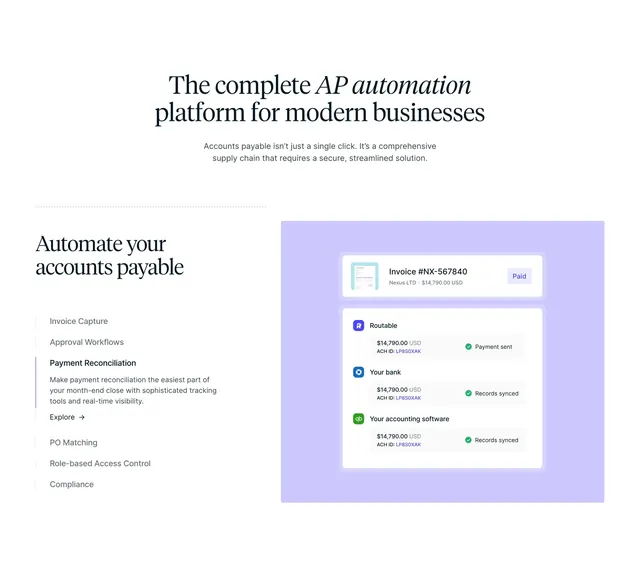 Routable tabbed AP feature walkthrough
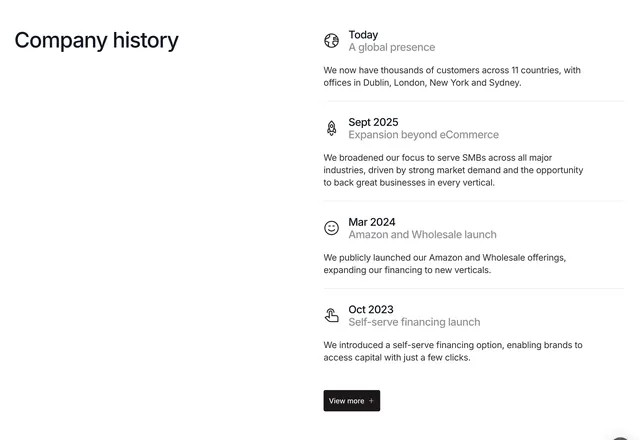 Wayflyer company history timeline
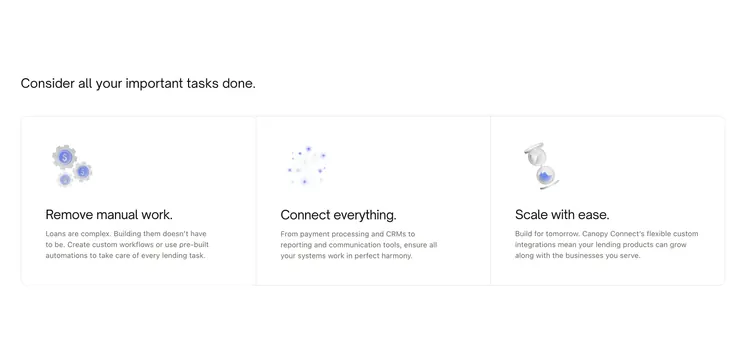 Canopy Connect three-column benefits
 Canopy minimal top navbar
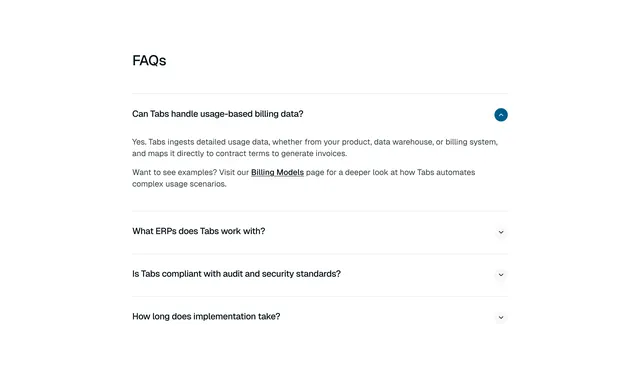 Tabs minimalist FAQ accordion
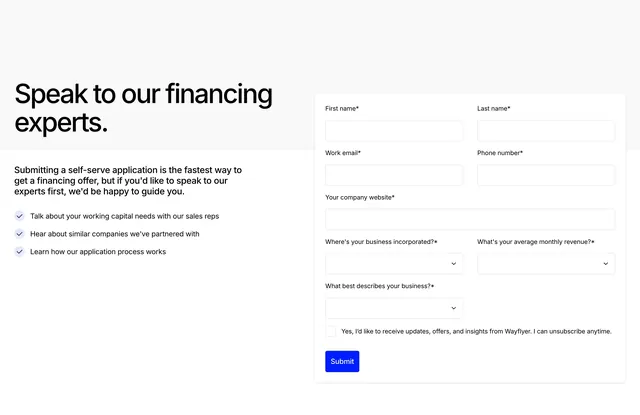 Wayflyer financing expert contact form
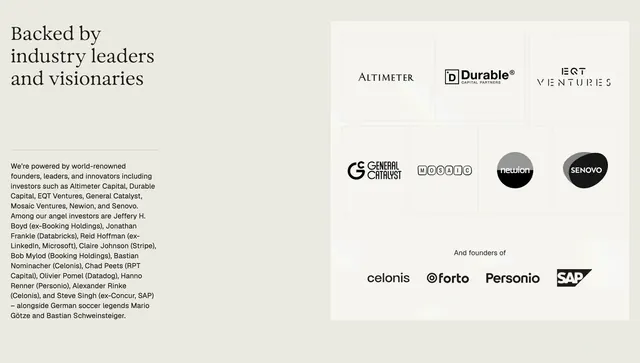 Parloa investor logo cloud with copy
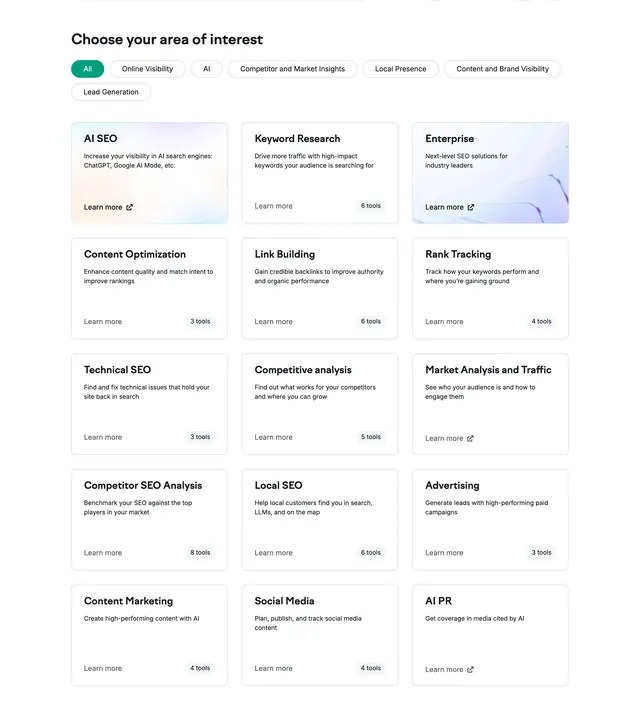 Semrush product interest grid
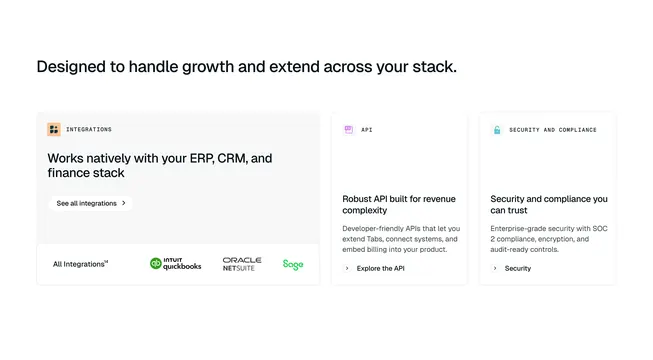 Tabs platform integrations API security grid
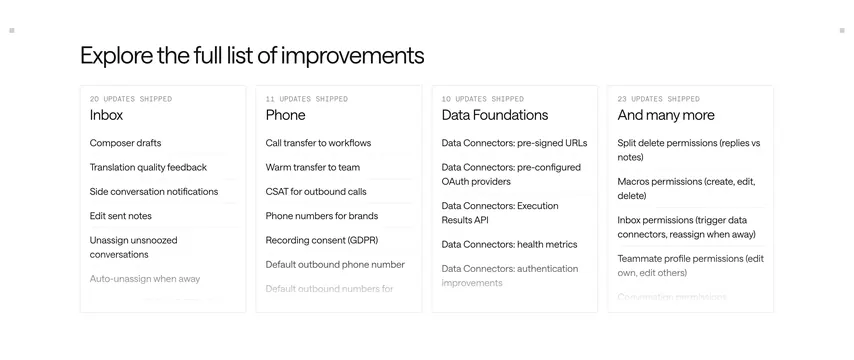 Intercom shipped updates grid
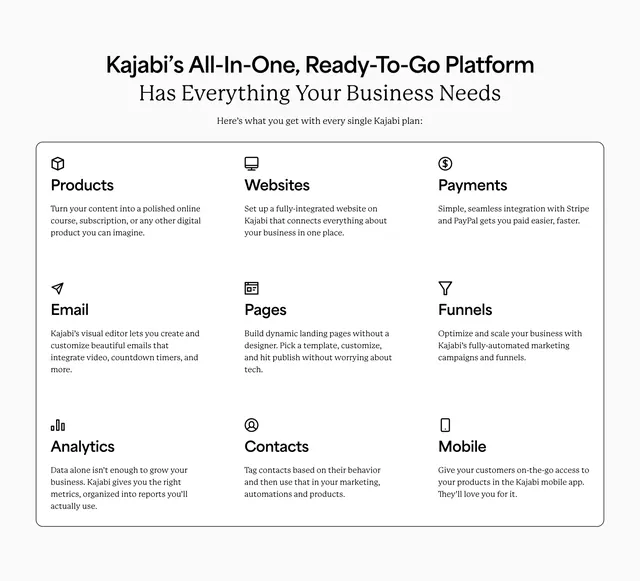 Kajabi all-in-one platform nine-feature grid