Stripe payments integration tabs carousel
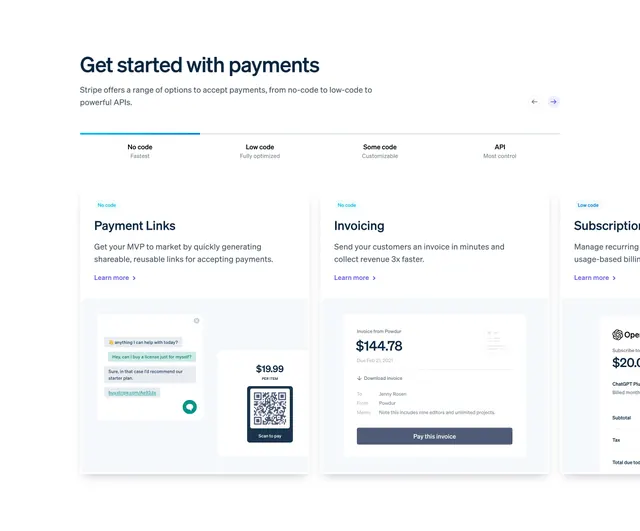
Get started with payments section with complexity tabs from No code to API and a carousel of product cards showing Payment Links, Invoicing, and Subscriptions mockups.
Summary
Get started with payments section with complexity tabs from No code to API and a carousel of product cards showing Payment Links, Invoicing, and Subscriptions mockups.
Visual description
Light page with heading and subcopy. Four tabs labeled No code, Low code, Some code, and API with active blue underline on No code. Carousel arrow controls top right. Cards show product name, description, Learn more link, and recessed UI illustrations for payment links with QR, invoice pay flow, and subscription checkout.
Key takeaway
Segmenting products by technical effort level in tabs helps both non-technical and developer audiences self-select quickly.
Reuse notes
Payment or API onboarding sections where the same products need framing for different integration depths.
More like this
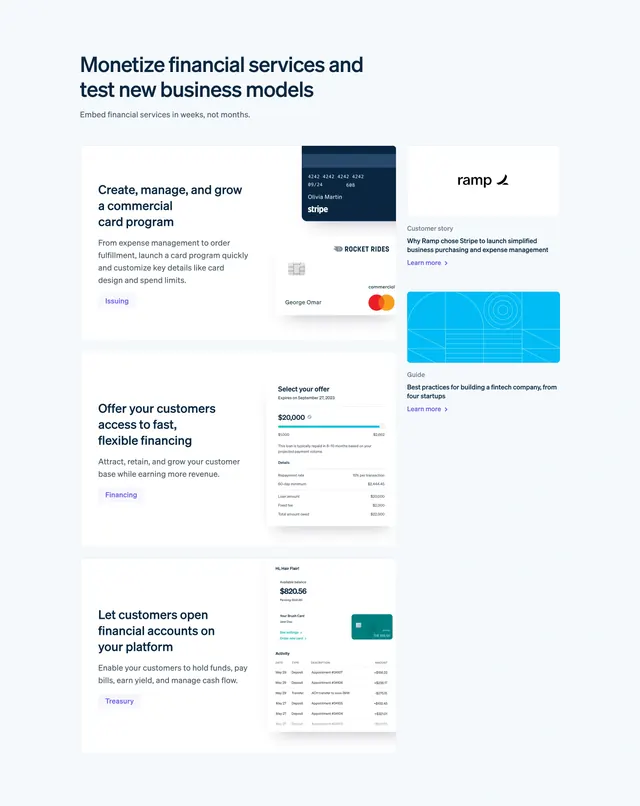 Stripe financial services feature stack
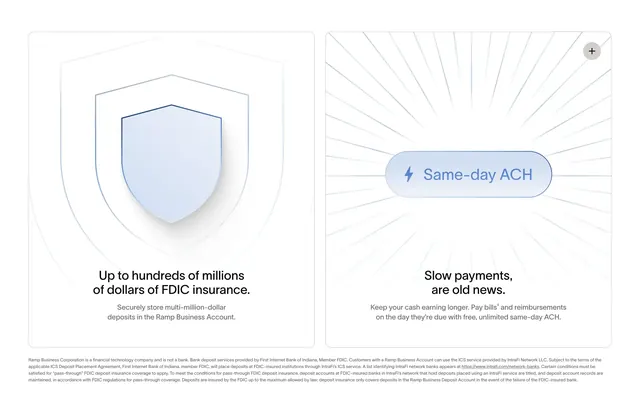 Ramp FDIC and same-day ACH feature pair
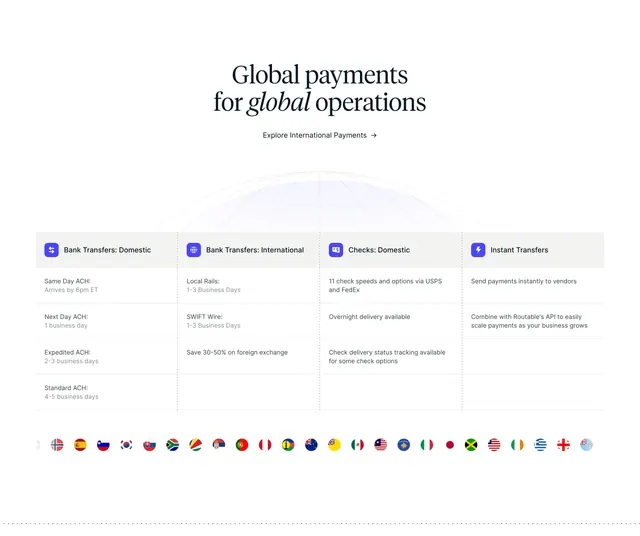 Routable global payments grid
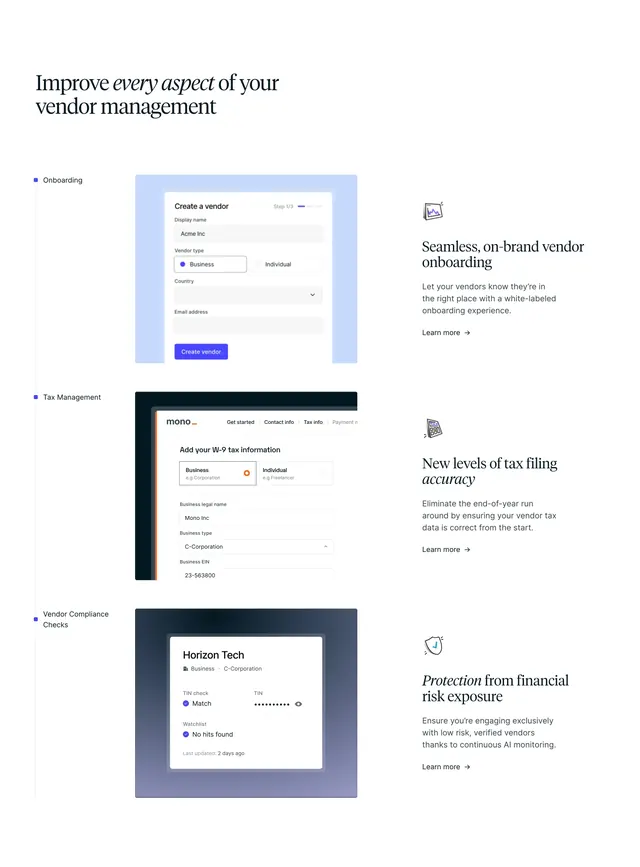 Routable vendor features timeline
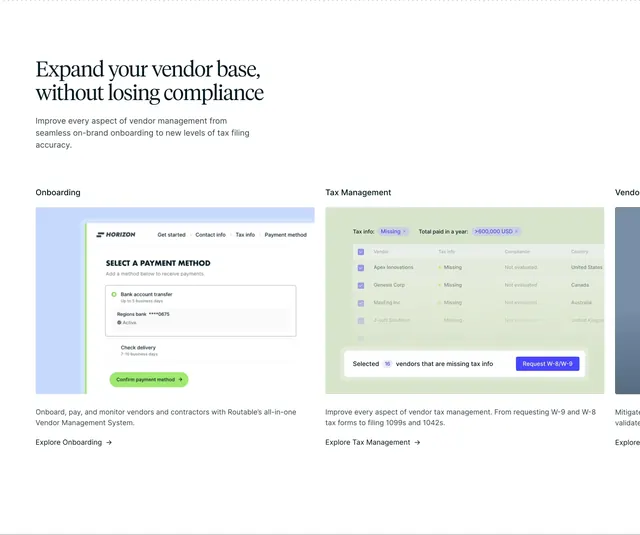 Routable vendor management features
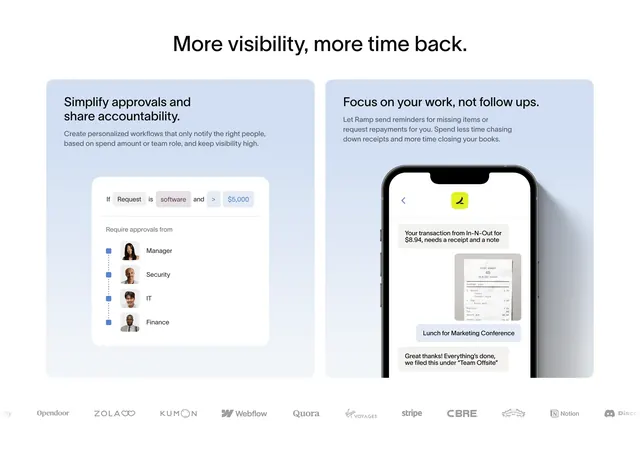 Ramp approvals and follow-ups dual cards
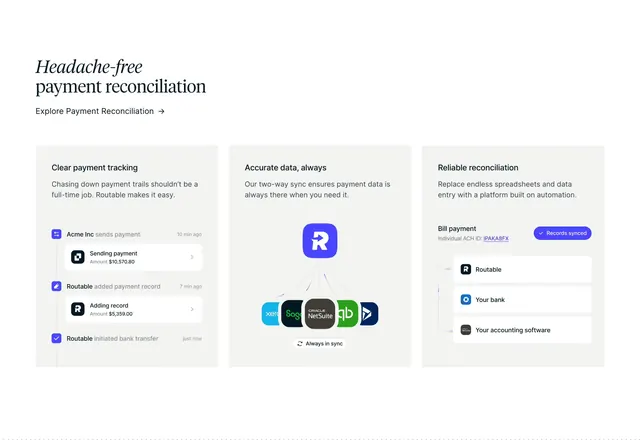 Routable payment reconciliation features
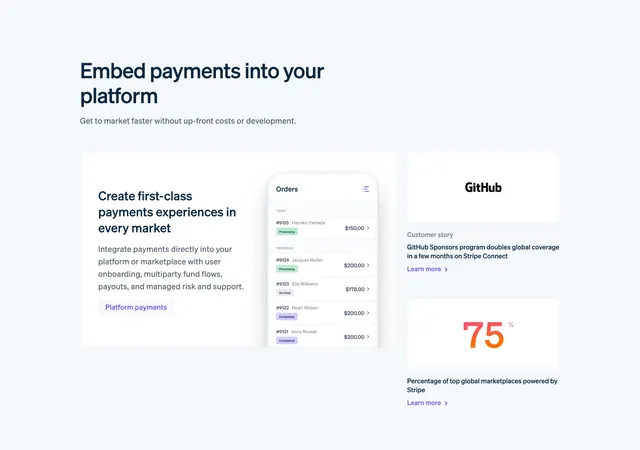 Stripe embed payments feature grid
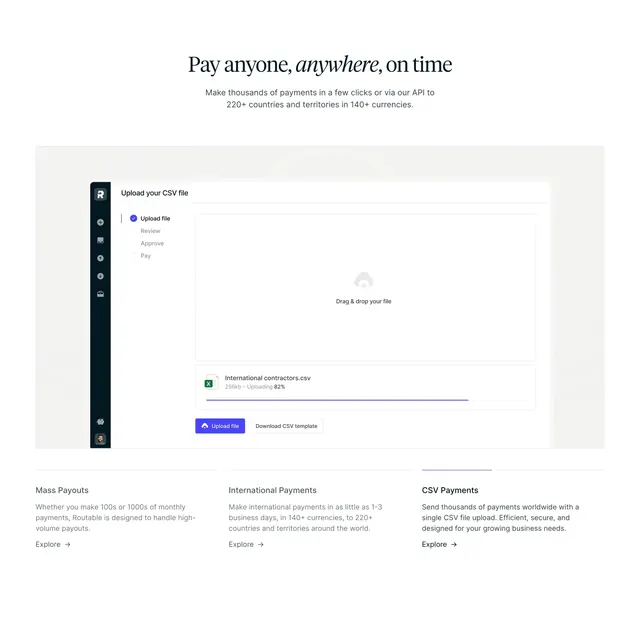 Routable CSV payments feature section
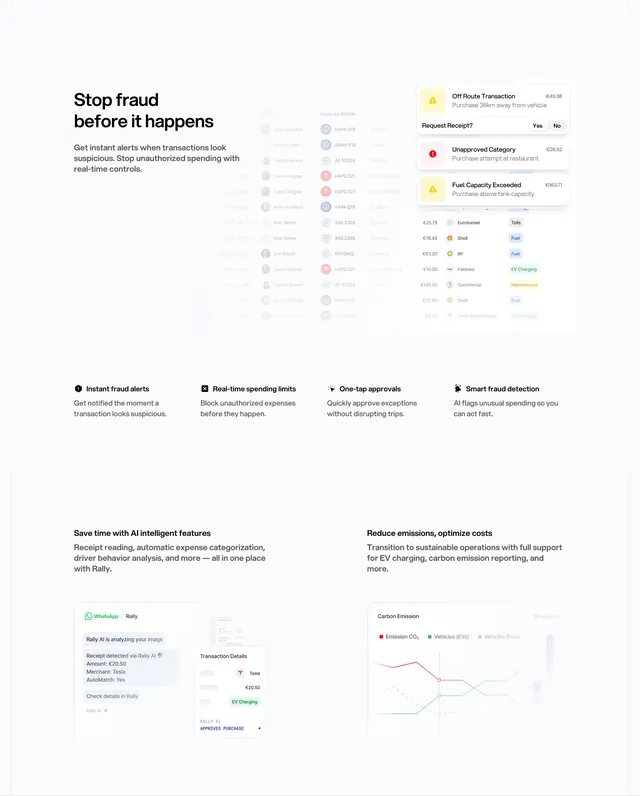 Rally fraud alerts and AI feature stack
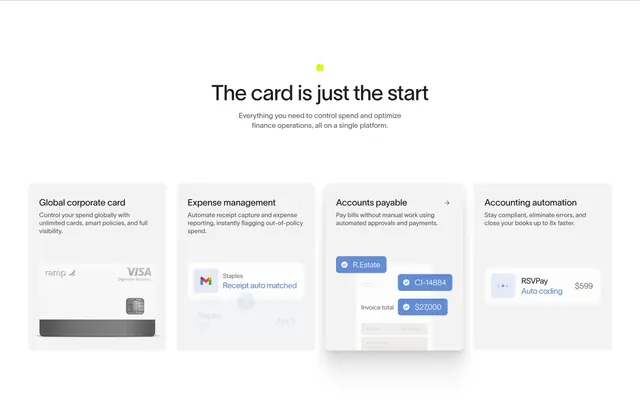 Ramp platform four-card feature row
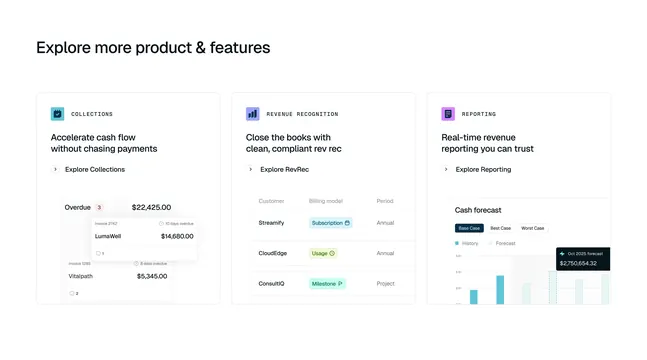 Tabs three-column product feature cards
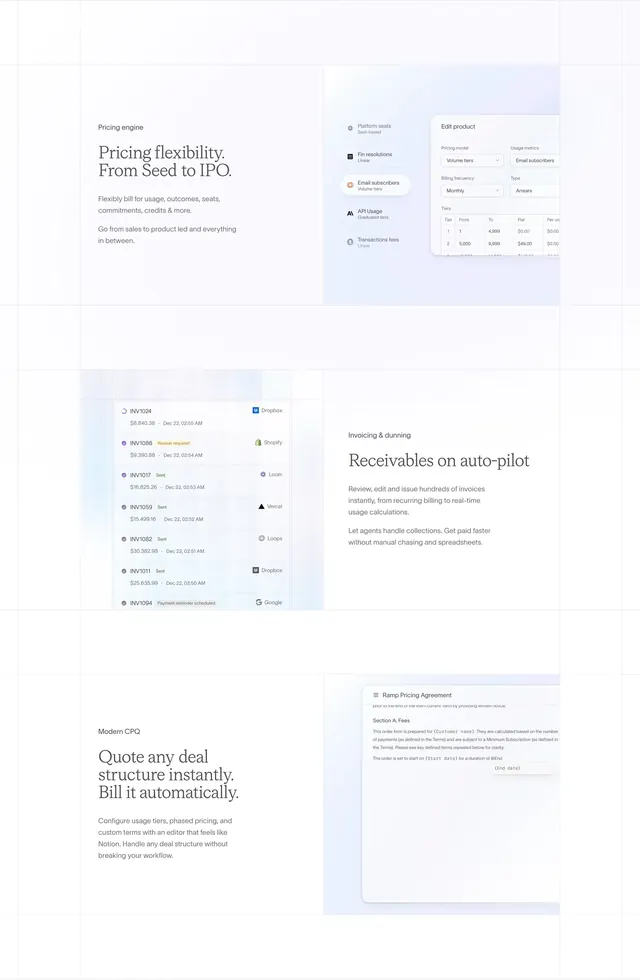 Sequence pricing invoicing CPQ alternating features
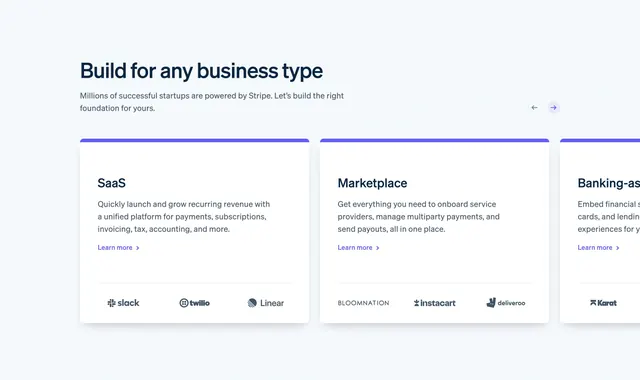 Stripe business-type carousel cards
 Jasper Solutions by role tabbed feature
 Routable tabbed AP feature walkthrough
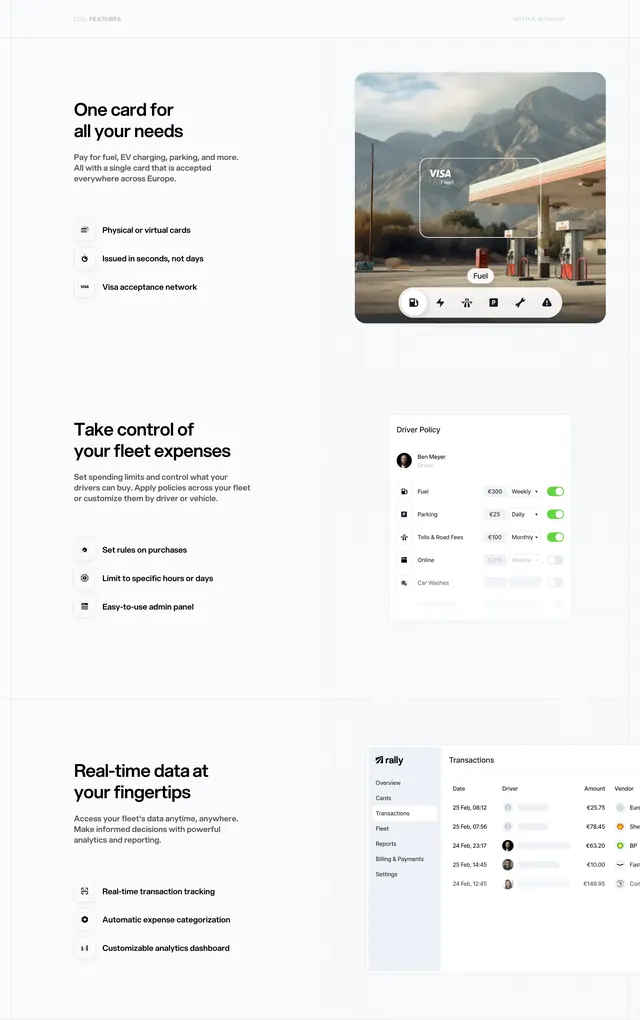 Rally stacked split feature sections with UI mockups
 Routable Decimal testimonial
 Sequence AI revenue platform hero
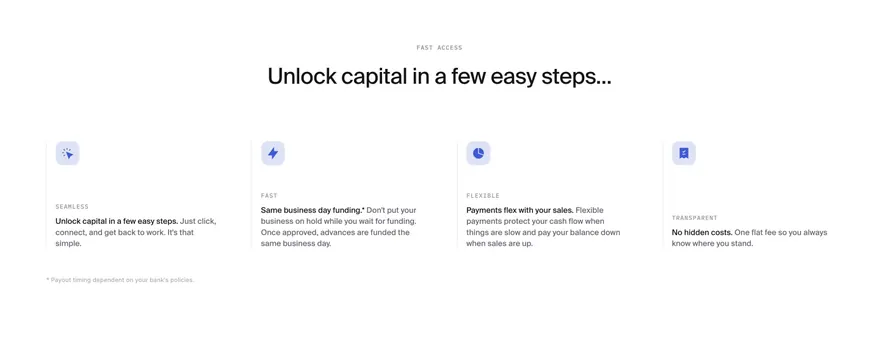 Pipe four-step capital unlock features
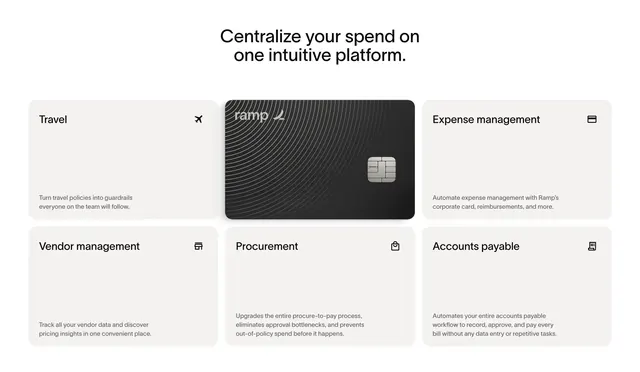 Ramp spend platform six-card grid
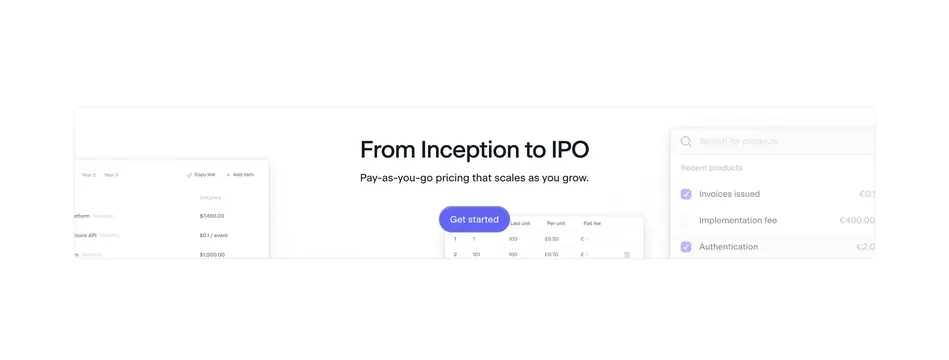 Sequence flexible pricing scale CTA light
 Ramp business account earnings calculator hero
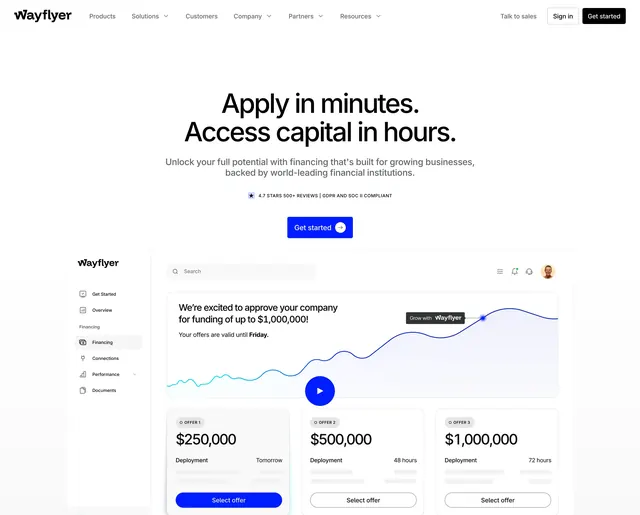 Wayflyer financing hero with dashboard mockup