Sketch real-time collaboration hero
Collaboration landing hero with colored user cursors, product UI screenshot showing live comments, and Get started for free CTA.

Summary
Collaboration landing hero with colored user cursors, product UI screenshot showing live comments, and Get started for free CTA.
Visual description
White page with dark Smart Animate announcement banner, Sketch navbar, and centered hero. Headline Collaborative design that works in real-time with Collaborative in light blue. Subcopy about designers and developers. Black Get started for free button. Colorful named cursors (Phoebe, Martin, Joey, Ivan) float around the headline. Large Sports App workspace screenshot below shows dark mobile UI cards, layers sidebar, comment thread between teammates, and inspector panel on blue-purple glow backdrop.
Key takeaway
Named collaborator cursors around the headline make multiplayer feel alive before showing the UI. Full product window with open comment thread proves real-time workflow, not just a claim. Single free CTA under short copy keeps conversion focus clear.
Reuse notes
Default for design-tool or docs collaboration pages. Requires an authentic product screenshot with visible comments. Cursor labels need real names or roles for believability.
More like this
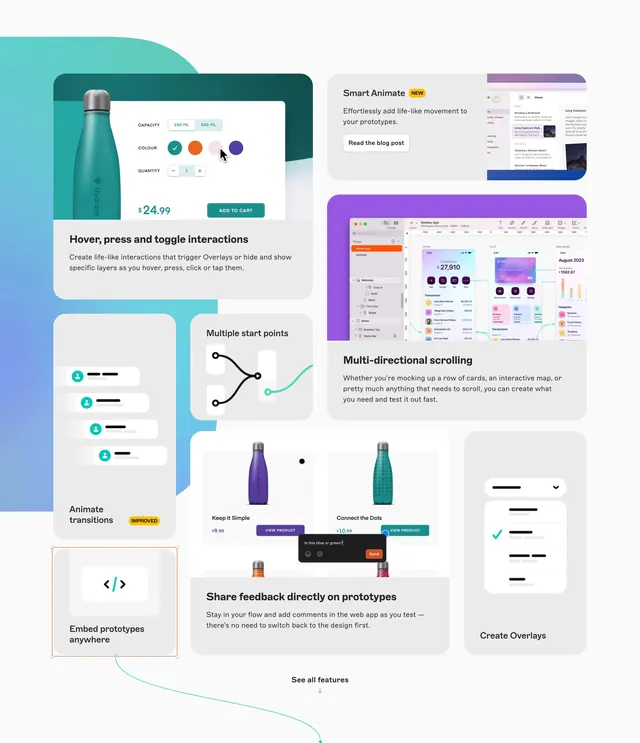 Sketch prototyping features bento grid
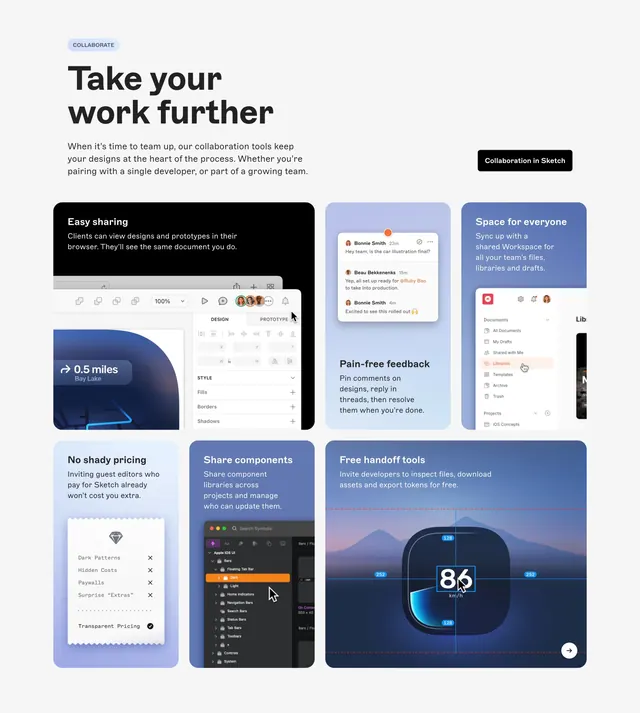 Sketch collaboration bento feature grid
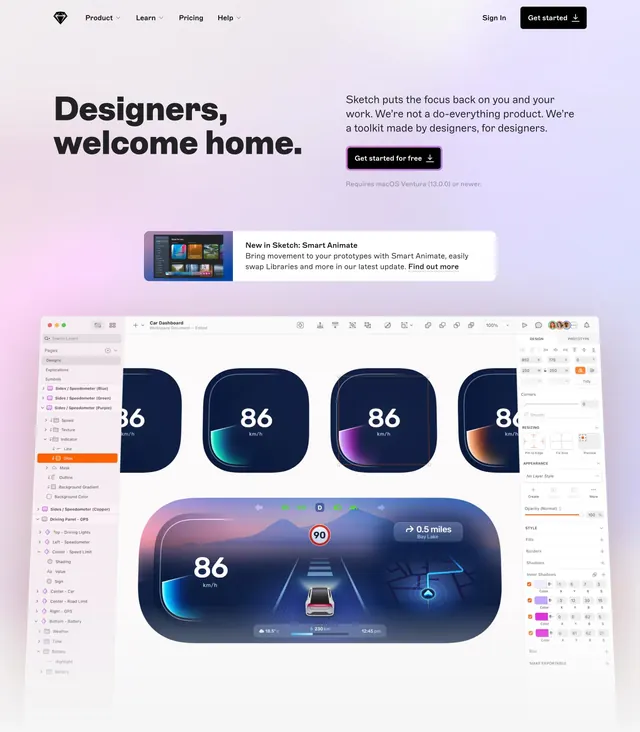 Sketch designers welcome home hero
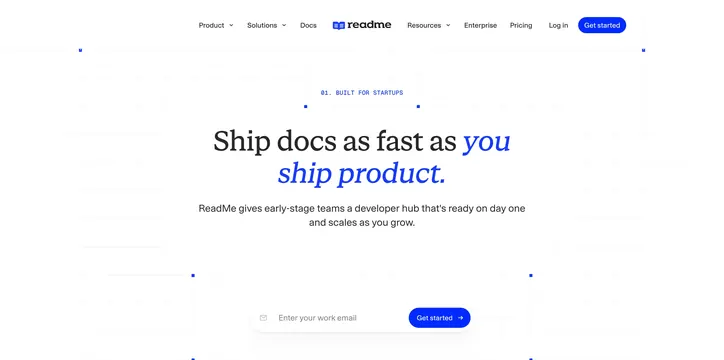 ReadMe startup ship docs hero
 GitHub for Teams collaboration workflow hero
 Sketch build prototypes hero
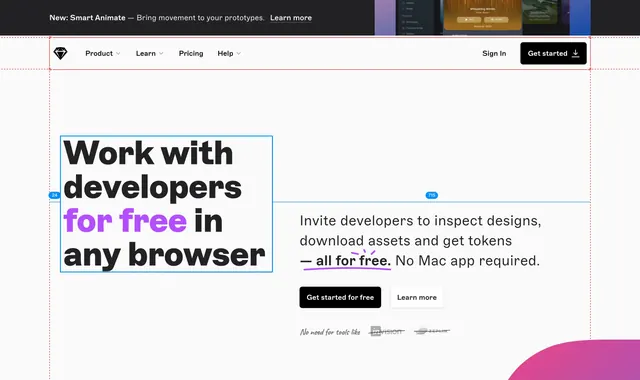 Sketch developer handoff free hero
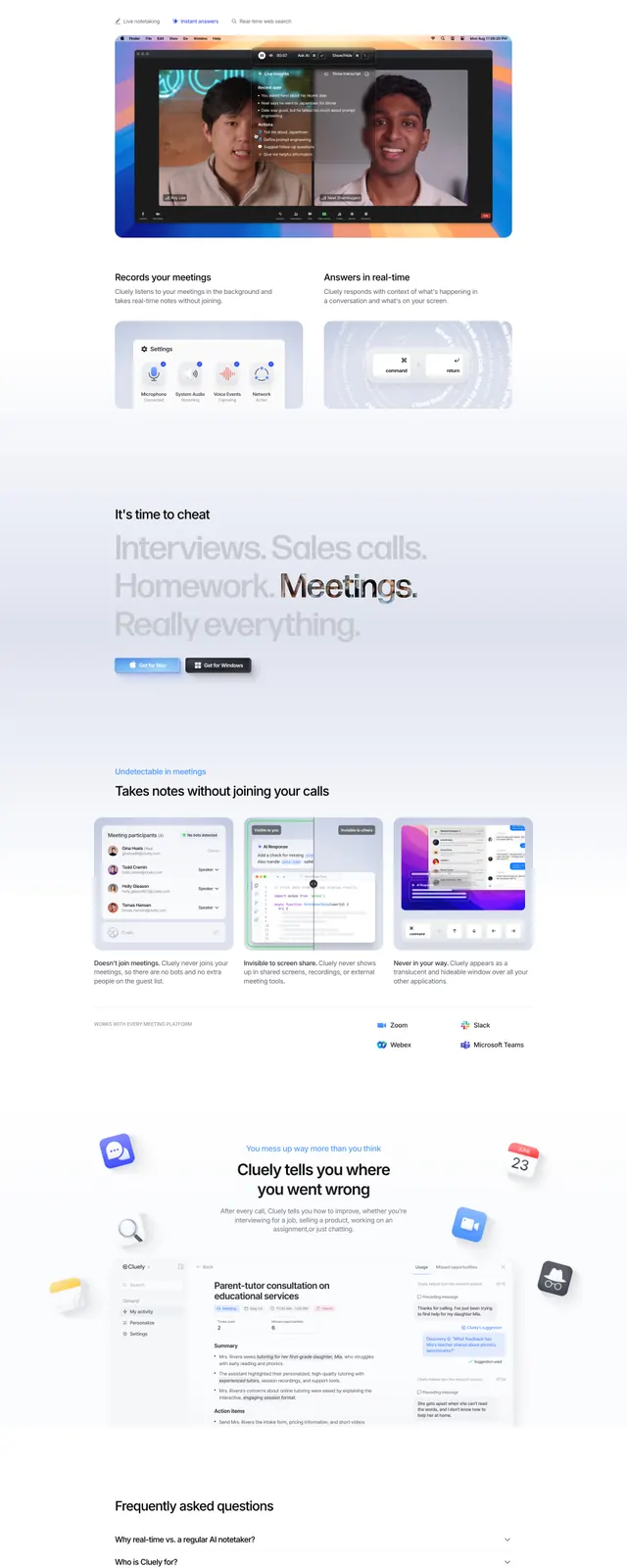 Cluely landing page
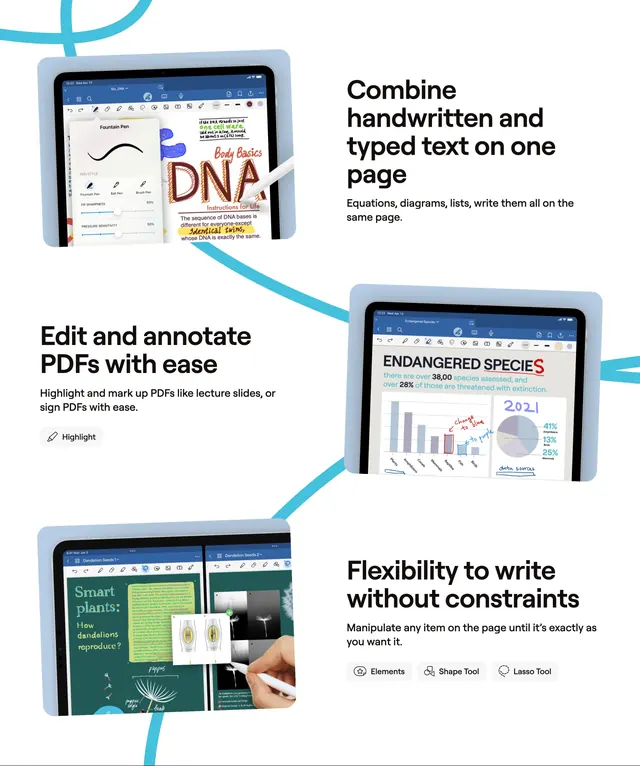 GoodNotes iPad feature flow section
 Slite editor slash commands feature
 Memory AI retail decisions hero
 Ramp startup spend management split hero
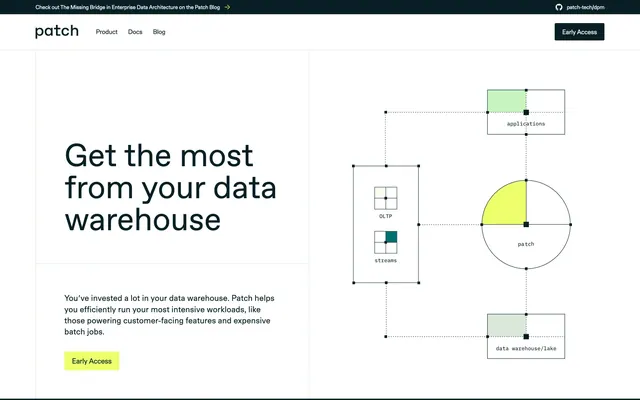 Patch data warehouse hero
 Grove AI PRM integration hub hero
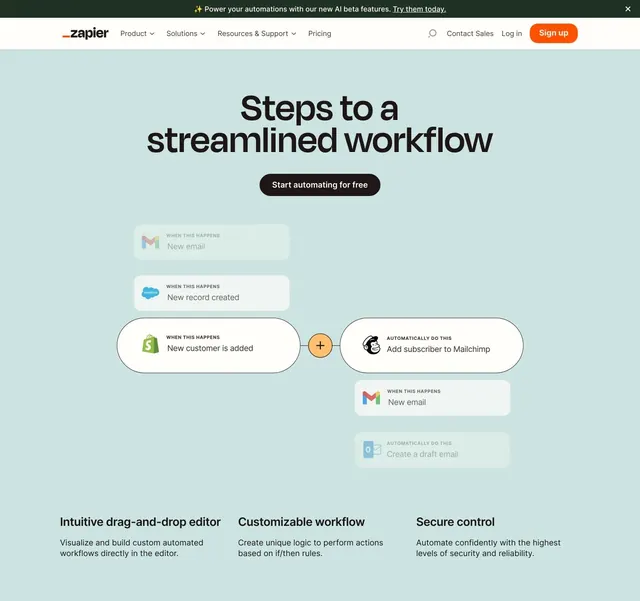 Zapier product page hero
 Sketch prototype feature carousel
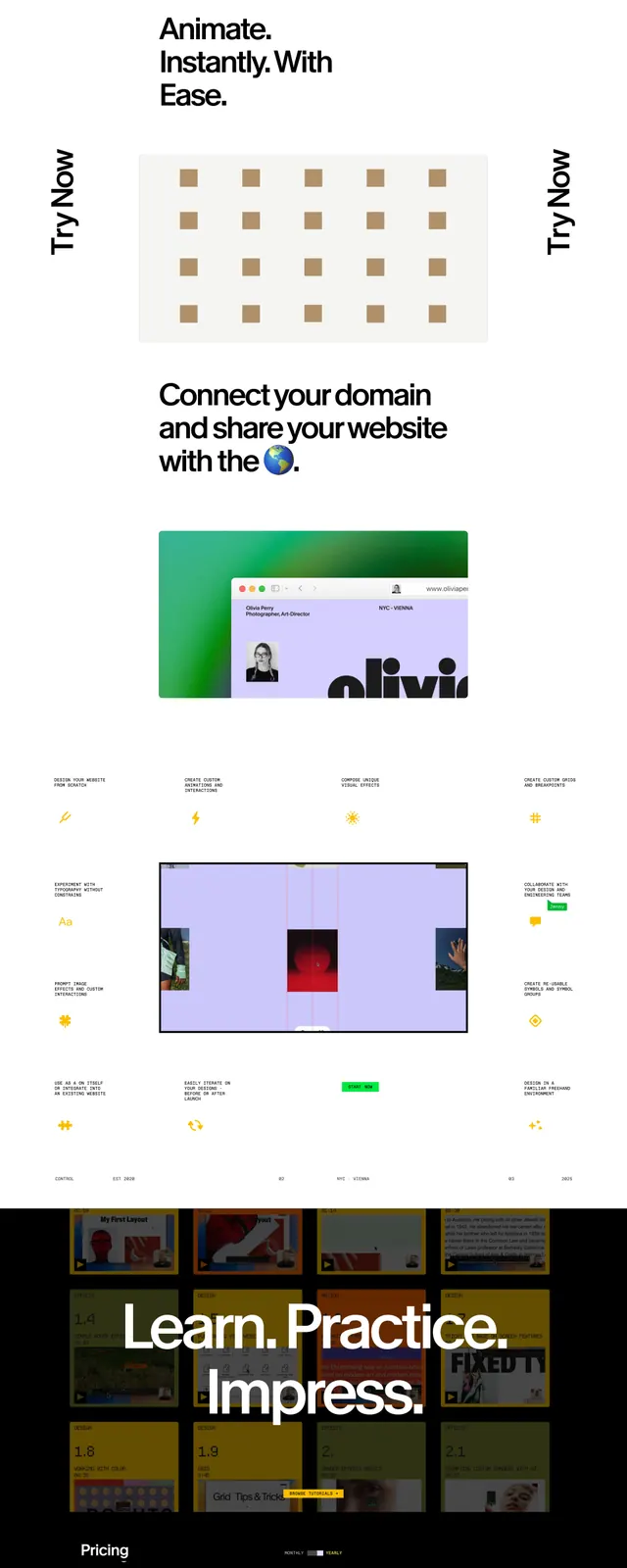 Cntrl 2 Showcase
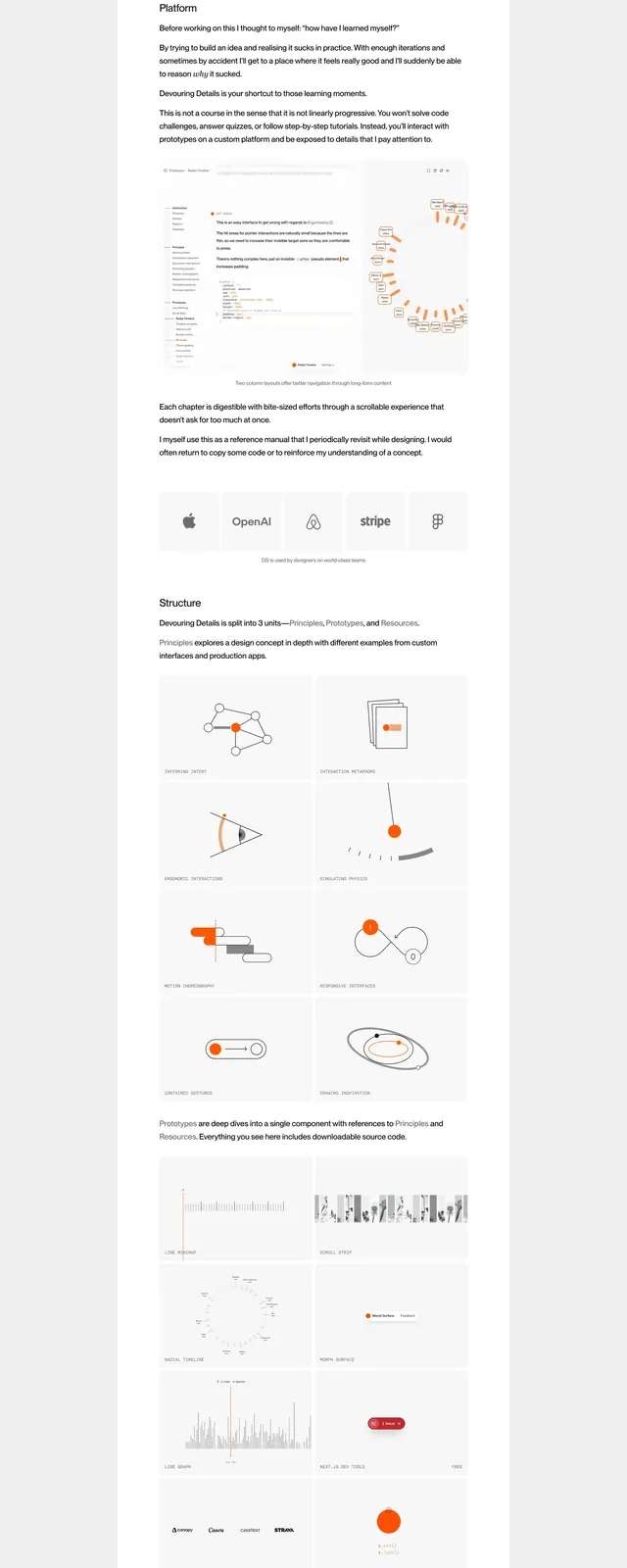 Devouring Details landing page
 Wayflyer financing hero with dashboard mockup
 Kajabi AI Creator Hub signup hero
 Jimo blog grid with category filters
 GitHub for Startups network hero
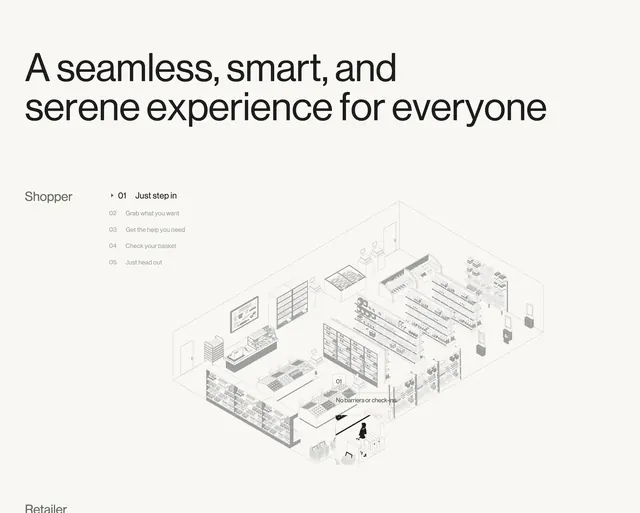 Sensei shopper journey process steps
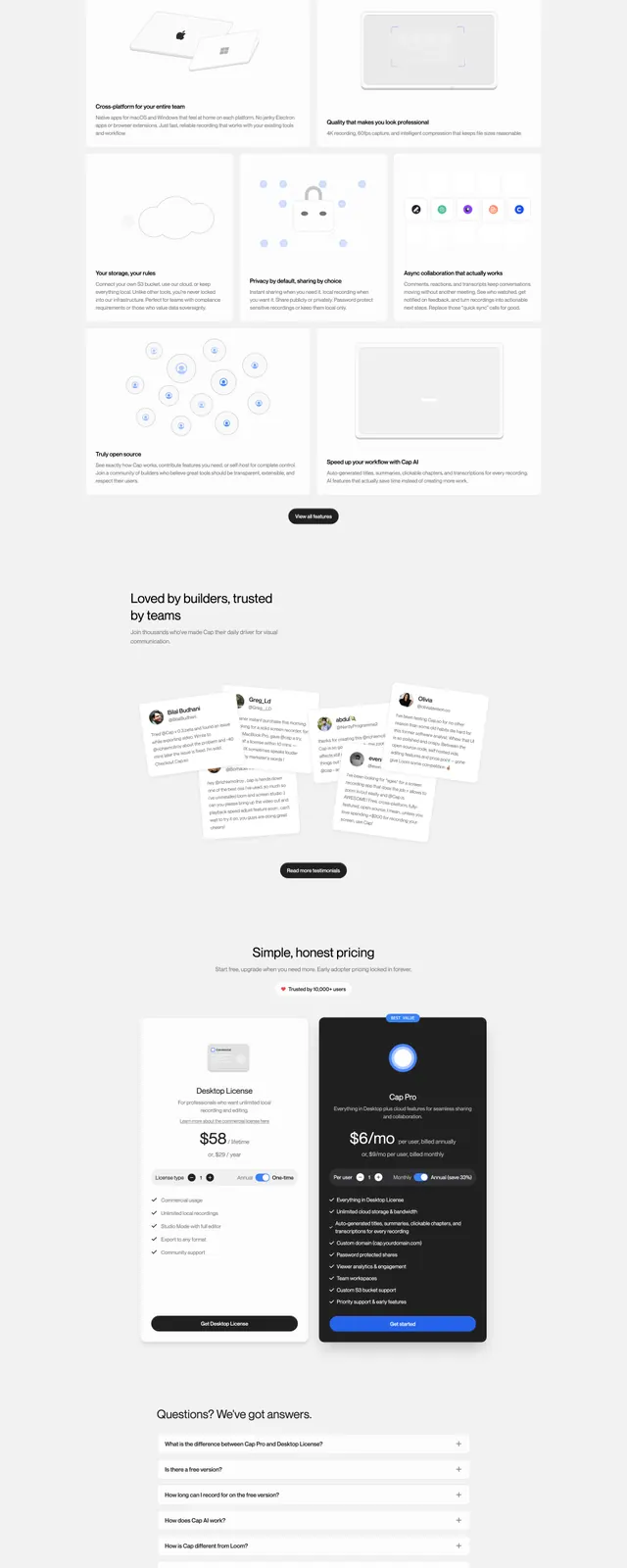 Cap 3 Landing Page