Plain configurable data model section
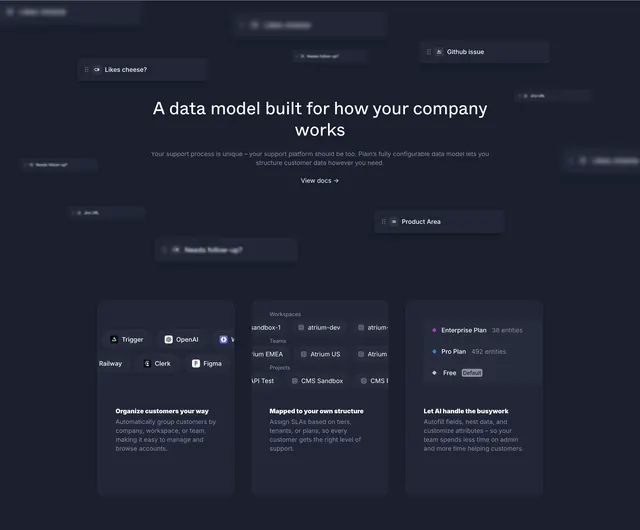
Dark section explaining Plain's flexible data model with floating field tags, docs link, and three cards for grouping, structure mapping, and AI autofill.
Summary
A dark product section centered on configurable customer data with blurred floating field pills in the background and three bottom cards for organization, SLA mapping, and AI busywork reduction.
Visual description
Deep navy-black background with soft blurred floating UI tags scattered behind the headline area: Likes cheese?, Github issue, Product Area, Jira URL, Needs follow-up?, and similar custom field labels. Center white headline A data model built for how your company works with gray subcopy about unique support processes and configurable structure, plus View docs arrow link. Bottom three dark rounded cards. Left: cluster of integration icons (Trigger, OpenAI, Railway, Clerk, Figma) with copy about grouping customers by company, workspace, or team. Middle: hierarchical list mockup of Workspaces, Teams, and Projects with example names and copy about SLAs by tier, tenant, or plan. Right: plan list showing Enterprise, Pro, and Free with entity counts and Default tag, copy about autofill, nesting, and less admin time.
Key takeaway
Floating field tags in the background visualize configurability without a dense schema diagram. Three cards map to buyer jobs (organize accounts, map structure, automate fields) instead of listing database features. A single docs link respects technical readers who want depth beyond marketing copy.
Reuse notes
Strong for support or CRM platforms selling flexible data models and multi-tenant B2B setups. Works on dark product pages with purple and blue accent chips. Background tags must stay blurred enough not to compete with the headline on smaller viewports.
More like this
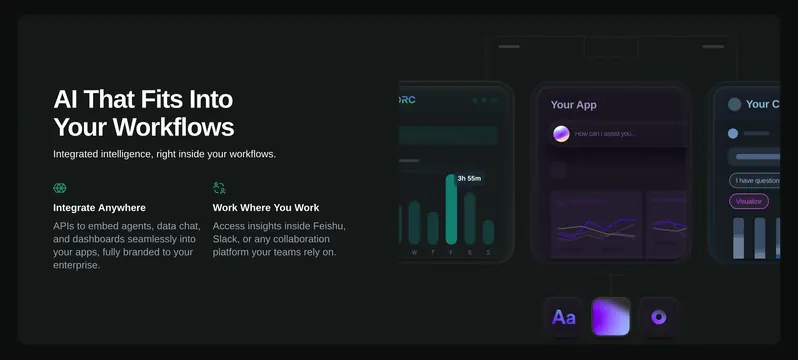 ReOrc AI workflow integration feature
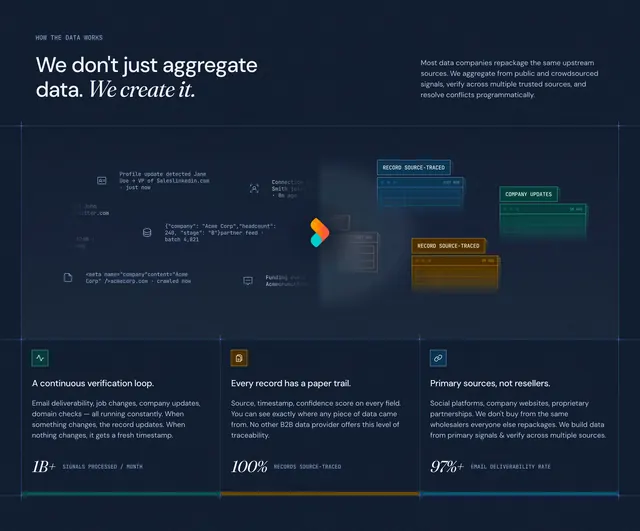 RevenueBase how-the-data-works value section
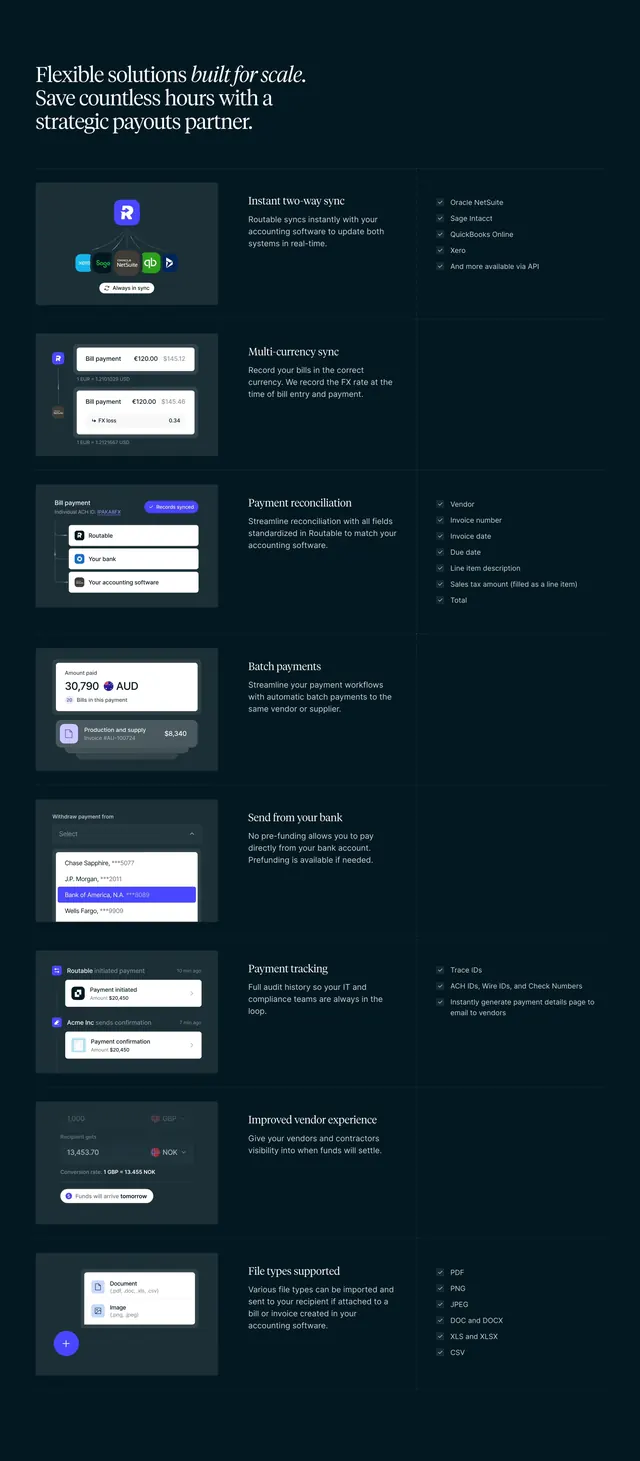 Routable built-for-scale feature list
 Kinetic products and solutions dark overview
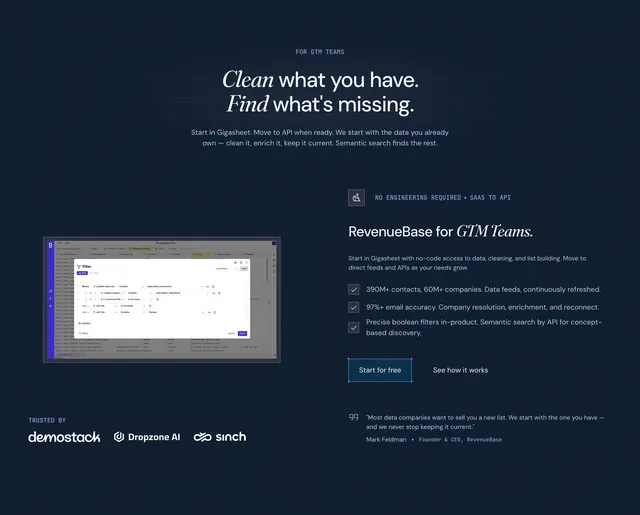 RevenueBase GTM teams value proposition
 Better Stack Logtail secure-by-design split
 Fin Copilot for Zendesk feature
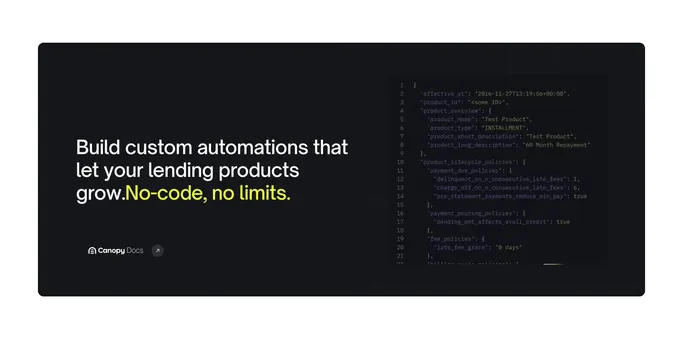 Canopy Connect dark docs CTA
 Better Stack incident alerting CTA card
 RevenueBase team directory grid
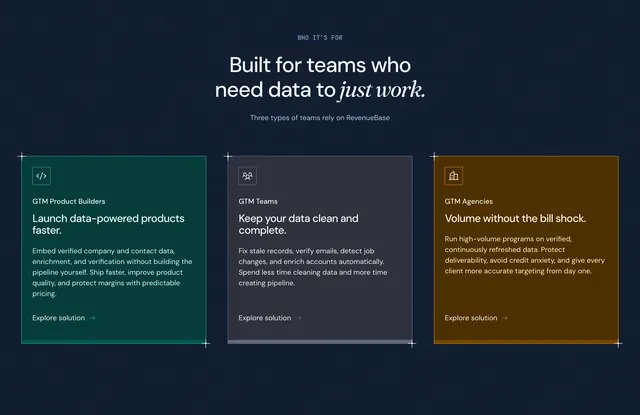 RevenueBase target users audience segmentation
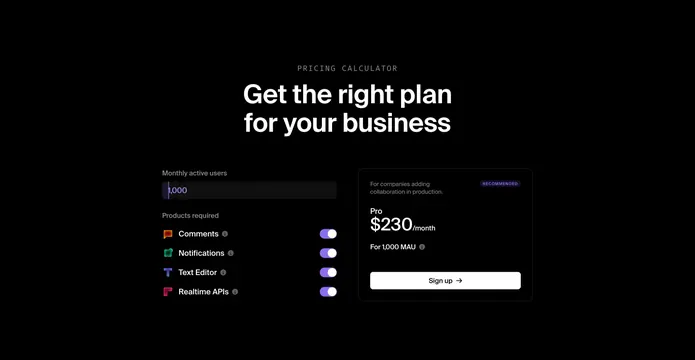 Liveblocks interactive pricing calculator
 Canopy developer docs CTA band
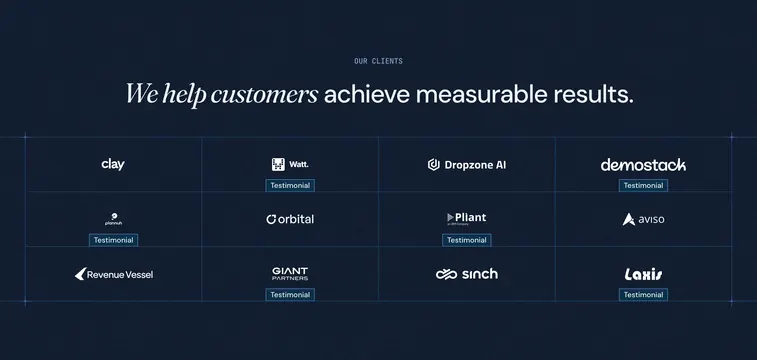 RevenueBase blueprint client logo grid
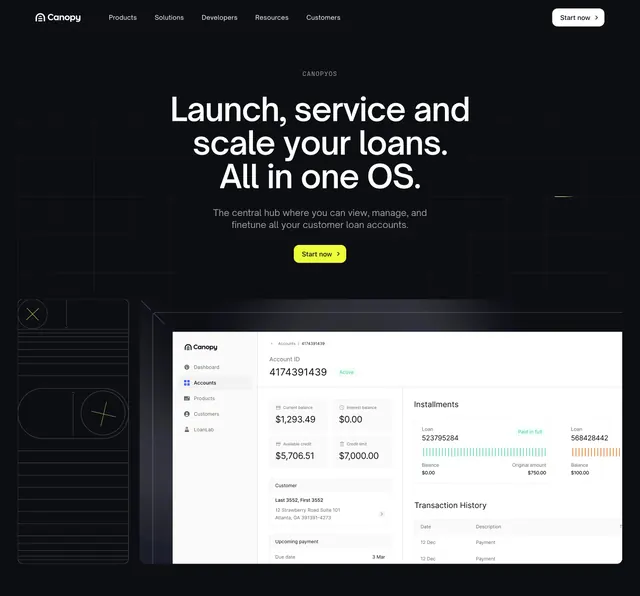 Canopy OS dark product hero
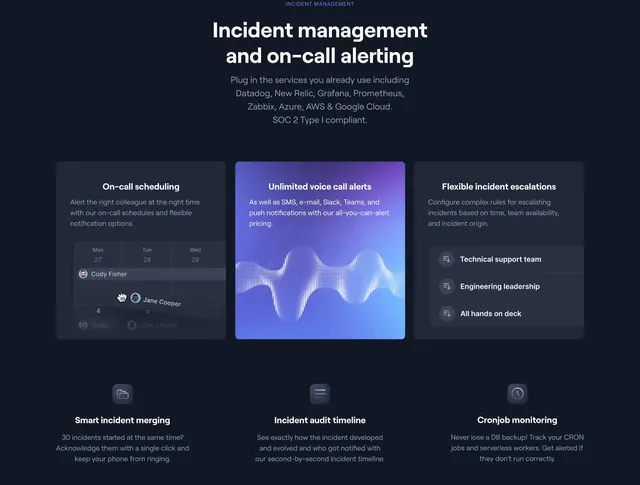 Better Uptime incident management feature grid
 Timescale tabbed testimonial with logo sidebar
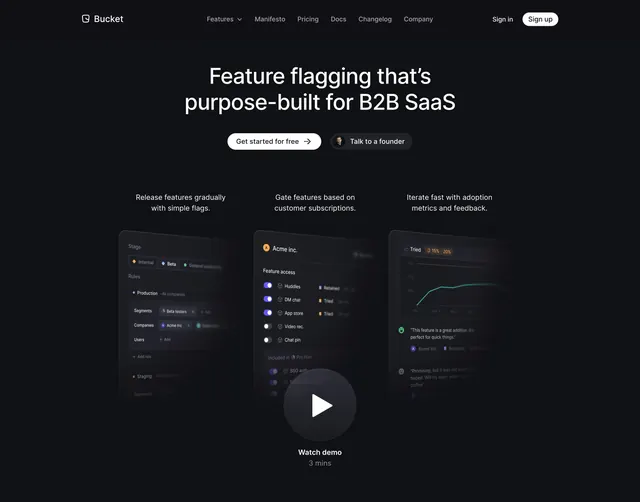 Bucket Hero Section
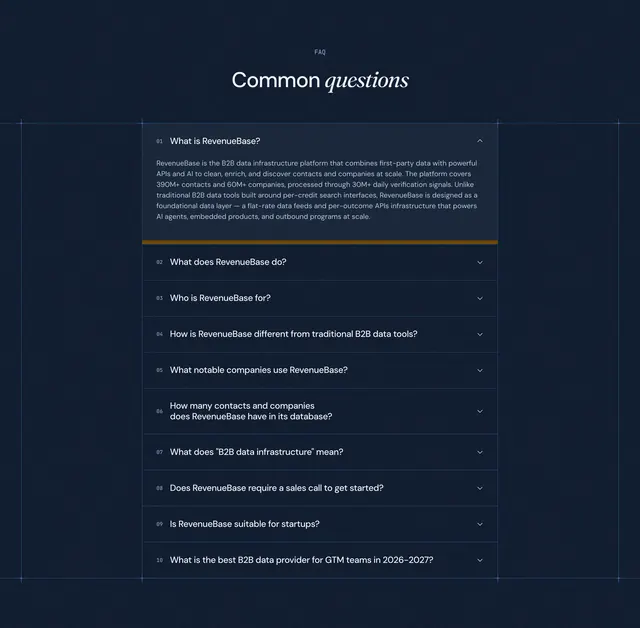 RevenueBase numbered FAQ accordion
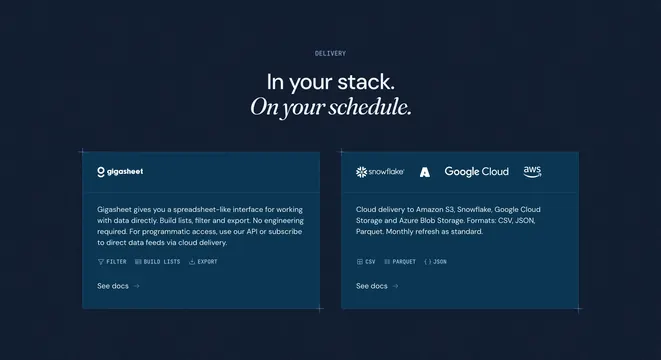 RevenueBase data delivery integration options
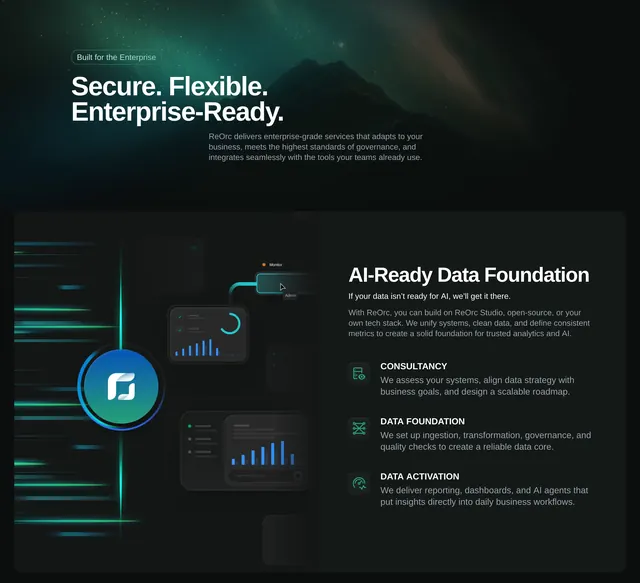 ReOrc enterprise data foundation feature
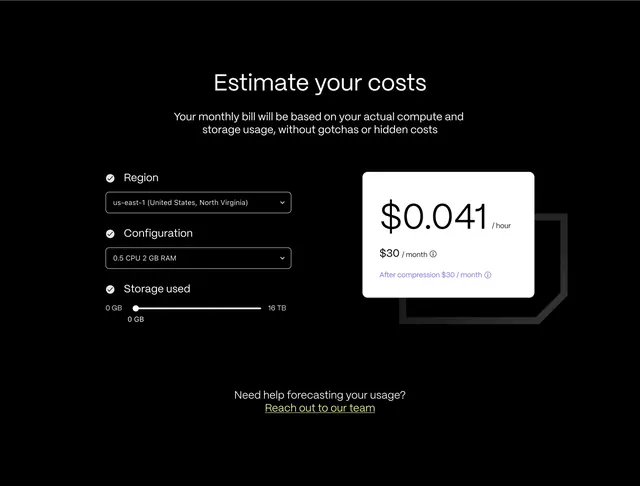 Timescale cost estimator with white result card
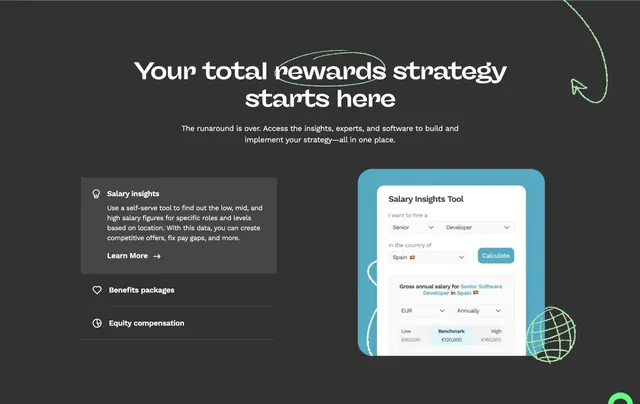 Oyster Total Rewards tabbed salary insights
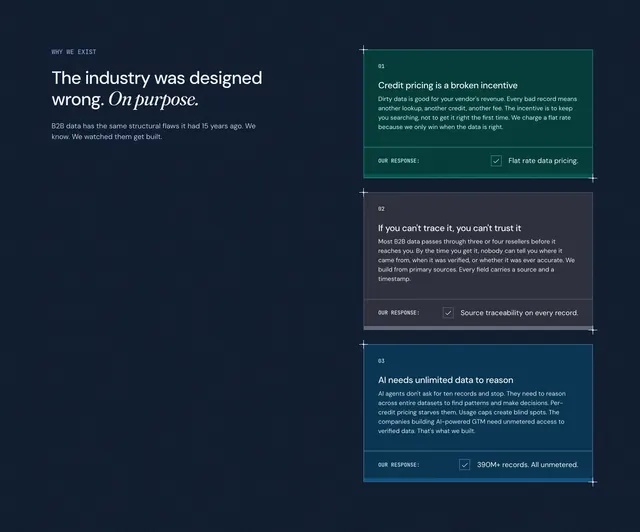 RevenueBase core problems issue-resolution cards