Mistral deployable-anywhere tabbed deployment section
Three-column deployment section with vertical tabs, self-hosted copy on grid, and icon collage over desert photo.
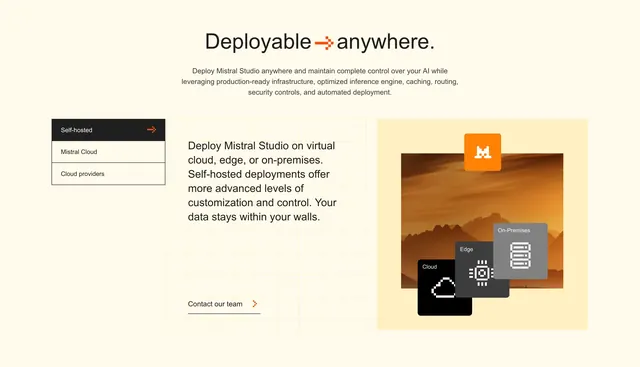
Summary
A deployment options block with headline about deployability anywhere, left vertical tabs, center explanatory copy, and right visual stacking cloud, edge, and on-premises icons.
Visual description
Cream page with centered headline "Deployable anywhere" including orange pixel arrow and gray paragraph on Mistral Studio deployment control. Left column stacks three bordered tabs with Self-hosted active in black fill and orange arrow, plus Mistral Cloud and Cloud providers inactive. Middle column on faint orange grid explains self-hosted benefits and underlined Contact our team link. Right yellow block overlays desert mountain photo with staggered squares for Mistral M logo, Cloud, Edge, and On-Premises icons.
Key takeaway
Use vertical tabs when explaining mutually exclusive deployment modes with long copy. Pair text with an icon collage so abstract infra concepts get memorable visuals.
Reuse notes
Strong for security-conscious AI buyers comparing hosting models. Tab labels must map to real product SKUs.
More like this
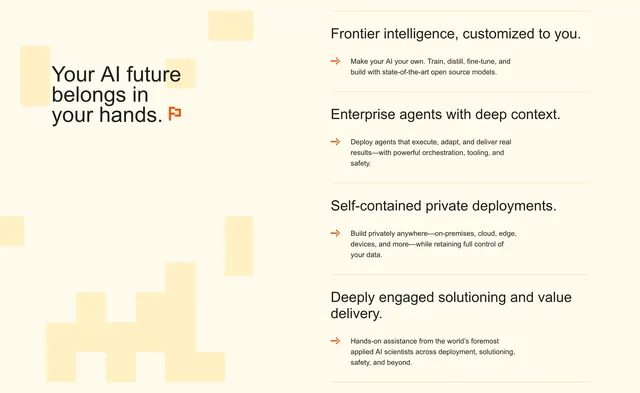 Mistral AI future-in-your-hands capability list
 Fin customer-first security and privacy
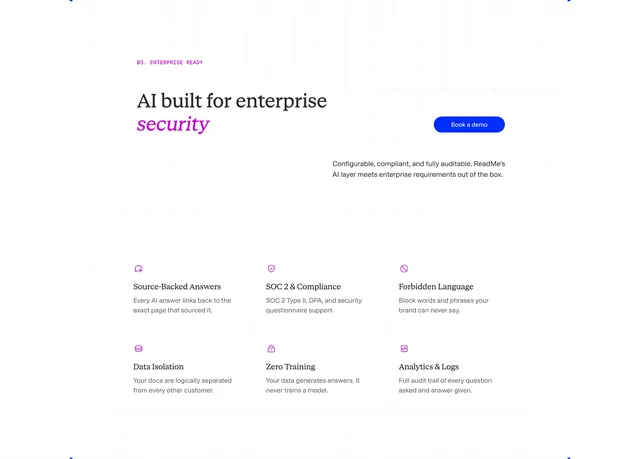 ReadMe enterprise AI security grid
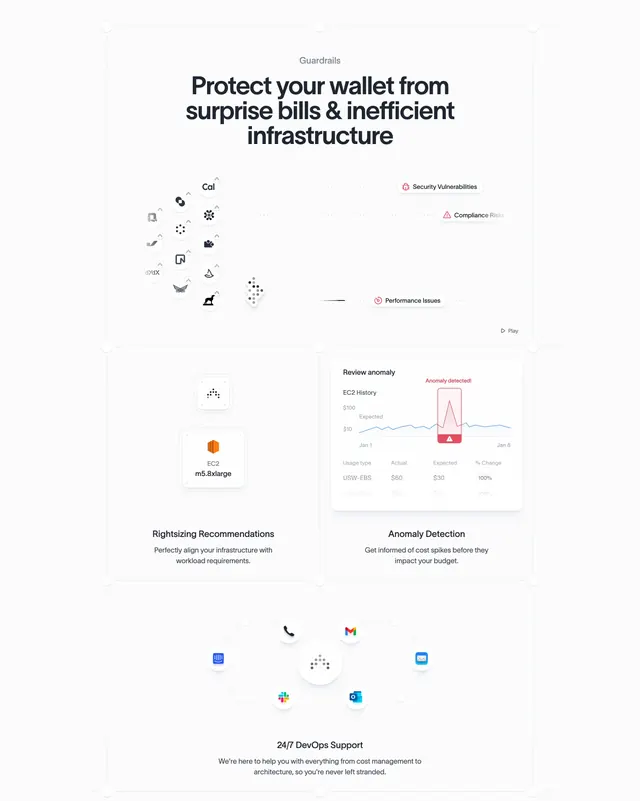 Antimetal guardrails feature section
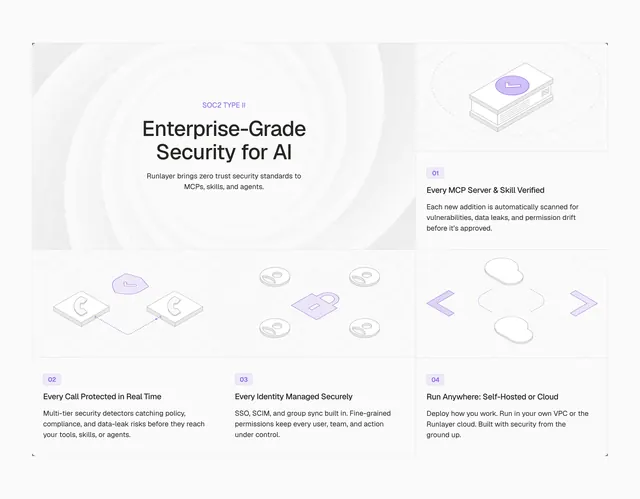 Runlayer security advantages feature grid
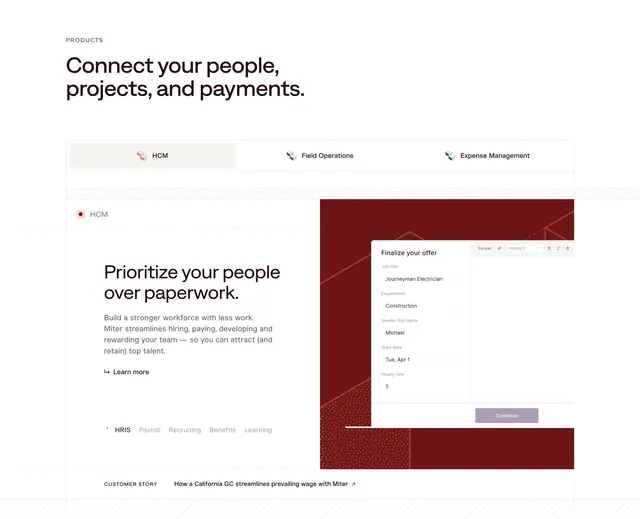 Miter Features Section
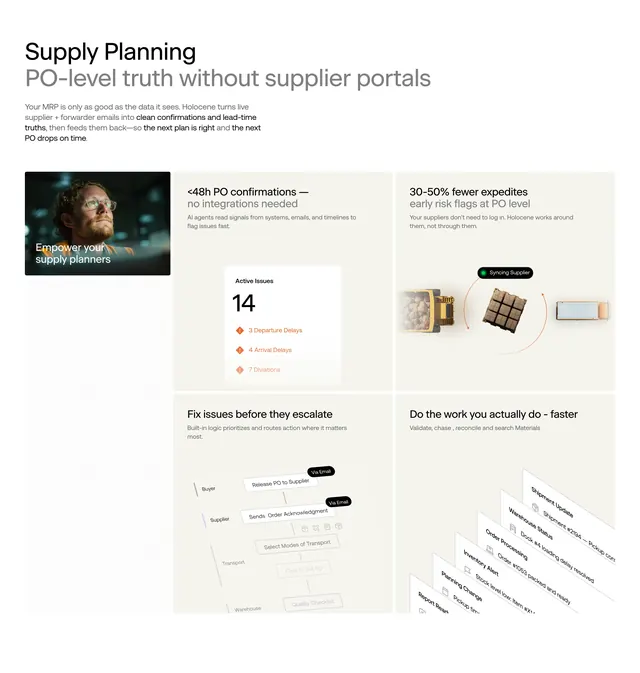 Holocene Supply Planning bento
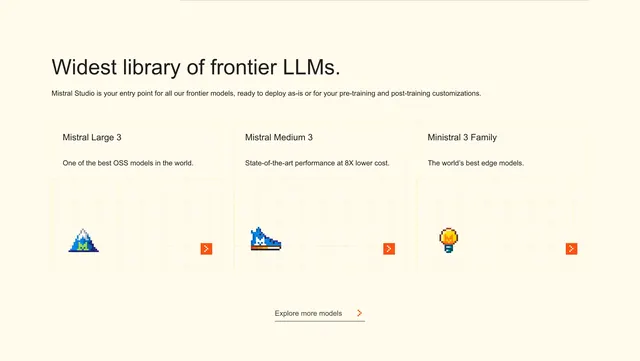 Mistral frontier LLM model card trio
 Mistral privacy-first deployment partner orbit
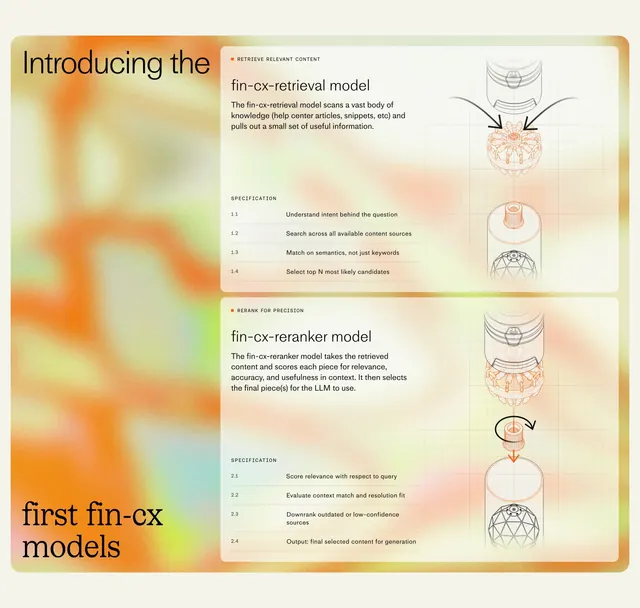 Fin CX model retrieval and reranker explainer
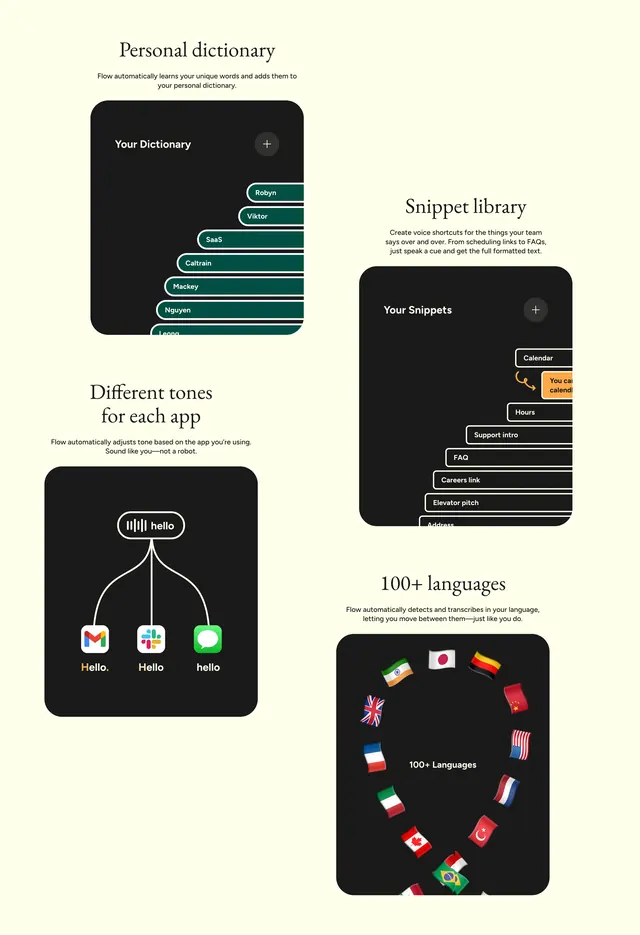 Flow core capabilities feature grid
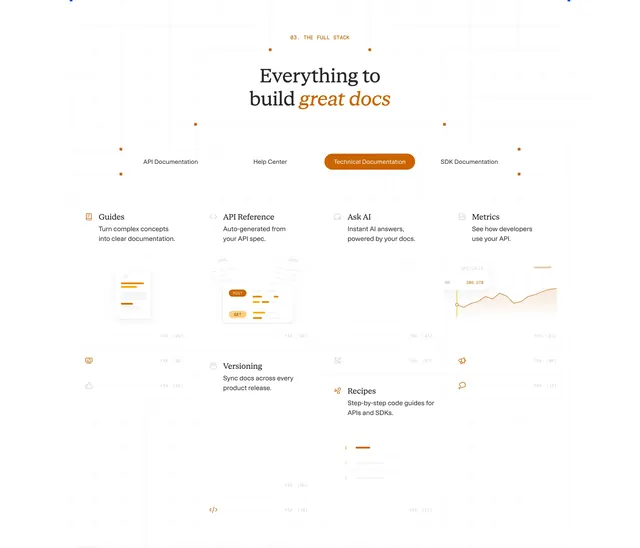 ReadMe full stack orange feature matrix
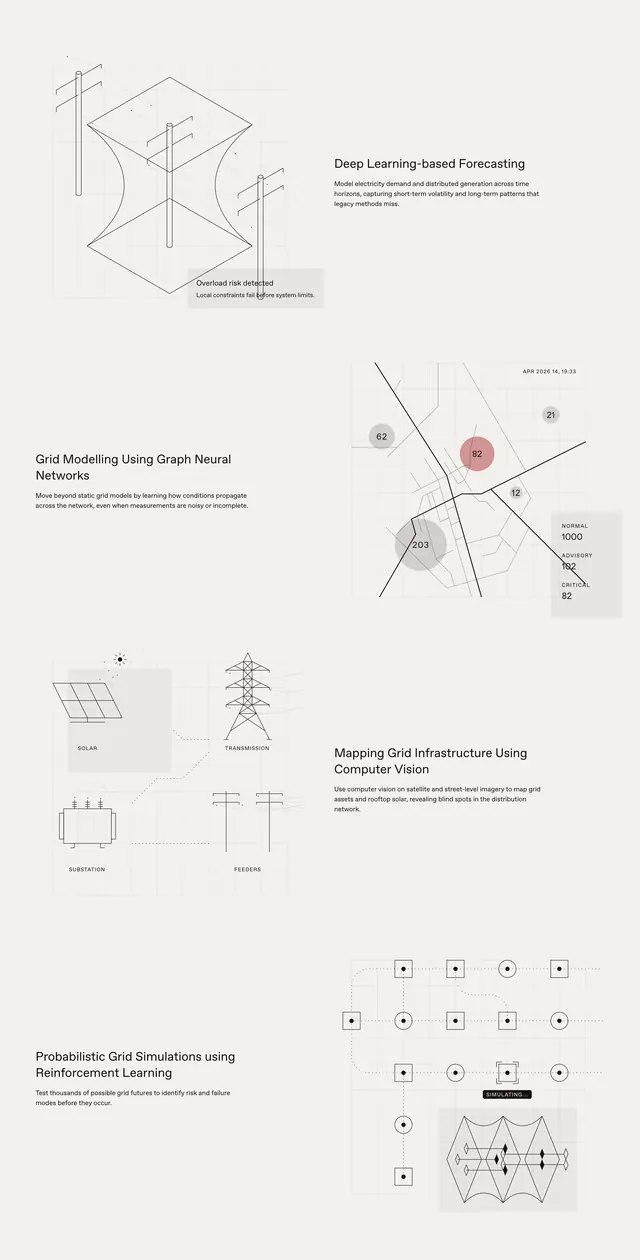 Pravah technology capabilities feature stack
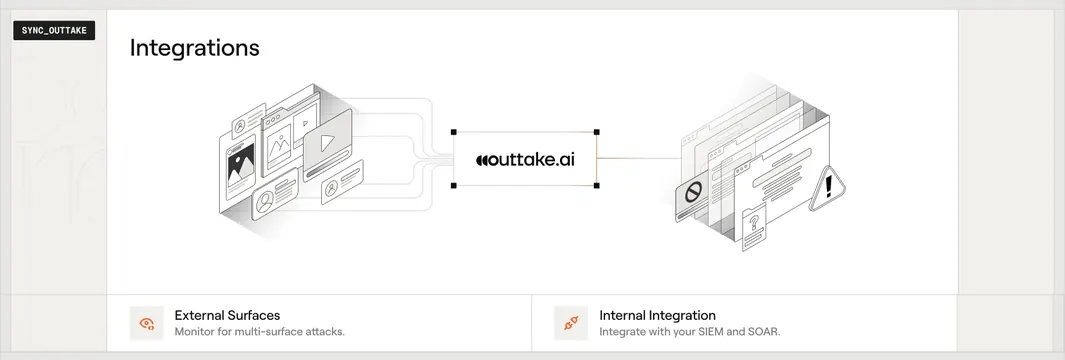 Outtake integrations hub diagram
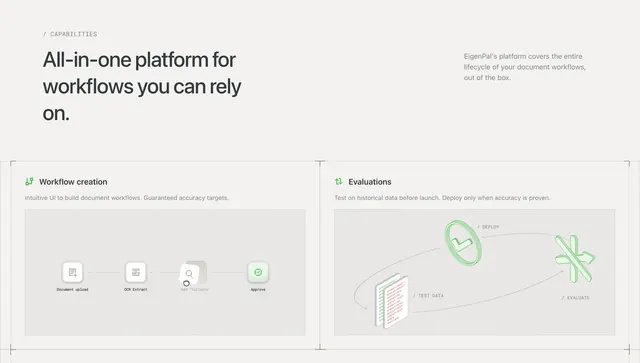 EigenPal capabilities two-card grid
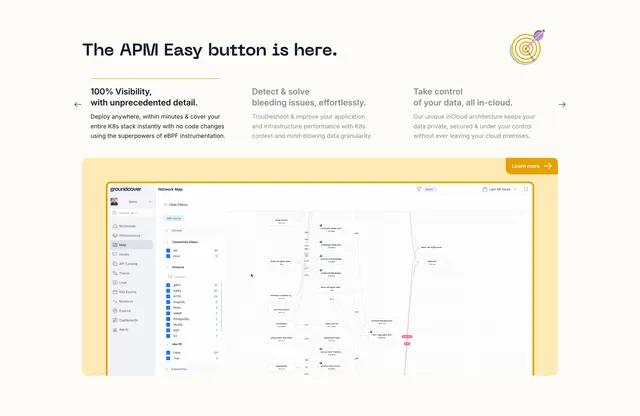 Groundcover tabbed three-up over dashboard
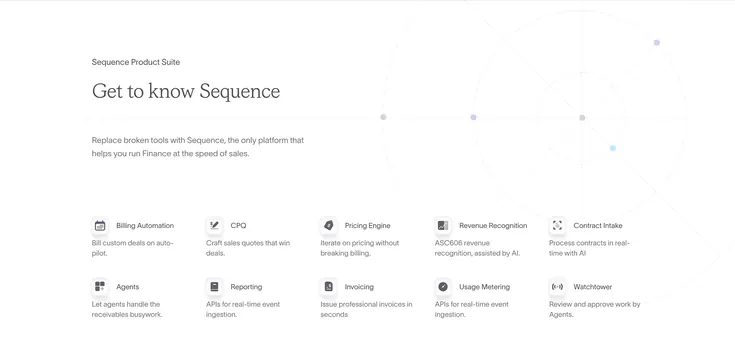 Sequence product suite icon grid with radar graphic
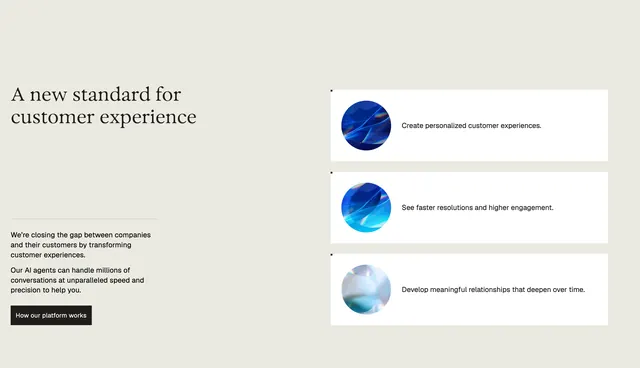 Parloa customer experience split feature
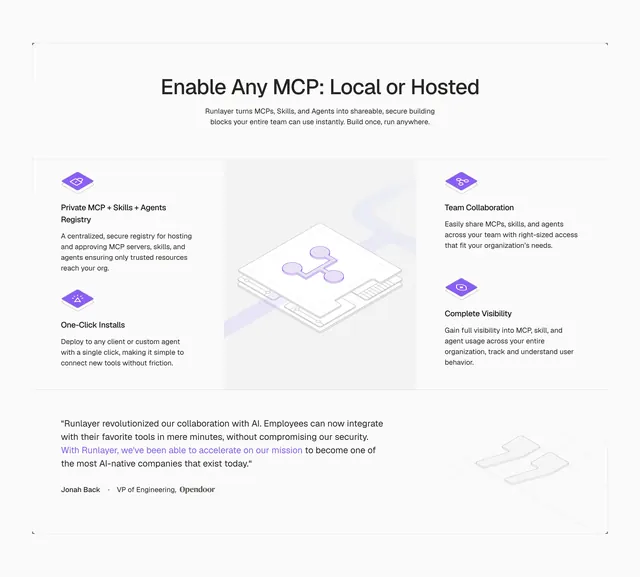 Runlayer MCP capabilities feature grid
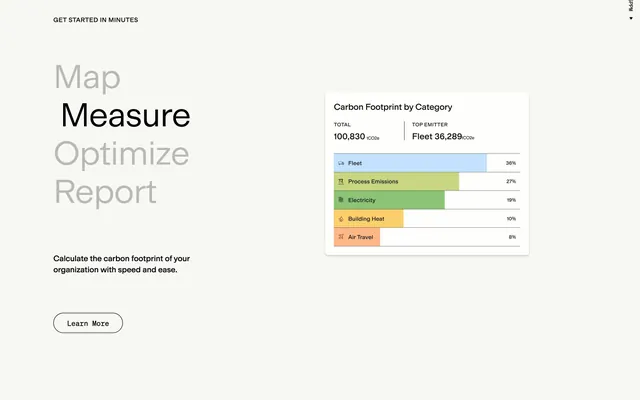 Gravity Map Measure Optimize Report section
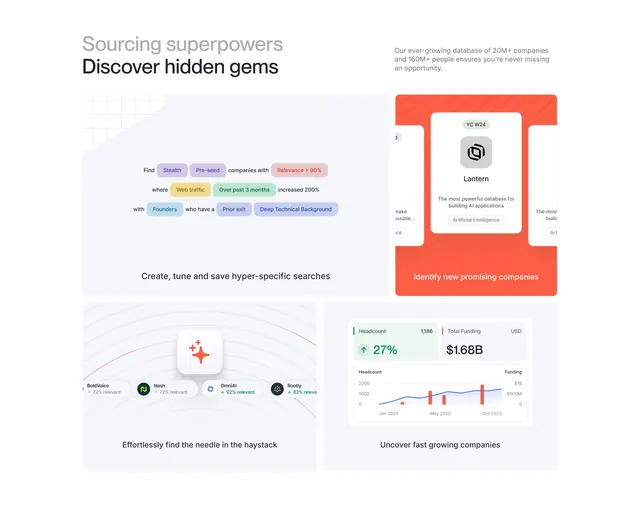 Harmonic sourcing bento grid
 Reflow compliance trust split section
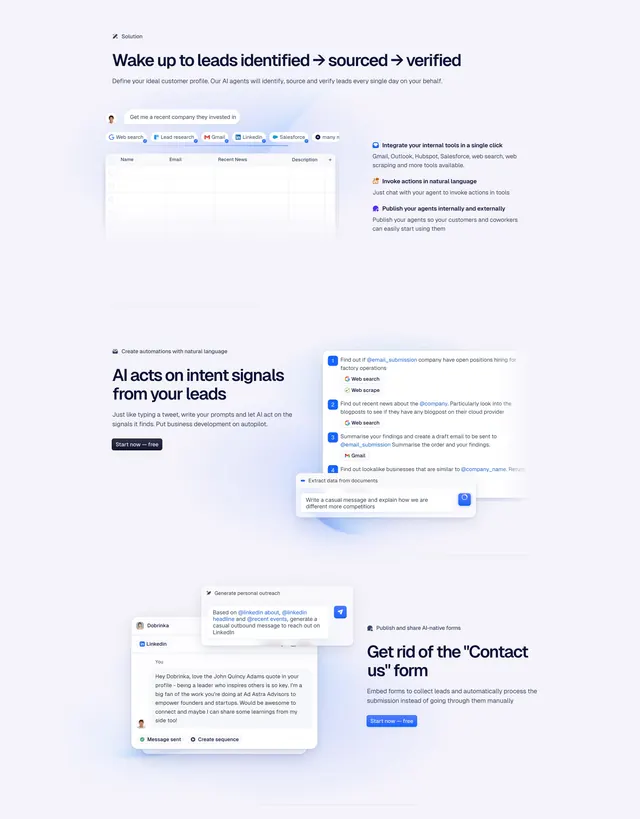 Godmode Features Section
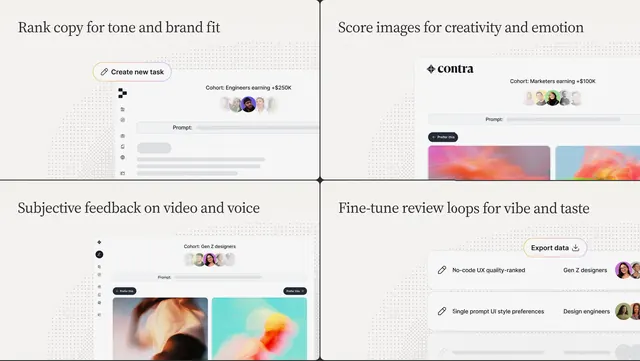 Contra Labs AI training bento grid