Merchlink install onboarding carousel
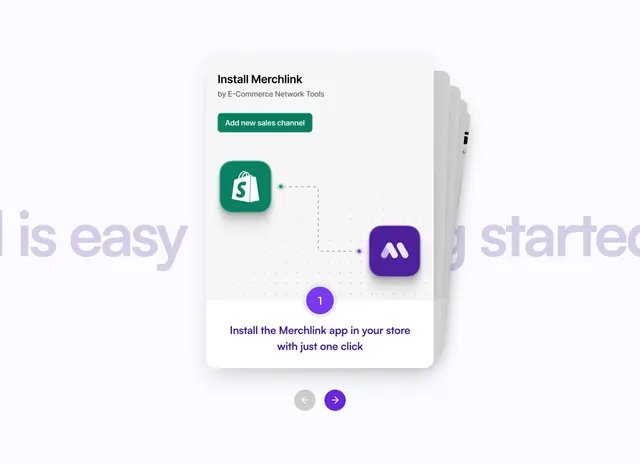
Stacked step cards showing Shopify to Merchlink install flow with green add channel button and arrow navigation.
Summary
Getting started carousel highlights Step 1 Install Merchlink with Shopify and Merchlink icons linked by dashed path and one-click copy.
Visual description
Light background with faint purple Getting started is easy text. Front white card titled Install Merchlink by E-Commerce Network Tools includes green Add new sales channel button, dot-grid area with green Shopify bag icon and purple M icon connected by dashed purple line, purple circle step 1, and instruction to install with one click. Stacked card edges peek behind. Gray back and purple forward circular arrows sit below.
Key takeaway
Platform connection diagrams inside step cards make integration feel trivial. Card stack plus arrows signal multi-step onboarding without showing every slide.
Reuse notes
Ideal for marketplace or channel apps. Requires recognizable partner logos; generic squares weaken the story.
More like this
 Kajabi AI Creator Hub signup hero
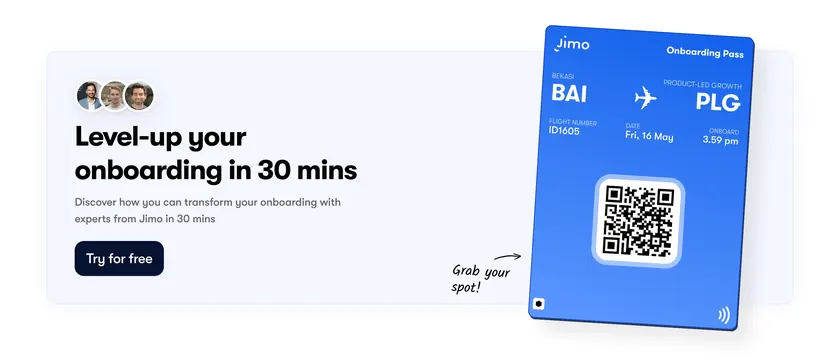 Jimo onboarding pass CTA banner
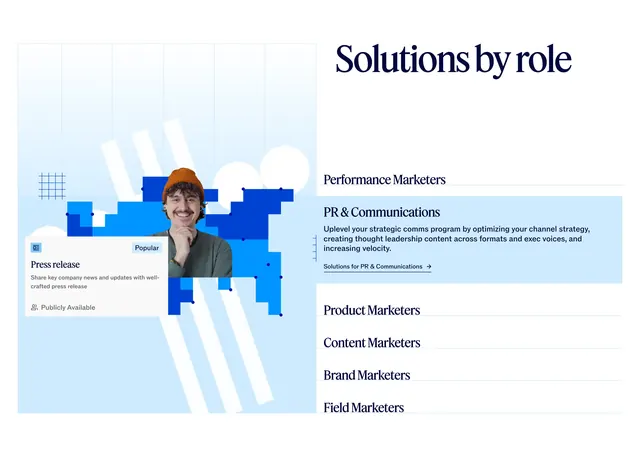 Jasper Solutions by role tabbed feature
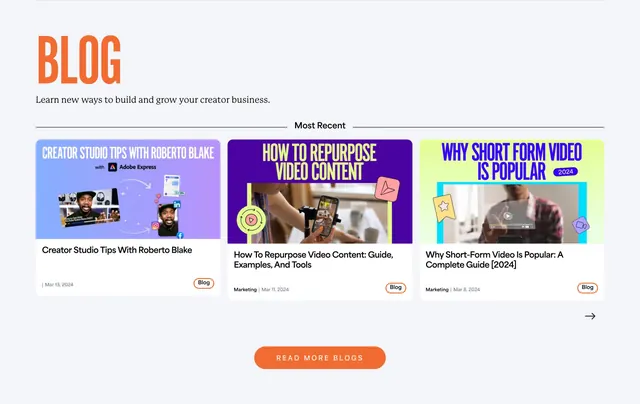 Kajabi blog recent posts grid
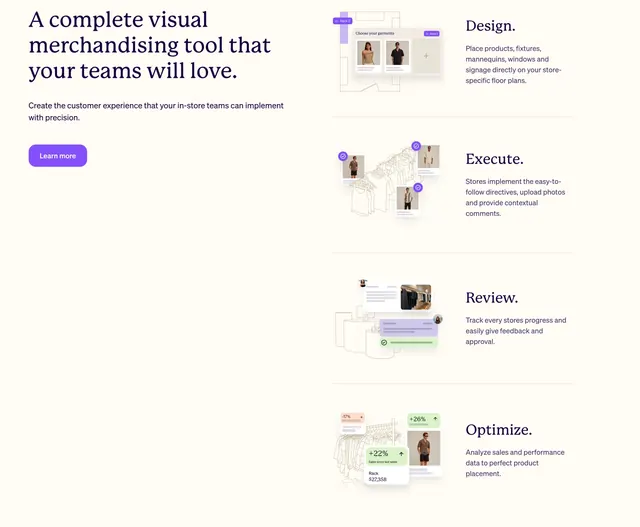 Flagship VM workflow four-step list
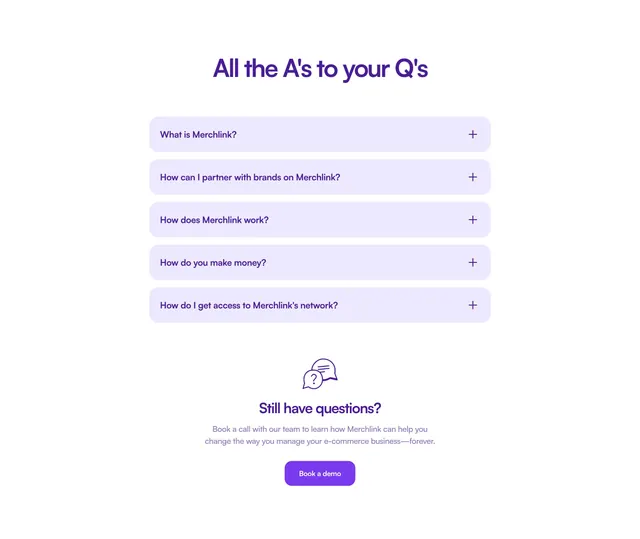 Merchlink purple FAQ accordion
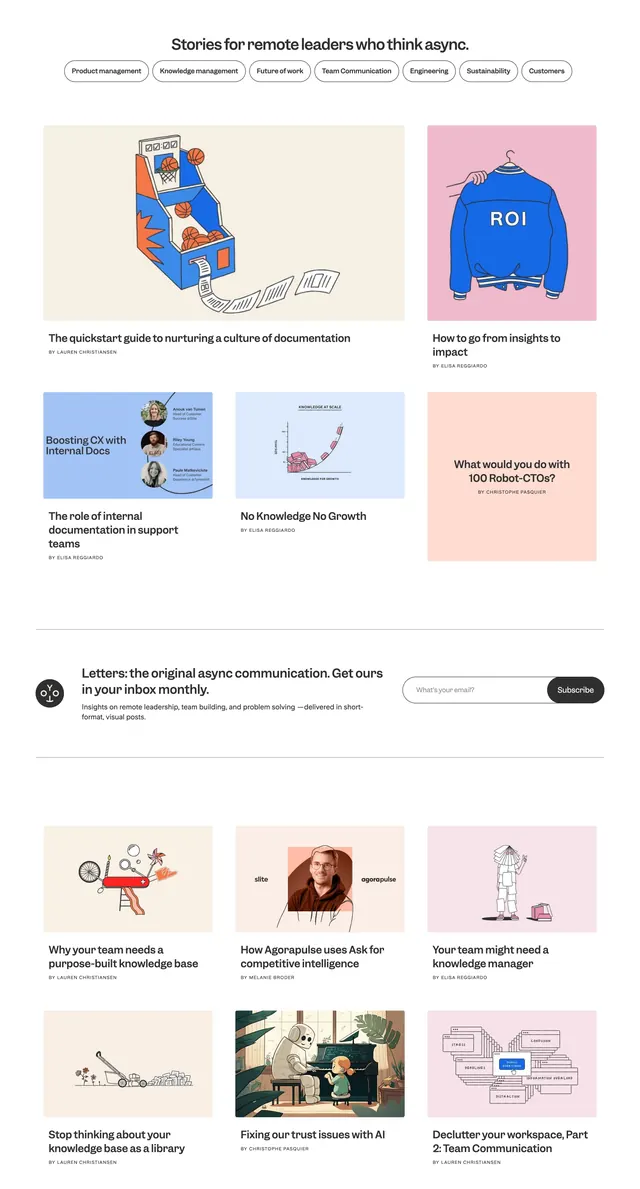 Slite async leaders blog grid
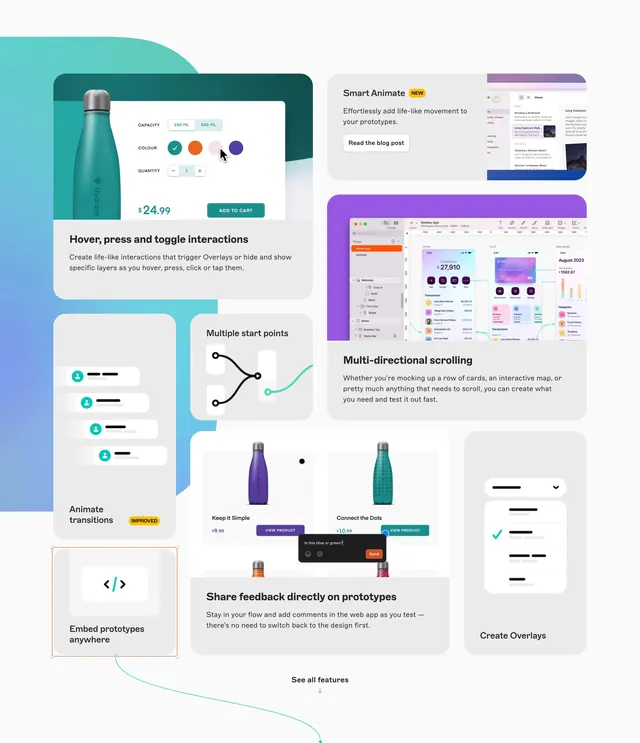 Sketch prototyping features bento grid
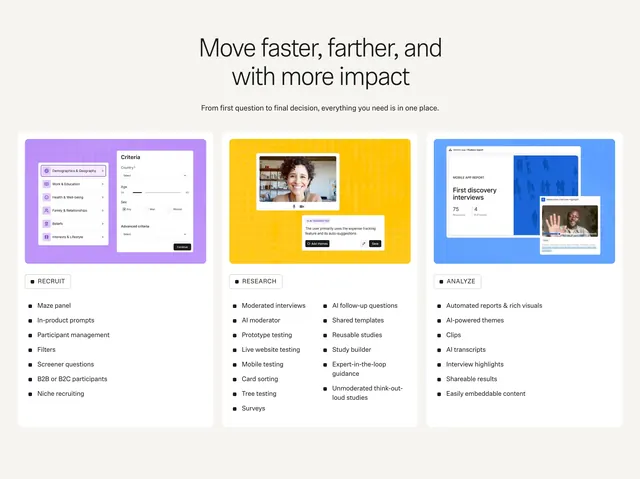 Maze recruit research analyze columns
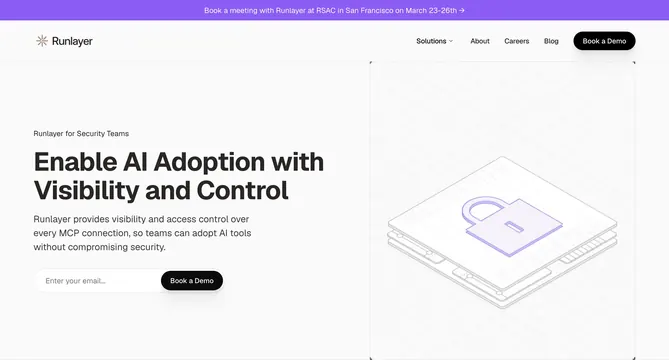 Runlayer AI adoption hero with email CTA
 Playground software hero with product tabs
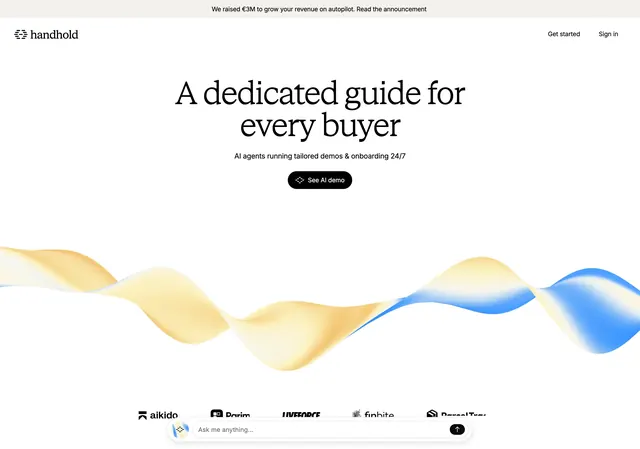 Handhold AI demo agent homepage hero
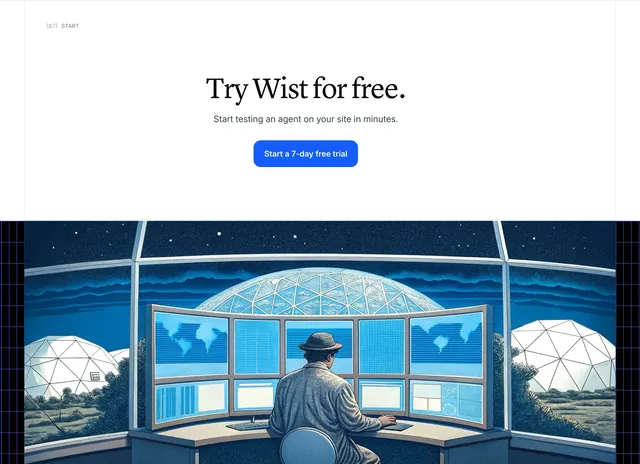 Wist free trial split CTA
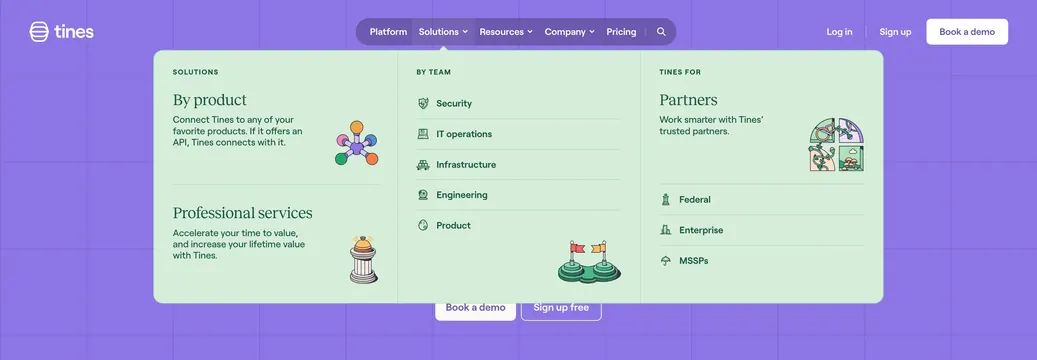 Tines solutions mega menu
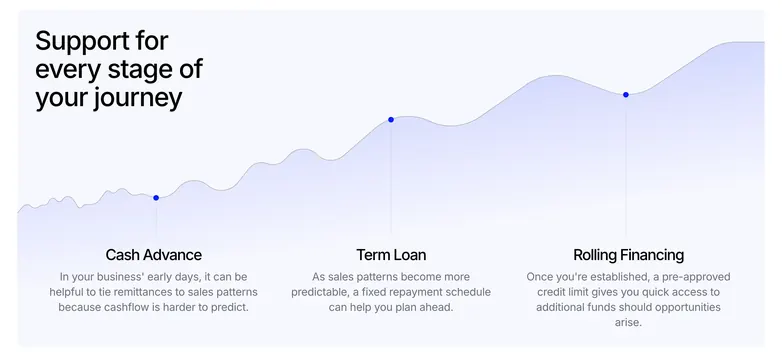 Wayflyer support journey growth curve
 Pricer tilted pricing cards hero
 Jimo digital adoption hero with product tabs
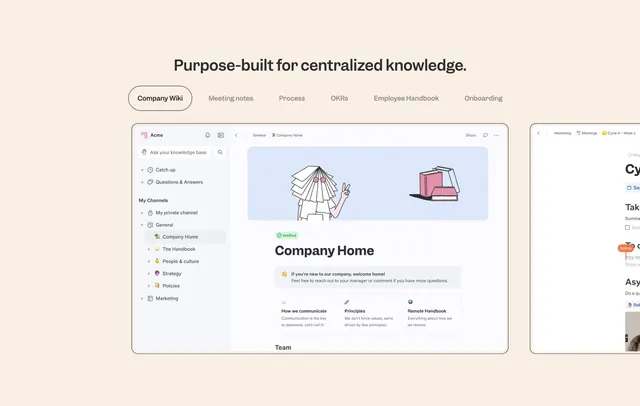 Slite company wiki product screenshot
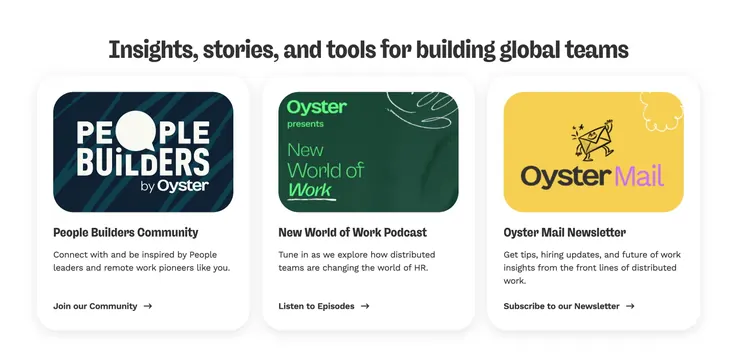 Oyster insights three-card resource grid
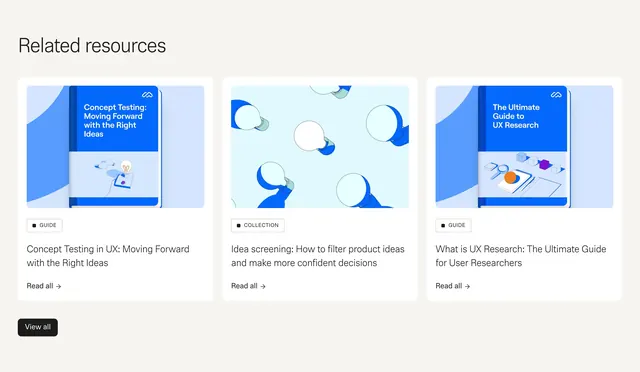 Maze related resources three-up grid
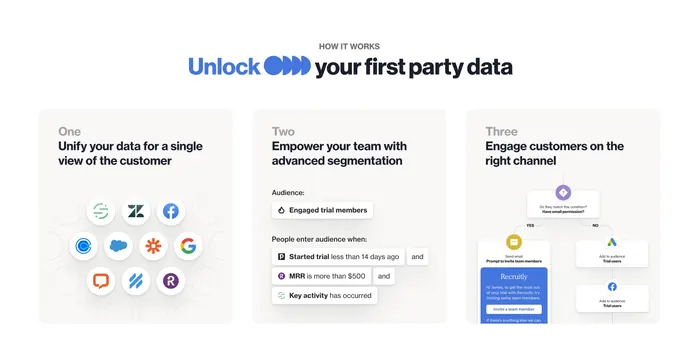 Ortto CDP three-step how-it-works
 Oyster edge features and video
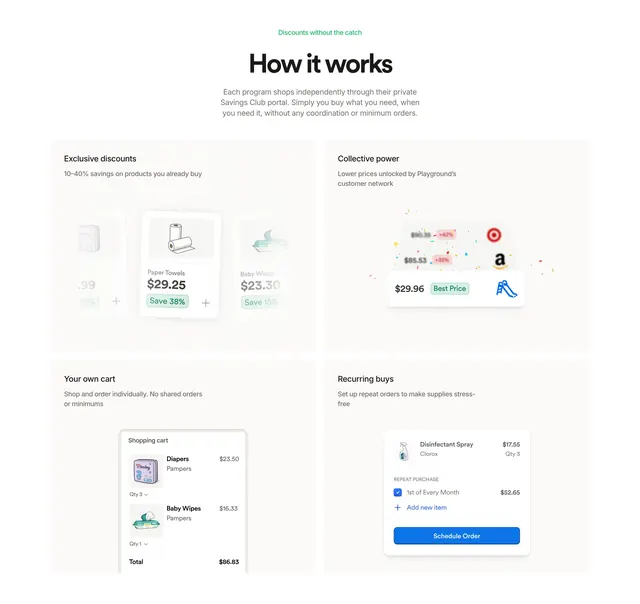 Playground savings club how-it-works grid
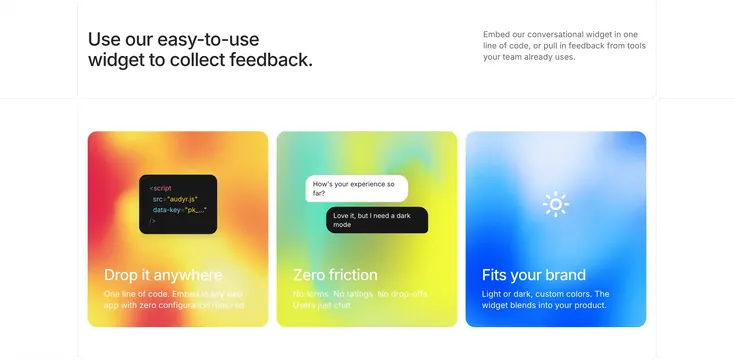 Audyr feedback widget three-card feature