Liveblocks infrastructure feature grid
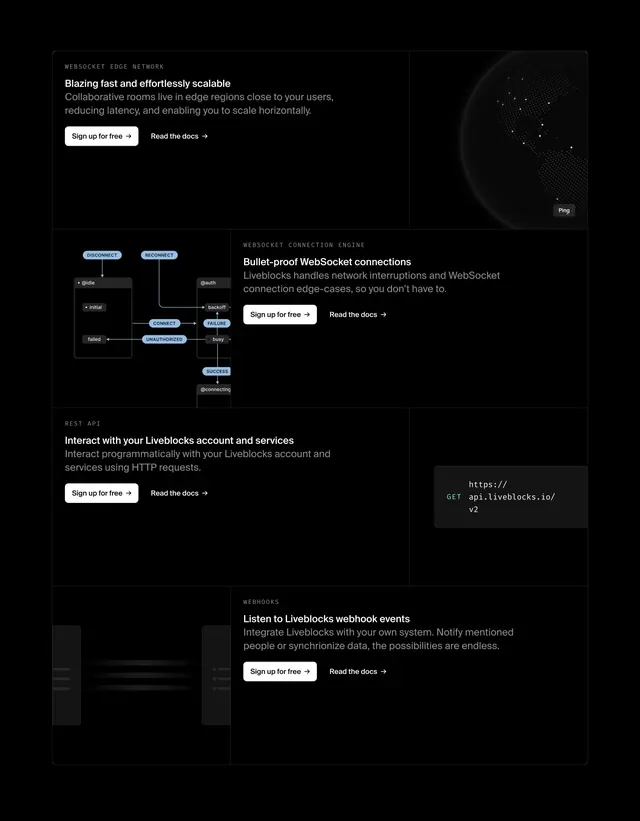
Dark 2x2 bento of WebSocket network, connection engine diagram, REST API snippet, and webhooks sync graphic.
Summary
Four-quadrant infrastructure explainer alternating copy and technical visuals for edge network, connection engine, REST API, and webhooks.
Visual description
Black grid with thin gray dividers forming four panels. Each has gray caps label, white headline, gray description, white Sign up for free pill and Read the docs link. Visuals alternate sides: dotted Americas globe with Ping tag; blue state-machine diagram with idle/connecting/auth nodes; GET api.liveblocks.io/v2 code block; abstract webhook sync columns. Zigzag text-visual rhythm across quadrants.
Key takeaway
Alternating visual placement in a 2x2 grid keeps scan rhythm fresh while repeating the same CTA pair for consistency. Mixing globe, FSM diagram, and HTTP snippet speaks to different engineer mental models.
Reuse notes
Ideal for infra product pages. Diagrams must remain legible at half-width. Repeated CTAs suit long-scroll developer audiences.
More like this
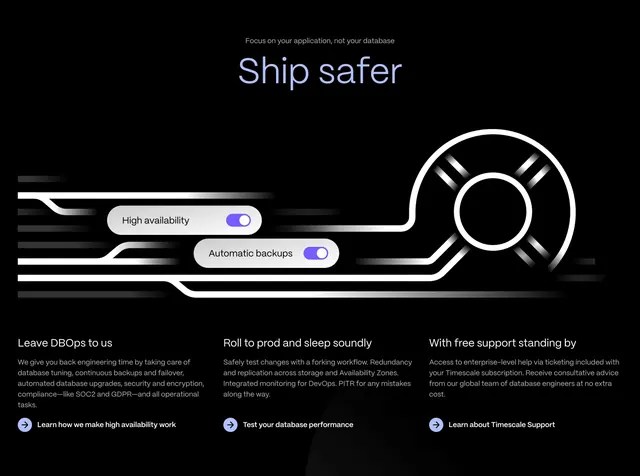 Timescale Ship safer benefits section
 Whalesync enterprise security and support bento
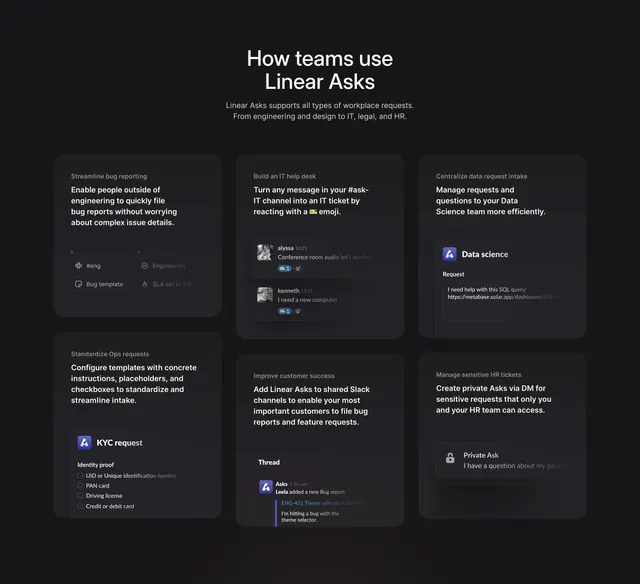 Linear Asks use-case grid
 GitHub homepage productivity section
 RevenueBase clean-and-verify feature grid
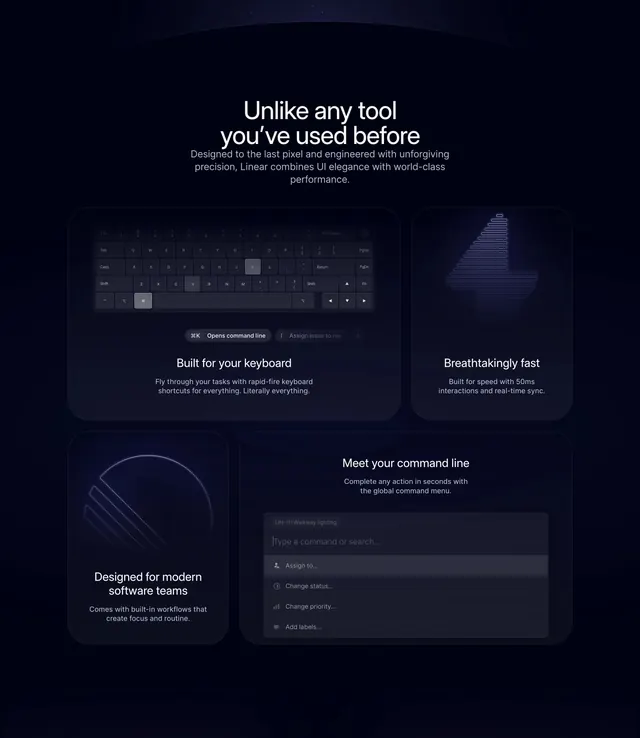 Linear differentiated features bento
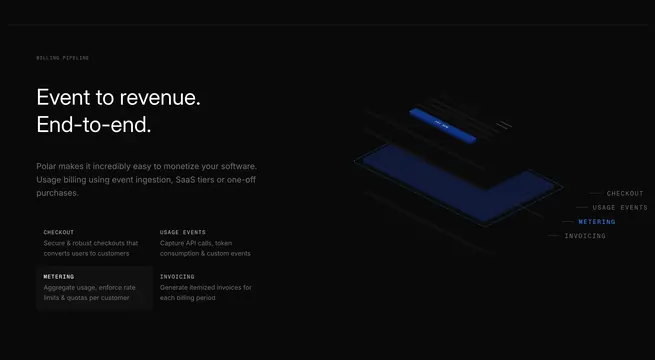 Polar billing pipeline feature
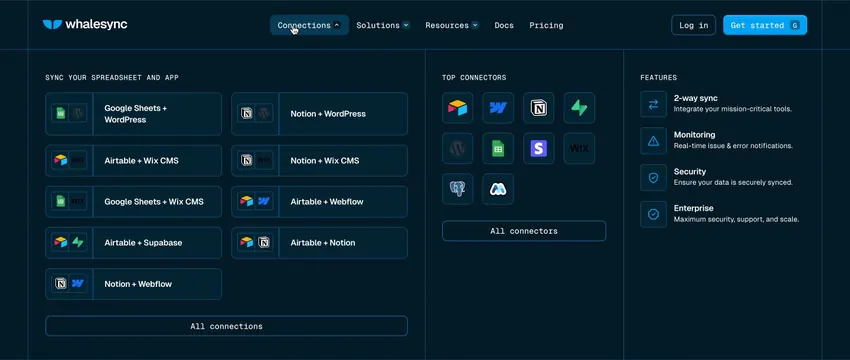 Whalesync dark mega menu for connections
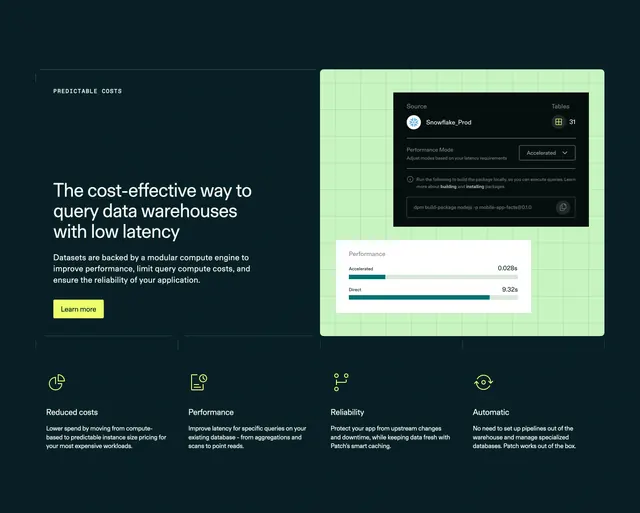 Patch predictable-cost feature section
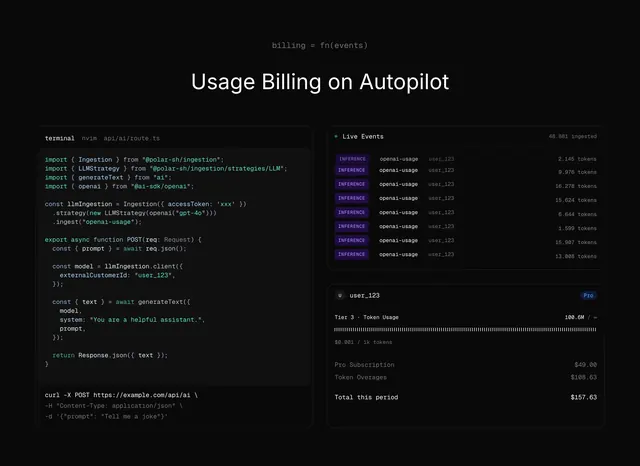 Polar usage billing on autopilot
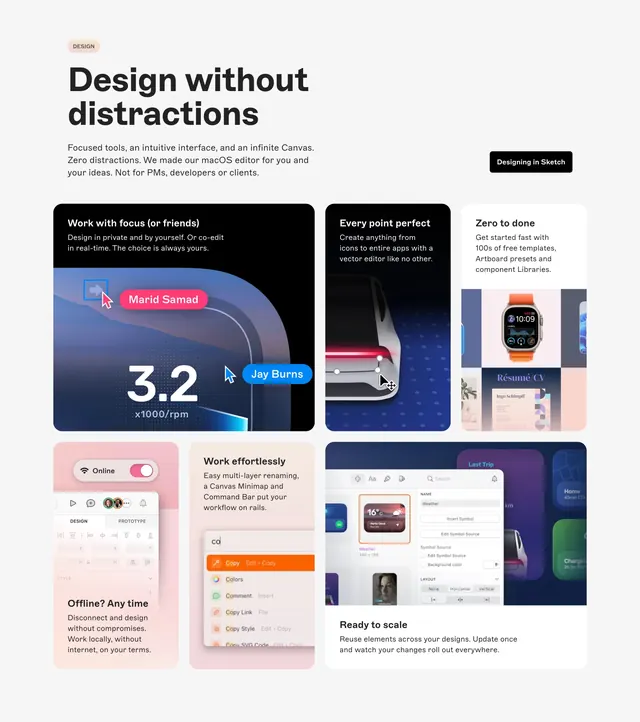 Sketch design without distractions grid
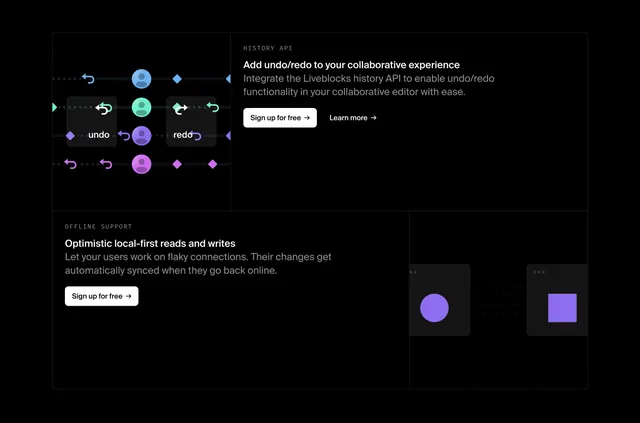 Liveblocks History API and offline benefits
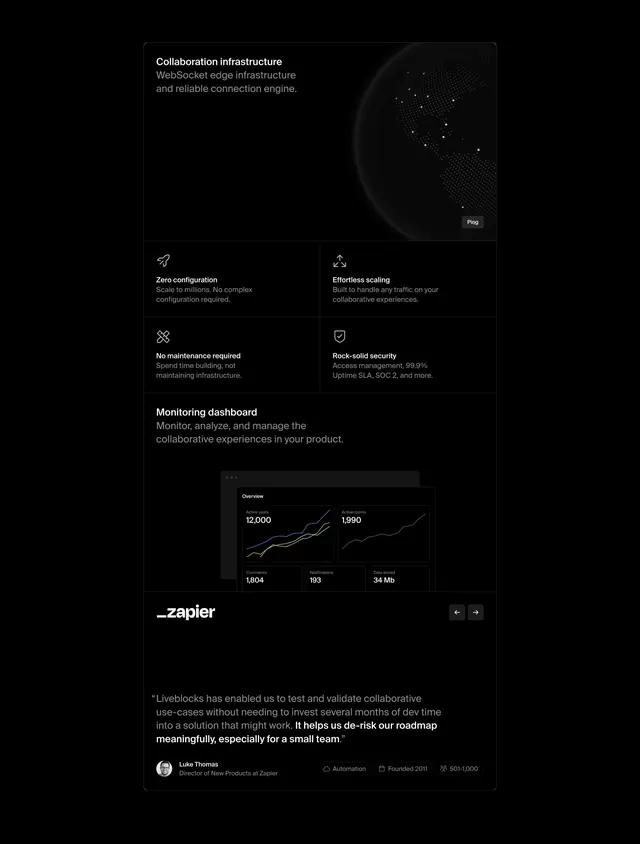 Liveblocks infrastructure benefits stack
 Vooma platform feature split
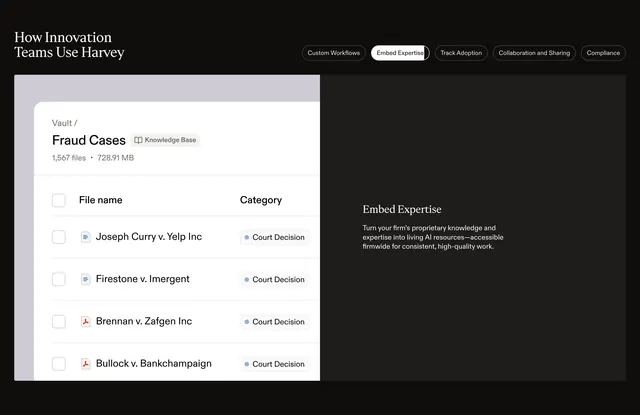 Harvey tabbed product feature with UI mockup
 Zerohash compliance and developer feature cards
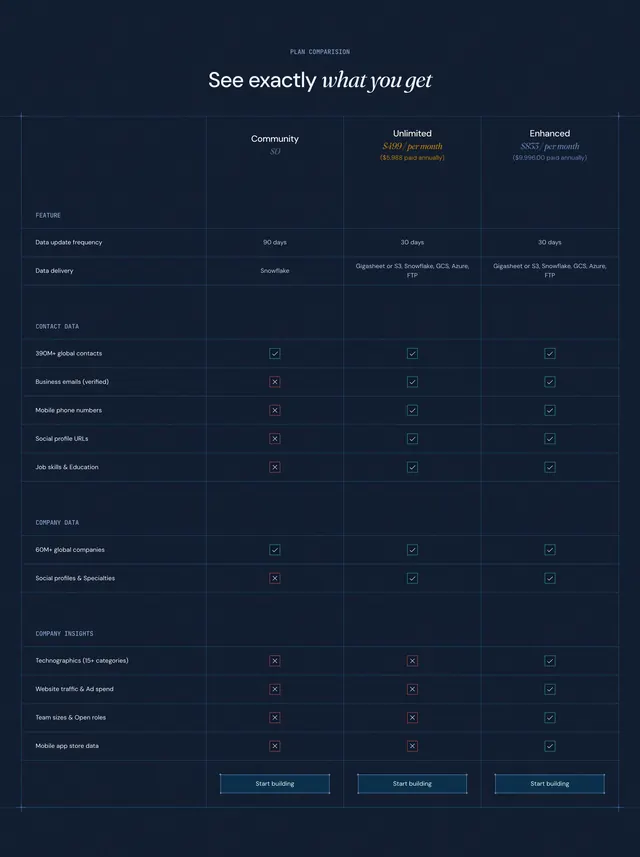 RevenueBase plan comparison feature table
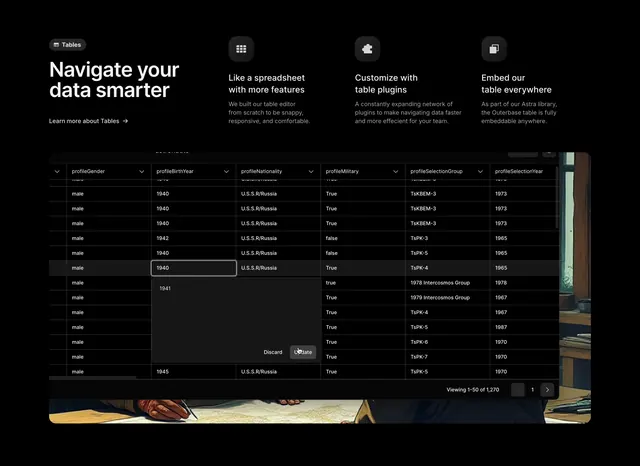 Outerbase data-table features with three-up benefits
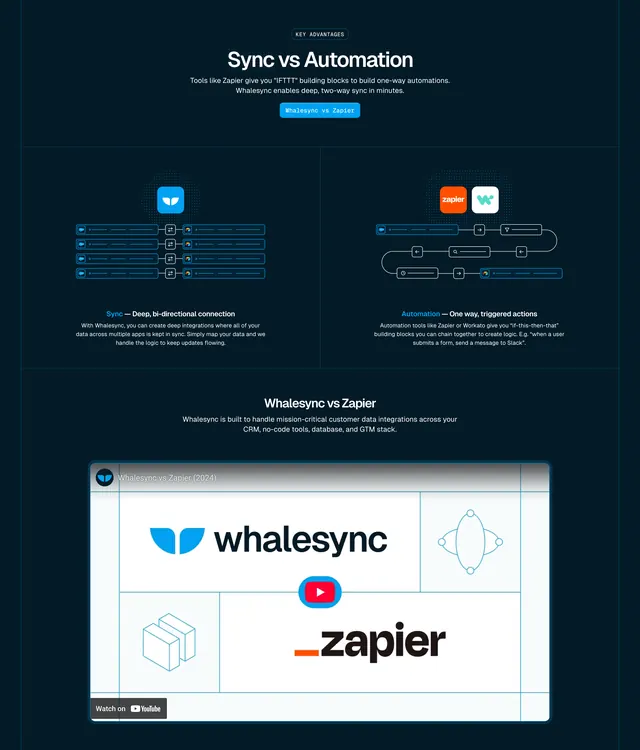 Whalesync sync vs automation comparison
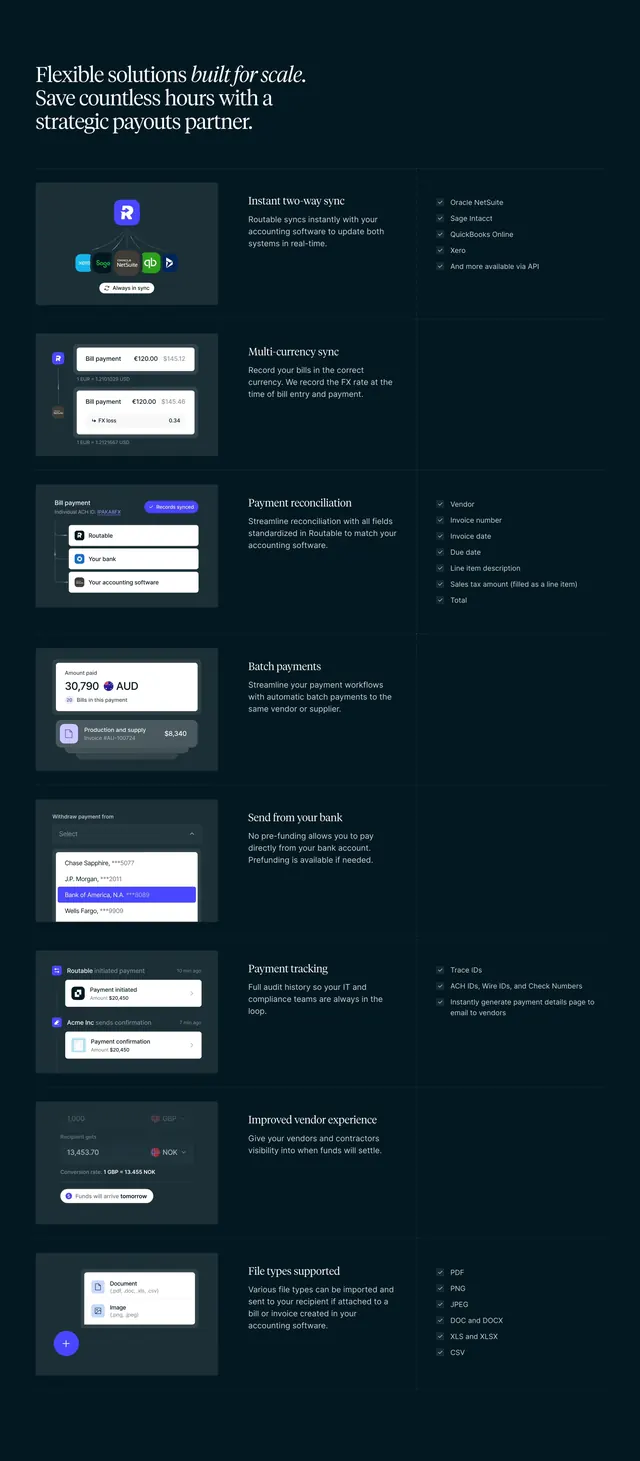 Routable built-for-scale feature list
 AuthKit extensibility architecture diagram
 Outerbase database providers logo grid
 Conversion integration hub diagram
 Google Cloud the build feature cards