Lightship 3D configurator exterior view
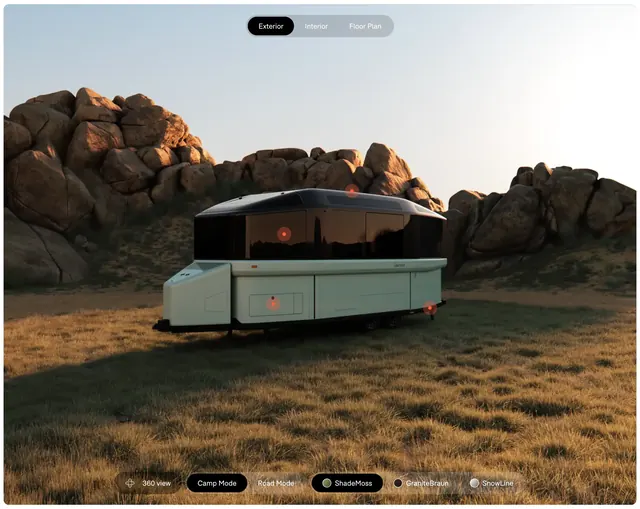
Desert camp-mode trailer render with red hotspot dots, Exterior Interior Floor Plan tabs, and color swatch bar.
Summary
Lightship interactive exterior viewer with ShadeMoss trailer in camp mode, annotation hotspots, view tabs, and color selector pills.
Visual description
Sunset desert with joshua-tree rocks and pale green ShadeMoss trailer in raised camp mode, black roof and glass upper. Four red circular hotspots on roof, window, compartment, wheel. Top centered translucent pill tabs Exterior selected, Interior, Floor Plan. Bottom bar: 360 view icon, Camp Mode versus Road Mode toggle, color circles ShadeMoss, GraniteBraun, SnowLine labeled.
Key takeaway
Automotive-style configurator UI on RV: hotspots plus mode toggle plus paint chips in floating pills over render. Camp mode height change demonstrates product transform in one view.
Reuse notes
3D product marketing needing WebGL or pre-rendered states. Hotspots must map to real feature copy; busy UI needs mobile simplification.
More like this
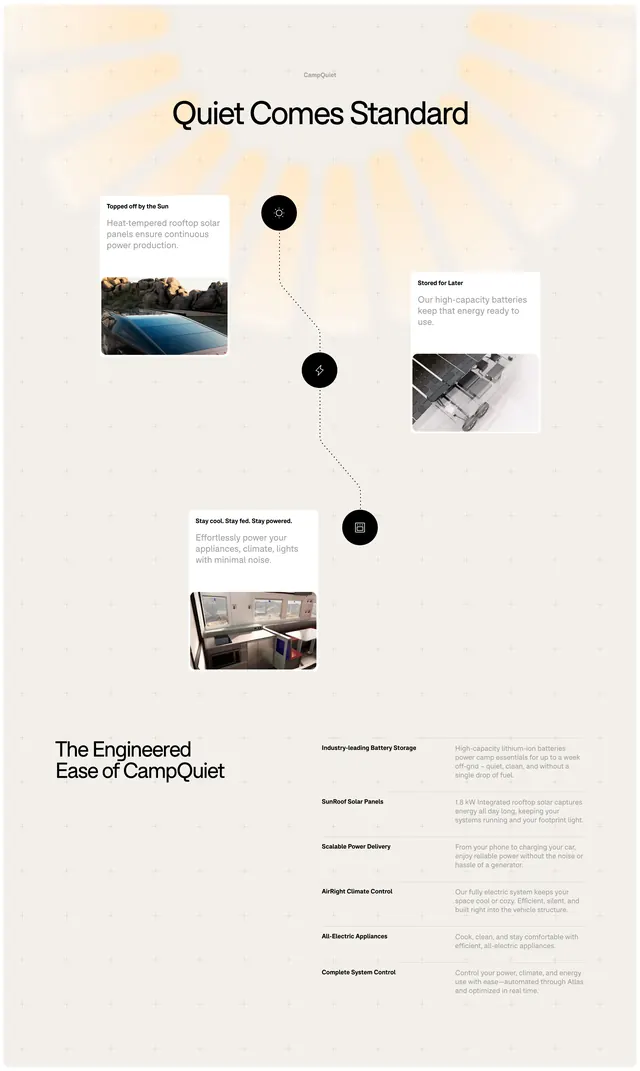 Lightship CampQuiet power journey diagram
 Lightship Experience it coastal tow CTA
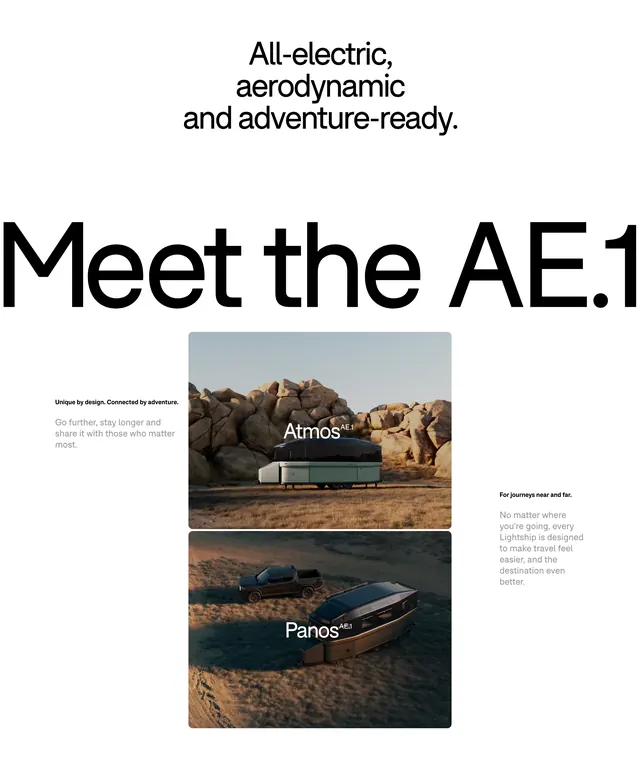 Lightship Meet the AE.1 stacked models
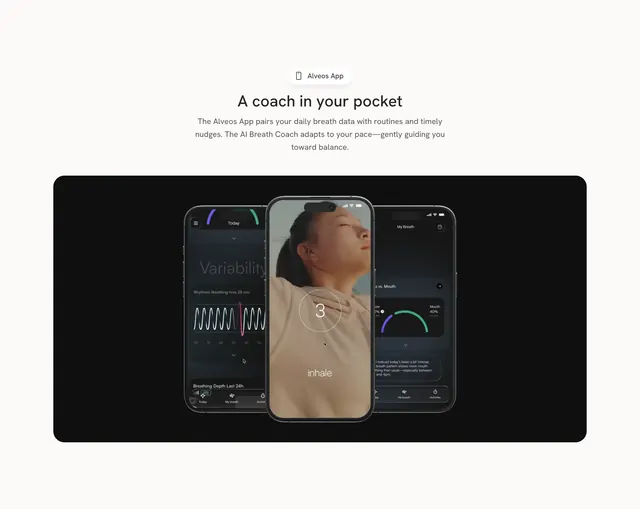 Alveos App three-phone product showcase
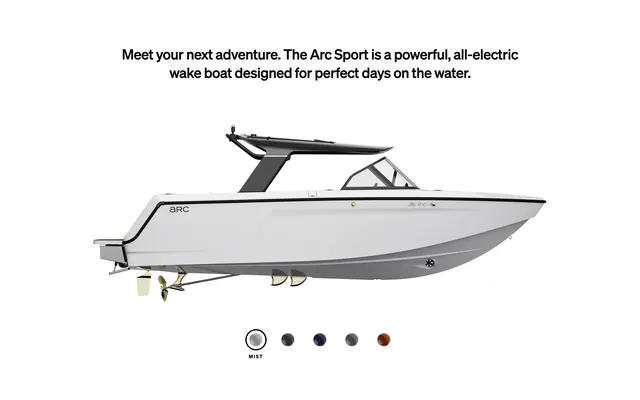 Arc Sport color selector hero
 reMarkable paper tablets product lineup
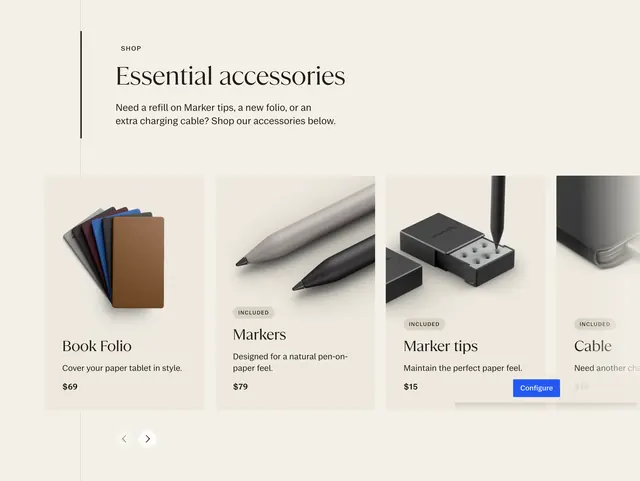 reMarkable essential accessories carousel
 Seed microbiome science CTA block
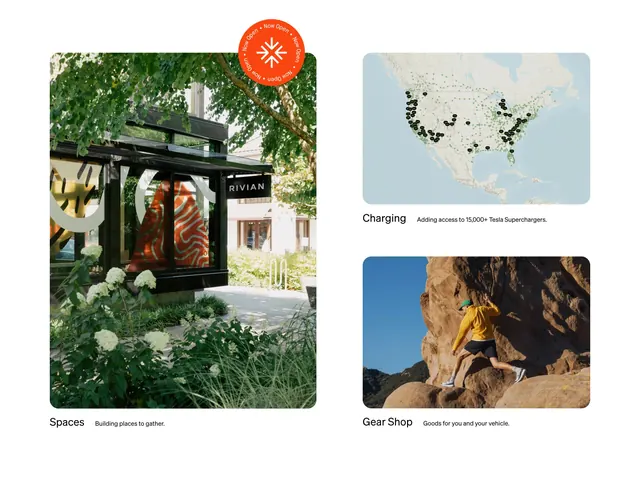 Rivian homepage collections grid
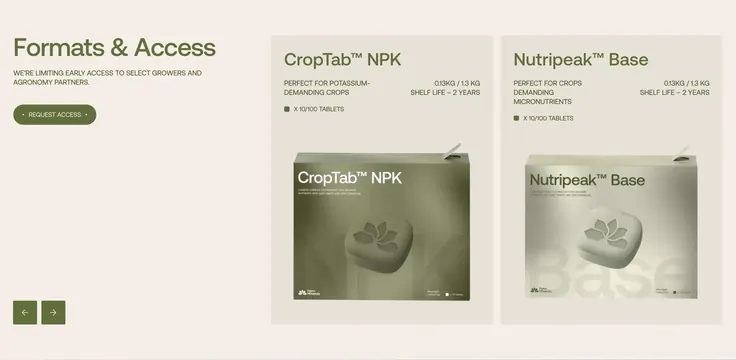 Farm Minerals formats and access product feature
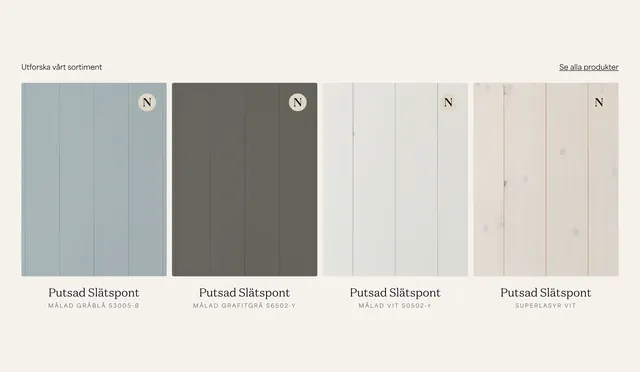 Norrlands Tr� product swatch grid
 reMarkable professional user stories split layout
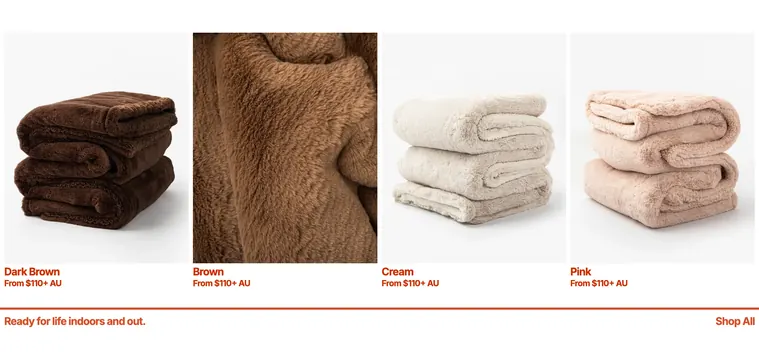 Future Fur color variation product grid
 reMarkable Shop mega menu navigation
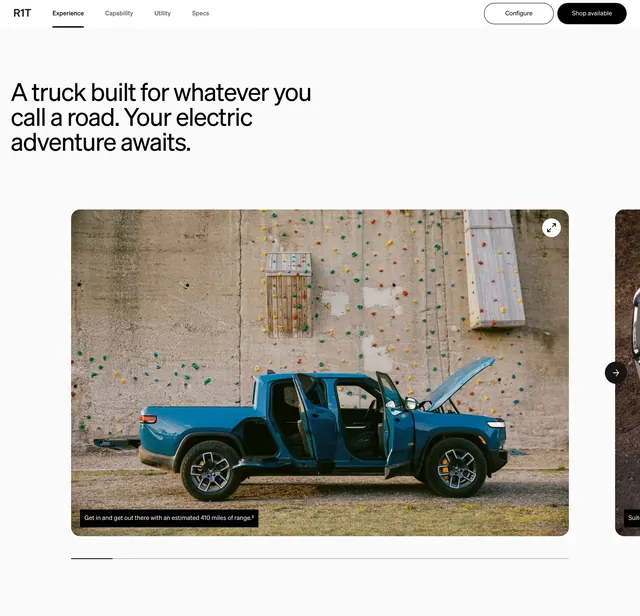 Rivian R1T experience carousel section
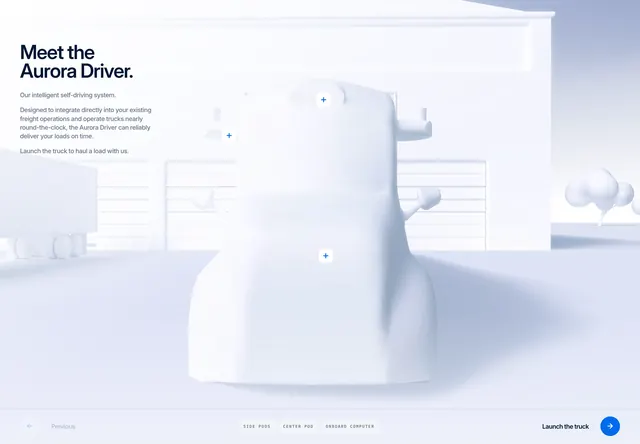 Aurora Driver interactive 3D intro hero
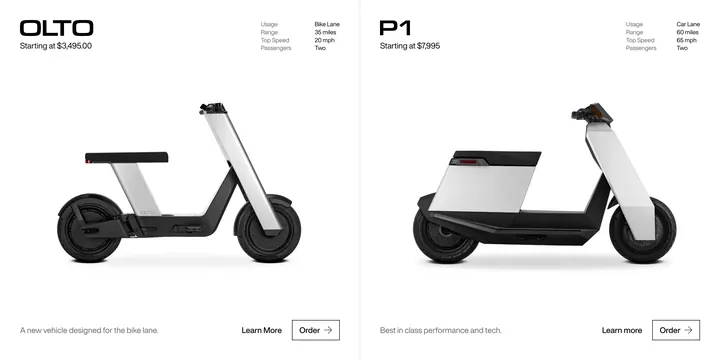 Infinite Machine Olto vs P1 comparison
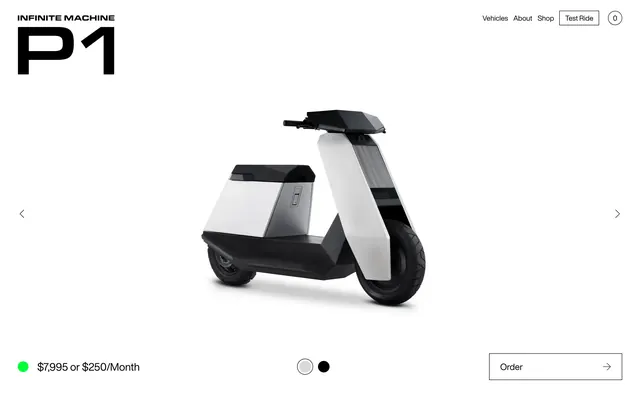 Infinite Machine P1 product hero
 Reflow enterprise operations hero
 Fauna Robotics safety-first feature cards
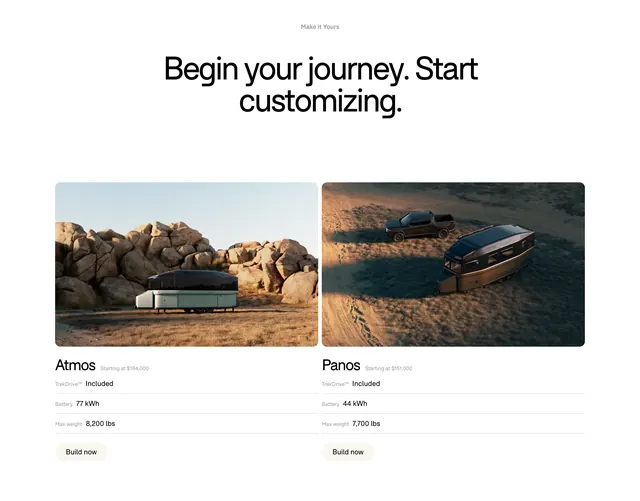 Lightship Atmos Panos build grid
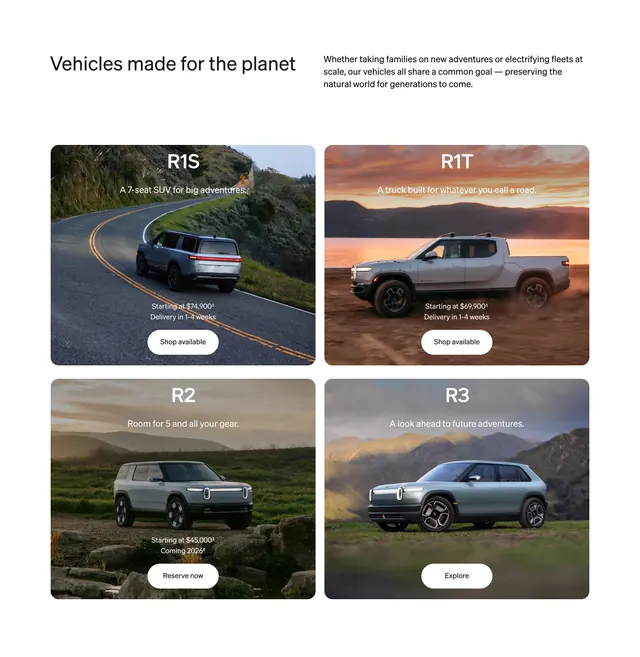 Rivian vehicle lineup 2x2 grid
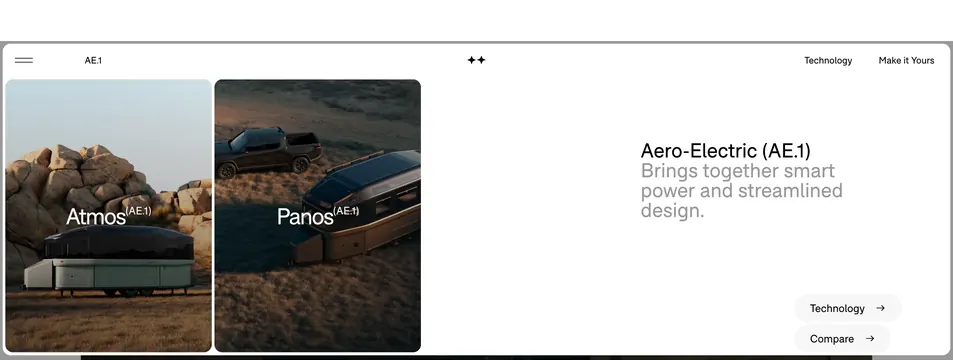 Lightship AE.1 model picker landing
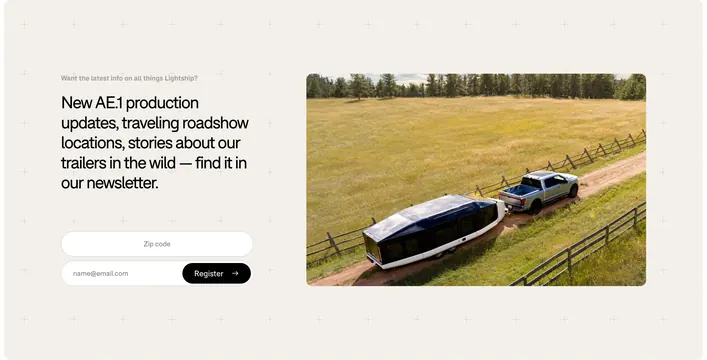 Lightship newsletter zip email register