Lightning Proxies dark API features with code panel
Dark features section pairing a left API pitch and a language-tabbed code snippet, over a three-column support row.
Summary
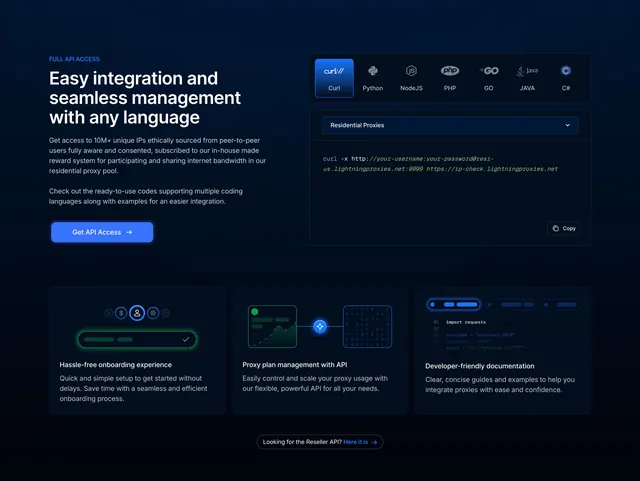
A developer-focused features section on a near-black background that puts an API pitch on the left and a live code snippet with language tabs on the right, then drops to a three-column support row beneath. The defining element is the copyable terminal-style code block.
Visual description
Top-left: a small blue FULL API ACCESS eyebrow, an oversized three-line white heading Easy integration and seamless management with any language, two short muted paragraphs, and a filled blue Get API Access button with arrow. Top-right: a panel with a horizontal row of language tabs each shown as an icon and label (Curl, Python, NodeJS, PHP, GO, JAVA, C#) with Curl active, a Residential Proxies dropdown selector, and a dark code area showing a monospace curl command, with a small Copy control in the lower-right. Below a gap, three equal columns each pair a small dark abstract illustration (a progress-style row, a connected-nodes graphic, a faux code window) with a bold title and short description: Hassle-free onboarding experience, Proxy plan management with API, Developer-friendly documentation. A small pill link about a Reseller API sits centered at the very bottom.
Key takeaway
Showing a real, copyable code snippet behind language tabs as the hero visual, which signals developer-readiness more convincingly than any illustration. The monospace command plus the Copy button reads as a genuine quickstart, and the three-column row below reframes the same product as benefits.
Reuse notes
Built for API-first or developer tools where the audience wants to see code immediately. Only works on dark, where the syntax panel and blue accents carry the contrast. The language-tab strip implies multi-language support, so it should reflect languages actually offered. Pairs naturally with a quickstart or docs CTA.
More like this
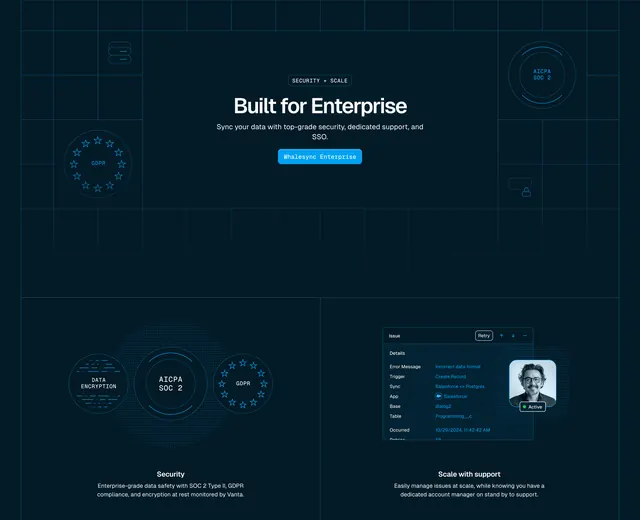 Whalesync enterprise security and support bento
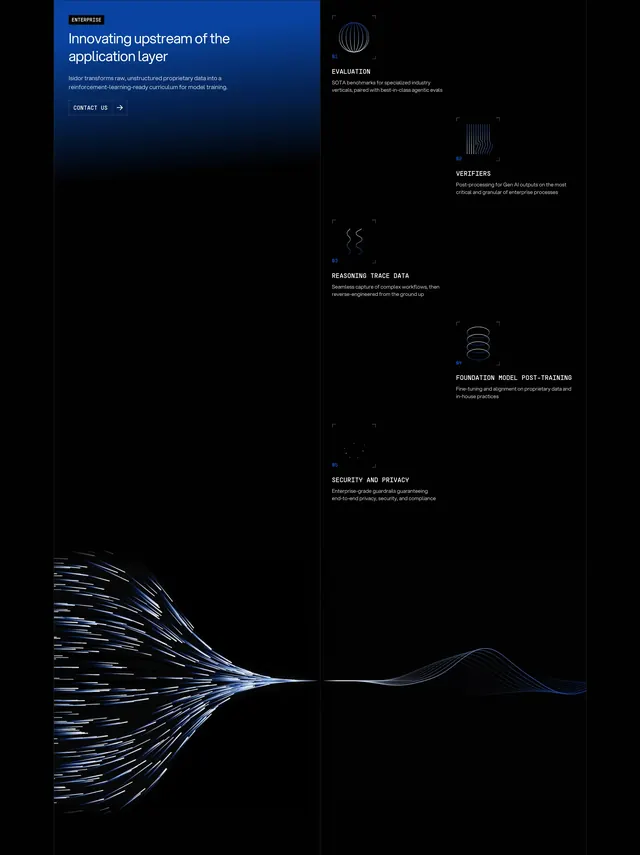 Isidor enterprise pipeline feature grid
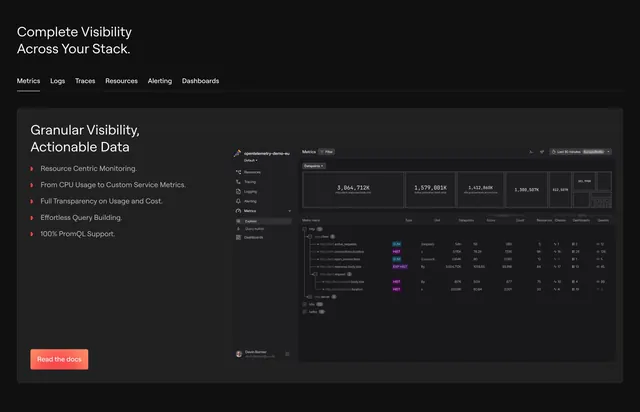 Dash0 split features with metrics explorer
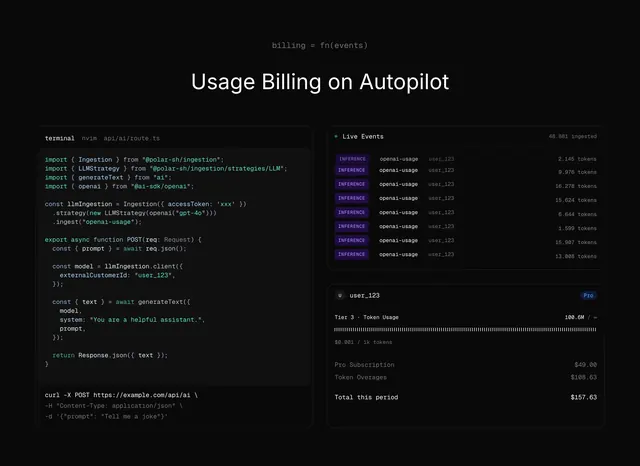 Polar usage billing on autopilot
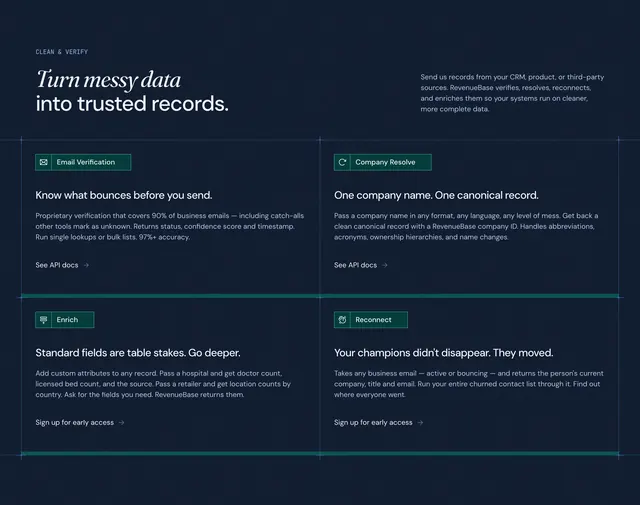 RevenueBase clean-and-verify feature grid
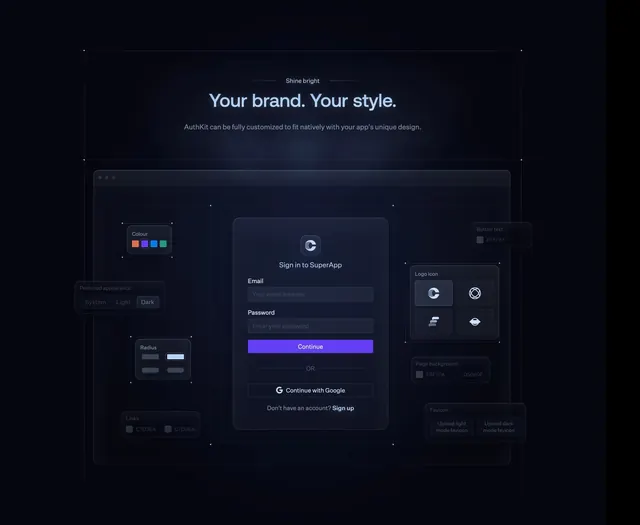 AuthKit white-label customization showcase
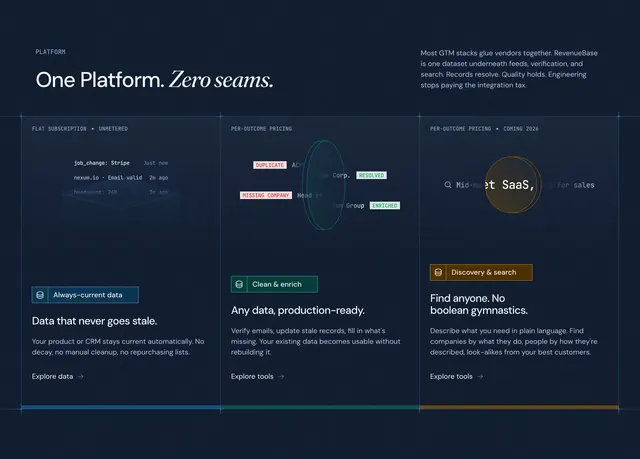 RevenueBase platform capabilities feature showcase
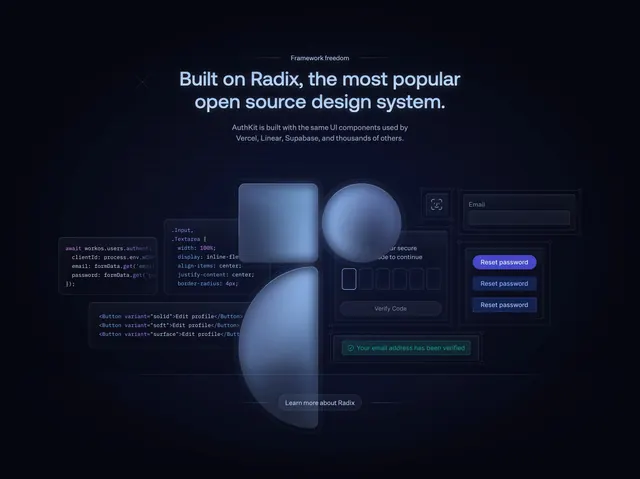 AuthKit Radix framework feature collage
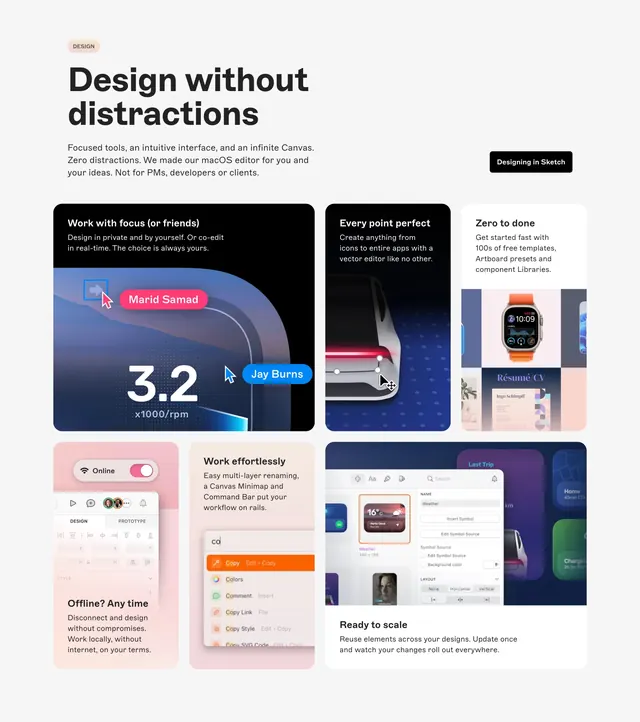 Sketch design without distractions grid
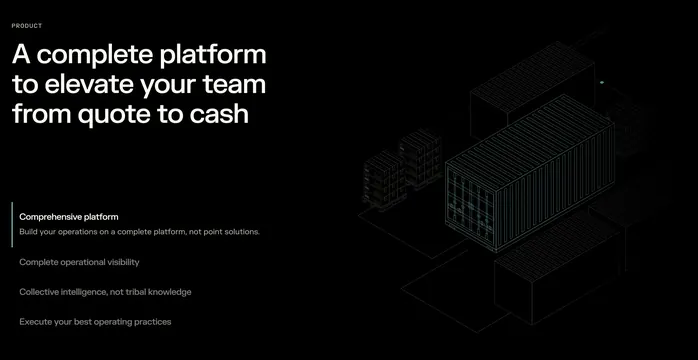 Vooma platform feature split
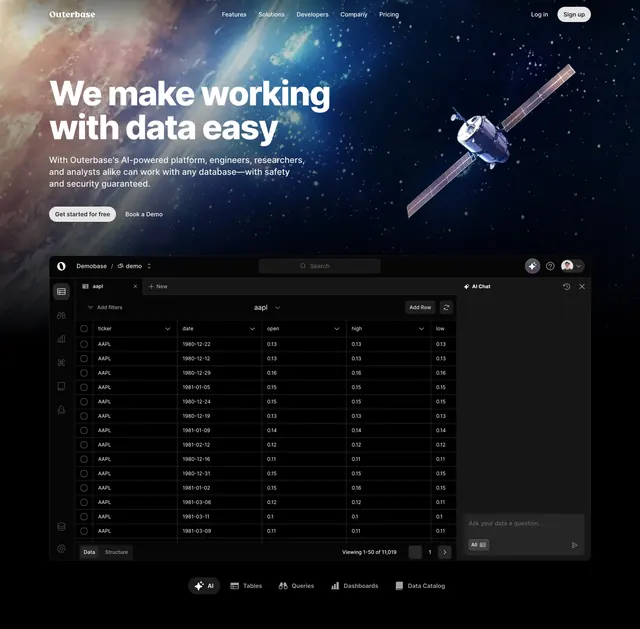 Outerbase data-platform hero with product table
 RevenueBase dark footer sitemap
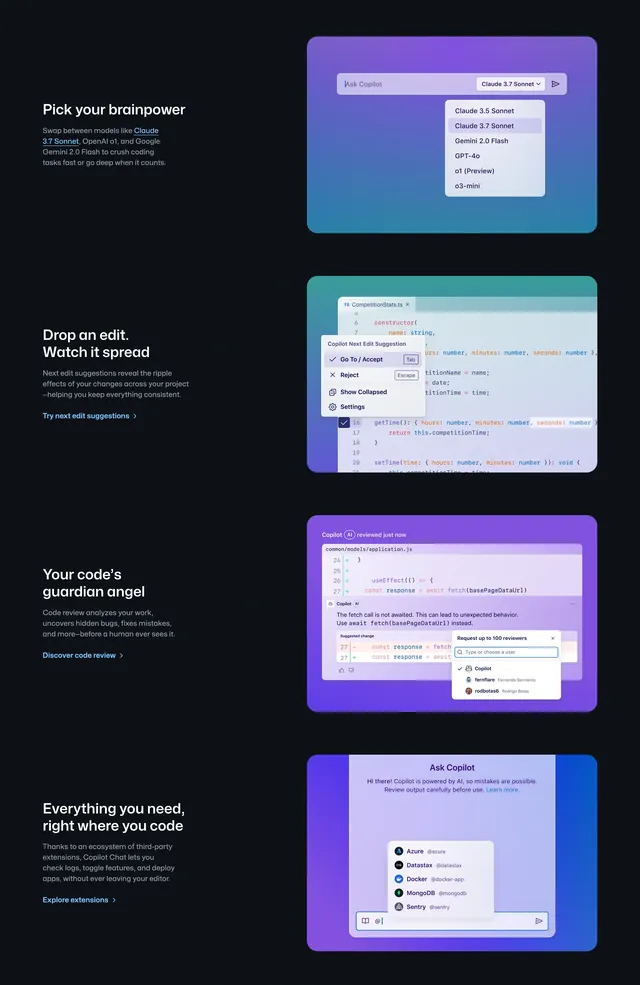 GitHub Copilot stacked feature rows
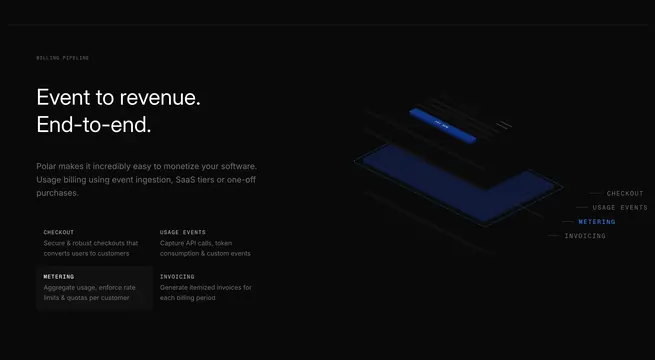 Polar billing pipeline feature
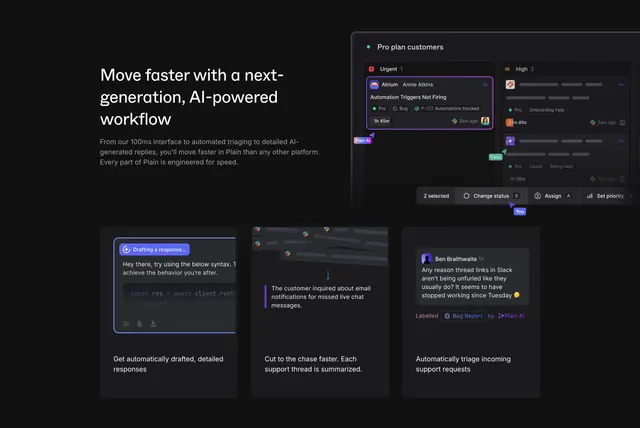 Plain dark AI-workflow feature with split mockup and three sub-cards
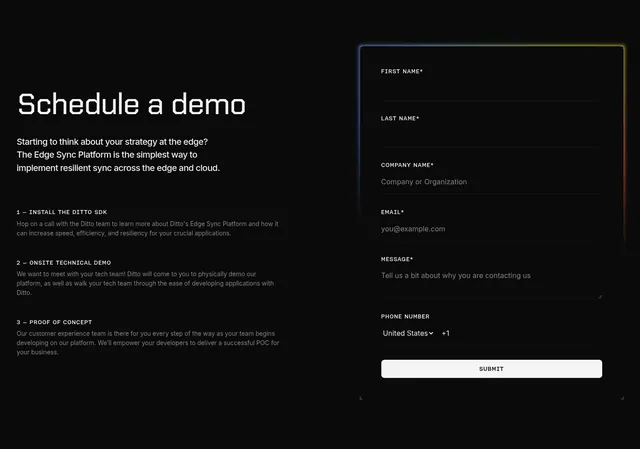 Ditto dark split book-a-demo with gradient-edge form
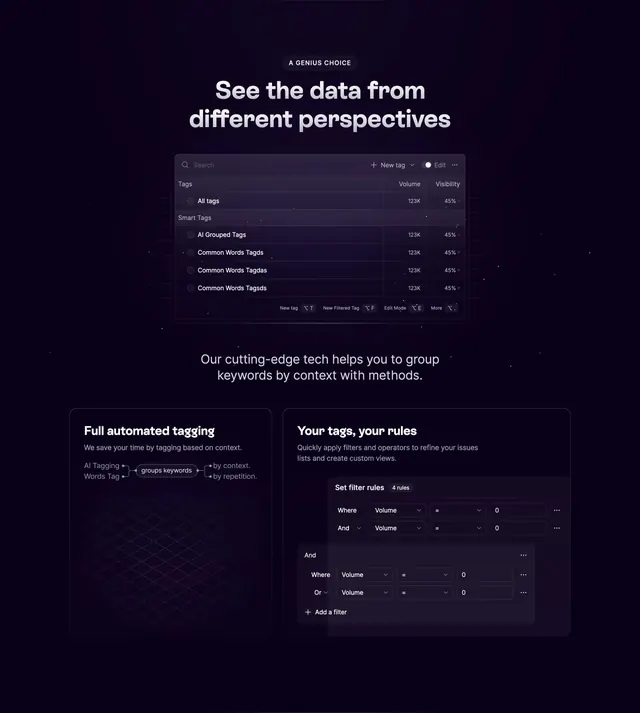 Wope keyword grouping feature
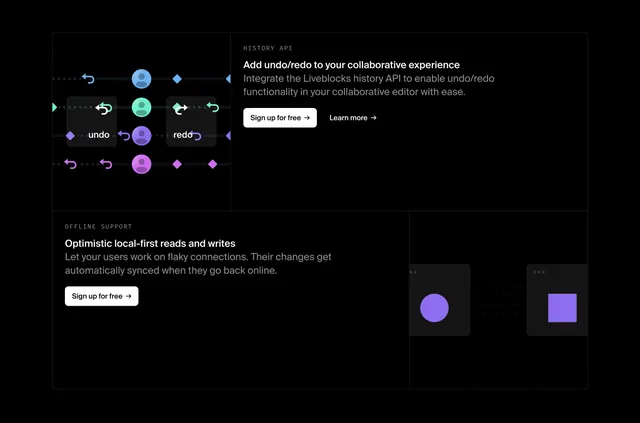 Liveblocks History API and offline benefits
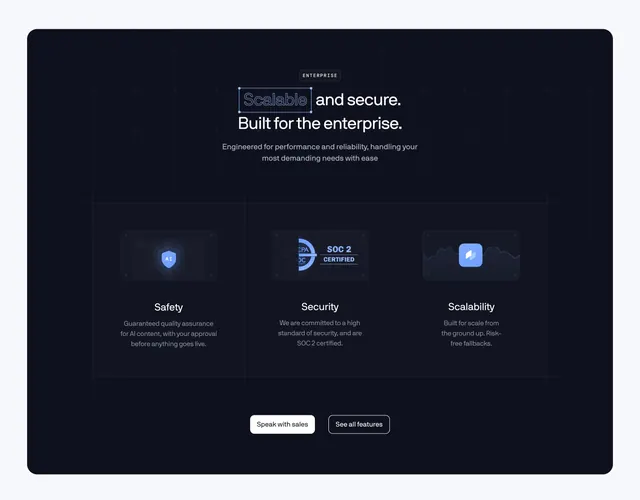 Coframe dark enterprise feature trio in design-canvas frame
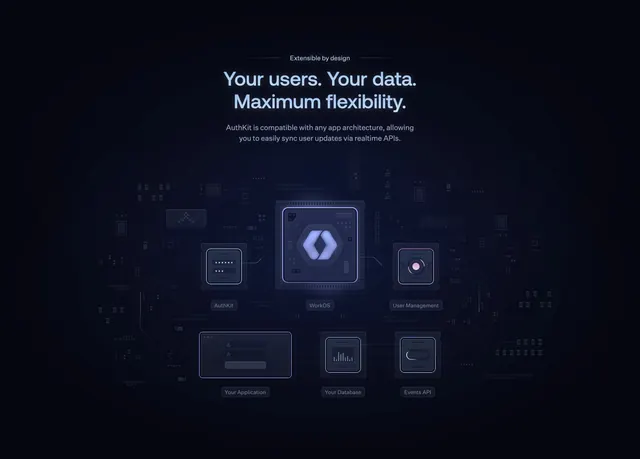 AuthKit extensibility architecture diagram
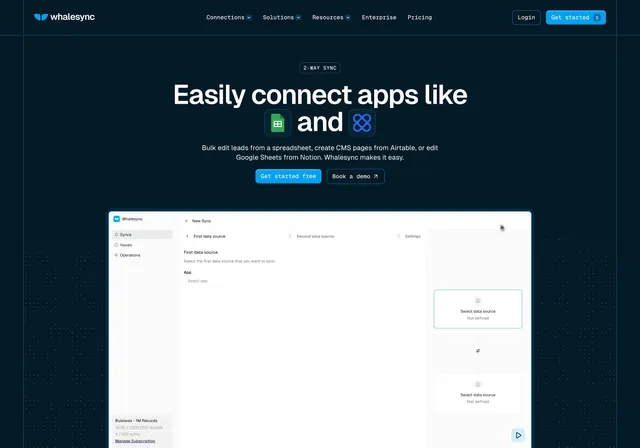 Whalesync Hero Section
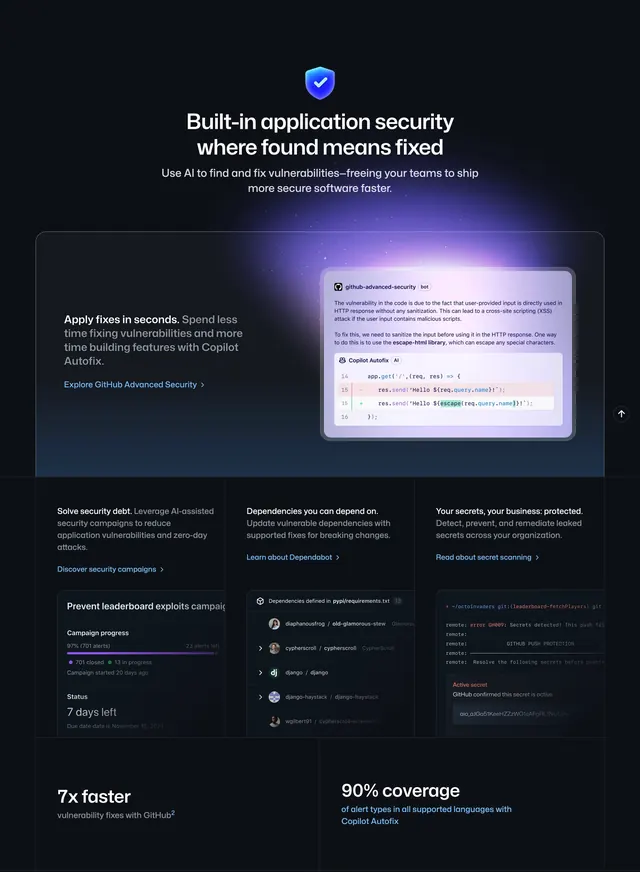 GitHub homepage productivity section
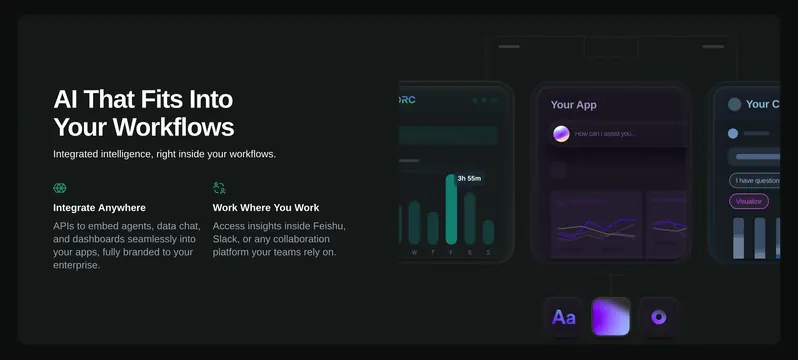 ReOrc AI workflow integration feature
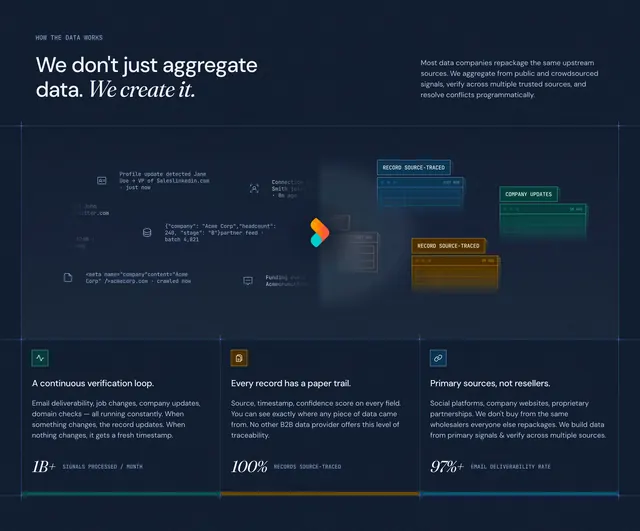 RevenueBase how-the-data-works value section