Kota health insurance how-it-works steps
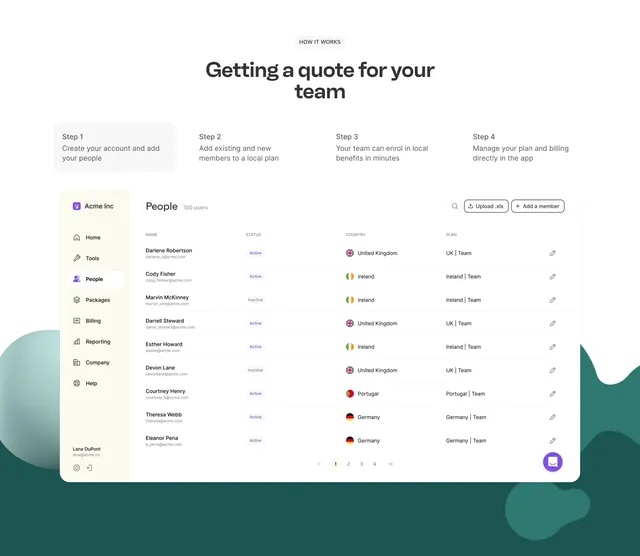
Four-step onboarding header above a full product dashboard mockup showing People table with flags and plan assignments.
Summary
Kota how-it-works section pairing a four-step quote workflow with a detailed Acme Inc People admin UI screenshot.
Visual description
White top area with HOW IT WORKS label, headline "Getting a quote for your team," and four numbered steps about account setup, local plans, enrollment, and billing. Below sits a large rounded app window on teal organic shapes: cream sidebar with Acme Inc branding and People nav active; main table lists 100 users with status pills, country flags, plan names, edit icons, search, upload XLS, add member, pagination, and purple chat bubble.
Key takeaway
Stack a concise step row above a realistic admin screenshot so process claims feel verifiable. Flag icons and status pills make global HR data scannable in one frame.
Reuse notes
Best for complex B2B products where the UI is the proof. Screenshot must be legible at capture width; busy tables need zoom or simplified rows.
More like this
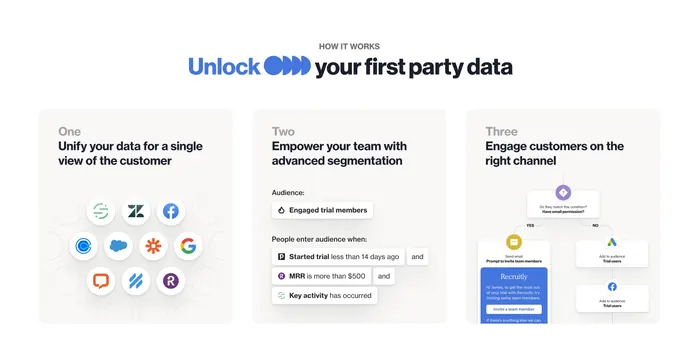 Ortto CDP three-step how-it-works
 Grove AI recruitment feature split
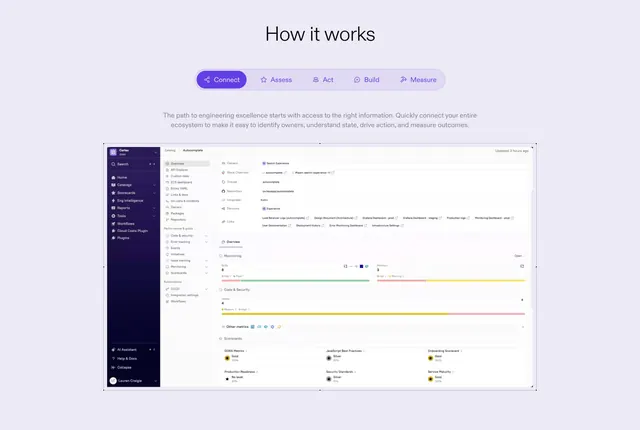 Cortex tabbed how-it-works with dashboard preview
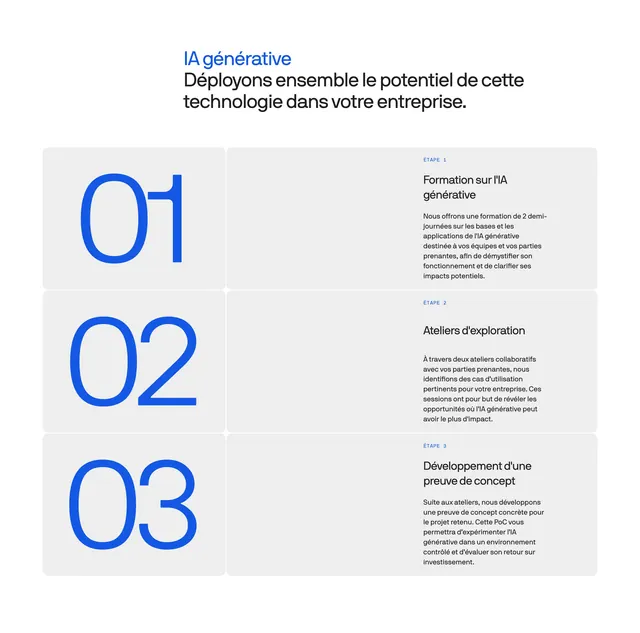 Vooban generative AI three-step cards
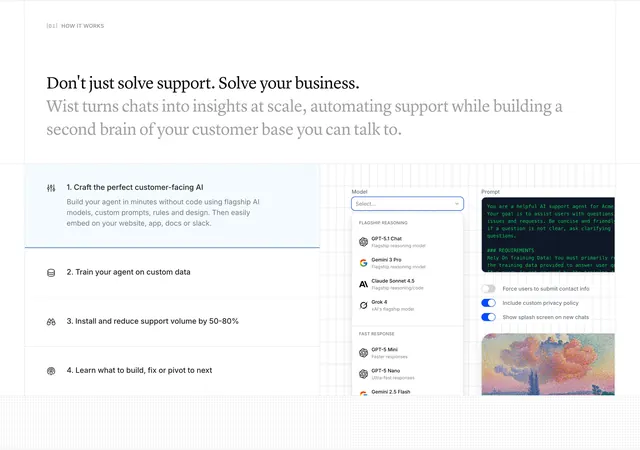 Wist how-it-works accordion feature
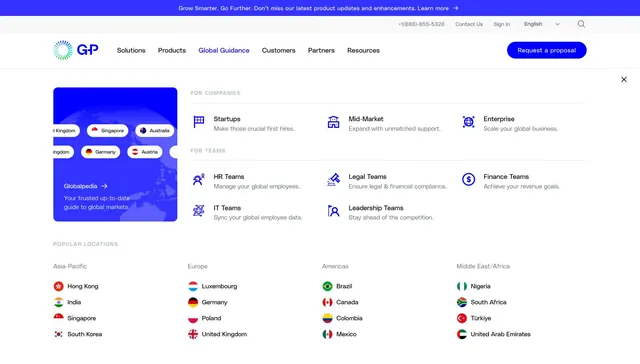 Globalization Partners home Global Guidance mega menu
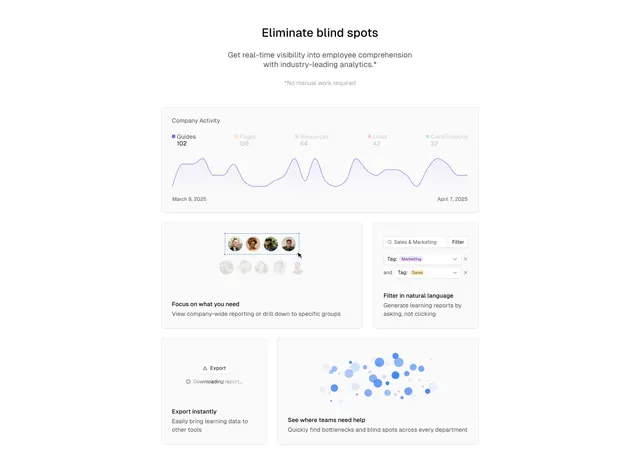 Basewell Features Section
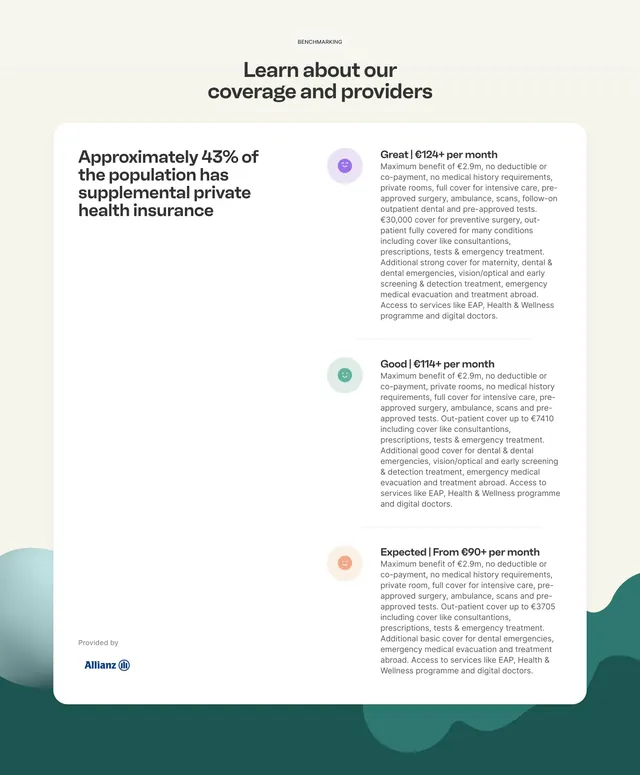 Kota country benchmarking coverage card
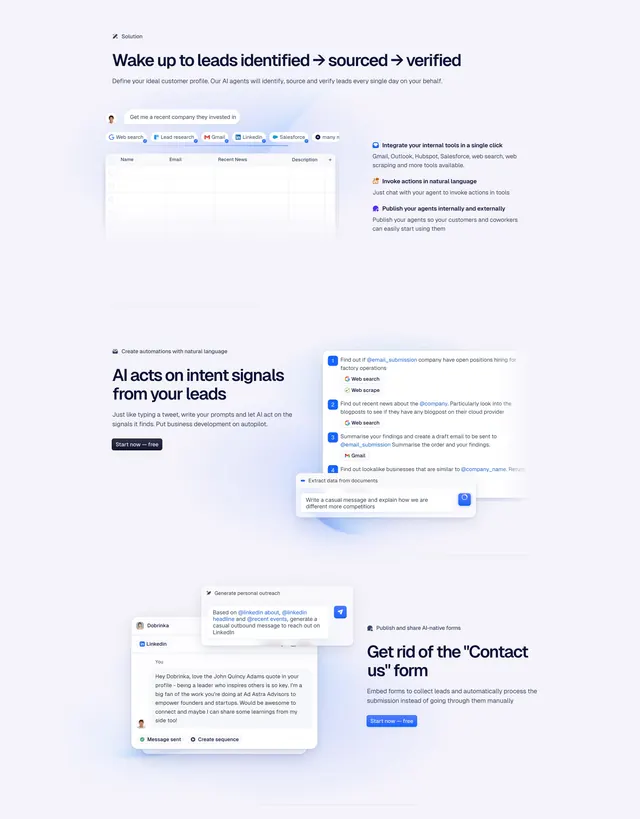 Godmode Features Section
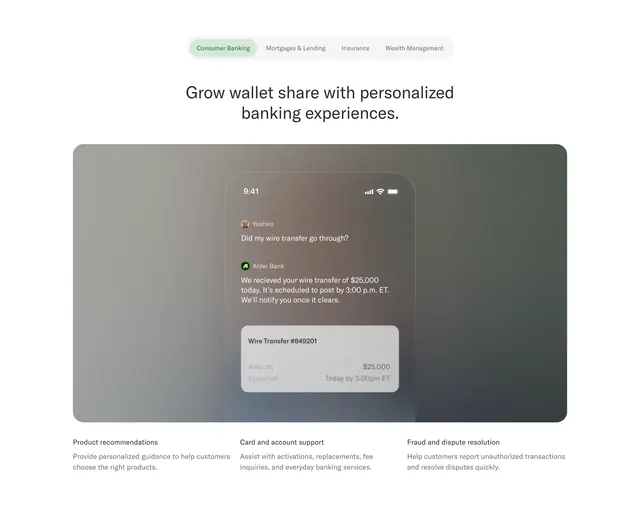 Sierra consumer banking tabbed feature
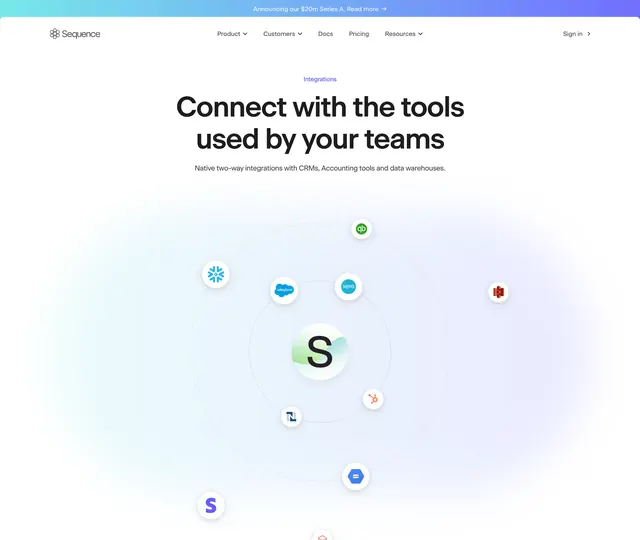 Sequence integrations hero with orbital logo map
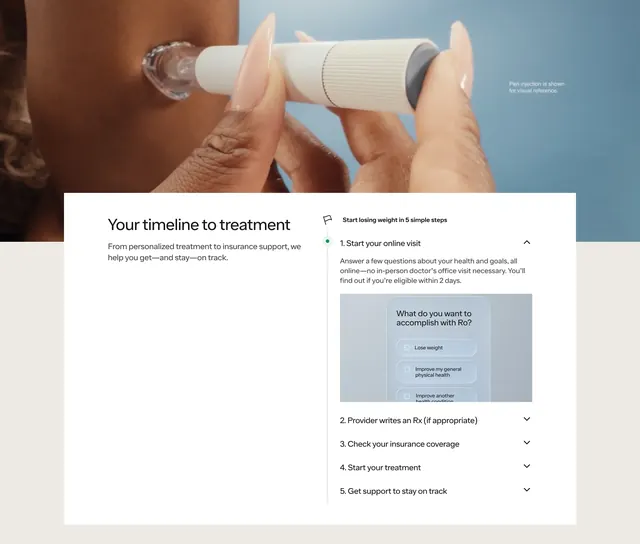 Ro weight-loss treatment timeline
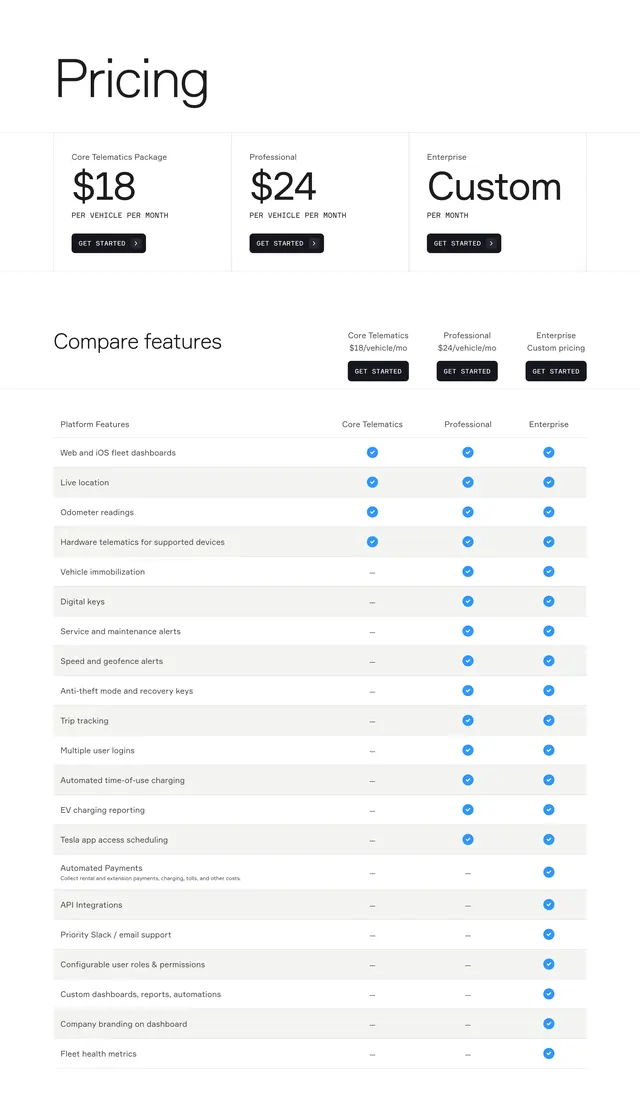 Standard Fleet telematics pricing comparison
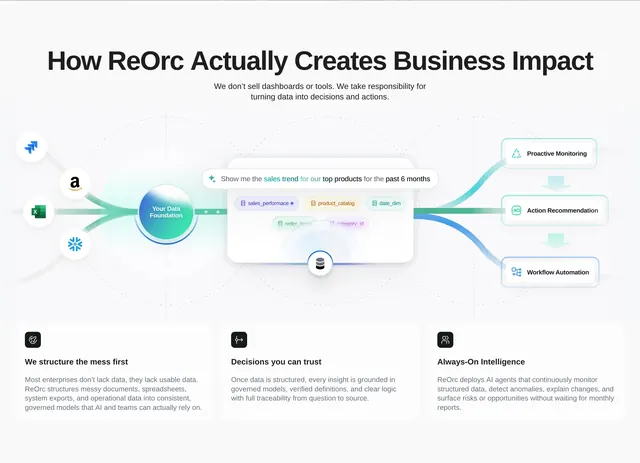 ReOrc business impact process feature
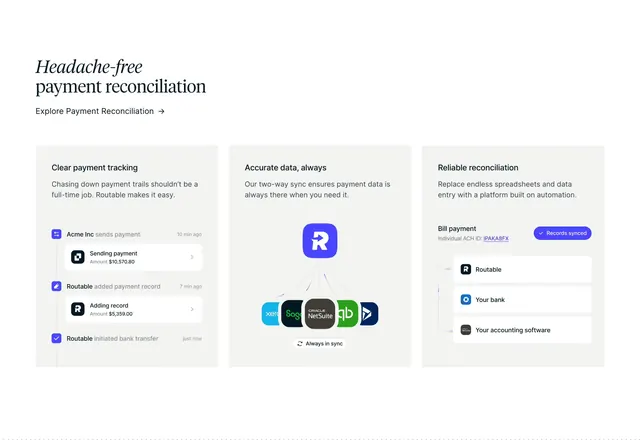 Routable payment reconciliation features
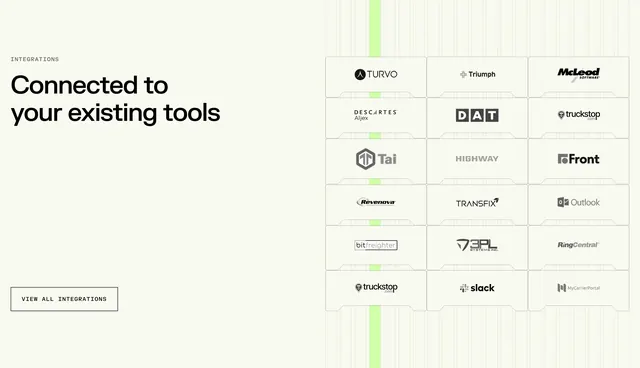 Vooma integrations split showcase
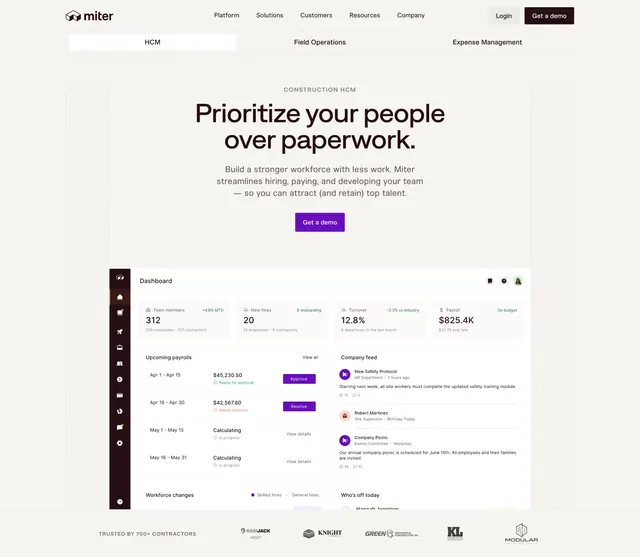 Miter Hero Section 2
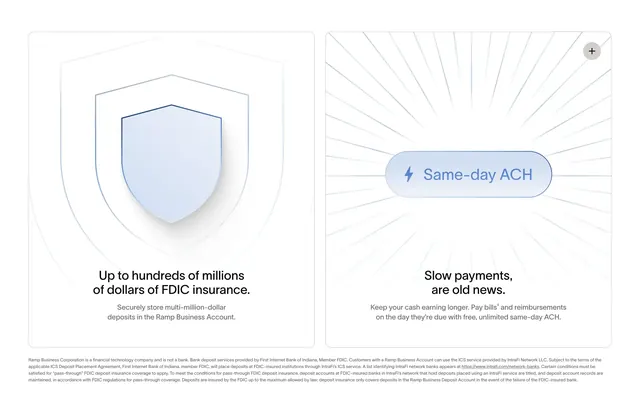 Ramp FDIC and same-day ACH feature pair
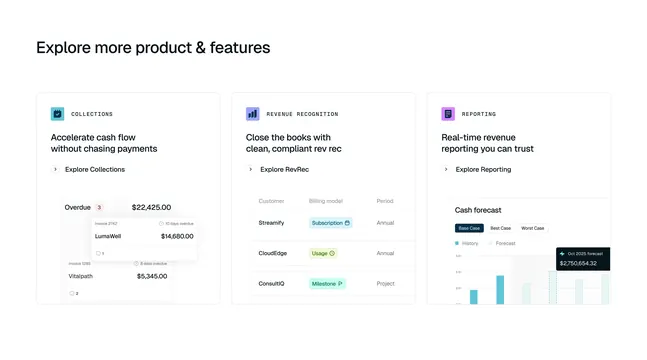 Tabs three-column product feature cards
 Standard Fleet global navbar
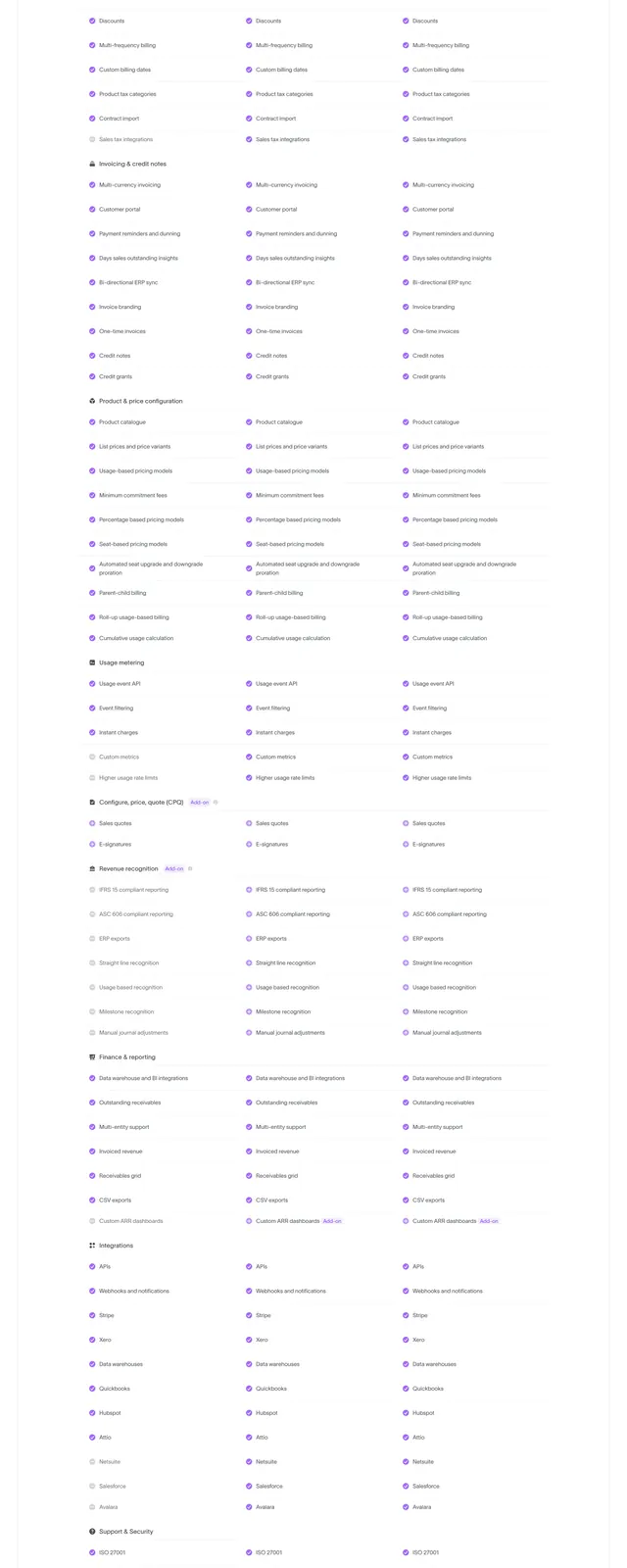 Sequence pricing plan comparison table
 Globalization Partners security page section certifications
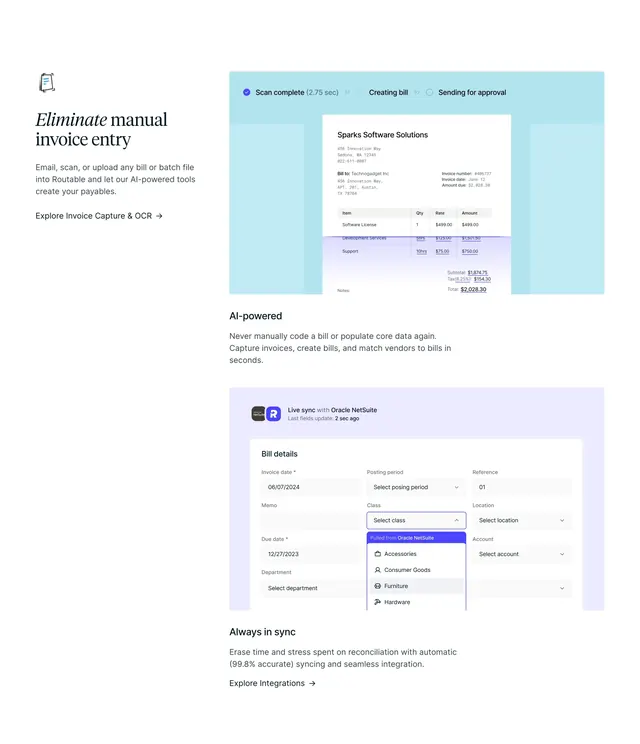 Routable invoice capture and OCR features
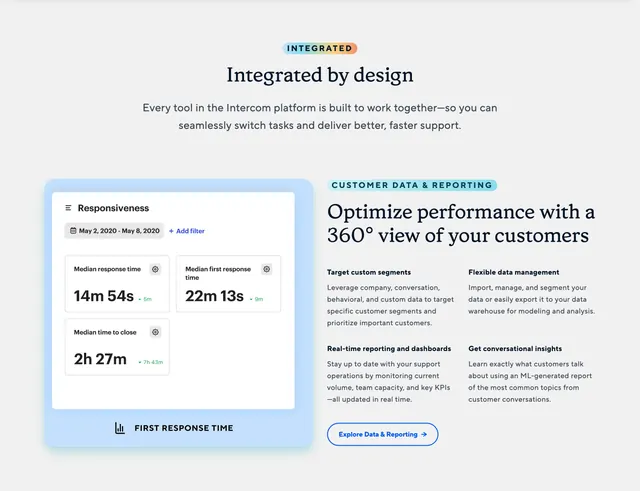 Intercom integrated reporting feature