Kota ROI calculator interactive panel
Teal ROI calculator with employee and country sliders, benefit toggles, and side-by-side with versus without Kota cost cards.

Summary
Kota ROI calculator section letting users adjust headcount and countries then compare monthly cost with Kota versus without.
Visual description
Deep teal background with organic shape accent. Left header shows ROI CALCULATOR tag, white headline "See how much you can save," and Talk to us button. Inputs include sliders for employees and countries (both showing value 1) and pill toggles for Health Insurance (selected) and Retirement. Right column stacks two rounded cards: lighter "with Kota" at �9/month and darker "without Kota" at �380/month with HR hours and headcount footnotes. Small disclaimer text sits bottom-right.
Key takeaway
Monochrome calculator UI where contrasting card shades alone signal good versus bad outcome. Sliders plus benefit toggles keep inputs lightweight.
Reuse notes
Strong for B2B savings claims. Requires defensible default math and a sales CTA nearby; dense teal UI needs high contrast on values.
More like this
 Kota HR integrations orbit section
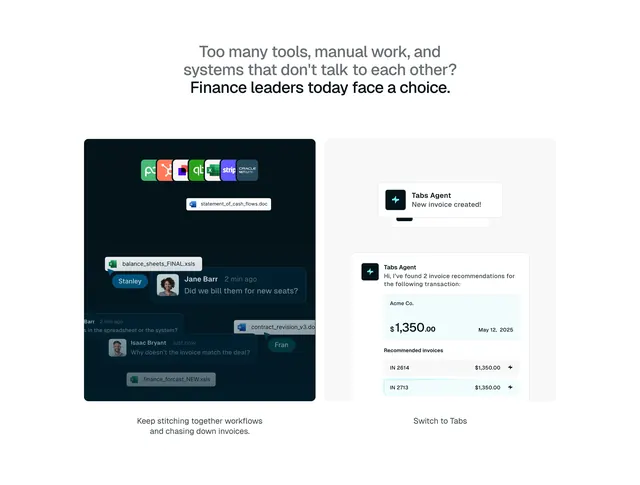 Tabs manual chaos vs agent order comparison
 Kota home country availability map
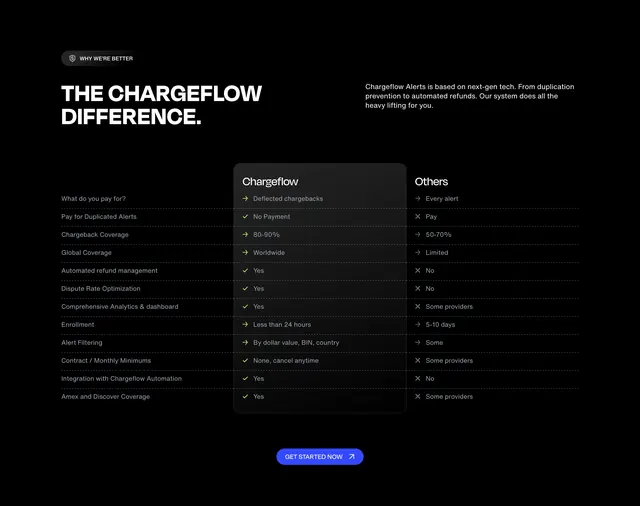 Chargeflow competitor comparison table
 Vooma customer logo cloud
 Routable four-column integrations grid
 Globalization Partners integrations page hero
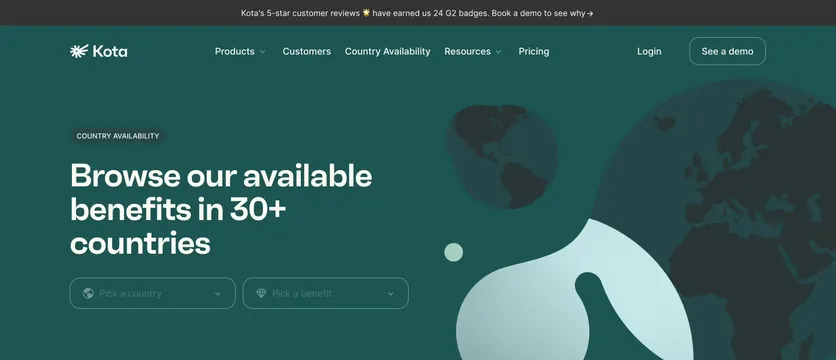 Kota country availability browse hero
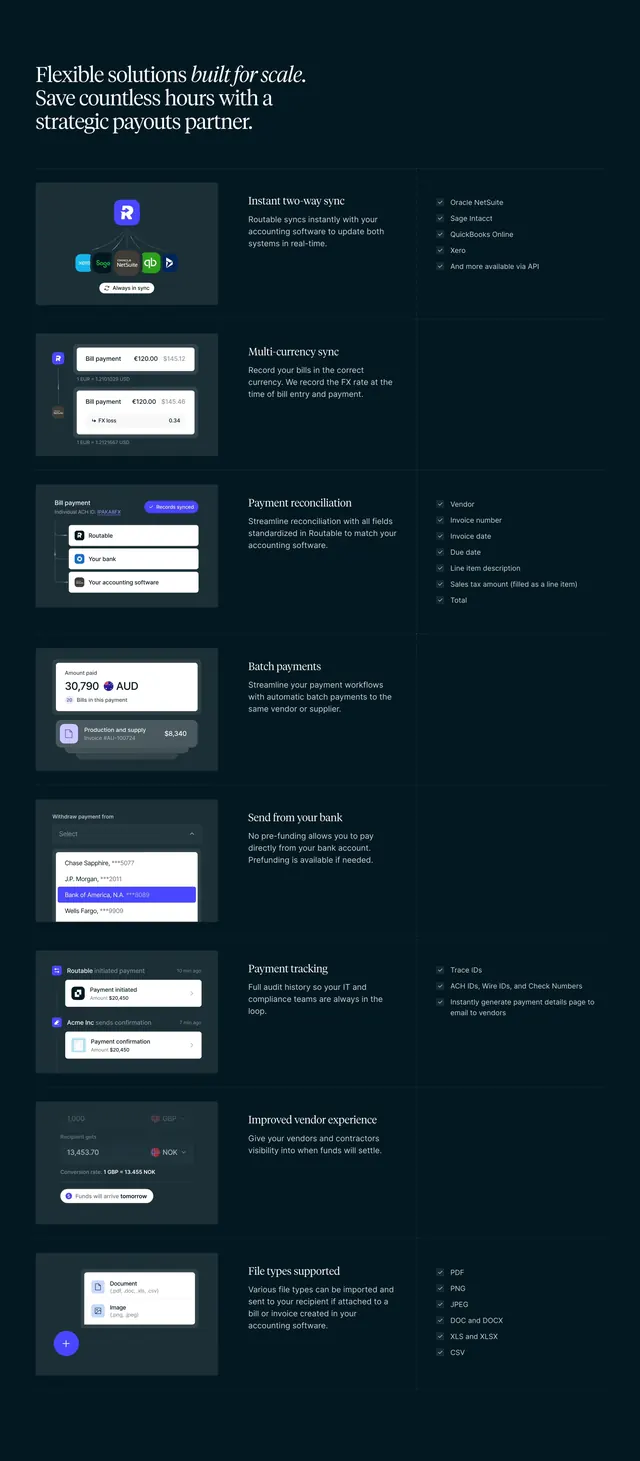 Routable built-for-scale feature list
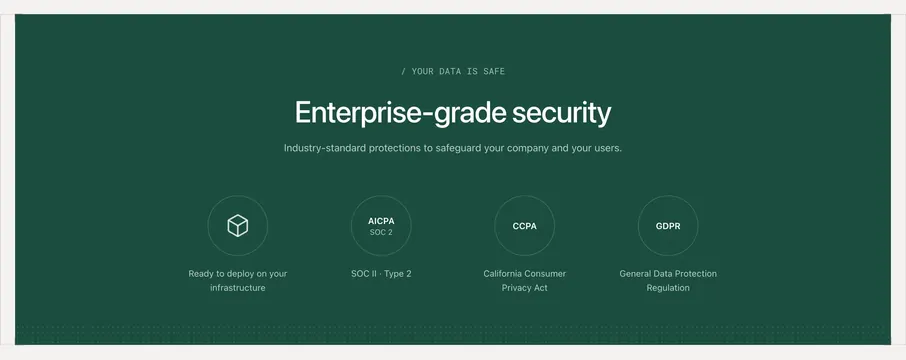 Enterprise security compliance grid
 Ben dark multi-column footer with legal block
 Iru newsletter and mega footer
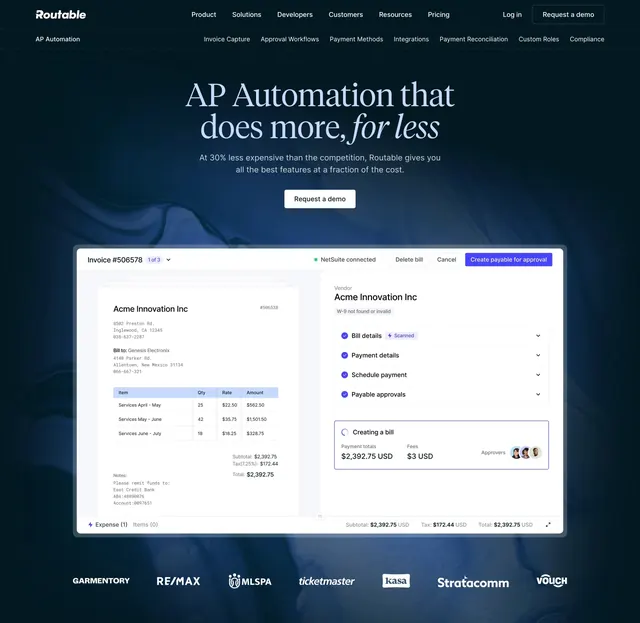 Routable AP automation hero
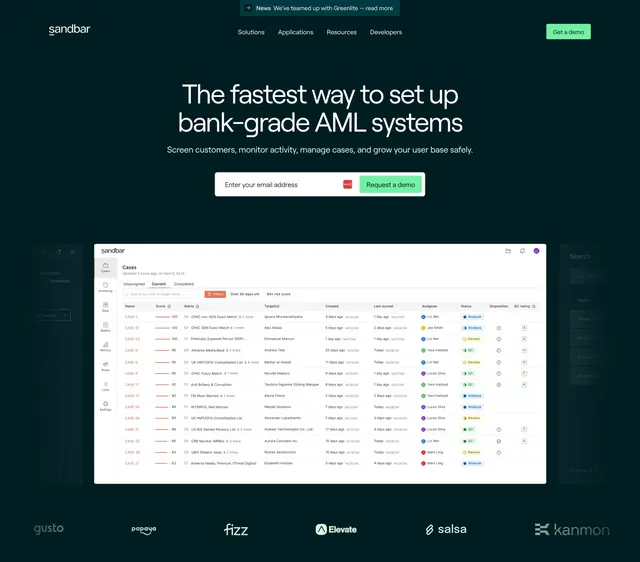 Sandbar centered hero with email capture and dashboard preview
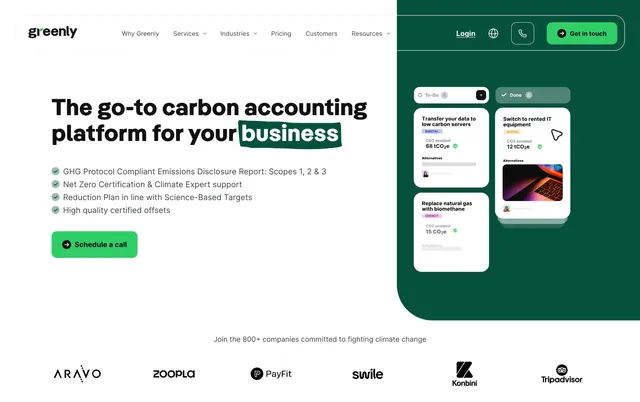 Greenly carbon accounting platform hero
 Ramp upcoming events dark list
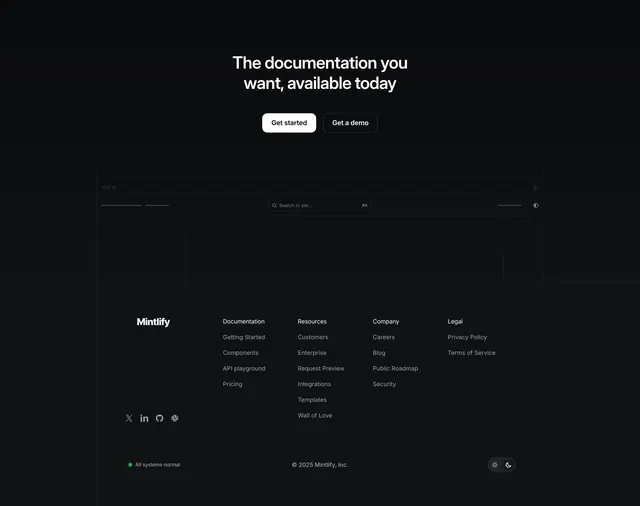 Mintlify Footer Section
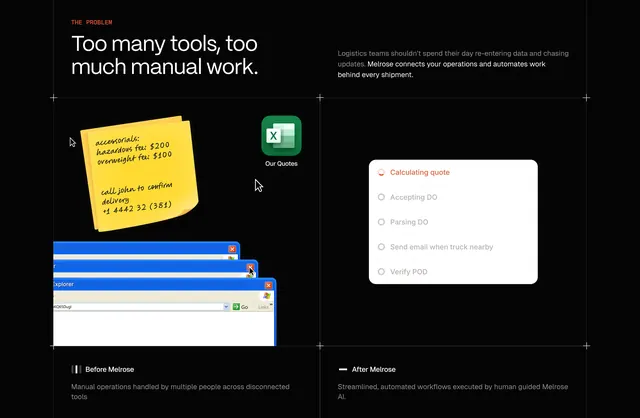 Melrose before after problem grid
 Mintlify Hero Section
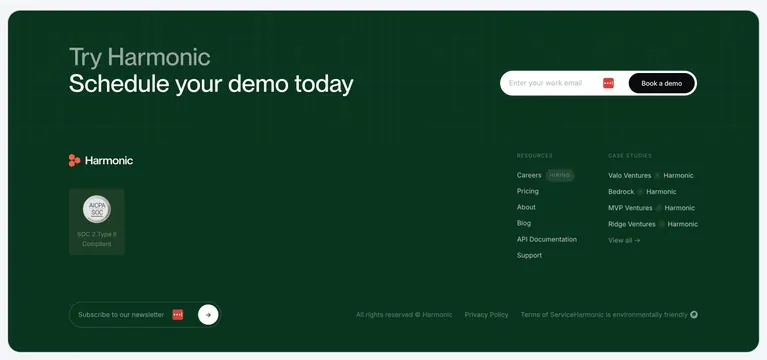 Harmonic dark-green CTA footer
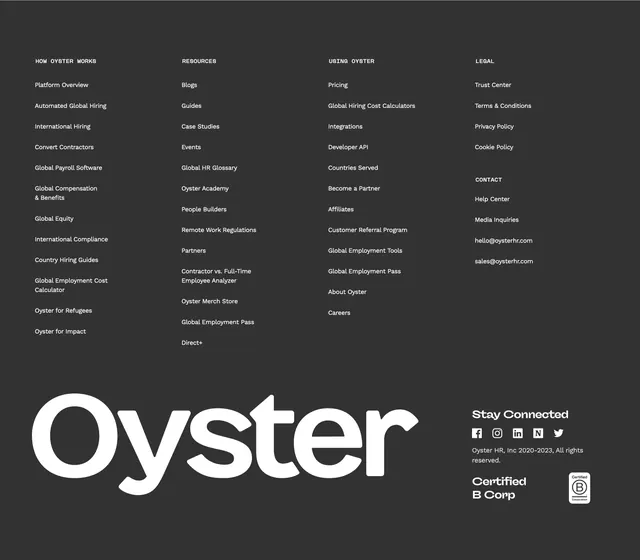 Oyster dark mega footer with wordmark
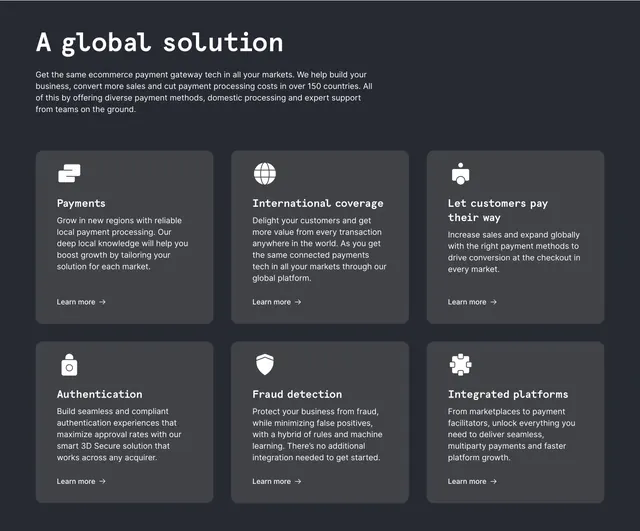 Checkout.com global ecommerce feature grid
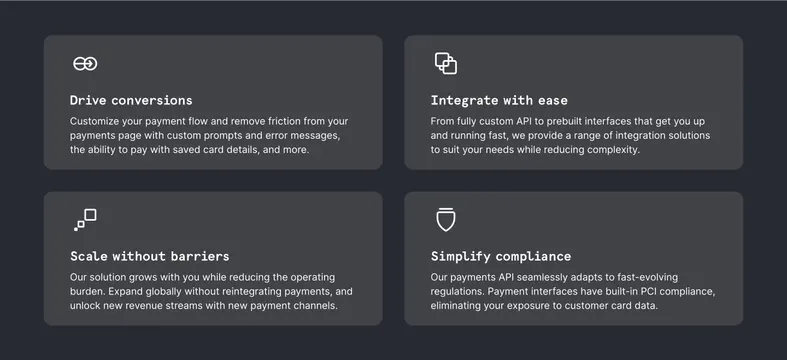 Checkout.com dark four-up benefits grid
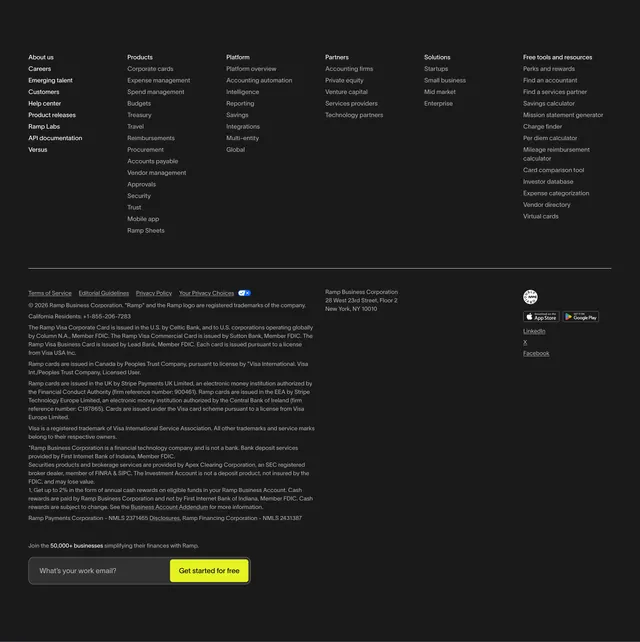 Ramp mega footer with email CTA