Duffel Links integration steps
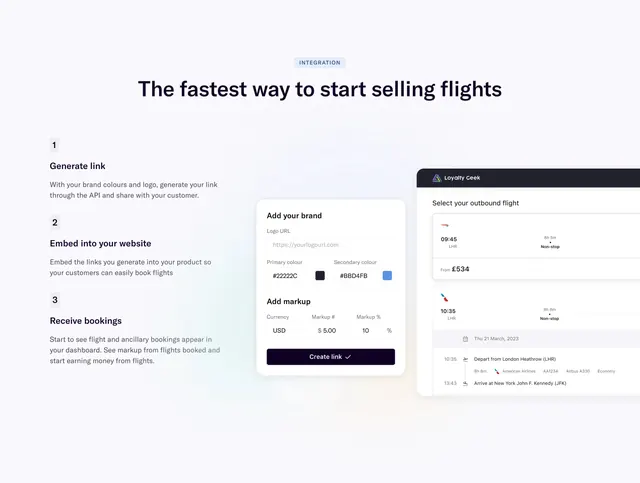
Split integration section with three numbered steps left and overlapping brand config and flight selection UI mocks right.
Summary
Links product integration section explaining generate, embed, and receive bookings with UI mocks for brand setup and flight selection.
Visual description
Light background with soft radial glow. Blue "INTEGRATION" pill and headline "The fastest way to start selling flights." Left: three numbered steps with grey number squares and bold subheads (Generate link, Embed into your website, Receive bookings). Right: overlapping cards showing "Add your brand" form (logo URL, primary/secondary colors, markup fields, Create link button) over a flight results window with airline logos, routes, and expanded itinerary detail.
Key takeaway
Numbered steps paired with the exact UI users will configure and customers will see. Overlapping mocks communicate end-to-end flow in one glance.
Reuse notes
Ideal for low-code or embed products. Requires polished UI captures for both admin and consumer views.
More like this
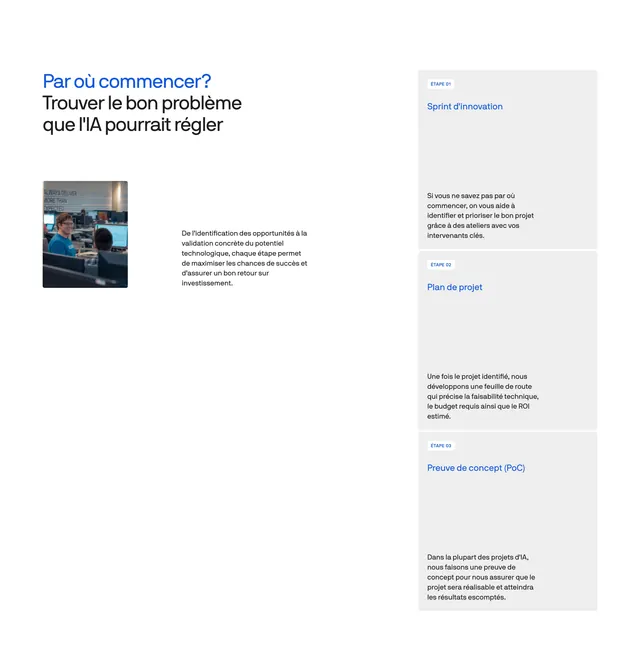 Vooban AI starting-point process
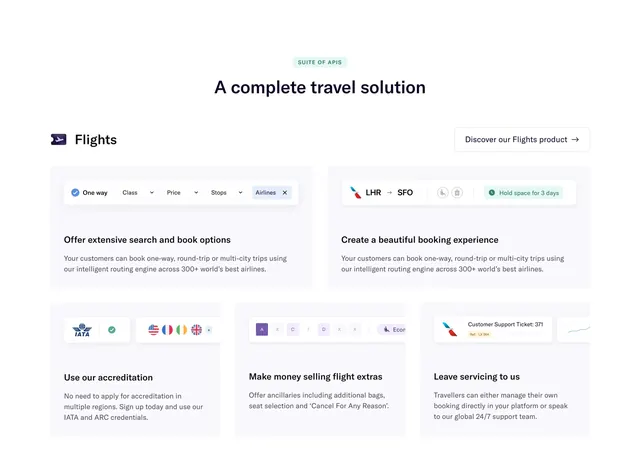 Duffel complete travel solution grid
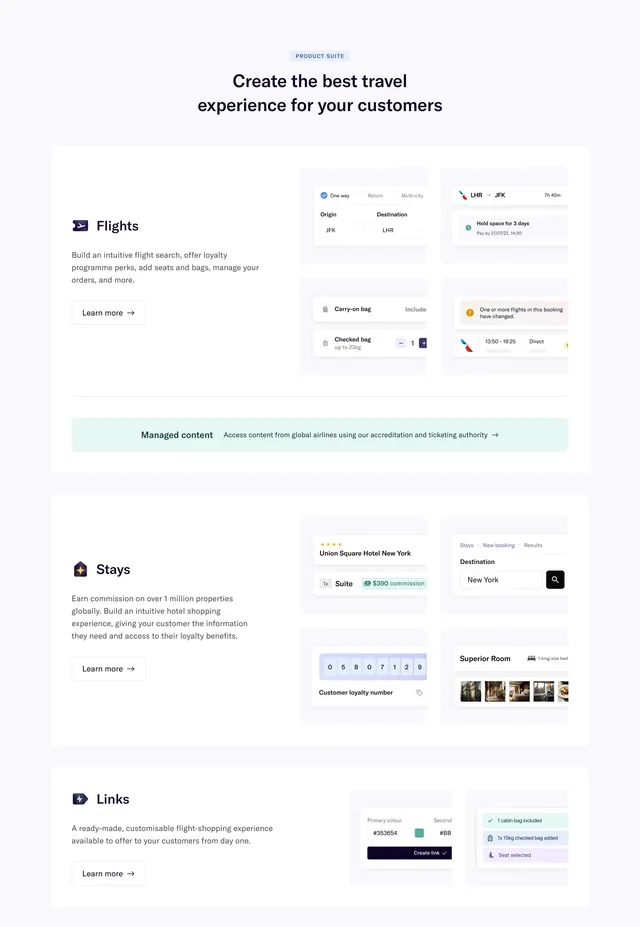 Duffel product suite sections
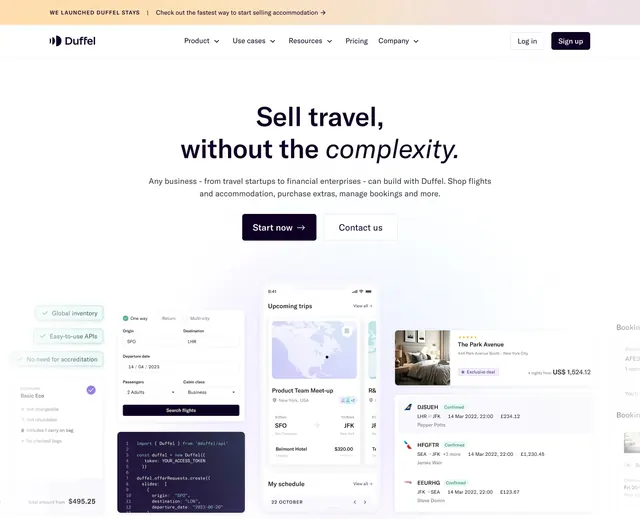 Duffel travel platform hero collage
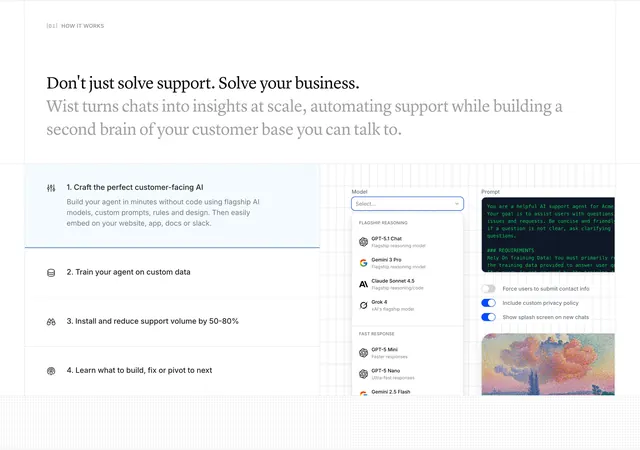 Wist how-it-works accordion feature
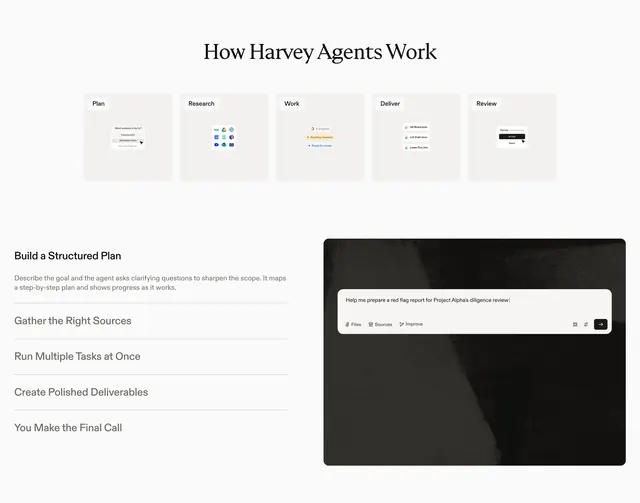 Harvey Agents how it works process
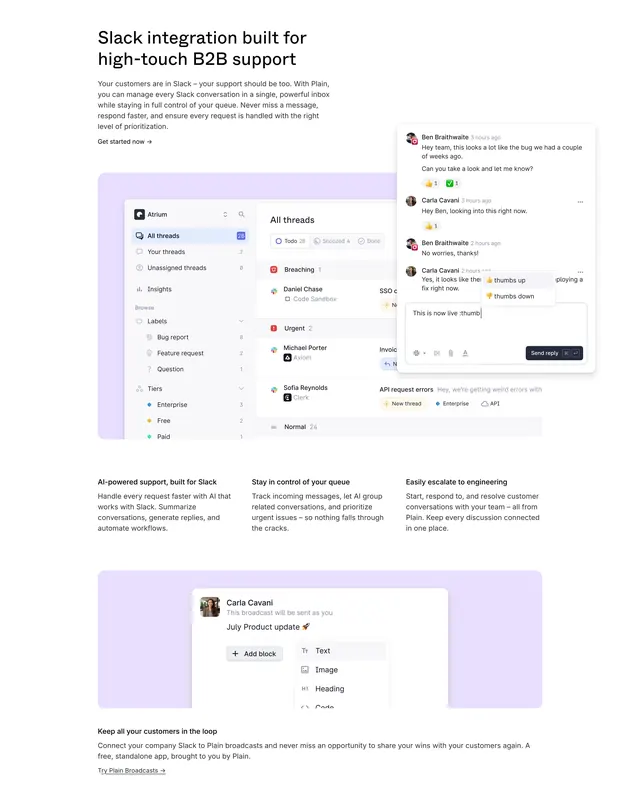 Plain Slack integration product section
 Cycle integrations logo wall
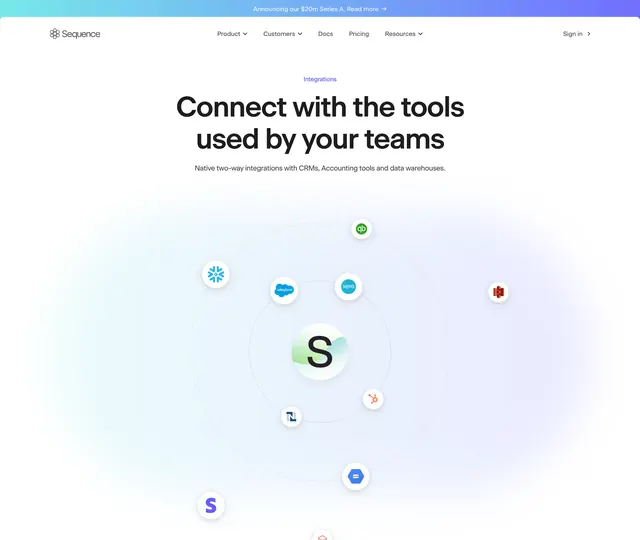 Sequence integrations hero with orbital logo map
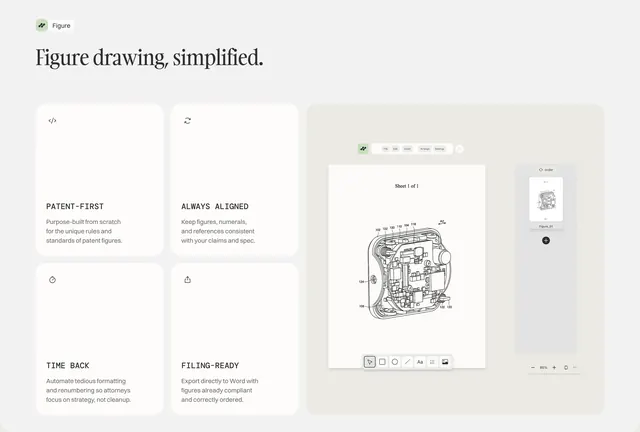 Fearn Figure patent drawing feature
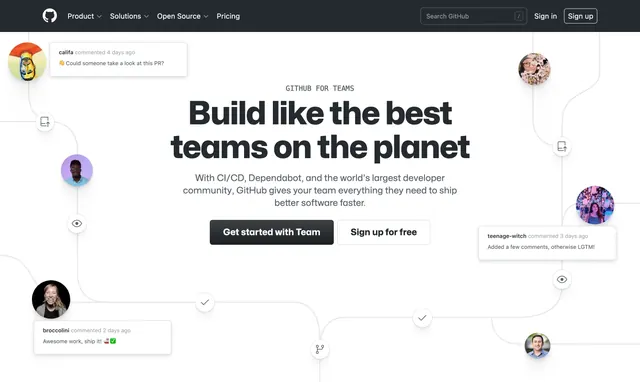 GitHub for Teams collaboration workflow hero
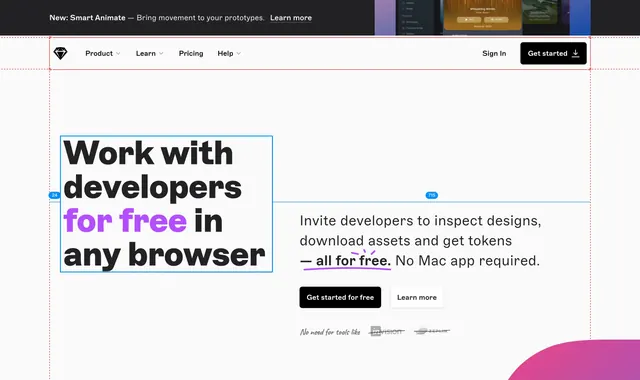 Sketch developer handoff free hero
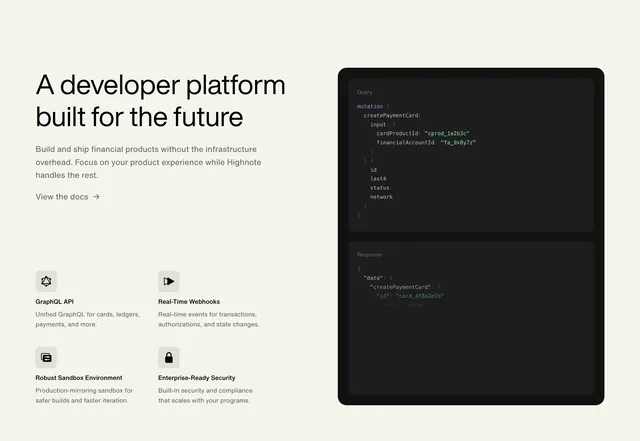 Highnote developer platform split feature
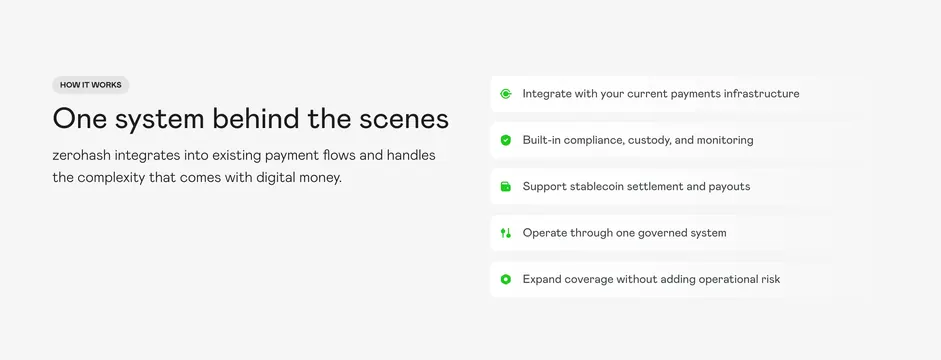 Zerohash how-it-works process list
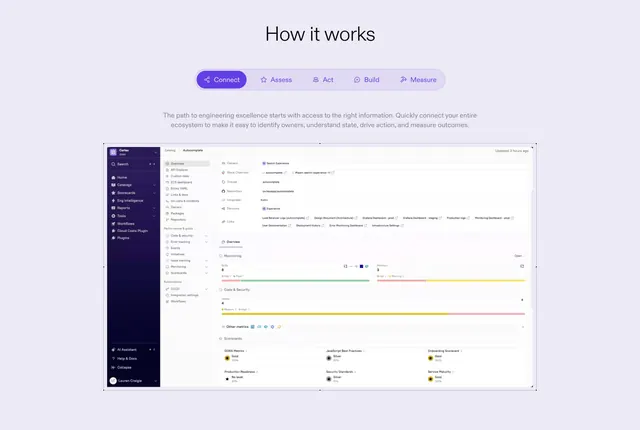 Cortex tabbed how-it-works with dashboard preview
 GitHub team section integration
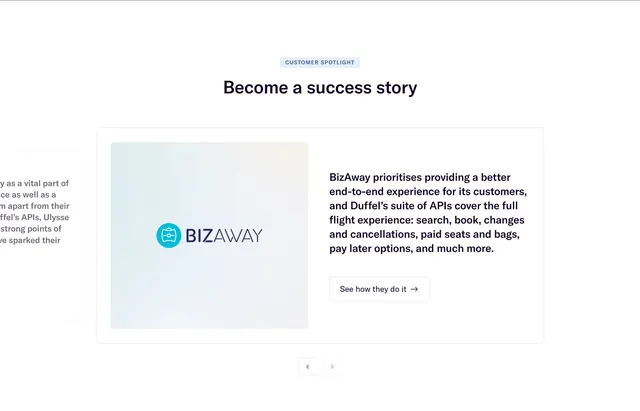 Duffel customer spotlight carousel
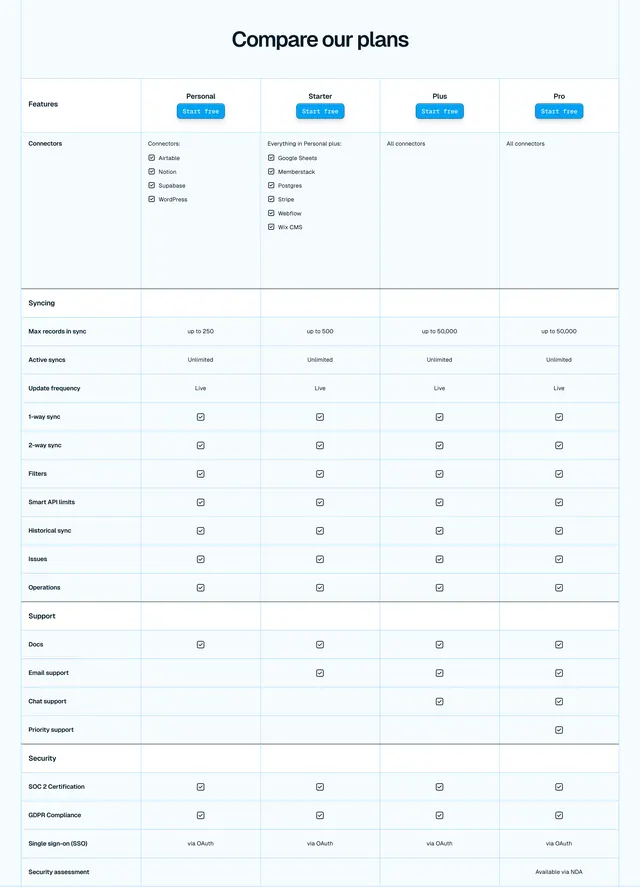 Whalesync four-column feature comparison table
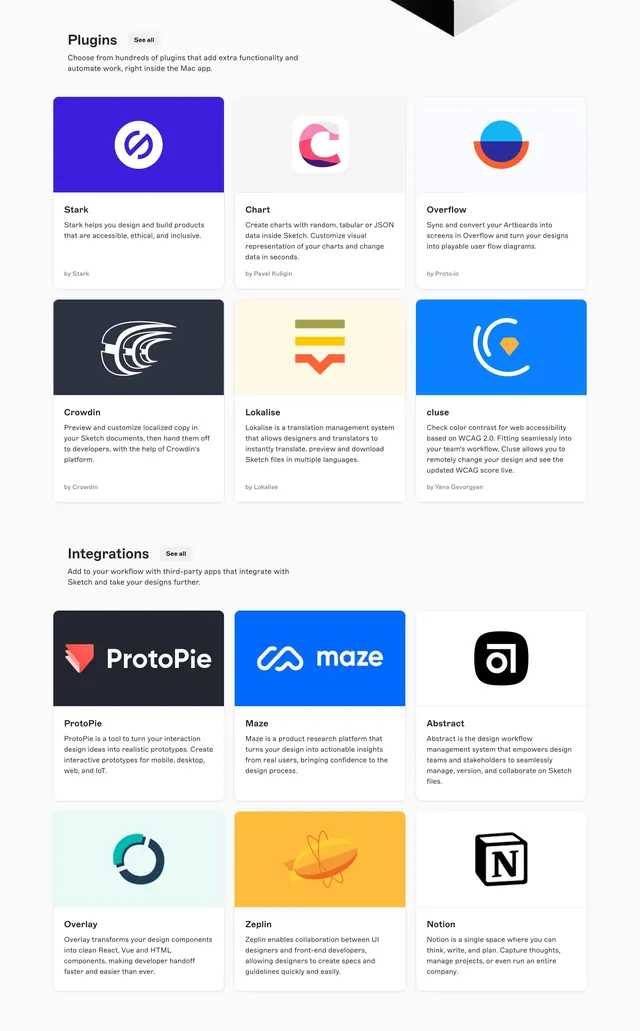 Sketch plugins and integrations grid
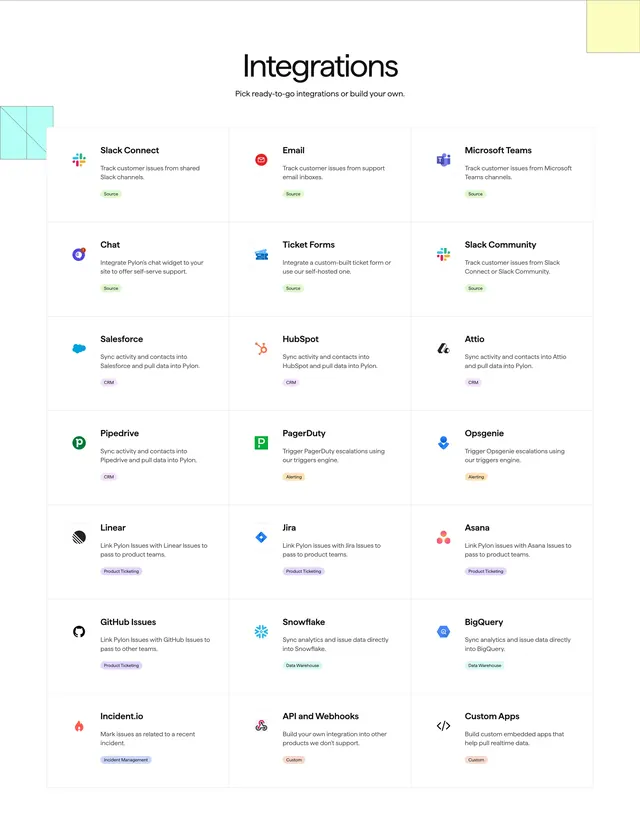 Pylon integrations grid
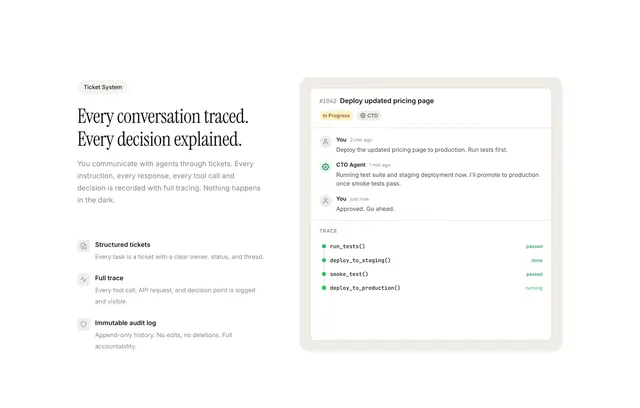 Paperclip agent tracing ticket feature
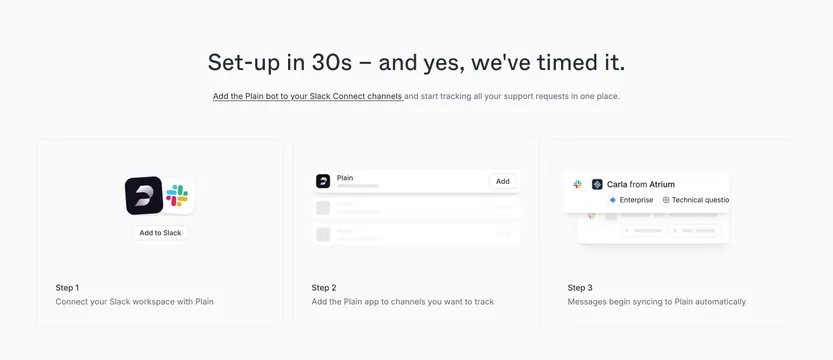 Plain Slack setup three-step cards
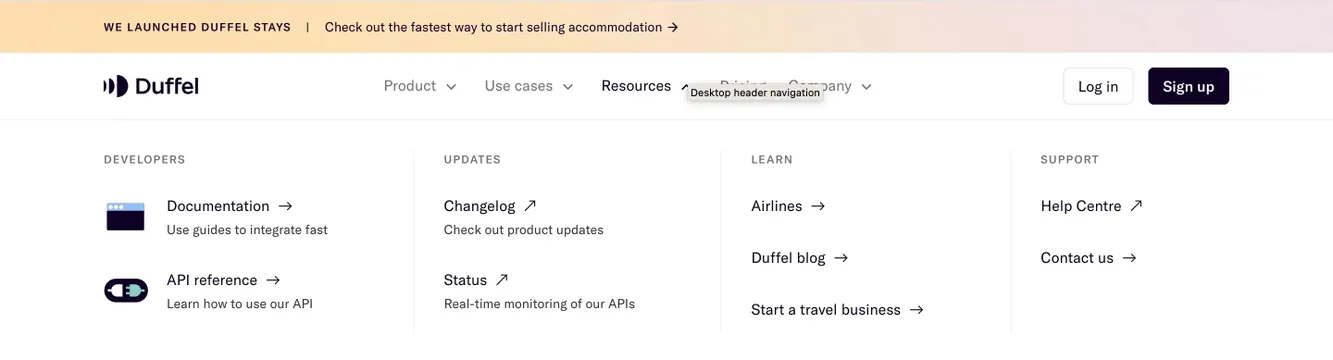 Duffel resources mega-menu
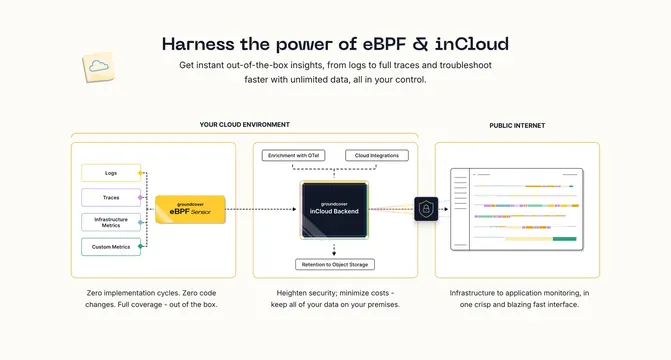 Groundcover architecture how-it-works