Create video editor bento features
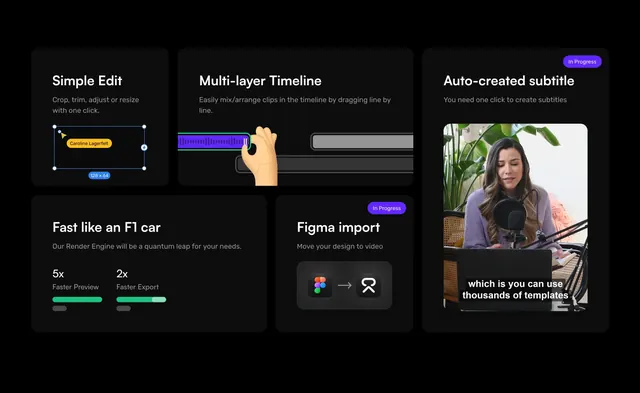
Dark bento grid showcasing five video-editing capabilities with UI mock cards, progress bars, and an in-progress subtitle demo.
Summary
A black bento layout selling Create's editing speed and workflow tools through five UI cards spanning crop, timeline, subtitles, render performance, and Figma import.
Visual description
Solid black background. Asymmetric bento grid of dark gray rounded cards. Cards show a resize bounding box with dimensions, a multi-track timeline with draggable purple waveform, a vertical video frame with auto-subtitle copy and In Progress badge, green-filled performance bars for preview and export speed, and a Figma-to-app import flow with logos. White sans-serif titles and muted gray descriptions on each tile.
Key takeaway
Mixed-size bento tiles let one card carry a tall video demo while smaller tiles handle quick stats. In Progress badges signal roadmap honesty without breaking the grid rhythm.
Reuse notes
Strong for creative SaaS or dev tools with visual product proof. Dark mode required. Each tile needs a real UI capture to avoid looking like generic placeholders.
More like this
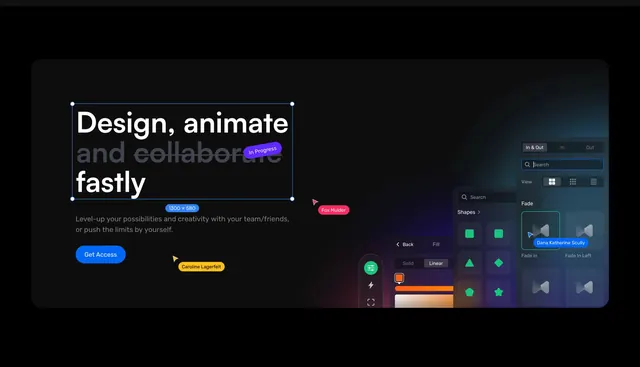 Create collaborative design hero
 ClickUp Brain productivity trio cards
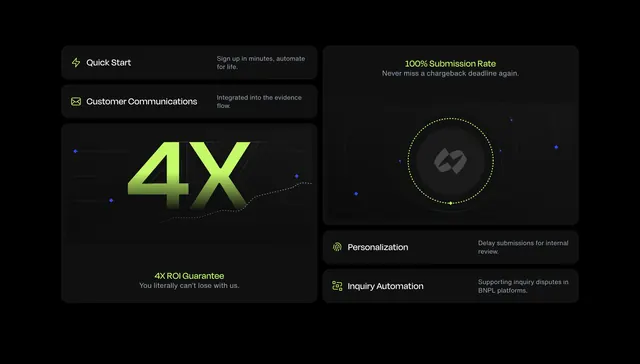 Chargeflow neon green bento benefits
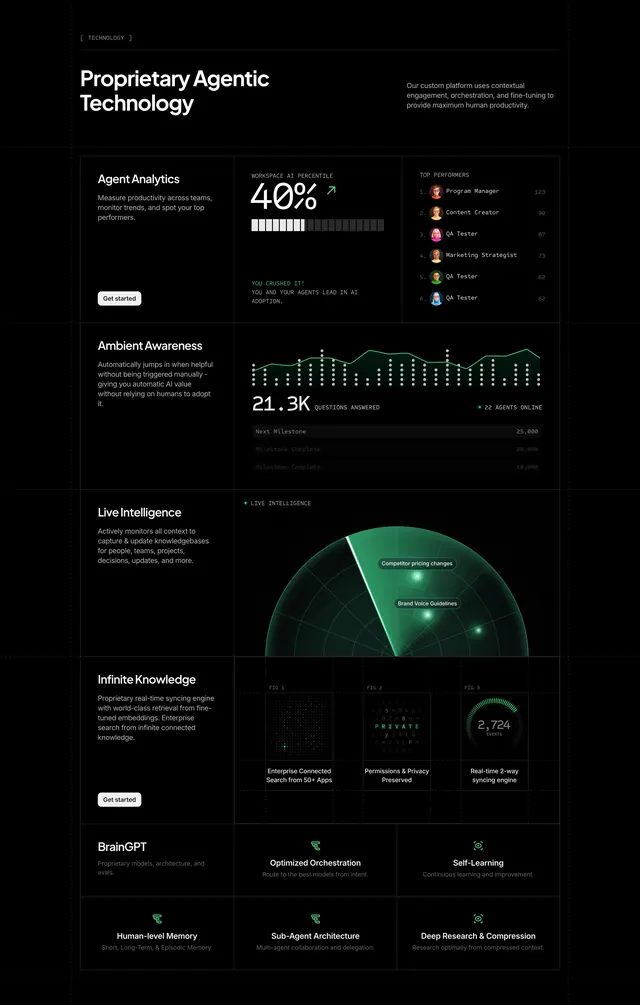 ClickUp proprietary agentic technology grid
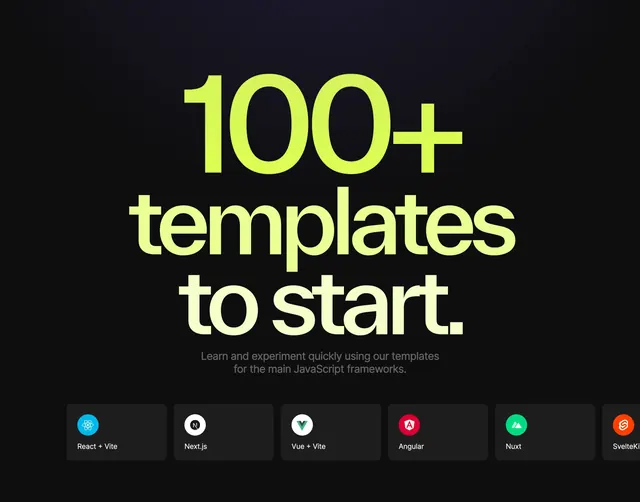 CodeSandbox 100+ templates row
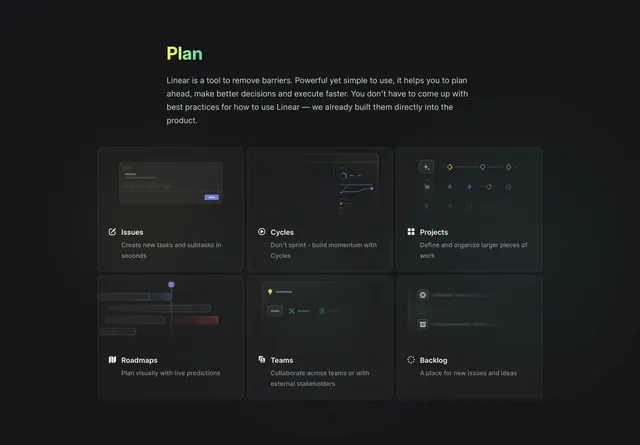 Linear Plan feature grid
 Chargeflow global fraud network features
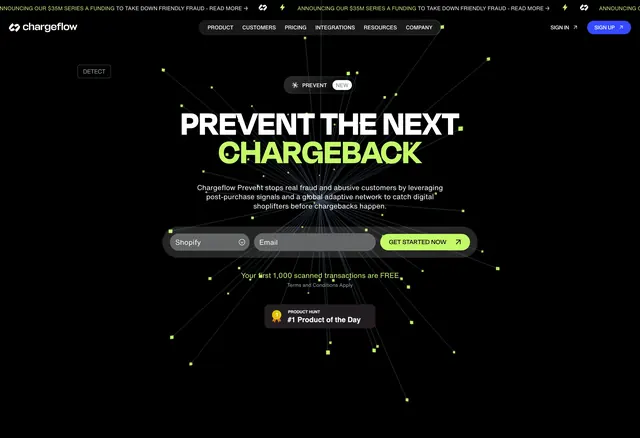 Chargeflow Prevent hero
 Dimension keyboard productivity features
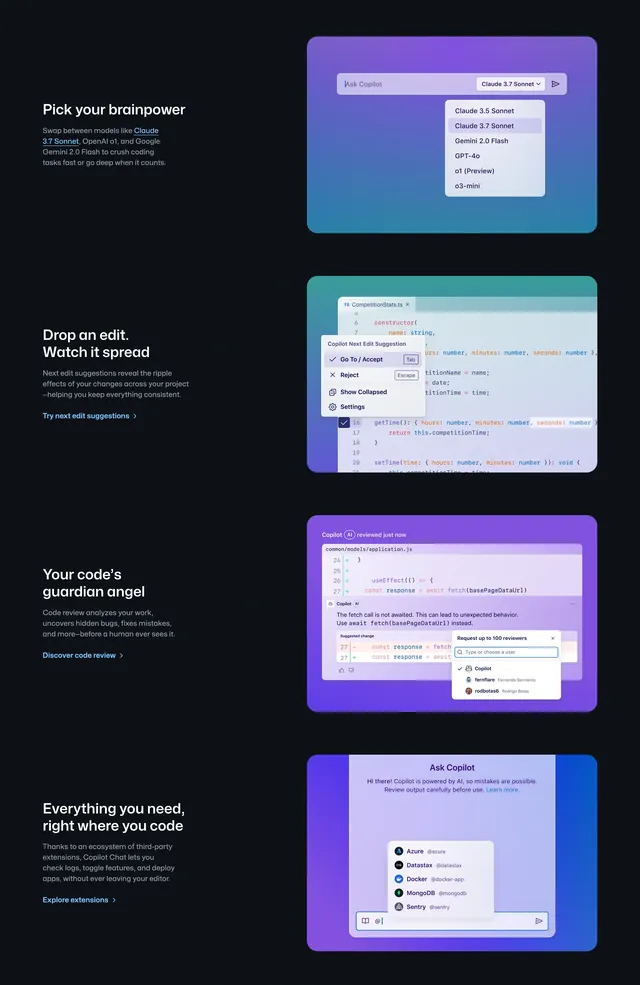 GitHub Copilot stacked feature rows
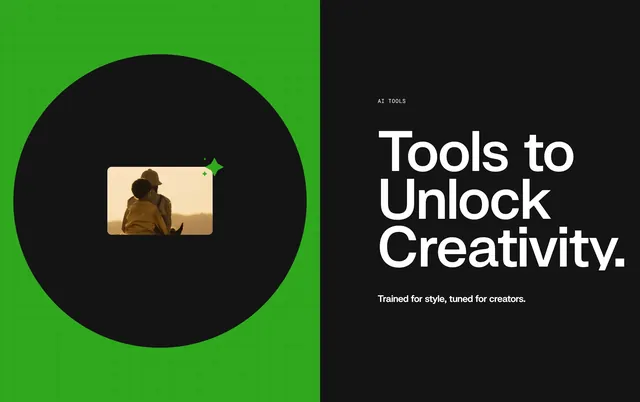 Flim AI tools split headline
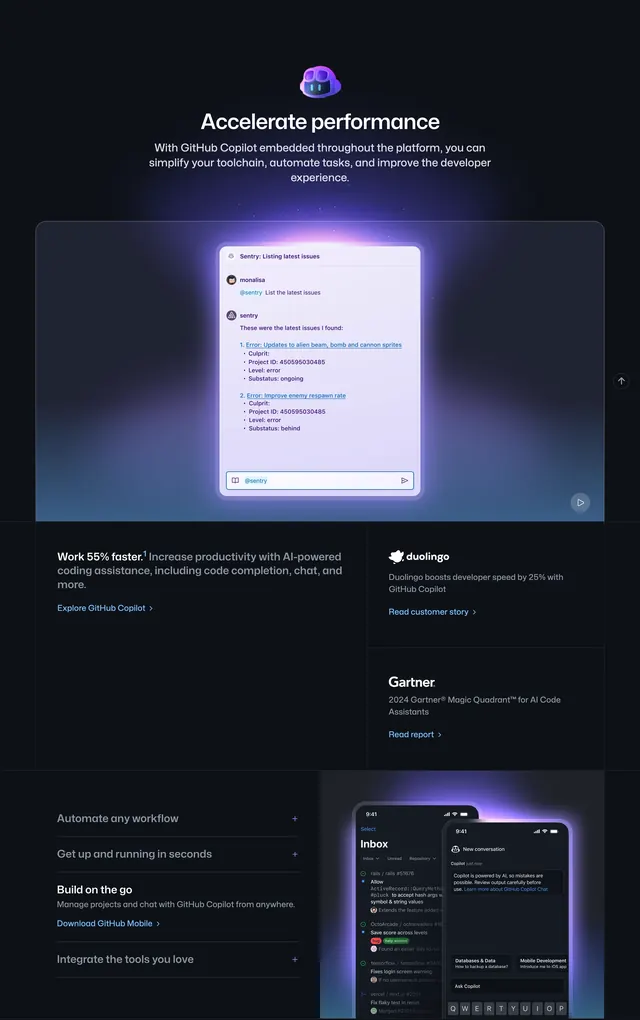 GitHub Copilot accelerate performance feature
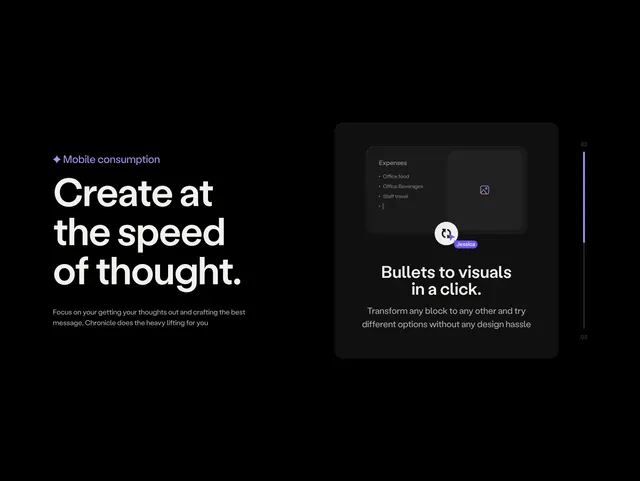 Chronicle bullets to visuals feature slide
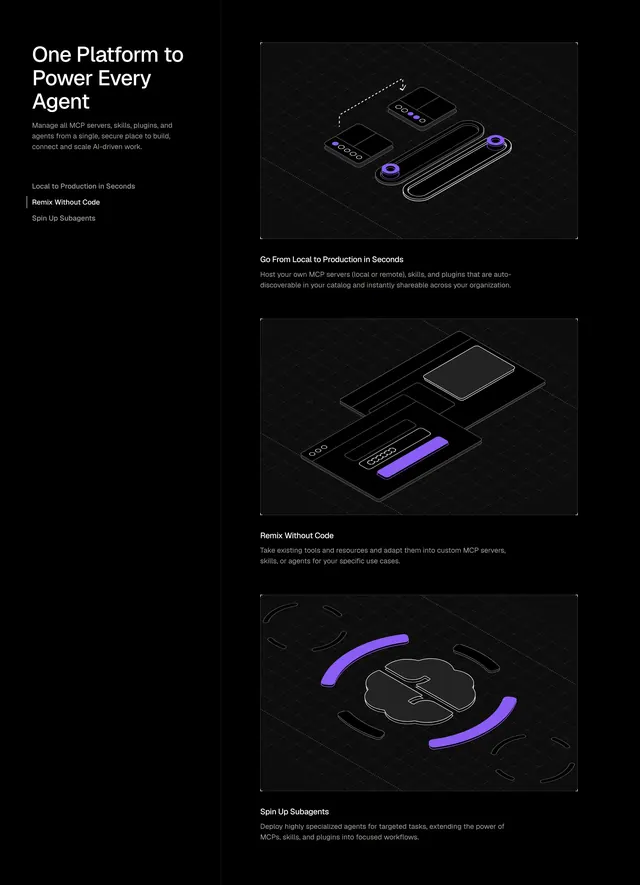 Runlayer platform capabilities feature list
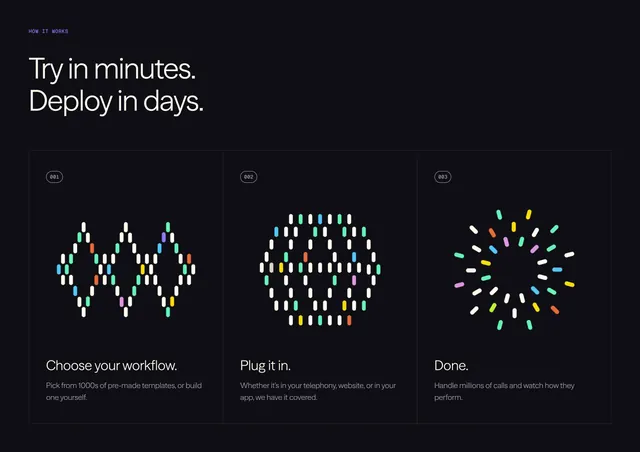 Vapi three-step how-it-works with audio-dot art
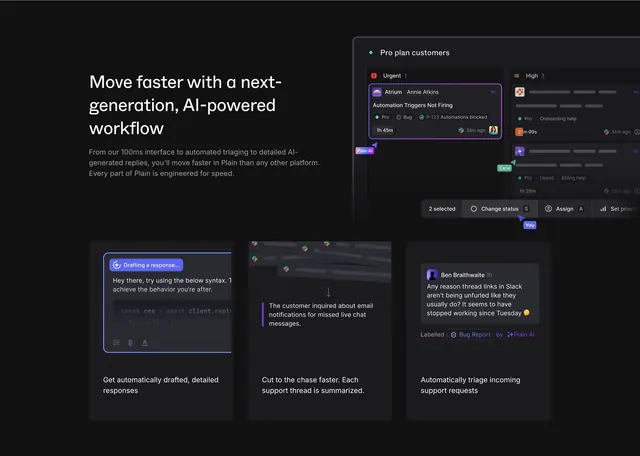 Plain AI workflow feature bento
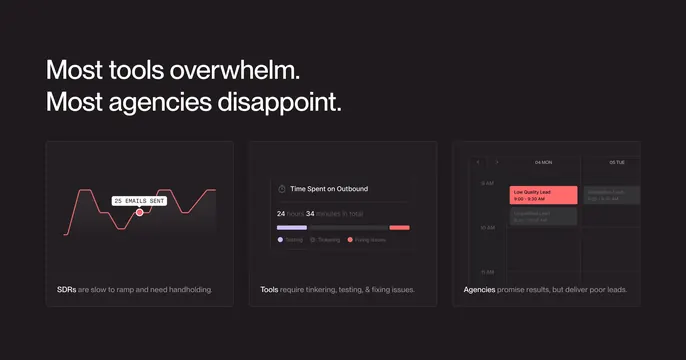 Throxy pain point problem grid
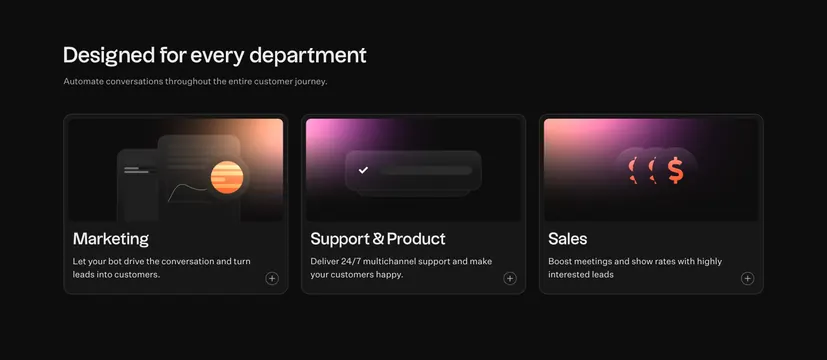 Typebot Features Section
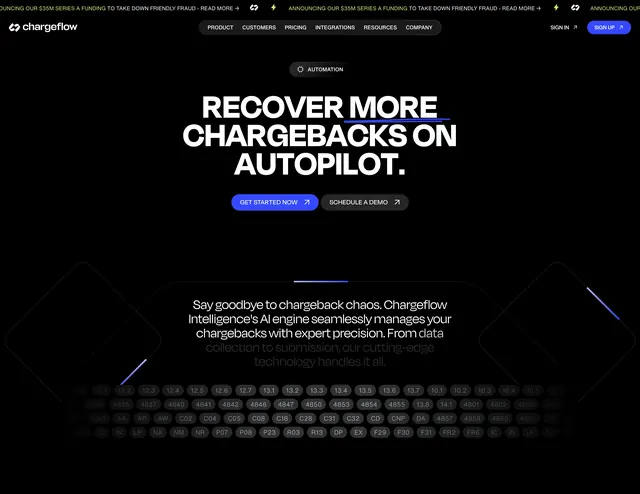 Chargeflow recover more chargebacks hero
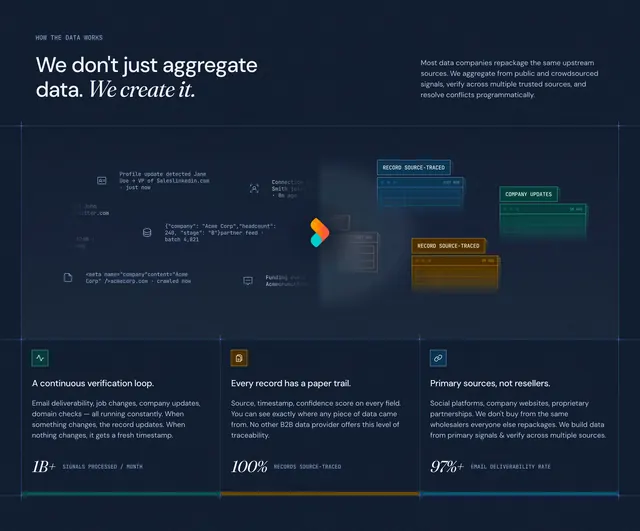 RevenueBase how-the-data-works value section
 Linear integrations workflow hero
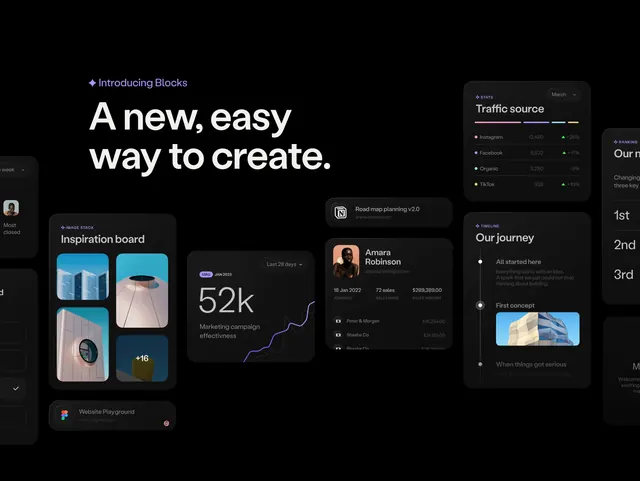 Chronicle blocks masonry showcase
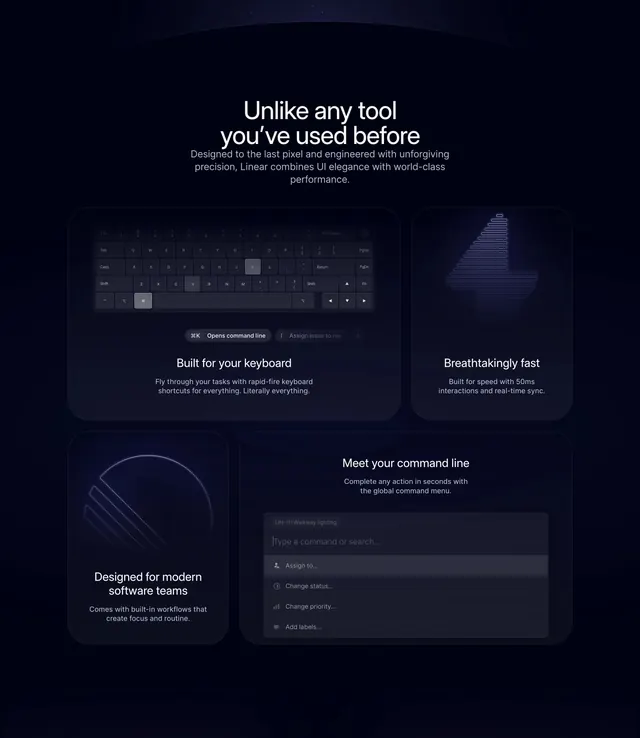 Linear differentiated features bento
 Chargeflow AI chargeback platform hero