CodeSandbox DevTools split feature
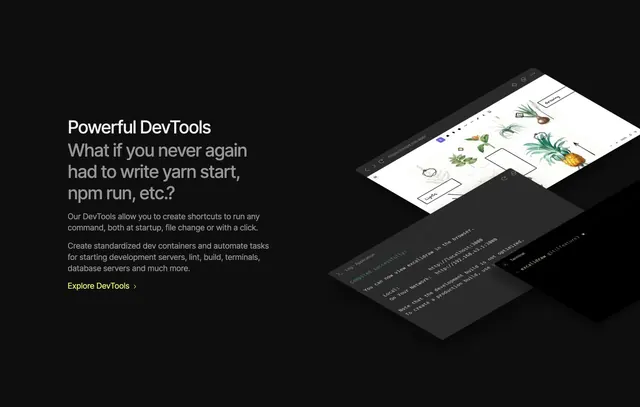
Black split section with DevTools copy left and isometric stack of browser, log, and terminal windows right.
Summary
"Powerful DevTools" feature block pairing automation copy with tilted windows showing a live app preview, compile log, and git terminal.
Visual description
Black background split roughly half text, half visuals. Left column white "Powerful DevTools" label, large gray question headline about never running yarn start again, two paragraphs on shortcuts and dev containers, and lime "Explore DevTools >" link. Right column shows three isometric windows: light browser canvas with botanical Excalidraw sketches and .csb.app URL, dark log panel with green "Compiled successfully" and localhost links, and bottom terminal showing excalidraw git branch prompt.
Key takeaway
Isometric window stack sells a workflow, not a single screenshot. Opening with a relatable dev pain question before feature bullets mirrors how engineers think.
Reuse notes
Great for IDE or platform features where multi-panel UI is the proof. Requires crisp product captures at consistent angle; weak UI art collapses the effect.
More like this
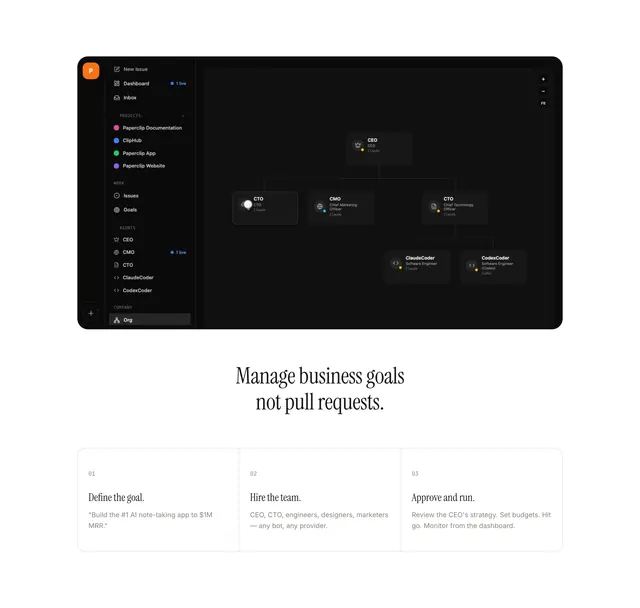 Paperclip workflow feature design
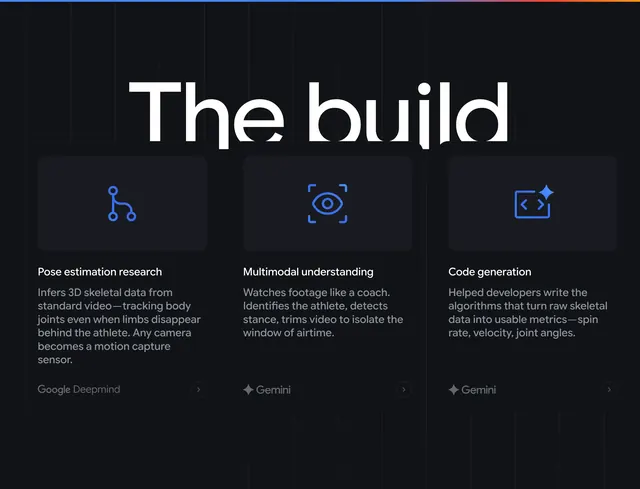 Google Cloud the build feature cards
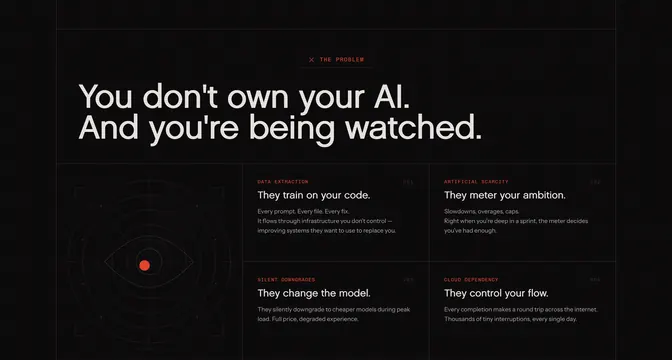 Rig problem feature grid with surveillance eye
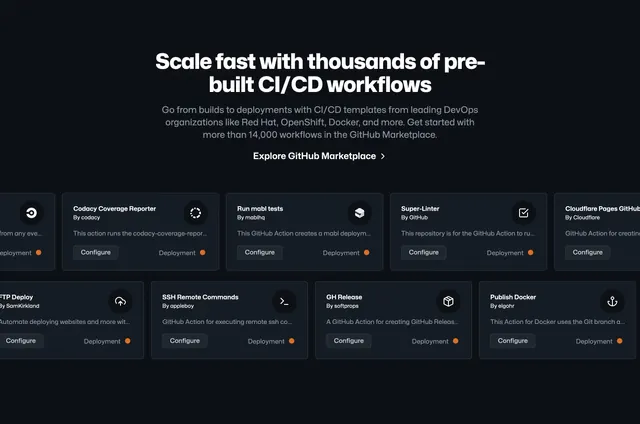 GitHub CI/CD marketplace workflows
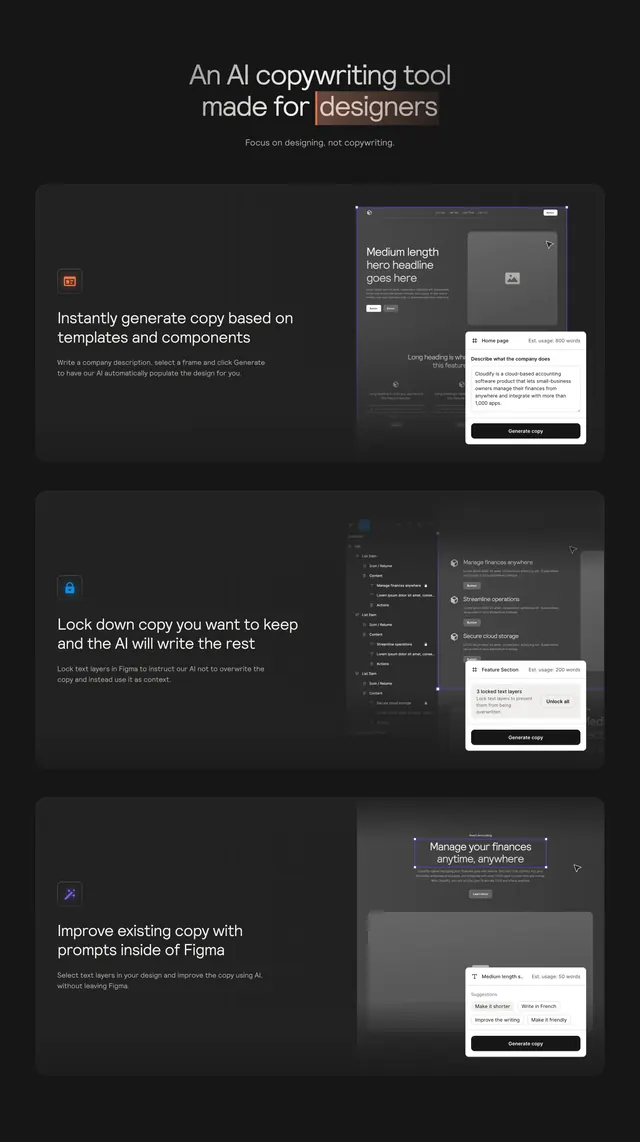 Relume Ipsum stacked Figma feature rows
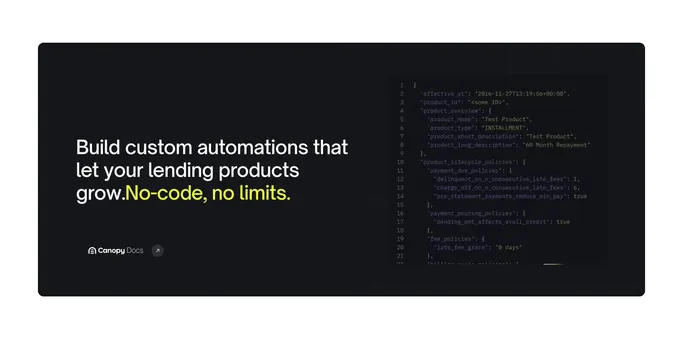 Canopy Connect dark docs CTA
 Timescale PostgreSQL hero with wave graphic
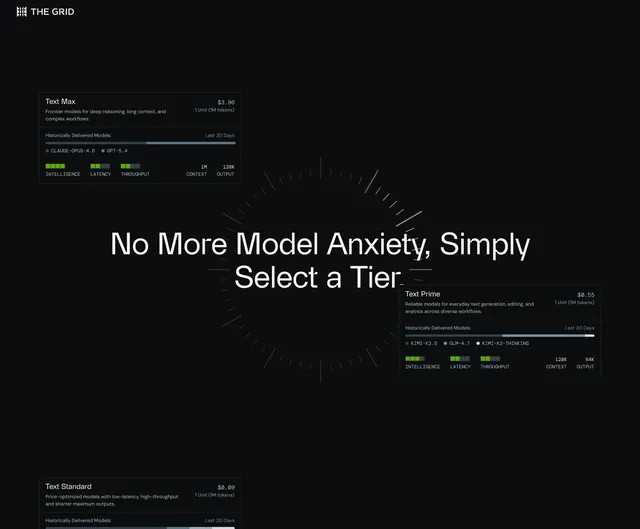 The Grid model tier comparison cards
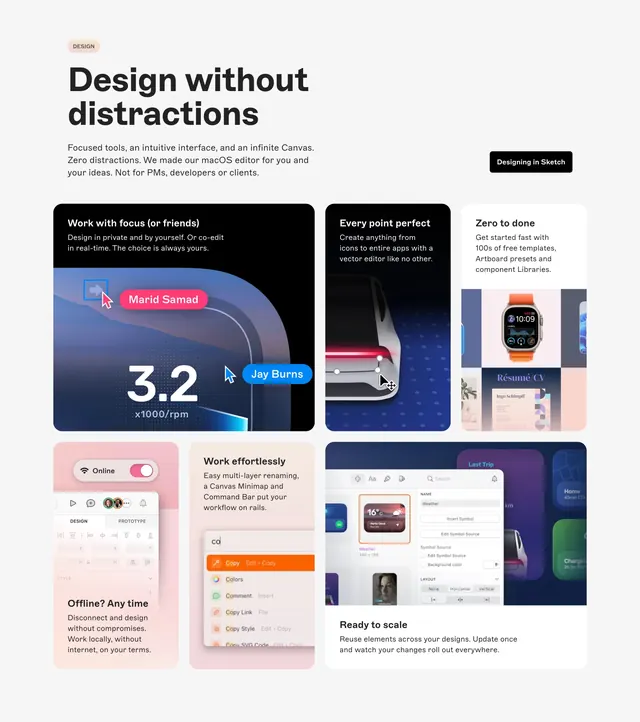 Sketch design without distractions grid
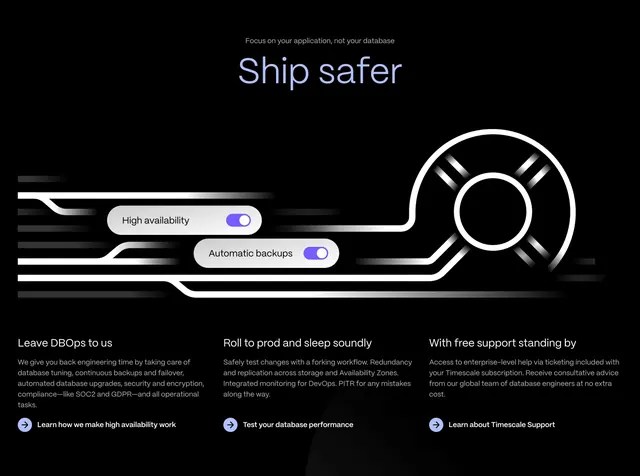 Timescale Ship safer benefits section
 Resend developer email hero
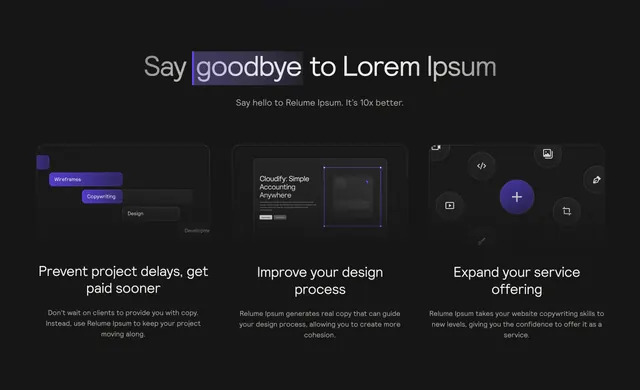 Relume Ipsum dark benefits grid
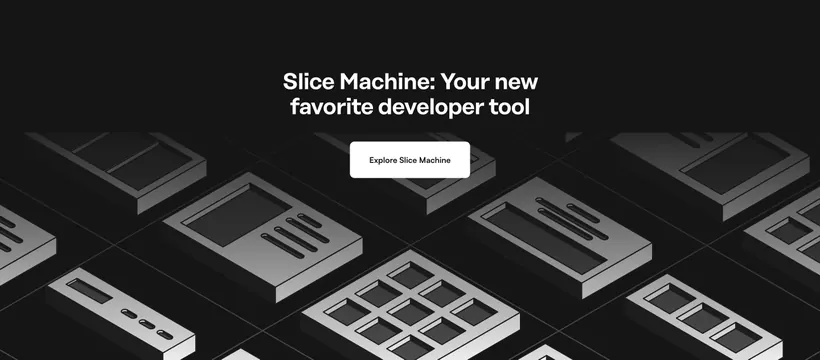 Prismic Slice Machine developer CTA
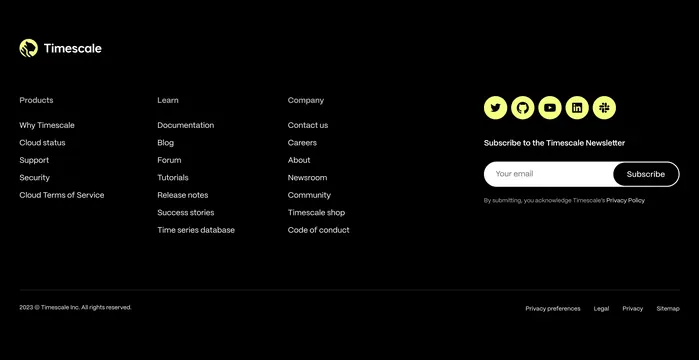 Timescale dark footer with newsletter
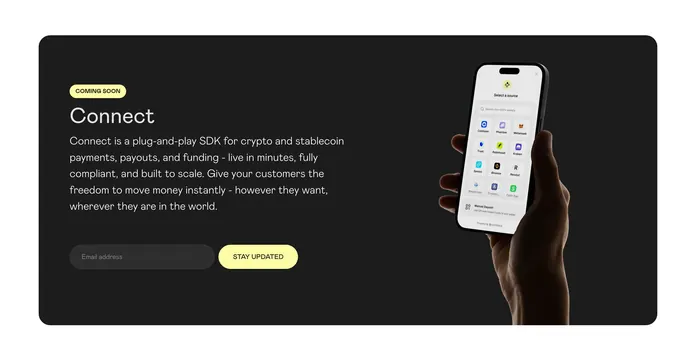 Zerohash Connect coming soon CTA
 Canopy OS dark product hero
 Transform9 Tasking Agent split demo
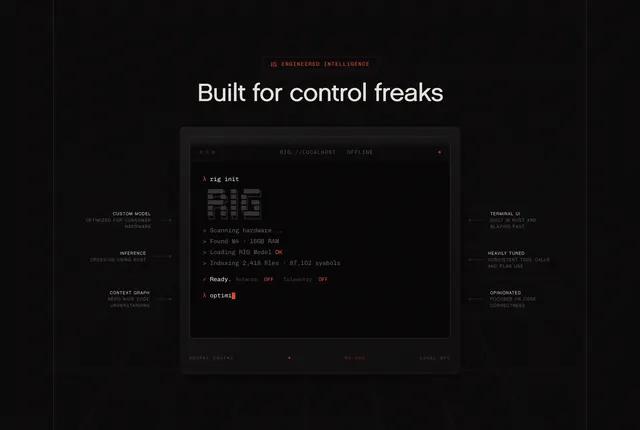 RIG terminal local-control feature
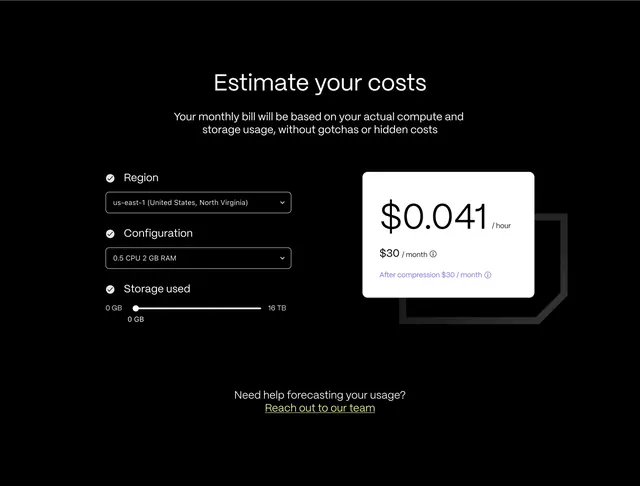 Timescale cost estimator with white result card
 Outerbase database providers logo grid
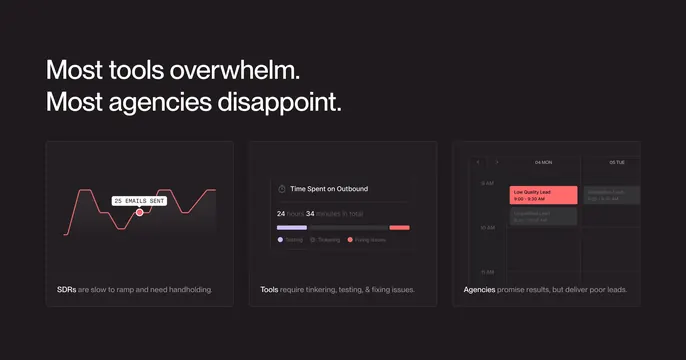 Throxy pain point problem grid
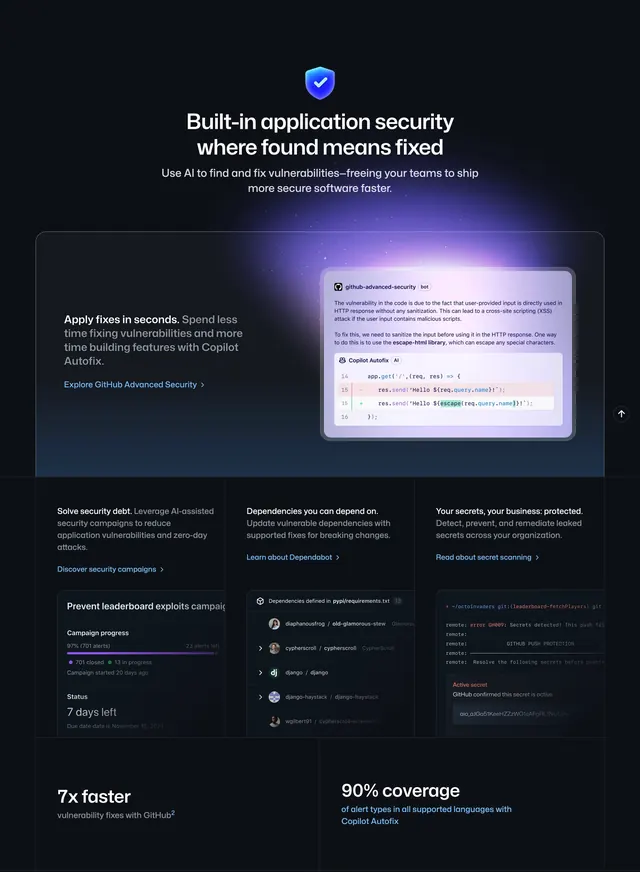 GitHub homepage productivity section
 Canopy developer docs CTA band
 Rig minimal dark footer