ClickUp Brain download CTA with app preview
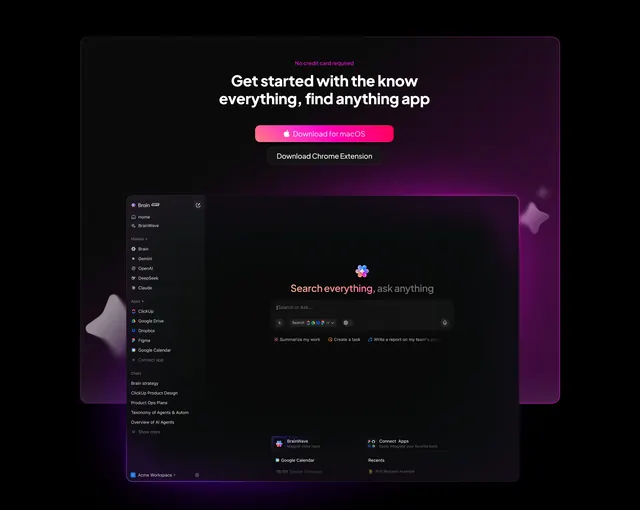
Dark purple CTA with know everything headline, macOS and Chrome download buttons, and full Brain GPT desktop UI screenshot.
Summary
Brain app CTA section with pink No credit card label, dual download buttons, and large glass desktop preview of models, apps, and search home.
Visual description
Dark purple gradient background with soft pink glows. Top shows pink No credit card required, large white headline Get started with the know everything find anything app, gradient macOS Download and outlined Chrome Extension buttons. Below, wide glass app window shows Brain GPT sidebar with Models and Apps lists, Chats section, central Search everything ask anything with prompt chips, and dashboard cards for BrainWave, Connect Apps, Calendar event, and Recents file.
Key takeaway
Pairing minimal CTA copy with full product screenshot at download moment reduces signup anxiety. Dual platform buttons address desktop-primary and browser-extension users equally.
Reuse notes
Strong bottom-of-page CTA for standalone AI apps. Screenshot must stay current with shipping UI or trust erodes.
More like this
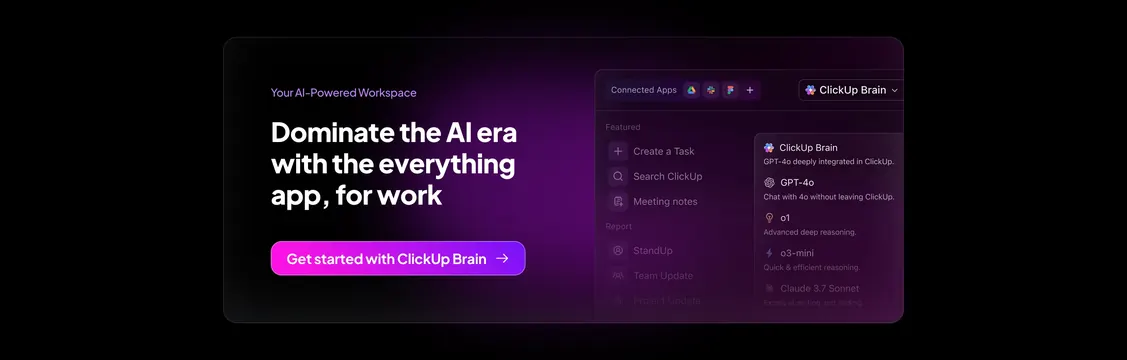 ClickUp Brain workspace CTA banner
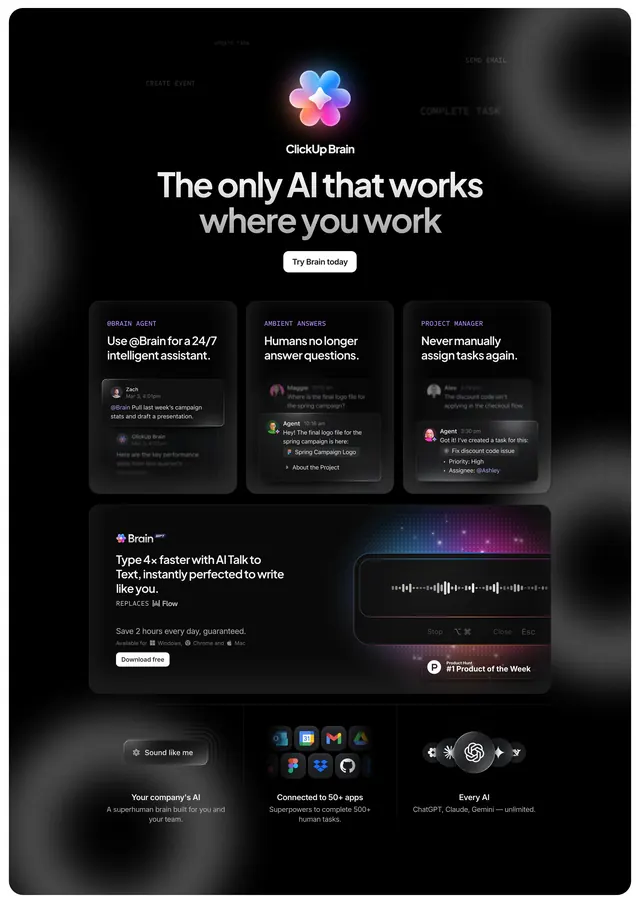 ClickUp Brain multi-feature dark hero
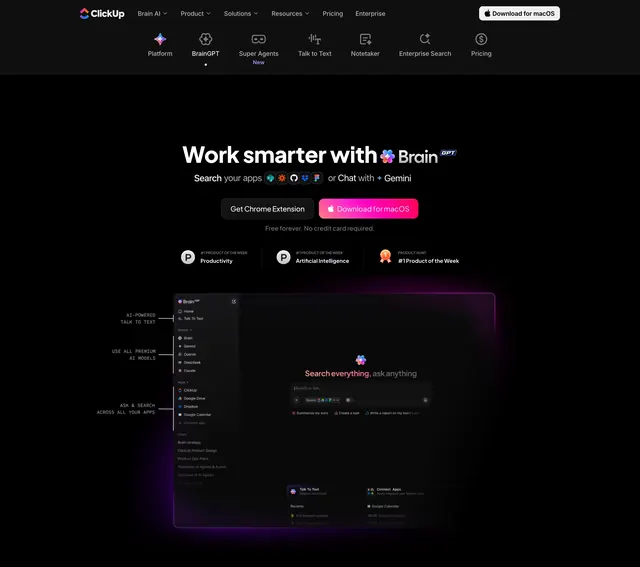 ClickUp Brain GPT search hero
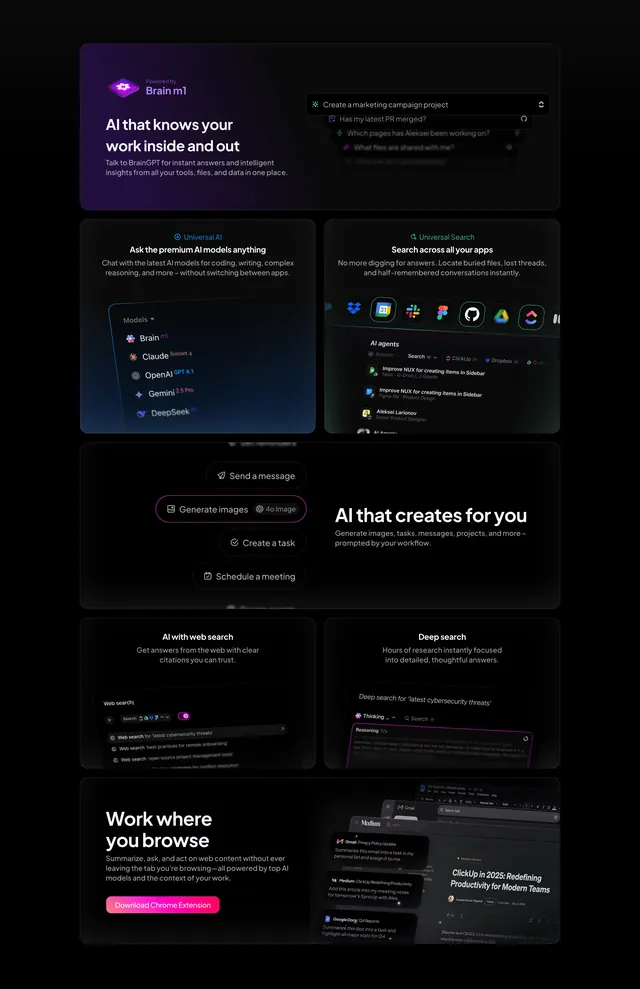 ClickUp Brain m1 capabilities stack
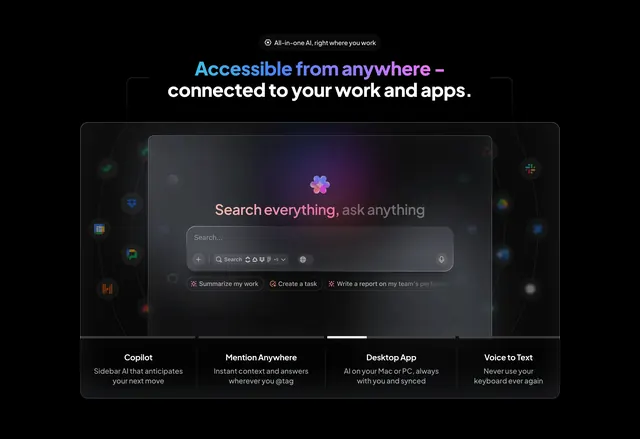 ClickUp all-in-one AI integration hub
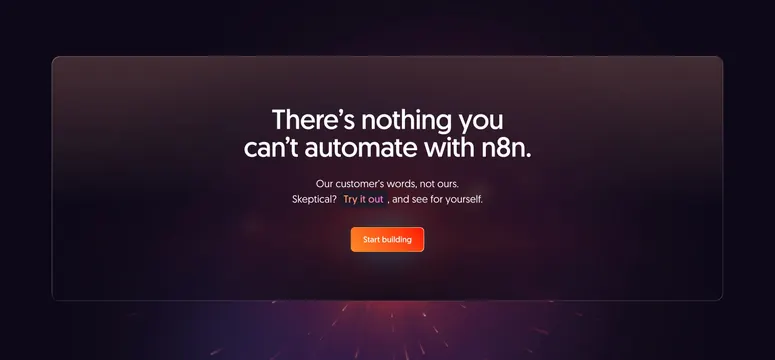 N8N CTA Section
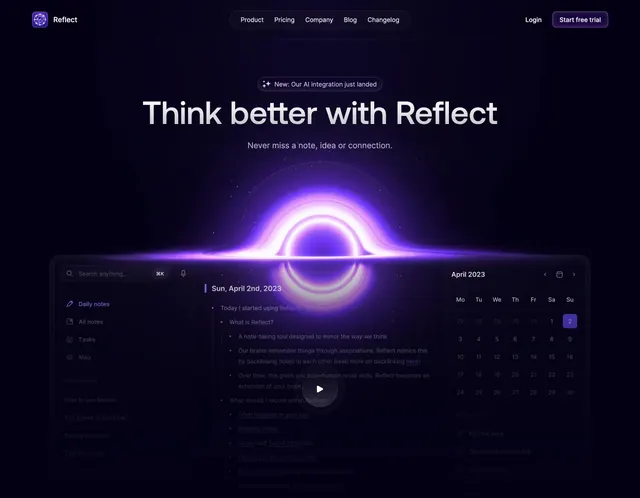 Reflect cosmic hero with app mockup
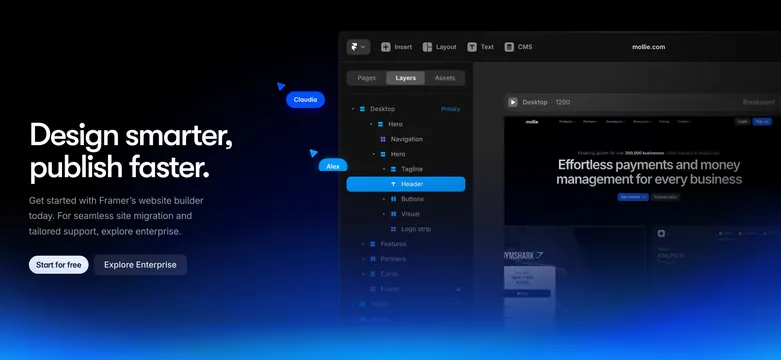 Framer dark CTA with editor canvas and cursors
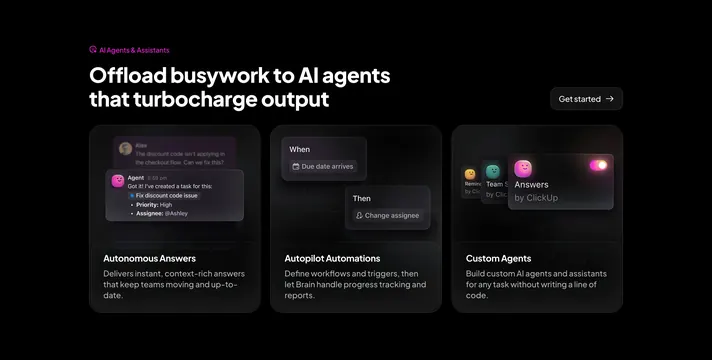 ClickUp AI agents and assistants trio
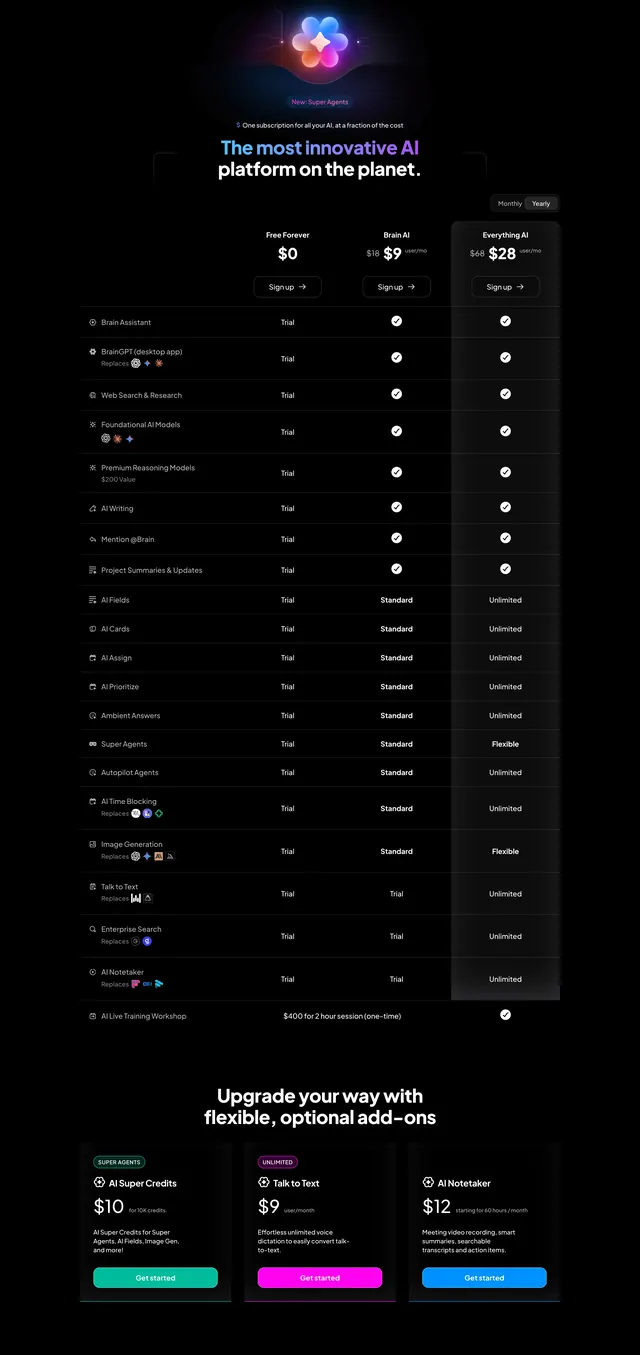 ClickUp AI platform pricing table
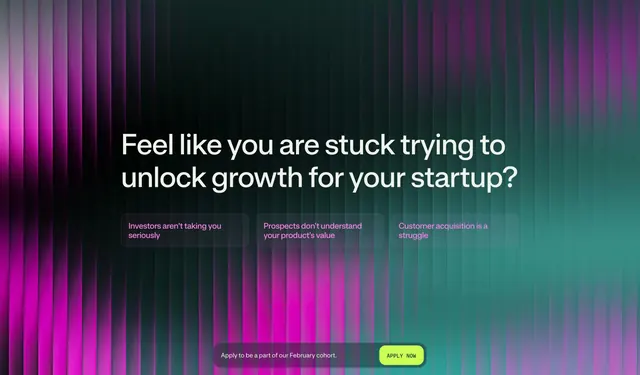 The Resonance startup growth problem CTA
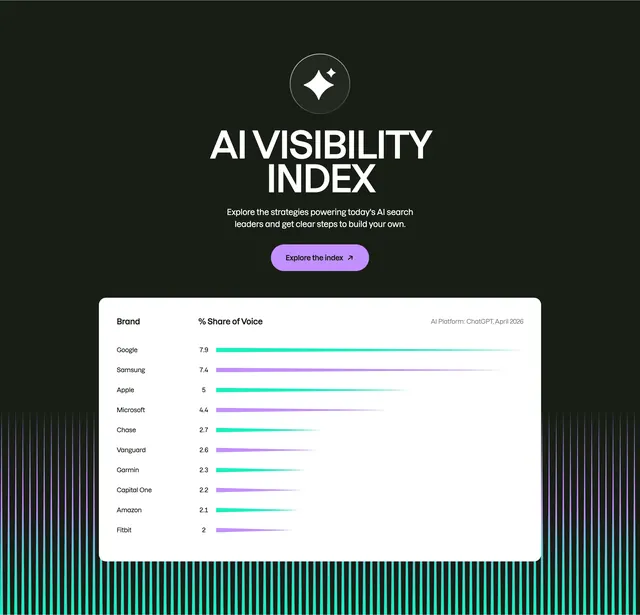 Semrush AI Visibility Index CTA
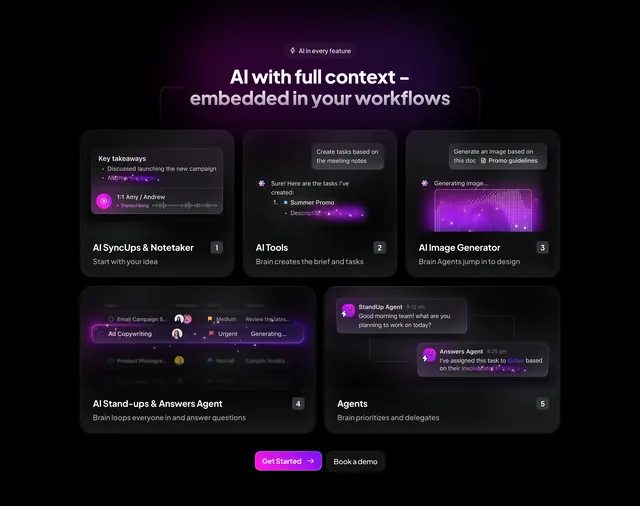 ClickUp embedded AI workflow steps
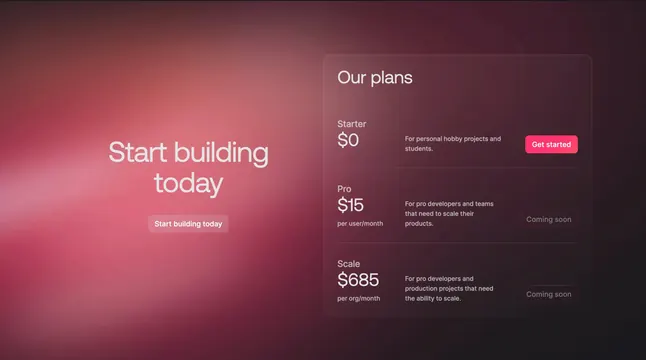 Appwrite glassmorphism pricing split
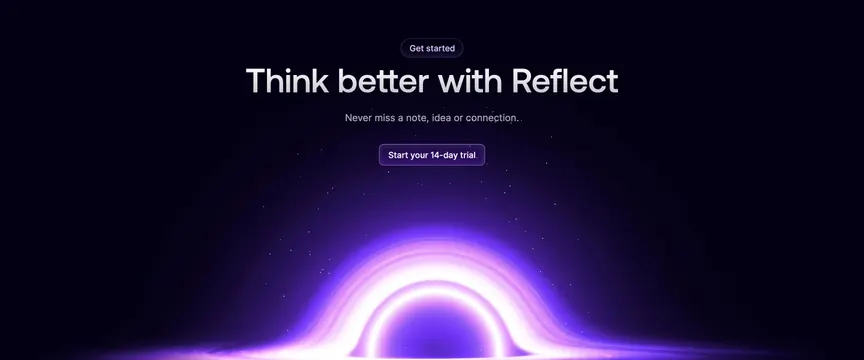 Reflect think better trial CTA
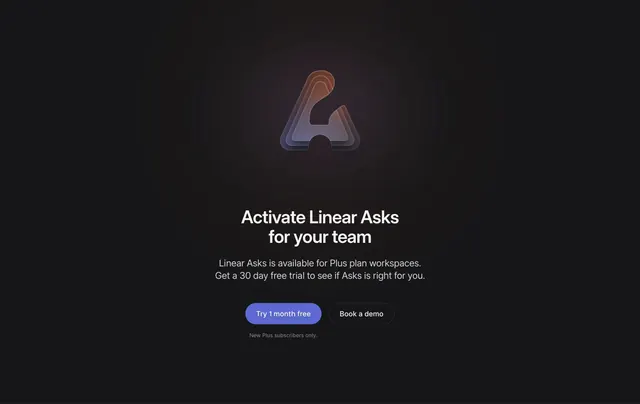 Linear Asks activation upsell screen
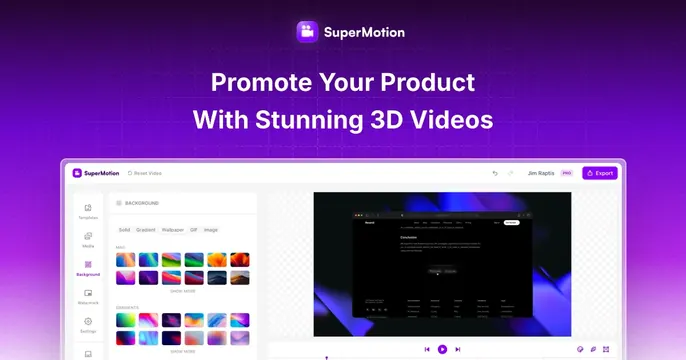 SuperMotion OG card
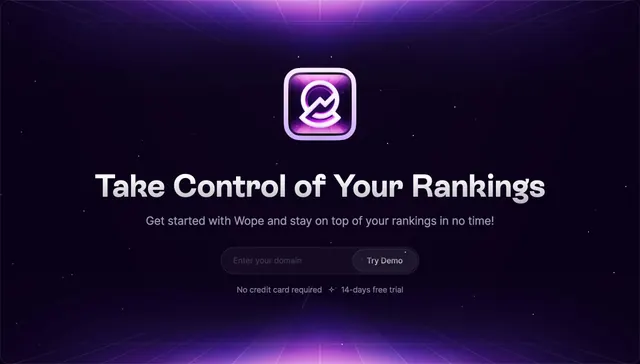 Wope domain trial CTA
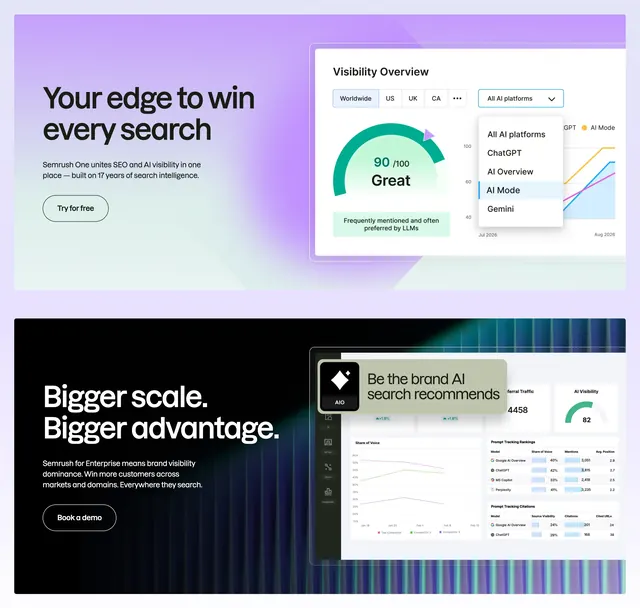 Semrush AI search dual feature
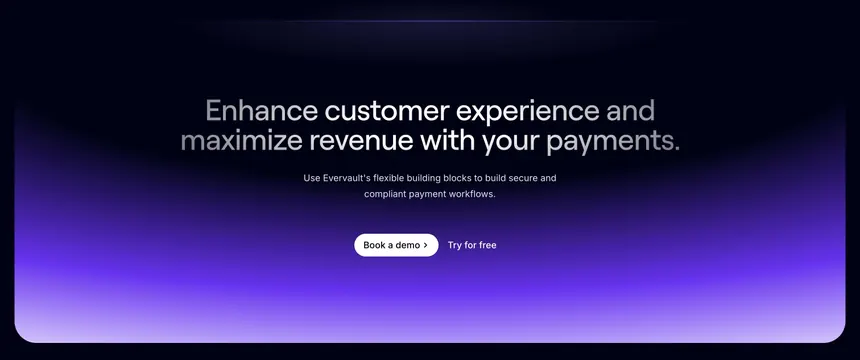 Evervault gradient panel CTA
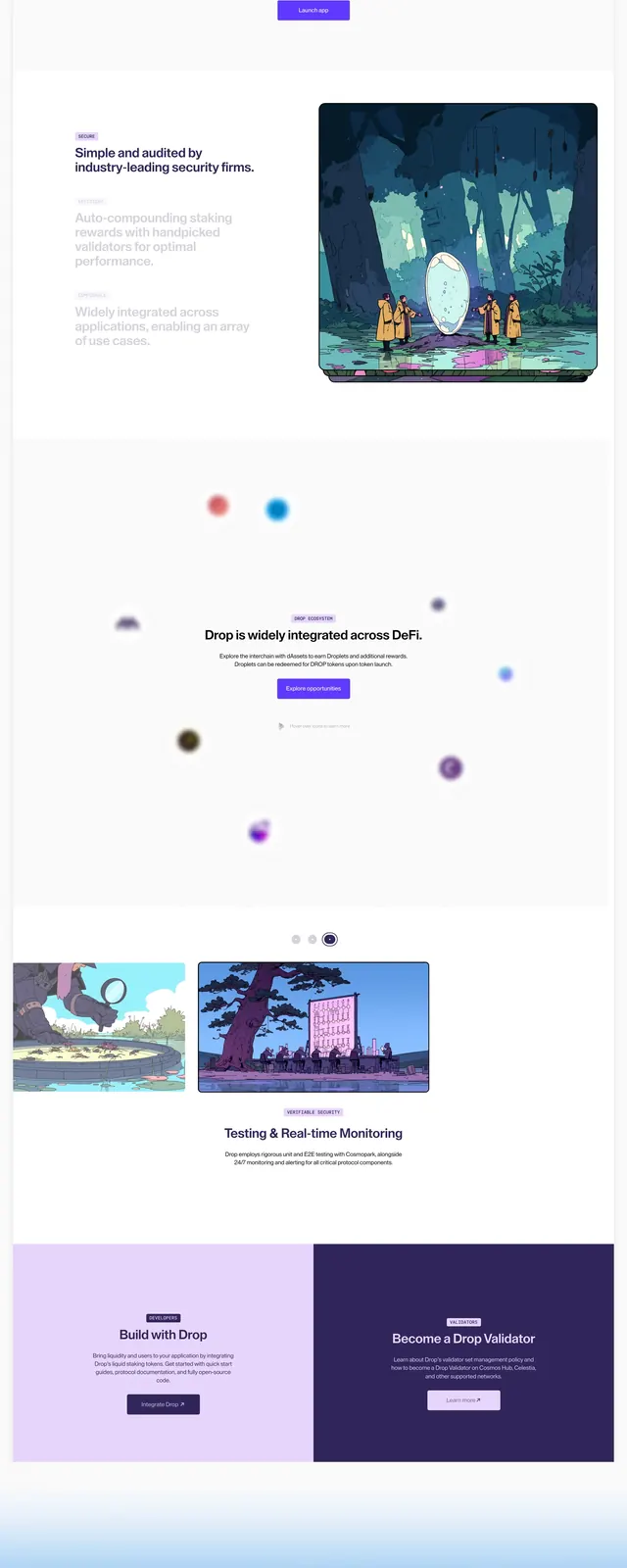 Drop illustrated DeFi hero
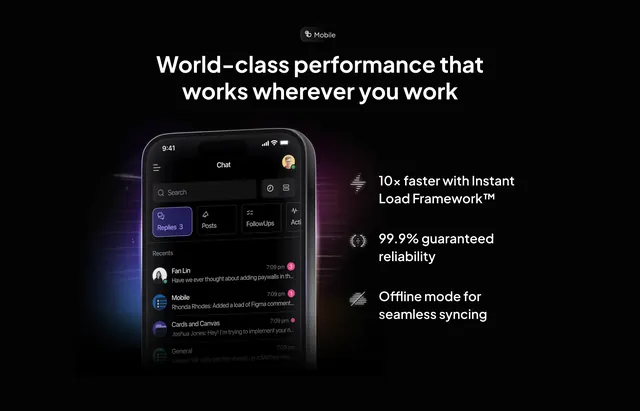 ClickUp mobile chat performance feature
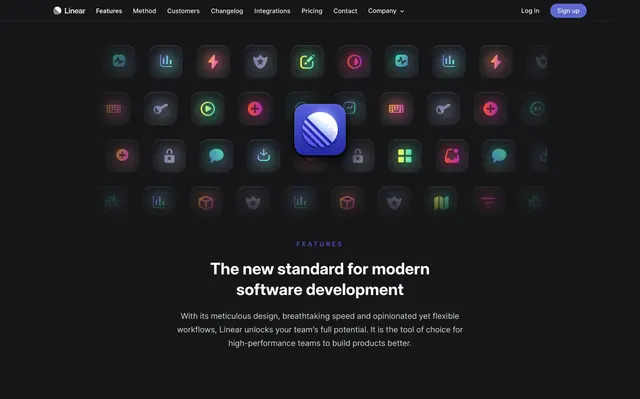 Linear features page hero
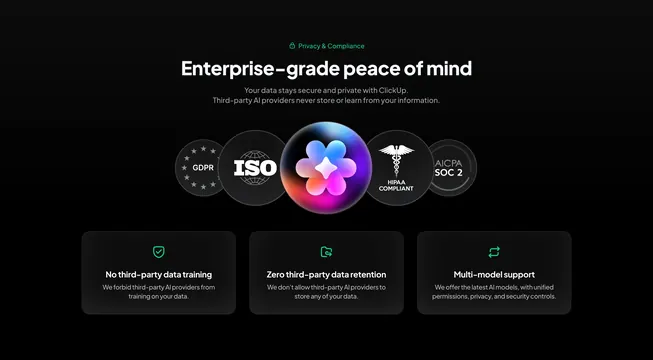 ClickUp privacy compliance arc badges