ChatLabs AI creative use feature
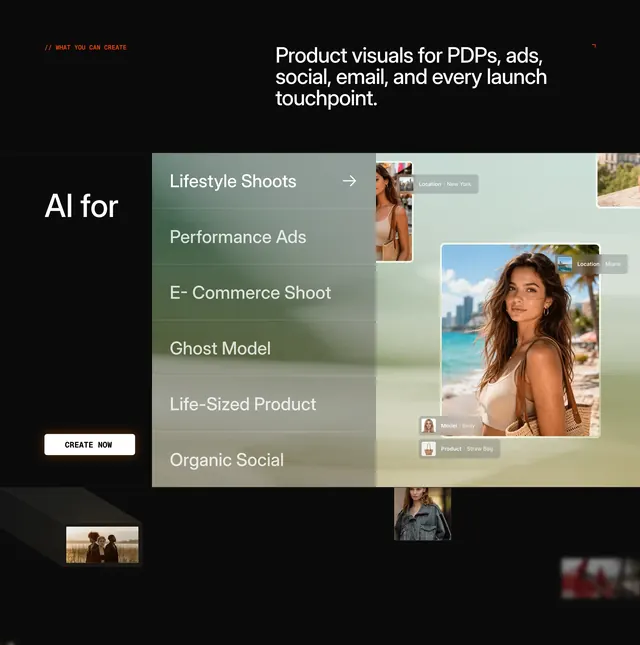
Dark three-column feature with shoot-type menu center, lifestyle preview with swap tags right, Create now CTA left, and bottom image gallery strip.
Summary
"What you can create" dark section with AI for label, vertical shoot-type list, large lifestyle image with Location, Model, and Product swap pills, and a bottom gallery row.
Visual description
Black background. Top band: red "// What you can create" left, white headline right on product visuals for PDPs, ads, social, email, and launch touchpoints, red corner bracket top-right. Middle three columns: left "AI for" large type and white Create now button with orange glow; center blurred vertical menu listing Lifestyle Shoots (active arrow), Performance Ads, E-Commerce Shoot, Ghost Model, Life-Sized Product, Organic Social; right large rounded beach photo of model in beige bikini with pill tags for Location Miami, Model Emily, Product Straw Bag, plus peek of New York scene behind. Bottom dot-grid strip with 3D block showing sunset group photo, denim jacket square, and blurred red abstract tile.
Key takeaway
Interactive-looking swap tags on a hero preview explain parametric creative control without a product screenshot. Pairing a category menu with a live preview column mirrors actual tool UX in marketing layout.
Reuse notes
Strong for AI creative platforms selling configurable shoots. Tag overlays need legibility rules on varied photography. Three-column layout collapses to menu then preview on mobile.
More like this
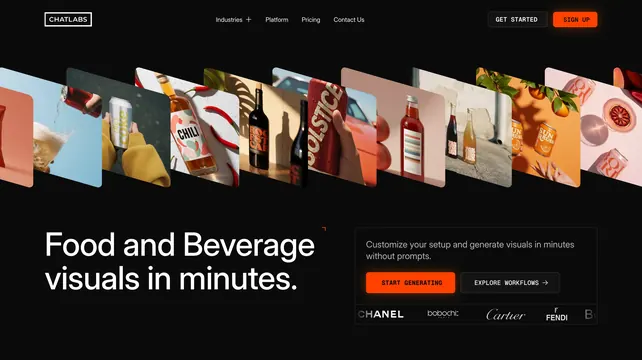 ChatLabs food beverage generation hero
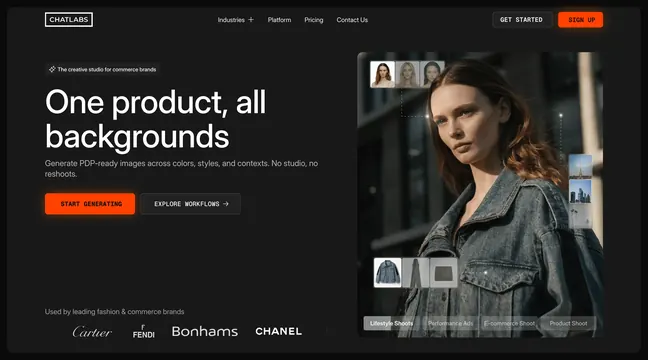 ChatLabs one product all backgrounds hero
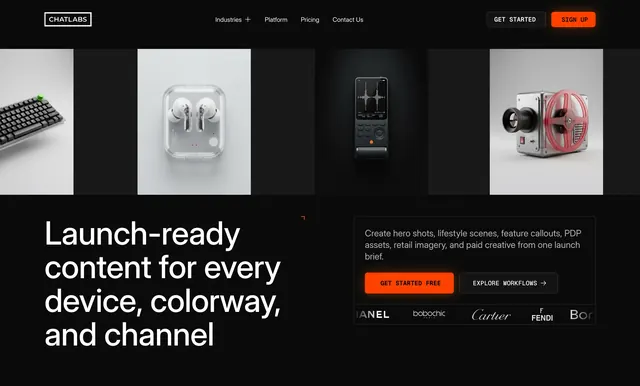 ChatLabs electronics launch hero
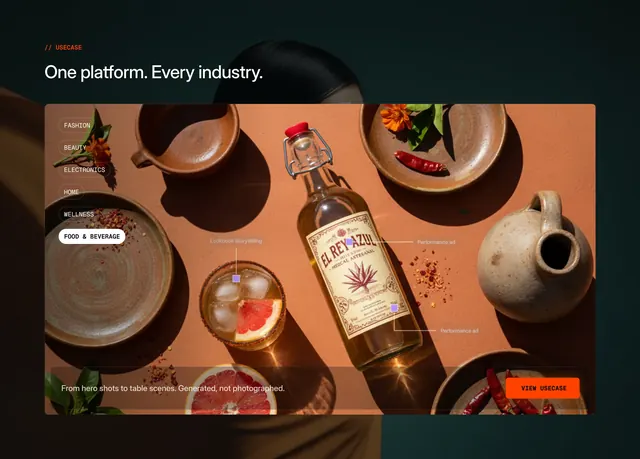 ChatLabs industry use case showcase
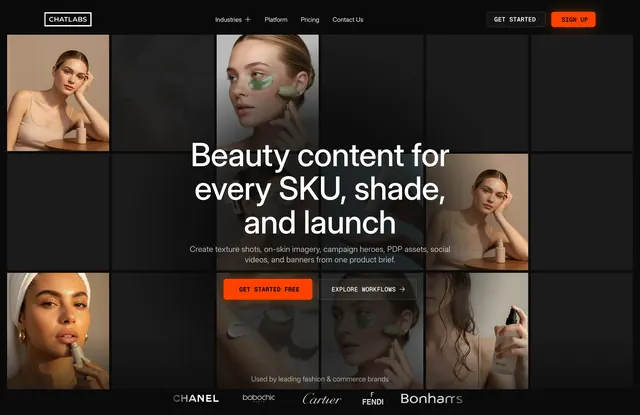 ChatLabs beauty content hero
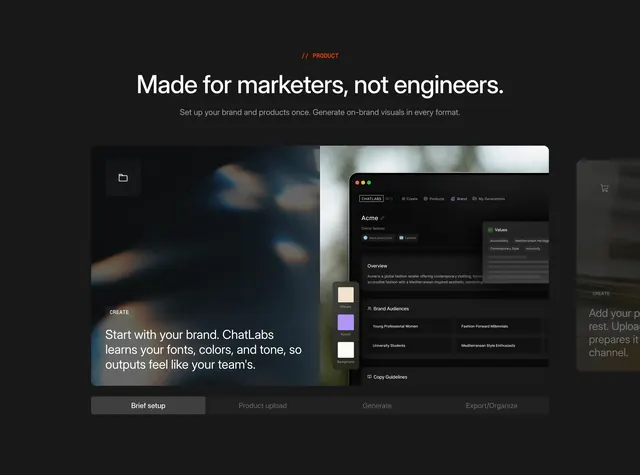 ChatLabs product marketer feature card
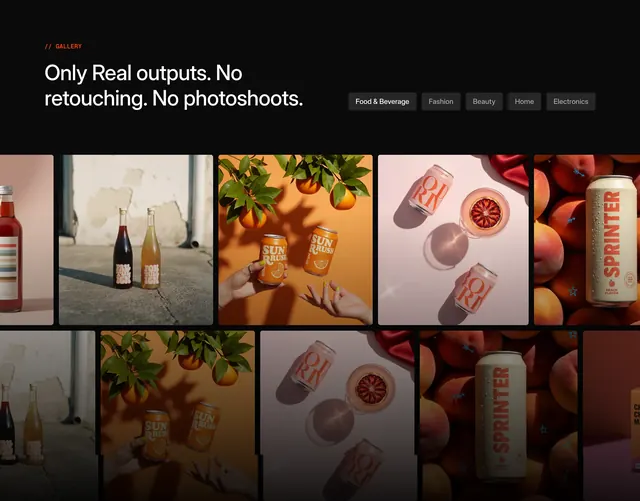 ChatLabs output gallery grid
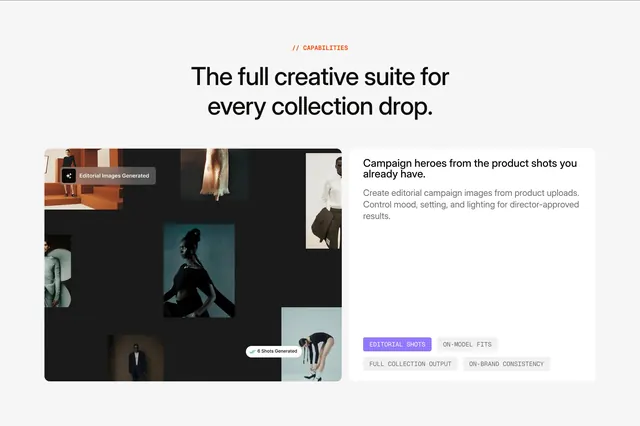 ChatLabs creative suite split feature
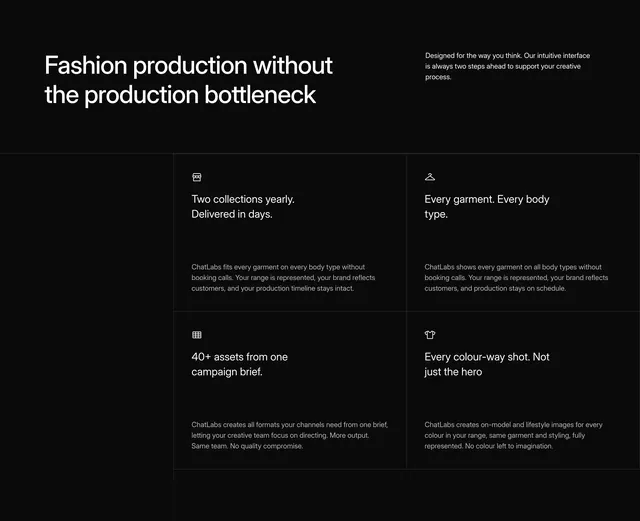 ChatLabs fashion production grid
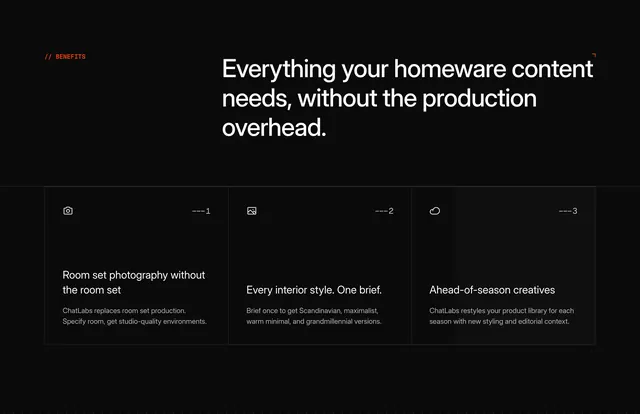 ChatLabs homeware benefits grid
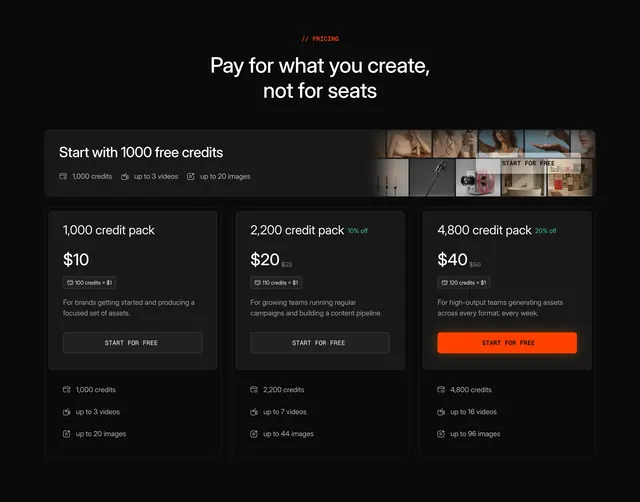 ChatLabs credit pack pricing
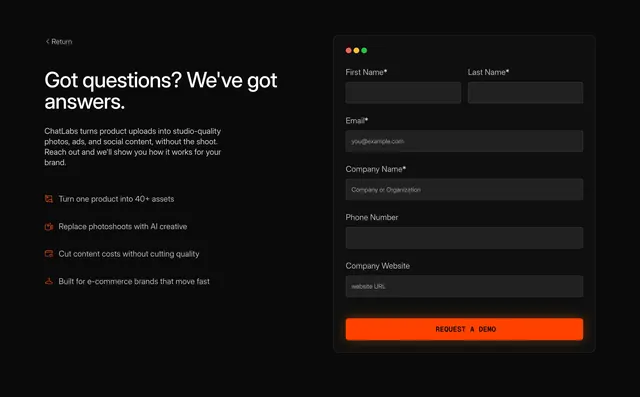 ChatLabs request a demo contact
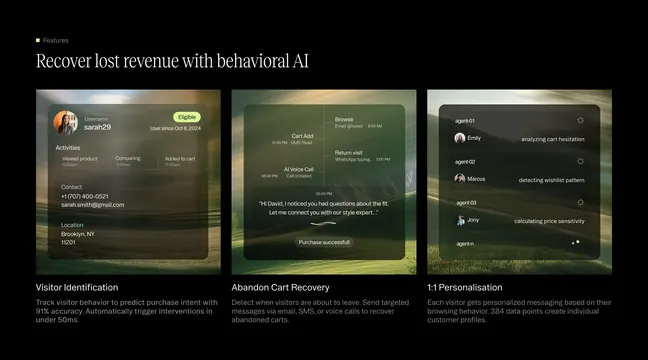 Markopolo behavioral AI revenue features
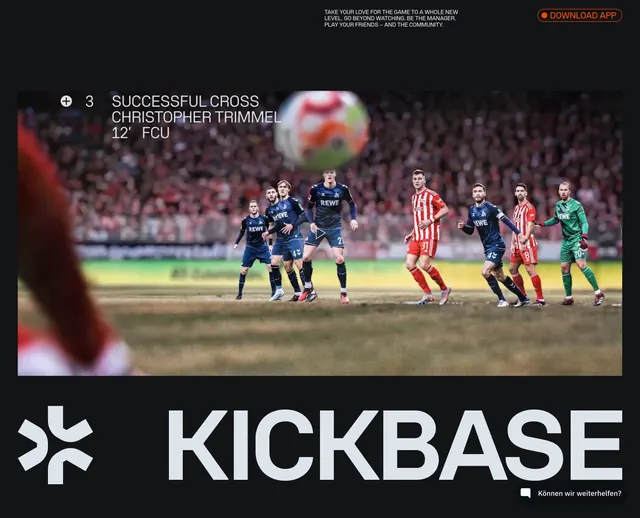 Kickbase cinematic match hero with wordmark
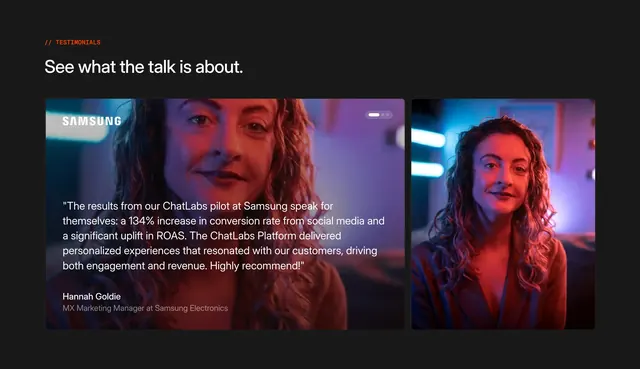 ChatLabs Samsung testimonial
 Bakedwith automation hero with logo cloud
 ChatLabs main navigation bar
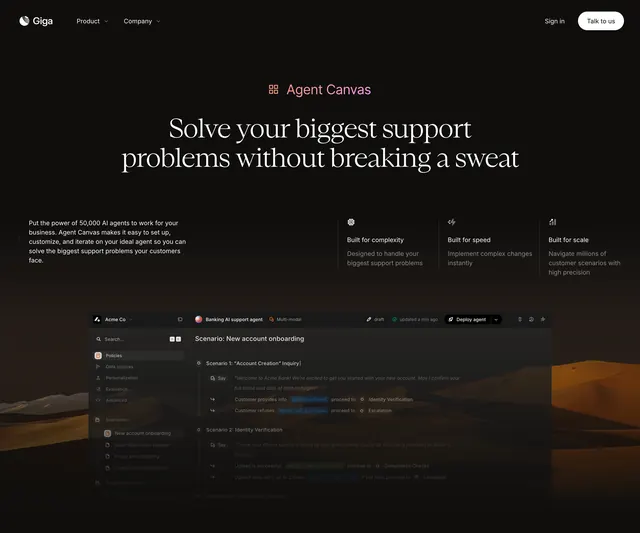 Giga Agent Canvas customer support feature
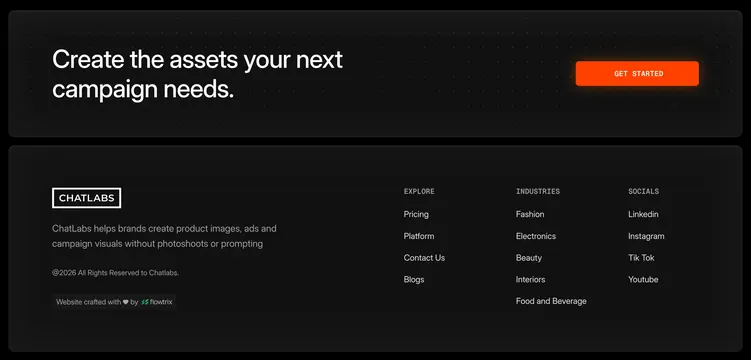 ChatLabs footer with CTA band
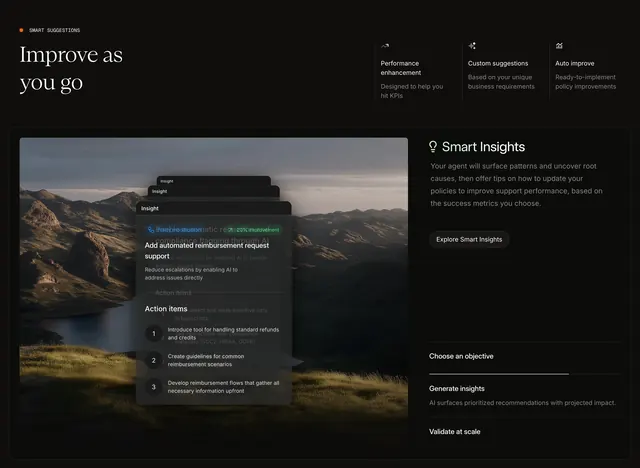 Giga Smart Insights improvement feature
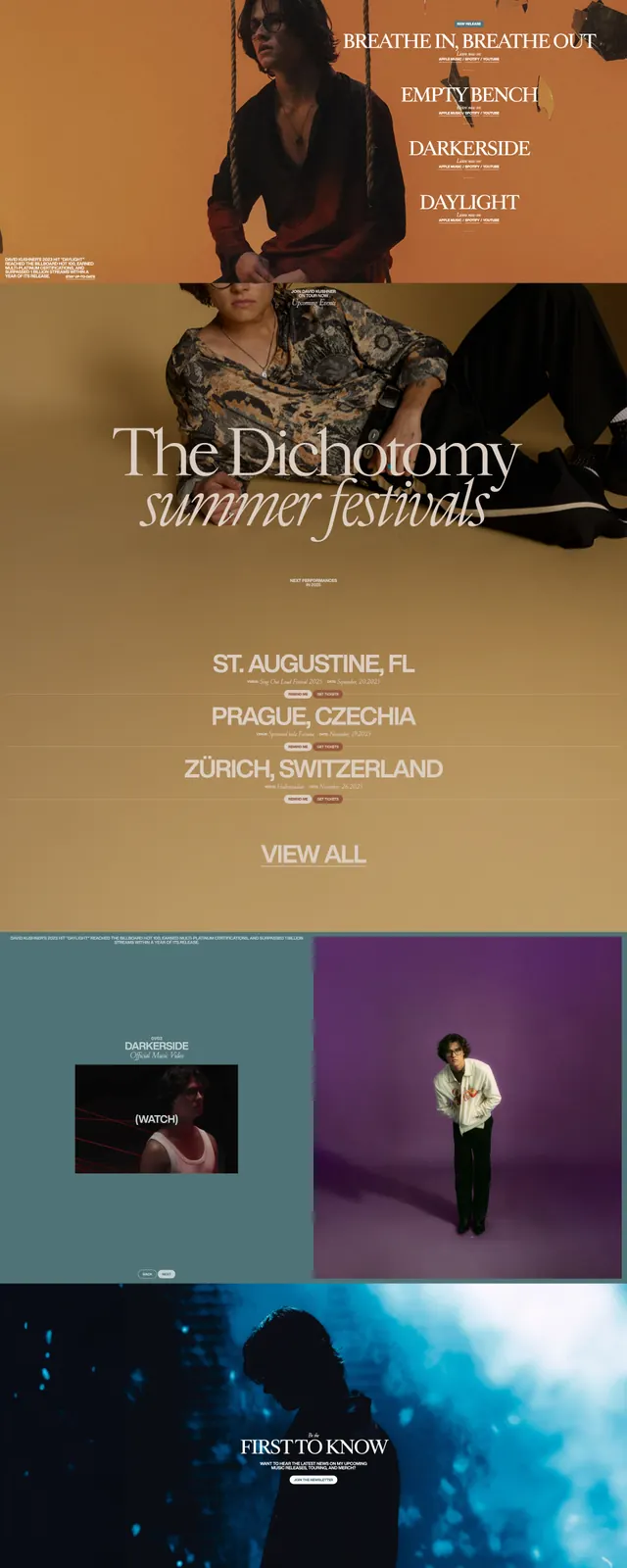 Dark music artist homepage
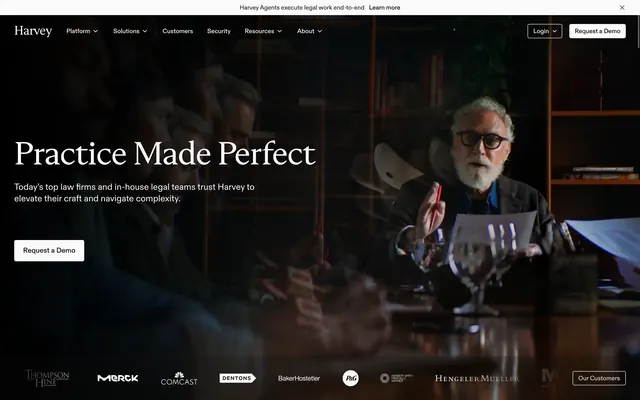 Harvey cinematic legal hero with logo bar
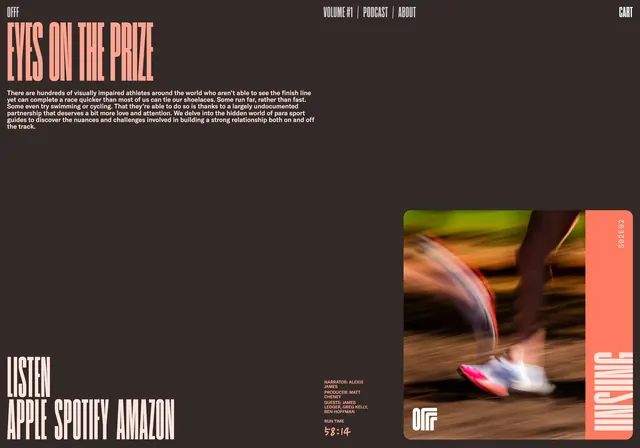 Off-Field Eyes on the Prize podcast episode hero
 Formula 1 Brand Guidelines 2018