Canopy blog index with sidebar
Blog listing with a left category sidebar, search field, and a three-column grid of article cards.

Summary
A resource index page that anchors navigation in a narrow left sidebar while the main area shows a dense three-column article grid.
Visual description
White page with a fixed-width left column labeled "All resources." Category links stack vertically with a blue dot on the active "All" item. A minimal search label sits above a thin underline input. A "Socialize with us" block shows LinkedIn and X icons. The right area is a three-column grid of twelve cards: each has a rounded thumbnail, a gray-blue date and read-time line, and a bold black title. Thumbnails mix abstract renders, graphic posters, photography, and team photos.
Key takeaway
The sidebar-as-filter pattern that keeps taxonomy visible without a heavy top nav. Metadata under every thumbnail (date plus read time) gives the grid a consistent rhythm.
Reuse notes
Strong for content libraries with multiple categories. The sidebar needs only a handful of filters to stay scannable. Pair with a featured header section above for hierarchy.
More like this
 Holocene blog sidebar list layout
 Canopy lending directors split hero
 Routable articles resource grid
 Highnote eight-card industry solutions grid
 Highnote unified payments hub diagram hero
 Highnote insights blog three-up row
 Furey home page expertise process
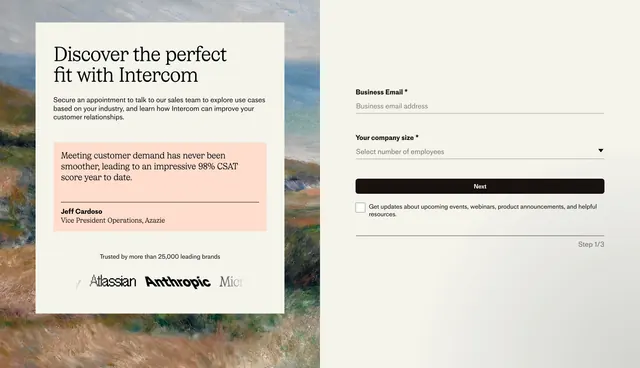 Intercom contact sales split form
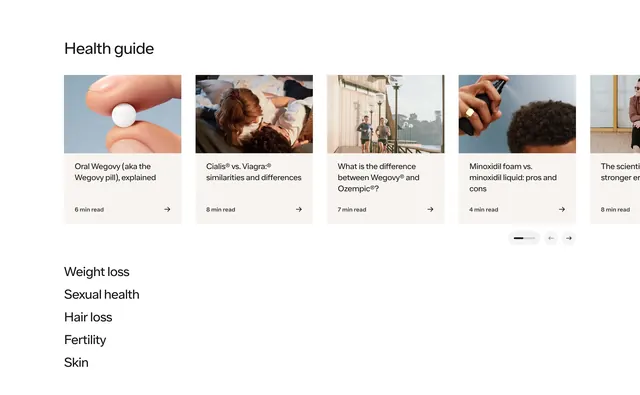 Ro Health guide blog carousel
 Wayflyer customer success filmstrip gallery
 Furey what we do three-pillar approach section
 Intercom blog index list
 Axim news and events three-card grid
 Good Life asymmetric health guide grid
 Routable security trust band
 Ramp product expert video tutorial carousel
 Highnote masonry customer story grid
 Ramp customer stories photo carousel
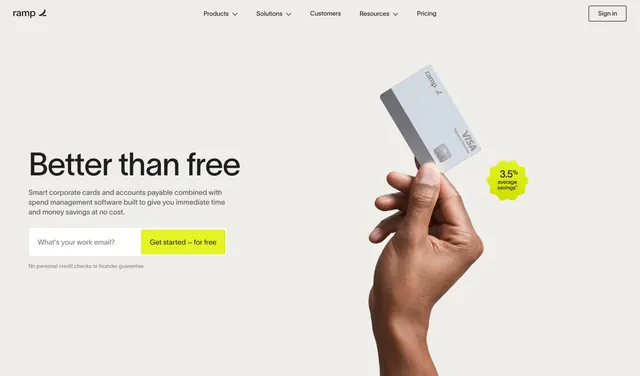 Ramp pricing better than free hero
 Highnote manage in one place split feature
 Sensei retail transformation case study carousel
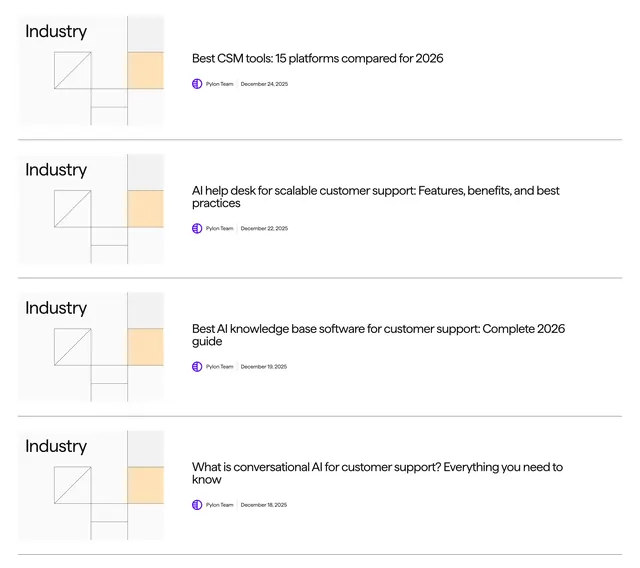 Pylon industry blog list
 Sensei success stories carousel viewer
 Teamway testimonial stat cards