Aave App Onboarding Flow
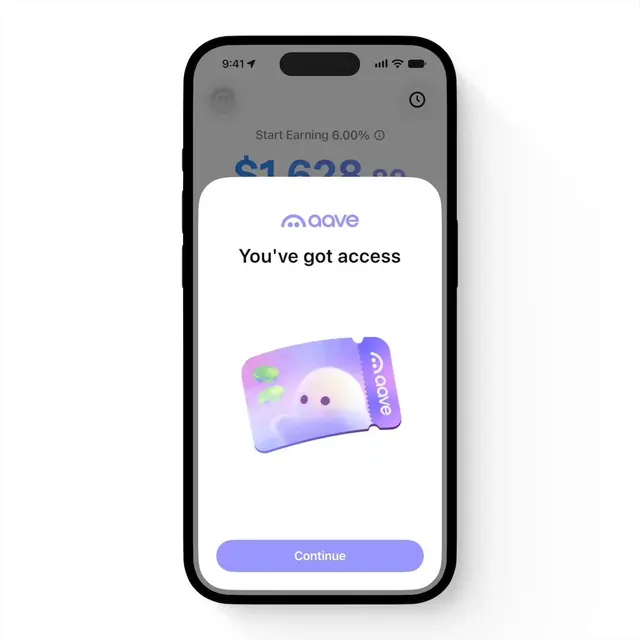
A walkthrough of the Aave mobile app onboarding experience, moving from an access confirmation screen through terms acceptance and Face ID setup to the main savings dashboard.
Summary
A walkthrough of the Aave mobile app onboarding experience, moving from an access confirmation screen through terms acceptance and Face ID setup to the main savings dashboard.
Visual description
A mobile onboarding screen centers the Aave brand logo and You've got access headline on a light gray ground, with a whimsical gradient-filled mascot character (purple-pink coloring with dot eyes and the Aave logo affixed to its side) positioned above a rounded primary button. The design uses soft shapes, muted colors, and playful imagery to welcome new users, with the app dashboard barely visible behind the modal overlay as context. The composition balances brand identity, instructional clarity, and emotional warmth through the illustrated character.
Key takeaway
Introducing a branded mascot character at the onboarding gate establishes emotional connection and reduces cognitive friction on the critical first login touchpoint, turning a procedural moment into a memorable brand interaction.
Reuse notes
Reach for this as a ui screen reference. Pairs with minimal, clean directions. Original by Alex Vanderzon.
More like this
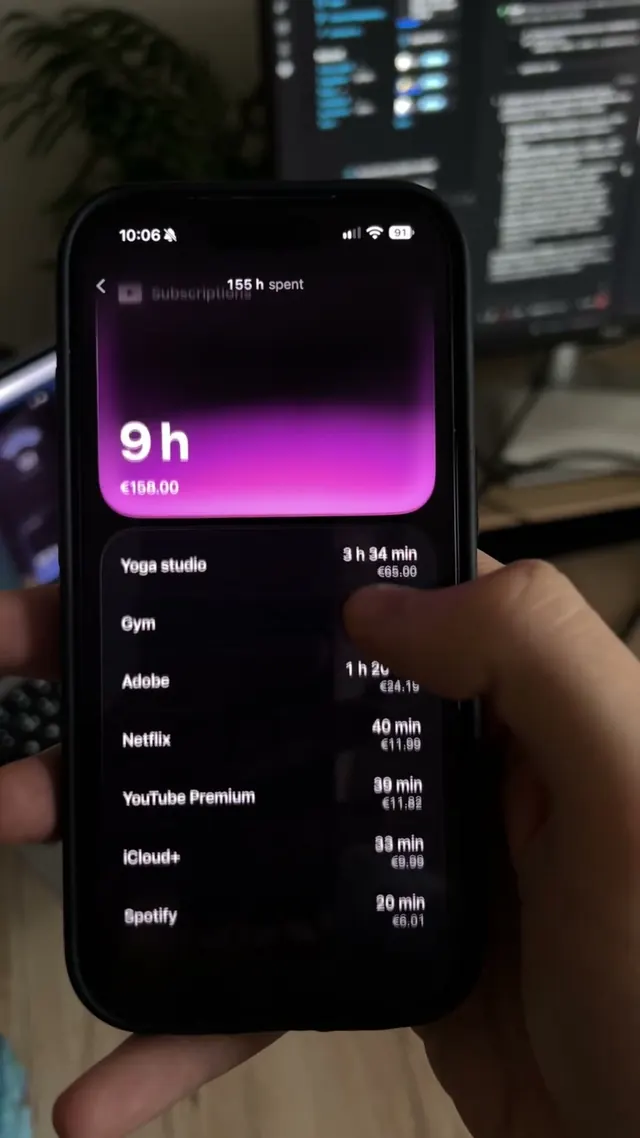 Banking App Work Hours
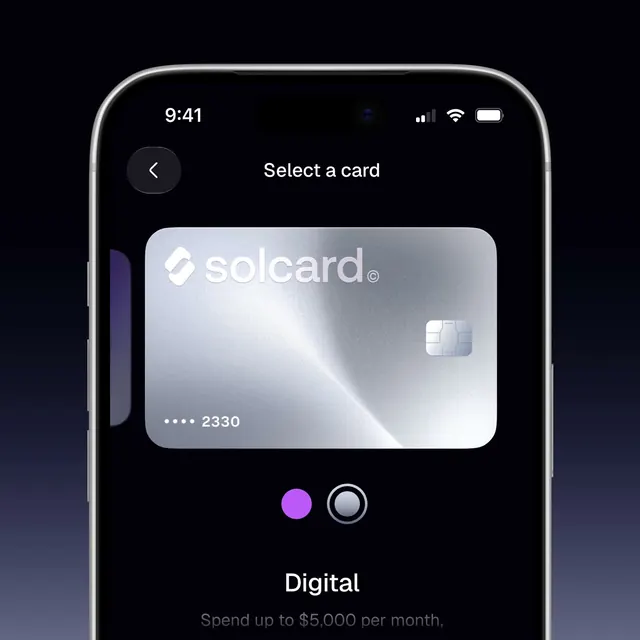 Solcard Card Selection
 Siri Light Reflection
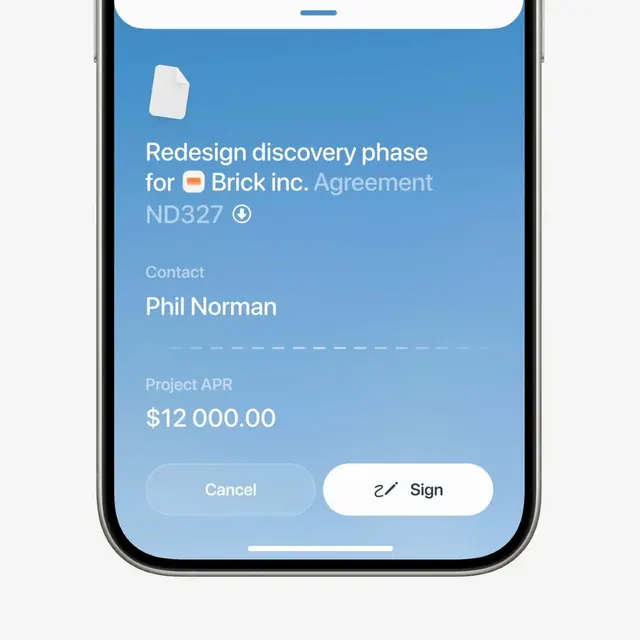 Document Signature
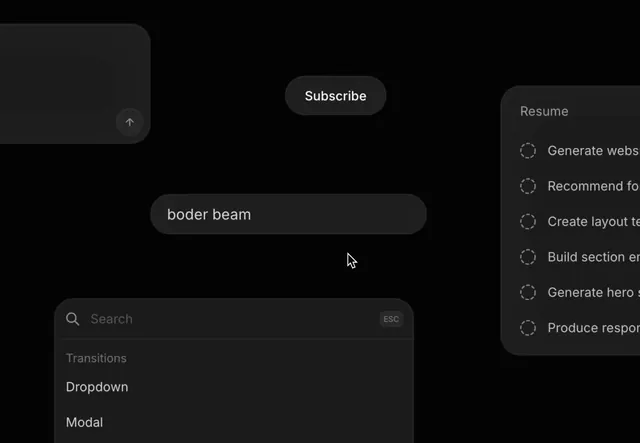 Border Beam UI
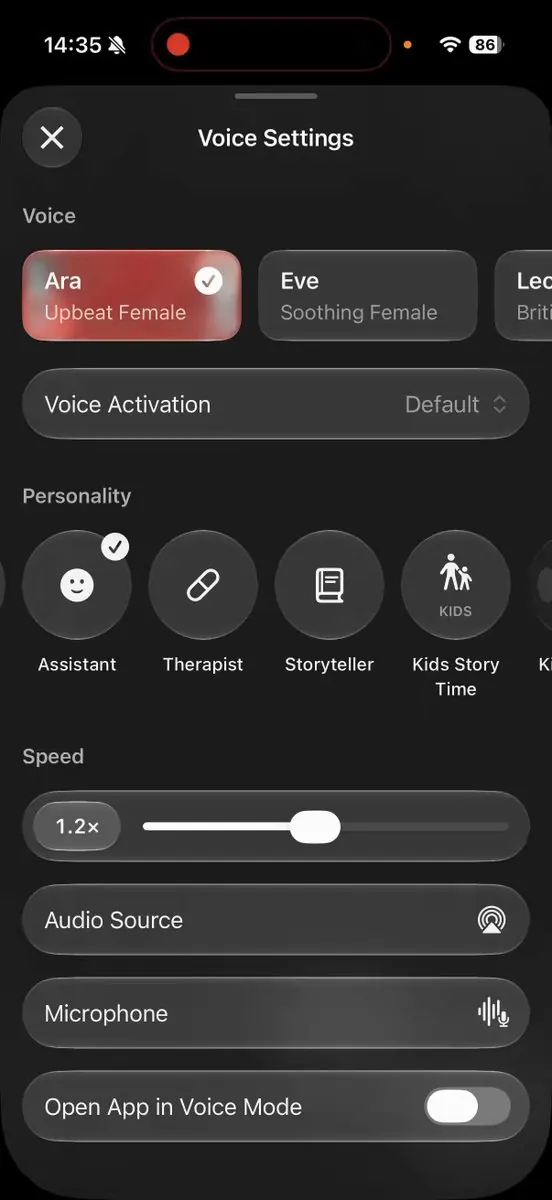 Voice Settings UI
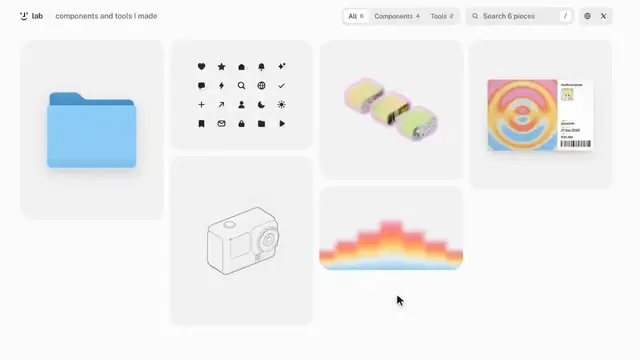 Portfolio Lab
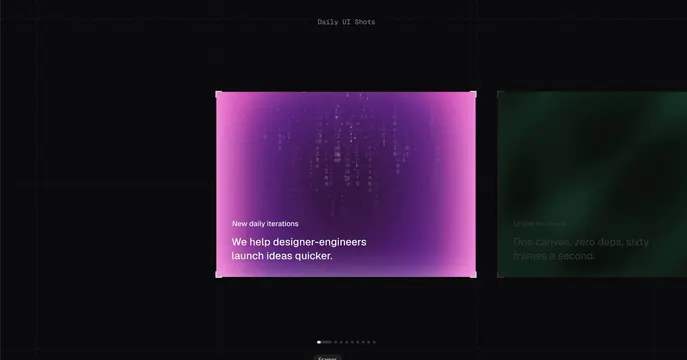 Tech Cards Exploration
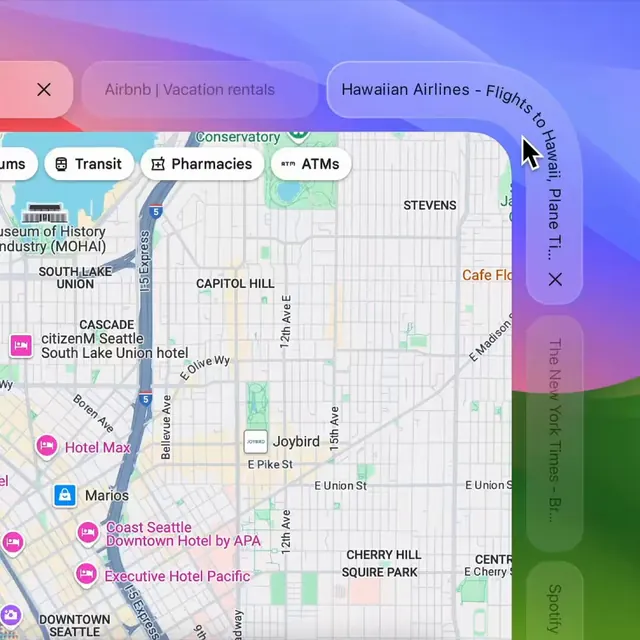 Curved Browser Tabs
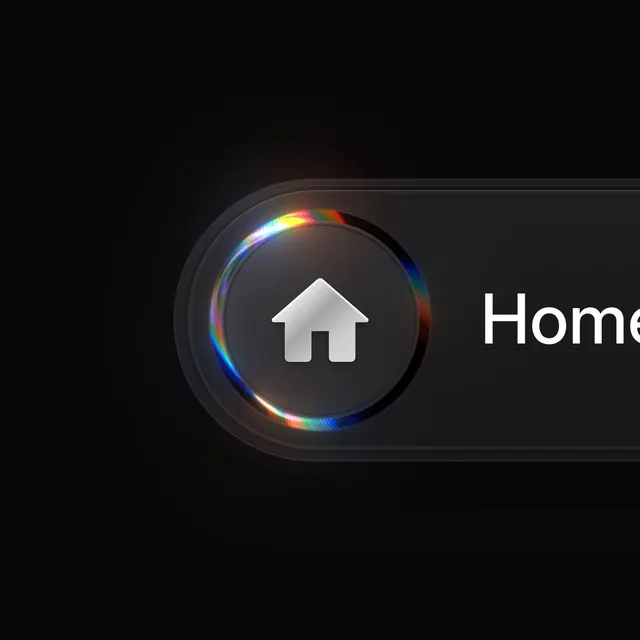 Iridescent Home Button
 Live Audio Recorder UI
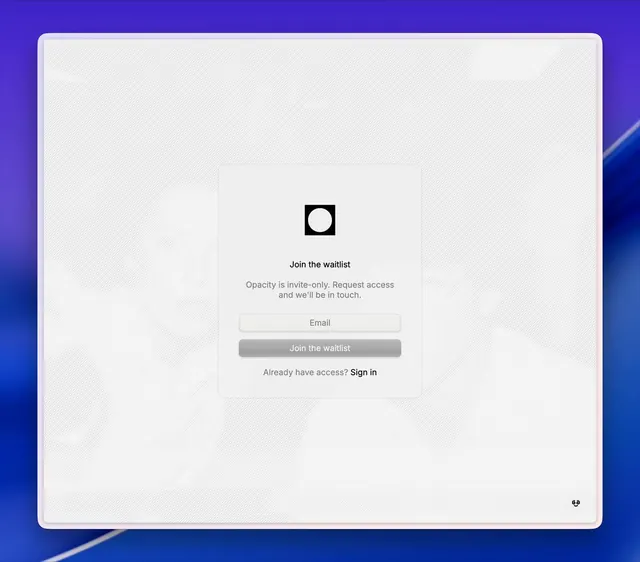 Trippy Waitlist Reveal
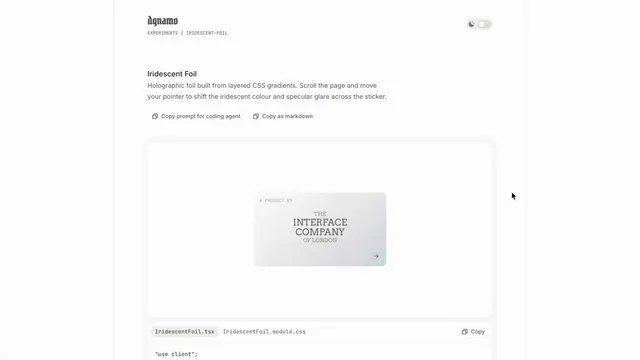 Iridescent Foil Effect
 Glimm Documentation Site
 VSCO
 Factory Automation Interface
 Aave Cards
 Tolan
 Moodboard Animation
 Cursor Compile 26
 Henry Labs
 Minimal gradient-heavy ui screen
 Smart home lighting app interface on iPhone
 Minimal corporate-clean ui screen