Node Connection Interaction
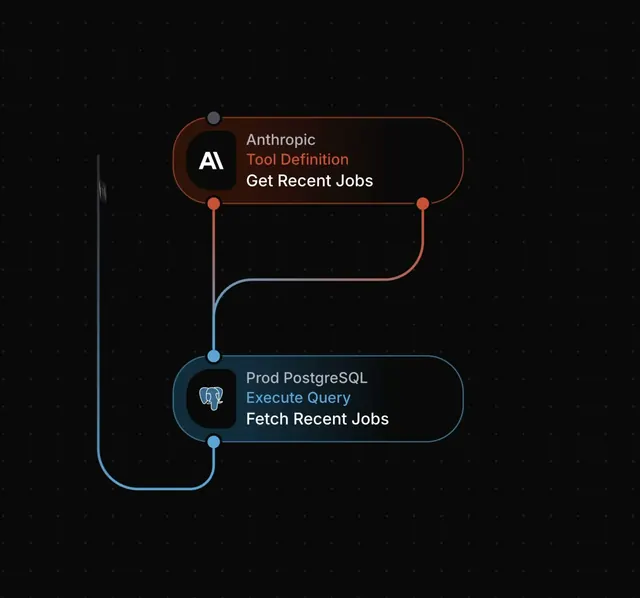
A microinteraction study showing how block-to-block connections animate and route between nodes in a dark workflow canvas UI, covering connected, looped, and disconnected states.
Summary
A microinteraction study showing how block-to-block connections animate and route between nodes in a dark workflow canvas UI, covering connected, looped, and disconnected states.
Visual description
Two rounded rectangle nodes sit on a nearly black background dotted with subtle stars. The top node has an orange-rust border, the bottom a cool blue border, each containing an icon and layered text labels. Curved connection lines in matching colors run between the nodes, meeting at circular junction points, forming a flowing workflow diagram with chromatic edge styling.
Key takeaway
Use complementary neon accent colors (orange and blue) on connection lines and node borders to separate workflow branches visually. The bent connectors with circle junction points create a technical yet readable block diagram.
Reuse notes
Reach for this as a ui screen reference. Pairs with minimal directions. Original by Arek.
More like this
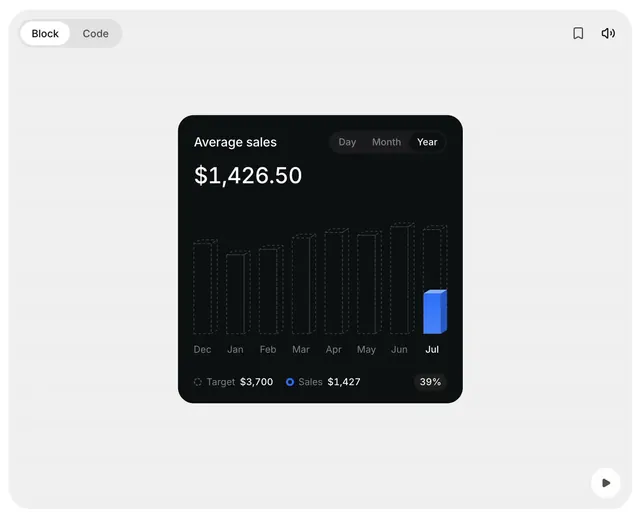 3D Bar Chart
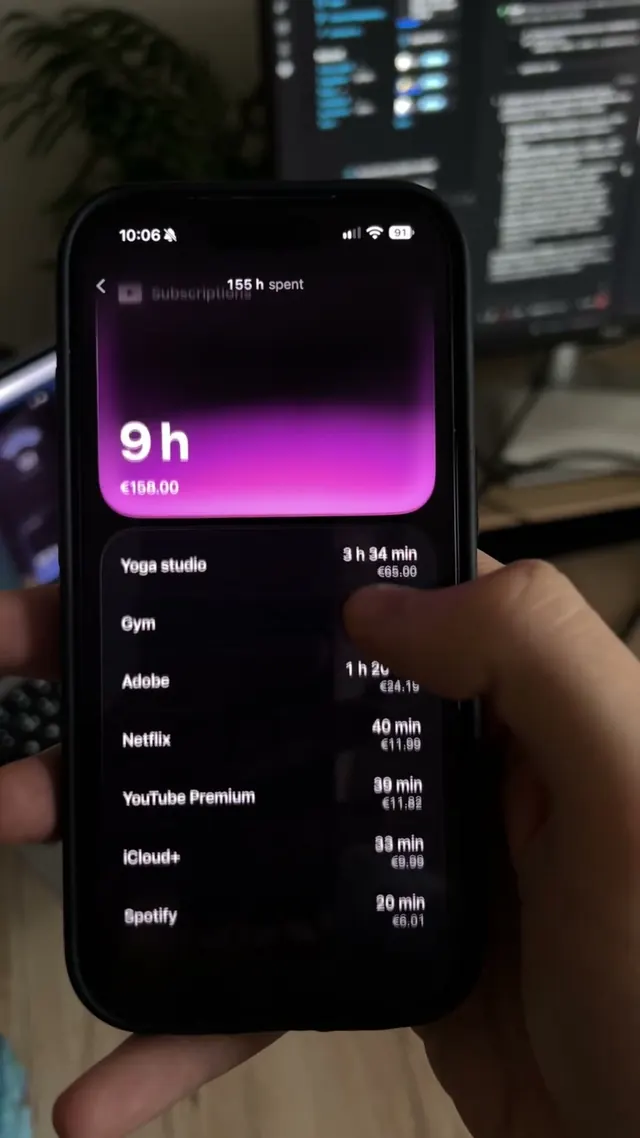 Banking App Work Hours
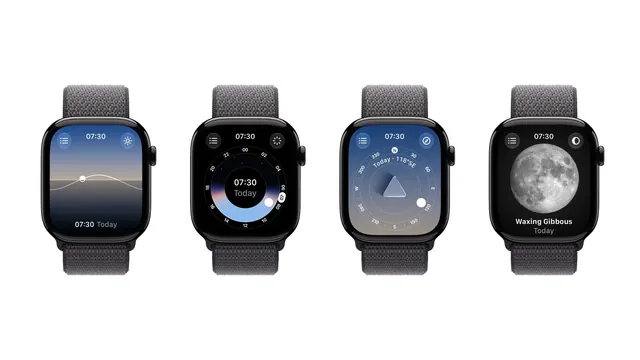 Apple Watch App Screens
 AI Deck Generation
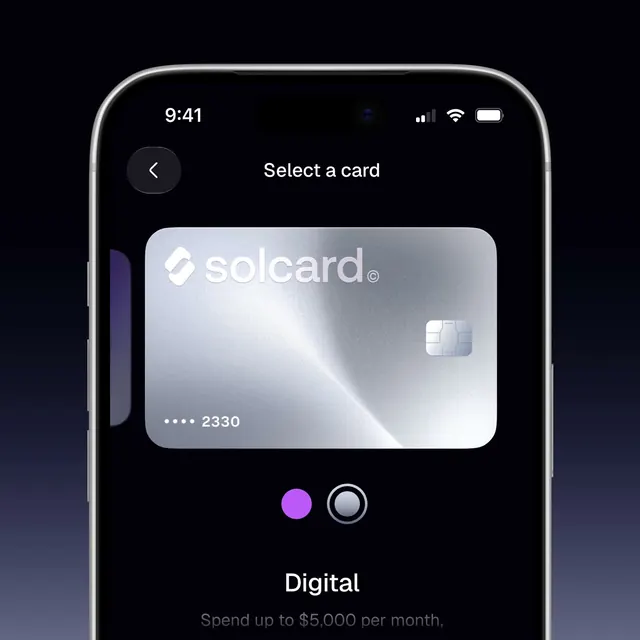 Solcard Card Selection
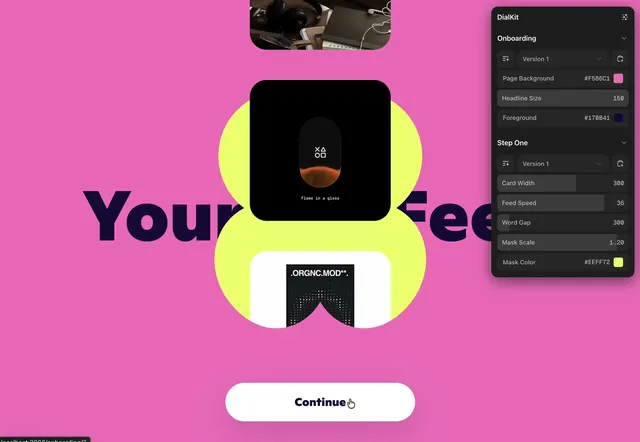 DialKit 1.3
 Draft Discarding
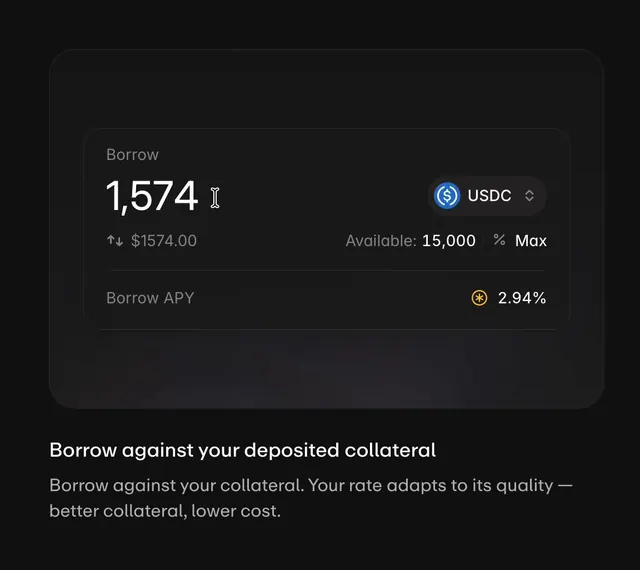 Aave Borrow UI
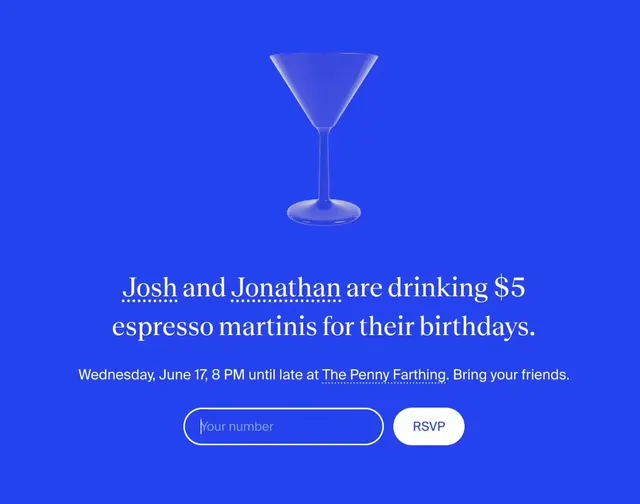 Homemade Birthday Invite
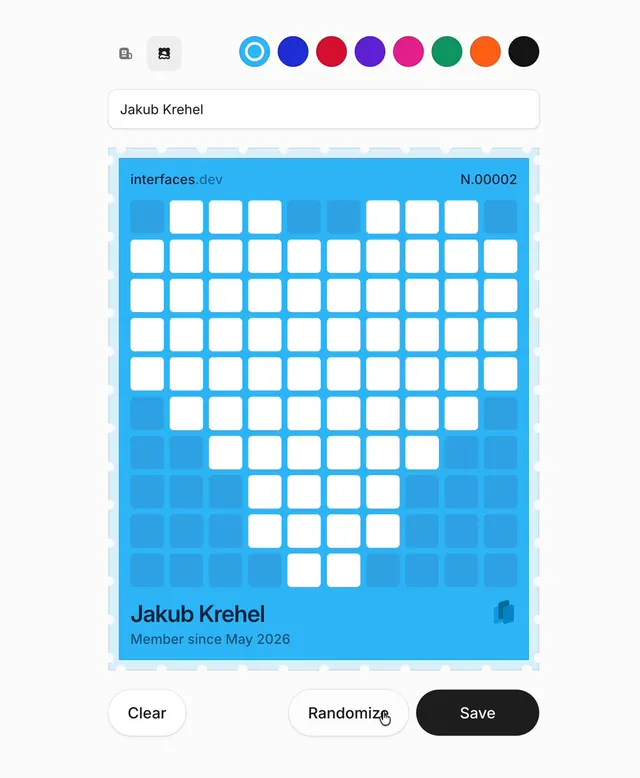 Interfaces Stamp Card Builder
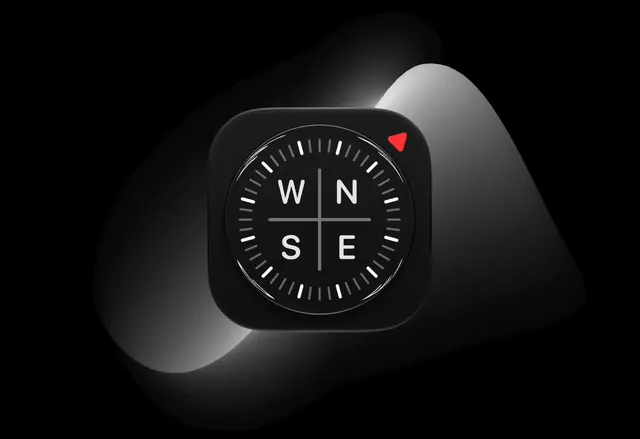 Compass Icon iOS 27
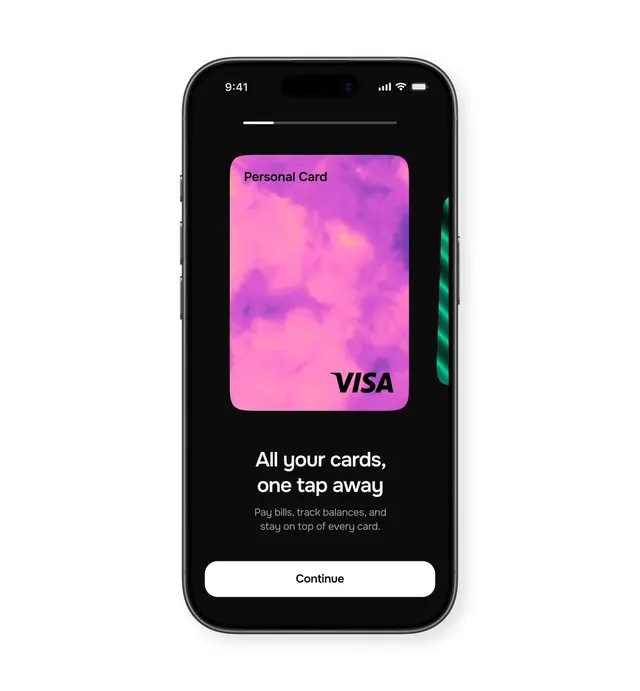 Card Onboarding UI
 Iridescent Button Motion
 Border Beam UI
 Wavy Carousel
 Vercel Agent Snake
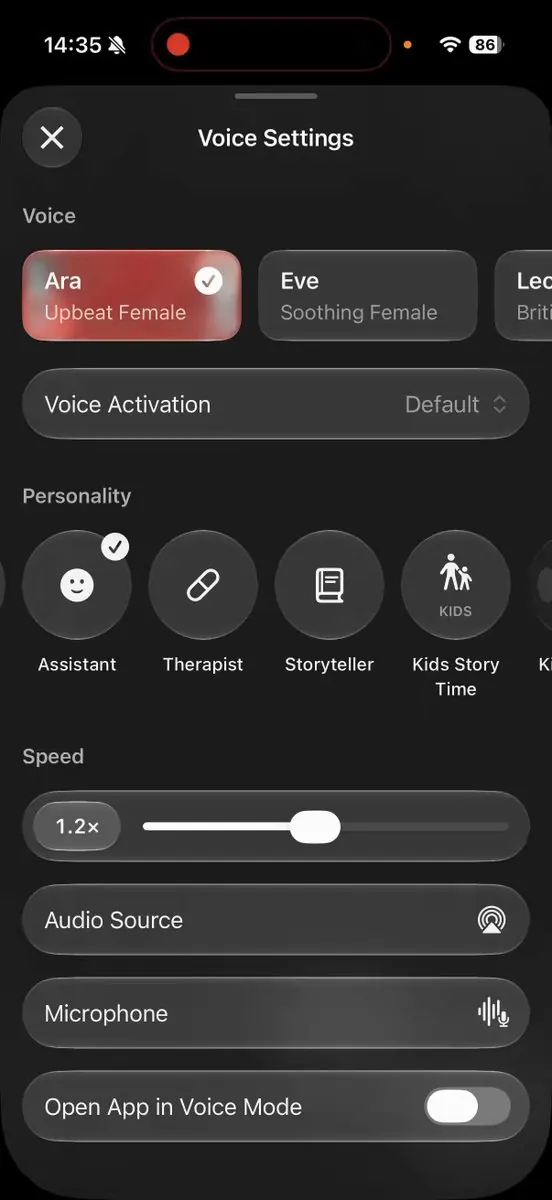 Voice Settings UI
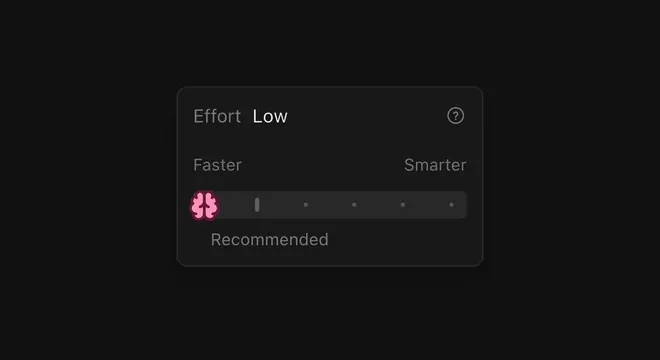 Effort Slider
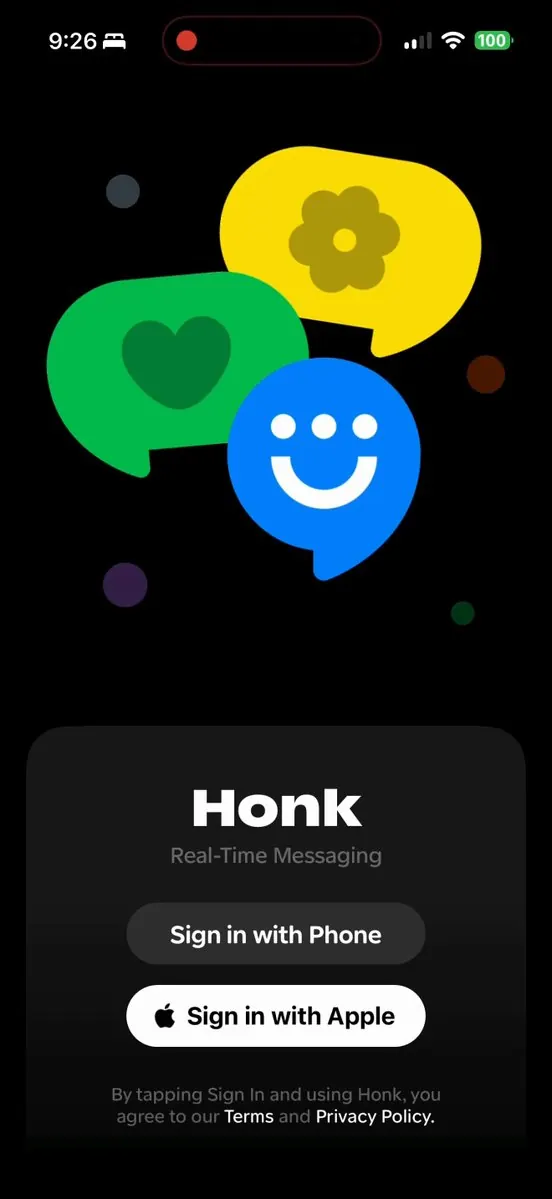 Honk Onboarding
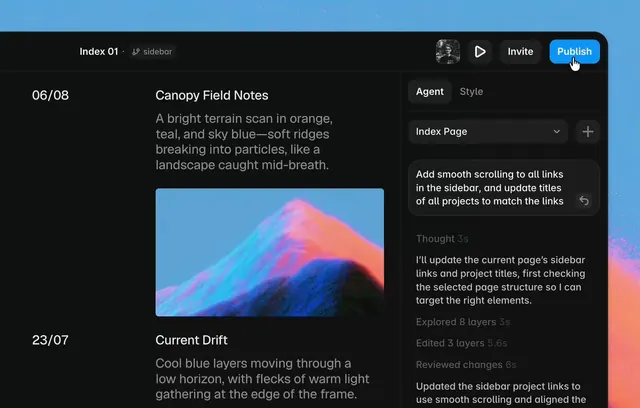 Framer AI Sidebar
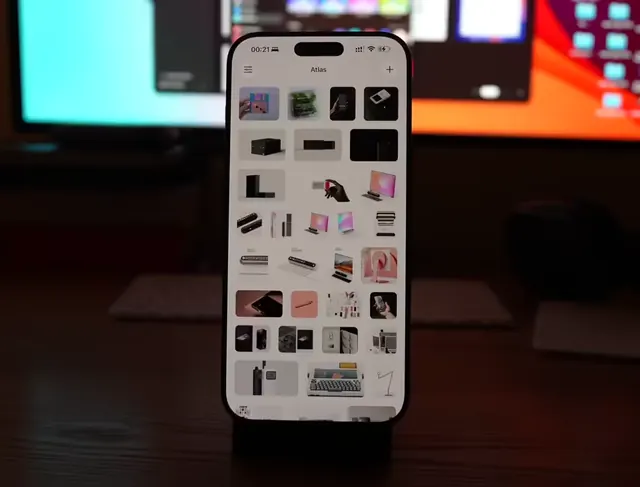 Atlas for iPhone
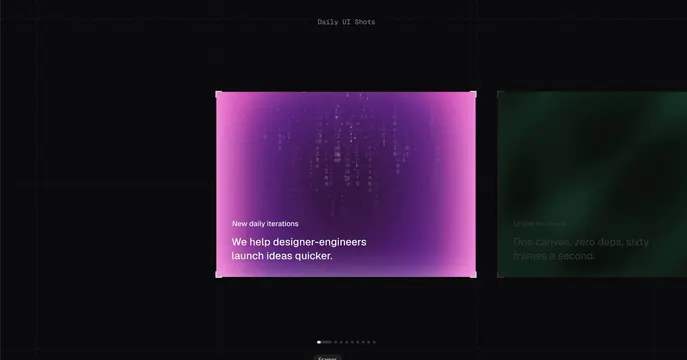 Tech Cards Exploration
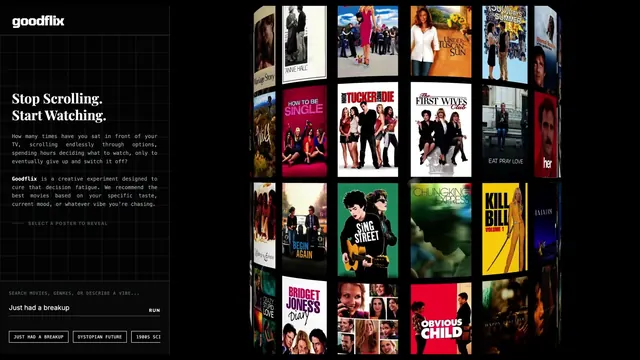 Goodflix
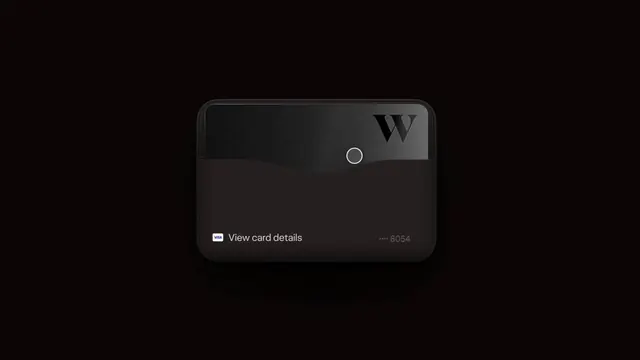 Credit Card Concept