Dessn Branded UI Components
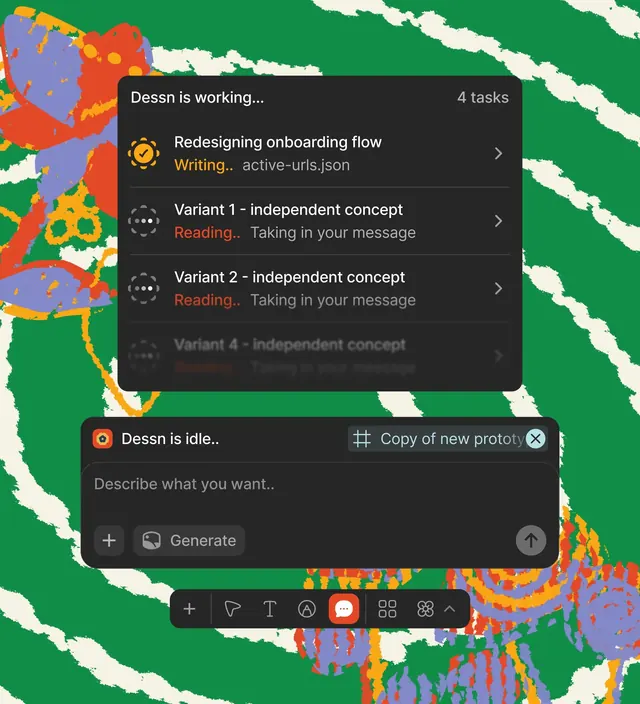
Dark-mode UI panels for an AI design tool branded with bold folk-art illustration backgrounds, showing agent task lists, sharing modals, team space views, and custom instruction screens.
Summary
Dark-mode UI panels for an AI design tool branded with bold folk-art illustration backgrounds, showing agent task lists, sharing modals, team space views, and custom instruction screens.
Visual description
A saturated green backdrop covered in hand-cut folk-art shapes in red, orange, and lavender, with cream torn-edge stripes running diagonally across it. Two near-black UI panels sit over the illustration: a larger task list titled 'Dessn is working...' with four rows, each with a circular status icon, a bold task name, and a colored status word (orange 'Writing..' and red 'Reading..'). A smaller chat-style input below reads 'Describe what you want..' with a plus button, a Generate button, and a round send arrow, and a floating dark toolbar with icon tools sits at the bottom. The rows fade out toward the bottom of the list to suggest more items.
Key takeaway
Put a neutral dark UI panel over a loud illustrated backdrop so the product chrome stays calm while the brand color lives in the background, and reuse the illustration's orange and red for status labels so the interface and artwork feel like one system.
Reuse notes
Reach for this as a ui screen reference. Pairs with illustrative directions. Original by XchylerDrenth.
More like this
 Liquid Stepper Interaction
 Crestora Footer Design
 Minimal ui screen
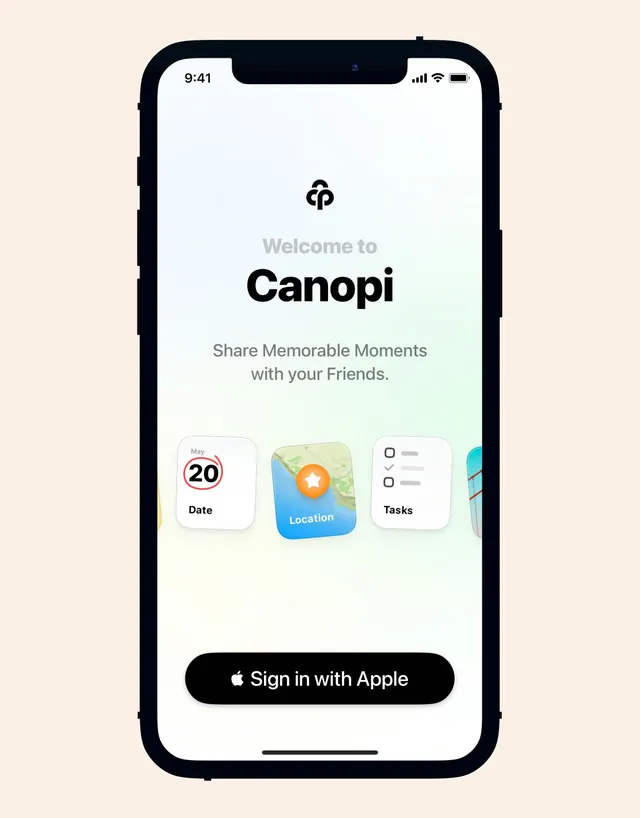 Minimal flat ui screen
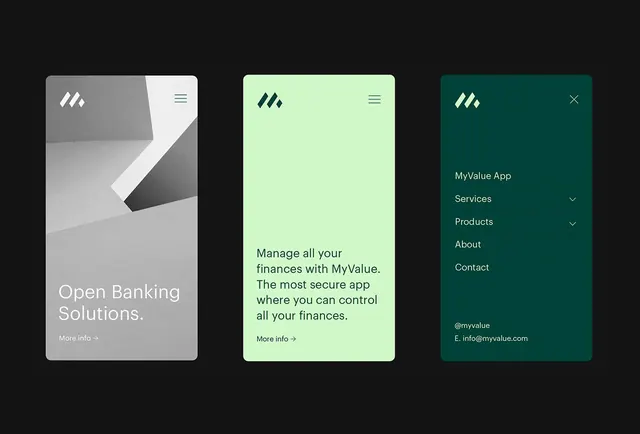 MyValue fintech mobile app UI system
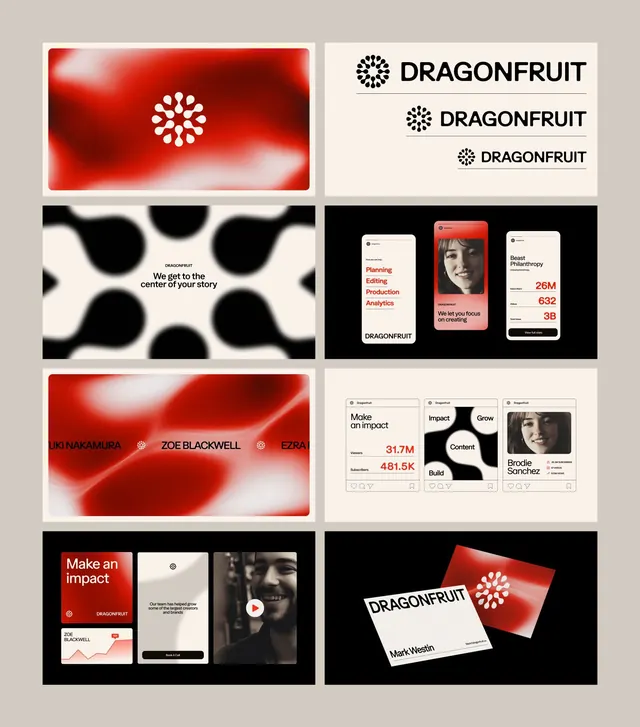 Minimal gradient-heavy ui screen
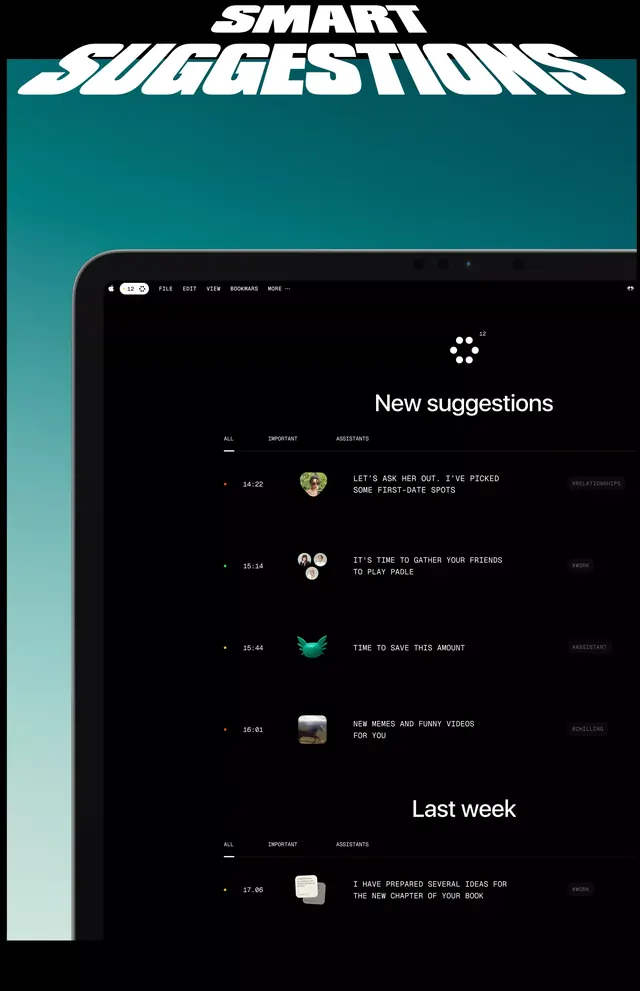 Minimal ui screen
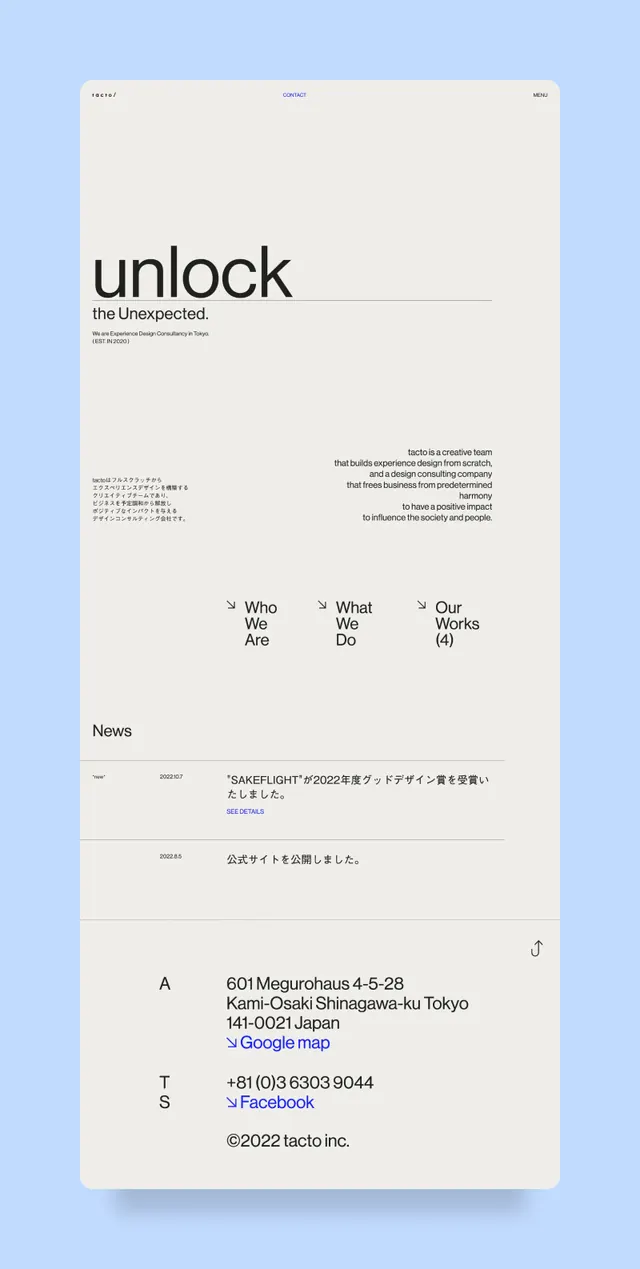 Minimal editorial ui screen
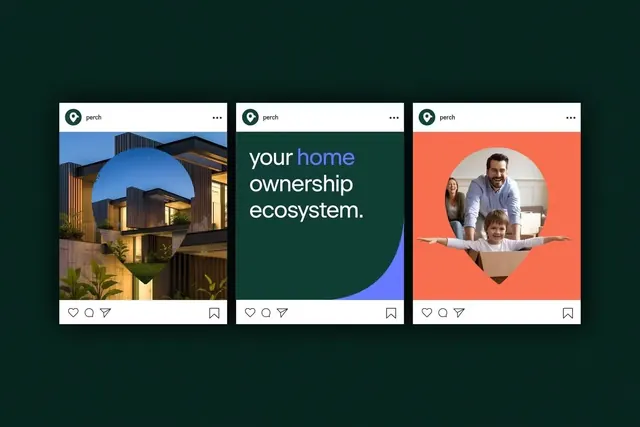 Minimal flat ui screen
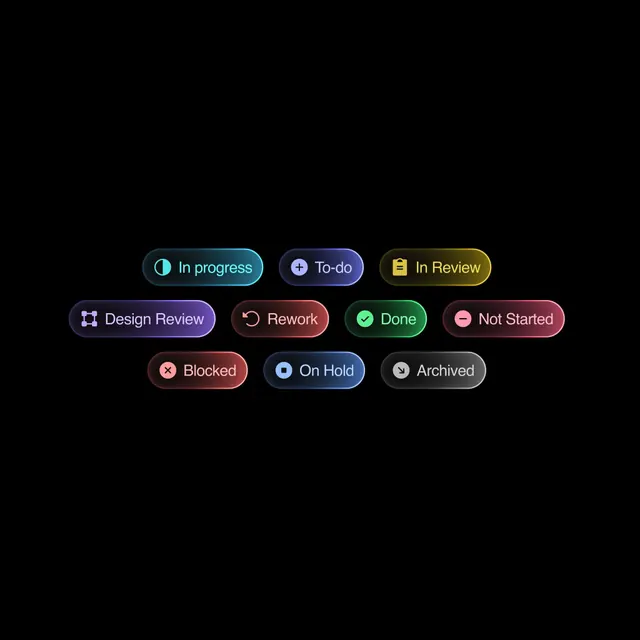 Project status badge set
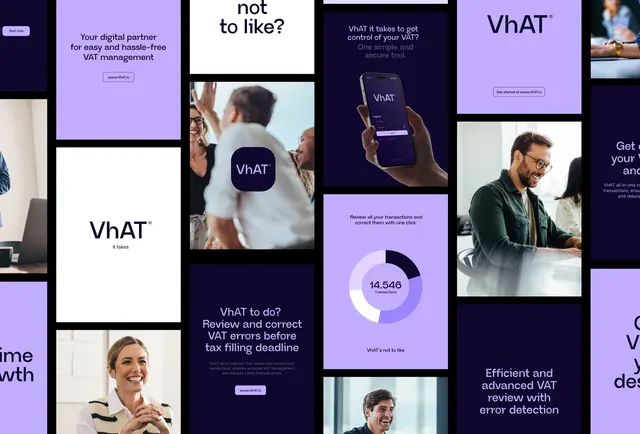 Minimal corporate-clean ui screen
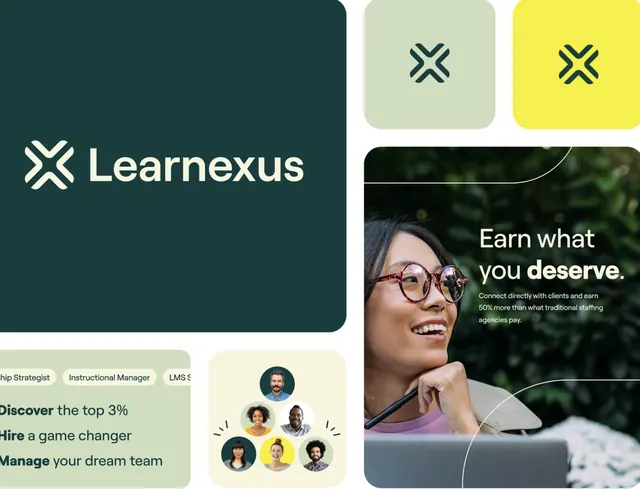 Learnexus HR platform card dashboard
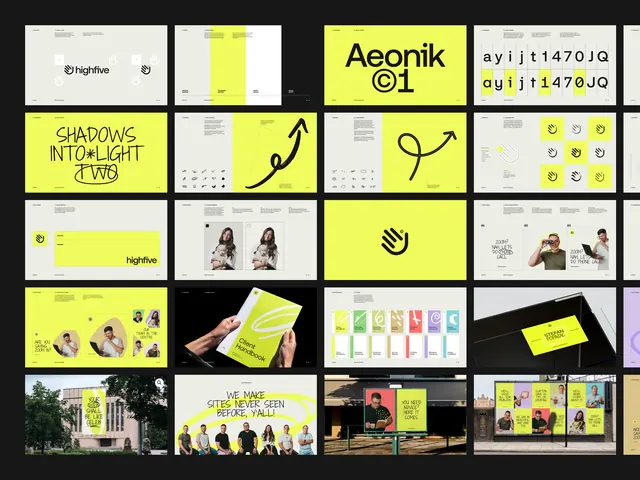 Minimal flat ui screen
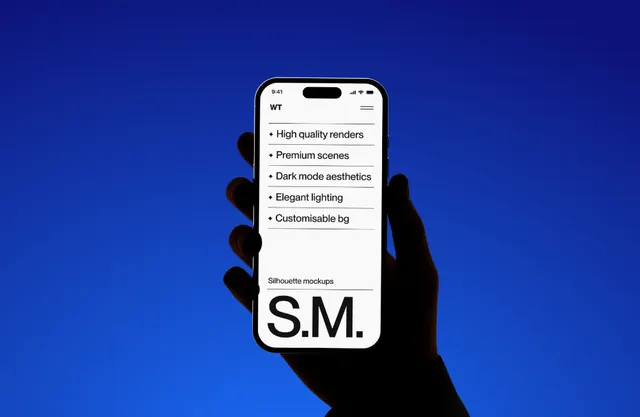 Design app UI on phone, hand-held mockup
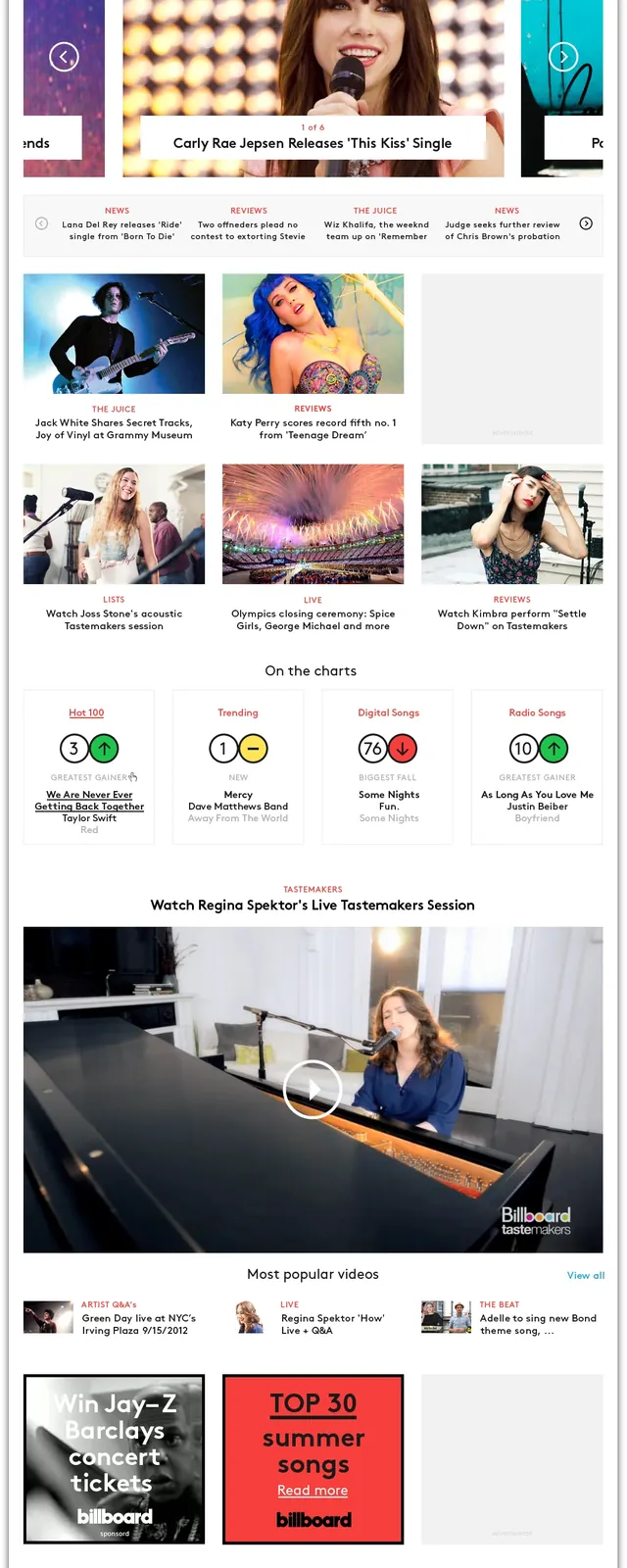 Dark Mode UI Dashboard Interface
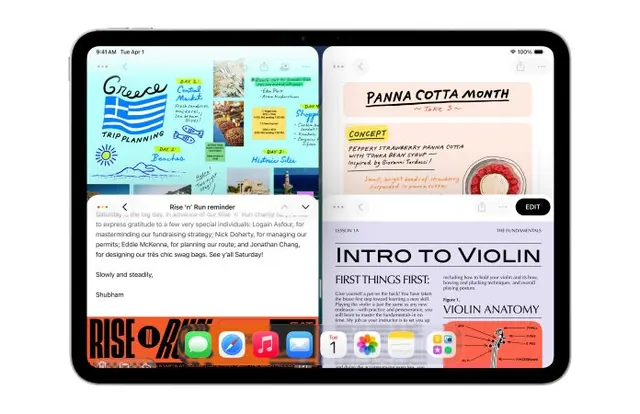 Minimal ui screen
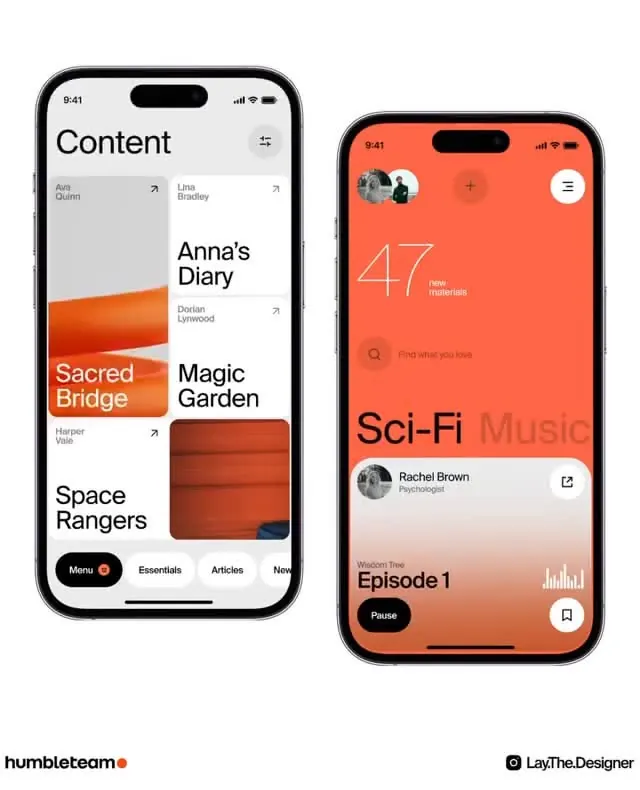 Minimal dark-mode ui screen
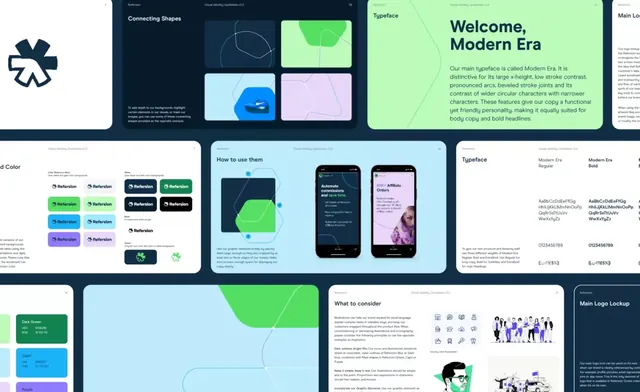 Minimal flat ui screen
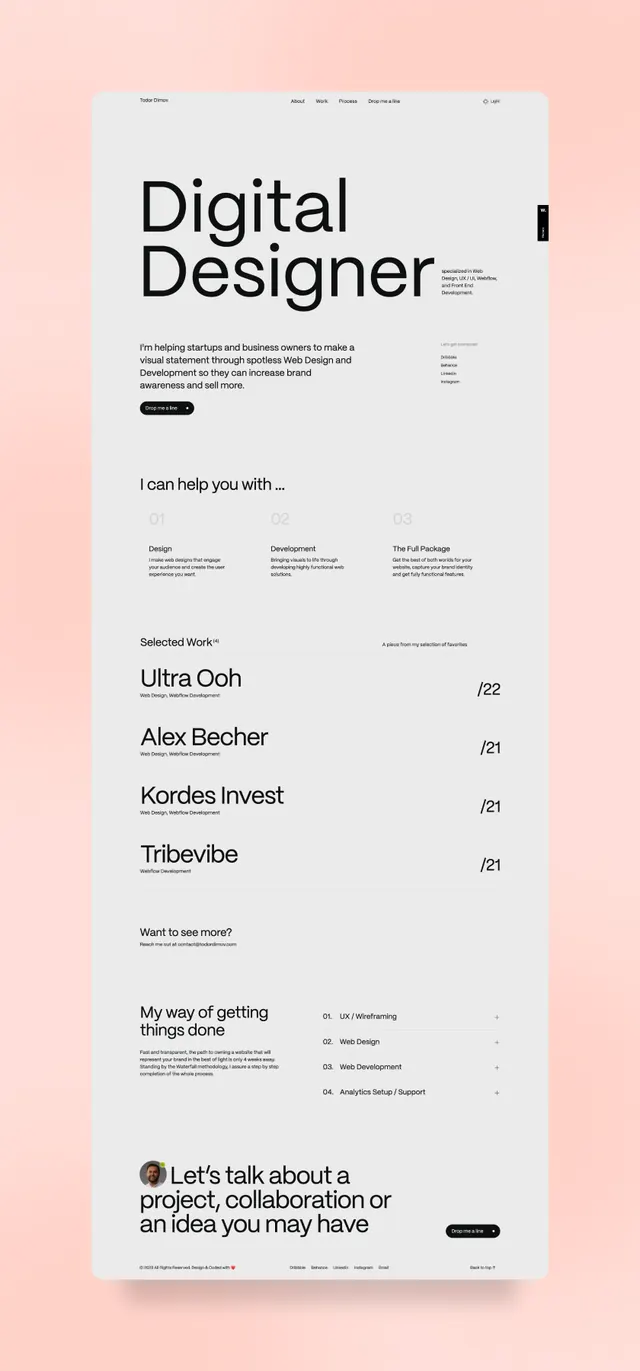 Minimal editorial ui screen
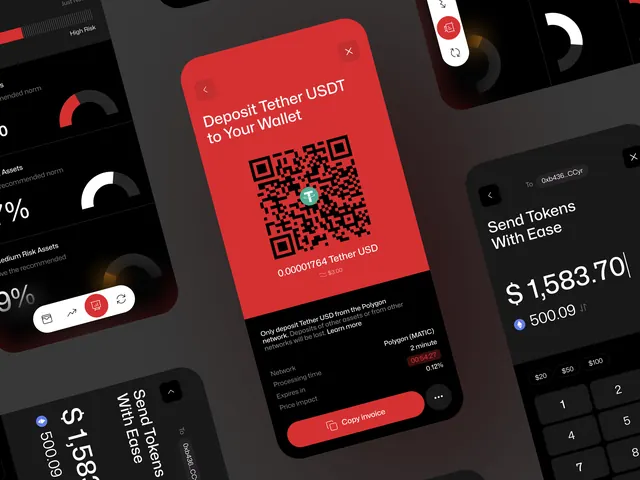 Dark-mode minimal ui screen
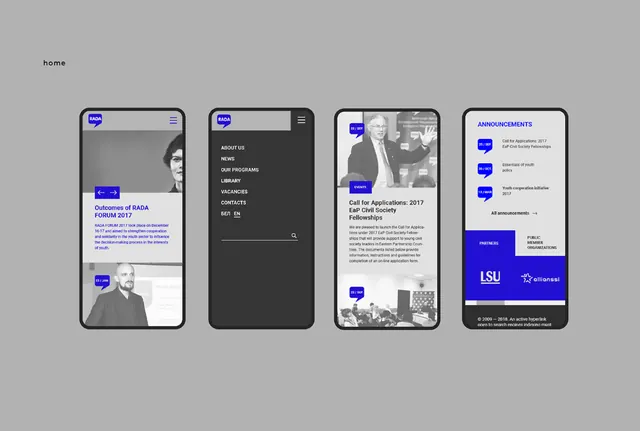 Higher-education mobile app UI system
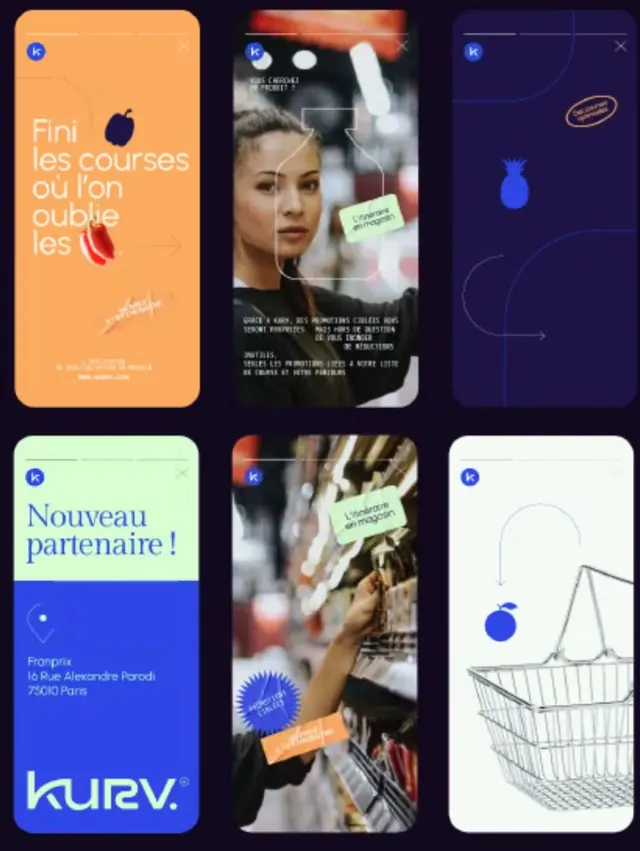 Minimal flat ui screen
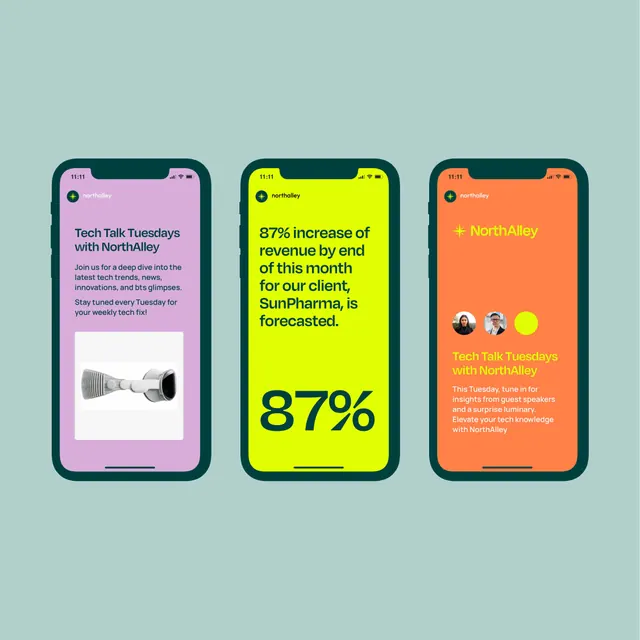 Three mobile screens with neon accents and saturated backgrounds
 Dark-mode gradient-heavy ui screen