Skewed Adjacent Hover Tabs
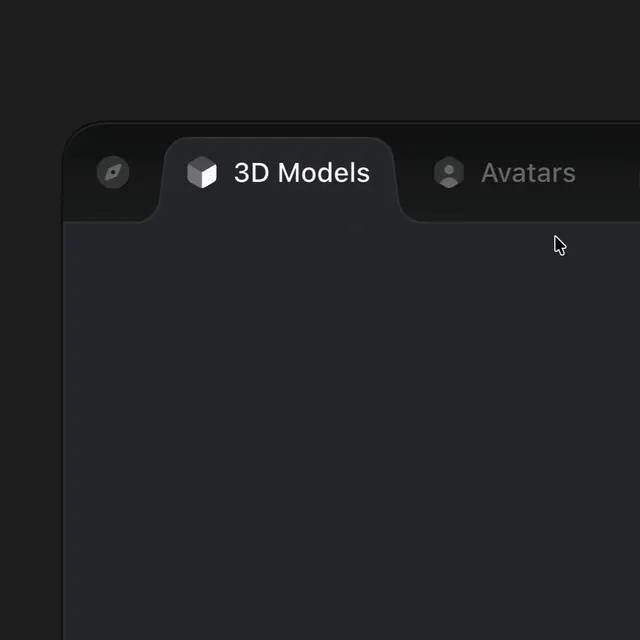
A subtle skewed hover effect for adjacent tab bar items, where hovering one tab causes neighboring tabs to subtly shift and skew in a dark UI component.
Summary
A subtle skewed hover effect for adjacent tab bar items, where hovering one tab causes neighboring tabs to subtly shift and skew in a dark UI component.
Visual description
A dark-themed user interface features a horizontal tab bar with rounded corners. The active tab, labeled "3D Models" with a cube icon, is highlighted with a medium-grey background. Adjacent unselected tabs include a compass icon and an "Avatars" tab with a person icon.
Key takeaway
Use subtle shifts in grey tones and rounded top edges to create a clear visual hierarchy for active and inactive navigation tabs.
Reuse notes
Reach for this as a ui screen reference. Pairs with minimal directions. Original by Sebastiano Guerriero.
More like this
 Framer 3.0 Icons
 Framer /ask-me
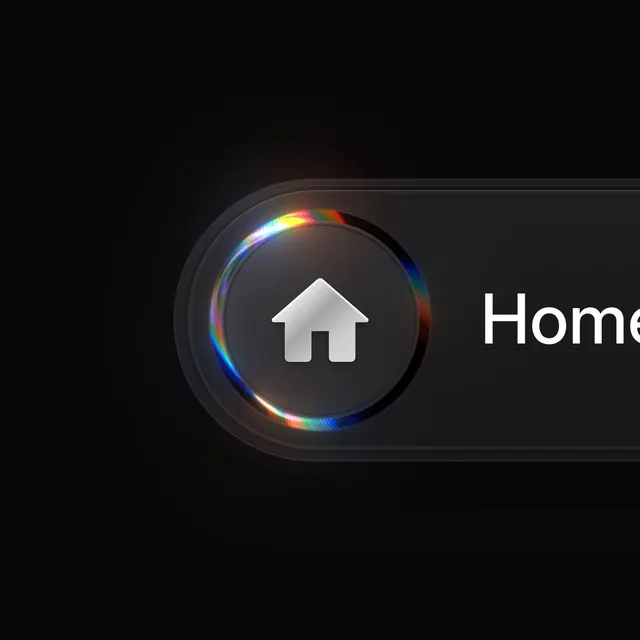 Iridescent Home Button
 Minimal dark-mode ui screen
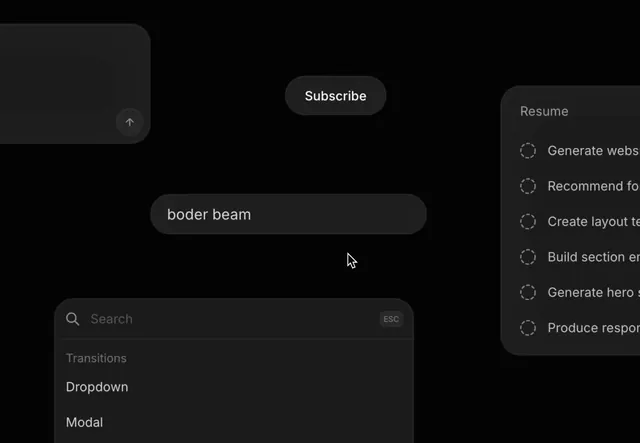 Border Beam UI
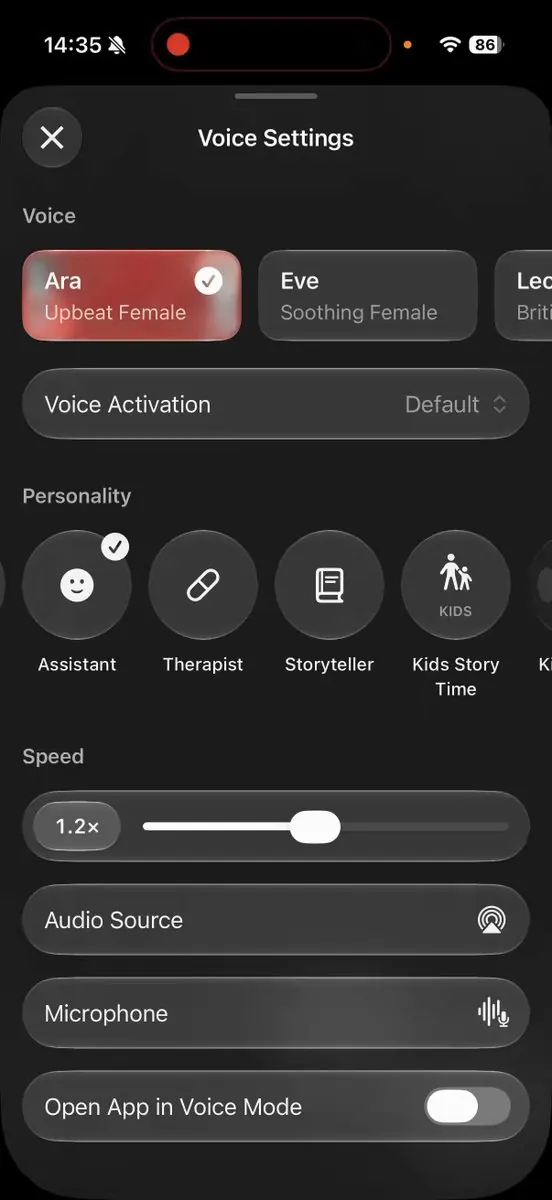 Voice Settings UI
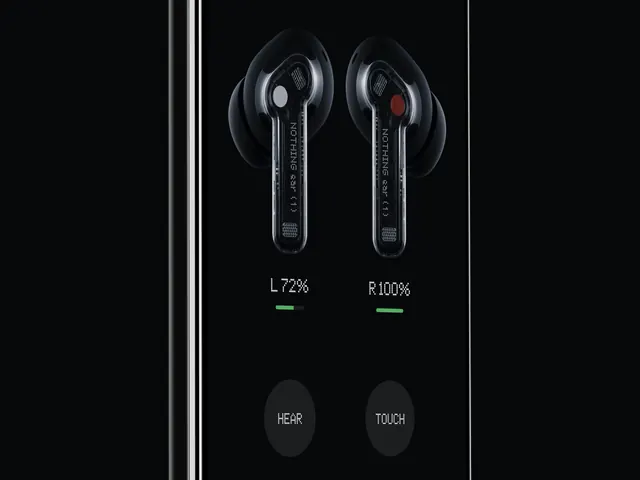 Clean Minimalist App Interface
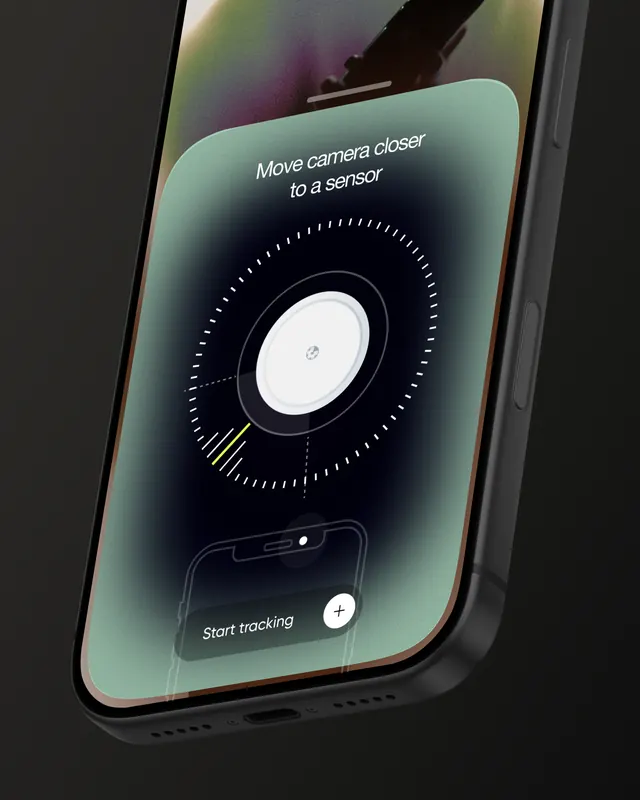 Minimal dark-mode ui screen
 Dark-mode minimal ui screen
 Dark-mode minimal ui screen
 Dark-mode minimal ui screen
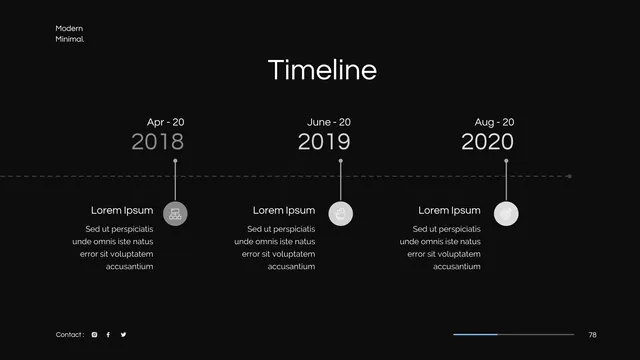 Minimal monochrome ui screen
 Dark-mode minimal ui screen
 Dark Theme Interface Design for Technology Product
 Henry Labs
 Minimal flat ui screen
 Dark Mode Dashboard Interface Concept
 Boost Post UI
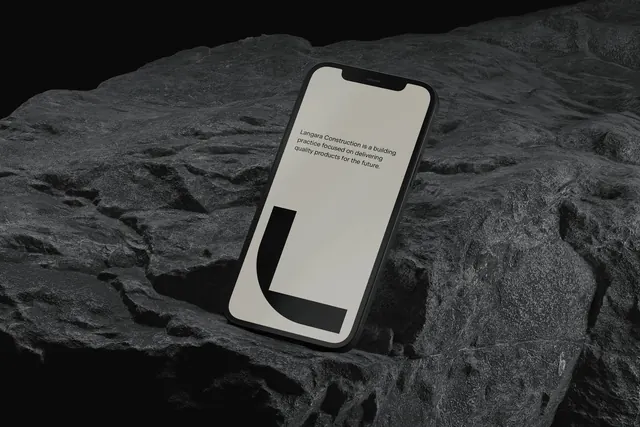 Smartphone UI mockup in landscape setting
 Minimal ui screen
 Minimal dark-mode ui screen
 Minimal monochrome ui screen
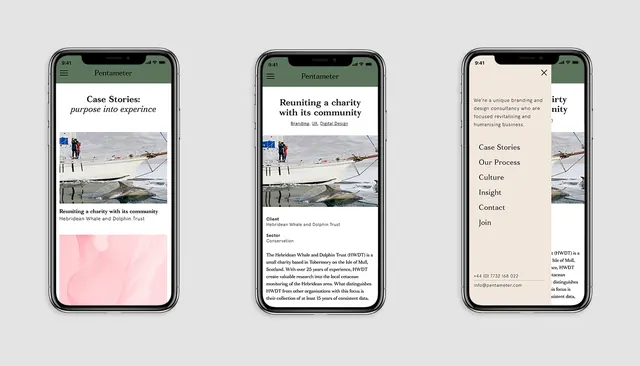 Minimal editorial ui screen
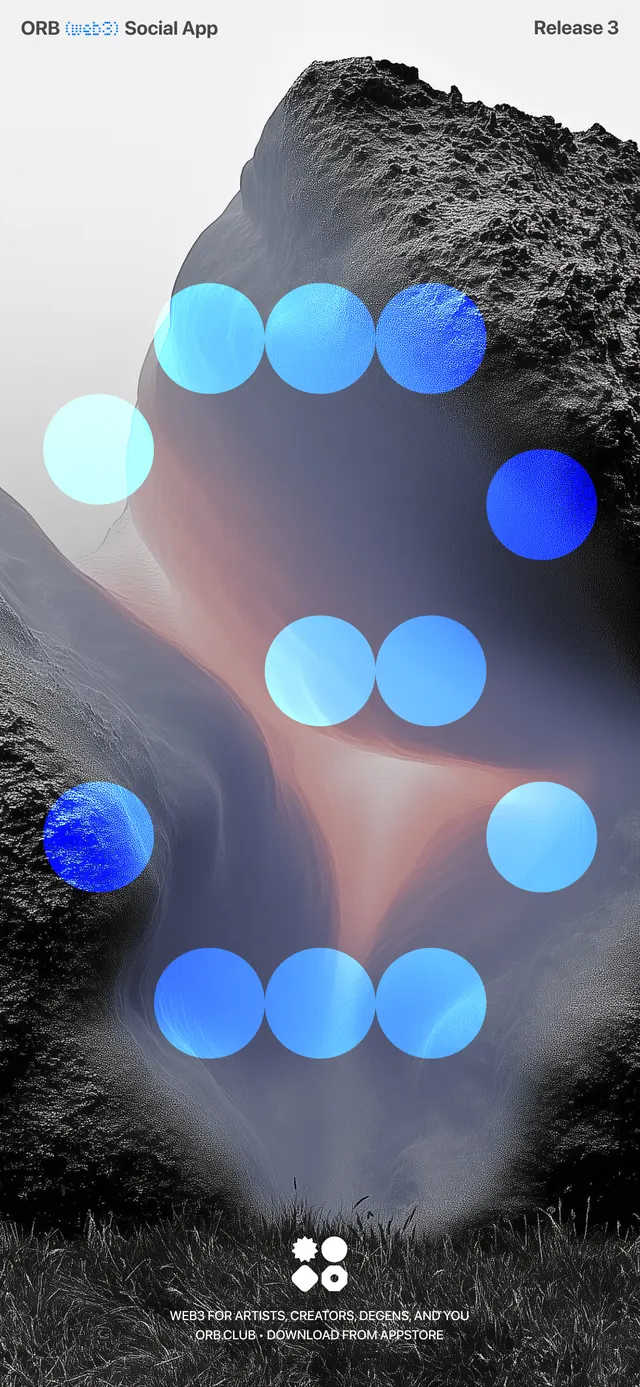 Orb Social