Cinema 4D plugin tutorial video walkthrough
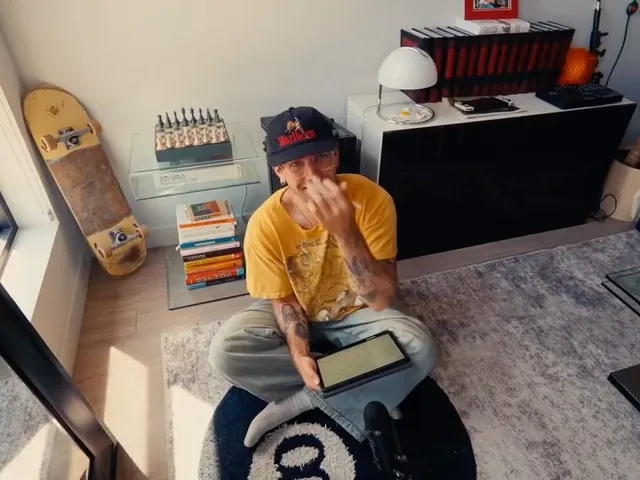
A video tutorial for a Cinema 4D plugin, demonstrating setup and workflow in a live studio environment with a designer at work.
Summary
A video tutorial walkthrough shot in a studio setting, showing a designer explaining a Cinema 4D plugin workflow. The still captures a moment mid-explanation with the designer at a desk surrounded by creative tools and reference materials.
Visual description
The poster frame shows a person in a yellow ochre t-shirt and black cap seated at a desk in a natural-light studio. On the desk are a vintage skateboard, stacked design books and magazines, a desktop setup with white dome lamp, and color swatches. Behind the desk are shelving units holding more books and materials, along with studio equipment. The overall tone is warm, lived-in, and inviting-suggesting an accessible learning environment rather than a polished production space.
Key takeaway
The authenticity of the studio setting builds trust-viewers see the artist at their actual desk among real creative artifacts, not in a sterile recording studio. This humanizes technical education and positions the tutorial as peer-to-peer knowledge sharing rather than corporate instruction.
Reuse notes
Strong reference for technical tutorials and how-to content in creative fields. The warm, natural studio aesthetic works well for software education, plugin marketing, and tutorial series. Best paired with actual video content rather than static images. Works well for attracting DIY creatives and independent artists who value authentic, unpolished learning environments over high-production instructional videos.
More like this
 Base44 app UI and testimonial motion piece (slide 2)
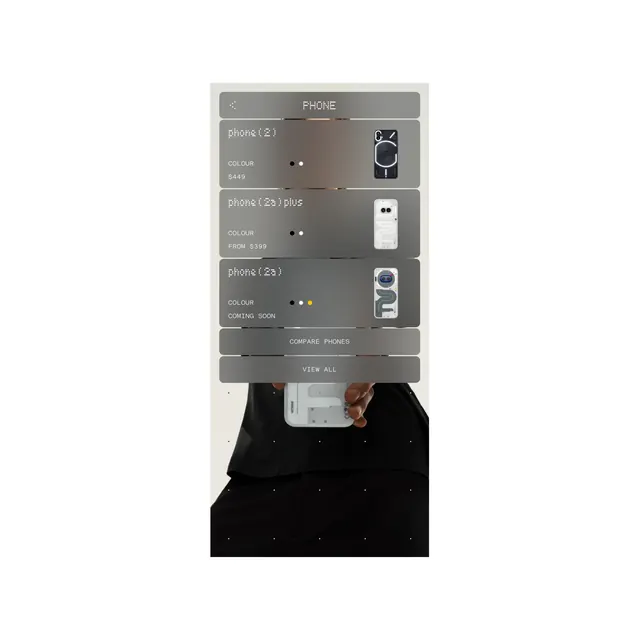 Mobile phone picker e-commerce interface
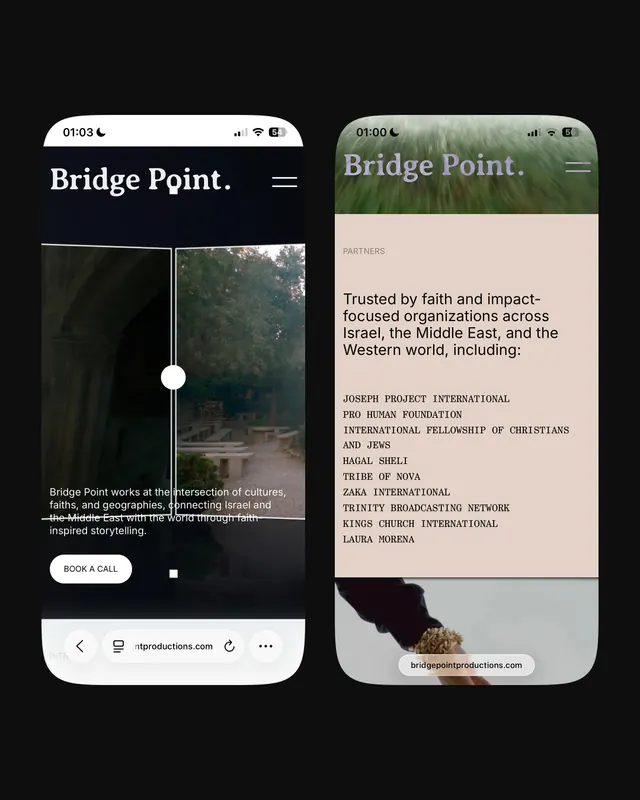 Bridge Point website UI design carousel (slide 2)
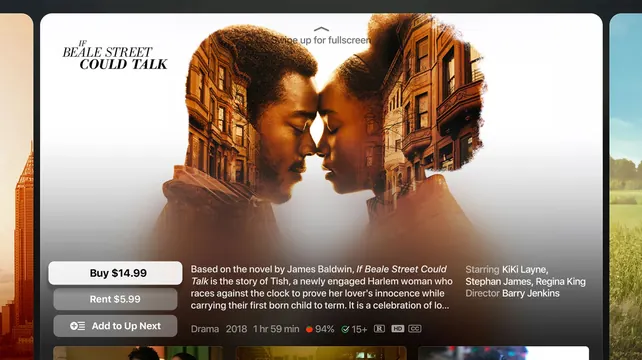 Apple TV movie detail screen: If Beale Street Could Talk
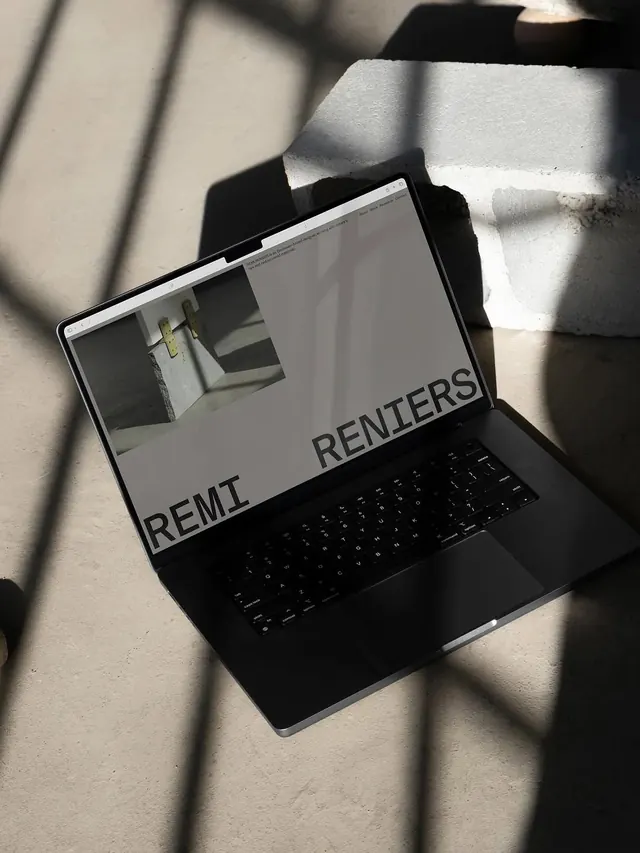 Laptop displaying design publication mockup
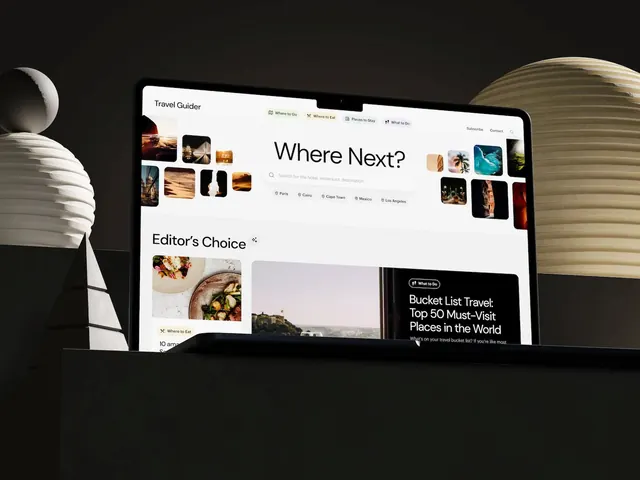 Travel guide app interface with photography grid
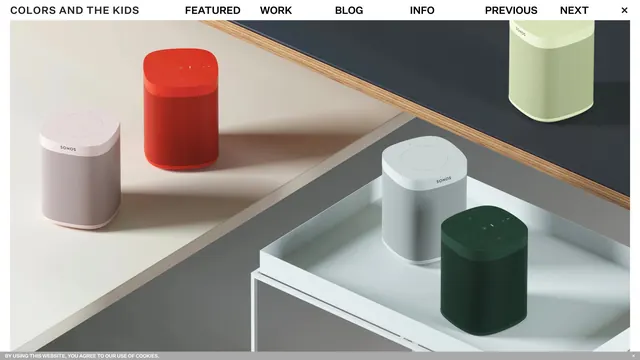 Sonos speaker color lineup, portfolio case-study screen
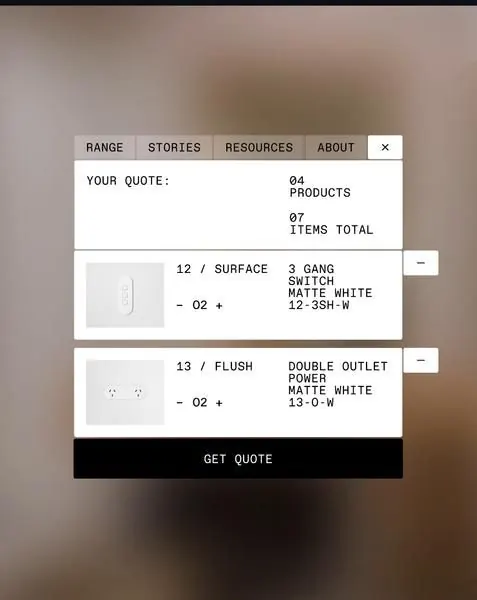 Minimal technical ui screen
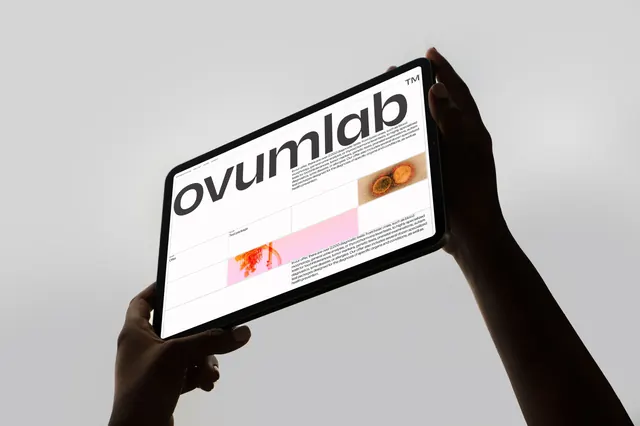 Minimal ui screen
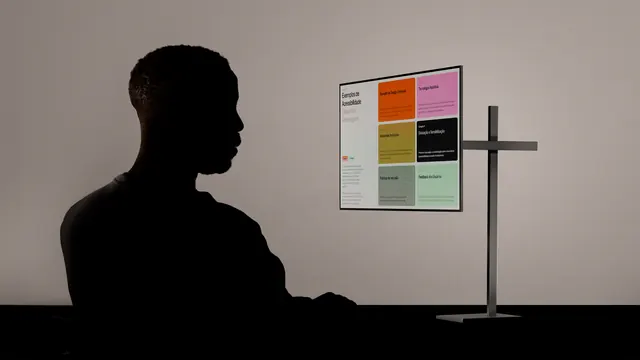 Silhouette viewing accessibility UI screen
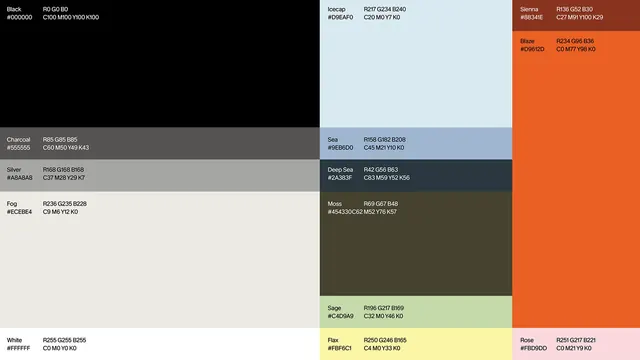 Minimal technical ui screen
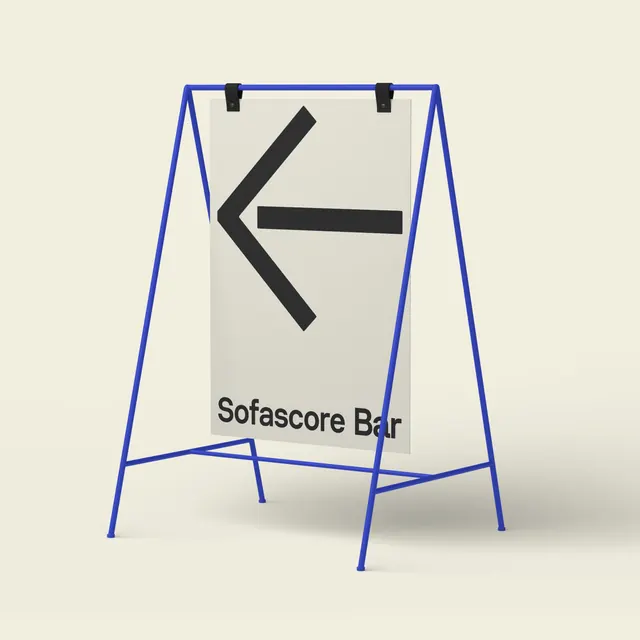 SofaScore UI design documentation
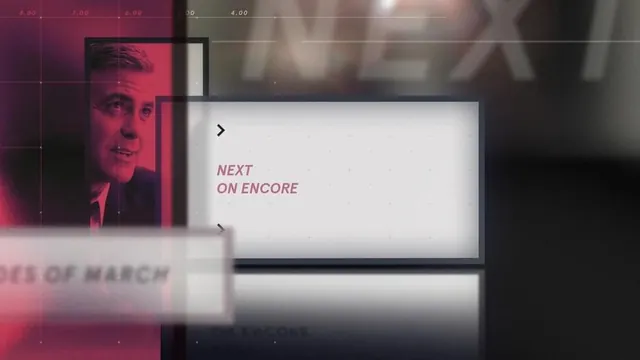 Next On Encore broadcast UI screen design
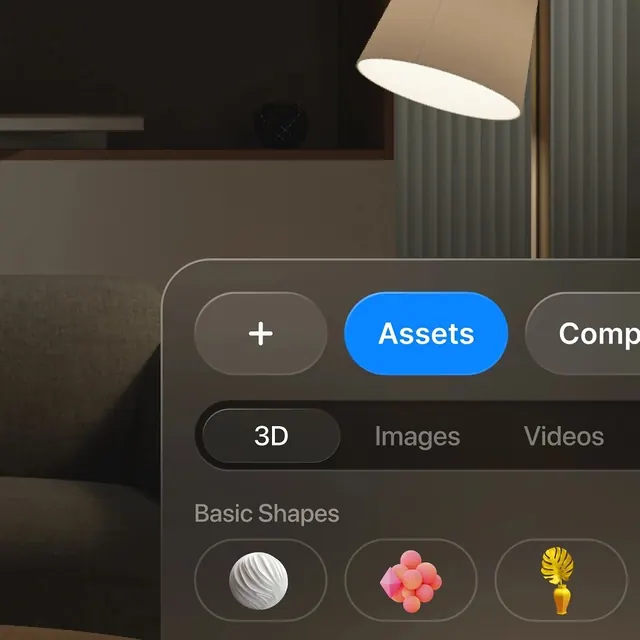 UI mockup app interface dark theme
 Complex Layered Digital Composition
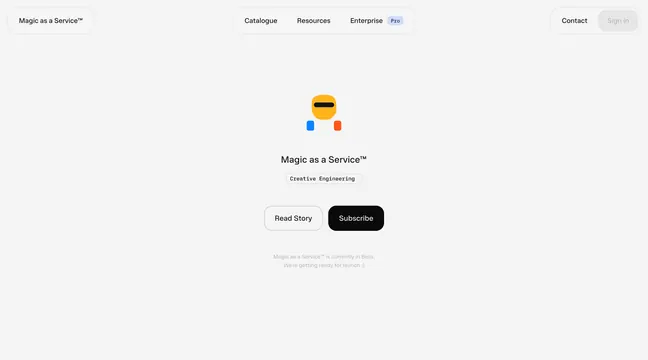 Minimal corporate-clean ui screen
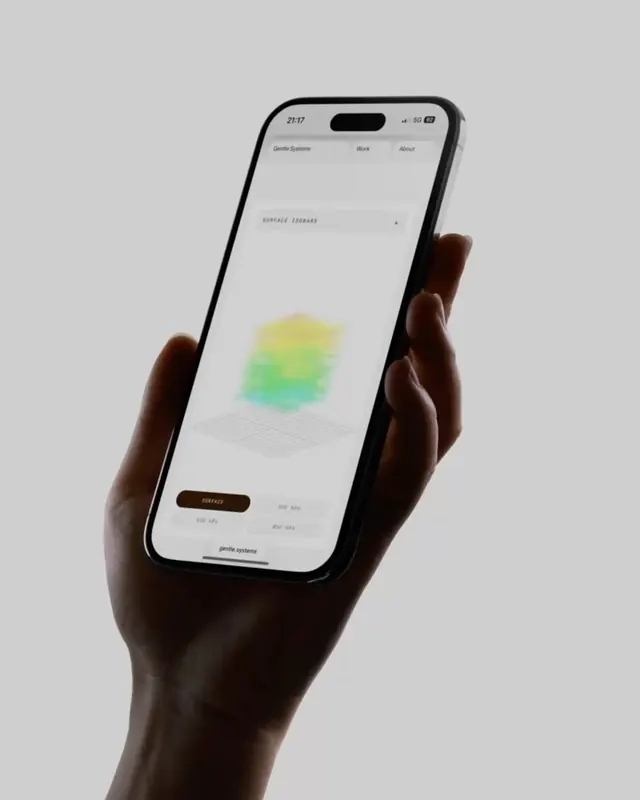 Directory Plus mockup editor product demo carousel (slide 1)
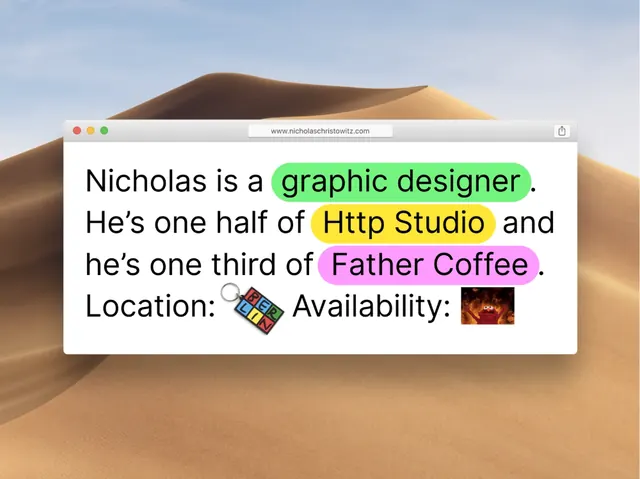 Minimal flat ui screen
 Dark Mode UI Interface Layout
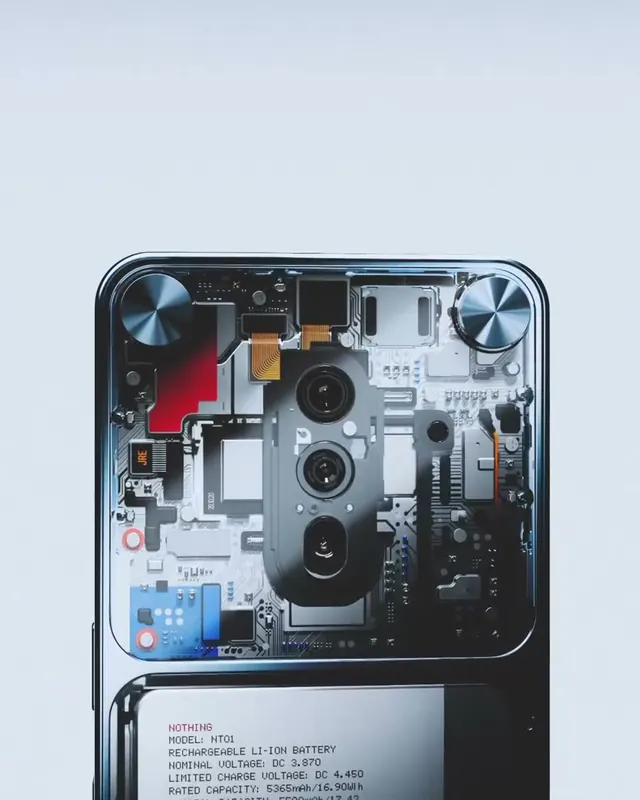 Nothing Phone NT01 teardown interior
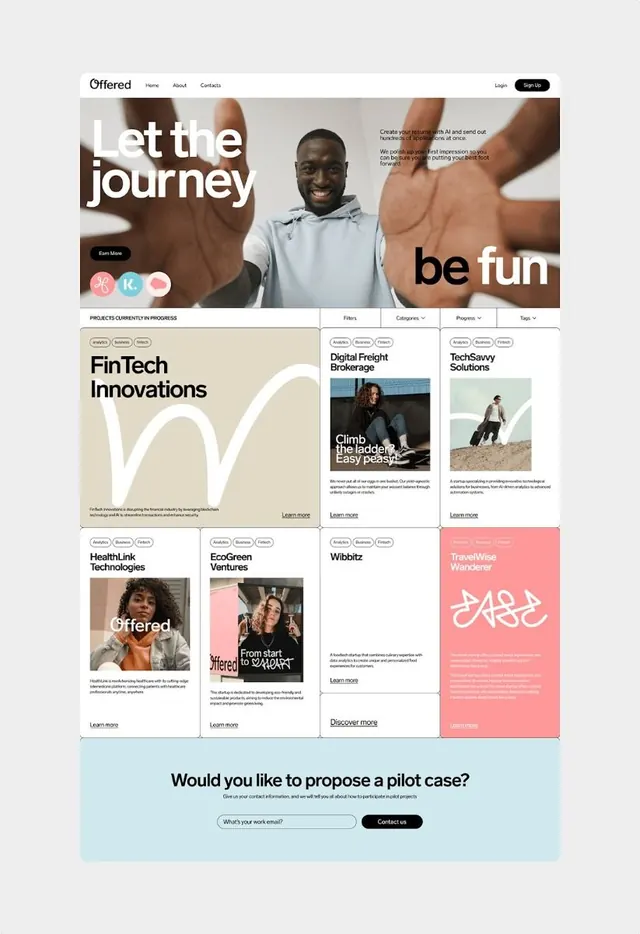 Minimal editorial ui screen
 Vertical Digital Interface Design
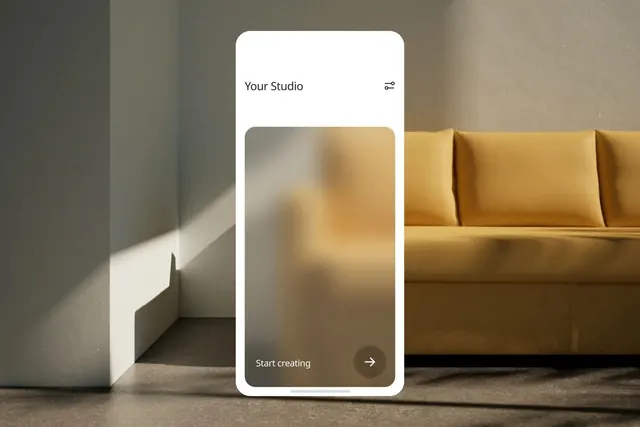 Minimal organic ui screen
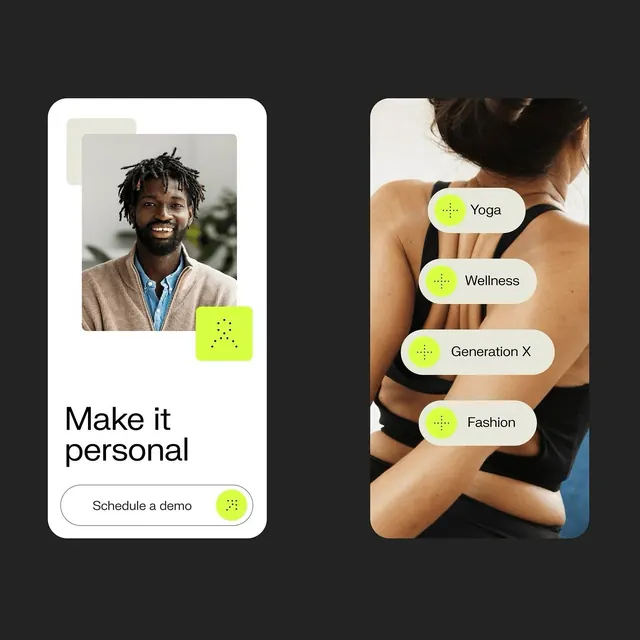 Wellness app mobile screens with photo and category overlays