Krea Image Generation
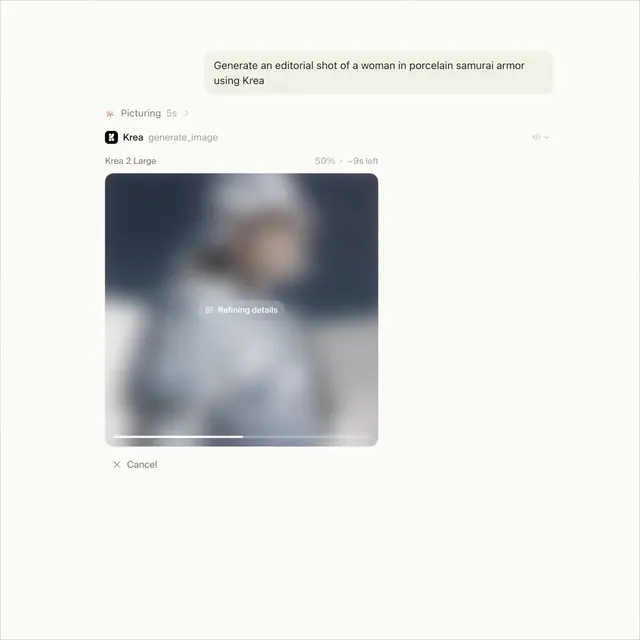
Krea's chat interface progressively reveals an AI-generated porcelain samurai portrait through staged status labels and a progress bar, from dotted placeholder to fully sharp final image.
Summary
Krea's chat interface progressively reveals an AI-generated porcelain samurai portrait through staged status labels and a progress bar, from dotted placeholder to fully sharp final image.
Visual description
A warm off-white chat interface with a rounded beige user prompt bubble at top reading the generation request. Below it a status line says Picturing 5s, followed by a Krea tool-call row and a square image frame that is heavily blurred, showing only a pale grey-blue figure against dark navy. A centered pill label reads Refining details, a thin white progress bar sits at the bottom of the frame, and a small text row above shows Krea 2 Large with 50 percent and about 9s left. A plain Cancel link with an x icon sits below the frame.
Key takeaway
Pair a blurred preview with a single pill status label and a thin progress bar so a long generation reads as active refinement rather than a spinner. Keep the model name, percentage and time remaining in a quiet line above the frame.
Reuse notes
Reach for this as a ui screen reference. Pairs with minimal directions. Original by Aleksei Larionov.
More like this
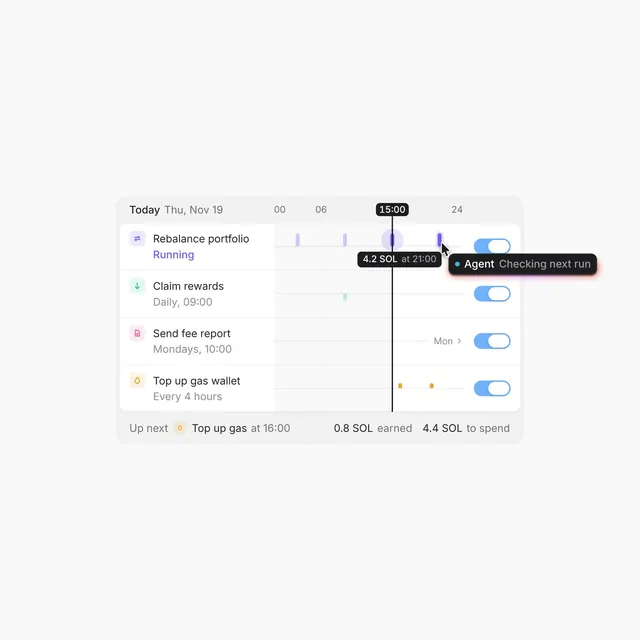 AI Agent Scheduler UI
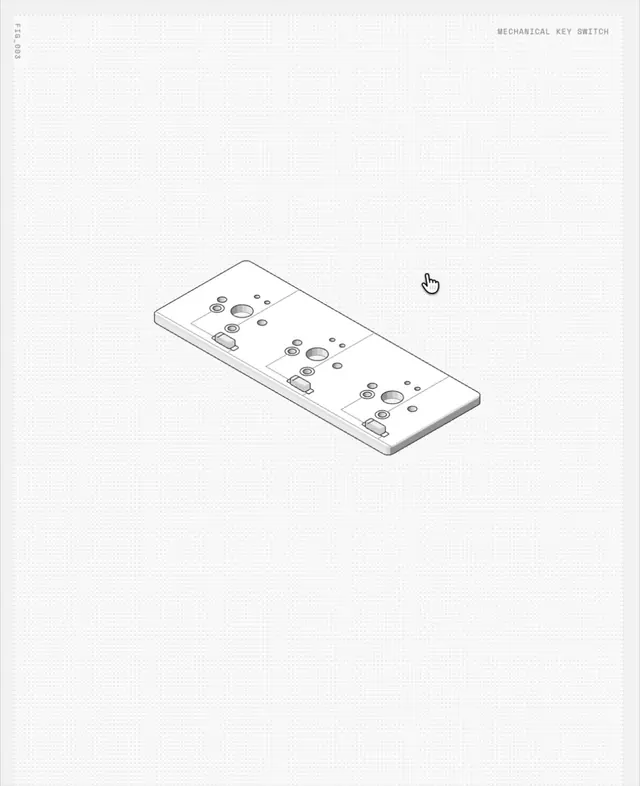 Mechanical Key Switch Anatomy
 Wabi
 Draft Discarding
 Codex Code Review UI
 Compass Icon iOS 27
 Robinhood IPO Access
 Ando
 Aave Auto Saver Flow
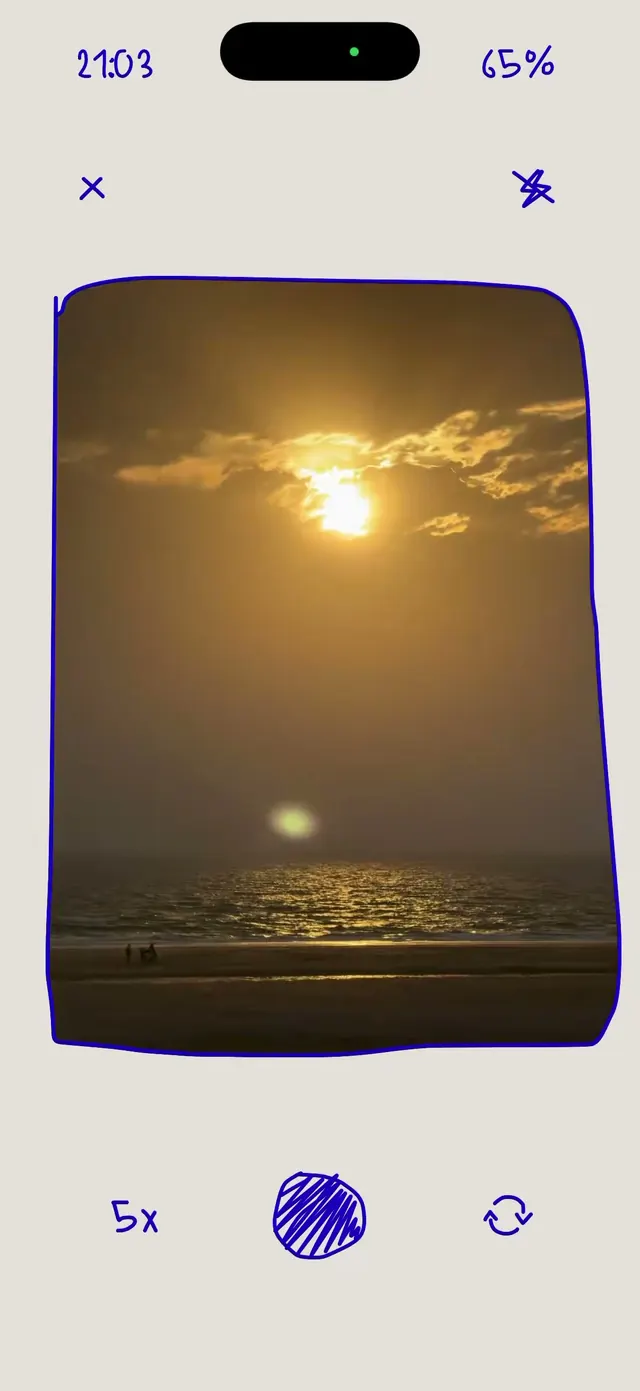 Scribble Camera UI
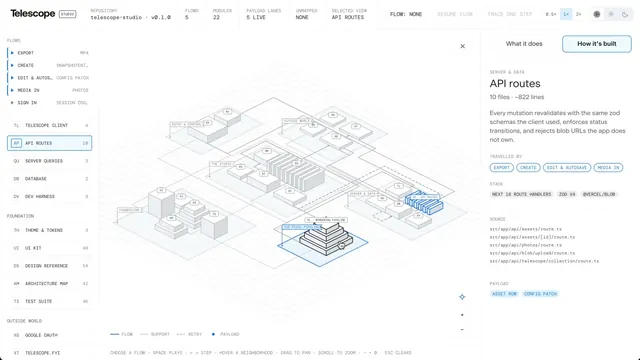 App Architecture Map Tool
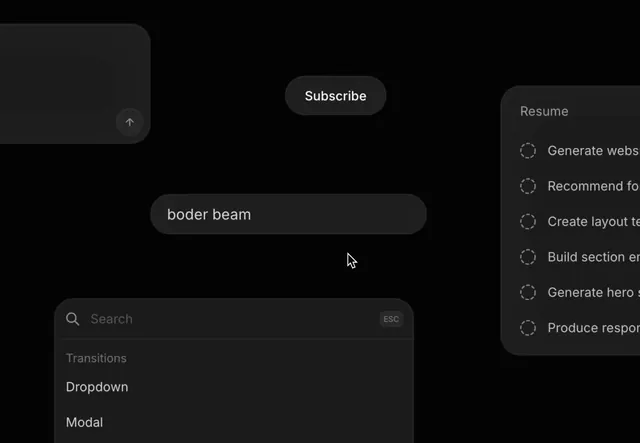 Border Beam UI
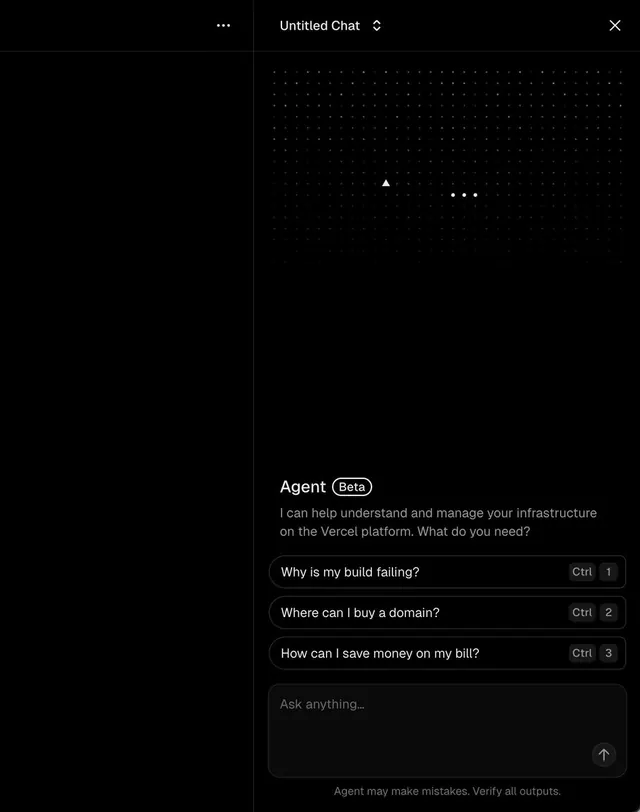 Vercel Agent Snake
 Voice Settings UI
 Good Air India
 Atlas for iPhone
 Spring animation navigation UI
 Family-Inspired Trash Interaction
 CSS Hover Reveal
 Drawesome
 Highlighters
 Realistic Page Turn
 CapWords
 Live Data Loading Animation