Sidebar Active State
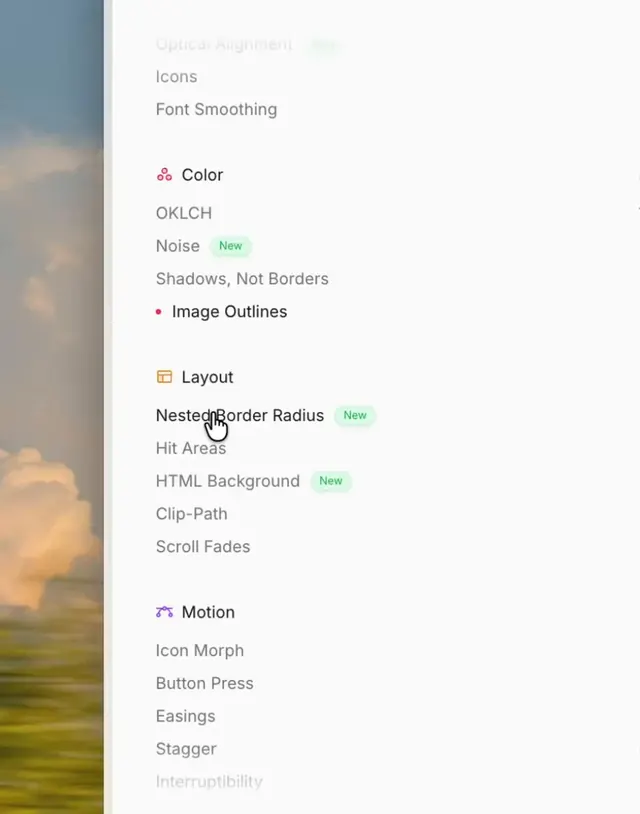
A screen recording of a design reference app with categorized sections covering typography, color, layout, and motion, showing hover and selection microinteractions on each list item.
Summary
A screen recording of a design reference app with categorized sections covering typography, color, layout, and motion, showing hover and selection microinteractions on each list item.
Visual description
A tall cropped view of a light sidebar listing guideline topics, grouped under small icon headings for Color, Layout and Motion in pink, orange and purple. Items are plain gray text lines with spacious vertical rhythm, a few carry small green New pills, and one item has a pink dot with darker text to show the active state. A hand cursor hovers over the Nested Border Radius row, and the text fades out at the top and bottom edges. A blurred warm landscape photo with clouds shows on the far left behind a thin vertical divider.
Key takeaway
Mark the selected row in a long list with a small accent dot and darker text instead of a filled background, and fade the list edges so it feels calm and scrollable.
Reuse notes
Reach for this as a ui screen reference. Pairs with minimal, clean directions. Original by Gustavo.
More like this
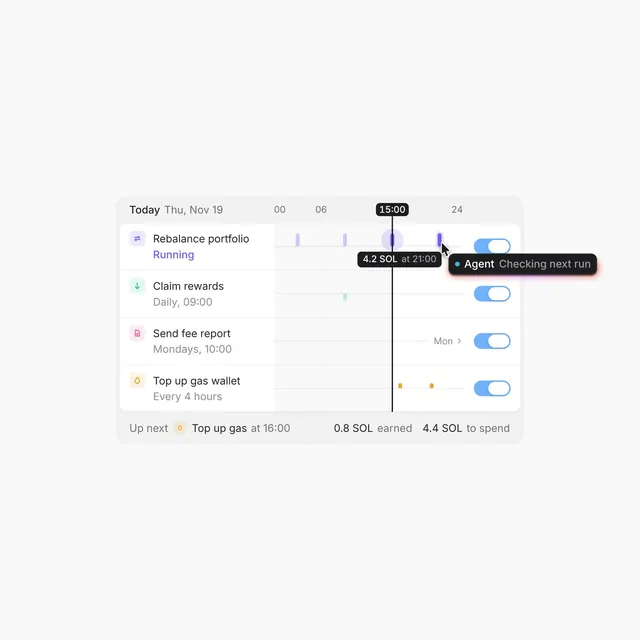 AI Agent Scheduler UI
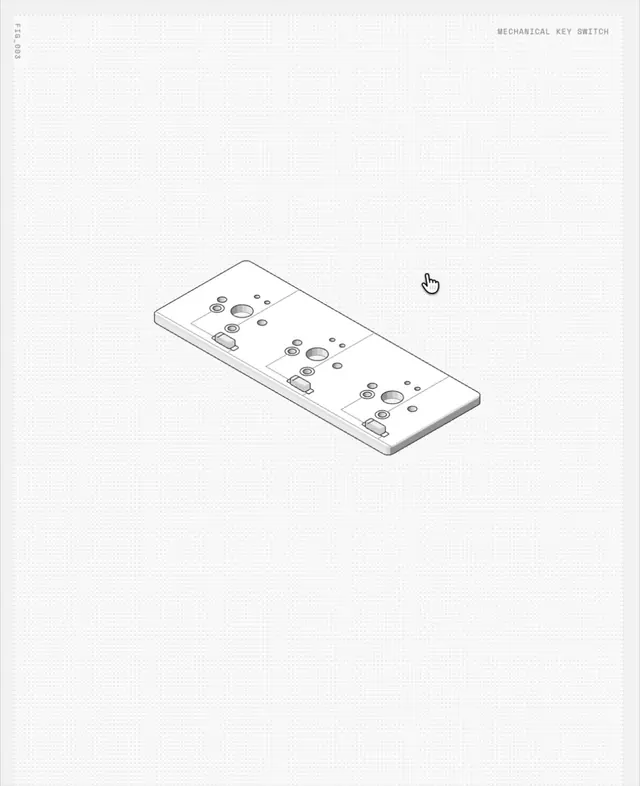 Mechanical Key Switch Anatomy
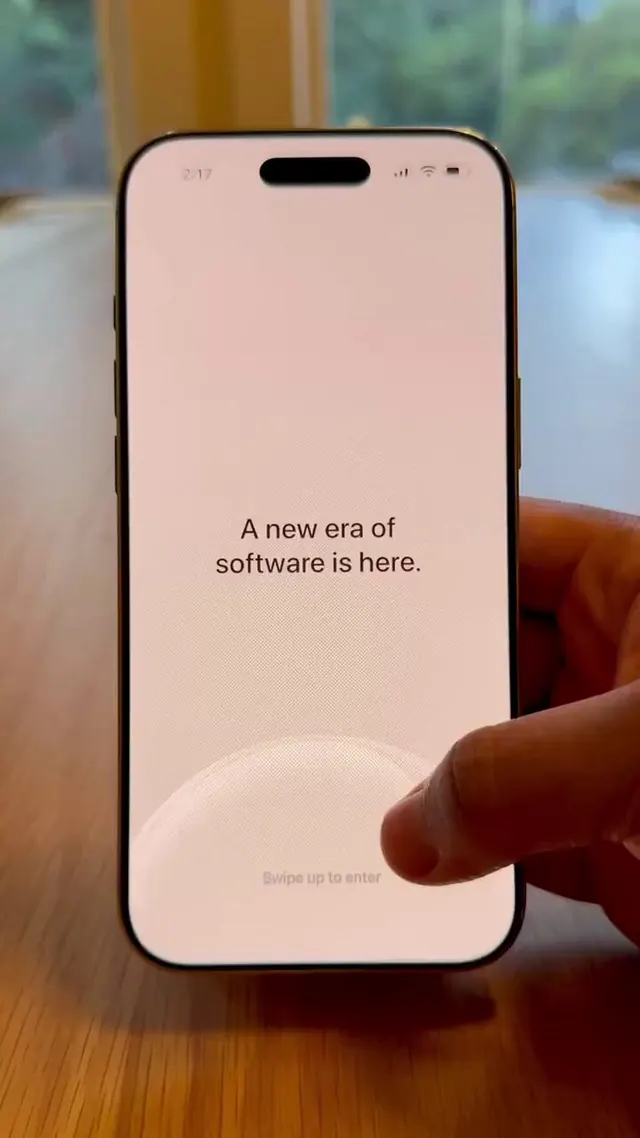 Wabi
 Draft Discarding
 Codex Code Review UI
 Compass Icon iOS 27
 Robinhood IPO Access
 Ando
 Aave Auto Saver Flow
 Scribble Camera UI
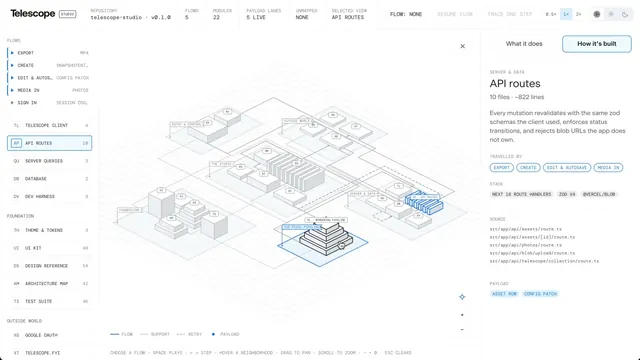 App Architecture Map Tool
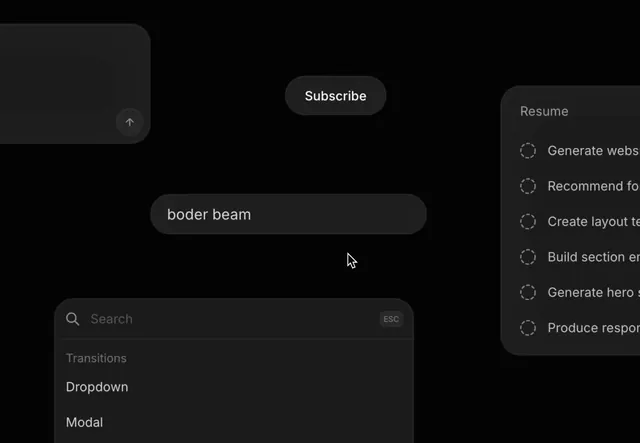 Border Beam UI
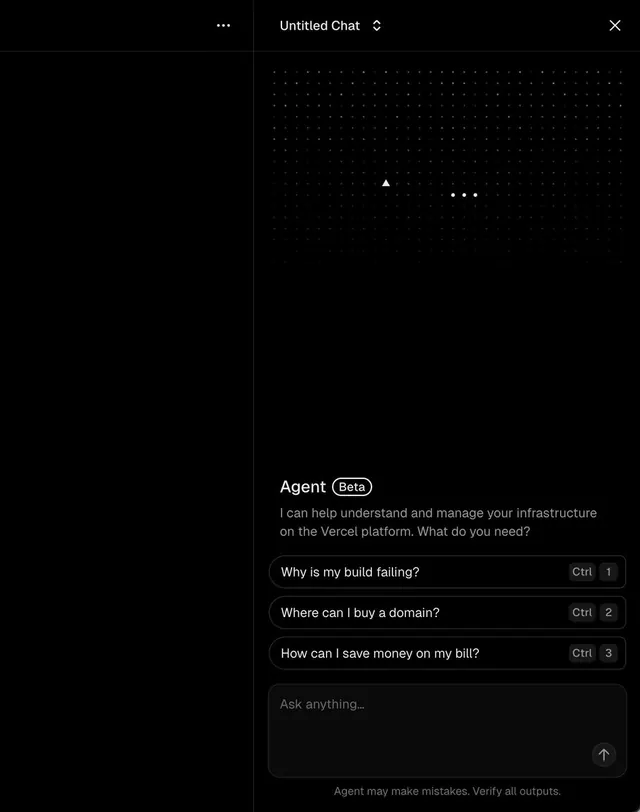 Vercel Agent Snake
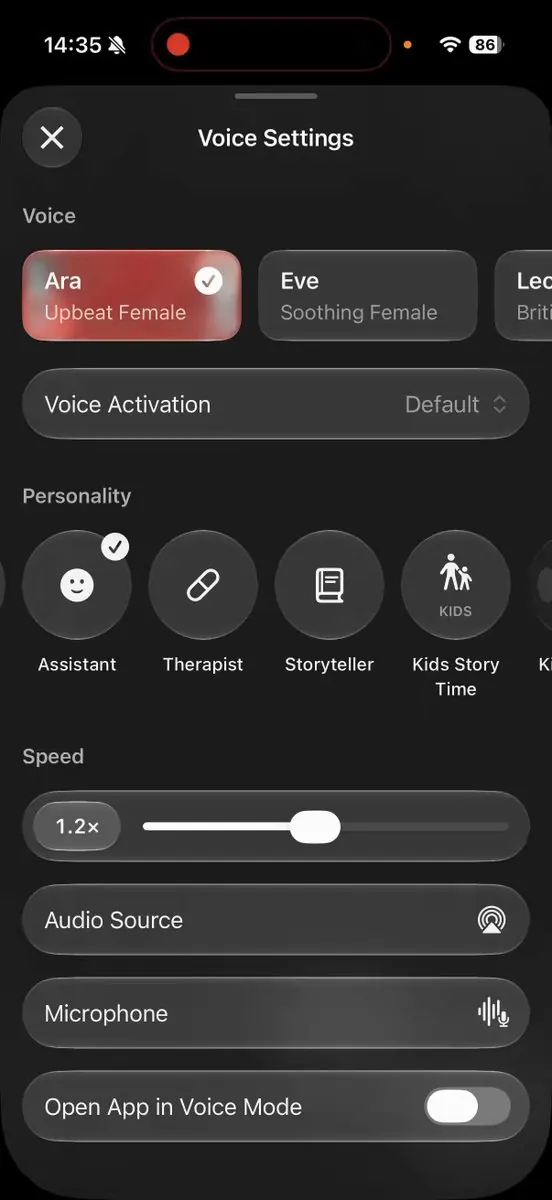 Voice Settings UI
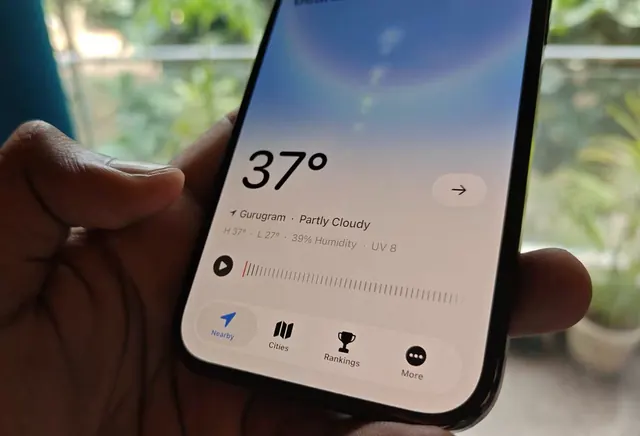 Good Air India
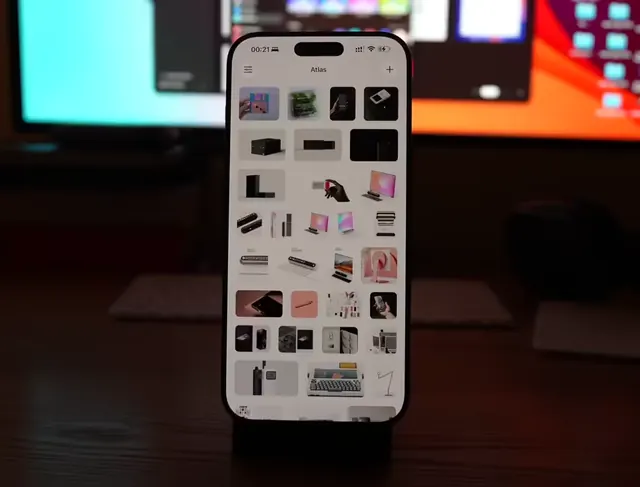 Atlas for iPhone
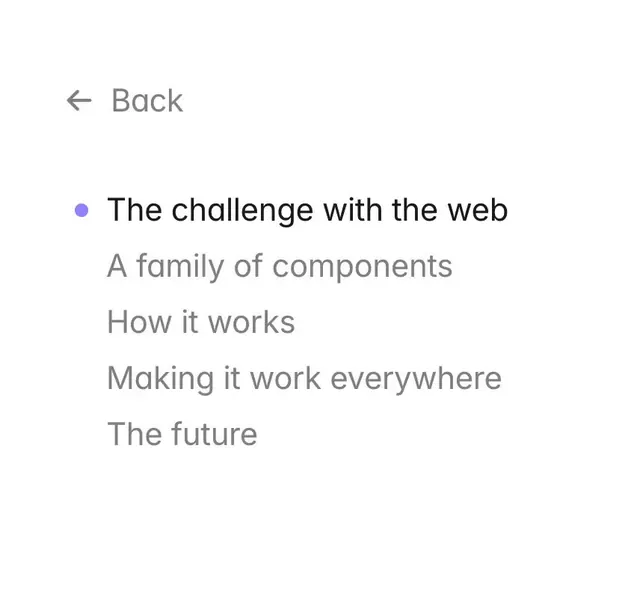 Spring animation navigation UI
 Family-Inspired Trash Interaction
 CSS Hover Reveal
 Drawesome
 Highlighters
 Realistic Page Turn
 CapWords
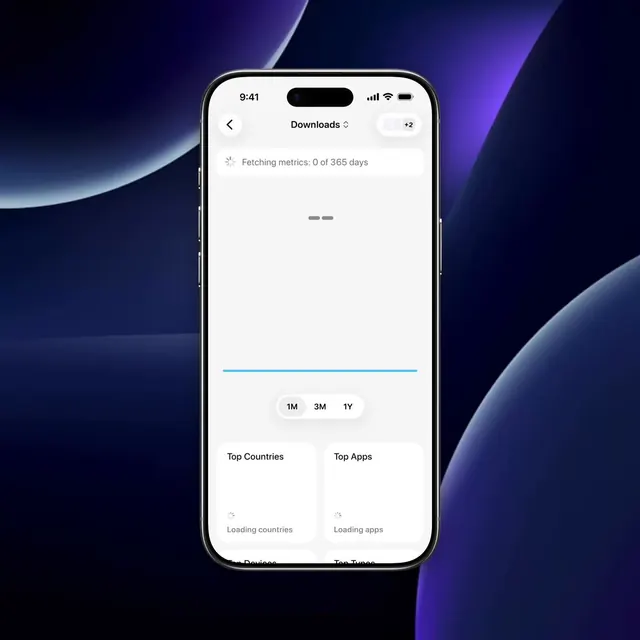 Live Data Loading Animation