Fold Toolbar
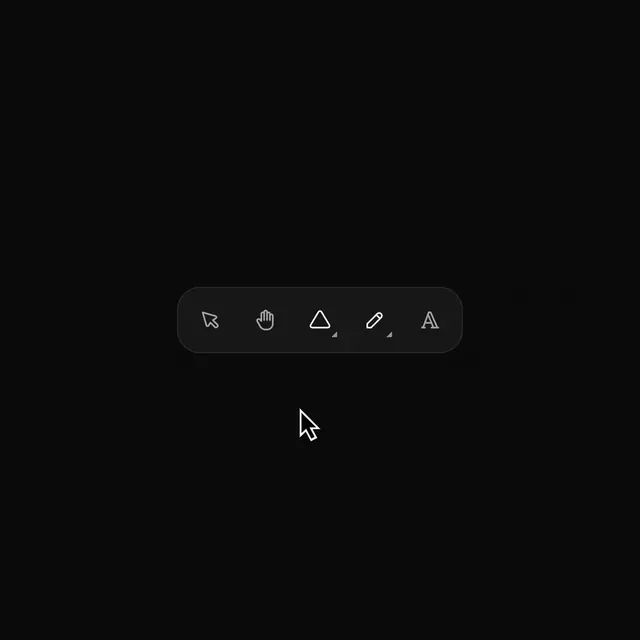
A floating toolbar that expands inline to reveal sub-tool options when a parent tool is clicked, then folds back to its compact state with a blue active indicator.
Summary
A floating toolbar that expands inline to reveal sub-tool options when a parent tool is clicked, then folds back to its compact state with a blue active indicator.
Visual description
A single floating toolbar sits in the middle of a solid near-black field, a rounded dark-grey pill holding five line icons: a pointer arrow, a hand, a triangle, a pen and a serif letter A. The triangle and the pen carry small corner notches that mark them as having sub-options, and the icons are muted grey apart from the lit white outlines. A white arrow cursor sits just below the bar, and nothing in this frame shows an expanded state or a colored active indicator.
Key takeaway
Mark tools that hide sub-options with a small corner notch on their icons, so the compact bar signals expandability without extra labels.
Reuse notes
Reach for this as a ui screen reference. Pairs with minimal directions. Original by Malay.
More like this
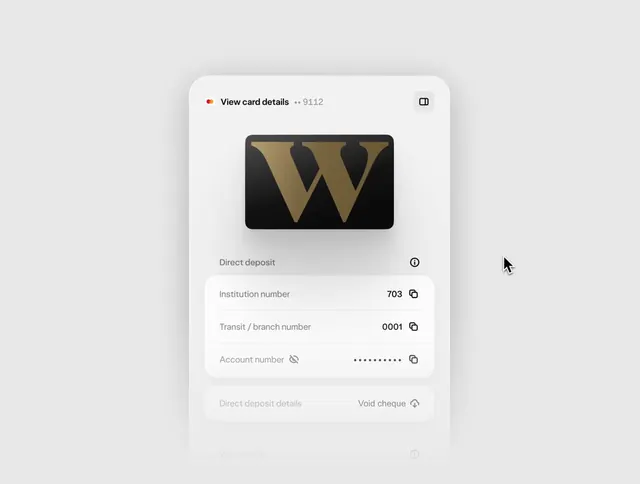 Virtual Card UI
 Dream Journal App
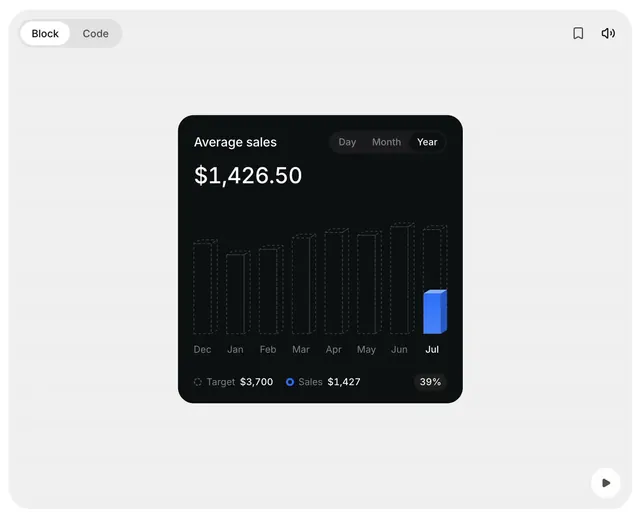 3D Bar Chart
 Banking App Work Hours
 Vael Fintech App
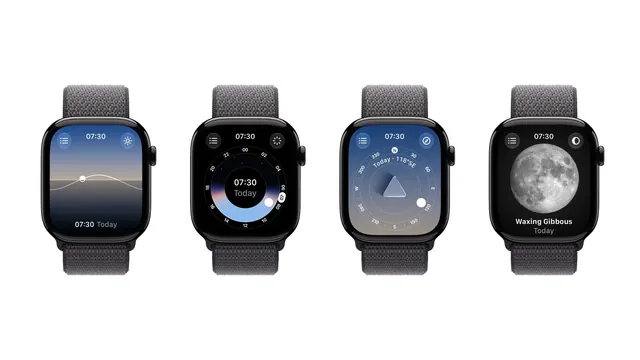 Apple Watch App Screens
 AI Deck Generation
 Solcard Card Selection
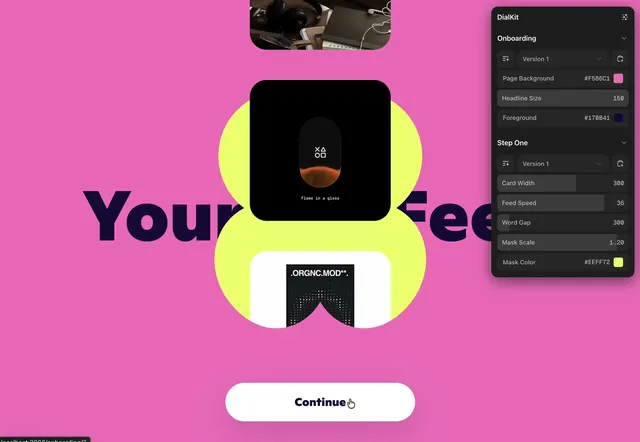 DialKit 1.3
 Draft Discarding
 Homemade Birthday Invite
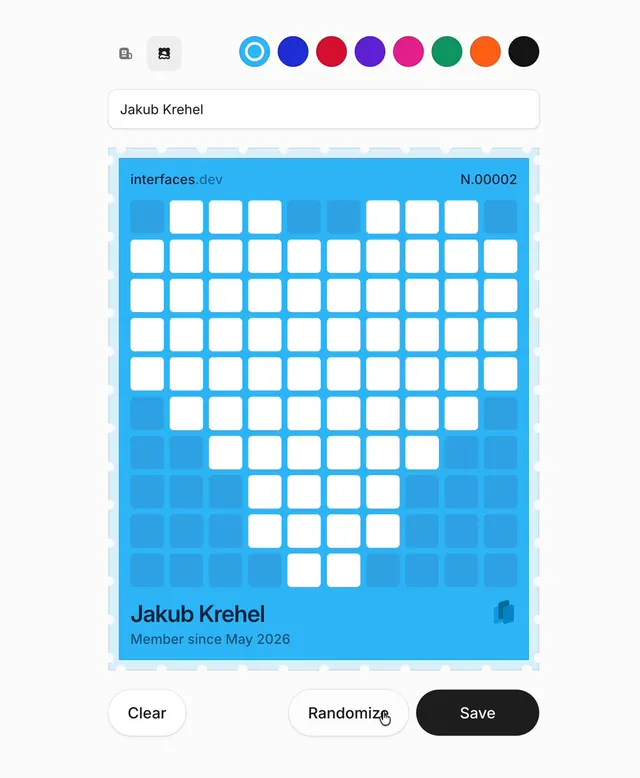 Interfaces Stamp Card Builder
 Compass Icon iOS 27
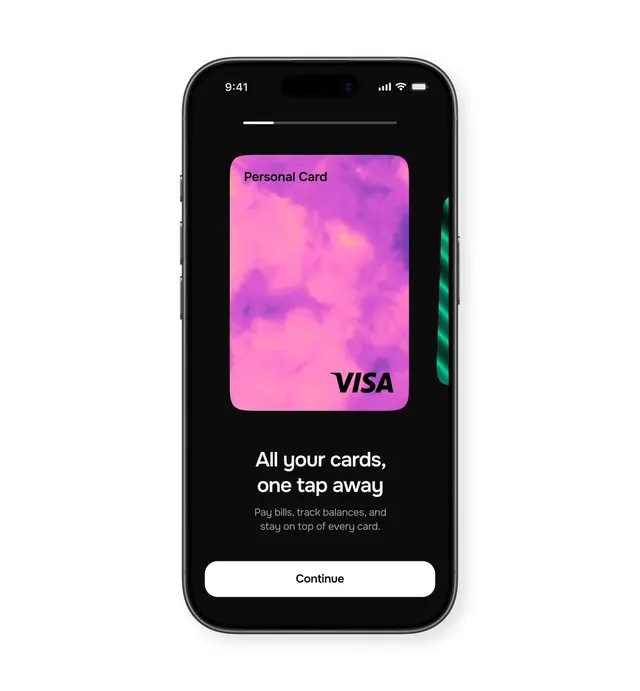 Card Onboarding UI
 Iridescent Button Motion
 Border Beam UI
 Wavy Carousel
 Vercel Agent Snake
 Voice Settings UI
 Effort Slider
 Honk Onboarding
 Framer AI Sidebar
 Atlas for iPhone
 Tech Cards Exploration