Dark Mode Auth Screens
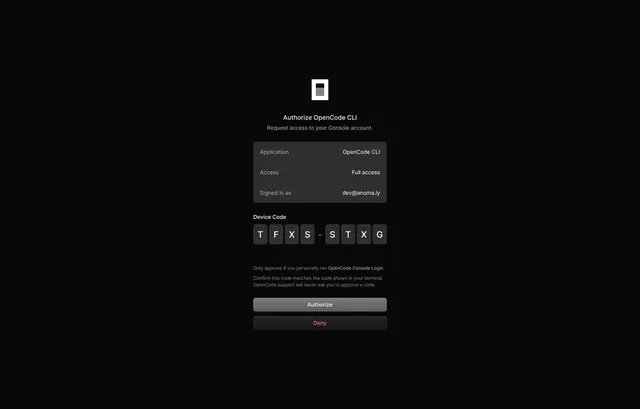
A set of dark mode authentication screens for OpenCode Console covering login, sign-up, and CLI device authorization, featuring clean form layouts on a pure black background.
Summary
A set of dark mode authentication screens for OpenCode Console covering login, sign-up, and CLI device authorization, featuring clean form layouts on a pure black background.
Visual description
A pure black full-screen authorization dialog centers a white icon at the top, followed by the heading 'Authorize OpenCode CLI' and subheading about console access. A dark gray table displays three rows showing application name, access level, and signed-in email. A 'Device Code' section displays the verification code in monospaced letter blocks. Two full-width buttons sit at the bottom: a gray 'Authorize' button and a darker 'Deny' button rendered in red text.
Key takeaway
Using row-based table layouts for structured authorization details makes access scope immediately scannable; strategic color contrast between the primary action and destructive action guides users without visual urgency or alarm.
Reuse notes
Reach for this as a ui screen reference. Pairs with minimal, clean directions. Original by Ludvig Rask.
More like this
 Vael Fintech App
 Dark Theme Interface Design for Technology Product
 3D Bar Chart
 Banking App Work Hours
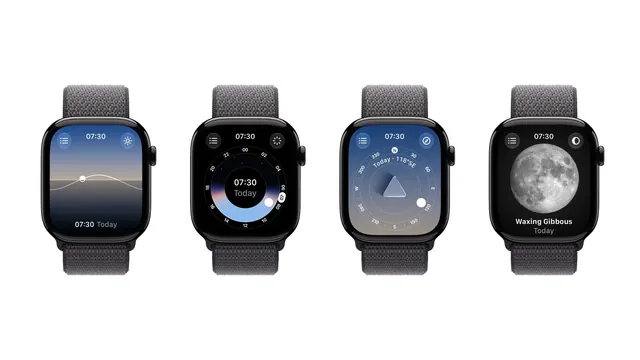 Apple Watch App Screens
 Linear Animation Principle
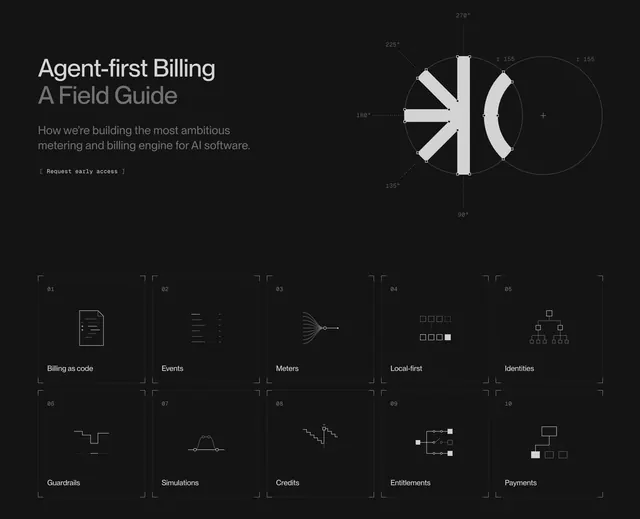 Agent-first Billing
 AI Deck Generation
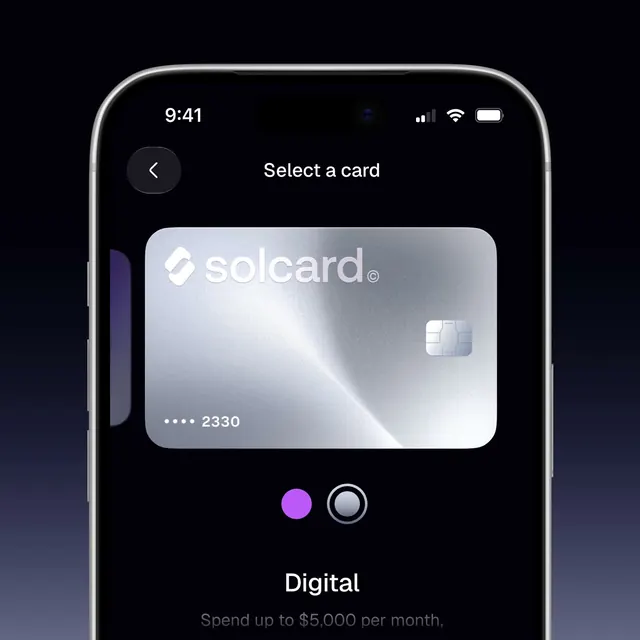 Solcard Card Selection
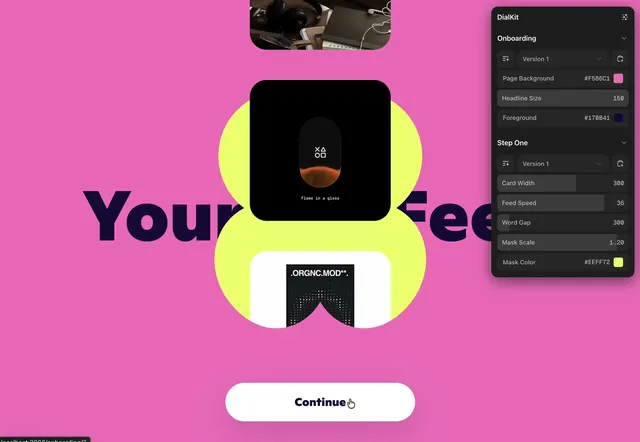 DialKit 1.3
 Draft Discarding
 Homemade Birthday Invite
 Interfaces Stamp Card Builder
 Compass Icon iOS 27
 Card Onboarding UI
 Iridescent Button Motion
 Border Beam UI
 Wavy Carousel
 Vercel Agent Snake
 Voice Settings UI
 Effort Slider
 Honk Onboarding
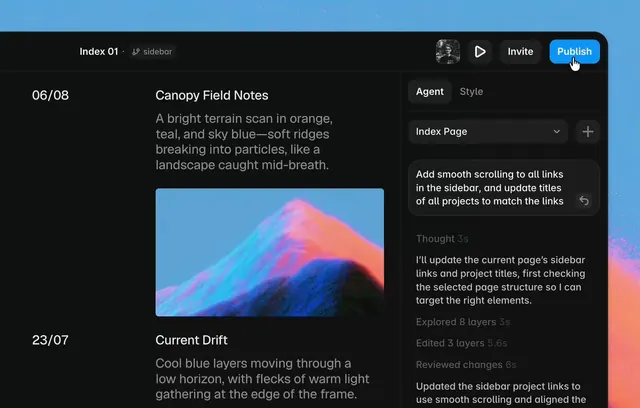 Framer AI Sidebar
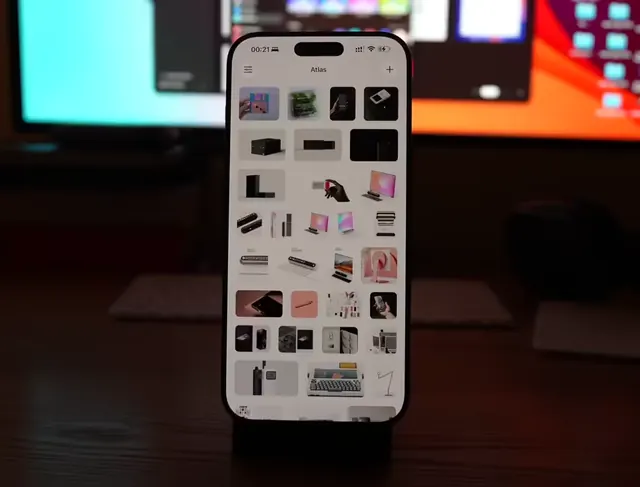 Atlas for iPhone