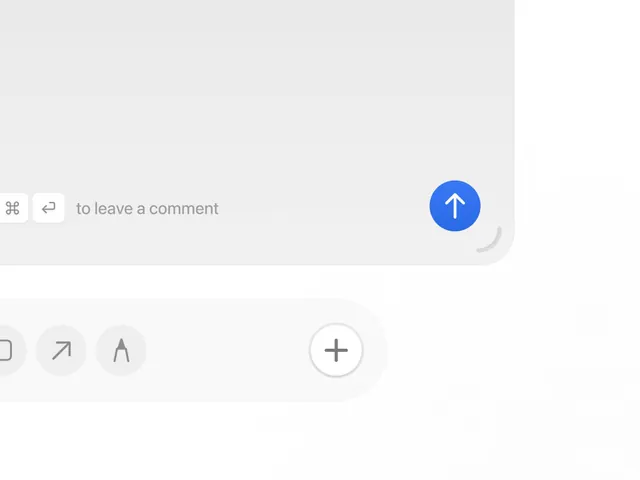
Minimal annotation interface with contextual tools
A comment input bar with icon controls and a bright blue send button, designed for adding annotations to a design canvas.
Summary
A comment bar interface with minimal formatting controls and a prominent blue call-to-action button, designed for adding annotations in a design or collaboration tool.
Visual description
The bottom of a design canvas shows a horizontal comment-input bar with light gray background and rounded corners. On the left are two icon buttons: a link/pin icon and a reply arrow icon, both in light gray. The center contains placeholder text "to leave a comment" in muted gray. On the far right, a solid blue circular button (bright, high-contrast) with a white upward arrow serves as the send control. Below the comment bar, partially visible are tool icons in a light gray toolbar: frame selection, diagonal arrow (move), pen/drawing tool, and a plus/add button, each in subtle gray outlines.
Key takeaway
The compact horizontal layout that keeps controls minimal while making the primary action (send) unmissable via color contrast. The icon-only toolbar uses consistent sizing and subtle outlines to stay non-intrusive until needed.
Reuse notes
Ideal for collaboration features, annotation systems, and design-software comment threads. Works well when the background canvas needs focus; the toolbar hiding most controls until hover would further reduce visual clutter. The blue accent is strong enough to guide users without overshadowing the canvas content.
More like this
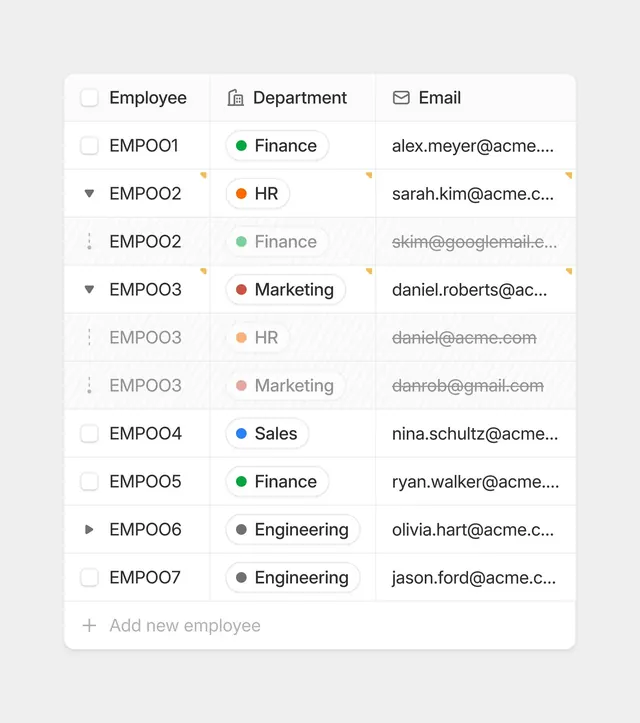 Minimal flat ui screen
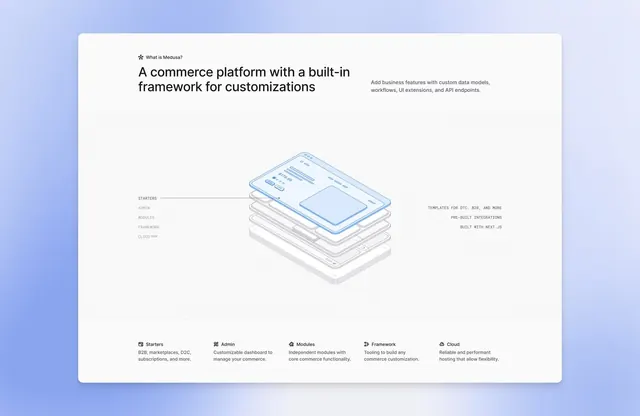 Minimal corporate-clean ui screen
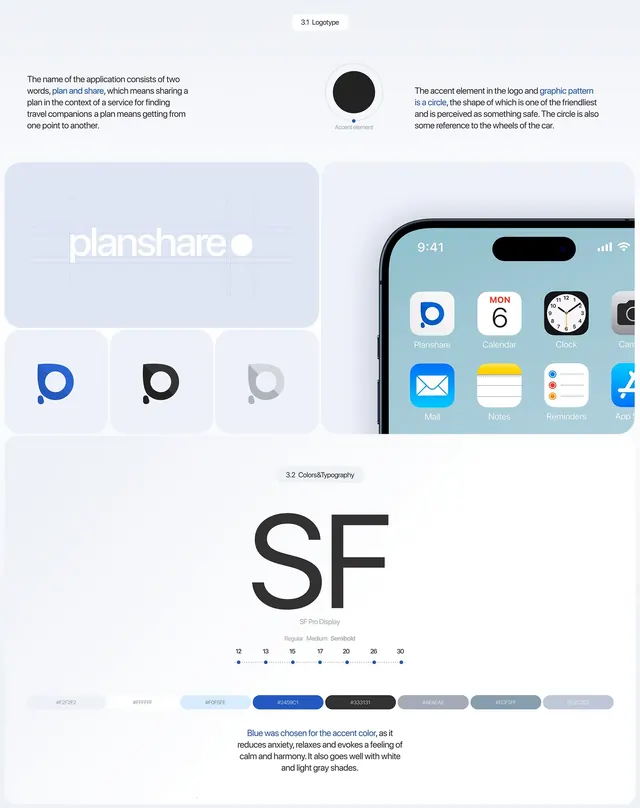 Minimal flat ui screen
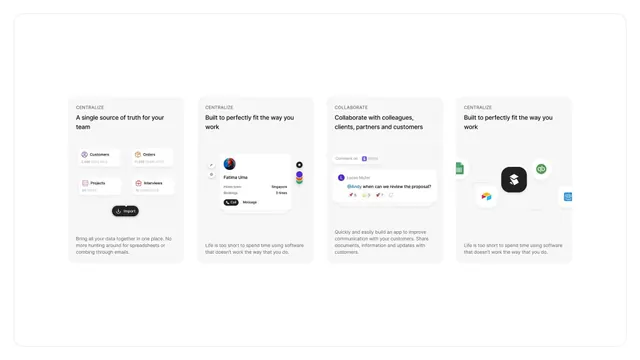 Minimal ui screen
 Minimal flat ui screen
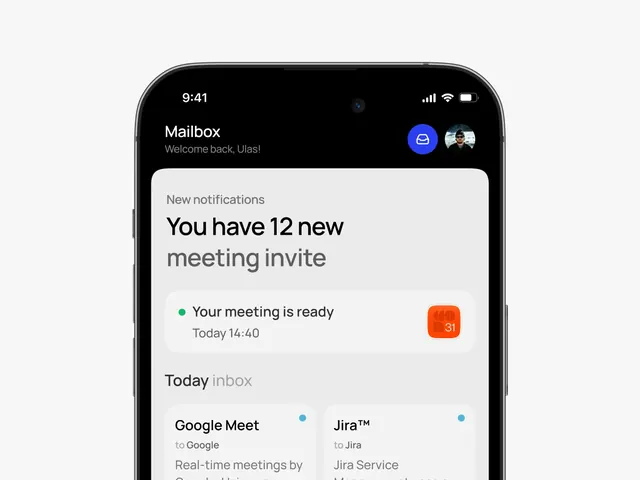 Minimal flat ui screen
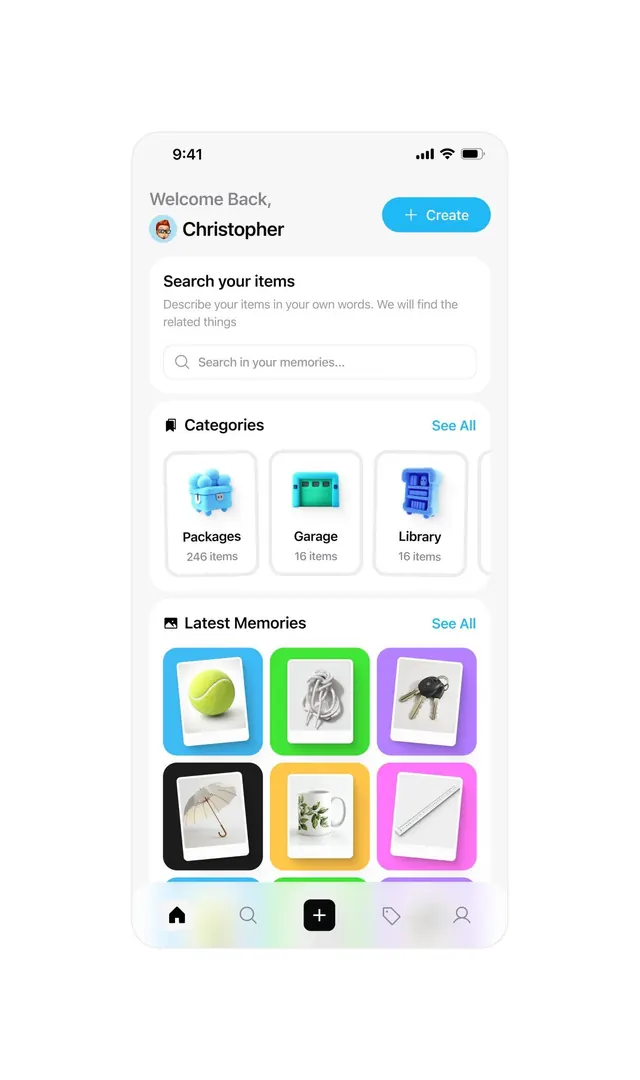 Minimal flat ui screen
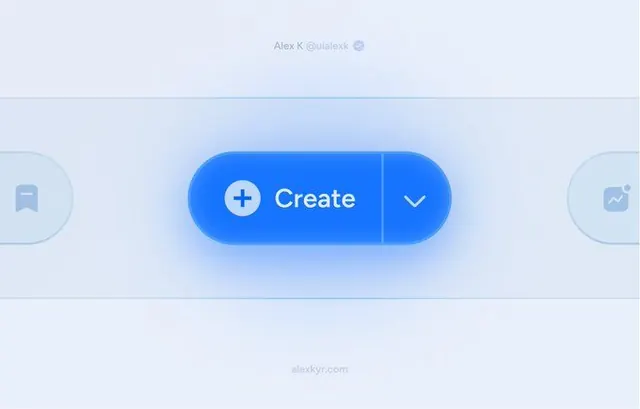 Minimal flat ui screen
 Minimal ui screen
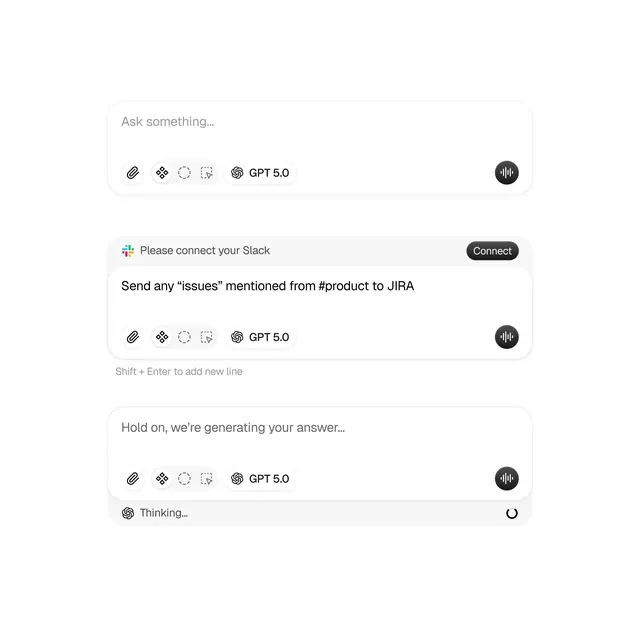 AI assistant chat interface with toolbar
 Minimal flat ui screen
 Minimal gradient-heavy ui screen
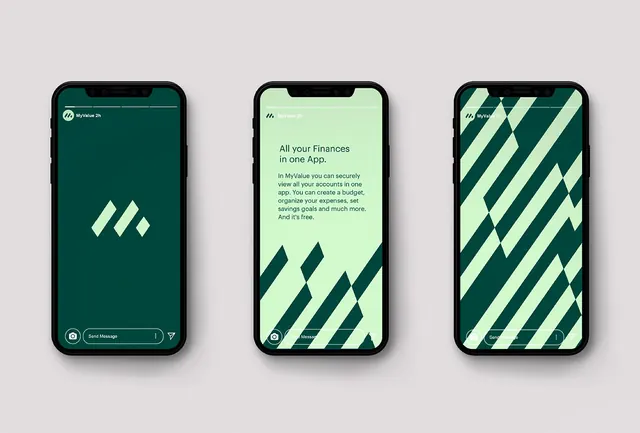 Fintech mobile app with diagonal pattern
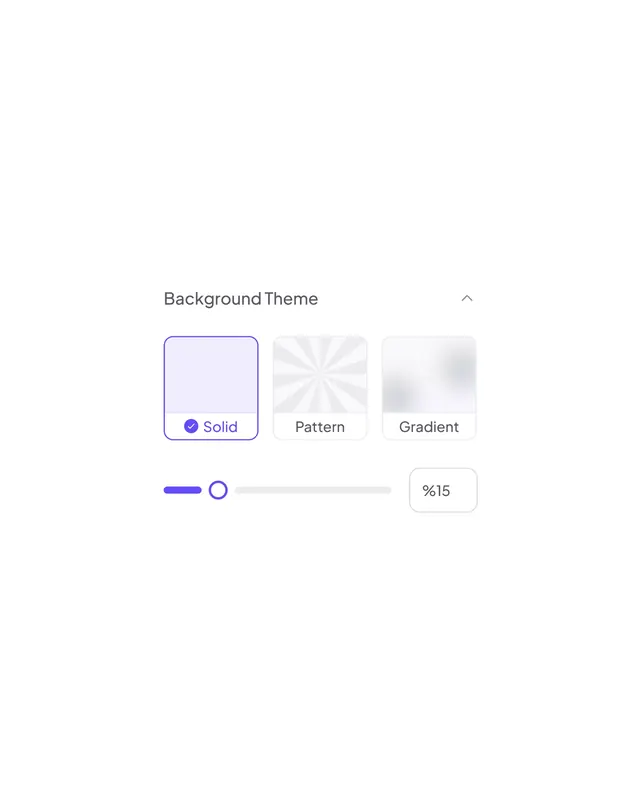 Minimal flat ui screen
 Minimal flat ui screen
 Minimal geometric ui screen
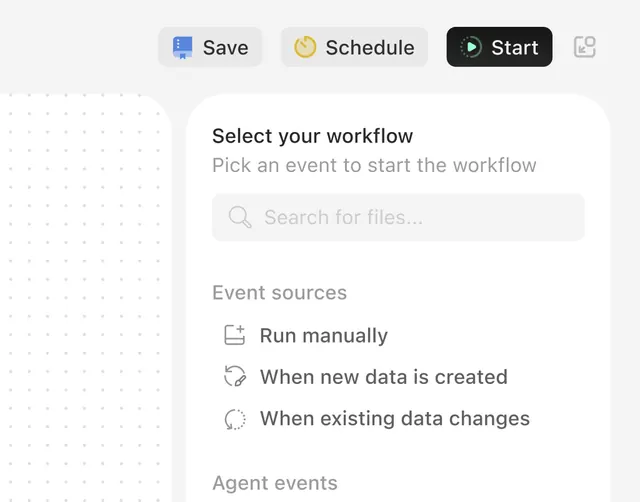 Workflow automation event selector
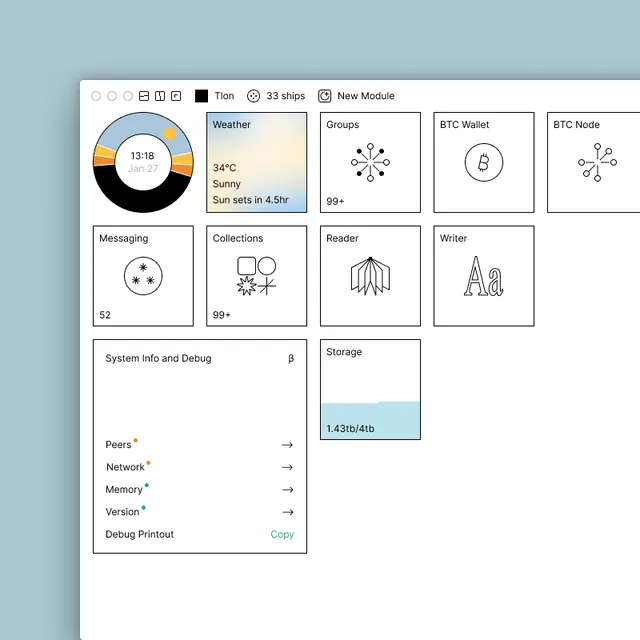 Minimal ui screen
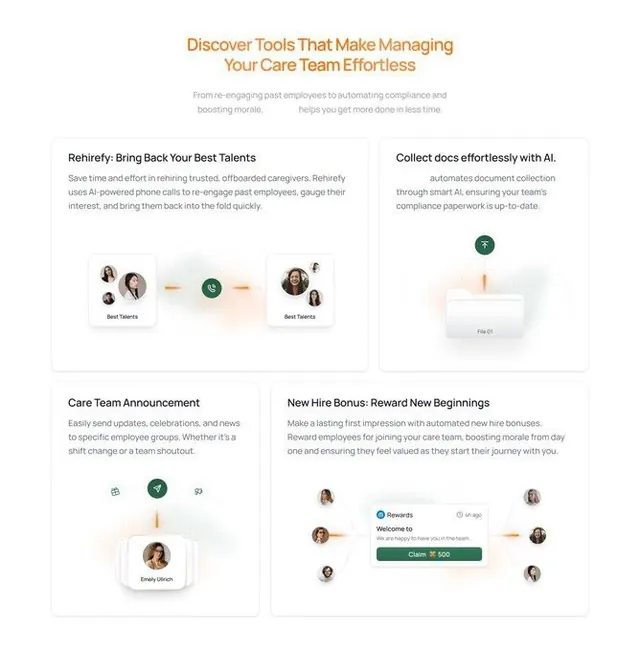 Minimal corporate-clean ui screen
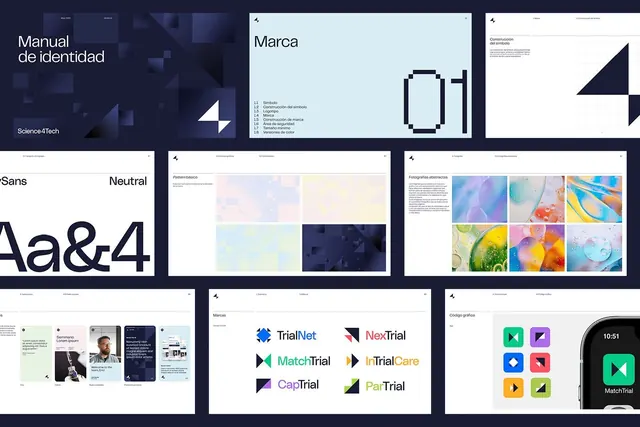 Science4Tech brand identity system pages
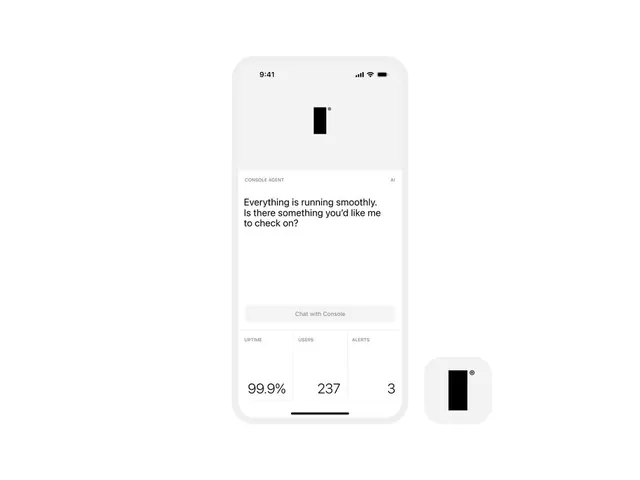 Minimal flat ui screen
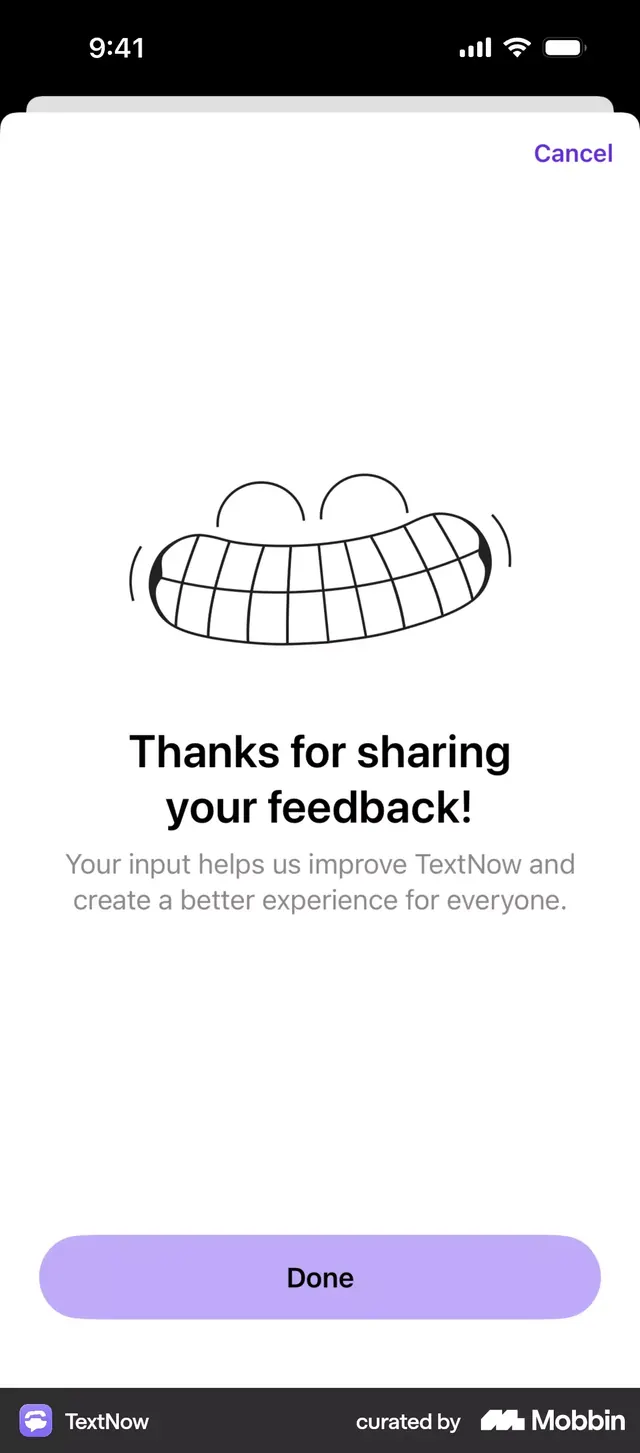 Minimal flat ui screen
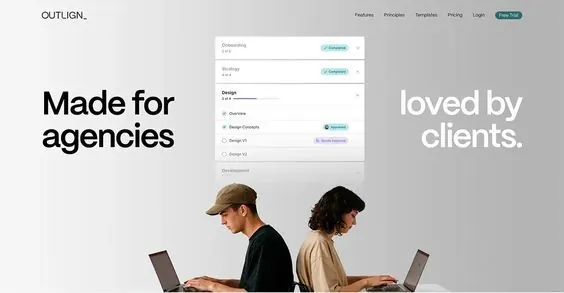 Agency SaaS hero with split messaging
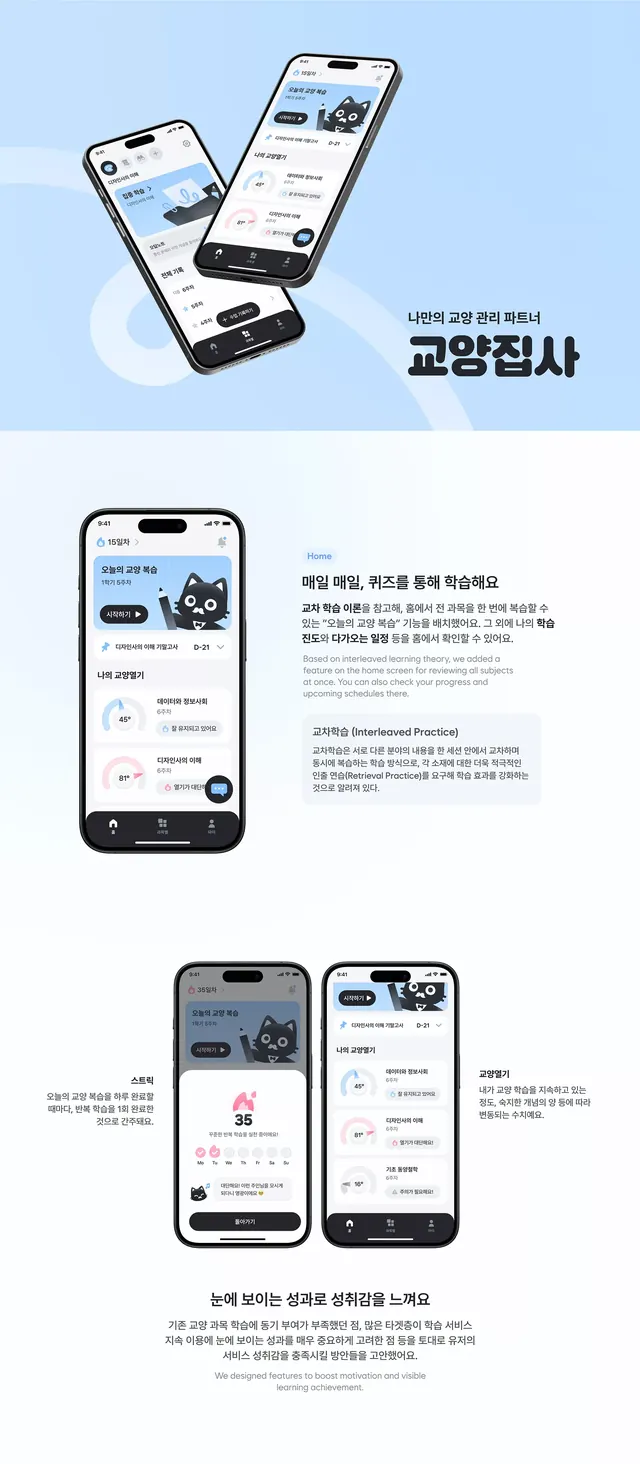 Minimal corporate-clean ui screen