AI chat interface with sidebar navigation
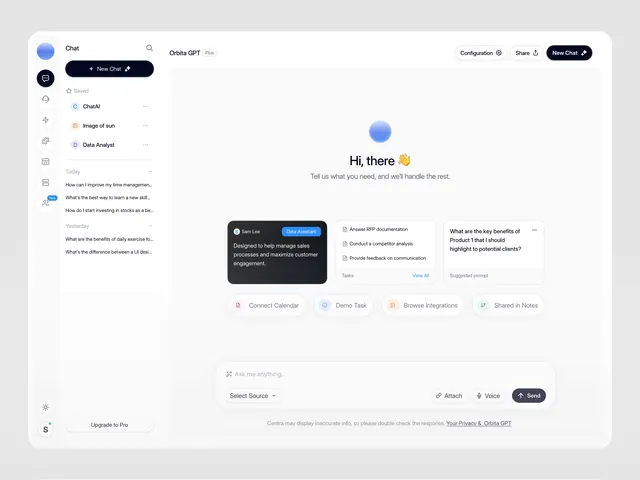
Light, minimalist chat application UI with a narrow left sidebar for conversation history and a spacious main area for chat display, punctuated by a bright blue accent.
Summary
Light, minimalist chat application UI with a narrow left sidebar for conversation history and a spacious main area for chat display, punctuated by a bright blue accent.
Visual description
A chat interface with light gray background (near-white). Left sidebar contains a compact vertical navigation: circular blue icon, "Chat" label, collapsible "New Chat" button with pencil icon, and a list of prior conversations (ChatGPT, Image of ours, Data Analyst). The main area shows a greeting "Hi, there" with centered, friendly copy, followed by a dark charcoal card highlighting key benefits with checkmarks (sales processes, customer engagement), and action cards below (Convert Calendar, Demo Talk, Browse Integrations, Shared in Notes). Bottom bar has a text input ("Ask me anything"), attachment and voice buttons, and a dark "Send" button. Narrow right sidebar surfaces a brief suggestion prompt.
Key takeaway
The clean separation of input/history (sidebar) from content (main), the friendly centering of the opening greeting, and the dark card approach to highlighting key features against a light background without being visually heavy.
Reuse notes
Strong default for SaaS or AI-assistant products. The layout scales well from desktop to tablet widths. The narrow sidebar preserves real estate for the chat itself while keeping conversation history accessible. Works best with conversational copy (like the "Hi, there") rather than product description.
More like this
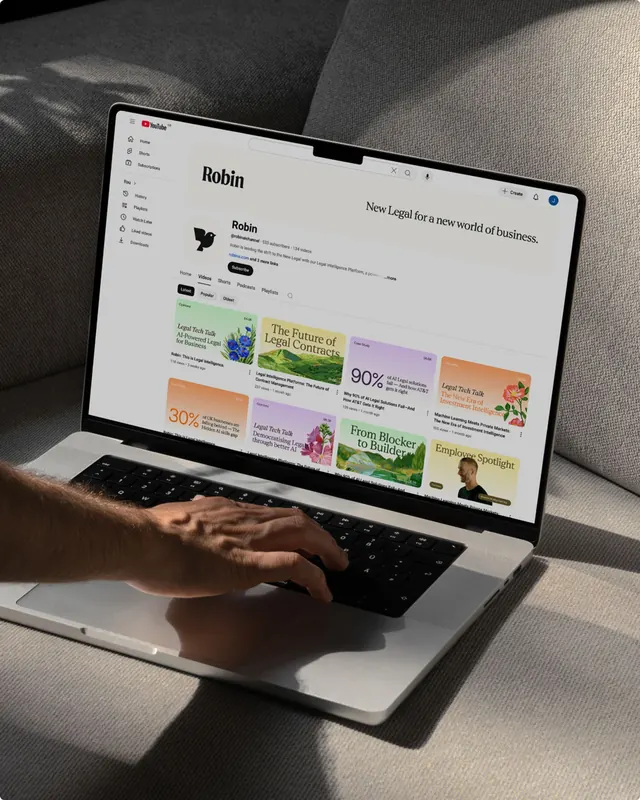 Laptop mockup: legal SaaS dashboard with card grid
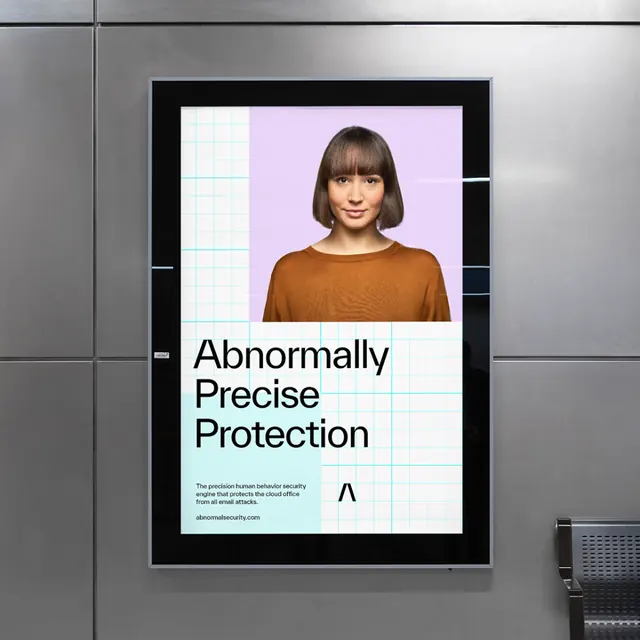 Technical minimal ui screen
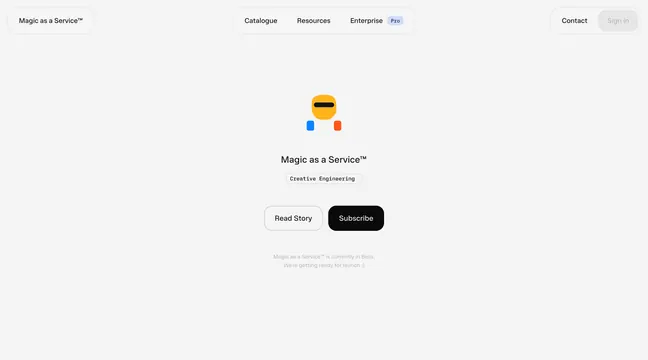 Minimal corporate-clean ui screen
 Minimal dark-mode ui screen
 Minimal corporate-clean ui screen
 Minimal corporate-clean ui screen
 Minimal corporate-clean ui screen
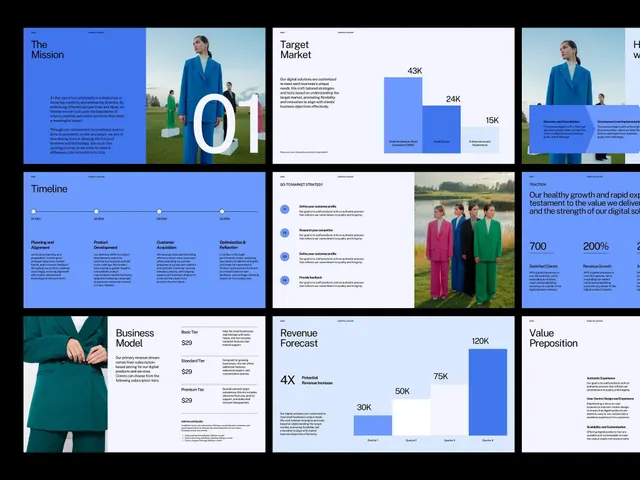 Minimal corporate-clean ui screen
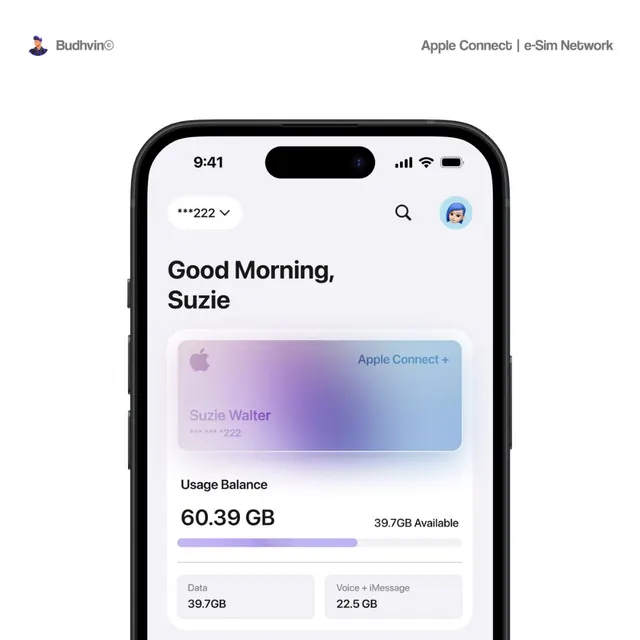 Budhwan Apple Connect mobile app interface
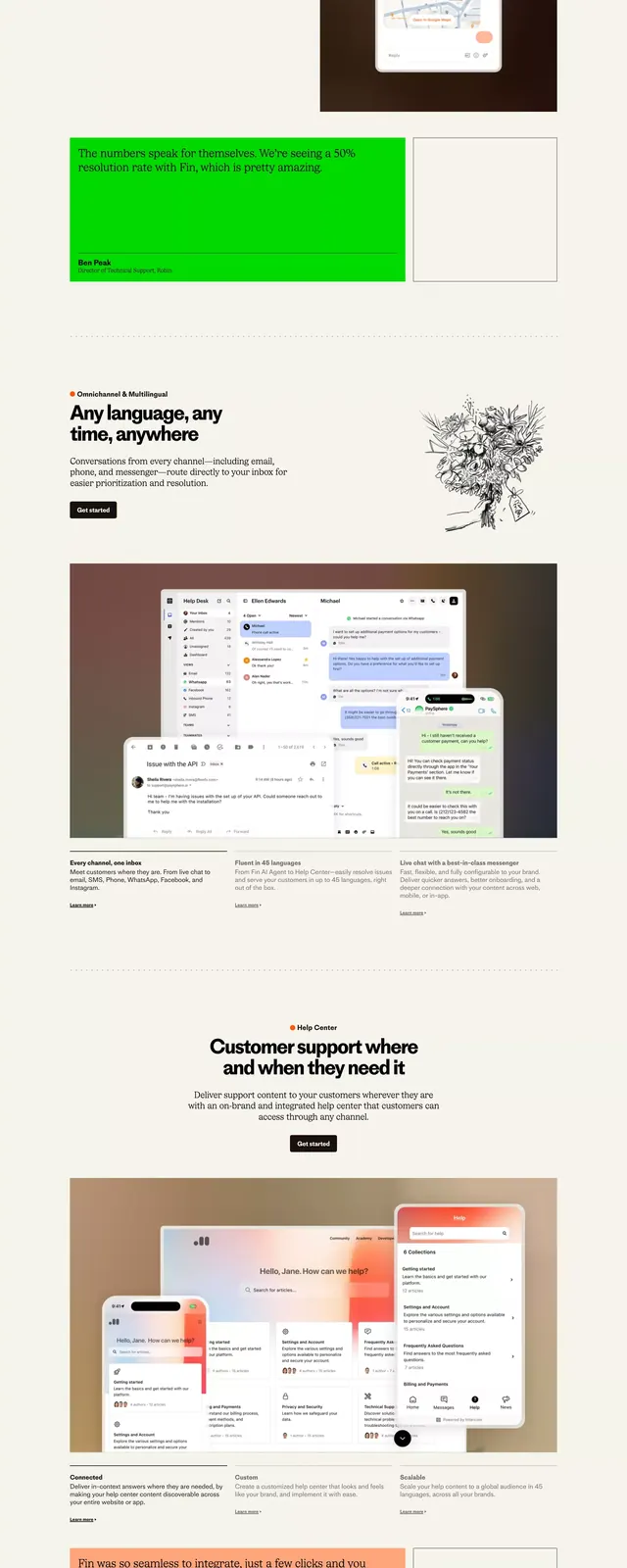 Service platform UI system with modular layout examples
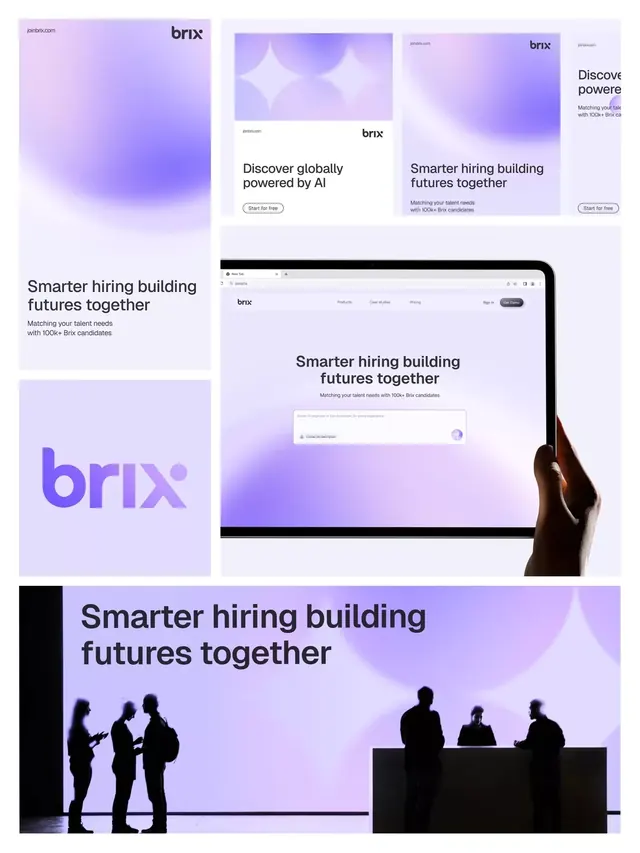 Gradient-heavy minimal ui screen
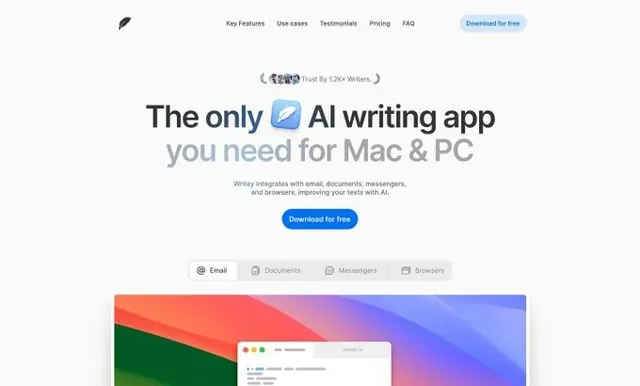 Minimal gradient-heavy ui screen
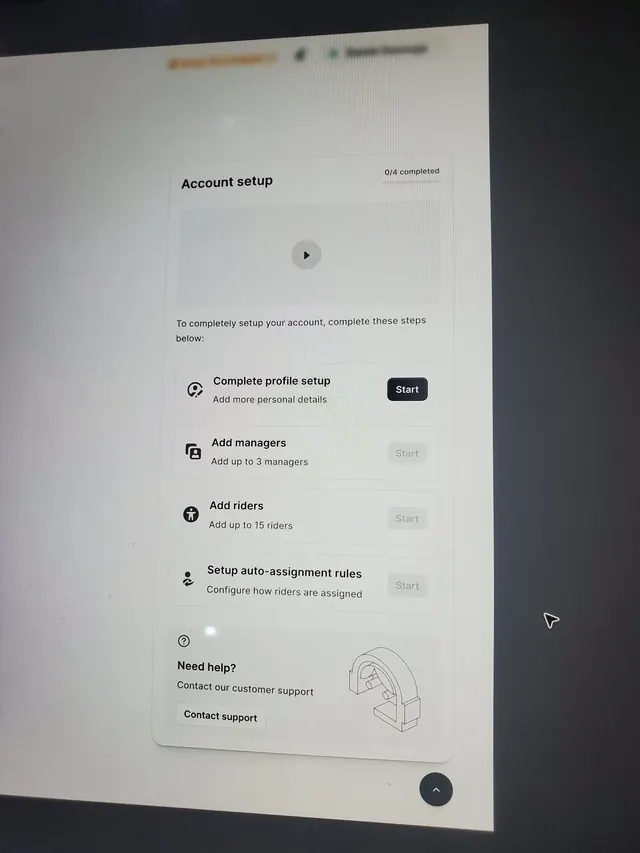 Minimal ui screen
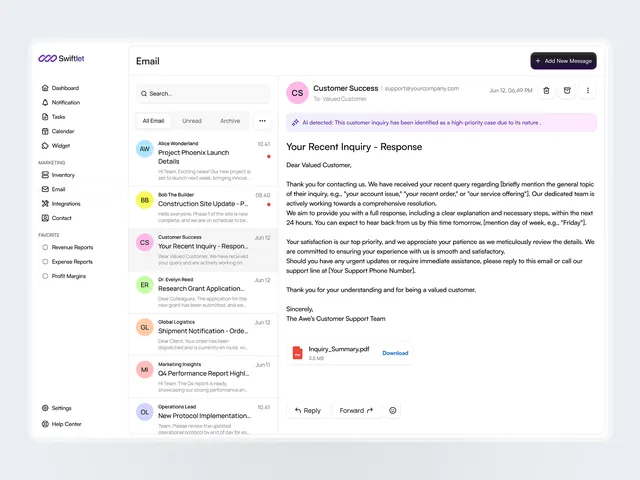 Minimal flat ui screen
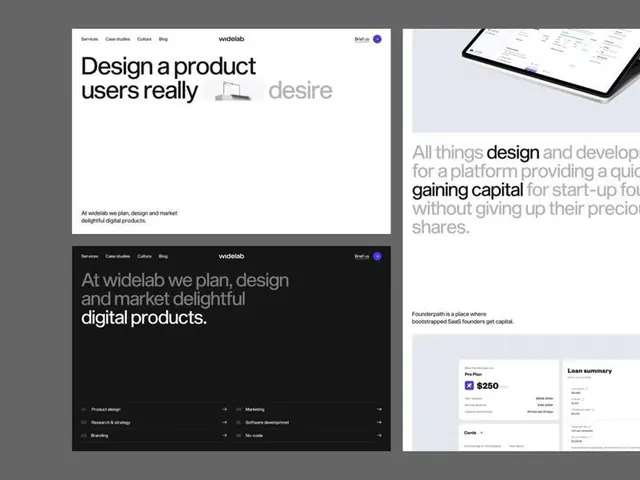 Minimal corporate-clean ui screen
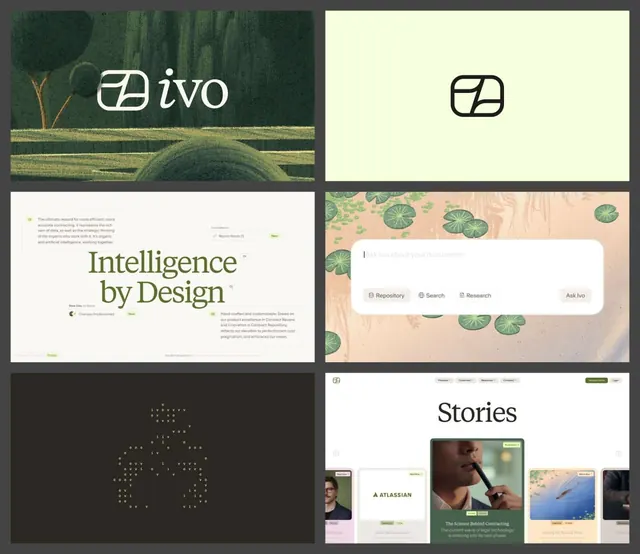 SaaS product screens: botanical imagery with data UI and lime accents
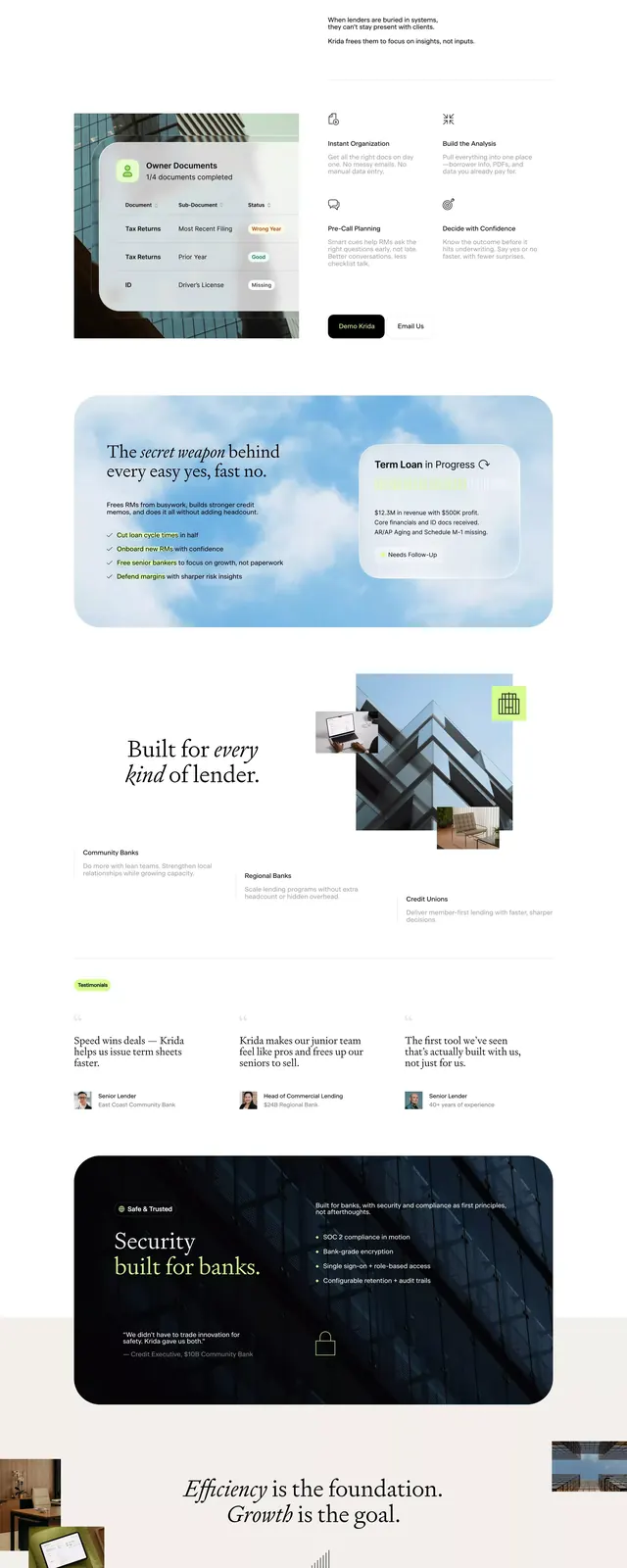 Minimal corporate-clean ui screen
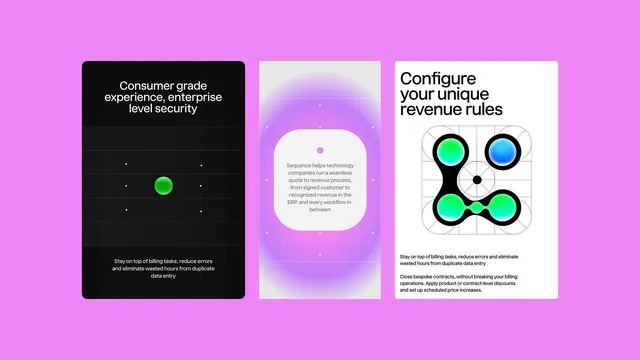 Minimal corporate-clean ui screen
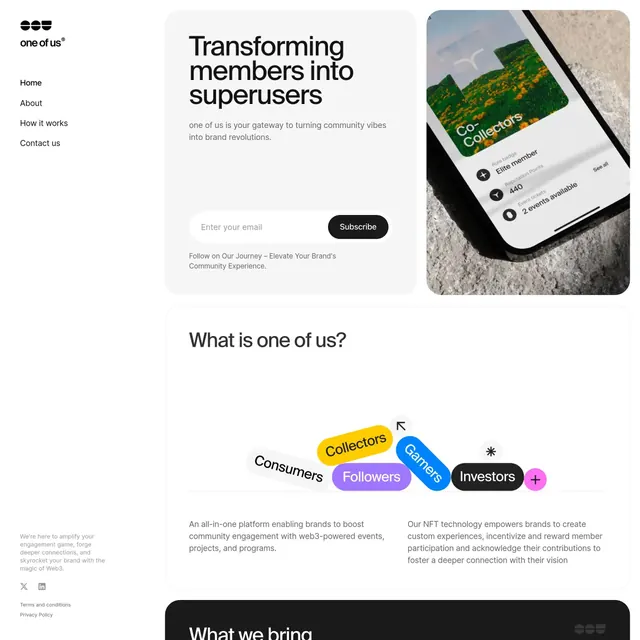 Minimal corporate-clean ui screen
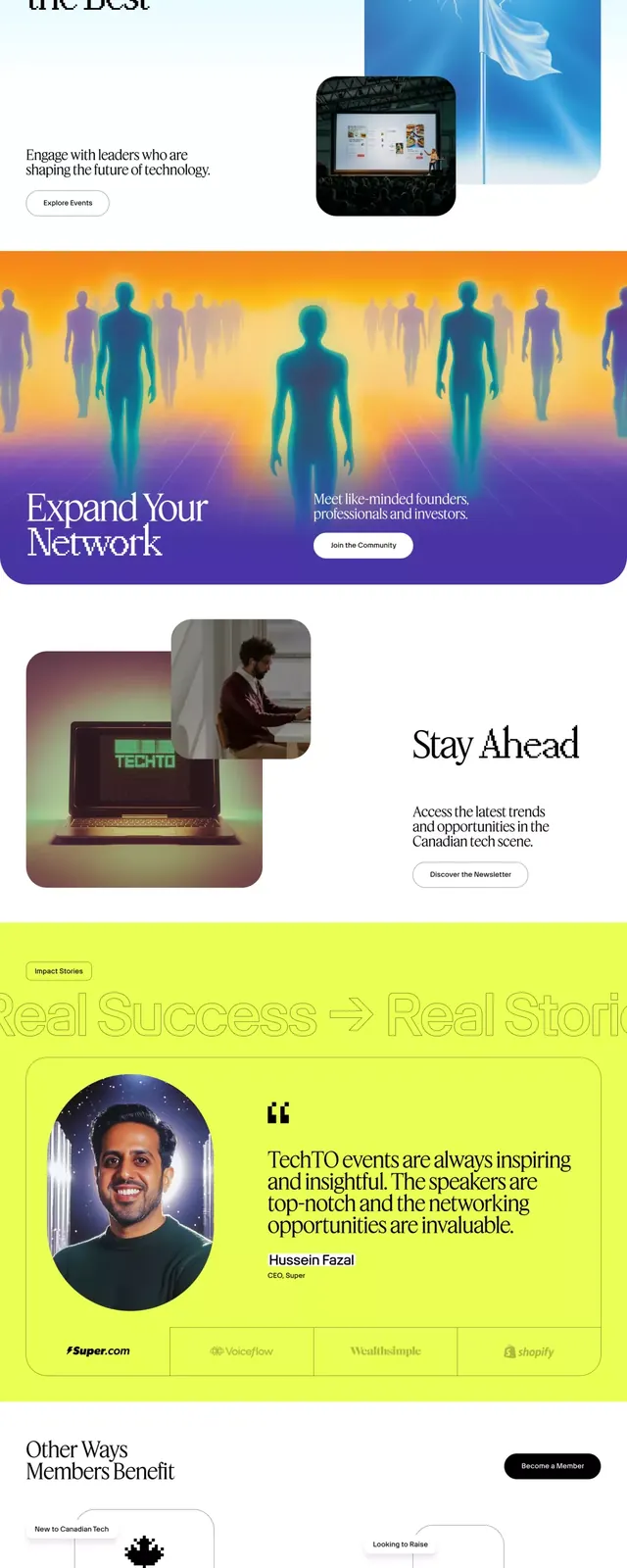 Multi-screen SaaS UI kit with blues and neon accents
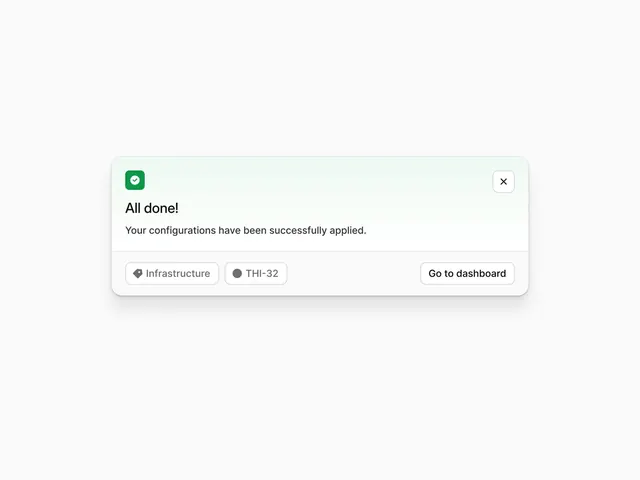 Success confirmation modal with action buttons
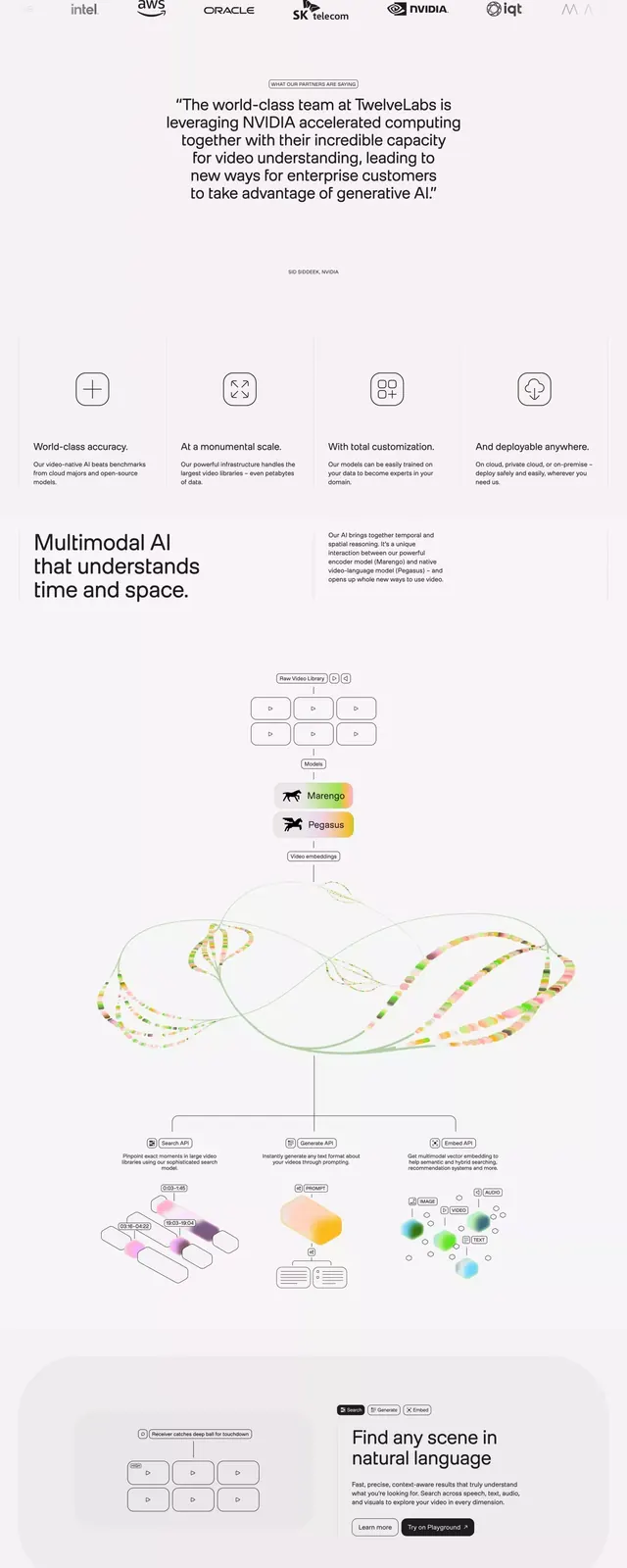 TwelveLabs UI system presentation
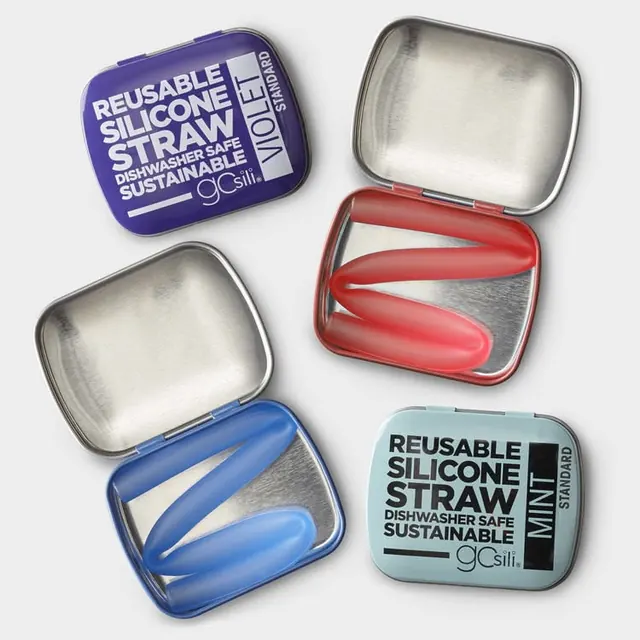 Reusable silicone straw product packaging
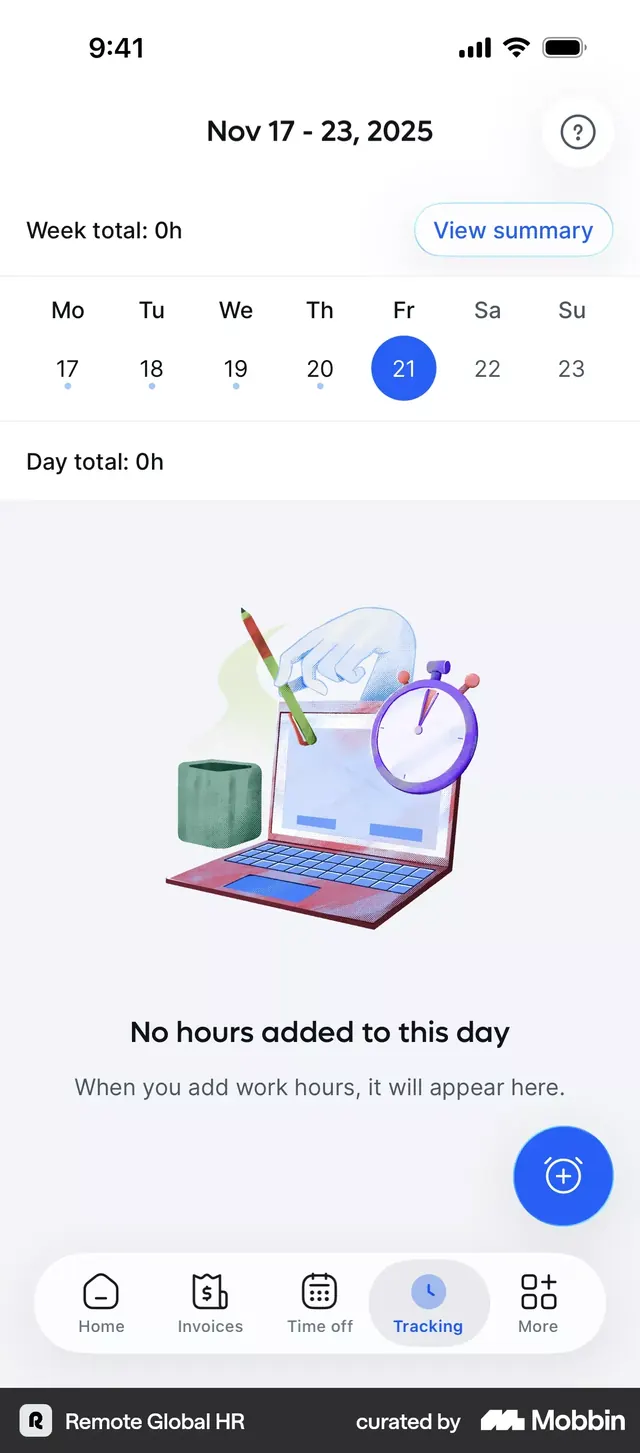 Time tracking app with week calendar and empty state